How we make this list: we compare pricing pages, product documentation and public user reviews. Ratings come from G2, Capterra or Trustpilot, with the date we checked them.
Key takeaways
- Topaz Gigapixel suits photographers who want local processing and fine control, while cloud tools suit quick browser work.
- Upscayl is the best free route for unlimited local upscaling, if you are comfortable installing desktop software.
- Let's Enhance and VanceAI suit batch work for product catalogs and small teams.
- Magnific fits AI art and creative upscaling, where added detail is part of the look rather than a flaw.
- No upscaler recovers detail that was never captured, so start from the largest, least compressed original you have.
Quick comparison
| Tool | Best for | Starting price | Free plan |
|---|
 Topaz Gigapixel Topaz Gigapixel | Professional photo upscaling | $29 per month | Free trial |
 Let's Enhance Let's Enhance | Browser batch upscaling | $9 per month | Yes |
 Upscayl Upscayl | Free local upscaling | Free | Yes |
 Upscale.media Upscale.media | Quick free browser upscales | Free | Yes |
 Magnific Magnific | Creative AI art upscaling | $39 per month | Free trial |
 VanceAI VanceAI | Batch photo enhancement | $9.90 per month | Yes |
 Bigjpg Bigjpg | Anime and illustration upscaling | $9 per month | Yes |
 Remini Remini | Old photo restoration on mobile | See website | Yes |
Is your product missing or out of date?
We review this list regularly. Vendors can request a listing, send updated pricing or ask about featured placement.
Starting price$29 per month
Free planFree trial
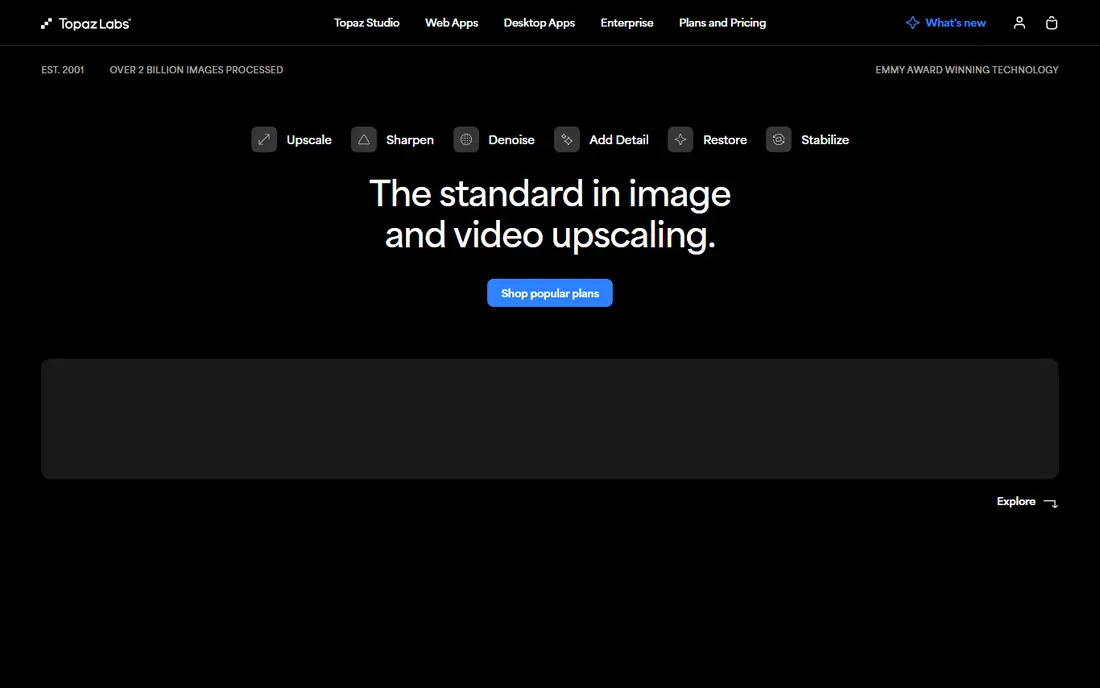
Topaz Gigapixel remains the reference point for photographers who print or deliver client work. It offers separate models for standard photos, low-resolution sources, text and shapes, art, and face recovery, so you can match the model to the image instead of using one setting for everything. Local rendering is a real advantage for client files, because nothing needs to leave your machine. Batch processing handles folders of images without a browser upload limit.
The shift to subscription pricing changes the value calculation. At $29 per month for Gigapixel alone, occasional users may prefer a free local tool or a credit-based web service. Large images also need a modern GPU for comfortable speed. Choose Gigapixel when output quality and local control justify a monthly cost, and when you upscale often enough to use it weekly.
What we like- Multiple models for photos, text, art, and faces
- Local rendering keeps files on your machine
- Up to 6x scaling with detail controls
Watch out for- Subscription pricing replaced the old one-time model
- Needs a capable computer for large batches
#2Let's Enhance
Best for: Browser batch upscaling4.6/5 on
G2 (24 reviews, checked Oct 2026)
Visit letsenhance.io
Starting price$9 per month
Free planYes
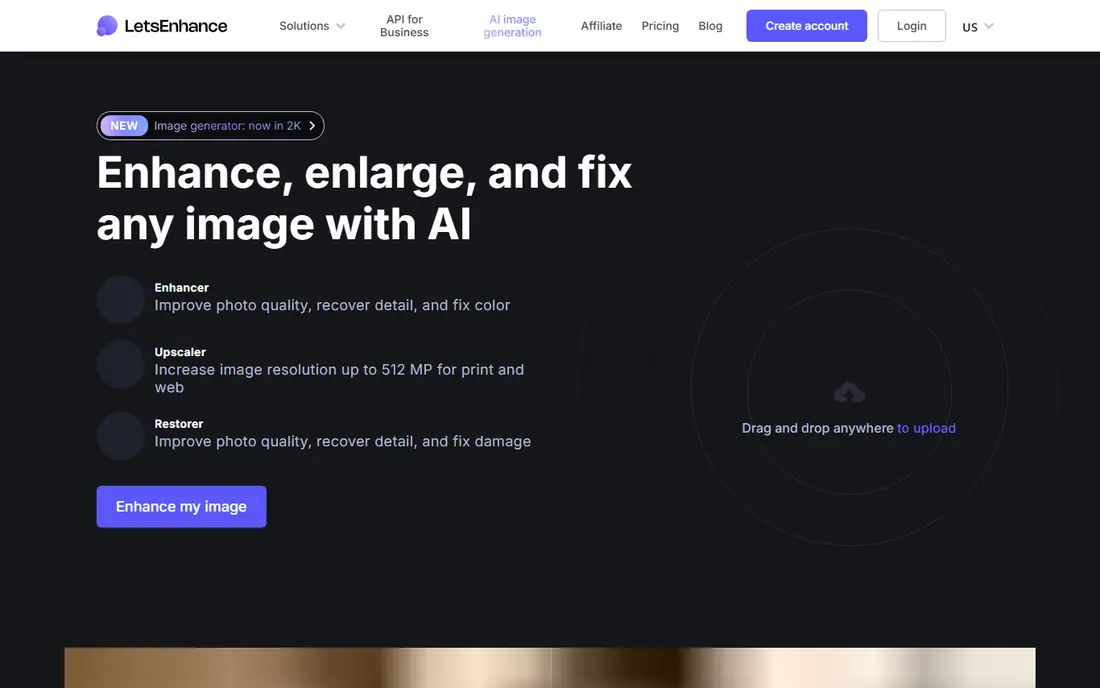
Let's Enhance suits people who want strong results without installing software. You upload images, pick an enhancement type, and download larger, cleaner versions, with batch support for up to 20 images at once. Different modes handle portraits, product shots, and damaged old photos, which helps when a catalog mixes image types. Scaling up to 16x supports posters and large prints, provided the source is good enough to hold up at that size.
Credits are the limit to watch. A $9 plan covers modest monthly use, but a large catalog job can burn through credits fast, and unused credits may not roll over on every plan. Cloud processing also means uploading client images, which some contracts restrict. Pick Let's Enhance for convenient browser batch work, and pick a local tool when privacy or volume matters more.
What we like- Upscales up to 16x in the browser
- Batch editing for catalogs
- Separate modes for portraits, products, and old photos
Watch out for- Credit limits shape large jobs
- Cloud uploads may not suit sensitive client files
Starting priceFree
Free planYes
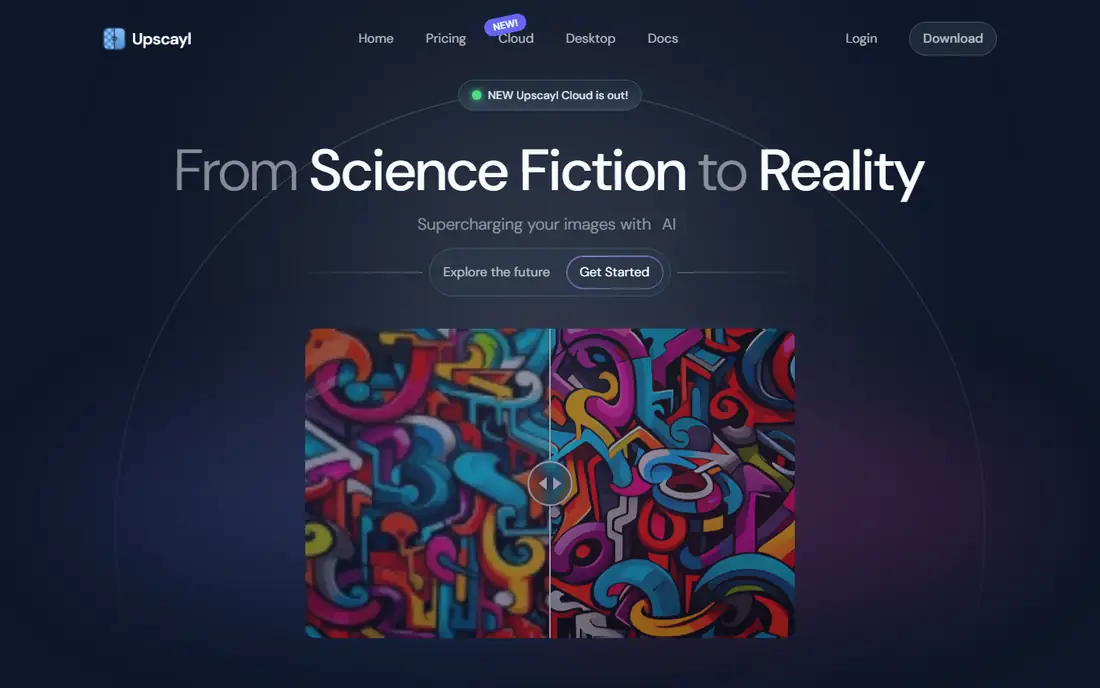
Upscayl is the best answer when the budget is zero and the job is regular. It runs on Linux, macOS, and Windows, processes images locally, and costs nothing, with no cloud upload and no monthly credit cap. Multiple models cover general photos and art, batch mode handles folders, and a second pass can push scaling further. For privacy-sensitive work, local processing is a clear win over browser tools.
The catch is setup and speed. You need to install the app and, for large images, a decent GPU helps a lot. The interface is functional rather than polished, and there is no built-in restoration suite like some paid tools offer. If you are comfortable with desktop software and want unlimited upscaling, Upscayl is hard to beat.
What we like- Free and open source with local processing
- Multiple models and batch support
- Up to 16x through repeated passes
Watch out for- Desktop install and GPU needs
- Interface is plainer than paid cloud tools
#4Upscale.media
Best for: Quick free browser upscales4.6/5 on
G2 (10 reviews, checked Oct 2026)
Visit upscale.media
Starting priceFree
Free planYes
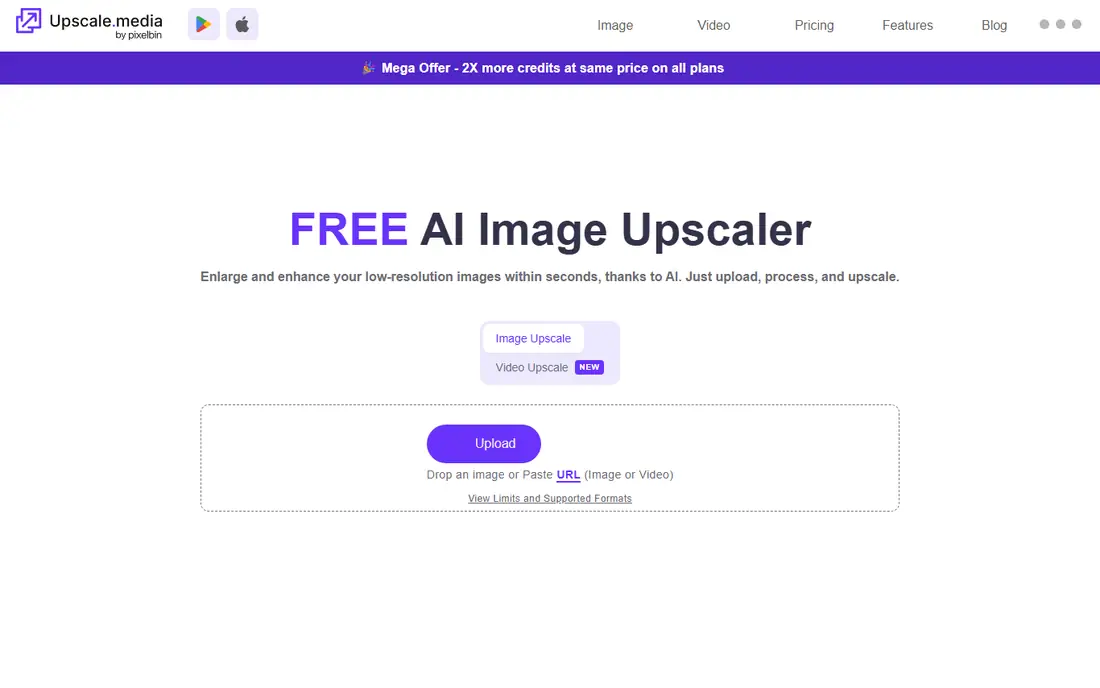
Upscale.media is the tool to try first for a single image. You drag in a JPG, PNG, or WebP file, pick 2x, 4x, or 8x, and download the result without creating an account. That low friction suits a one-off social post, listing photo, or old snapshot that needs a quick lift. The vendor page presents it as free with no watermark, which is rare among browser upscalers.
Free allowances are the limit. Guest use covers one image per day in some reports, with a small monthly credit allowance after signup, so it is not a catalog tool. Bulk processing moves to a separate paid product, PixelBin. Use Upscale.media for occasional images, and move to Let's Enhance or Upscayl when the queue grows.
What we like- No signup needed for a quick upscale
- Up to 8x in the browser
- No watermark on free use per vendor page
Watch out for- Daily and monthly free allowances are limited
- Bulk work needs a separate paid product
#5Magnific
Best for: Creative AI art upscaling4.0/5 on
G2 (3 reviews, checked Oct 2026)
Visit magnific.ai
Starting price$39 per month
Free planFree trial
Magnific takes a different approach from faithful photo tools. Instead of only sharpening what exists, it regenerates detail, which suits AI-generated art, illustrations, and stylized images where a richer result is the goal. That is why artists preparing Midjourney or similar outputs for print often prefer it over a conservative upscaler. The platform now sits inside a wider creative suite, with access to many models and workflows.
That creativity is a drawback for documentary photos. Added detail is a guess, and on a real portrait or product shot it can invent textures that were never there. The $39 entry price is also high if you only need occasional faithful upscales. Choose Magnific for art and creative work, and choose Topaz or Let's Enhance when accuracy matters more than imagination.
What we like- Creative upscaling that adds plausible detail to AI art
- Strong for large prints of generated images
- Now part of a wider creative platform
Watch out for- Higher price for casual photo use
- Creative detail can look wrong on real photos that need faithful results
Starting price$9.90 per month
Free planYes
VanceAI bundles many enhancement jobs into one account: upscaling, denoising, sharpening, restoration, and color work, plus a PC app for batch processing. That breadth suits e-commerce sellers and small studios that need more than scaling alone. You can clean a noisy product photo, sharpen a soft shot, and upscale it in one workflow, rather than moving between three tools. Uploads are encrypted and deleted within 24 hours per the vendor, which helps with client material.
The suite is uneven. Not every model matches the quality of the best single-purpose tool, so you should test your own image types before committing. Credits also govern use, and the free allowance is small. VanceAI wins when you need several enhancement types at a modest price, not when you need the single best upscale for print.
What we like- Wide suite covering upscale, denoise, sharpen, and restore
- PC app for local batch work
- Up to 8x scaling
Watch out for- Credit system can confuse new users
- Some tools feel better than others across the suite
Starting price$9 per month
Free planYes
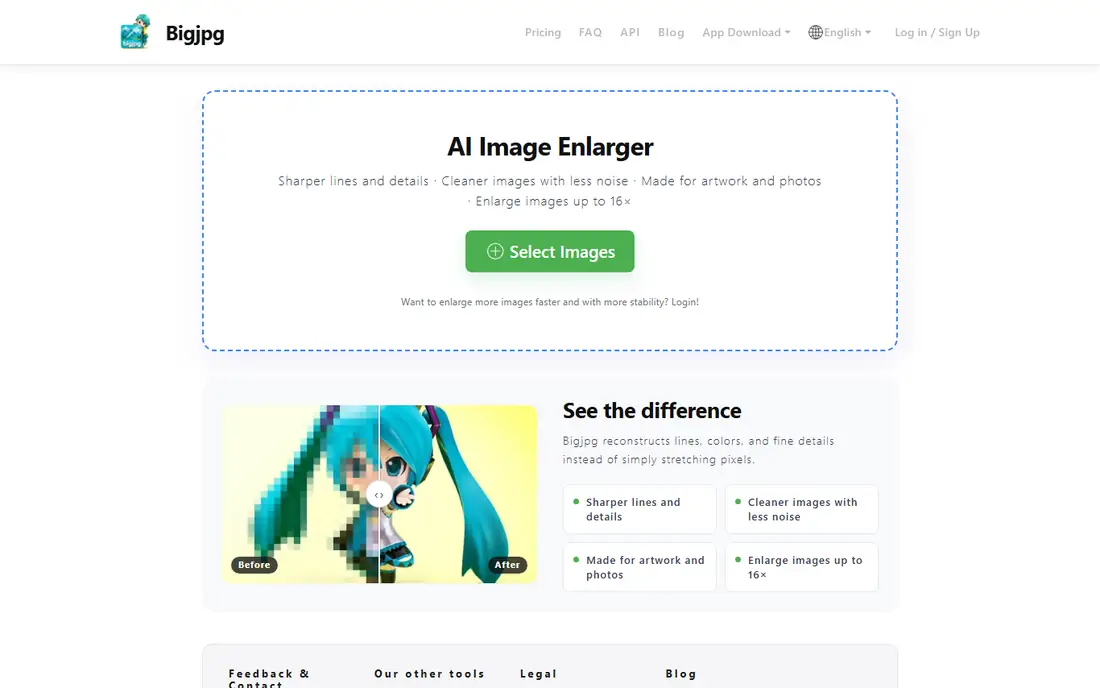
Bigjpg is a specialist. Its artwork mode handles anime, manga, and digital illustration better than general photo upscalers, because it preserves clean lines and flat color instead of adding skin-like texture. Scaling up to 16x suits posters and prints of illustration work. A free tier lets you test it on a few images before paying, and paid plans raise the monthly quota.
Photos are not its strength. Natural skin, foliage, and complex texture often look better in Topaz or Let's Enhance. Quotas also cap how many images you can process per month, so a large archive needs a higher plan. If your library is mostly illustration, Bigjpg earns its place. If it is mostly photos, look elsewhere.
What we like- Artwork mode tuned for line art and flat color
- Up to 16x scaling
- Free tier for small jobs
Watch out for- Weaker on natural photos than general tools
- Monthly quota limits free and paid use
#8Remini
Best for: Old photo restoration on mobile4.6/5 on
G2 (13 reviews, checked Oct 2026)
Visit remini.ai
Starting priceSee website
Free planYes
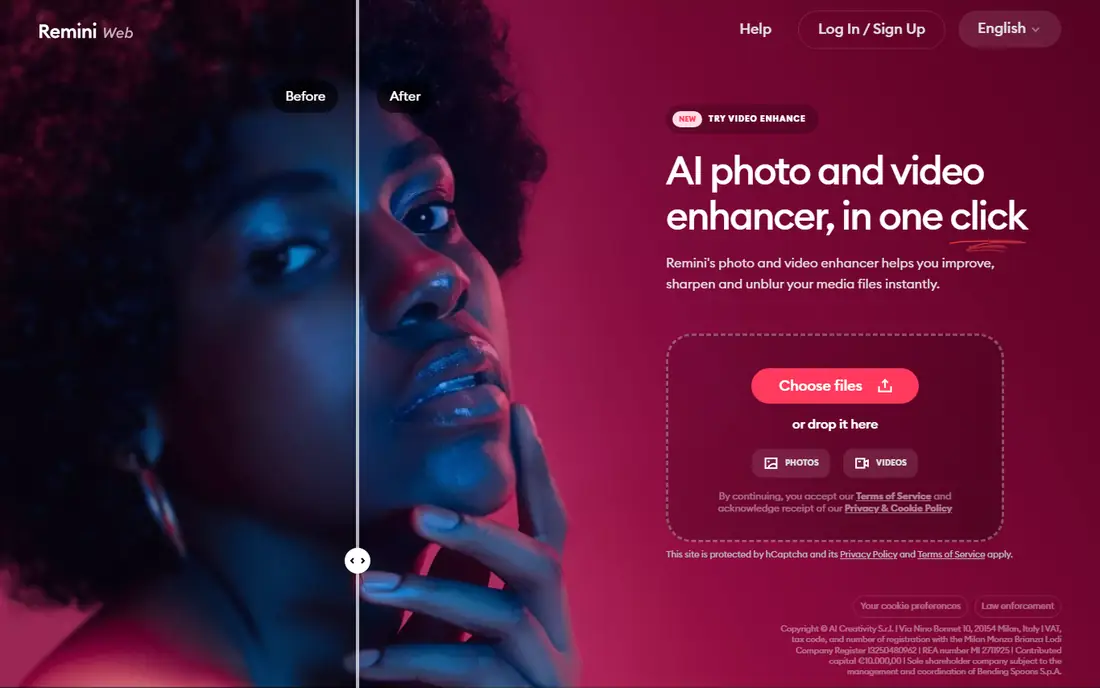
Remini is the phone-first pick for restoring old family photos. You upload a faded, blurry, or damaged photo and get a sharper, cleaner version with face detail and color correction, often in one tap. That simplicity explains its popularity for heritage photos, where the user wants a better copy without learning editing software. Video enhancement and AI portrait features extend it beyond stills.
Desktop batch work is not its strength. Remini is built around mobile apps, and pricing varies by store and plan, so we list it as See website rather than quoting a single figure. Results can also smooth faces more than a photographer would like on professional portraits. Use Remini for quick mobile restoration, and use a desktop tool for client or print work.
What we like- One-tap enhancement for old and blurry photos
- Face enhancement and color fixing built in
- Video enhancement available
Watch out for- Mobile-first workflow limits batch desktop work
- Subscription terms vary by app store and region
How we chose
We compared vendor pricing pages, product documentation, and public reviews on G2, Capterra, and Reddit, and we opened each homepage to confirm the product still exists and fits image upscaling or enhancement. We favored tools with a distinct job, such as local free upscaling, browser batch work, anime art, or old photo restoration, over near-identical web tools. Where a price could not be confirmed on the vendor page, we wrote See website rather than guessing.
Start with the best source file you can find. An original camera file beats a social media download, and a lightly compressed file beats a heavily compressed one, because an upscaler can only guess at detail that compression removed. Match the scale to the output: a social post rarely needs 8x, while a poster at 300 DPI does, and pushing past the needed size often adds plastic-looking texture.
Test one image at 2x and 4x before running a batch, and compare faces, text, and fine patterns at full zoom. If faces look waxy or text warps, try a lower scale or a different model. For print, check the result at the intended size and viewing distance, not just on screen. A result that looks soft at 100 percent zoom can still print well at poster distance.
Frequently asked questions
What is the best free AI image upscaler?
Upscayl is the best free option for regular use, because it is free, open source, and runs locally with no monthly credit cap. Upscale.media is better for a single quick browser upscale with no install.
Can an AI upscaler fix a very blurry photo?
It can improve sharpness and add plausible detail, but it cannot recover detail that was never captured. Very blurry or tiny images often look smoother rather than truly sharp, and faces may look invented at high scales.
How much should I upscale for print?
Work backward from print size and DPI: a 24 inch poster at 300 DPI needs about 7,200 pixels on the long side. Upscale only as far as needed, because extra scaling past the target adds little and can harm texture.
Is Topaz Gigapixel worth the subscription?
For photographers who upscale weekly and need local processing and model control, yes. For occasional use, Upscayl or a credit-based browser tool costs far less and may be enough.
Do upscalers work for anime and illustrations?
Yes, but use a tool tuned for art. Bigjpg and Upscayl with art models preserve line art better than general photo tools, while Magnific suits creative AI art that benefits from regenerated detail.
Sources we checked (8)
- https://www.topazlabs.com/pricing
- https://letsenhance.io/pricing
- https://www.upscayl.org/pricing
- https://upscale.media/pricing
- https://magnific.ai/pricing
- https://vanceai.com/pricing
- https://bigjpg.com/pricing
- https://www.remini.ai/pricing
Is your product missing or out of date?
We review this list regularly. Vendors can request a listing, send updated pricing or ask about featured placement.

Shihab Mia · Founder, Rankite
Shihab has 5+ years in B2B and SaaS SEO. He writes Rankite's software buying guides from pricing pages, documentation and public user reviews. More about Shihab.