How we make this list: we compare pricing pages, product documentation and public user reviews. Ratings come from G2, Capterra or Trustpilot, with the date we checked them.
Key takeaways
- Photoshop's Generative Expand is the professional standard for outpainting, inside the Photography plan at 19.99 dollars a month with Lightroom included.
- Canva Magic Expand is the easiest for design teams: expand inside the editor you already use, on Canva Pro at 15 dollars a month.
- Photoroom is the ecommerce pick at 12.99 dollars a month, with batch friendly expand tools built for product photography.
- Remember what outpainting is: the new area is generated, not photographed. Never present an extended scene as documentary truth, and check product images so expansion never invents features.
Quick comparison
| Tool | Best for | Starting price | Free plan |
|---|
 Adobe Photoshop Adobe Photoshop | Professional outpainting control | $19.99 per month | No |
 Canva Magic Expand Canva Magic Expand | Design team workflows | $15 per month | No |
 Photoroom Photoroom | Ecommerce product images | $12.99 per month | Yes |
 Clipdrop Uncrop Clipdrop Uncrop | Fast web based reframing | See website | Yes |
 Leonardo AI Leonardo AI | Stylised prompt driven expansion | $12 per month | Yes |
 Fotor Fotor | Casual expanding with editing | $8.99 per month | Yes |
 Picsart Picsart | Social templates and expansion | $13 per month | Yes |
 Runway Runway | Cinematic image extension | $12 per month | Yes |
Is your product missing or out of date?
We review this list regularly. Vendors can request a listing, send updated pricing or ask about featured placement.
#1Adobe Photoshop
Best for: Professional outpainting control4.6/5 on
G2 (13,426 reviews, checked Oct 2026)
Visit adobe.com
Starting price$19.99 per month
Free planNo
What we like- Generative Expand inside Photoshop is the reference implementation: enlarge the canvas with the crop tool, optionally guide the fill with a text prompt, and Firefly generates edge matched extensions you can refine with Photoshop's full masking and retouching stack. The Photography plan at 19.99 dollars a month includes Photoshop and Lightroom with 1TB storage, and Firefly's commercial safety story, trained on licensed content, suits client work. Multiple generated variations per expansion let you choose the most convincing join.
Watch out for- It is subscription only, 22.99 dollars a month for Photoshop alone, so the Photography plan is the sensible route. Generative features consume monthly credits, and heavy expanders on big campaigns should watch allowances. Quality still varies by scene: architecture and repeating patterns can produce warped lines that need manual repair.
Starting price$15 per month
Free planNo
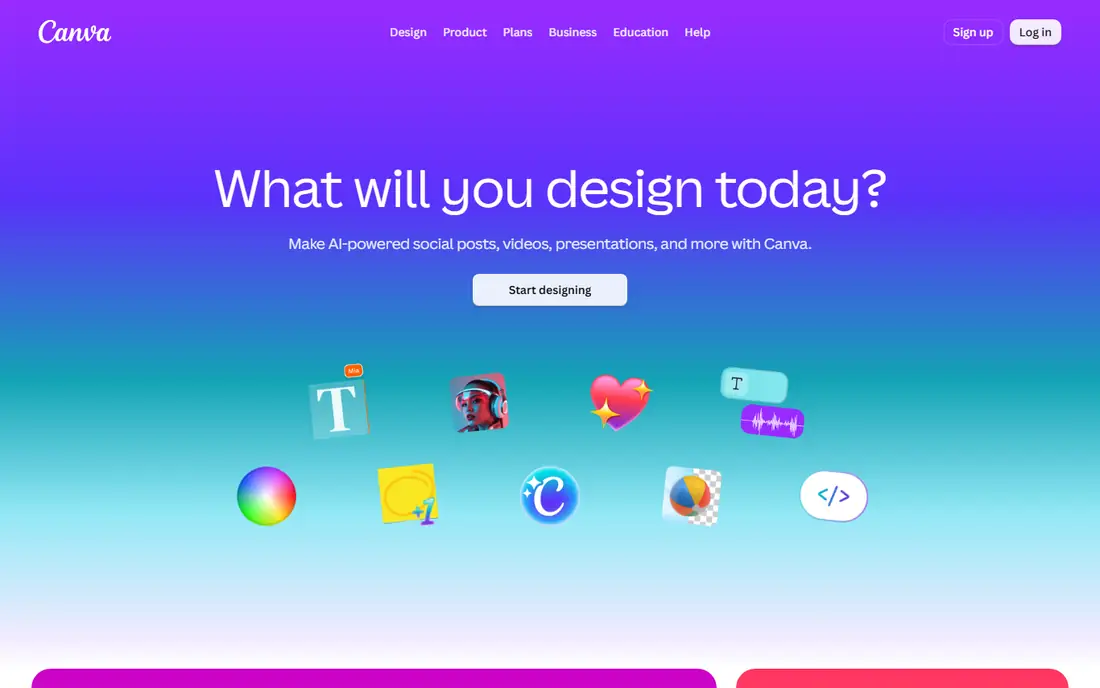
What we like- Magic Expand extends images to preset aspect ratios or freeform selections directly inside a Canva design, so a social asset becomes a banner without leaving the file or the brand kit. It generates multiple output options per request and matches style well on typical marketing photography. For teams already on Canva Pro at 15 dollars a month, it is the zero friction option, and the 30 day trial lets you test it on your own images.
Watch out for- Magic Expand requires the paid Pro plan
- The free Canva tier cannot use it. Processing can be slow, and reviewers note the multi step flow makes bulk expansion tedious compared with dedicated tools. Output resolution caps around 2K, which limits large format print use.
#3Photoroom
Best for: Ecommerce product images4.3/5 on
G2 (20 reviews, checked Oct 2026)
Visit photoroom.com
Starting price$12.99 per month
Free planYes
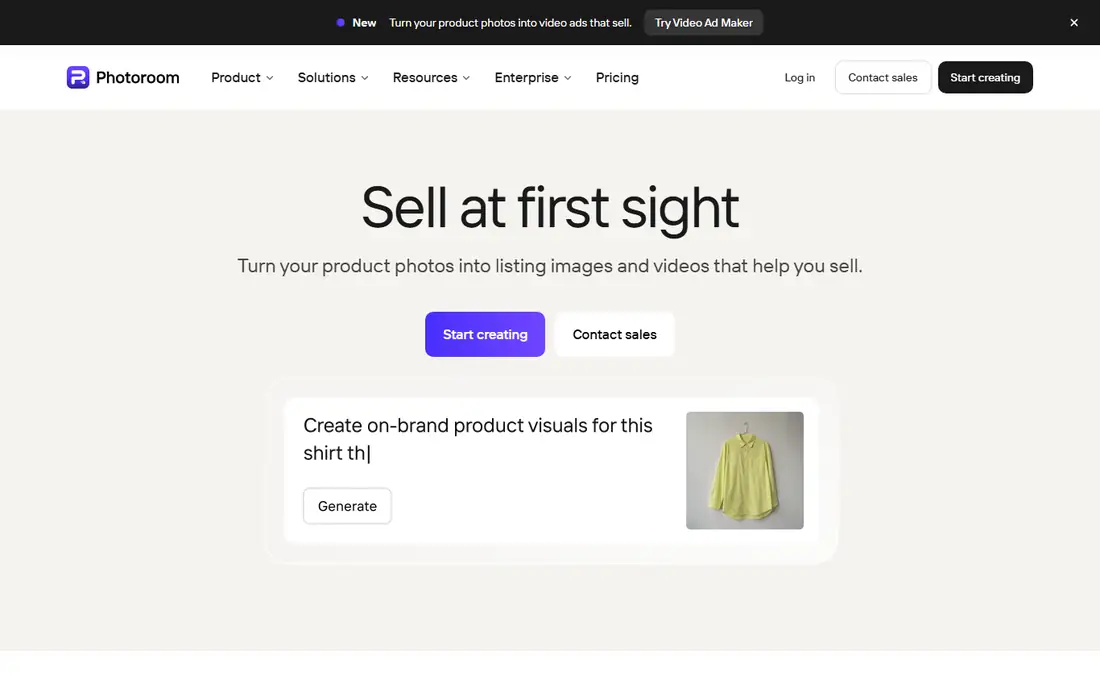
What we like- Photoroom builds AI Expand into a resize workflow designed for sellers: apply your template, extend the background realistically around the product, and export every marketplace shape from one shot, with batch friendly flows the design suites lack. Pro costs 12.99 dollars a month or 90 dollars a year, with higher Max and Ultra tiers for volume. Its background tools, shadows, and relighting sit in the same app, so product images rarely need a second editor.
Watch out for- It is a product photography specialist: scenery and editorial expansion get less attention than in Photoshop. The top Ultra tier jumps to about 99 dollars a month, so high volume pricing needs a hard look. As with all outpainting, check that expansion has not altered the product itself at the edges.
Starting priceSee website
Free planYes
What we like- Clipdrop's Uncrop is the quick single purpose tool: drop an image in the browser, set the target shape, and get an extended result in seconds, with no install and a free tier for casual volumes. It is now part of Jasper, and its API is well documented, which makes it the developer friendly route for automated reframing in a pipeline. For social reframes and one off fixes, nothing here is faster to reach.
Watch out for- Standalone convenience cuts both ways: no layers, no design context, and limited repair tools when a join looks wrong. Clipdrop pricing is credit based across web and API plans and changes shape often, so this guide lists see website
- API credit packs price per image at volume rates. Results on complex scenes trail Adobe and Stability class models in reviewer testing.
#5Leonardo AI
Best for: Stylised prompt driven expansion4.5/5 on
G2 (32 reviews, checked Oct 2026)
Visit leonardo.ai
Starting price$12 per month
Free planYes
What we like- Leonardo's Canvas editor places your image on a workspace and outpaints around it with strong prompt control and generation strength settings, which generative artists use to grow scenes imaginatively rather than invisibly. The free tier grants about 150 tokens a day, enough to learn the workflow, and paid plans start at 12 dollars a month. If your goal is a wider fantasy scene rather than a photograph that looks untouched, this control set is the best here.
Watch out for- Photoreal edge matching is not its strength, so product and portrait realism seekers should look at Photoshop or Photoroom. The interface has a real learning curve compared with one click expanders. Token costs vary by settings, so high resolution experiments drain allowances faster than the headline numbers suggest.
#6Fotor
Best for: Casual expanding with editing4.2/5 on
G2 (342 reviews, checked Oct 2026)
Visit fotor.com
Starting price$8.99 per month
Free planYes
What we like- Fotor's AI Image Extender sits inside a friendly all round editor: choose an output size, generate, and pick between two variations per request, with inpainting beside it for fixes. Pro costs 8.99 dollars a month on monthly billing and about 3.33 a month billed annually, among the cheapest paid routes here, and a free tier covers trials. For bloggers and small sellers expanding occasional images, it covers the job without a design suite subscription.
Watch out for- Independent testing found generation quality uneven, with hands and feet in expanded areas sometimes unusable, and busy ads on the free tier. Download paths push trial activation, which annoys evaluators. File size limits, around 4MB on standard use, can pinch professional camera files.
#7Picsart
Best for: Social templates and expansion4.5/5 on
G2 (797 reviews, checked Oct 2026)
Visit picsart.com
Starting price$13 per month
Free planYes
What we like- Picsart pairs context aware AI expansion, including custom expand prompts, with the template library social creators actually publish from, on web and mobile. The free allowance covers a few images so you can judge quality on your own photos, and paid plans run 13 dollars a month or about 60 dollars a year. For creators whose whole workflow is phone based, it is the most natural fit here.
Watch out for- It is a consumer creator platform first: batch work, colour management, and fine repair tools trail the professional entries. Free use is a taster at three images rather than a working tier. Expanded output quality varies with scene complexity, as everywhere, and busy templates can date a brand look quickly.
#8Runway
Best for: Cinematic image extension4.1/5 on
G2 (105 reviews, checked Oct 2026)
Visit runwayml.com
Starting price$12 per month
Free planYes
What we like- Runway's image tools extend stills with a filmmaker's eye, and the same account animates the result into video, which makes it the natural pick when an expanded image is really the first frame of a clip. Plans start at 12 dollars a month billed annually with monthly credits, and the free plan's starter credits let you test on your own material. Its models handle dramatic scenes, skies, and environments with a polish consumer tools rarely match.
Watch out for- Credits are shared across image and video generation, and video burns them fast, so stills only users may find allowances tight. It is a generation platform, not a retouching suite, so precise repair of a bad join means a trip to another editor. Commercial terms improve at higher tiers, so check your plan before client delivery.
How we chose
We compared the outpainting tools that 2026 extender reviews from Photoroom, Pixazo, and OverChat rank most consistently, checked pricing against their October 2026 surveys, and balanced the list across professional suites, design platforms, ecommerce specialists, and free web tools. We required genuine generative outpainting, not simple blur or mirror edge extension tricks that some apps still market under the same name. Prices are US figures at the time of writing; credit based and frequently repackaged tools are marked see website instead of carrying a number that would mislead.
Choose by where the image lives. If the design already sits in Canva, Magic Expand wins on friction alone. If the image is a product shot feeding five marketplaces, Photoroom's template and batch flow saves the most hours. If the work is client facing and the join must survive scrutiny, Photoshop's variations plus manual repair tools justify the subscription, and Leonardo earns its place when the extension should be imaginative rather than invisible. One off reframes need nothing more than Clipdrop or Fotor.
Test with a hard image before paying anyone: a scene with straight architectural lines crossing the edge, a repeating pattern, and a person's shoulder at the frame border. Those three expose warping, pattern breaks, and anatomy errors instantly. Check output resolution against your largest placement, confirm whether your plan's licence covers commercial use, and keep the unexpanded original in your archive: the generated margin is an interpretation, and for regulated or trust sensitive work you may need to prove what the camera actually saw.
Frequently asked questions
Is outpainted content real?
No. The extended area is generated by a model guessing what might sit outside the frame. It can look photographic, but it is invented content. That is fine for design and marketing; it must never be presented as documentary evidence, and product images must not gain features the product lacks.
Which outpainting tool is free?
Clipdrop offers a free tier, Leonardo gives daily free tokens, Fotor and Picsart allow limited free use, and Photoroom has a free plan. Canva Magic Expand and Photoshop require paid plans. Free tiers suit evaluation and occasional images; regular production work justifies a subscription.
How far can I expand an image?
Most tools handle moderate extensions well, turning a square into a wide banner or adding headroom. Very large expansions multiply invention: each step generates from generated content, and quality and coherence fall. Expand in one step where possible, and expect to repair joins on demanding scenes.
Does outpainting reduce image quality?
The original pixels stay untouched; the new margins are generated at the tool's output resolution, which varies from about 2K in Canva to higher in desktop suites. For very large prints, check the export resolution and consider upscaling after expansion, and always view the join at full size before delivery.
Can I use outpainted images commercially?
On paid plans, generally yes, but licences differ: Adobe markets Firefly as commercially safe, Leonardo and Runway tie commercial terms to tiers, and stock or client contracts may add their own AI disclosure rules. Read your plan's terms and disclose AI extension wherever your audience could reasonably feel misled.
Sources we checked (0)
Is your product missing or out of date?
We review this list regularly. Vendors can request a listing, send updated pricing or ask about featured placement.

Shihab Mia · Founder, Rankite
Shihab has 5+ years in B2B and SaaS SEO. He writes Rankite's software buying guides from pricing pages, documentation and public user reviews. More about Shihab.