How we make this list: we compare pricing pages, product documentation and public user reviews. Ratings come from G2, Capterra or Trustpilot, with the date we checked them.

Key takeaways
- Free floor planners such as RoomSketcher, Coohom, and Floorplanner handle most homeowner projects, while pros need SketchUp or Cedreo for construction-ready output.
- AI features differ: some tools convert a sketch into a floor plan, others restyle a photo of a room, and the best choice depends on which job you actually need.
- Render quality is the hidden cost: free tiers often limit resolution or watermark images, so check export terms before presenting a design to a client.
- One planned tool, HomeByMe, was dropped from this list because its homepage could not be loaded during verification.
Quick comparison
| Tool | Best for | Starting price | Free plan |
|---|
 Planner 5D Planner 5D | Homeowners designing a whole house in 3D | See website | Yes |
 RoomSketcher RoomSketcher | Clean, professional floor plans | Free | Yes |
 Coohom Coohom | Free browser-based 3D interior design | Free | Yes |
 Homestyler Homestyler | Turning a sketch into a 3D model with AI | See website | Yes |
 Floorplanner Floorplanner | A free floor plan you can keep forever | Free | Yes |
 SketchUp SketchUp | Professional 3D modeling and documentation | See website | Yes |
 Cedreo Cedreo | Home builders who sell from 3D visuals | See website | No |
 RoomGPT RoomGPT | Restyling a room from a single photo | See website | Free trial |
Is your product missing or out of date?
We review this list regularly. Vendors can request a listing, send updated pricing or ask about featured placement.
The best AI house design apps
#1Planner 5D
Best for: Homeowners designing a whole house in 3D4.7/5 on
G2 (178 reviews, checked Oct 2026)
Visit planner5d.com
Starting priceSee website
Free planYes
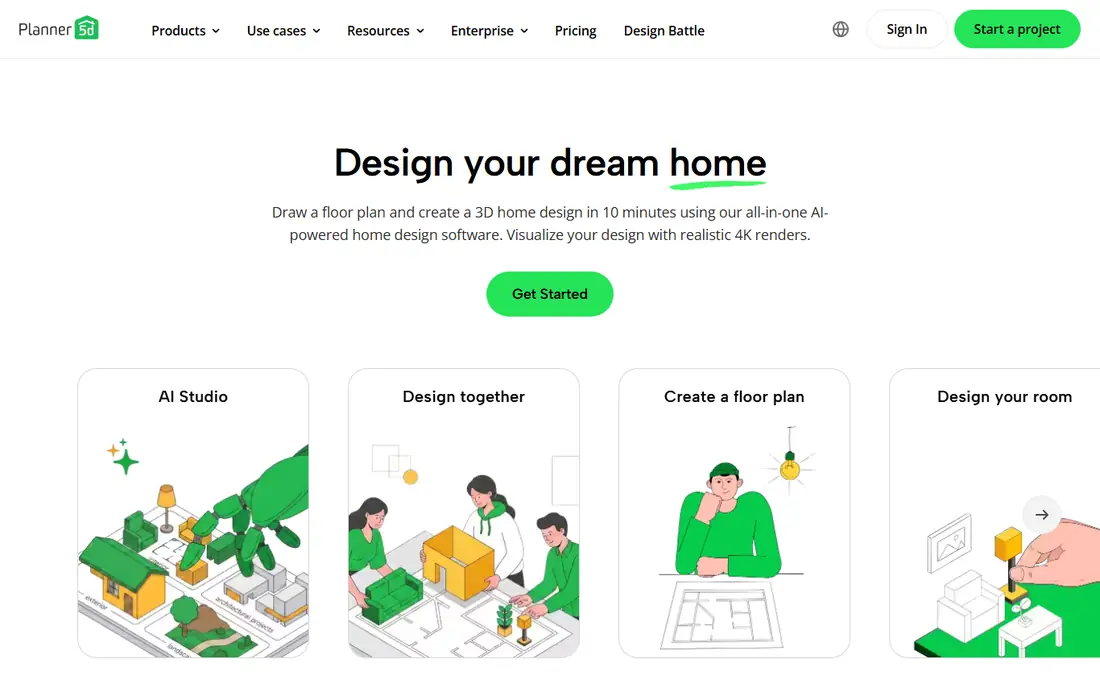
Planner 5D is the most approachable full-house design tool on this list. Draw walls, add rooms, furnish from a library of thousands of items, and switch to a 3D view that renders in high resolution. Its AI can recognize a floor plan from an image and turn it into an editable project, which saves hours of redrawing.
The free tier covers basic design, but 4K renders, the full catalog, and AI features sit behind a subscription. Pricing is shown on the site and varies by plan. For a homeowner planning a remodel or a new build, Planner 5D balances ease and output better than any other tool here.
What we like- Draw a floor plan and see it in 3D in minutes
- AI floor plan recognition
- 4K renders and a huge item library
Watch out for- Advanced renders and items need a subscription
- The interface can feel busy on small screens
- Free exports are limited
#2RoomSketcher
Best for: Clean, professional floor plans4.5/5 on
G2 (149 reviews, checked Oct 2026)
Visit roomsketcher.com
Starting priceFree
Free planYes
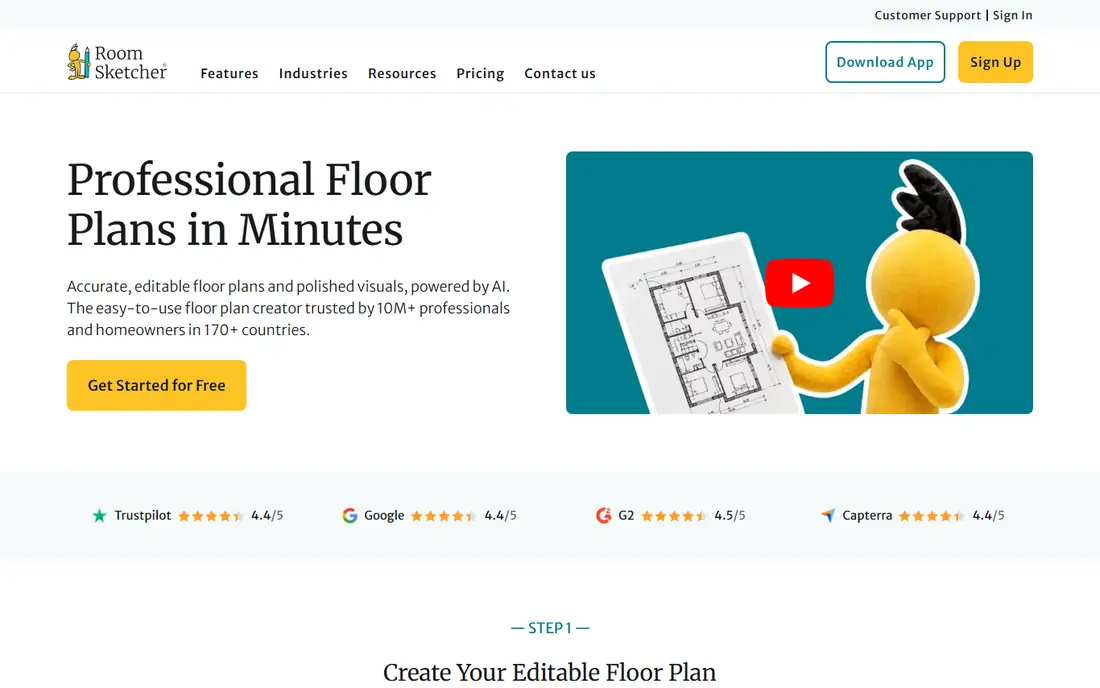
RoomSketcher focuses on floor plans done right: accurate measurements, room names, total areas, and polished 2D and 3D outputs that suit real estate listings and renovation plans. Its AI Convert feature turns a blueprint image into an editable plan, and the free tier includes a first AI conversion plus basic 3D viewing.
The trade-off is workflow. You draw and edit in the RoomSketcher app on a computer or tablet, while the browser portal handles management and ordering. Professional outputs and higher volumes need Pro or Team plans. For anyone whose deliverable is a floor plan, RoomSketcher is the most precise option.
What we like- Accurate to-scale plans
- AI Convert turns blueprints into editable plans
- Free tier needs no credit card
Watch out for- Drawing and editing require the app, not just a browser
- High-quality outputs need a paid plan
- 3D features are lighter than full modeling tools
#3Coohom
Best for: Free browser-based 3D interior design4.4/5 on
G2 (139 reviews, checked Oct 2026)
Visit coohom.com
Starting priceFree
Free planYes
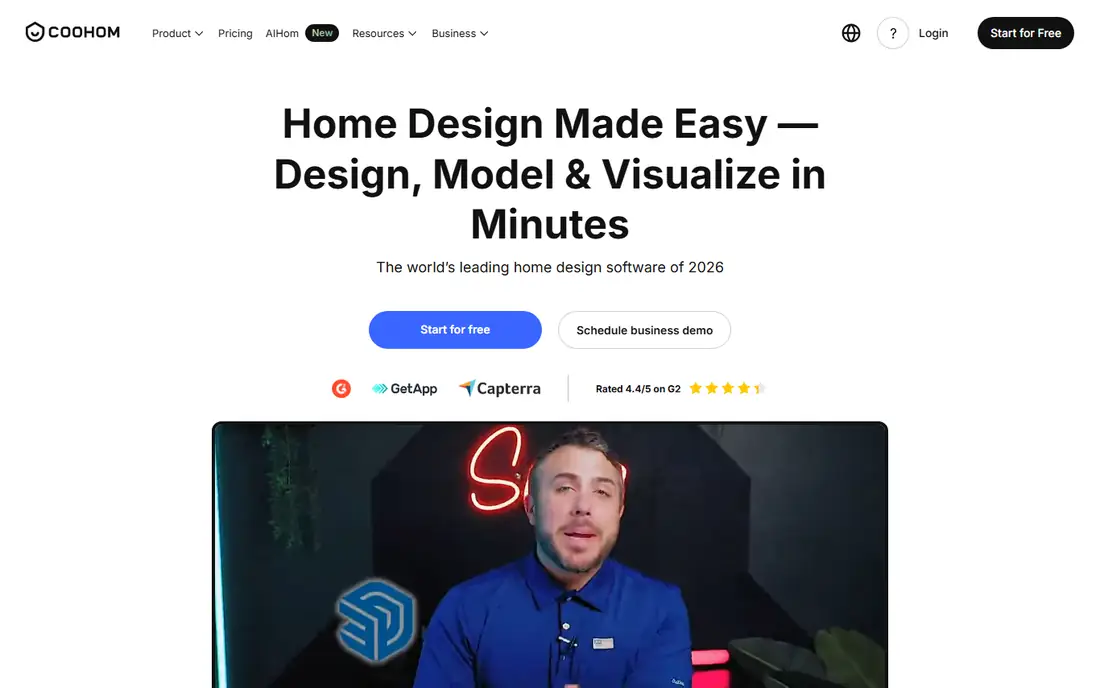
Coohom runs entirely in a browser, which makes it easy to start: pick a template for a bedroom, kitchen, or living room, adjust the layout, and generate a photorealistic render without installing anything. Its template library is large, and the free tier covers real design work, not just a demo.
The catch is the ceiling. High-end rendering, commercial use, and some catalog items require a paid plan, and the sheer number of templates can overwhelm a first-time user. For a homeowner who wants to visualize a room before buying furniture, Coohom is the fastest free route to a realistic image.
What we like- Fully browser-based with no install
- Large template library
- Photorealistic renders in the browser
Watch out for- Advanced rendering and commercial features need a paid plan
- The interface can feel crowded
- Some templates skew toward luxury styles
#4Homestyler
Best for: Turning a sketch into a 3D model with AI4.7/5 on
G2 (12 reviews, checked Oct 2026)
Visit homestyler.com
Starting priceSee website
Free planYes
Homestyler's standout feature is its AI floor plan conversion: upload a 2D sketch and get an editable 3D house model with one click. From there you decorate with millions of branded furniture models and render in the cloud, all from a browser. Templates for common styles speed up the first room.
The weakness is pricing transparency. The homepage emphasizes free design but does not clearly list subscription prices, so check the checkout price before committing. Homestyler suits users who have a sketch and want a 3D model quickly, rather than users who want to draw from scratch.
What we like- One-click AI conversion from 2D sketch to 3D model
- Over 10 million furniture models
- Cloud rendering
Watch out for- Pricing is not clearly listed on the homepage
- Advanced features need a subscription
- The learning program upsells courses
Starting priceFree
Free planYes
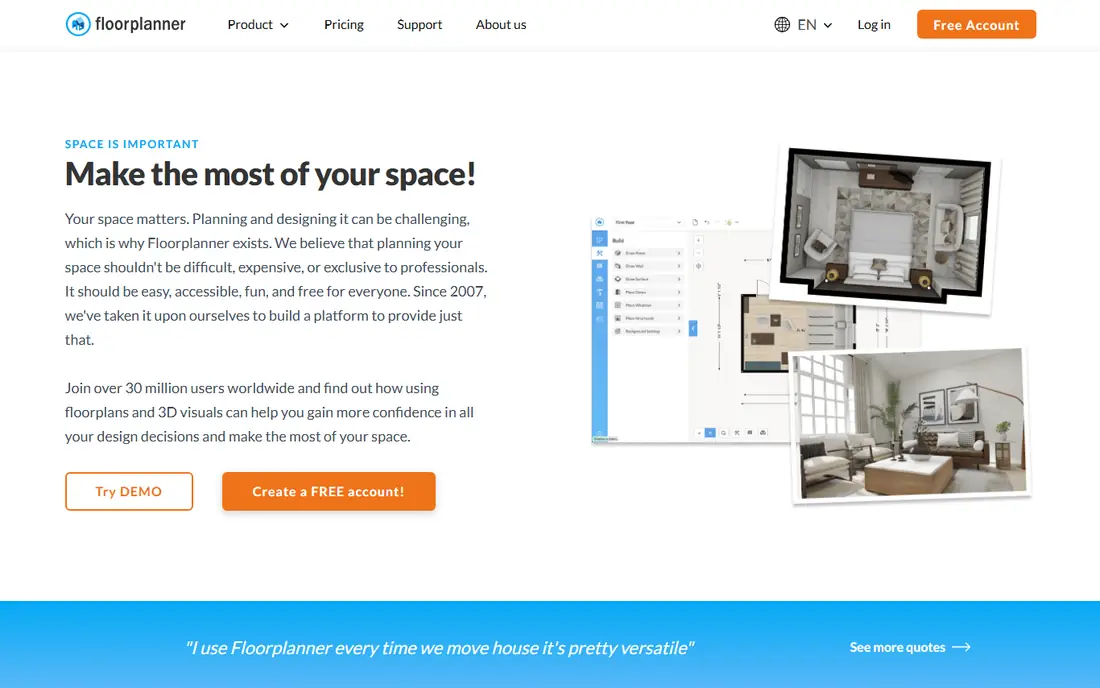
Floorplanner has offered a free Basic account since 2007, and it keeps its promise: your projects stay accessible years later, and the company states it does not sell user data. The editor draws rooms, moves walls, and adds doors and windows in minutes, and the model library covers everything from furniture to a full-size dinosaur.
Paid credits buy project upgrades and extra services, including high-resolution renders. The editor is simpler than SketchUp, which is a feature for homeowners and a limit for pros. If you want a free plan that will still be there next year, Floorplanner is the safest choice.
What we like- Basic account is free forever with no data selling
- Over 260,000 3D models
- 8K renders available
Watch out for- Credits or subscriptions are needed for upgrades
- The editor is simpler than pro tools
- No AI room restyling
#6SketchUp
Best for: Professional 3D modeling and documentation4.5/5 on
G2 (1,327 reviews, checked Oct 2026)
Visit sketchup.com
Starting priceSee website
Free planYes

SketchUp, by Trimble, is the professional tool on this list. It models anything from a room to a whole building, with an extension warehouse of hundreds of add-ons, a 3D warehouse of millions of models, and LayOut for construction documents on the Pro plan. Architects, builders, and set designers use it daily.
The cost is complexity and price. Pro is a subscription, and learning to model well takes longer than learning a floor planner. A free web version covers personal projects, which is enough to test the workflow. Choose SketchUp when your output must be buildable, not just pretty.
What we like- Industry-standard 3D modeling with a huge extension library
- Free web version for personal use
- 2D documentation with LayOut on Pro
Watch out for- Subscription pricing for Pro
- The learning curve is steeper than floor planners
- AI features are limited compared with newer tools
#7Cedreo
Best for: Home builders who sell from 3D visuals4.6/5 on
G2 (8 reviews, checked Oct 2026)
Visit cedreo.com
Starting priceSee website
Free planNo
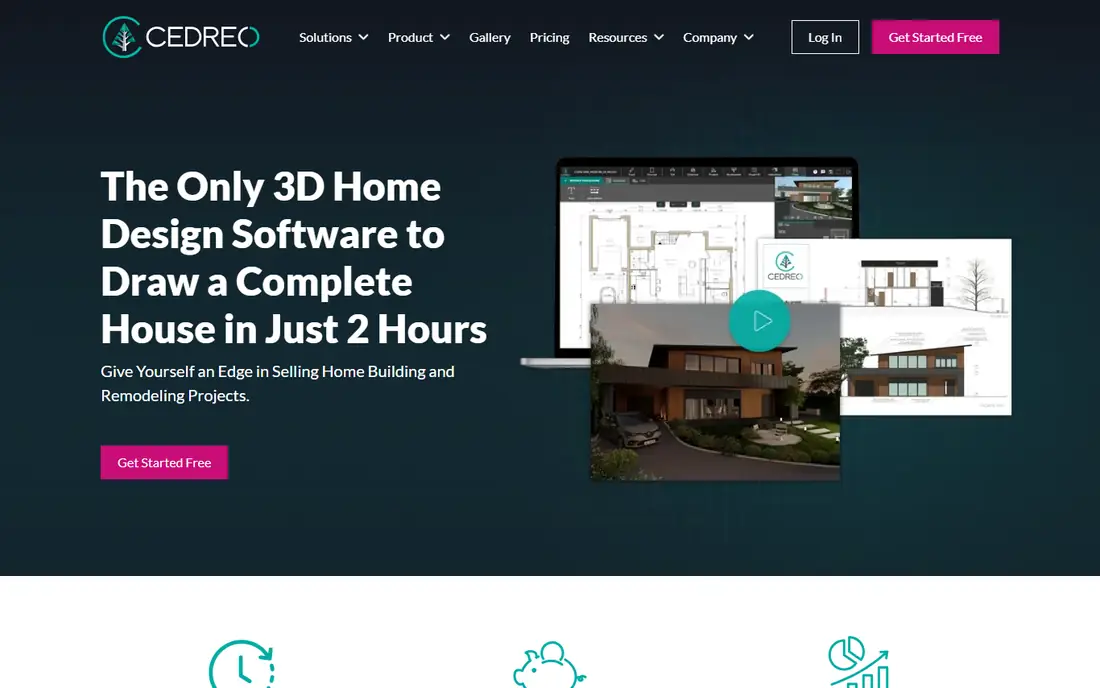
Cedreo is built for home builders, contractors, and remodelers who need to present a complete project fast. It covers terrain modeling, site plans, floor plans, cross sections, elevations, and roof plans, then generates photorealistic interior and exterior renders in minutes. The pitch is sales: show a buyer their future home and close sooner.
That focus makes it overkill for a homeowner redoing one room, and pricing is subscription-based rather than free. For a builder producing client presentations weekly, Cedreo replaces design-firm costs and shortens the pre-sale phase, which is where it earns its price.
What we like- Full house plans including terrain, site, and roof plans
- Photorealistic renders in minutes
- Built for builder sales workflows
Watch out for- Subscription pricing, quoted per plan
- Aimed at professionals, not casual homeowners
- No free tier
Starting priceSee website
Free planFree trial

RoomGPT does one thing differently from every other tool here: it takes a photo of your actual room and reimagines it in a style you choose, from modern to rustic. There is no drawing and no floor plan, which makes it the fastest way to answer the question of what a room could look like.
The limit is that the result is a picture, not a plan. You cannot measure walls, move furniture precisely, or hand it to a contractor as a specification. Use RoomGPT for inspiration and direction, then build the real plan in Planner 5D, RoomSketcher, or Floorplanner. For pure idea generation, nothing here is faster.
What we like- Upload a photo and see the room in a new style instantly
- Used by millions of homeowners
- No design skill needed
Watch out for- Output is an image, not an editable floor plan
- Results vary and cannot be measured
- Credit-based pricing can add up
How we chose
We checked each vendor homepage to confirm it loads and belongs to the product listed. One planned tool, HomeByMe, was dropped because its homepage could not be loaded during verification, and RoomGPT replaced it. Prices were checked against vendor pages, and where pricing is quoted or varies by plan we used "See website" rather than publish a figure we could not stand behind. We covered the full range from free homeowner planners to professional builder tools, and weighed render quality, export terms, and learning curve.
How to pick the right house design app
Start with your deliverable. If you need inspiration, RoomGPT gives it in seconds. If you need a floor plan, RoomSketcher or Floorplanner produce accurate, shareable plans. If you need a realistic image of a furnished room, Planner 5D, Coohom, or Homestyler render it well.
Then check what the free tier actually exports. A tool that designs beautifully but watermarks renders or locks high-resolution output behind a subscription may cost more than it first appears. Ask whether you can download your plan and images without a paid plan, since losing access to your own design is a real frustration for any homeowner planning a renovation. Finally, match the learning curve to your patience: floor planners take an evening to learn, while SketchUp rewards a week of practice with professional output.
Frequently asked questions
Can AI design my whole house?
AI can convert sketches into floor plans and restyle rooms from photos, but it does not replace an architect for structural design, permits, or code compliance. Use these tools for planning and visualization, and consult a professional before building.
Which house design app is really free?
RoomSketcher, Coohom, and Floorplanner all offer genuinely usable free tiers, including basic 3D viewing and exports. Paid plans mainly add resolution, catalog items, and commercial use.
Do I need measurements before I start?
Not for inspiration tools such as RoomGPT, but floor planners work best with real room dimensions. Measure your rooms first if you want furniture to fit, since guessing leads to plans that fail in reality.
Can I use these designs with a contractor?
Floor plans from RoomSketcher, Planner 5D, and SketchUp are useful for communicating ideas, but contractors need construction documents for permits and building. SketchUp Pro with LayOut comes closest to that standard.
What is the difference between a render and a floor plan?
A floor plan shows measurements and layout from above, while a render shows what a room will look like from eye level, with light, materials, and furniture. Most projects need both: the plan for accuracy, the render for decisions.
Sources we checked (8)
- https://planner5d.com
- https://www.roomsketcher.com
- https://www.coohom.com
- https://www.homestyler.com
- https://floorplanner.com
- https://www.sketchup.com
- https://www.cedreo.com
- https://www.roomgpt.io
Is your product missing or out of date?
We review this list regularly. Vendors can request a listing, send updated pricing or ask about featured placement.

Shihab Mia · Founder, Rankite
Shihab has 5+ years in B2B and SaaS SEO. He writes Rankite's software buying guides from pricing pages, documentation and public user reviews. More about Shihab.