How we make this list: we compare pricing pages, product documentation and public user reviews. Rankite is independent; if a vendor ever pays for a featured spot, that listing is clearly labeled Partner.
Key takeaways
- Interior design firms have two different accounting problems: the general books (invoicing, expenses, taxes) and the design workflow (proposals, purchase orders, client deposits, trade purchasing). No single tool does both perfectly.
- QuickBooks Online, Xero, Wave and Zoho Books handle the general books. Pair one with a design platform for the workflow, or accept manual double entry.
- Studio Designer, Design Manager and Houzz Pro are built for the design workflow: item-level purchasing, client billing against proposals, and time tracking that ties to projects.
- Wave is genuinely free for accounting and invoicing, and Zoho Books has a free tier plus Standard at $15 per month, making both the budget answers.
- Harvest fills the gap most firms actually feel: hourly time tracking and retainer billing that syncs to the books.
Quick comparison
| Tool | Best for | Starting price | Free plan |
|---|
 QuickBooks Online QuickBooks Online | Firms that want the industry-standard general ledger | See website (tiered plans, custom quotes for larger firms) | See website |
 Xero Xero | Firms that want modern books with honest pricing | $25/month (Early); $55/month (Growing); $90/month (Established) | No |
 FreshBooks FreshBooks | Solo designers who bill by invoice and hate bookkeeping | See website (tiered plans) | See website |
 Wave Wave | New studios that need real accounting for free | Free (accounting and invoicing); paid add-ons for payroll and payments | Yes (free accounting, invoicing and receipts) |
 Zoho Books Zoho Books | Firms that want depth on a budget | Free plan; Standard $15/month, Professional $40/month (billed annually) | Yes (free tier for small businesses) |
 Houzz Pro Houzz Pro | Design-build firms that want clients, projects and billing together | See website (subscription packages) | See website |
 Studio Designer Studio Designer | Firms that want purchasing-to-invoicing built for design | See website (custom quote) | See website |
 Design Manager Design Manager | Residential firms obsessed with project profitability | See website (custom quote) | See website |
 Harvest Harvest | Hourly billing, retainers and profitability tracking | See website (tiered plans) | Free trial (30 days, no credit card) |
Is your product missing or out of date?
We review this list regularly. Vendors can request a listing, send updated pricing or ask about featured placement.
The best accounting software for interior designers
What does QuickBooks not know about your design firm? It does not know that the $4,000 chair on the invoice is one line item inside a $60,000 proposal, that the client paid a 50 percent deposit six weeks ago, or that the purchase order is still waiting on the vendor. It knows the money moved. It does not know the story. That gap, between the general ledger and the way designers actually work, is why this category needs its own list.
These nine tools split into two groups. QuickBooks Online, Xero, FreshBooks, Wave and Zoho Books keep the official books: invoicing, expenses, bank reconciliation and taxes. Studio Designer, Design Manager and Houzz Pro run the design business itself: proposals, purchasing, client billing and project profitability. Harvest covers the hourly billing most firms do on the side. Most established firms end up with one from each group.
Starting priceSee website (tiered plans, custom quotes for larger firms)
Free planSee website
QuickBooks Online is the safe choice for the books, and there is a reason most design firms land here eventually: every accountant speaks it. Invoicing, retainer billing, expense tracking, bank feeds and tax-ready reports all work the way your CPA expects, and the integration marketplace connects it to time trackers, payment processors and the design platforms below.
The honest catch is that QuickBooks knows nothing about interior design. Client deposits against proposals, trade purchase orders, item-level margin tracking: all of it lives outside the system or gets bolted on. Firms typically pair QuickBooks with Studio Designer or Design Manager for the workflow, accepting that the design platform feeds summary data to the books. If you want one system for everything, keep reading past this entry.
What we like- The accountant-friendly default, so your CPA already knows it
- Deep invoicing, expense tracking, bank reconciliation and payroll add-ons
- Hundreds of integrations including design-adjacent tools
Watch out for- No design-specific workflow: proposals, purchase orders and item-level purchasing need workarounds or add-ons
- Pricing has crept up over the years across tiers
#2
Xero
Best for: Firms that want modern books with honest pricing
Visit xero.com
Starting price$25/month (Early); $55/month (Growing); $90/month (Established)
Free planNo
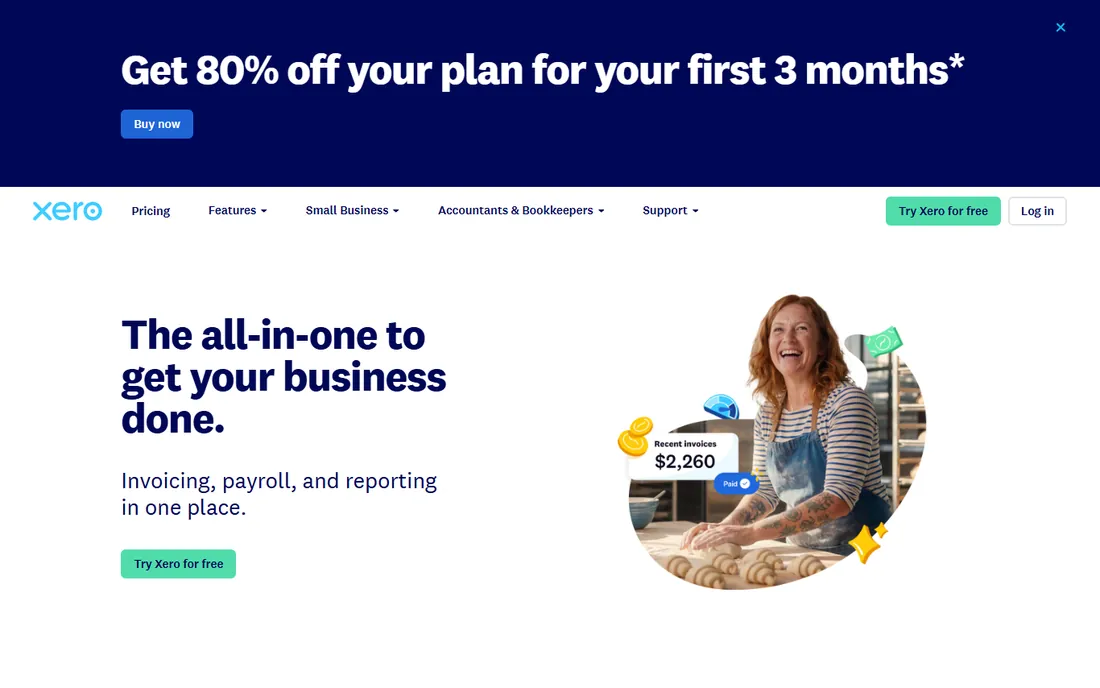
Xero is the modern alternative to QuickBooks for the general books, and its advantage is transparency: Early at $25, Growing at $55 and Established at $90 per month, all published on the US pricing page. Invoicing, quotes, bill management and bank reconciliation are polished, and the integration library connects to time tracking, payments and project tools designers use.
Like QuickBooks, it is a general ledger, not a design platform. Proposals, purchasing and client-facing project accounting need a companion tool. Firms choose Xero over QuickBooks for the interface, the published pricing and the integration ecosystem. Your accountant's preference should break the tie: the best accounting software is the one your CPA can work with blindfolded.
What we like- Published US pricing with three clear tiers starting at $25 per month
- Clean bank reconciliation and invoicing with 1,000-plus integrations
- Multi-currency on higher tiers for firms sourcing internationally
Watch out for- No design workflow features, same as QuickBooks
- Payroll and advanced inventory cost extra or need add-ons
Starting priceSee website (tiered plans)
Free planSee website
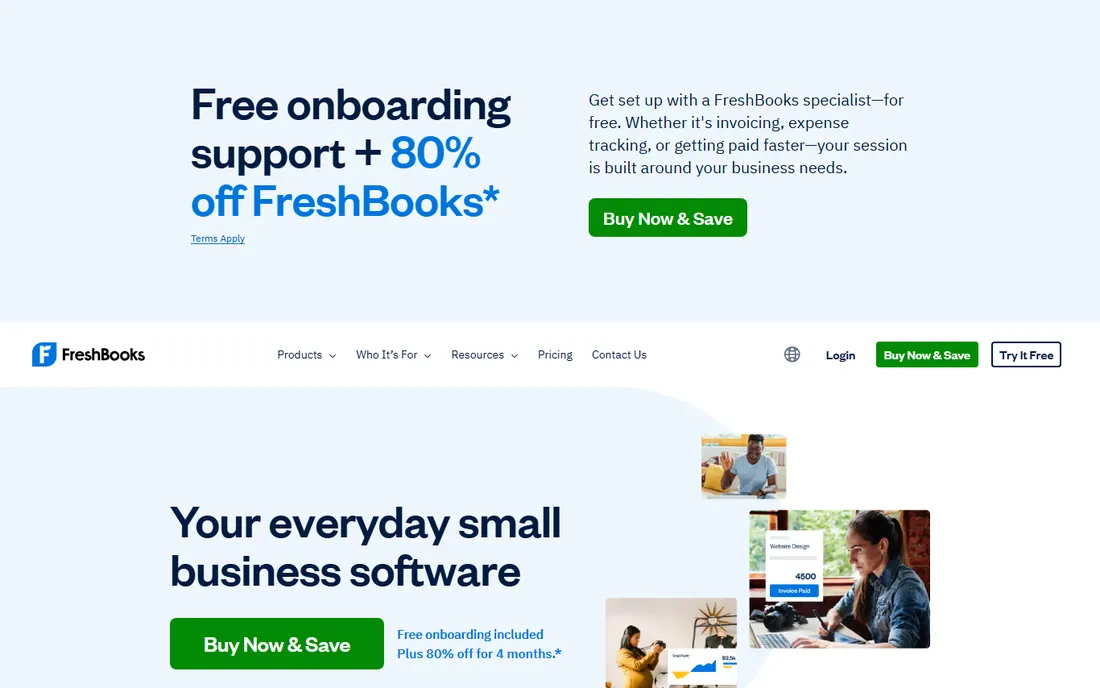
FreshBooks is built for people who sell their time and want the books to stay out of the way. Invoicing is genuinely pleasant, expenses snap from receipts, and time tracking feeds straight into client invoices. For a solo designer billing hourly or per project, it covers the daily money work with less friction than a full accounting suite.
The tradeoff is depth. Firms with employees, complex purchasing or multi-project profitability analysis will hit walls that QuickBooks and Xero do not have. FreshBooks is the right answer for a one-person studio that invoices clients and wants clean records. Growing firms should start with a general ledger instead.
What we like- The friendliest invoicing in this set, built for service businesses
- Time tracking and expense capture designed for solo operators
- Client-facing proposals and estimates
Watch out for- Double-entry accounting depth is thinner than QuickBooks or Xero
- Design purchasing and project profitability need another tool
Starting priceFree (accounting and invoicing); paid add-ons for payroll and payments
Free planYes (free accounting, invoicing and receipts)
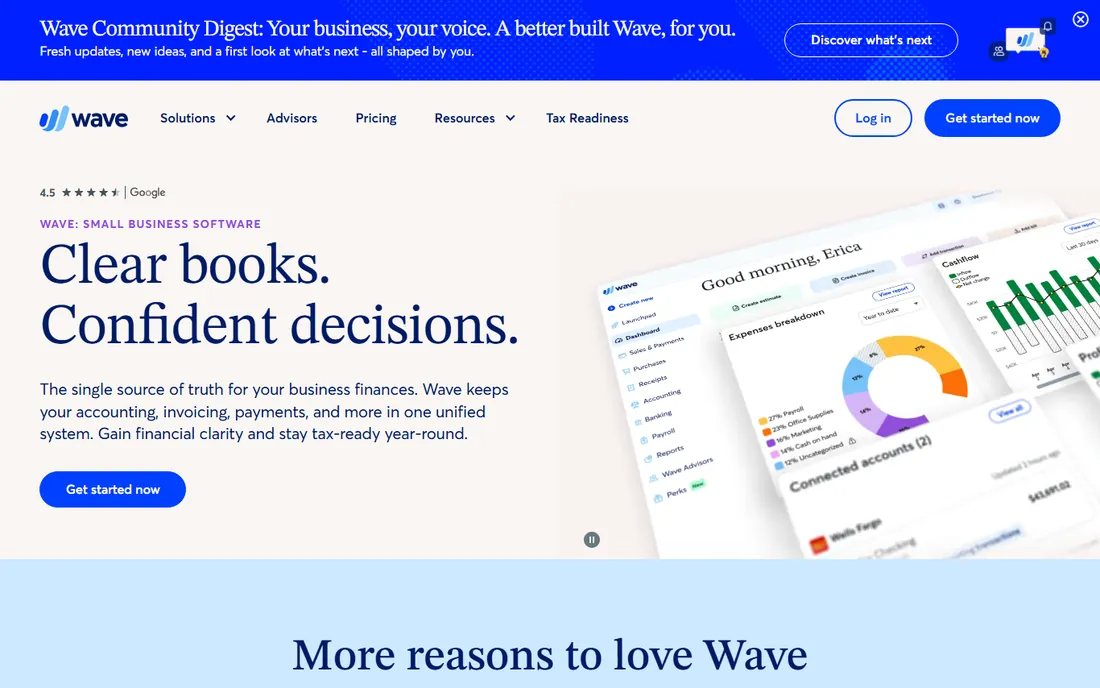
Wave's pitch is simple: free accounting software that is actually good. Invoicing, expense tracking, bank connections and reports cost nothing, which makes it the obvious starting point for a new studio watching every dollar. Over 300,000 small businesses use it, and the product is straightforward enough that a designer can run the books without a bookkeeper for the basics.
Free has edges. There is no purchasing workflow, no project profitability, and support is thinner than paid alternatives. Payroll and payment processing cost extra. But as the general ledger for a small studio paired with a design platform, or as the entire finance stack for a freelancer, Wave is hard to argue with at the price.
What we like- Genuinely free accounting, invoicing and receipt scanning with no user limits
- Simple enough for designers with no bookkeeping background
- Payment processing built in when clients pay online
Watch out for- No design workflow features at all
- Support is limited on the free tier and advanced features lag paid tools
#5
Zoho Books
Best for: Firms that want depth on a budget
Visit zoho.com
Starting priceFree plan; Standard $15/month, Professional $40/month (billed annually)
Free planYes (free tier for small businesses)
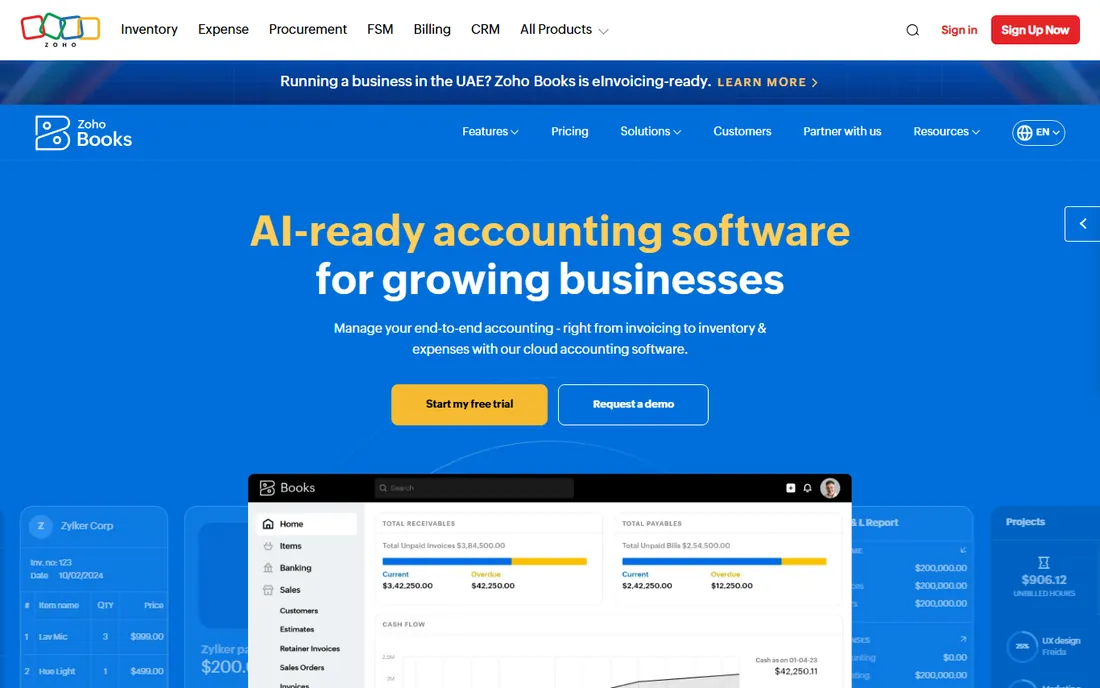
Zoho Books is the value pick for the general ledger: a free tier for small operations, Standard at $15 per month and Professional at $40, all published on the vendor's pricing page. You get invoicing, expenses, bank reconciliation, project billing and even inventory management as you climb tiers. Firms already using Zoho CRM or Zoho Projects get a connected stack for the price of one ecosystem.
It is still general accounting, not design software. But at these prices, a small firm can run Zoho Books for the official records and put the savings toward a design platform. The interface takes longer to learn than Wave or FreshBooks. The depth per dollar is unmatched in this list.
What we like- A real free tier plus Standard at $15 per month, the best price-to-depth ratio here
- Project billing, time tracking and inventory on higher tiers
- Part of the Zoho suite if you use Zoho CRM or Projects
Watch out for- No interior-design-specific workflow
- The interface carries Zoho's learning curve
#6
Houzz Pro
Best for: Design-build firms that want clients, projects and billing together
Visit pro.houzz.com
Starting priceSee website (subscription packages)
Free planSee website
Houzz Pro approaches the problem from the client side: it is business software for residential design and remodeling professionals that includes estimates, invoicing, online payments, lead management and project collaboration. The 3D floor planner and client dashboard help win and run projects, and the Houzz marketplace connection brings client visibility no accounting tool offers.
Treat it as a business platform with accounting features, not an accounting system. Firms that need rigorous books still run QuickBooks or Xero alongside it. Houzz Pro fits design-build firms and remodelers that want one subscription covering marketing, sales, projects and billing, with the accounting handled well enough for daily operations.
What we like- All-in-one business software for design and remodeling pros: leads, proposals, invoicing, payments and project management
- 3D floor planner and client dashboard for presentations
- Large existing pro community on the Houzz platform
Watch out for- Broader than pure accounting, so bookkeeping depth trails QuickBooks
- Pricing is package-based and requires a conversation
Starting priceSee website (custom quote)
Free planSee website
Studio Designer is the reference platform for running an interior design business: proposals, sourcing, purchase orders, time tracking, invoicing and accounting organized around items and projects instead of journal entries. The client portal streamlines approvals and payments, and the platform now covers both the Studio Designer and Mydoma user bases after the two joined forces.
This is the closest thing to one system for a design firm, but the official books still often live in QuickBooks with summary data flowing across. Pricing is quote-based, so budget a real conversation. Firms that live in purchasing and client billing usually find the workflow savings dwarf the subscription cost.
What we like- Purpose-built for interior design: proposals, purchasing, time billing and accounting in one item-based system
- Client portal for approvals and payments
- The industry's most established design business platform, now joined with Mydoma
Watch out for- Quote-based pricing with no public list
- The depth comes with a learning curve for new staff
Starting priceSee website (custom quote)
Free planSee website
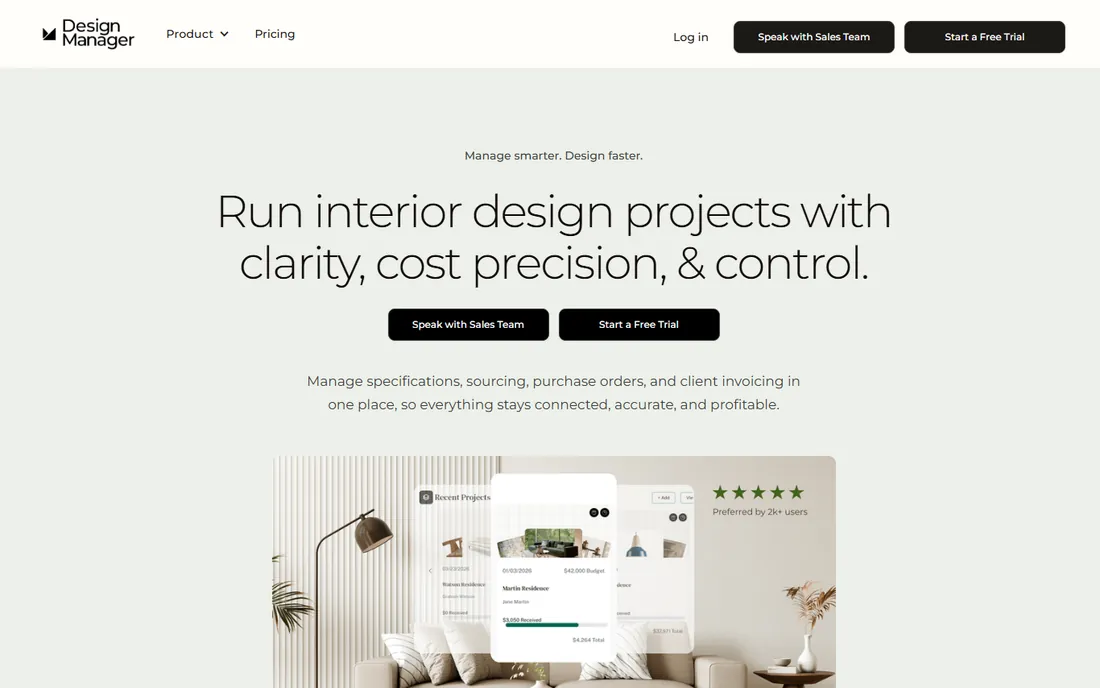
Design Manager is built for residential firms managing multiple projects, and its headline feature is margin tracking at the item level: every specified product carries its cost, markup and profitability from proposal through installation. Purchasing, purchase orders, retainers, deposits and invoicing all run inside the same system, with real-time reporting on project and firm performance.
The positioning is narrower than Studio Designer's, which is the point: it goes deep on residential project economics instead of wide on firm management. Pricing is quote-based. For a residential firm whose real question is "are we making money on this project," Design Manager answers it directly in a way no general ledger can.
What we like- Project profitability and item-level margin tracking from specification through delivery
- Purchasing and procurement management with vendor coordination
- Accounting designed around retainers, deposits and design invoices
Watch out for- Focused on residential firms, so commercial designers get less
- Quote-based pricing
Starting priceSee website (tiered plans)
Free planFree trial (30 days, no credit card)
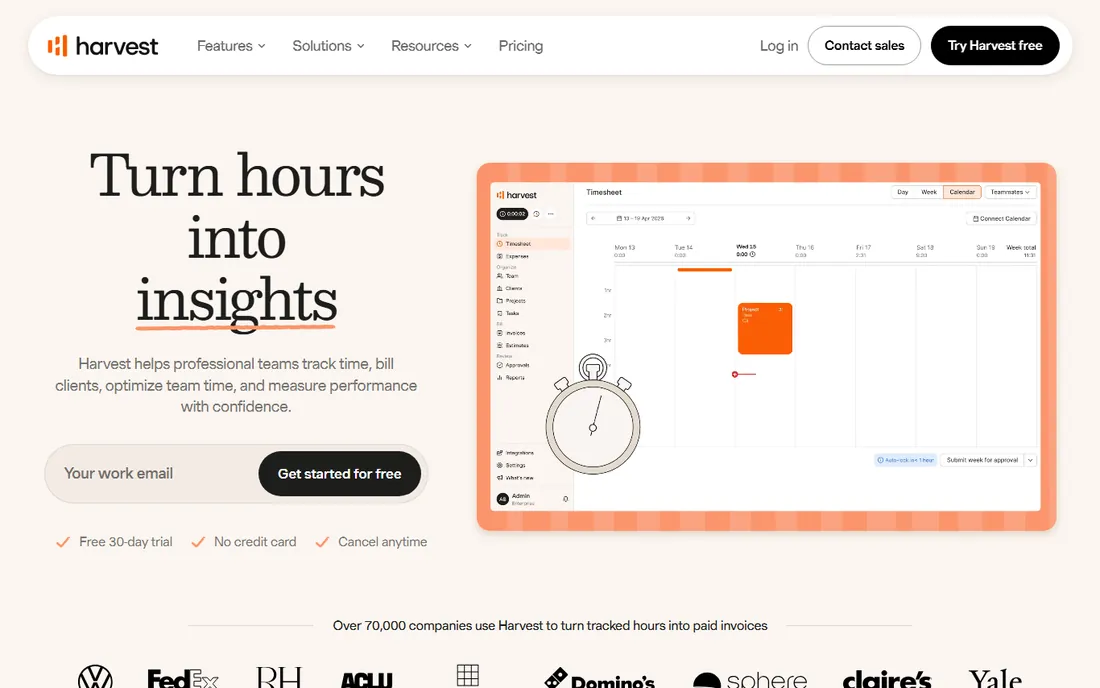
Harvest solves the problem every hourly-billing designer has: turning tracked time into accurate invoices and knowing which projects actually make money. Time tracking feeds invoicing directly, profitability reports flag losers early, and retainer tracking shows consumption in real time. The 30-day trial needs no credit card.
It is not accounting software and does not pretend to be. Harvest sits between the design work and the books: track here, invoice here, sync to QuickBooks or Xero for the ledger. For firms billing hourly or managing retainers, it is the missing piece that neither the general ledgers nor the design platforms do quite as well.
What we like- The best time tracking to invoice flow in this set, with profitability reports by project
- Retainer and estimate tracking built for service firms
- 30-day free trial with no credit card required
Watch out for- It is time and billing, not accounting: no general ledger, no purchasing
- Needs QuickBooks, Xero or similar for the official books
Why designers end up with two systems
The two-system setup confuses new firm owners, but it exists for a structural reason. Tax authorities and accountants need a general ledger: double-entry books, bank reconciliation, payroll and clean year-end reports. Designers need a project system: proposals with line items, purchase orders to vendors, client deposits applied against balances, and margin tracking per project. No vendor does both at full depth, because they are different products wearing similar clothes.
The standard architecture is one general ledger (QuickBooks Online, Xero, Wave or Zoho Books) plus one design platform (Studio Designer, Design Manager or Houzz Pro), with summary data flowing from the project system to the books. Solo designers often simplify: FreshBooks or Wave for money, plus Harvest for time. The mistake is trying to run purchasing and project profitability inside a general ledger with spreadsheets on the side. That works until the third concurrent project, then it breaks.
Choosing between the general ledgers
If the design platform decision is made, the ledger choice comes down to four factors. First, your accountant's preference: a CPA who lives in QuickBooks will charge you more to untangle anything else. Second, price: Wave is free, Zoho Books starts at $15 per month, Xero publishes $25 to $90 tiers, and QuickBooks and FreshBooks want a conversation. Third, integrations: confirm the design platform you chose syncs cleanly with the ledger you pick, because manual double entry defeats the purpose. Fourth, growth: a solo studio can start on Wave or FreshBooks and migrate later, but migrating mid-year is painful, so choose with two years of growth in mind.
Do not overthink this layer. The ledger records history; the design platform runs the business. Spend your evaluation energy on Studio Designer versus Design Manager versus Houzz Pro, where the workflow differences actually change your daily life. The ledger just needs to be accurate, accountant-approved and affordable.
Frequently asked questions
What is the best accounting software for a small interior design firm?
Most small firms run two systems: QuickBooks Online or Xero for the official books, plus Studio Designer or Design Manager for proposals, purchasing and project profitability. Solo designers can often simplify to Wave (free) or FreshBooks for money plus Harvest for time tracking.
Do interior designers need special accounting software?
For the tax books, no: QuickBooks, Xero, Wave and Zoho Books all work. For running the business, yes: proposals, trade purchasing, client deposits and item-level margins need a design platform like Studio Designer, Design Manager or Houzz Pro. General ledgers cannot do project profitability.
How much does accounting software for interior designers cost?
General ledgers range from free (Wave, Zoho Books free tier) to $15-$90 per month (Zoho Books Standard, Xero tiers). Design platforms are quote-based and cost substantially more, typically hundreds per month. Budget for both layers: the ledger plus the design platform.
Can QuickBooks handle interior design purchasing?
QuickBooks handles the accounting side of purchasing (bills, payments, expenses) but has no design workflow: no proposal-to-purchase-order flow, no item-level margin tracking, no client approval portal. Firms pair it with Studio Designer or Design Manager for the purchasing workflow.
What is the difference between Studio Designer and Design Manager?
Both are design business platforms with accounting features. Studio Designer is the broader, more established platform covering proposals, purchasing, time billing and accounting for firms of all sizes. Design Manager focuses on residential firms with deep project profitability and item-level margin tracking. Demo both against your actual project workflow.
Should a solo designer just use Wave or FreshBooks?
For many solo designers, yes. Wave gives you free accounting and invoicing; FreshBooks adds friendlier time-to-invoice flow. Add Harvest if you bill hourly. Move to QuickBooks or Xero plus a design platform when you hire, juggle multiple concurrent projects, or start trade purchasing at volume.
How we chose
We started with the searches buyers run: best accounting software for interior designers, interior design bookkeeping software and design firm project accounting. For each candidate we opened the vendor's own site to verify the product is current and the pricing claims are real, checked public reviews on G2 and Capterra and practitioner discussion on Reddit, and compared accounting depth, design workflow features, project profitability tracking and firm-size fit. Xero's tier prices and Zoho Books' free and Standard prices come from the vendors' own pricing pages; where no vendor-published price exists we wrote "See website."
Sources we checked (11)
- https://quickbooks.intuit.com
- https://www.xero.com/
- https://www.freshbooks.com
- https://www.waveapps.com
- https://www.zoho.com/books/
- https://pro.houzz.com/
- https://studiodesigner.com/
- https://designmanager.com/
- https://getharvest.com/
- https://www.g2.com/categories/accounting
- https://www.capterra.com/accounting-software/
Is your product missing or out of date?
We review this list regularly. Vendors can request a listing, send updated pricing or ask about featured placement.

Shihab Mia · Founder, Rankite
Shihab has spent more than a decade helping SaaS and e-commerce brands grow through search. He writes Rankite's software buying guides from pricing pages, documentation and public user reviews. More about Shihab.