How we make this list: we compare pricing pages, product documentation and public user reviews. Ratings come from G2, Capterra or Trustpilot, with the date we checked them.
Key takeaways
- Tableau and Power BI are the safest enterprise choices, because AI features sit on top of governed data models, permissions and familiar dashboard sharing.
- Julius AI is the fastest route from a spreadsheet to a chart and a short explanation, especially for analysts working alone.
- Luzmo suits software teams that embed analytics inside their own product, with AI answers grounded in defined business logic.
- Rows suits teams that already live in spreadsheets and want AI to build reports, charts and live data connections without a BI rollout.
- Akkio and Zoho Analytics suit teams that want AI to go beyond charts, into predictions, anomaly detection and recommended actions.
Quick comparison
| Tool | Best for | Starting price | Free plan |
|---|
 Tableau Tableau | Governed enterprise dashboards with AI help | See website | Free trial |
 Microsoft Power BI Microsoft Power BI | Teams already using Microsoft 365 and Fabric | See website | Yes |
 Julius AI Julius AI | Quick analysis and charts from spreadsheets and files | See website | Yes |
 Akkio Akkio | AI workflows that combine chat, prediction and reporting | See website | Free trial |
 Luzmo Luzmo | Embedding AI analytics inside a customer-facing product | See website | Free trial |
 Rows Rows | AI-powered spreadsheets and live reports | See website | Yes |
 Zoho Analytics Zoho Analytics | Low-cost AI BI with a wide connector range | See website | Free trial |
Is your product missing or out of date?
We review this list regularly. Vendors can request a listing, send updated pricing or ask about featured placement.
#1Tableau
Best for: Governed enterprise dashboards with AI help4.4/5 on
G2 (3,787 reviews, checked Oct 2026)
Visit tableau.com
Starting priceSee website
Free planFree trial
Tableau's AI strength is context. Rather than letting a language model guess at raw tables, Tableau's agentic analytics work from a knowledge engine and semantic layer, so metrics stay consistent when different people ask the same question in different words. Users can ask questions in natural language, receive proactive insights, and bring dashboards into Slack, Teams and other tools where decisions happen.
The trade-off is enterprise weight. Tableau Cloud, Server and Next serve different deployment needs, and pricing depends on the product, user type and capacity chosen. A small team that only needs a few charts from a spreadsheet will move faster with Julius or Rows. A company that needs governed metrics, row-level security and dashboards that hundreds of people trust should start with Tableau and add a chat-first tool only for ad hoc analysis.
What we like- Strong visual analytics and dashboard design
- AI answers in natural language with a semantic layer behind them
- Wide connector range and community resources
Watch out for- Pricing varies by product and deployment, so the pricing page must be checked
- Full enterprise setup takes time
- Smaller teams may find it more than they need
#2Microsoft Power BI
Best for: Teams already using Microsoft 365 and Fabric4.5/5 on
G2 (1,661 reviews, checked Oct 2026)
Visit microsoft.com
Starting priceSee website
Free planYes
Power BI fits naturally where Microsoft tools already run the business. Reports built in the free Desktop app can be published to the service, shared in Teams, and embedded in other apps, while Copilot helps generate summaries, suggest visuals and answer questions about a report. For a team that stores data in Excel, SharePoint or Fabric, that integration removes several steps that other tools require.
Licensing is the part to price carefully. Individual report building can be free, but publishing and sharing at team scale usually needs Power BI Pro licences or Premium or Fabric capacity, and the right mix depends on how many people create versus only view reports. Teams should map creators, viewers and capacity before buying, and check which Copilot features their licence and capacity actually include.
What we like- Deep integration with Excel, Teams and Fabric
- Copilot assistance for reports and summaries
- Free Desktop app for building reports
Watch out for- Licensing mixes Pro, Premium and Fabric capacity, which complicates budgeting
- Sharing reports broadly usually needs paid licences
- Some AI features depend on capacity type
#3
Julius AI
Best for: Quick analysis and charts from spreadsheets and files
Visit julius.ai
Starting priceSee website
Free planYes
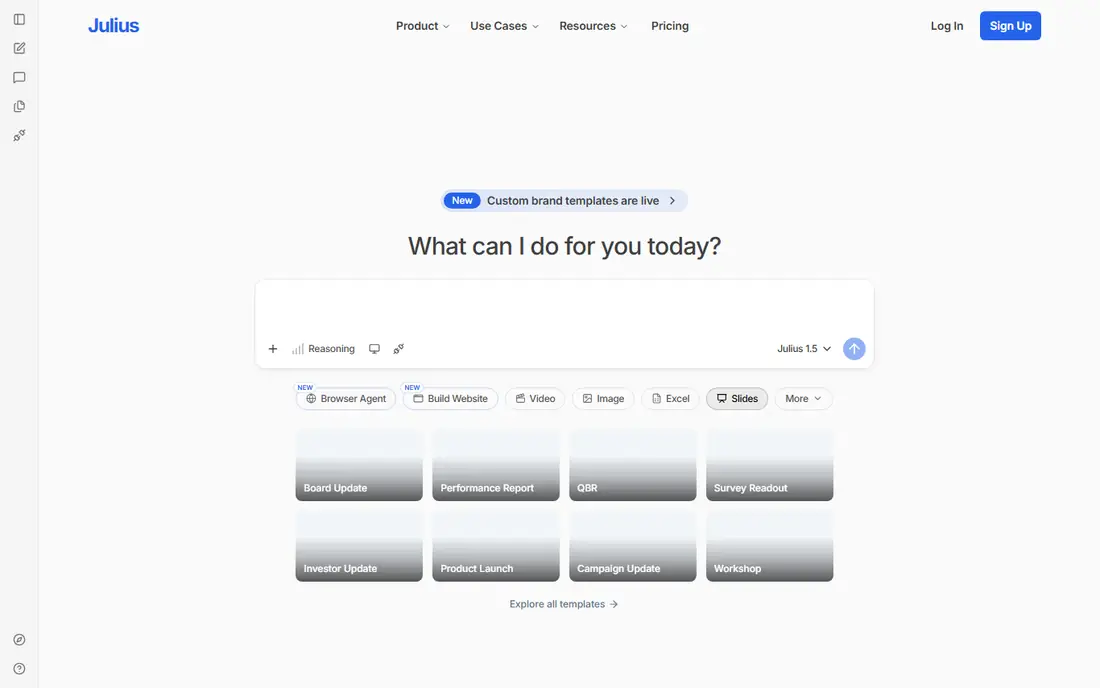
Julius AI is the tool for the question that arrives by email at 4 pm: what drove sales last quarter, and can you chart it for tomorrow's meeting. Upload a file, ask in plain language, and Julius returns analysis, charts and a presentation-ready summary in one workspace. That speed is valuable for analysts, founders and consultants who work from files rather than from a warehouse.
The limit is governance. Julius works brilliantly on a file you control, but it does not replace a shared semantic layer for an entire company, and its calculations should be spot-checked before they reach a board or a client. For ad hoc analysis, exploration and fast storytelling, Julius is the best tool here. For a dashboard that a whole company will rely on daily, Tableau, Power BI or Zoho Analytics is a better home.
What we like- Chat interface for analysis, charts and presentations
- Works from Excel, CSV and other files without a BI setup
- Useful for one-off questions and board-ready summaries
Watch out for- Credit-based pricing, so heavy use needs a pricing page check
- No governed enterprise data model
- Results must be checked, especially for calculations
#4Akkio
Best for: AI workflows that combine chat, prediction and reporting4.5/5 on
G2 (14 reviews, checked Oct 2026)
Visit akkio.com
Starting priceSee website
Free planFree trial

Akkio combines several AI jobs that other tools keep separate: ask questions of data in plain language, build predictive models without code, and turn the result into reports that refresh as part of a workflow. Governance features, including role-based access and visibility into AI actions, help teams that need to explain how an answer was produced. That combination suits agencies and operations teams that repeat the same analysis for many clients or campaigns.
Buyers should trial Akkio against a real dataset, since its homepage now presents it as a workflow platform for agencies rather than a simple chart tool. If the trial shows that chat, modeling and reporting work together smoothly for your data, Akkio can replace several separate steps. If you only need charts from a spreadsheet, a simpler tool will be faster and cheaper.
What we like- Chat with data plus no-code modeling and reporting
- Governance controls for teams
- Workflows that automate repeat analysis across a business
Watch out for- Pricing requires a pricing page or sales check
- Positioning has shifted toward workflow automation, so buyers should trial the current analytics features
- Enterprise focus may suit larger teams best
#5
Luzmo
Best for: Embedding AI analytics inside a customer-facing product
Visit luzmo.com
Starting priceSee website
Free planFree trial
Luzmo answers a different question from the other tools here: not what should our team see, but what should our customers see inside our product. A customer can ask a question in plain language and receive a visual answer computed by Luzmo's query engine from governed business logic, rather than a guessed SQL query. Multi-tenancy and permissions are built in, so one customer never sees another customer's data.
That product focus means Luzmo is overkill for a team that only needs internal dashboards. For a SaaS company that wants to ship customer analytics without building a BI team, Luzmo saves a large amount of engineering time, and its AI layer keeps answers consistent with the metrics the company already defines. Internal BI teams should look at Tableau, Power BI or Zoho Analytics instead.
What we like- Natural language questions answered from defined business logic
- Secure multi-tenant embedding
- Analytics that work inside a product, chat or agent surface
Watch out for- Built for product teams, not for internal-only BI
- Pricing needs a pricing page check
- Setup requires defining metrics and permissions properly
#6Rows
Best for: AI-powered spreadsheets and live reports4.9/5 on
G2 (24 reviews, checked Oct 2026)
Visit rows.com
Starting priceSee website
Free planYes
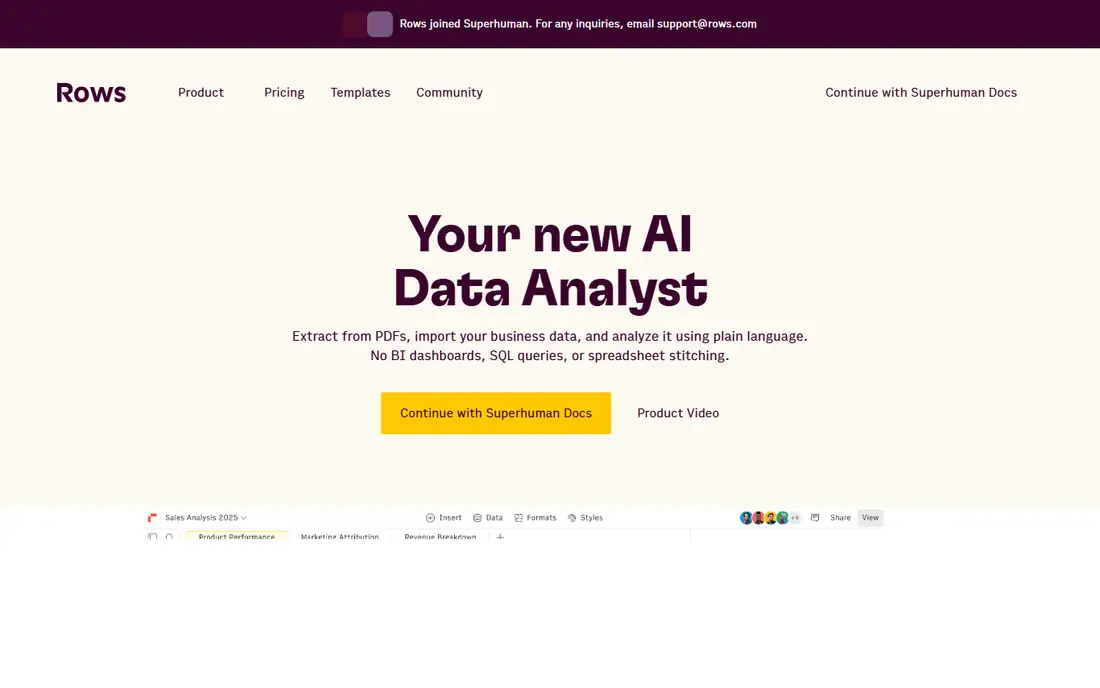
Rows rethinks the spreadsheet as an AI analyst. Instead of wrestling with formulas, a user can ask AI to import data, merge datasets, build a model and chart the result, with live connections that refresh from advertising, social, warehouse and back-office sources. Reports can be shared as interactive dashboards or embedded in docs and websites, which makes Rows useful for marketing, sales and finance teams that already think in tables.
Spreadsheets still need care. AI-generated formulas and merged data should be checked, especially when a report will guide spending or hiring decisions, and very large or heavily governed datasets belong in a BI platform. For a team that lives in spreadsheets and wants AI to remove the manual steps between data and a readable chart, Rows is the most direct upgrade.
What we like- Ask AI to build models, charts and reports in a spreadsheet
- Live connections to many business sources
- Shareable dashboards and embeds
Watch out for- Pricing for team and AI usage needs a pricing page check
- Very large datasets suit a warehouse BI tool better
- Spreadsheet habits can hide errors if formulas are not checked
#7Zoho Analytics
Best for: Low-cost AI BI with a wide connector range4.2/5 on
G2 (289 reviews, checked Oct 2026)
Visit zoho.com
Starting priceSee website
Free planFree trial
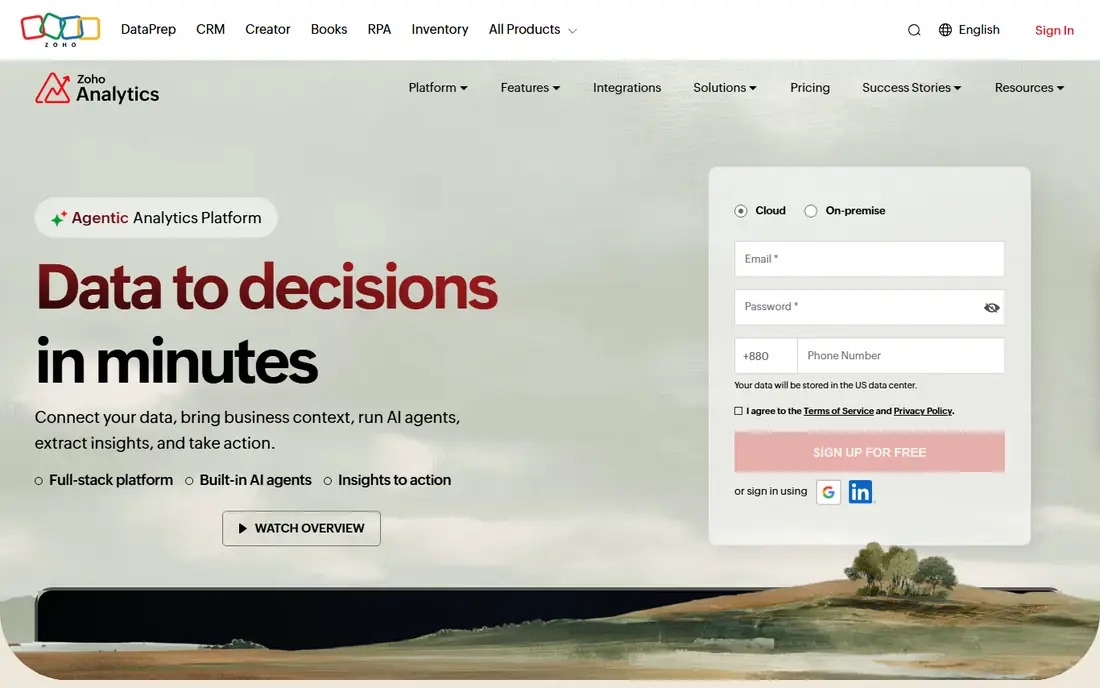
Zoho Analytics gives small and mid-sized businesses many of the AI features found in enterprise BI at a lower price point. Zia, its AI assistant, can create charts and dashboards from a question, recommend visualizations, explain what drove a change, and surface anomalies and forecasts. Data pipelines can be built with drag-and-drop or with an AI agent, and more than 500 connectors cover files, apps, databases and warehouses.
The product is broad rather than beautiful, and teams used to Tableau's visual polish may find Zoho's dashboards more functional than striking. That is a fair trade for the price and connector range, especially for businesses already using Zoho apps. A 15-day free trial with no card required makes it easy to test Zoho Analytics against a real dataset before committing.
What we like- AI agents for pipelines, visualization and analysis
- More than 500 connectors
- Zia assistant creates charts and explains drivers of change
Watch out for- Pricing varies by plan and user count, so the pricing page must be checked
- Interface is practical rather than polished
- Advanced features need a paid plan
How we chose
We compared vendor homepages and feature documentation, and we weighed each tool by AI question handling, chart quality, data governance, sharing and embedding, and pricing transparency. Tools whose homepages no longer offered a data visualization product, or that only offered a single chart type, were left out. Where pricing is credit-based or varies by licence and capacity, we list See website rather than guessing a rate.
Checking an AI chart before you trust it
An AI chart can look confident and still be wrong, usually because it aggregated the wrong column, filtered the wrong period, or chose a chart type that hides the story. Before sharing a chart, check the underlying data and filters, confirm the aggregation matches the question asked, and compare the result with a known total or a second method. If the tool shows its query or its reasoning, read it; if it does not, reproduce the chart manually for any number that will guide a decision.
Choose the chart for the question, not for the tool
AI tools often default to a bar or line chart, but the right choice depends on the question. Trends over time suit line charts, comparisons between categories suit bar charts, parts of a whole suit stacked bars rather than pie charts when there are many parts, and distributions suit histograms. A good AI tool will suggest a type and explain why; a good analyst will still override it when the suggestion hides the insight.
Frequently asked questions
What is the best AI data visualization tool?
Tableau and Power BI are best for governed enterprise dashboards, Julius AI is best for fast chat-first analysis from files, Luzmo is best for embedded customer analytics, Rows is best for AI spreadsheets, and Zoho Analytics is best for low-cost AI BI. The best choice depends on whether the audience is internal, customer-facing, or a single analyst.
Can AI create a chart from a plain-language question?
Yes, most tools here accept a question such as sales by region last quarter and return a chart, often with a short explanation. The chart should still be checked against the source data, especially the filters and aggregation used, before it is shared or used for a decision.
Are AI-generated charts accurate?
They can be, when the data model is clear and the question is precise, but they can also be wrong when a column name is ambiguous or a filter is misunderstood. Tools with a semantic layer or defined business logic, such as Tableau and Luzmo, reduce that risk. Always verify numbers that matter.
Do I need a data warehouse to use AI visualization tools?
No. Julius and Rows work directly from files and spreadsheets, while Tableau, Power BI and Zoho Analytics can connect to files, apps and databases as well as warehouses. A warehouse helps at scale and for governance, but it is not a prerequisite for getting started.
What is the difference between AI BI and a chat analyst like Julius?
AI BI platforms combine governed data models, dashboards, permissions and scheduled refresh for a whole team, while a chat analyst focuses on fast, ad hoc answers from files for one person. Many teams use both: a BI platform for shared dashboards and a chat tool for exploration.
Is my data used to train AI models by these tools?
Policies vary by vendor and plan, so check the vendor privacy and AI terms before uploading sensitive data. Enterprise plans often include stronger data controls, and some tools state that customer data is not used for training. When in doubt, start with aggregated or anonymized data.
Sources we checked (7)
- https://www.tableau.com/pricing
- https://www.microsoft.com/en-us/power-platform/products/power-bi/pricing
- https://julius.ai/pricing
- https://www.akkio.com/pricing
- https://www.luzmo.com/pricing
- https://rows.com/pricing
- https://www.zoho.com/analytics/pricing
Is your product missing or out of date?
We review this list regularly. Vendors can request a listing, send updated pricing or ask about featured placement.

Shihab Mia · Founder, Rankite
Shihab has 5+ years in B2B and SaaS SEO. He writes Rankite's software buying guides from pricing pages, documentation and public user reviews. More about Shihab.