How we make this list: we compare pricing pages, product documentation and public user reviews. Rankite is independent; if a vendor ever pays for a featured spot, that listing is clearly labeled Partner.
Key takeaways
- The best AI data analytics tools let non-technical users ask questions in plain English and get charts, predictions and explanations back.
- Julius AI and Rows are the fastest path from a spreadsheet to AI-generated analysis for small teams and marketers.
- Obviously AI and Akkio bring no-code machine learning to business users who need predictions like churn and forecasting without data scientists.
- Hex and Sigma serve data teams with governed, AI-native workspaces, while Polymer embeds AI analytics into products.
Quick comparison
| Tool | Best for | Starting price | Free plan |
|---|
 Julius AI Julius AI | chat-based analysis for non-technical users | See website | Yes |
 Obviously AI Obviously AI | no-code predictive modeling | See website | Free trial |
 Hex Hex | AI-native workspace for data teams | See website | Free trial |
 Sigma Sigma | AI apps on live warehouse data | See website | Free trial |
 Akkio Akkio | AI workflows for agencies and teams | See website | Free trial |
 Polymer Polymer | embedded AI analytics for products | From $500/month (API access) | Free trial |
 Rows Rows | AI spreadsheet for business teams | Free (free plan); paid plans available | Yes |
Is your product missing or out of date?
We review this list regularly. Vendors can request a listing, send updated pricing or ask about featured placement.
#1
Julius AI
Best for: chat-based analysis for non-technical users
Visit julius.ai
Starting priceSee website
Free planYes
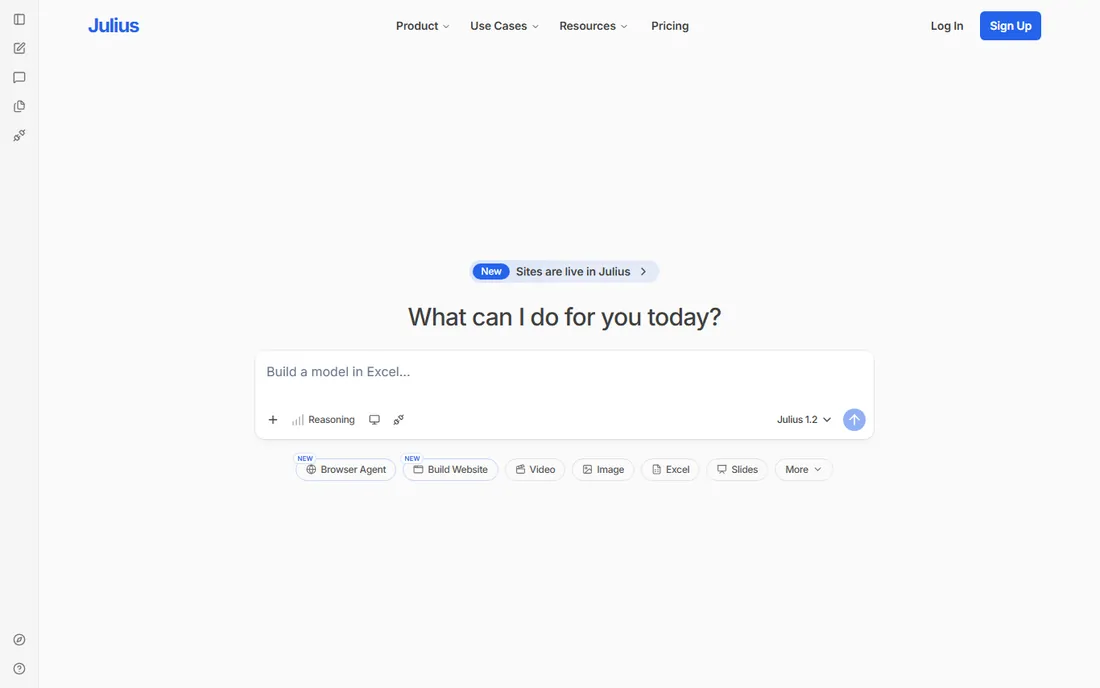
A marketer with a campaign CSV wants answers, not a Python tutorial. A founder wants to know which customers are churning before the board meeting. Julius AI gives both a chat window: upload a file, ask a question in plain English, get back charts, statistics and explanations.
Under the conversational surface, Julius runs Python with pandas, matplotlib and scikit-learn, and it shows you the code it executed, so technical users can verify the work. It handles CSV, Excel, Google Sheets and database connections on higher tiers, with notebooks for reusable analysis workflows. The free tier offers a limited number of messages per month, with paid plans raising the limits.
The catch is governance. Julius is a personal analyst, not an enterprise BI platform: no semantic layer, no row-level permissions, no audit trail for regulated teams. For ad-hoc analysis by non-technical users, though, it collapses the distance between question and answer better than almost anything else.
What we like- Conversational interface anyone can use
- Runs real Python under the hood
- Shows its code
Watch out for- Limited free tier
- Not built for governed enterprise BI
Starting priceSee website
Free planFree trial
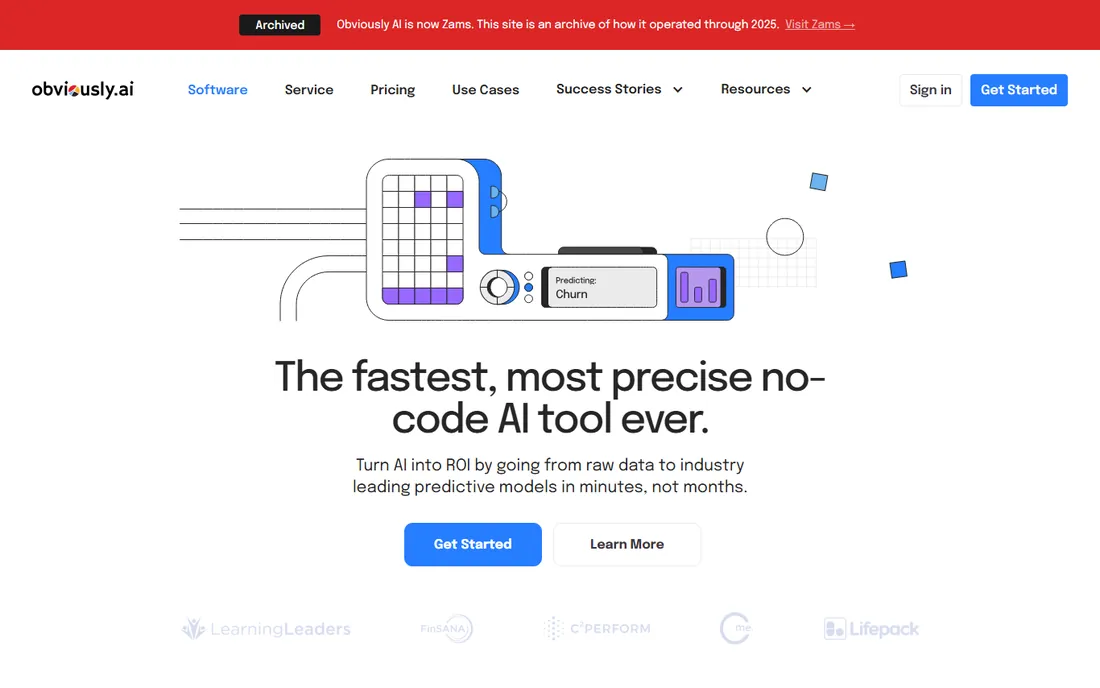
Where Julius answers questions about the past, Obviously AI predicts the future. Upload a dataset and ask which customers will churn, what sales will look like next quarter, or which leads will convert, and the platform builds classification, regression or time-series models in minutes with no code.
One-click deployment turns models into shareable web apps and real-time REST APIs, with Zapier automations that act on predictions automatically. Model monitoring watches for drift. Every account includes access to a dedicated data scientist who helps with data merging, cleaning and enrichment, which is unusual at this price point.
Obviously AI is not a dashboarding tool; pair it with Power BI or Looker for visualization. Pricing requires a conversation. But for business teams that need real predictive models without hiring data scientists, it delivers working predictions faster than any alternative here.
What we like- Predictions in minutes without code
- One-click model deployment
- Dedicated data scientist support
Watch out for- Pricing not public
- Aimed at prediction, not dashboards
Starting priceSee website
Free planFree trial
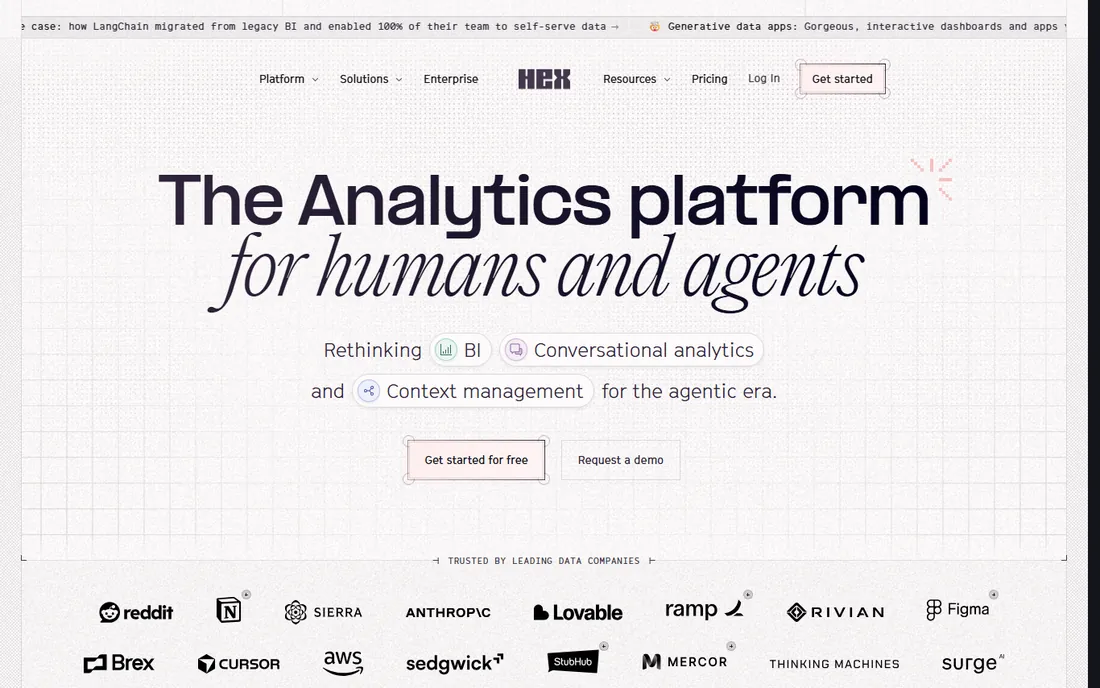
Hex is the AI analytics platform for organizations where data teams and business users share one workspace. Data practitioners run SQL and Python in collaborative notebooks and publish interactive data apps; business users ask questions in plain language in Hex, Slack or via MCP and get AI-generated analysis grounded in the same data.
The differentiator is the context engine: semantic models, database descriptions, business rules and analytical logic combine into a curated layer that powers every AI answer, with evals and observability so data teams can see what is being asked, catch inconsistencies and improve accuracy over time. Deep dbt integration, Git export and orchestration hooks fit modern data stacks.
Hex assumes a data team exists to set up context and models. Casual business users without that foundation will get less value. Pricing is quote-based. But for companies standardizing on AI-assisted analytics with governance intact, Hex is the most complete workspace on this list.
What we like- Notebooks, apps and chat in one workspace
- Context engine grounds AI answers
- Strong dbt integration
Watch out for- Built for data teams, not casual users
- Pricing not public
Starting priceSee website
Free planFree trial
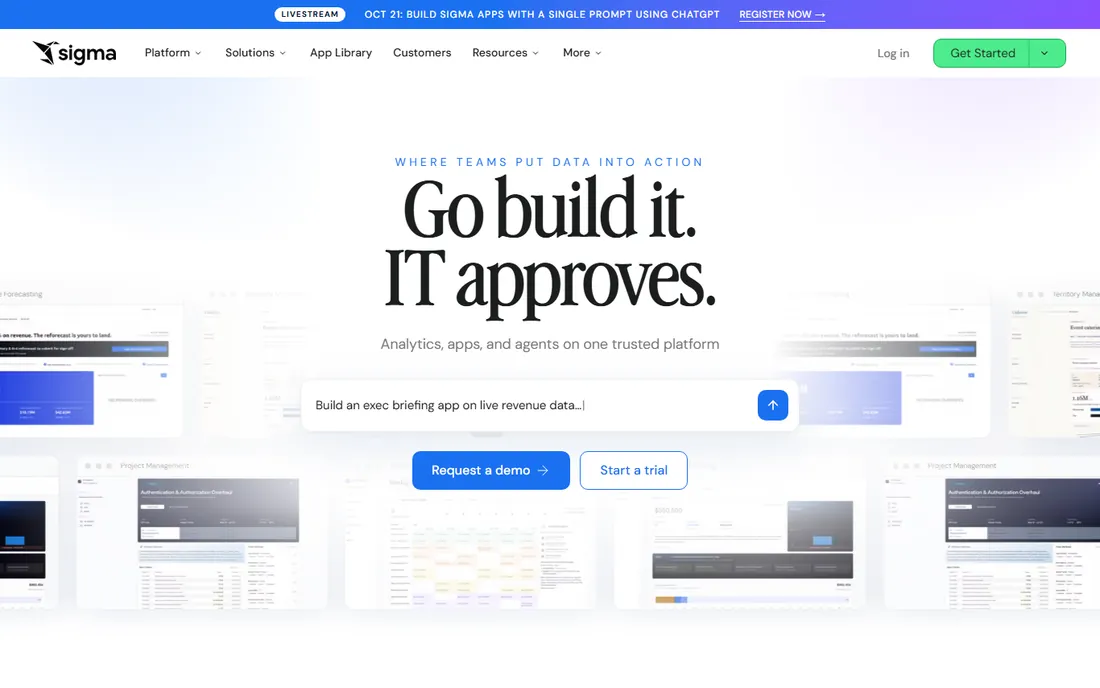
Sigma has evolved from spreadsheet-style BI into what it calls the AI runtime for business: a governed platform where teams chat with live cloud warehouse data, build AI agents that act on it, and deploy workflows that write back to source systems, all without moving data.
The familiar spreadsheet interface remains the entry point, now joined by natural-language chat, AI-built dashboards and reports, and agents that automate operational workflows like order alerts and churn interventions. Security and governance inherit directly from the warehouse, with SOC 2, HIPAA and GDPR compliance. It runs on Snowflake, Databricks, BigQuery and Redshift.
The requirement is a modern cloud data warehouse; without one, Sigma has nothing to connect to. Pricing is enterprise-grade and quote-based. For warehouse-centric companies that want business users building AI apps on governed live data, Sigma's combination of spreadsheet familiarity and agentic capability is distinctive.
What we like- Spreadsheet interface on live warehouse data
- Build AI agents and apps
- No data movement
Watch out for- Tied to cloud data warehouses
- Enterprise pricing
Starting priceSee website
Free planFree trial
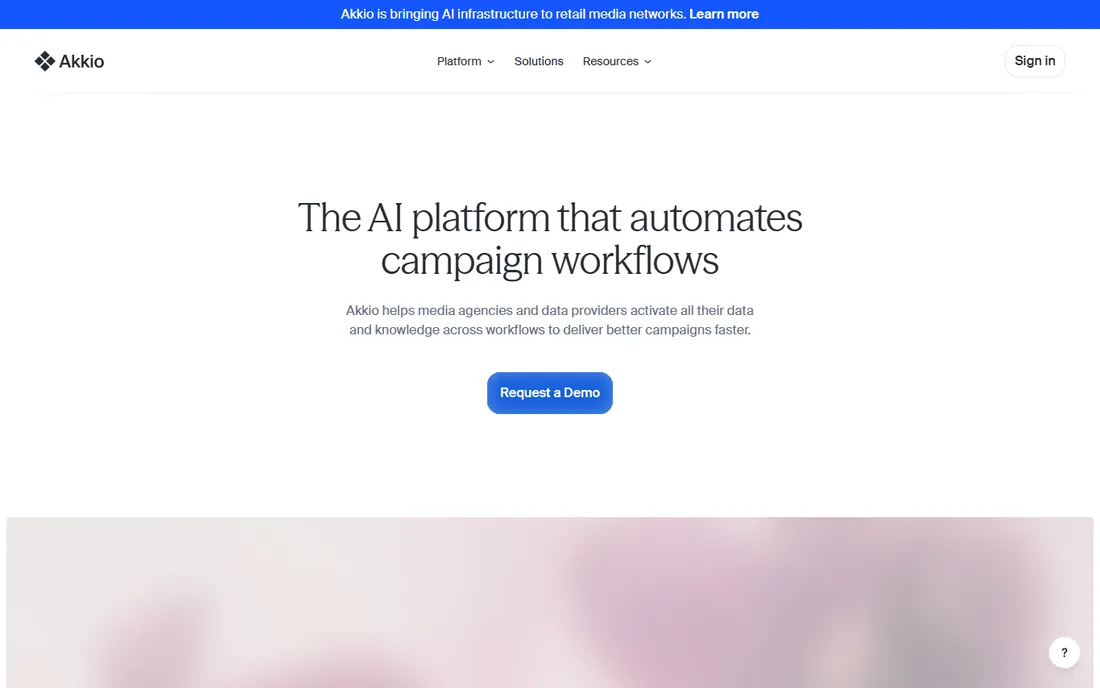
Akkio has grown from no-code machine learning into an AI workflow automation platform, with a current focus on media agencies and data providers. Teams upload data, chat with it, build predictive models without code, and automate the workflows around them, from audience segmentation and propensity modeling to campaign performance measurement.
The platform combines four elements: AI tools like Chat with Data and no-code modeling, business context that grounds outputs, governance with role-based access and observability over AI actions, and extensibility to integrate with existing stacks. SOC 2, HIPAA and GDPR compliance cover regulated data.
The agency positioning means generalist teams should evaluate fit carefully; the marketing speaks to campaign lifecycles more than generic BI. Pricing is not published. But for agencies drowning in fragmented data and manual reporting, Akkio's workflow-first approach addresses the real bottleneck.
What we like- Chat with data and no-code modeling
- Workflow automation
- SOC 2 and HIPAA compliance
Watch out for- Agency-focused positioning
- Pricing not public
Starting priceFrom $500/month (API access)
Free planFree trial
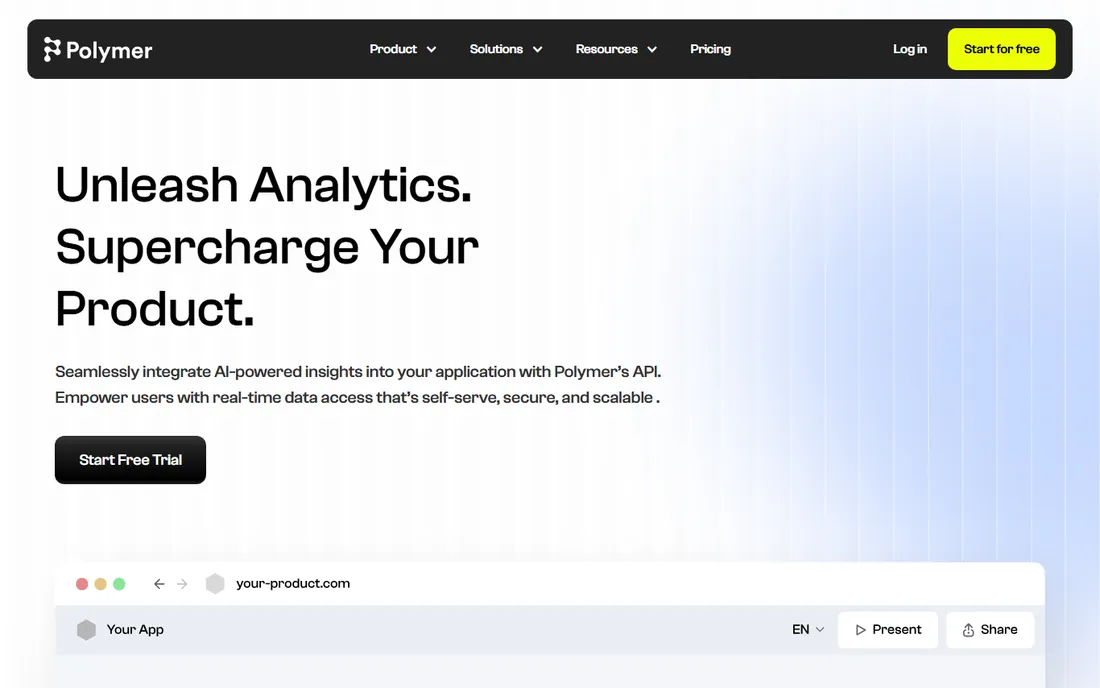
Polymer is built for developers who want analytics inside their product without building it. Embed charts, graphs and visualizations with a few lines of code, offer customers AI-generated dashboards and insight explanations, and keep everything under your own brand.
The AI angle covers the full loop: connect data, let Polymer's AI identify key questions and generate dashboards automatically, then give end users automatic explanations of what each chart means. For SaaS products that need to show customers their data beautifully with minimal engineering investment, that combination is the pitch.
API access starts at $500 per month, which prices out hobby projects and very small products. Polymer is also narrower than a full BI platform; it will not replace your internal analytics stack. But as an embedded analytics layer with genuine AI generation, it is one of the most focused options available.
What we like- Embed charts with a few lines of code
- AI-generated dashboards
- White-label friendly
Watch out for- API pricing starts high for small products
- Narrower than full BI platforms
Starting priceFree (free plan); paid plans available
Free planYes
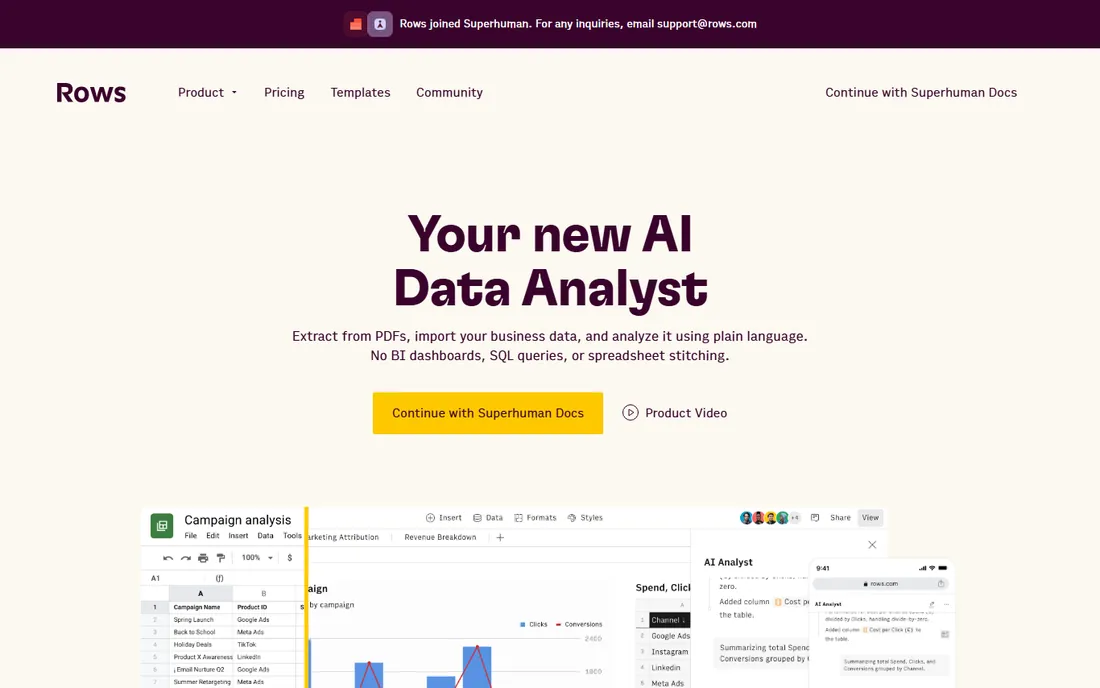
Rows is the spreadsheet rebuilt around AI. Import data from 50-plus sources, from files and databases to ad platforms and CRMs, then ask the built-in AI Analyst questions in plain language: it summarizes takeaways, discovers relevant questions on its own, runs pivots and trend analysis, and generates charts. It can even extract data from PDFs and images.
The free plan is genuinely generous: unlimited spreadsheets and templates, unlimited workspace members, and monthly integration tasks included. Reports and dashboards share and embed anywhere, with automatic refresh. Privacy is a selling point: unlike most AI assistants, analysis happens with minimal data leaving the platform.
Note that Rows announced it will join Superhuman, so the independent roadmap may shift. Rows also works at spreadsheet scale, not data-warehouse scale. For business teams living in spreadsheets who want an AI analyst on tap, it is the most complete option here.
What we like- Generous free plan
- AI analyst answers questions proactively
- 50+ integrations
Watch out for- Joining Superhuman may change the roadmap
- Not a data warehouse tool
How we chose
We reviewed vendor product pages, documentation and public customer reviews on G2, Capterra and Reddit to compare natural-language capabilities, predictive modeling, governance, embedding options and pricing. We favored tools where AI is central to the product rather than a bolted-on chatbot. We did not run hands-on trials, and most pricing in this category is quote-based.
AI in analytics falls into three distinct jobs, and tools specialize in different ones. The first is conversational analysis: ask a question in plain English, get a chart back. Julius AI, Rows and Hex's chat threads do this well. Quality depends on whether the AI shows its work; tools that reveal the underlying code or SQL earn more trust.
The second is prediction: which customers churn, what revenue looks like next quarter. Obviously AI and Akkio build real machine learning models for this, while most BI chatbots only describe the past. If you need forecasts, make sure the tool trains models rather than just extrapolating trend lines.
The third is governed assistance: AI that answers questions constrained by approved metric definitions. Hex's context engine, Sigma's governed agents and ThoughtSpot-style semantic layers do this. This is what separates enterprise AI analytics from a clever demo: the answers stay consistent because the AI cannot invent its own definitions.
Buying advice for small teams
Start with the question you actually need answered. If it is "what happened in my spreadsheet," Julius AI or Rows gets you there today for little or no money. If it is "what will happen," Obviously AI builds the prediction. Resist buying a platform for questions you do not have yet.
Check data privacy before uploading anything sensitive. AI analytics tools process your data on their servers; confirm SOC 2 compliance, data retention policies and whether your data trains their models. Rows' metadata-only approach and vendors with HIPAA compliance deserve a closer look for sensitive data.
Finally, pilot with a real dataset and a real question. AI demos look magical on clean sample data. Your messy CSV with missing values and inconsistent categories is the true test. Every tool here offers a free tier or trial; use it on your own data before committing budget.
Frequently asked questions
What is the best AI data analytics tool for beginners?
Julius AI and Rows are the easiest starting points. Julius AI works like a chat with your spreadsheet, no setup beyond uploading a file. Rows adds a full spreadsheet with an AI analyst and a generous free plan. Neither requires SQL, Python or a data team.
Can AI analytics tools replace a data analyst?
They handle routine questions and first-draft analysis well, which frees analysts for harder work. They do not replace judgment about data quality, methodology or business context. Tools with governance features, like Hex's context engine, get closer by constraining AI to approved definitions, but human oversight still matters.
How is AI predictive analytics different from regular BI?
Regular BI describes what happened: dashboards, trends, summaries. AI predictive analytics forecasts what will happen: churn probability, sales forecasts, lead scores. Tools like Obviously AI and Akkio train machine learning models for prediction, while conversational tools like Julius AI focus on describing and exploring existing data.
Are my data safe with AI analytics tools?
It depends on the vendor. Check for SOC 2 certification, read the data retention policy, and ask whether your data is used to train models. Some tools process only metadata or offer private deployment. For regulated industries, prefer vendors with HIPAA or GDPR compliance stated on their site.
What does embedded AI analytics mean?
Embedded AI analytics puts governed dashboards, natural-language search and AI assistants inside your own product or application, under your brand. Polymer and Sisense specialize in this. It lets SaaS companies offer customers data insights without building the analytics layer themselves.
Do I need to know SQL or Python to use these tools?
No for most of them. Julius AI, Rows, Obviously AI and Akkio are designed for non-technical users. Hex and Sigma serve both: business users ask in plain language while data teams can drop into SQL or Python when needed. Only the advanced features require code.
Sources we checked (8)
- https://julius.ai
- https://obviously.ai/
- https://hex.tech/
- https://sigmacomputing.com/
- https://akkio.com/
- https://polymersearch.com/
- https://rows.com
- https://github.com/irtezaasadrizvi/ai-megalist/blob/HEAD/tools/julius.md
Is your product missing or out of date?
We review this list regularly. Vendors can request a listing, send updated pricing or ask about featured placement.

Shihab Mia · Founder, Rankite
Shihab has spent more than a decade helping SaaS and e-commerce brands grow through search. He writes Rankite's software buying guides from pricing pages, documentation and public user reviews. More about Shihab.