How we make this list: we compare pricing pages, product documentation and public user reviews. Rankite is independent; if a vendor ever pays for a featured spot, that listing is clearly labeled Partner.
Key takeaways
- Botpress (free; Plus $150/month) and Rasa (free open source) are the accessible entries for teams that build chatbots themselves.
- Microsoft Copilot Studio ($200/month for 25,000 messages, per Microsoft's licensing guide) is the pick for companies already on Microsoft 365.
- Google Dialogflow, Amazon Lex and IBM watsonx Assistant price by usage, which suits spiky traffic but needs volume forecasting.
- Kore.ai and Cognigy sell to enterprises through quotes; budget a sales cycle and a pilot before committing.
Quick comparison
| Tool | Best for | Starting price | Free plan |
|---|
 Botpress Botpress | Product and support teams building chatbots that need to scale past a demo | Free; Plus from $150/month (per vendor site) | Yes |
 Rasa Rasa | Engineering teams that want to own their chatbot stack outright | Free (open source); Rasa Pro on custom pricing | Yes (open source) |
 Google Dialogflow Google Dialogflow | Teams on Google Cloud that need chat and voice in one NLU service | See website (usage-based pricing per request) | Free tier (usage credits) |
 Microsoft Copilot Studio Microsoft Copilot Studio | Microsoft 365 organizations building agents for employees and customers | $200/month for 25,000 messages (per Microsoft licensing guide) | Free trial |
 IBM watsonx Assistant IBM watsonx Assistant | Regulated enterprises that need compliance-grade conversational AI | See website (tiered by monthly active users) | Yes (Lite plan) |
 Amazon Lex Amazon Lex | AWS teams embedding conversational interfaces into applications | See website (per-request pricing) | Yes (AWS free tier) |
 Kore.ai Kore.ai | Large enterprises automating customer and employee conversations | See website (custom quote) | Free trial (length unverified) |
 Cognigy Cognigy | Contact centers deploying conversational AI across voice and chat | See website (custom quote) | Free trial (length unverified) |
Is your product missing or out of date?
We review this list regularly. Vendors can request a listing, send updated pricing or ask about featured placement.
A customer asks a question at 11 pm. Somewhere, software decides whether a bot answers it, a human gets paged, or the question dies in a queue. The platforms below build those bots: the natural-language understanding, the conversation flows, the integrations into your help desk, and the analytics that show what the bot actually resolved. Pick wrong and you get a demo that charms and a deployment that stalls.
#1
Botpress
Best for: Product and support teams building chatbots that need to scale past a demo
Visit botpress.com
Starting priceFree; Plus from $150/month (per vendor site)
Free planYes
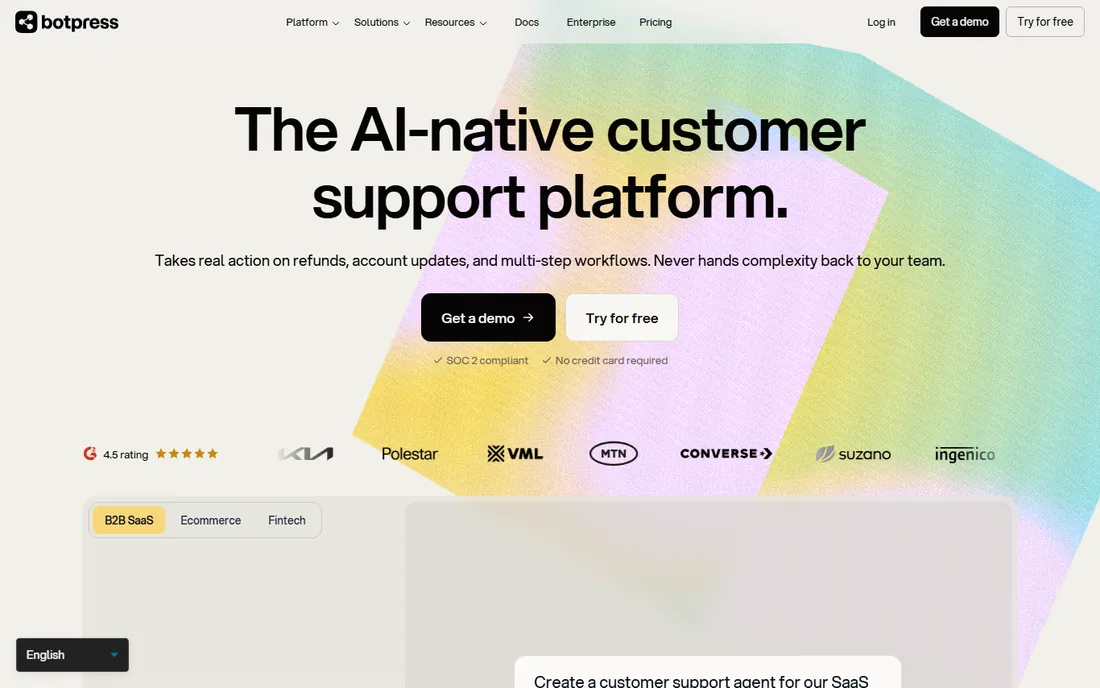
Botpress grew out of the open-source chatbot world into a full AI agent platform. The free plan covers building and testing, and the Plus plan at $150 per month (per the vendor's own pricing content) adds production features like human handoff and knowledge base indexing. Pricing is conversation-based rather than seat-based, which keeps costs tied to usage instead of headcount.
The honest catch is the two-part bill: the plan plus AI spend for the underlying model calls. Botpress passes LLM costs through, so a chatty bot with long context windows costs more than the plan price suggests. Set the AI spend cap the vendor provides before launch. For teams that can model their volume, it is the most capable platform near this price.
What we like- No per-seat pricing, so the whole team can build
- LLM-agnostic design lets you swap models without rebuilding
- Visual builder plus full API control in one platform
Watch out for- Production costs include AI usage on top of the plan, so forecasting matters
- Complex bots still need someone technical on the team
#2
Rasa
Best for: Engineering teams that want to own their chatbot stack outright
Visit rasa.com
Starting priceFree (open source); Rasa Pro on custom pricing
Free planYes (open source)
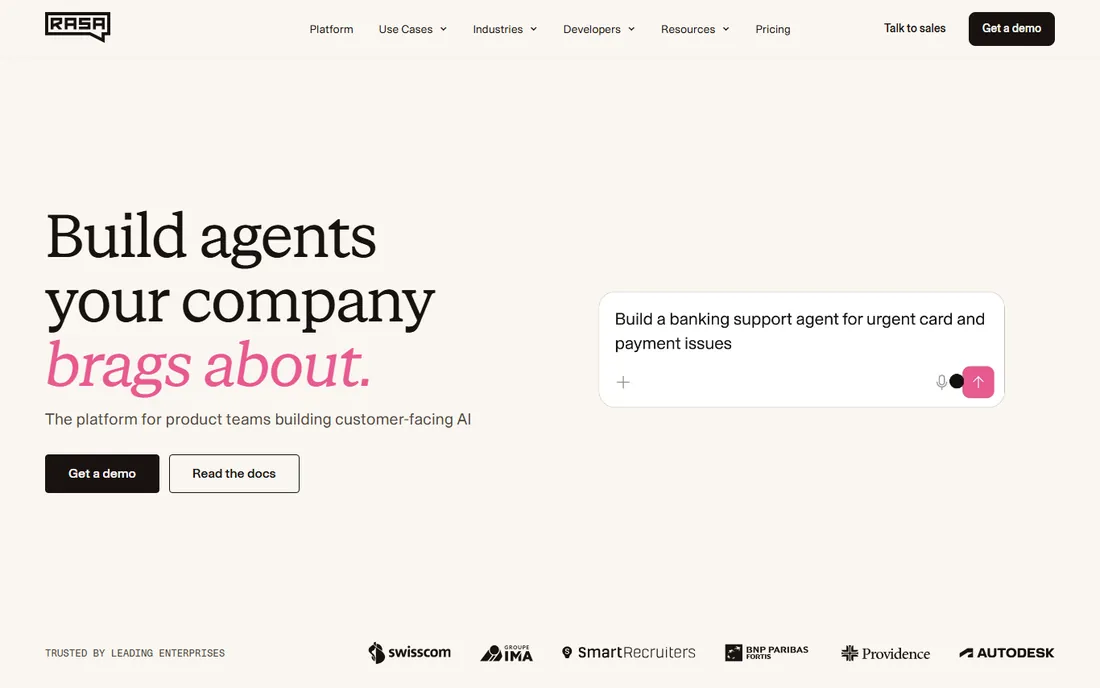
Rasa is the open-source answer. The framework is free, the NLU runs where you deploy it, and your conversation data never has to leave your infrastructure. That matters for regulated industries and for companies whose chatbot handles sensitive customer data. Rasa Pro adds enterprise features like analytics and observability on custom pricing.
The price of freedom is effort. There is no drag-and-drop studio that a marketer can use alone; Rasa projects are software projects with developers, CI pipelines and hosting bills. Teams that have the engineering capacity get a platform no vendor can take away or reprice. Teams that do not should pick a hosted builder instead.
What we like- Full source access with no vendor lock-in
- Strong NLU that runs on your own infrastructure
- A large developer community and ecosystem
Watch out for- You build and maintain everything, including hosting and upgrades
- Conversational design tooling lags the visual builders
#3
Google Dialogflow
Best for: Teams on Google Cloud that need chat and voice in one NLU service
Visit cloud.google.com
Starting priceSee website (usage-based pricing per request)
Free planFree tier (usage credits)
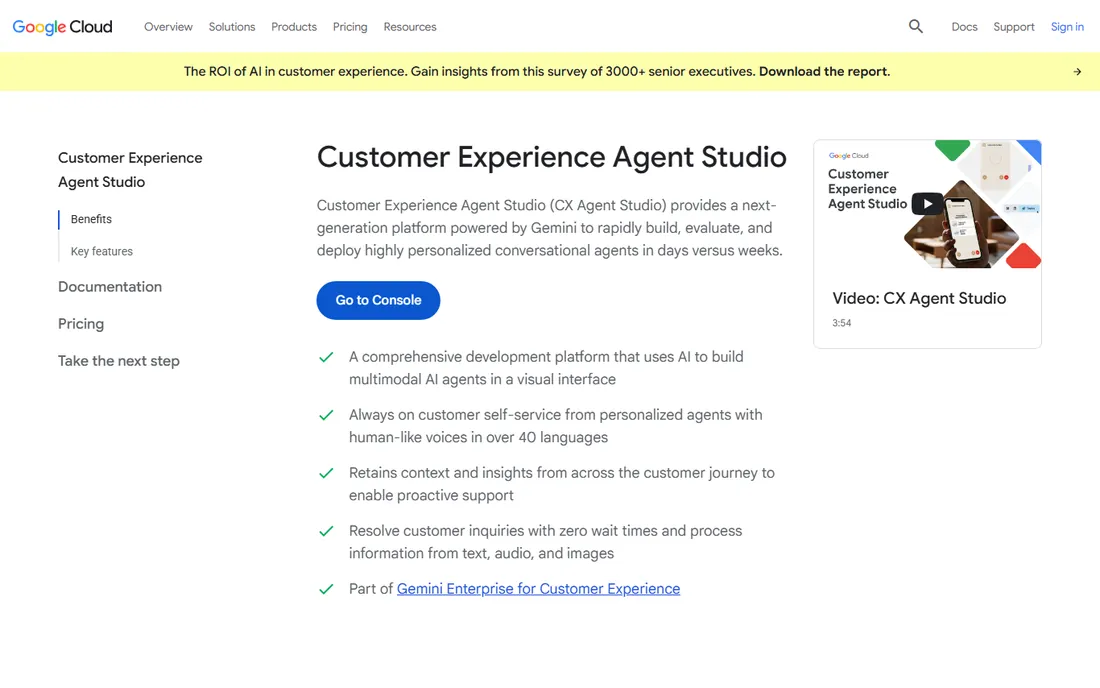
Dialogflow is Google's conversational AI service, split between the simpler ES edition and the more powerful CX edition for complex multi-turn conversations. It handles text and voice, plugs into contact-center platforms, and benefits from Google's speech recognition. Billing is per request, which keeps small pilots cheap.
Forecasting is the work. Per-request pricing means your bill follows your traffic, and a viral moment or a misconfigured loop can spike costs. Model your expected sessions before launch and set billing alerts on day one. For Google Cloud shops it is the natural fit; everyone else should compare the hosted platforms above.
What we like- Mature NLU with strong intent matching across 30-plus languages
- Native voice support through phone and smart-speaker channels
- Deep integration with the rest of Google Cloud
Watch out for- Usage-based pricing is hard to forecast without traffic history
- The console feels built for developers, not conversation designers
#4
Microsoft Copilot Studio
Best for: Microsoft 365 organizations building agents for employees and customers
Visit microsoft.com
Starting price$200/month for 25,000 messages (per Microsoft licensing guide)
Free planFree trial
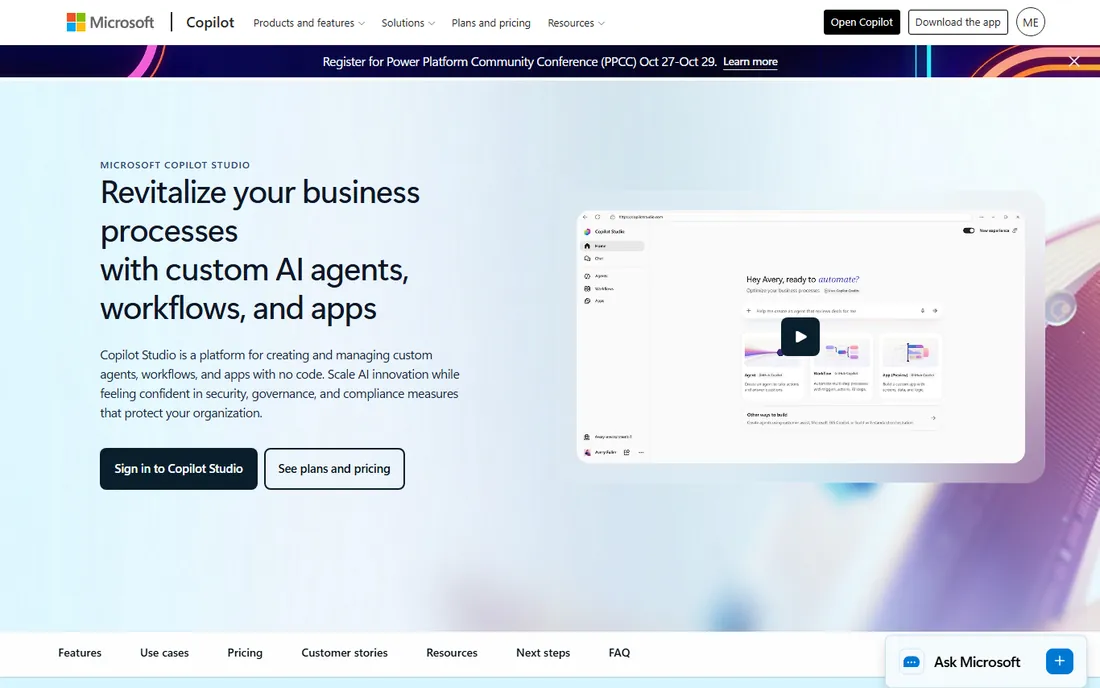
Copilot Studio is Microsoft's low-code agent builder, and its pricing is public in Microsoft's own licensing guide: $200 per month per tenant for a 25,000-message pack, with pay-as-you-go at $0.01 per message for variable needs. Agents can answer from company knowledge in SharePoint, act across Microsoft 365, and publish to websites and external channels on the standalone license.
The complexity is the billing. Generative answers cost more messages than classic ones, Graph-grounded answers cost more still, and autonomous actions add their own meter. Microsoft 365 Copilot license holders get some internal agent use included. For a Microsoft-centric company the integration value is real, but run a pilot and read the actual consumption before budgeting the rollout.
What we like- Native grounding in SharePoint, Dataverse and Microsoft Graph
- Agents work inside Teams and Microsoft 365 apps
- Pay-as-you-go option ($0.01/message) for variable workloads
Watch out for- The message-based billing model takes study
- External publishing and autonomous agents cost more than internal use
#5
IBM watsonx Assistant
Best for: Regulated enterprises that need compliance-grade conversational AI
Visit ibm.com
Starting priceSee website (tiered by monthly active users)
Free planYes (Lite plan)
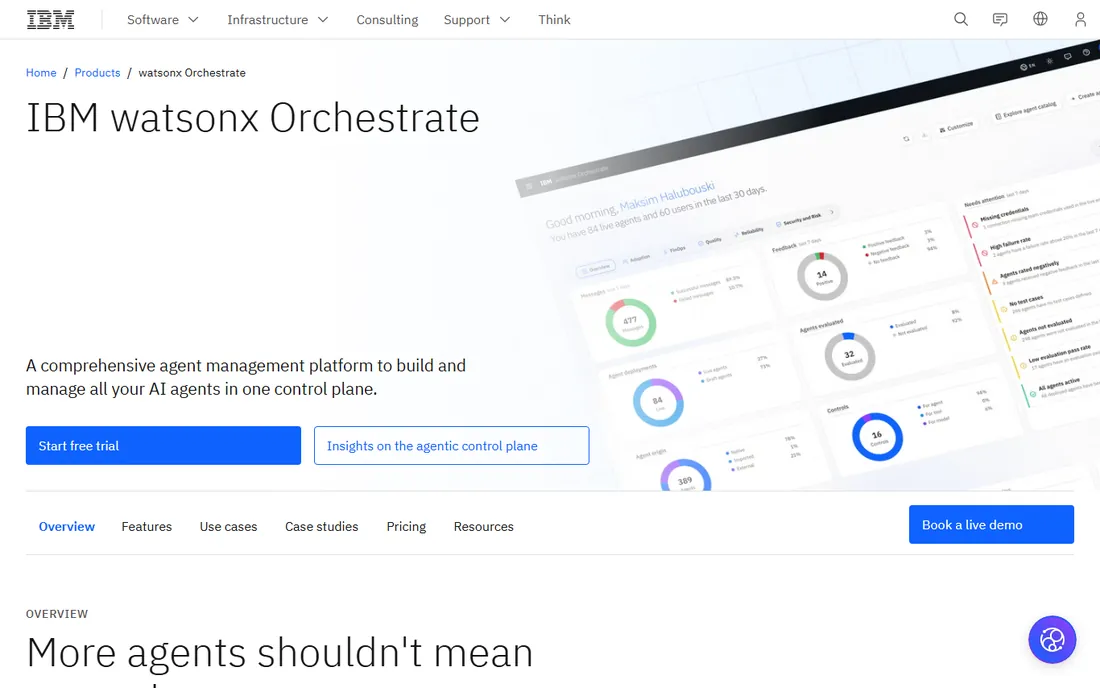
IBM's watsonx Assistant targets the buyers the startups cannot: banks, insurers, healthcare and government. The Lite plan is free for evaluation, paid tiers scale by monthly active users, and the enterprise tier offers data isolation with HIPAA support. Voice is a first-class channel, not an add-on, with IVR connectivity and neural voice synthesis.
This is not a tool you trial on a Friday afternoon. Expect a sales process, a pilot and professional services for serious deployments. The payoff is a platform your compliance team will approve and your auditors can inspect. If you are not in a regulated industry, the lighter platforms above deliver similar bots with far less ceremony.
What we like- Strong compliance story with SOC 2 Type 2 and HIPAA-ready enterprise tiers
- Voice and chat in one platform with telephony integration
- Decades of enterprise support infrastructure
Watch out for- Pricing is not published on a simple page and scales with active users
- The platform shows its enterprise weight in setup complexity
#6
Amazon Lex
Best for: AWS teams embedding conversational interfaces into applications
Visit aws.amazon.com
Starting priceSee website (per-request pricing)
Free planYes (AWS free tier)
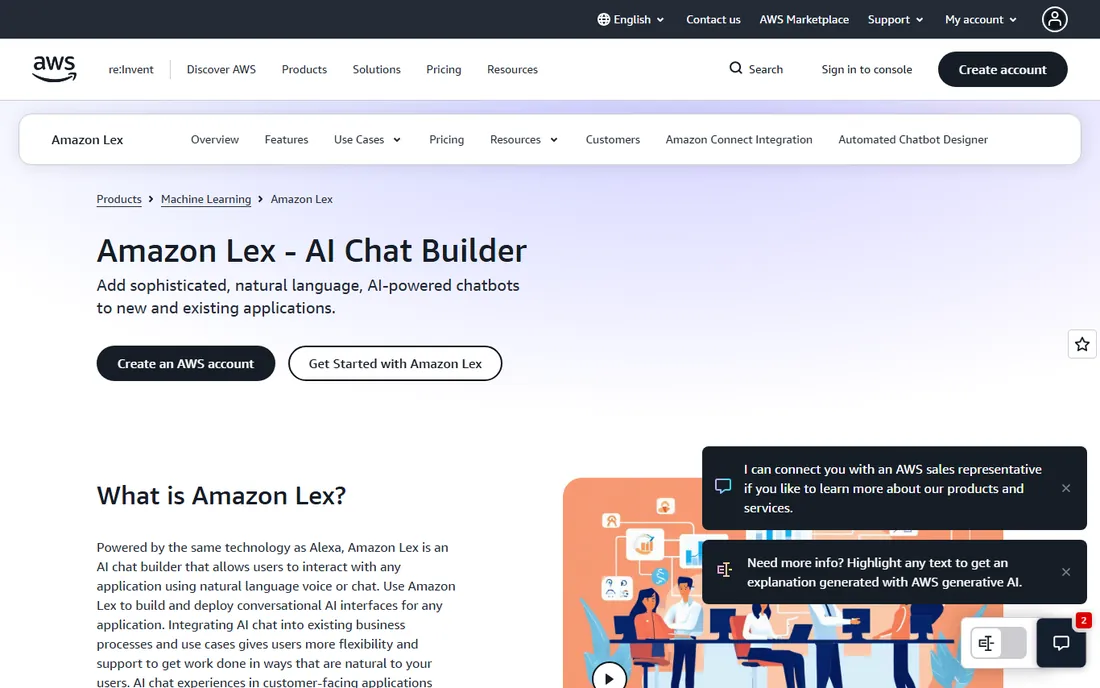
Amazon Lex is infrastructure. It provides speech recognition, natural-language understanding and dialog management as AWS services, and you build the bot around them with Lambda functions and your own front end. For teams already on AWS, especially those using Connect for contact centers, it slots in without a new vendor relationship.
Do not mistake it for a platform. There is no visual conversation designer for non-developers and no built-in analytics dashboard for support managers. It is the right choice when your engineers are building a custom experience and want best-in-class NLU as a component. Everyone else will move faster on Botpress or Copilot Studio.
What we like- The same technology behind Alexa, as a service
- Pay-per-request with no platform fee
- Integrates with Lambda, Connect and the rest of AWS
Watch out for- It is a building block, not a chatbot product: you supply the design tooling
- Pricing rewards steady traffic and punishes experimentation at scale
#7
Kore.ai
Best for: Large enterprises automating customer and employee conversations
Visit kore.ai
Starting priceSee website (custom quote)
Free planFree trial (length unverified)
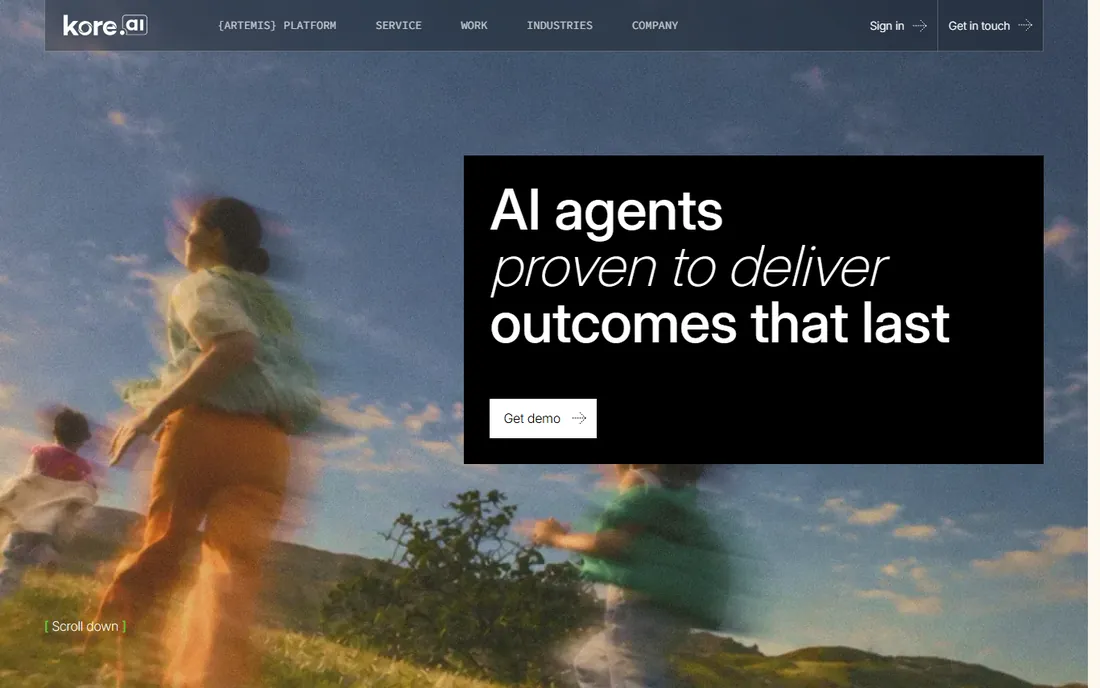
Kore.ai sells a full conversational AI suite: virtual assistants for customers, agent-assist for contact centers, and search assistants for employees. Its strength is industry templates: banks and retailers can start from pre-built conversation packs instead of blank flows. The platform covers the channels enterprises actually use, including voice.
The buying process is enterprise-grade in every sense: demos, discovery, quotes and pilots. There is no self-serve path worth the name. It competes with IBM and Cognigy for the same large deals, and wins them on the strength of its pre-built domain solutions. Mid-market buyers will find the process disproportionate to their needs.
What we like- Broad channel coverage including voice, chat, email and SMS
- Pre-built solutions for banking, retail and HR
- Strong agent-assist tools for contact centers
Watch out for- Enterprise sales cycle with no public pricing
- Platform breadth means longer implementation timelines
#8
Cognigy
Best for: Contact centers deploying conversational AI across voice and chat
Visit cognigy.com
Starting priceSee website (custom quote)
Free planFree trial (length unverified)
Cognigy focuses where chatbots meet the contact center. Its platform handles voice and digital channels from one flow builder, with agent-assist, knowledge AI and analytics aimed at operations managers rather than developers. Human handoff carries full conversation context to the agent, which is the detail that separates serious platforms from toys.
Like Kore.ai, it sells through the enterprise channel: quotes, pilots and annual contracts. Small teams can trial it, but the pricing and packaging assume contact-center volume. For a large support operation replacing IVR menus with conversational AI, it belongs on the shortlist alongside the other enterprise names here.
What we like- Purpose-built for contact-center scale with voice as a first-class channel
- Strong low-code flow builder with developer extensibility
- Good marks for human-handoff design
Watch out for- Quote-only pricing with no public numbers
- The sweet spot is clearly large operations, not small teams
How we chose
We started with the terms buyers use: AI chat platform, chatbot platform, conversational AI platform and chatbot builder software. For each candidate we confirmed the product is current, checked pricing against the vendor's own pages and licensing documents, and compared capabilities across reviews on G2 and Capterra plus practitioner discussion on Reddit. Where pricing was quote-only or usage-based without a simple published number, we wrote "See website". We weighted real deployment concerns: billing predictability, channel coverage, handoff quality and who actually builds the bot.
Frequently asked questions
What is the difference between an AI chat platform and a chatbot?
A chatbot is the thing customers talk to. An AI chat platform is what you use to build, deploy and measure it: the NLU, the conversation designer, the integrations and the analytics. This list covers platforms, not finished bots.
How much does it cost to build a chatbot?
The platform ranges from free (Rasa open source, Botpress free tier) to $200 per month (Copilot Studio message pack, Botpress Plus at $150) up to custom enterprise contracts. Usage-based platforms like Dialogflow and Lex bill per request, so the real cost depends on your traffic. Budget the build effort too: platforms save on engineering but cost more in licenses.
Which AI chat platform is best for a small business?
Botpress is the usual answer: a real free tier, a $150 Plus plan without per-seat fees, and enough depth to grow into. Rasa fits if you have developers and want zero license cost. Avoid the enterprise quote-only vendors until your volume justifies the sales cycle.
Do I need developers to build a chatbot?
On Botpress, Copilot Studio and Cognigy, a technical marketer or ops person can build a competent bot with the visual tools. On Rasa, Dialogflow and Lex, you need engineers. Kore.ai and IBM sit in the middle: low-code builders backed by professional services for serious deployments.
Can these platforms handle voice calls too?
Dialogflow, watsonx Assistant, Kore.ai and Cognigy all support voice as a first-class channel with telephony integration. Botpress and Copilot Studio focus on chat and digital channels first. If your goal is replacing an IVR phone menu, shortlist the voice-native four.
How do I keep chatbot costs predictable?
Pick a pricing model that matches your traffic: flat plans for steady volume, usage-based for spiky or experimental traffic. Set billing alerts on day one, cap AI spend where the platform allows it, and run a two-week pilot to measure real consumption before signing anything annual.
What to look for before you buy
Start with who builds. If your team has no developers, cross off Rasa and Lex immediately and shortlist the visual builders. If you have engineers who want control, the API-first platforms will frustrate them less than the drag-and-drop ones. The builder's skill set decides the platform more than any feature list.
Then map your channels. A website widget is table stakes everywhere. Voice, WhatsApp, SMS and Teams support vary widely, and adding a channel later can mean rebuilding flows. List every channel you need in the next two years and verify each one during the trial, not after signing.
Finally, interrogate the billing. Message-based, seat-based, request-based and user-based pricing all punish different usage patterns. Model a realistic month: sessions, average turns, and how much of it needs generative AI versus scripted answers. The cheapest headline price often belongs to the platform with the most expensive overages.
Open source vs. hosted: the real trade
Rasa costs nothing in licenses and everything in engineering. You host it, secure it, upgrade it and debug it at 2 am. For regulated companies and teams with real engineering capacity, that control is worth it: no vendor can reprice you, deprecate your features or see your conversation data.
Hosted platforms reverse the trade. Botpress, Copilot Studio and the rest handle infrastructure, uptime and model updates while you pay per month or per message. You move faster and sleep better, but your roadmap depends on a vendor's. Most small and mid-size companies should host. Most companies with a security team and a data residency requirement should at least evaluate Rasa before ruling it out.
Sources we checked (11)
- https://www.botpress.com/blog/chatbase-review
- https://www.botpress.com/blog/botpress-vs-decagon
- https://www.microsoft.com/en-us/microsoft-copilot/microsoft-copilot-studio
- https://cdn-dynmedia-1.microsoft.com/is/content/microsoftcorp/microsoft/bade/documents/products-and-services/en-us/bizapps/Microsoft-Copilot-Studio-Licensing-Guide-August-2025.pdf
- https://rasa.com/
- https://cloud.google.com/dialogflow
- https://www.ibm.com/products/watsonx-assistant
- https://aws.amazon.com/lex/
- https://kore.ai/
- https://cognigy.com/
- https://www.g2.com/categories/chatbot
Is your product missing or out of date?
We review this list regularly. Vendors can request a listing, send updated pricing or ask about featured placement.

Shihab Mia · Founder, Rankite
Shihab has spent more than a decade helping SaaS and e-commerce brands grow through search. He writes Rankite's software buying guides from pricing pages, documentation and public user reviews. More about Shihab.