How we make this list: we compare pricing pages, product documentation and public user reviews. Rankite is independent; if a vendor ever pays for a featured spot, that listing is clearly labeled Partner.
Key takeaways
- Developers who act as their own general contractor need construction-grade job costing: Viewpoint Vista, Foundation Software and Jonas Premier were built for that.
- Development firms running multi-entity structures with investor reporting should shortlist Yardi Voyager, MRI Software and Sage Intacct, which handle fund accounting and consolidation natively.
- Small developers and single-project LLCs usually do fine on QuickBooks Online with a construction add-on, which costs far less than an ERP.
- Buildertrend fits developers who want project management and job cost accounting in one login, not a pure accounting platform.
Quick comparison
| Tool | Best for | Starting price | Free plan |
|---|
 Yardi Voyager Yardi Voyager | Mid-size to enterprise developers, owner-operators and managers | See website | No |
 MRI Software MRI Software | Developers and investors with multi-entity portfolios | See website | No |
 Sage Intacct Sage Intacct | Development firms wanting true cloud fund accounting | See website | No |
 QuickBooks Online QuickBooks Online | Small developers, flippers and single-project LLCs | See website | No |
 Buildertrend Buildertrend | Developers who self-perform construction and want operations plus accounting | See website | No |
 Viewpoint Vista Viewpoint Vista | Developers acting as general contractors on large or complex jobs | See website | No |
 Foundation Software Foundation Software | US contractors and developers focused on job cost control | See website | No |
 Jonas Premier Jonas Premier | Construction-minded developers wanting full ERP functionality | See website | No |
Is your product missing or out of date?
We review this list regularly. Vendors can request a listing, send updated pricing or ask about featured placement.
The accounting software developers actually run their jobs on
A real estate developer's books look nothing like a landlord's. You carry land through entitlement, fund predevelopment costs, track construction draws against lender budgets, allocate interest during construction, and report to equity partners who expect clean capital account statements. Generic small-business accounting software records what happened. Developer accounting software tells you where each project stands against budget, in real time, before the lender asks.
The eight platforms below cover the real market: development-specific ERPs, construction accounting systems for developers who self-perform, and the small-business options that work when the project count is low. None of them publish simple per-user prices, which is normal in this category, so the comparison focuses on fit instead of price tags.
#1
Yardi Voyager
Best for: Mid-size to enterprise developers, owner-operators and managers
Visit yardi.com
Starting priceSee website
Free planNo
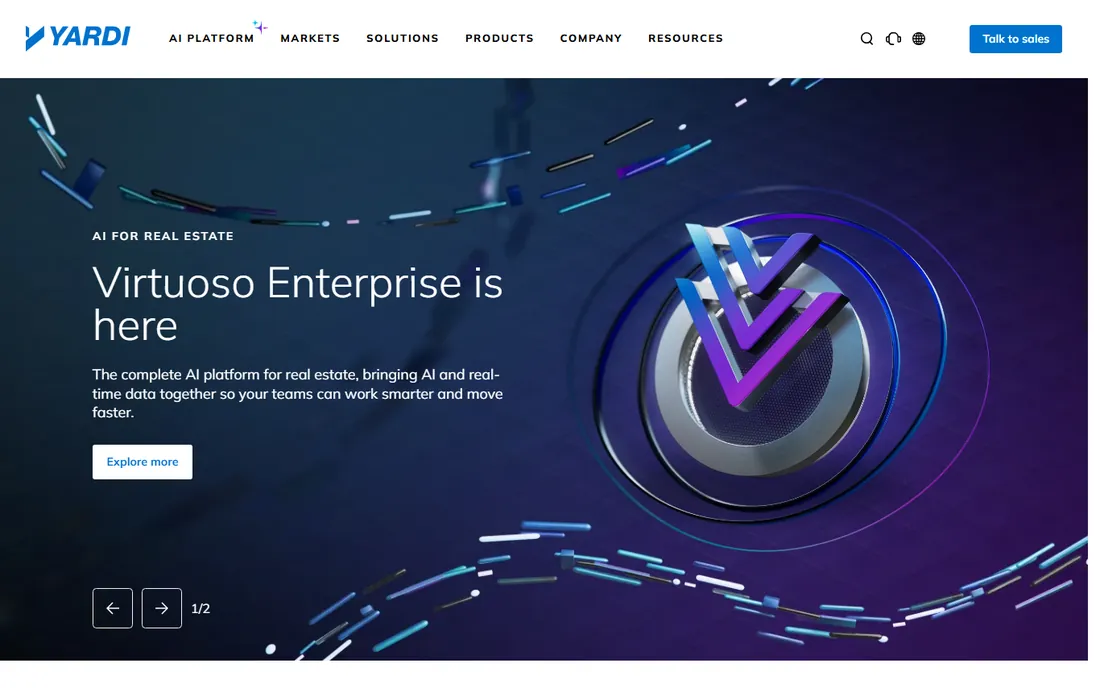
Yardi Voyager is the enterprise standard for developers who hold, build and manage. The platform covers the whole arc: land acquisition, development budgeting, construction job costing, lease-up and stabilized operations. Modules for development accounting, construction management and procurement let a firm run multiple projects through one chart of accounts with consolidated reporting across entities.
The honest catch is scale. Voyager is priced and implemented for companies with real accounting staff. Small developers will find the sales process, the implementation timeline and the training load heavy. If you run a handful of projects with a bookkeeper, Voyager is more system than you need. If you run dozens of entities with outside equity, it is the safe pick.
What we like- Development and construction accounting modules built for the full project lifecycle
- Deep ecosystem of add-ons for procurement, forecasting and investor reporting
- Long track record with large US developers
Watch out for- Implementation is a project in itself and typically takes months
- Interface feels dated and the learning curve is steep for small teams
Starting priceSee website
Free planNo
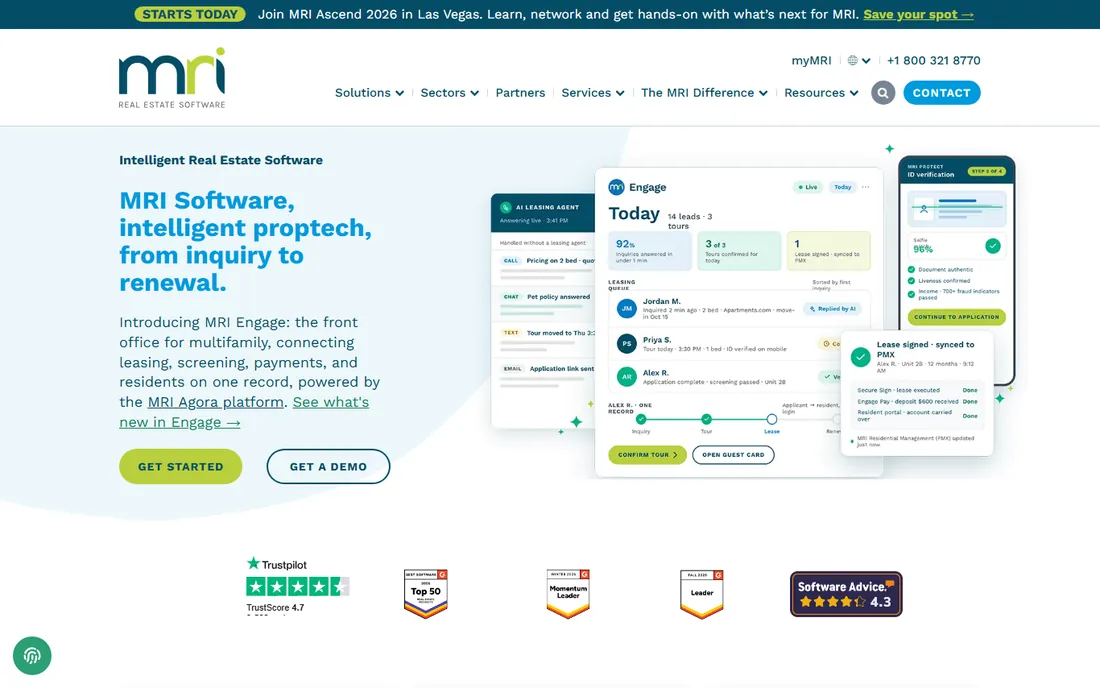
MRI Software competes directly with Yardi for the same buyer: the developer or investment manager running many entities under one roof. Its strength is financial structure. Multi-entity consolidation, intercompany accounting and investor reporting come from one ledger, which matters when each project is its own LLC and the parent needs a clean consolidated view.
MRI also covers the development side with budgeting, forecasting and project accounting, plus property management if you hold what you build. The modular pricing means you pay for what you use, but it also means the quote grows as you add pieces. Get the full module list priced before you sign, and check which integrations your lender or fund administrator needs.
What we like- Native multi-entity consolidation with investor and fund reporting
- Strong development accounting for budgeting and forecasting
- Open integration approach with an active partner ecosystem
Watch out for- Modules are priced separately, so the full stack adds up
- Some users report the interface varies in quality across modules
#3
Sage Intacct
Best for: Development firms wanting true cloud fund accounting
Visit sage.com
Starting priceSee website
Free planNo
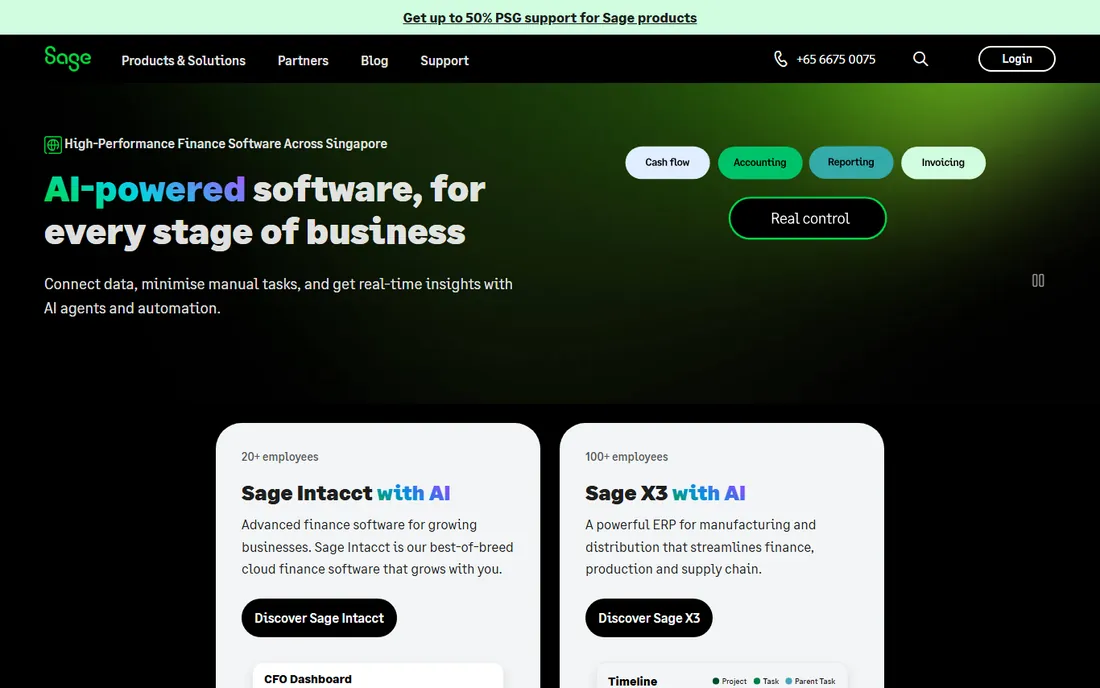
Sage Intacct takes a different approach to the multi-entity problem. Instead of a separate chart of accounts per project, it uses dimensions: every transaction is tagged by project, location, department or fund, and reports slice across any of them. For a developer with twenty project LLCs, that design keeps the books sane in a way traditional accounting software does not.
Intacct's construction and real estate editions add job costing, billing and project accounting. The cloud architecture means no servers and real multi-entity consolidation. The catch is pricing structure: per-entity and per-user fees compound as you add projects, and the platform really needs an implementation partner. Budget for both the subscription and the setup.
What we like- Dimensions-based chart of accounts that tags every transaction by project, entity and fund without a bloated account list
- Strong construction and real estate editions with job costing
- Well-regarded reporting and dashboards
Watch out for- Priced per entity and per user, which gets expensive as project count grows
- Implementation partner quality varies, so choose carefully
Starting priceSee website
Free planNo
QuickBooks Online is not developer accounting software, and that is exactly why small developers use it. If you run one to three projects at a time with a part-time bookkeeper, the development-specific platforms above are overkill. QuickBooks handles the core books, and add-ons cover job costing, bill pay and document storage.
The limits show up as you grow. Job costing by phase and cost code needs an add-on or disciplined use of classes. Consolidating five project LLCs into one investor report is spreadsheet work. And outside equity partners tend to ask for controls and audit trails that QuickBooks does not provide. Use it while you are small; plan the migration when investor reporting becomes a monthly event.
What we like- Familiar to every US bookkeeper and CPA, so hiring help is easy
- Huge app ecosystem with construction add-ons for job costing and draw tracking
- Low entry cost with month-to-month billing
Watch out for- Job costing is basic without add-ons
- Multi-entity reporting is manual work with classes and tags
- Audit trails and controls are thin for outside investors
#5
Buildertrend
Best for: Developers who self-perform construction and want operations plus accounting
Visit buildertrend.com
Starting priceSee website
Free planNo
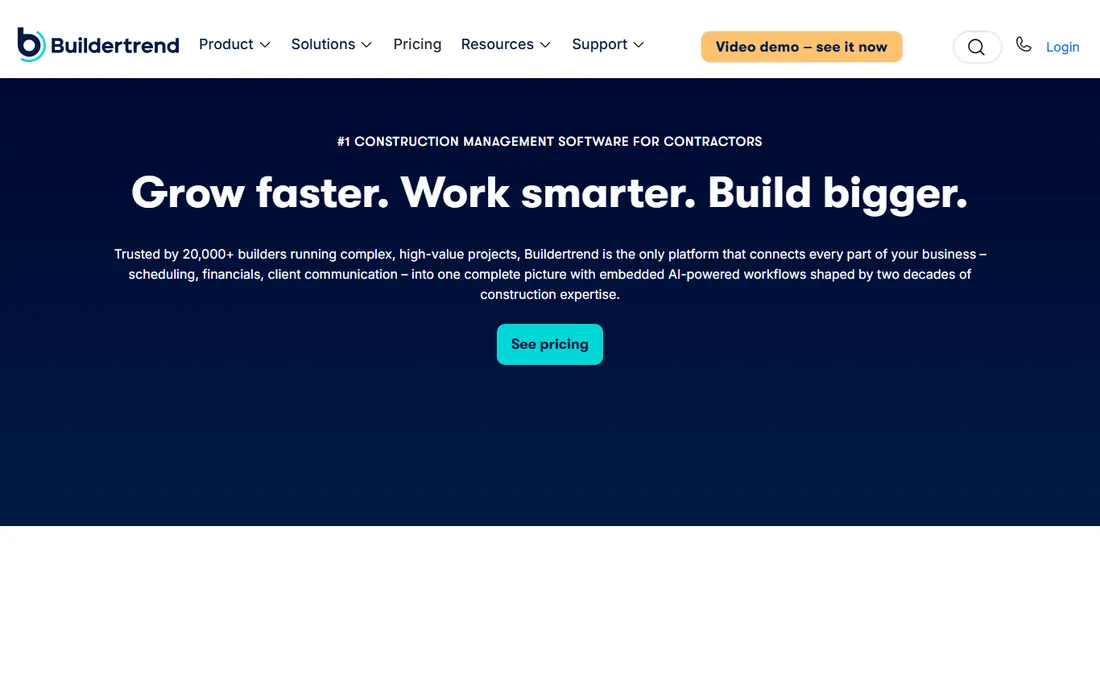
Buildertrend sits between project management and accounting, which is where many small developers live. If you develop and build, your team needs schedules, daily logs, change orders and selections management as much as it needs a ledger. Buildertrend puts the job cost accounting next to the operations data, so budget versus actual updates as the field reports progress.
The trade-off is accounting depth. Buildertrend is not a general ledger replacement for a complex multi-entity firm; most users pair it with QuickBooks for the formal books. Per-project pricing also adds up for developers running many concurrent jobs. It fits the developer-builder doing a steady stream of projects who wants one system the office and the field both use.
What we like- Project management, scheduling, client communication and job cost accounting in one system
- Purpose-built for residential and light commercial builders
- Strong mobile app for field teams
Watch out for- Accounting depth is lighter than a true construction ERP
- Priced per project, which penalizes developers running many small jobs
#6
Viewpoint Vista
Best for: Developers acting as general contractors on large or complex jobs
Visit viewpoint.com
Starting priceSee website
Free planNo
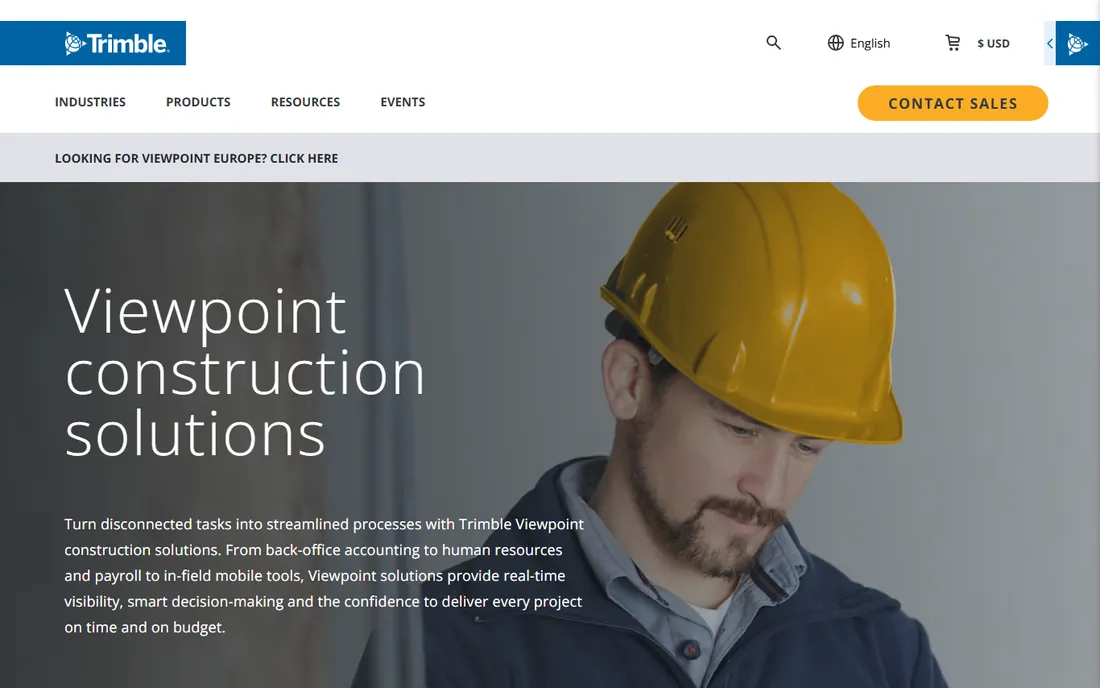
Viewpoint Vista is construction accounting for companies that build at scale. Developers who act as their own general contractor on commercial or multifamily work need certified payroll, union reporting, equipment costing and deep job cost control, and Vista covers all of it in one database. The Trimble connection adds estimating, project management and field technology around the accounting core.
This is more system than a pure developer needs if you hire GCs. But if your firm self-performs, Vista's job costing and operational depth are hard to match. Expect a serious implementation: this is not self-serve software. Firms that commit usually keep it for a decade, which tells you something about both the switching cost and the staying power.
What we like- Deep construction ERP with job costing, payroll, equipment and project management in one database
- Strong compliance and certified payroll for public or prevailing-wage work
- Backed by Trimble's construction technology ecosystem
Watch out for- On-premise roots show in the interface and deployment options
- Implementation is expensive and best handled by experienced partners
#7
Foundation Software
Best for: US contractors and developers focused on job cost control
Visit fndinc.com
Starting priceSee website
Free planNo
Foundation Software has sold one thing for decades: job cost accounting for contractors. Developers who self-perform like it for the same reason contractors do. Every dollar lands against a job, phase and cost code, payroll flows into job cost automatically, and the reporting answers the one question that matters: which jobs are making money and which are slipping.
The product makes no attempt to be modern-looking, and the reporting is less flexible than cloud competitors. What you get instead is depth in the construction accounting workflow and support from people who know the trade. Firms that value job cost accuracy over dashboards tend to stay. Pair it with a document management tool if your field teams need modern mobile workflows.
What we like- Job costing is the core of the product, not an add-on, with detailed cost tracking by phase and code
- Strong payroll with multi-state and certified payroll support
- US-based support with a reputation for picking up the phone
Watch out for- Dated interface that prioritizes function over design
- Reporting flexibility lags newer cloud platforms
#8
Jonas Premier
Best for: Construction-minded developers wanting full ERP functionality
Visit jonaspremier.com
Starting priceSee website
Free planNo
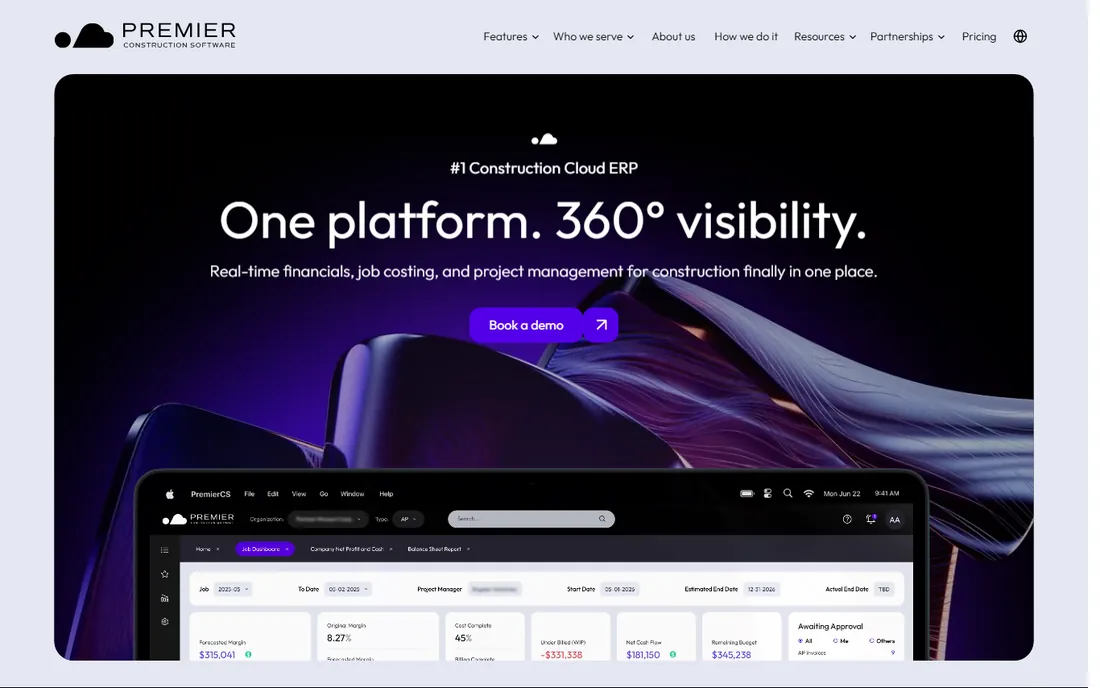
Jonas Premier rounds out the construction ERP options for developers who build. It covers the standard construction accounting stack: general ledger, accounts payable and receivable, job costing, payroll, equipment and service management. The document control and reporting tools suit firms that need real operational discipline, not just a ledger.
Jonas flies a bit under the radar next to Viewpoint and Foundation, which cuts both ways. Less market noise, but also fewer integrations and a smaller peer community to learn from. It fits the mid-size developer-builder that wants full ERP depth without the enterprise weight of the biggest platforms. As with all construction ERPs, budget real money and time for implementation.
What we like- Full construction ERP covering accounting, job costing, service management and document control
- Strong for specialty and mechanical contractors who also develop
- Flexible reporting with good drill-down
Watch out for- Smaller market share means fewer third-party integrations and peer references
- Implementation effort is significant for smaller firms
What developer accounting actually needs
The buying criteria for development accounting are specific, and they are not the criteria on generic software review sites. Start with entity structure. If every project is its own LLC, you need multi-entity consolidation and intercompany accounting, not just a bigger chart of accounts. Yardi, MRI and Sage Intacct handle this natively. QuickBooks handles it with classes and manual consolidation, which works until about five entities.
Next is job costing depth. Developers who hire general contractors need budget tracking and draw management: committed costs, approved changes, paid-to-date and retainage by line item. Developers who self-perform need all of that plus payroll, equipment and field reporting flowing into job cost. The construction ERPs (Vista, Foundation, Jonas) are built for the second case; the development platforms are built for the first.
Investor reporting is the third filter. Outside equity means capital accounts, preferred returns, distribution waterfalls and K-1 support. Yardi and MRI speak this language. Sage Intacct handles fund accounting well. QuickBooks does not, which is the most common reason firms migrate off it. If you raise outside money, ask each vendor to show you an actual investor statement from their system before you buy.
Finally, lender reporting. Construction lenders want draw requests with lien waivers, budget versus actual by cost code, and clean audit trails. Whatever you choose should produce a draw package without a week of spreadsheet assembly. Ask for a demo of the draw workflow specifically, not the general dashboard tour.
Almost nothing in this category publishes a price, and there is a reason: the quote depends on entity count, user count, modules and implementation. Expect the enterprise development platforms (Yardi Voyager, MRI) to start in the low five figures annually for a mid-size firm and rise with entities and modules. Sage Intacct typically prices per entity plus per user, which makes the project count the main cost driver.
Construction ERPs (Vista, Foundation, Jonas Premier) usually quote by user count with implementation as a separate line item. Implementation often costs as much as the first year of subscription, so get it in writing. QuickBooks Online and Buildertrend are the transparent ones: published per-month pricing with add-ons, which is why they win the small end of the market.
One practical rule: price the migration, not just the subscription. Moving historical job cost data and open commitments into a new system is real work. Vendors quote implementation optimistically. Talk to two reference customers of similar size who migrated in the last year and ask what the project actually cost and how long it took.
How we chose
We started with the searches buyers actually run: accounting software for real estate developers, development accounting software, real estate development ERP and construction accounting software. For each candidate we checked the vendor's own site and documentation for development-specific features (job costing, draw management, multi-entity consolidation, investor reporting), compared feature lists and integration options, and weighed fit by company size and structure, from single-project LLCs to enterprise developers. Where pricing was not published on the vendor's site we wrote "See website" rather than guessing.
Frequently asked questions
What is the difference between real estate accounting software and developer accounting software?
Property management accounting tracks rent, expenses and owner statements for operating assets. Developer accounting tracks projects: land and predevelopment costs, construction budgets, draws, capitalized interest and investor capital accounts. Developers who hold what they build need both, which is why platforms like Yardi and MRI cover the full lifecycle.
Can I use QuickBooks for real estate development accounting?
For one to three projects, yes, especially with a construction add-on for job costing. It gets painful past about five entities because consolidation is manual, and outside investors usually want stronger controls and reporting. Most firms migrate to Yardi, MRI or Sage Intacct when investor reporting becomes regular.
What does real estate development accounting software cost?
Small developers on QuickBooks with add-ons typically spend a few hundred dollars a month. Mid-size firms on Sage Intacct or a construction ERP usually land in the five-figure annual range once entities, users and implementation are counted. Enterprise platforms like Yardi Voyager and MRI are quoted per deal. Get implementation priced in writing; it often matches the first year of subscription.
Do I need construction accounting software if I hire a general contractor?
Usually not the full construction ERP. If you hire GCs, you need development accounting with budget tracking, draw management and investor reporting (Yardi, MRI, Sage Intacct). The construction ERPs (Vista, Foundation, Jonas) pay off when you self-perform and need payroll, equipment and field costs flowing into job cost.
How do developers track construction draws in accounting software?
The standard structure is a budget by cost code with committed costs, change orders, paid-to-date and retainage tracked against it. Each draw request pulls the current period's costs with lien waivers attached. Development and construction platforms automate this; in QuickBooks it takes an add-on and disciplined cost coding.
What should investor reporting include?
At minimum: a project-level income statement, budget versus actual, a sources-and-uses summary, capital account statements per investor, and distribution calculations. Funds need waterfall modeling and K-1 support. Ask any vendor to produce a sample investor package from their system during the demo.
Sources we checked (10)
- https://www.yardi.com
- https://www.mrisoftware.com
- https://www.sage.com
- https://quickbooks.intuit.com
- https://buildertrend.com
- https://www.viewpoint.com
- https://www.fndinc.com
- https://www.jonaspremier.com
- https://www.g2.com/categories/real-estate-accounting
- https://www.capterra.com/real-estate-accounting-software/
Is your product missing or out of date?
We review this list regularly. Vendors can request a listing, send updated pricing or ask about featured placement.

Shihab Mia · Founder, Rankite
Shihab has spent more than a decade helping SaaS and e-commerce brands grow through search. He writes Rankite's software buying guides from pricing pages, documentation and public user reviews. More about Shihab.