How we make this list: we compare pricing pages, product documentation and public user reviews. Rankite is independent; if a vendor ever pays for a featured spot, that listing is clearly labeled Partner.
Key takeaways
- Free tools like 3D Slicer and Horos handle professional DICOM viewing and 3D reconstruction at zero license cost, but without vendor support.
- Dental-focused platforms such as Invivo, Planmeca Romexis and CS Imaging add treatment planning, implant workflows and patient education on top of viewing.
- Blue Sky Plan stands out by making implant planning genuinely free, charging only for premium automation and exports.
- OsiriX MD remains the Mac-based clinical standard, with FDA clearance and a free Lite version for non-diagnostic review.
- Your imaging hardware often narrows the field: several platforms are optimized for specific CBCT units and scanners.
Quick comparison
| Tool | Best for | Starting price | Free plan |
|---|
 3D Slicer 3D Slicer | research and clinical image analysis | Free | Yes |
 OsiriX MD OsiriX MD | Mac-based clinical DICOM viewing | From $69.99/month | Yes (OsiriX Lite, limited) |
 Horos Horos | free Mac DICOM viewing | Free | Yes |
 Dolphin Imaging Dolphin Imaging | orthodontic and specialty practices | See website | No |
 Invivo by Osteoid Invivo by Osteoid | 3D dental treatment planning | See website | No |
 Blue Sky Plan Blue Sky Plan | free implant planning | Free (premium automation $39/month) | Yes |
 Planmeca Romexis 3D Planmeca Romexis 3D | Planmeca-equipped dental clinics | See website | No |
 CS Imaging 8 CS Imaging 8 | Carestream-equipped practices | See website | Free trial (30 days) |
Is your product missing or out of date?
We review this list regularly. Vendors can request a listing, send updated pricing or ask about featured placement.
The best 3D imaging software
Starting priceFree
Free planYes
3D Slicer is the quiet workhorse of medical image computing. It is free, open source and backed by years of NIH-funded development, with over 2 million downloads. The core handles DICOM import and export, image segmentation, registration and 3D visualization, and the extension library adds everything from radiation therapy toolkits to dental image analysis through SlicerCMF. For a clinic or research group that wants serious image computing without a license fee, nothing else comes close.
The honest catch is that it was built by researchers for researchers. The interface exposes enormous power but assumes you are willing to learn it, and there is no support desk to call when something breaks. Commercial use is explicitly welcome under its license, though. If your team has technical confidence, Slicer can do jobs that cost thousands elsewhere.
What we like- Fully free and open source under a BSD-style license
- Over 150 extensions for segmentation, registration and specialty workflows
- Dental-specific modules like SlicerCMF
Watch out for- Research-oriented interface that takes time to learn
- No vendor support contract available
Starting priceFrom $69.99/month
Free planYes (OsiriX Lite, limited)
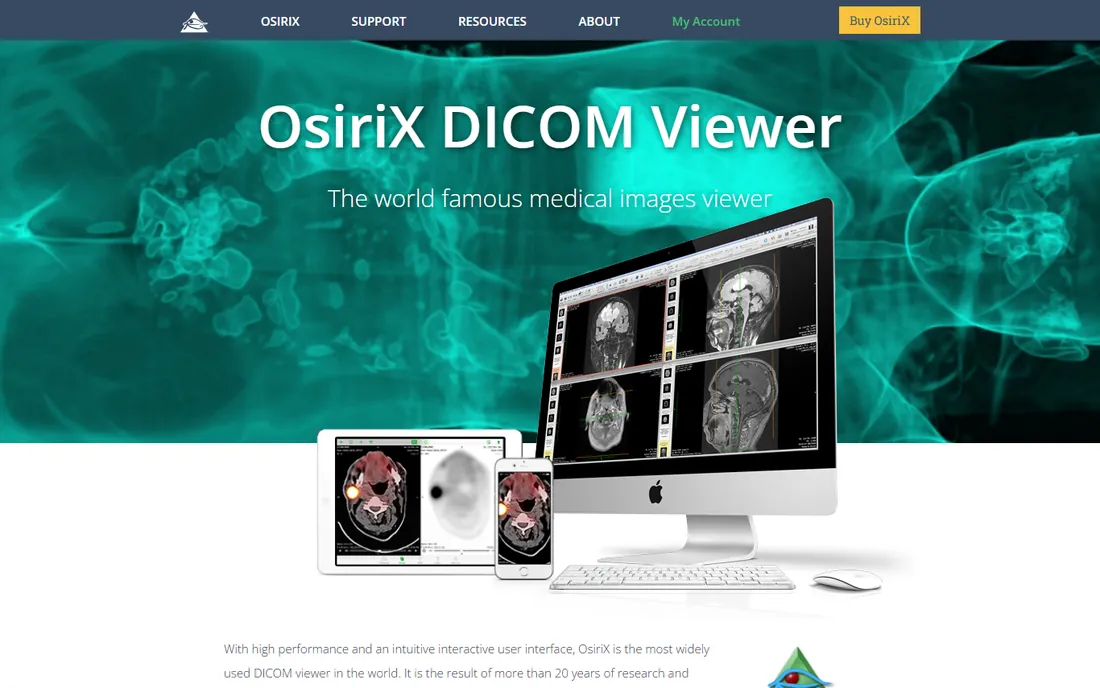
OsiriX has been the default answer to medical image viewing on the Mac for two decades, and the vendor claims it is the most widely used DICOM viewer in the world. The commercial version, OsiriX MD, is certified for medical diagnosis with FDA clearance and CE labeling, and it offers advanced 2D and 3D post-processing with full PACS integration. It installs in minutes and runs fast on modern Apple silicon.
The tradeoff is the platform lock-in. If your practice runs Windows workstations, OsiriX simply is not an option. Pricing starts at $69.99 per month for the clinical version, which is reasonable for a certified diagnostic tool but a real cost next to free alternatives. For Mac-based radiology and specialty practices that want a proven clinical viewer, it remains the safe choice.
What we like- FDA-cleared and CE-labeled for clinical diagnosis
- Famously fast performance on Mac hardware
- Free OsiriX Lite version for non-diagnostic review
Watch out for- MacOS only, so mixed-platform practices are out of luck
- The free Lite version has limitations for clinical work
Starting priceFree
Free planYes
Horos began as a fork of the OsiriX open-source codebase and has grown into the leading free DICOM viewer for Mac. It handles the full workflow: importing studies, 3D volume rendering, measurements, segmentation and PACS query and retrieve. With over a million downloads, it is a mature product, not an experiment, and its chief sponsor has maintained it for years.
Like OsiriX it is Mac-only, so Windows and Linux shops should look at 3D Slicer instead. The open-source model means support comes from the community and documentation unless you pay a partner for help. For clinics, students and researchers who want a capable 3D imaging workstation for free, Horos is the first thing to try.
What we like- Completely free and open source
- Full-featured DICOM workstation with 3D reconstruction
- Large global user community
Watch out for- MacOS only
- Community-supported, so professional support costs extra through partners
Starting priceSee website
Free planNo
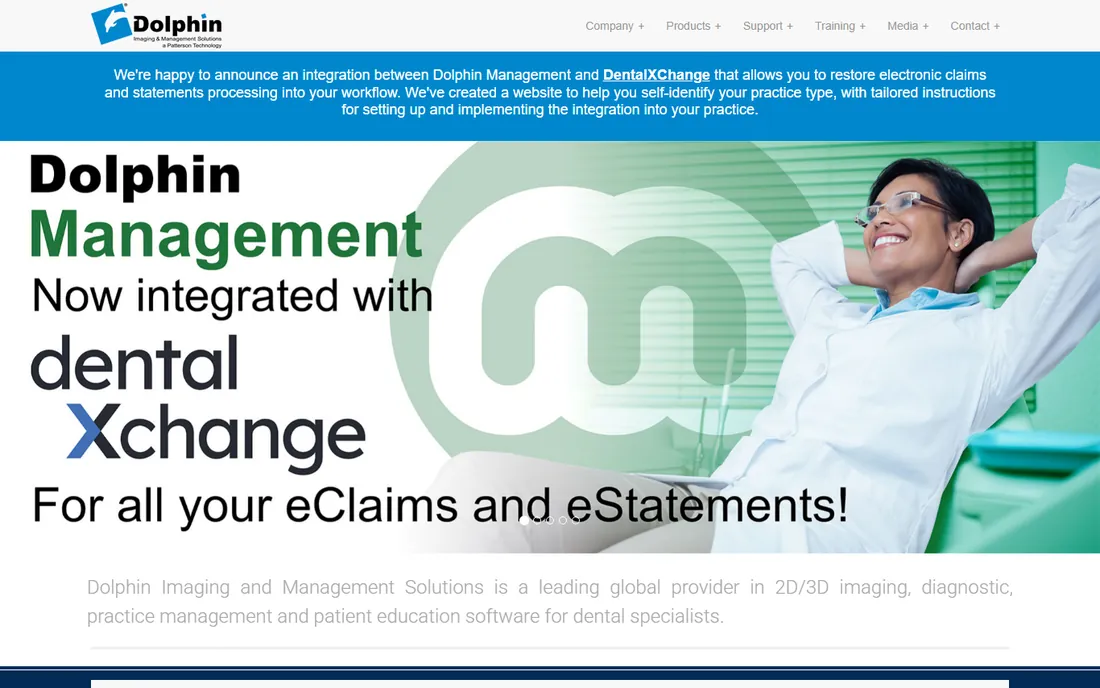
Dolphin Imaging has served dental specialty practices since 1988, and its software is a staple in orthodontics, maxillofacial surgery and dental education. Beyond 3D imaging it covers 2D imaging, diagnostics, case presentation and practice management, so a specialty practice can run imaging and much of its workflow in one system. It integrates with digital x-ray units and CBCT systems, and hundreds of dental schools use it daily.
The product shows its age in places, and the vendor does not publish pricing, so expect a sales conversation and a quote. But its specialty focus is genuine: tools for cephalometrics, treatment simulation and case presentation are built for orthodontists rather than bolted on. Practices that do high volumes of ortho or surgical cases will find it purpose-built for their day.
What we like- Deep toolset for orthodontics, oral surgery and pediatric dentistry
- Tight integration with CBCT systems and practice management
- Long track record in dental schools
Watch out for- Pricing is quote-based with no public plans
- Interface reflects its long history and can feel dated
Starting priceSee website
Free planNo
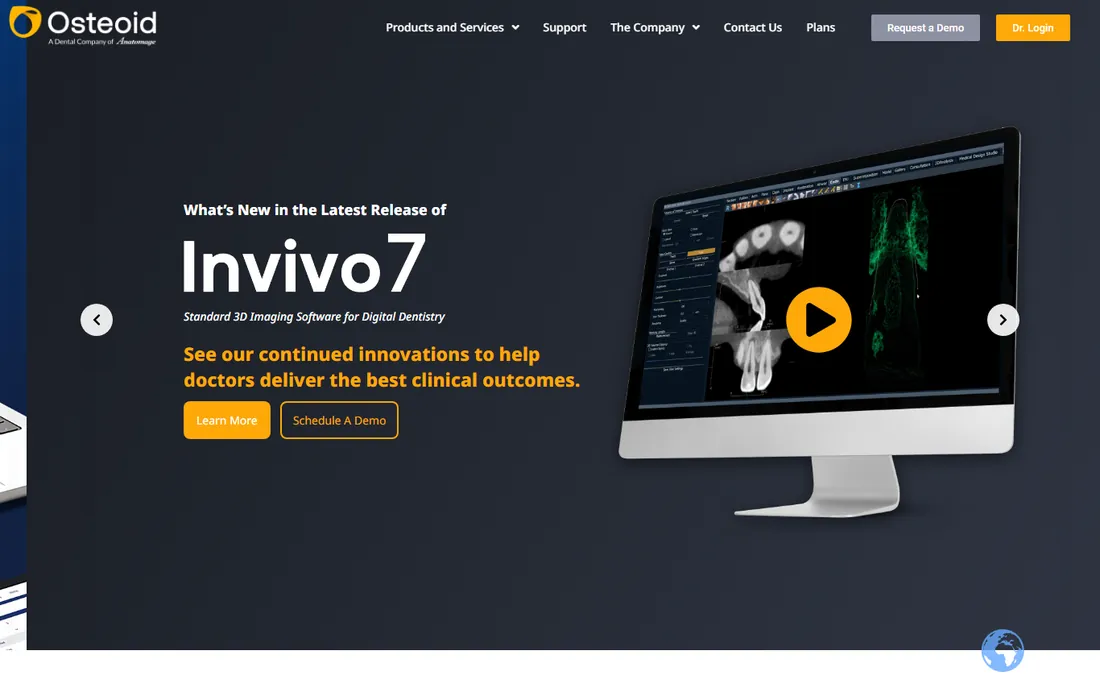
Invivo started as Anatomage's dental 3D imaging product and now lives under Osteoid, a dental-focused company spun out of Anatomage. The platform covers the full arc of 3D dentistry: Invivo7 for treatment planning, Invivo Guide for surgical guides, Invivo Model for orthodontic visualization, and Invivo Workspace for sharing cases with colleagues and labs. Its academic footprint is strong, with tens of thousands of users.
The vendor does not publish pricing, so budget planning requires a quote. It is also strictly dental, unlike the general DICOM viewers on this list. For dental practices that want one connected platform from scan to surgical guide to shared case, Invivo is among the most complete options available.
What we like- Trusted by faculties of the top 10 US dental schools
- Full platform covering planning, surgical guides and image sharing
- Cloud workspace for HIPAA-compliant collaboration
Watch out for- Pricing is quote-based
- Ecosystem is dental-only, so no use for medical radiology
Starting priceFree (premium automation $39/month)
Free planYes
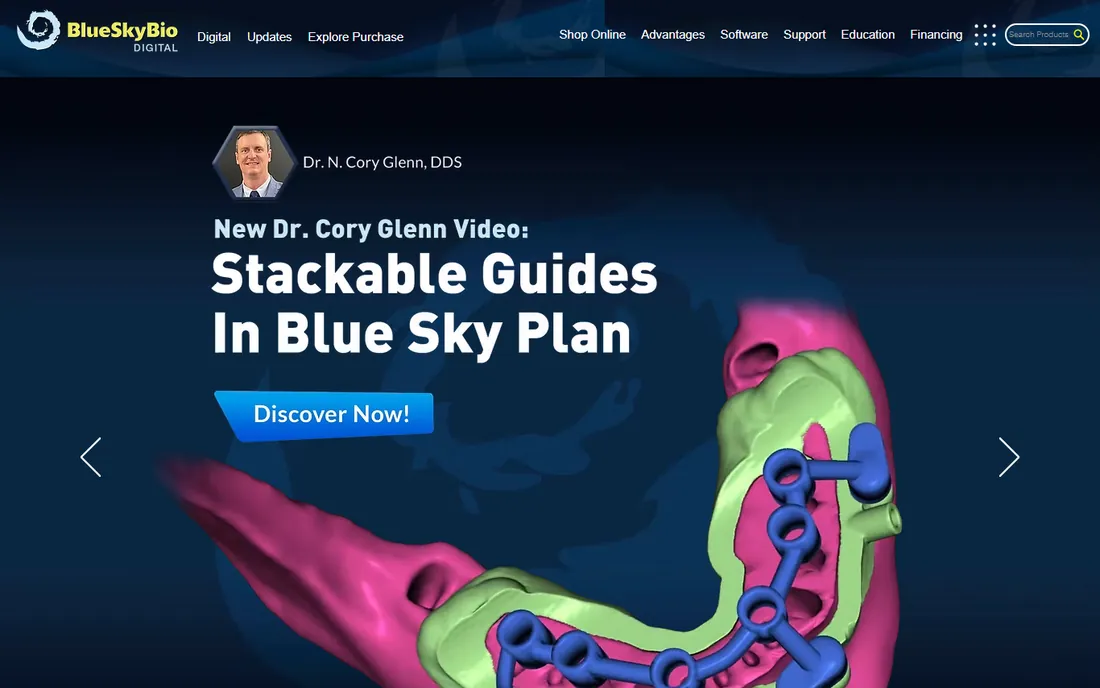
Blue Sky Plan is the rare product in this category that is genuinely free to start. The vendor's own FAQ confirms there is no annual license fee to download and plan cases. It handles CBCT and DICOM import, implant planning, surgical guide design, denture and aligner workflows, and the newer versions add automatic AI segmentation of teeth, jaws, airways and nerves. The $39-per-month premium tier adds automation features like the fully automatic implant wizard.
The catch is that the business model lives in the extras: exports carry fees and the premium automation is subscription-based. It also works best inside the Blue Sky Bio implant and lab ecosystem. Even so, for a practice that wants to try guided implant planning without a five-figure software commitment, this is the lowest-risk entry point on the market.
What we like- Free to download with no annual license fee
- Automatic implant placement and guide design in newer versions
- Strong ecosystem with Blue Sky Bio implants and lab services
Watch out for- Premium AI and automation features cost $39/month after the trial
- Export fees apply for surgical guides and models
Starting priceSee website
Free planNo
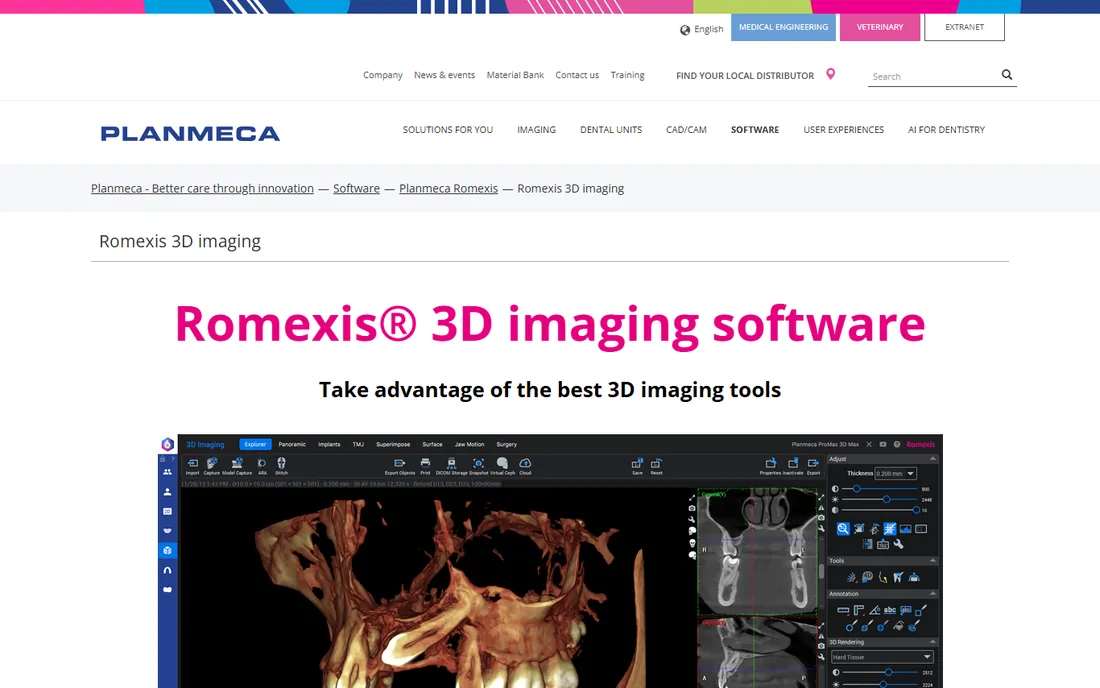
Planmeca Romexis is the software platform behind Planmeca's imaging units, and its 3D module handles CBCT, model scans and 3D photos in one interface. The newer Romexis 7 adds AI-driven features: automatic recognition and segmentation of teeth, nerves and airways, automatic fitting of CBCT and intraoral scans, and implant plan proposals that the vendor says take seconds. Specialist modules cover orthodontics, endodontics, TMJ analysis and surgical planning.
Romexis is modular, so a practice can start with 2D and grow into 3D and implant workflows through license updates. It shines brightest with Planmeca hardware, though it accepts standard formats from other sources. Pricing flows through dealers, so expect a quote. For clinics already invested in Planmeca equipment, it is the natural software home.
What we like- All-in-one platform for 2D, 3D, CAD/CAM and implant workflows
- AI-powered segmentation and automatic implant planning in Romexis 7
- Open architecture that imports standard formats
Watch out for- Best value when paired with Planmeca imaging hardware
- Pricing requires a quote through dealers
Starting priceSee website
Free planFree trial (30 days)
CS Imaging 8 is Carestream Dental's answer to the fragmented imaging workflow: one platform that pulls together 2D images, 3D volumes and CAD/CAM data. The CS 3D Imaging modules add prosthetic-driven implant planning and airway segmentation, and the vendor offers a free trial so practices can evaluate before committing. A thoughtful touch is that both the 2D viewer and the full 3D software can be shared with colleagues and referring dentists at no cost, which smooths referrals.
The platform is naturally closest to Carestream's own CBCT units, and pricing is handled through sales representatives. For practices already running Carestream imaging hardware, CS Imaging 8 consolidates viewing, planning and collaboration in one place instead of three.
What we like- Single hub for 2D, 3D and CAD/CAM data
- Dedicated modules for implant planning and airway analysis
- Free software sharing with referring colleagues
Watch out for- Optimized for Carestream hardware
- Pricing is quote-based through representatives
What to check before you buy 3D imaging software
Start with your hardware. Several of the best platforms are tuned for specific CBCT units and scanners, and while most accept standard DICOM data, the smoothest workflows happen when software and hardware come from the same family. If you already own a CBCT unit, shortlist the software that pairs with it before looking anywhere else.
Next, be honest about the job. Pure viewing and diagnosis is well served by free tools like 3D Slicer and Horos. Treatment planning, implant guides and case presentation need the dental platforms, and those cost real money. Buying a planning suite to do a viewer's job is the most common overspend in this category.
Then check the compliance and certification story. Clinical diagnosis in the US generally needs FDA-cleared software, which the free open-source tools do not always carry. OsiriX MD, the dental platforms and the vendor viewers are built for clinical use; 3D Slicer and Horos sit more in research, education and adjunct roles. Confirm the clearance status for your intended use before you standardize on a free tool.
Finally, test the export story. A scan that cannot leave the software is a dead end. Check that you can export STL files for 3D printing, share cases with labs and referring doctors, and move images into your practice management system. Ask what each export costs, because some vendors charge per export and those fees add up fast.
How we chose
We reviewed vendor pricing pages, product documentation and official FAQs, then cross-checked against public user feedback on forums and review sites. We favored tools with real adoption in dental and medical practices, clear 3D imaging capabilities, and honest pricing information over marketing claims. We did not perform hands-on testing; every fact here comes from vendor-published material and public sources.
Free versus paid 3D imaging software
The free tier in this category is unusually strong. 3D Slicer and Horos are professional-grade tools that handle real clinical data, and Blue Sky Plan makes implant planning free to start. For a practice that only needs to view and measure scans, the free options may be all you ever need.
Paid software earns its price in three places: clinical certification, treatment-planning workflows and support. If your scans feed surgical guides, aligner designs or insurance documentation, a platform like Invivo, Romexis or CS Imaging pays for itself in workflow time. And when something breaks before a patient appointment, a support contract beats a forum thread. Our rule of thumb: view for free, plan for a fee, and never let the price tag decide which job you are actually buying software for.
Frequently asked questions
What is the best free 3D imaging software?
3D Slicer and Horos are the two strongest free options. 3D Slicer is the better pick for cross-platform use and research-grade image analysis, while Horos is the better pick for Mac users who want a straightforward DICOM workstation. For free dental implant planning specifically, Blue Sky Plan is the standout.
Do I need FDA-cleared software to view patient scans?
For primary clinical diagnosis, you should use software cleared for that purpose, such as OsiriX MD or the vendor imaging platforms. Free open-source tools are widely used for research, education, treatment planning support and secondary review, but check the clearance status against your intended use and your local regulations.
Can 3D imaging software design surgical guides?
Yes, several tools on this list do. Invivo Guide, Planmeca Romexis, CS 3D Imaging and Blue Sky Plan all support implant planning and surgical guide design, with exports for 3D printing. Pure viewers like Horos and OsiriX Lite do not.
Will this software work with my CBCT scanner?
Most of these tools import standard DICOM data from any CBCT unit. The deepest integration, automatic import, dose protocols, one-click workflows, comes when software and hardware share a vendor. Always confirm compatibility with your specific scanner model before buying.
Is 3D Slicer really free for commercial use?
Yes. 3D Slicer is distributed under a BSD-style open-source license that does not restrict commercial use, and the vendor explicitly invites commercial entities to use it. The tradeoff is the absence of a vendor support contract.
How much does dental 3D imaging software cost?
It ranges from free to thousands per year. Blue Sky Plan and the open-source viewers cost nothing to start. Clinical viewers like OsiriX MD start around $70 per month. The full dental platforms from Osteoid, Planmeca and Carestream Dental are quote-based and typically bundled with hardware or support contracts.
Sources we checked (10)
- https://slicer.org/
- https://osirix-viewer.com/
- https://horosproject.org
- https://dolphinimaging.com/
- https://osteoidinc.com/
- https://blueskybio.digital/
- https://blueskybio.digital/download
- https://www.planmeca.com/dental-software/planmeca-romexis/3d-imaging-software/
- https://www.carestreamdental.com/en-us/csd-products/imaging-software/cs-imaging-v8/
- https://news.digital-dentistry.org/news/carestream-dental-launches-cs-3d-imaging-premium-ai-powered-imaging-for-smarter-faster-dentistry/
Is your product missing or out of date?
We review this list regularly. Vendors can request a listing, send updated pricing or ask about featured placement.

Shihab Mia · Founder, Rankite
Shihab has spent more than a decade helping SaaS and e-commerce brands grow through search. He writes Rankite's software buying guides from pricing pages, documentation and public user reviews. More about Shihab.