How we make this list: we compare pricing pages, product documentation and public user reviews. Ratings come from G2, Capterra or Trustpilot, with the date we checked them.
Direct answer
Square Payroll is the best 1099 contractor payment software for contractor-only teams, at $6 per month per person paid with no base fee. Gusto suits small teams that mix W-2 employees and 1099 contractors in one payroll. Remote fits companies paying contractors in many countries, starting at $29 per contractor per month.
Key takeaways
- Contractor-only teams should start with Square Payroll at $6 per month per person paid, with no monthly base fee.
- Businesses already on QuickBooks should price QuickBooks Workforce Payroll at $50 plus $7 per employee.
- Teams that want W-9 collection before payment should look at BILL Essentials at $49 per user per month, with 1099 e-filing at $2.99 per form.
- Price-first buyers should compare Melio Core at $25 per month, since the free Go plan excludes W-9 collection and 1099 sync.
- Global teams should compare Remote at $29 per contractor per month against Deel, which lists contractor prices only in its app.
Quick comparison
| Tool | Best for | Starting price | Free plan |
|---|
 Square Payroll | Contractor-only pay with no base fee | Contractor-only payroll $6/mo per person paid | None found on vendor page |
 Gusto | US small teams mixing W-2 and 1099 | See website | None found on vendor page |
 OnPay | Flat pricing with multi-state included | Payroll Essentials $49 per month plus $6 per worker per month | First month free |
 QuickBooks Workforce Payroll | Businesses already using QuickBooks | Workforce Payroll $50 + $7/employee | None found on vendor page |
 SurePayroll | Low-cost full-service small business payroll | Full Service $29/mo plus $7 per employee | Alternate months free in first 12 months |
 Melio | Free start, paid plan for 1099 tools | Core $25/mo | Go free forever, 1 user, 5 free ACH payments per month |
 BILL | AP approvals plus W-9 collection | Essentials $49 user/month | Spend & Expense $0 per user/month |
 Remote | Lower-cost global contractor management | Contractor Management starting at $29 contractor per month | None found on vendor page |
 Deel | Global contractors with compliance cover | See website | None found on vendor page |
 Rippling | HR, IT and payroll in one system | See website | None found on vendor page |
Is your product missing or out of date?
We review this list regularly. Vendors can request a listing, send updated pricing or ask about featured placement.
The best 1099 contractor payment software
Paying contractors looks simple until January arrives. A good 1099 tool collects a W-9 before the first payment, tracks every payment by contractor, pays by direct deposit or check, and files Form 1099-NEC at year end. Pricing models differ more than features: some tools charge per person paid with no base fee, others charge a base fee plus per-worker pricing, and accounts payable tools charge per internal user. This list ranks 10 tools on contractor pricing, W-9 and 1099-NEC handling, and fit for US-only versus global teams. Prices were checked on vendor pricing pages on 2026-11-28.
Starting priceContractor-only payroll $6/mo per person paid
Free planNone found on vendor page
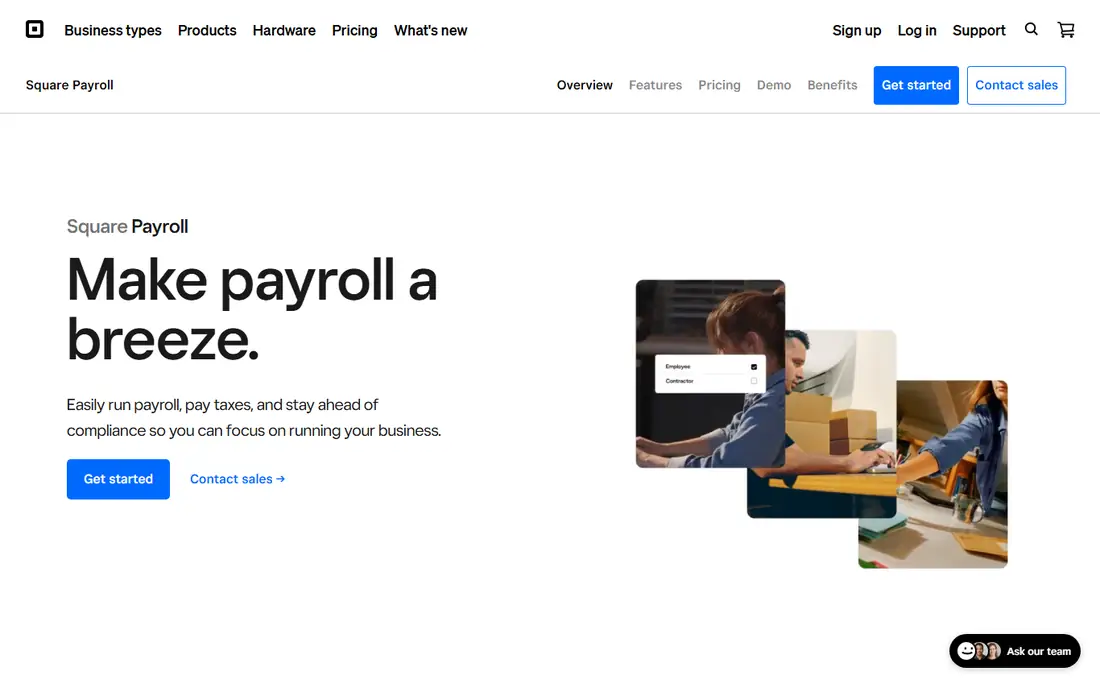
Square Payroll is the clearest contractor-only offer in this list. The contractor-only plan costs $6 per month per person paid, with no base fee, and full-service payroll for employees costs $35 per month plus $6 per person paid. Both plans include unlimited pay runs and digital delivery of W-2s and 1099s. Contractors can be paid by check, direct deposit, or Cash App, which helps when a contractor does not want to share bank details with a new client. For a business paying a handful of freelancers, the math stays simple: five contractors cost $30 in a month when all five are paid.
The catch is what the contractor-only plan leaves out. Auto payroll, multistate payroll, and next-day direct deposit sit on the full-service plan, and mailed paper 1099s cost $3 per form each year. Pick Square Payroll if you pay US contractors only and want the lowest entry cost. Look elsewhere if you also run W-2 payroll across several states and want one system for both.
What we like- No base fee on the contractor-only plan
- Unlimited pay runs
- Pay by check, direct deposit, or Cash App
Watch out for- Contractor-only plan excludes auto payroll, multistate payroll, and next-day direct deposit
- Mailed paper 1099s cost $3 per form annually
Starting priceSee website
Free planNone found on vendor page
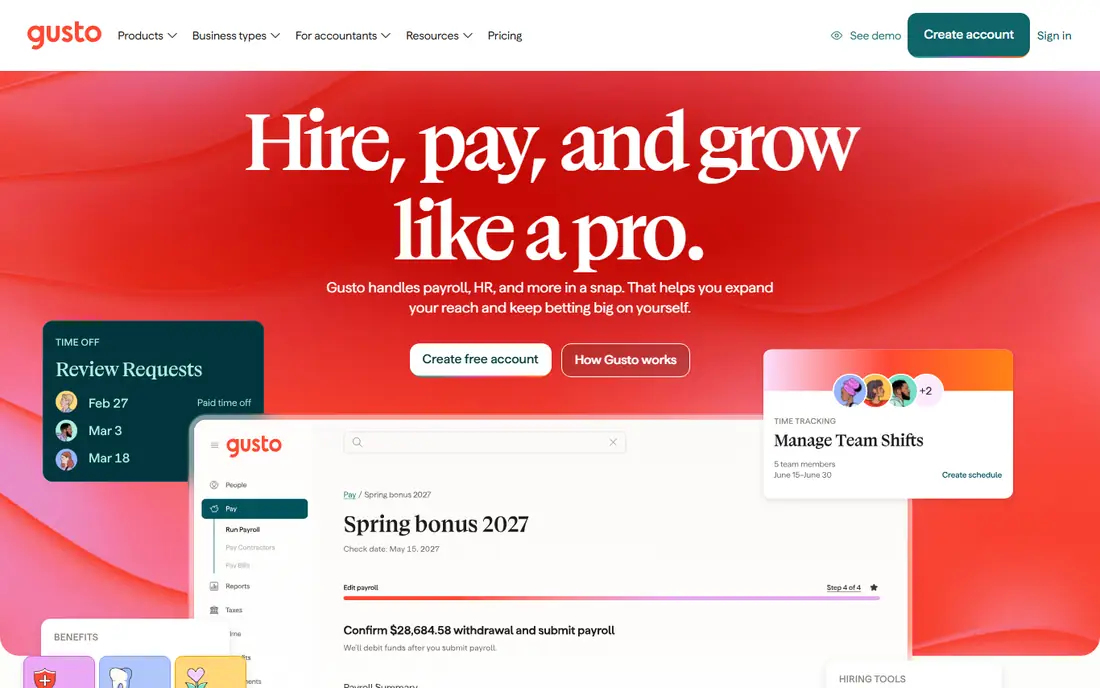
Gusto is a payroll platform for small US teams that pay both employees and contractors. Every plan includes unlimited payroll runs, and Gusto files federal, state, and local payroll tax forms, including Form 1099, on the company's behalf. US contractors are billed at the per-person cost only in months when they are paid, and global contractor payments carry no monthly per-contractor fee, with a service and foreign exchange fee per payment instead. Gusto states it supports contractor payments in more than 120 countries. The pricing page checked for this guide did not render plan prices, so the starting price is listed as See website.
The catch is that the contractor-only price could not be copied from the vendor page, so budget comparisons need a live quote. Higher plans also gate features such as multi-state compliance support and HR experts. Pick Gusto if you run mixed W-2 and 1099 payroll and want tax filing handled in one place. Look elsewhere if you need a published per-contractor price before you talk to sales.
What we like- Unlimited payroll runs on every plan
- Contractor payments in more than 120 countries
- Federal, state, and local payroll tax filing handled
Watch out for- Plan prices did not render on the vendor pricing page checked
- Multi-state compliance and HR experts sit on higher plans
Starting pricePayroll Essentials $49 per month plus $6 per worker per month
Free planFirst month free
OnPay charges one flat structure: $49 per month plus $6 per worker per month, with the first month free. The plan pays W-2 employees and 1099 contractors in one place, includes multi-state payroll, and includes year-end filings with W-2s and 1099s. That inclusion matters because several rivals charge extra per state or per form. OnPay's pricing page headline of $55 per month reflects the $49 base plus one $6 worker, so small teams should budget from the formula, not the headline. Ten workers cost $109 per month before add-ons.
The catch is the base fee. A business paying two contractors in a quiet month still pays the $49 base, where Square charges only per person paid. HR and time tracking are also paid add-ons rather than included features. Pick OnPay if you pay workers in several states and want filings included at one predictable rate. Look elsewhere if your contractor count swings month to month and a base fee would sit idle.
What we like- W-2 and 1099 workers paid in one place
- Multi-state payroll included
- Year-end filings, W-2s, and 1099s included
Watch out for- HR and time tracking are paid add-ons
- $49 base applies even in months with few contractors
Starting priceWorkforce Payroll $50 + $7/employee
Free planNone found on vendor page
QuickBooks Workforce Payroll, formerly QuickBooks Payroll, costs $50 plus $7 per employee on the vendor pricing page. It can create and e-file unlimited 1099-MISC and 1099-NEC forms, and Intuit calculates, files, and pays payroll taxes. Auto payroll covers salaried employees on direct deposit, which suits teams mixing staff and contractors. The main reason to pick it is accounting fit: contractor payments and 1099 data live in the same QuickBooks account as the books, so year-end reporting does not need a separate export and cleanup step.
The catch is that payroll is an add-on to QuickBooks. If your books live elsewhere, you pay for QuickBooks plus payroll to get the 1099 tools. Tax penalty protection up to $25,000 per year is reserved for the Elite tier. Pick QuickBooks Workforce Payroll if QuickBooks is already your accounting system. Look elsewhere if you want contractor payments without adopting QuickBooks accounting.
What we like- Create and e-file unlimited 1099-MISC and 1099-NEC forms
- Intuit calculates, files, and pays payroll taxes
- Auto payroll for salaried employees on direct deposit
Watch out for- Payroll is an add-on to QuickBooks, so non-QuickBooks users pay for two products
- Tax penalty protection up to $25,000 per year sits on the Elite tier
Starting priceFull Service $29/mo plus $7 per employee
Free planAlternate months free in first 12 months
SurePayroll by Paychex lists Full Service at $29 per month plus $7 per employee, with unlimited payroll runs and free 2-day direct deposit. It supports W-2 employees and 1099 contractors, and it prepares and files W-2 and 1099-NEC forms. New customers get alternate months free during the first 12 months, which lowers first year cost. The pricing page also showed a $39 per month block beside the $29 block when checked, so confirm the current base price at signup. Five workers on the $29 base cost $64 per month before add-ons.
The catch is year-end and add-on pricing. W-2 and 1099-NEC forms are billed annually at a $50 base fee plus $5 per form, multi-state payroll costs $9.99 per month, and accounting integration costs $4.99 per month. Pick SurePayroll if you want full-service filing at a low base price and mostly pay in one state. Look elsewhere if per-form year-end fees would surprise you in January.
What we like- Supports W-2 employees and 1099 contractors
- Unlimited payroll runs and free 2-day direct deposit
- Prepares and files W-2 and 1099-NEC forms
Watch out for- Year-end forms billed annually at $50 base plus $5 per form
- Multi-state payroll costs $9.99 per month extra
Starting priceCore $25/mo
Free planGo free forever, 1 user, 5 free ACH payments per month
Melio is an accounts payable tool that small businesses also use to pay contractors. The Go plan is free forever for 1 user with 5 free ACH payments per month, and Core costs $25 per month, or $20 per month billed annually, plus per-user fees for extra seats. Core and above add W-9 collection with TIN validation and 1099 automation that syncs with Tax1099. Batch payments and custom approval workflows sit on paid plans. For a business that pays contractors and vendors from the same account, Melio keeps both in one bill-pay flow.
The catch is that the free plan is a payment tool, not a 1099 tool. W-9 collection and automatic 1099 sync start on Core, and ACH payments cost $0.50 each after the monthly free allowance. Pick Melio if you pay vendors and contractors together and want W-9 checks before payment. Look elsewhere if you need W-2 payroll in the same system, since Melio is built around bill pay.
What we like- W-9 collection with TIN validation on Core and above
- 1099 automation syncs with Tax1099
- Batch payments and approval workflows on paid plans
Watch out for- W-9 collection and 1099 sync excluded from free Go
- ACH costs $0.50 per payment after the free allowance
Starting priceEssentials $49 user/month
Free planSpend & Expense $0 per user/month
BILL is an accounts payable platform that handles contractor payments with stronger controls than basic payroll tools. Essentials costs $49 per user per month, Team costs $65, and Corporate costs $89. Every AP plan includes automatic W-9 collection and verification, approval workflows, and a centralized bill inbox. Payments can go out by ACH, virtual card, or credit card. For a finance team paying many contractors, the approval trail and W-9 checks before payment are the main draw, since missing W-9s are the usual January problem.
The catch is layered pricing. On top of per-user fees, BILL charges transaction fees such as $0.59 per ACH payment and $2.99 per 1099 e-filing, and Essentials relies on manual CSV import and export for QuickBooks and Xero sync. Pick BILL if contractor payments need approvals and audit trails. Look elsewhere if one person pays five contractors and needs the cheapest simple tool.
What we like- Automatic W-9 collection and verification on all AP plans
- Approval workflows and a centralized bill inbox
- Pay by ACH, virtual card, and credit card
Watch out for- Per-user pricing plus transaction fees, including $0.59 ACH and $2.99 per 1099 e-filing
- Essentials syncs QuickBooks and Xero by manual CSV import and export
Starting priceContractor Management starting at $29 contractor per month
Free planNone found on vendor page
Remote manages global contractors at $29 per contractor per month, and you pay only for contractors you actively work with that month. It supports onboarding and payments in more than 190 countries, with compliance screening, expense handling, and 1099-NEC generation included for US contractors. The vendor states no setup, onboarding, or platform fees. For a US company adding contractors in several countries, Remote covers contracts, payments, and US tax forms in one system instead of separate local arrangements.
The catch is the price of protection. Indemnity cover up to $100K requires Contractor Management Plus at $99 per contractor per month, more than triple the base plan. A US-only team also pays for global infrastructure it will not use. Pick Remote if you hire contractors across borders and want per-contractor pricing. Look elsewhere if all your contractors are in the US and Square or OnPay covers the same payments for less.
What we like- Pay only for contractors worked with that month
- Onboard and pay contractors in 190+ countries
- Compliance screening, expenses, and 1099-NEC generation included
Watch out for- Indemnity cover up to $100K requires the Plus plan at $99 per contractor per month
- Global platform is more than US-only teams need
#9
Deel
Best for: Global contractors with compliance cover
Visit deel.com
Starting priceSee website
Free planNone found on vendor page
Deel is a global hiring platform covering employees and contractors in 150+ countries. Its pricing page lists EOR employment starting at $599 per employee per month and US PEO at $125 per employee per month, while contractor pricing is shown inside the app, so the contractor starting price is listed as See website. Deel offers a Contractor of Record option that shifts worker classification liability to Deel, and Deel Payroll covers 160+ countries. For companies hiring in many countries, the compliance cover is the main reason to pay Deel rates.
The catch is price transparency and fit. A US-only business cannot copy a contractor price from the public page, and global per-contractor pricing is higher than US payroll tools charge for the same US payments. Pick Deel if classification risk across many countries is your main problem. Look elsewhere if you pay a few US contractors and need a published price today.
What we like- One platform for global hiring, payroll, and contractor payments
- Deel Payroll covers 160+ countries
- Contractor of Record option shifts classification liability to Deel
Watch out for- Contractor prices are shown in the app rather than on the public pricing page
- Global per-contractor pricing runs higher than US payroll tools for US-only teams
Starting priceSee website
Free planNone found on vendor page
Rippling combines HR, IT, finance, and payroll in one platform, and it manages W-2s, 1099s, and new hire reporting with payroll support in 185+ countries. The vendor page lists core HRIS starting at $8 per employee per month and Payroll at $8 per employee per month billed annually or $10 billed monthly, but states exact pricing needs a custom quote, so the starting price is listed as See website. The draw is consolidation: contractor records, payroll, and app access live in one system.
The catch is that payroll cannot be purchased on its own, so a contractor-only buyer must adopt the wider platform and a custom quote. Support contact is also limited to administrators. Pick Rippling if you want HR, IT, and payroll unified as you grow. Look elsewhere if you only need to pay contractors and file 1099s at a published price.
What we like- Combines HR, IT, Finance, and Payroll in one system
- Manages W-2s, 1099s, and new hire reporting
- Supports payroll in 185+ countries
Watch out for- Exact pricing needs a custom quote
- Payroll module cannot be purchased independently
What does it cost to pay 10 contractors each month?
Run the same 10-contractor month through each pricing model. Square Payroll costs $60, since 10 people paid at $6 each carries no base fee. OnPay costs $109, from the $49 base plus 10 workers at $6. QuickBooks Workforce Payroll costs $120, from $50 plus 10 at $7. SurePayroll costs $99 on the $29 base plus 10 at $7, before the annual $50 plus $5 per form year-end charge. Remote costs $290 for 10 contractors at $29 each, which buys global coverage a US-only team may not need. BILL depends on internal users instead: 2 users on Essentials cost $98 plus $0.59 per ACH payment and $2.99 per 1099 e-filing. The cheapest model depends on contractor count stability: per-person pricing wins when counts swing, base-plus-worker pricing wins when filings and multi-state support are included.
Which 1099 payment software is cheapest for a few contractors?
Square Payroll is cheapest for a few US contractors because it charges $6 per month per person paid with no base fee. Three contractors cost $18 in a month when all three are paid, and $0 in a month when none are paid. Base-fee tools such as OnPay at $49 plus $6 per worker only catch up when you also need multi-state payroll and included year-end filings. If your contractor count changes month to month, per-person pricing protects you from paying a base fee in quiet months.
Most payroll tools in this list file 1099-NEC forms, but the fee model differs. QuickBooks Workforce Payroll includes unlimited 1099-MISC and 1099-NEC e-filing. OnPay includes year-end filings and 1099s in its flat rate. SurePayroll files the forms but bills $50 plus $5 per form annually. BILL charges $2.99 per 1099 e-filing on top of user fees. Melio syncs 1099 data with Tax1099 on paid plans. Confirm whether filing is included or per-form before you choose, since 50 forms at $5 each add $250 in January.
What is the best option for international contractors?
Remote is the lower-cost global pick at $29 per contractor per month, with payments in 190+ countries and 1099-NEC generation for US contractors. Deel fits teams that want classification liability shifted through its Contractor of Record option, but contractor prices sit inside the app. Gusto also pays contractors in more than 120 countries with no monthly per-contractor fee, charging per payment instead. Pick based on where your contractors sit: Remote for published per-contractor pricing, Deel for compliance cover, Gusto if you already run US payroll there.
Frequently asked questions
What is the cheapest way to pay 1099 contractors online?
Square Payroll is the cheapest published option for US contractors at $6 per month per person paid, with no base fee. Melio Go is free for payments, but W-9 collection and 1099 sync require Core at $25 per month. For three contractors, Square costs $18 in a paid month, which beats every base-fee tool in this list.
Do I need a W-9 before I pay a contractor?
Yes, collect a W-9 before the first payment so you have the legal name and tax ID for Form 1099-NEC. BILL includes automatic W-9 collection and verification on all AP plans at $49 per user per month. Melio adds W-9 collection with TIN validation on Core at $25 per month. Payroll tools such as Gusto and OnPay collect contractor details during onboarding.
Which tool is best if I pay both employees and contractors?
Gusto and OnPay both pay W-2 employees and 1099 contractors in one system. OnPay charges $49 per month plus $6 per worker with multi-state payroll and year-end filings included. Gusto files federal, state, and local taxes and bills US contractors only in months they are paid, but its plan prices did not render on the page checked.
How much does 1099 filing cost at year end?
It ranges from included to per-form. QuickBooks Workforce Payroll includes unlimited 1099 e-filing in its $50 plus $7 per employee price. SurePayroll bills $50 plus $5 per form annually. BILL charges $2.99 per 1099 e-filing. Square includes digital delivery and charges $3 per mailed paper form. With 50 contractors, per-form fees add $150 to $300.
Can I pay contractors in other countries with these tools?
Yes. Remote pays contractors in 190+ countries at $29 per contractor per month. Deel covers 150+ countries with a Contractor of Record option, with contractor prices in its app. Gusto pays global contractors in more than 120 countries with a per-payment service and foreign exchange fee instead of a monthly per-contractor fee.
What to look for before you buy
First, decide whether you pay contractors only or employees too, since contractor-only pricing such as Square at $6 per person paid beats base-fee payroll for small counts. Second, confirm W-9 collection happens before first payment, with TIN validation if you pay many contractors. Third, check whether 1099-NEC filing is included, per-form, or billed annually, and price January with your real contractor count. Fourth, count your states, since multi-state payroll is included at OnPay but costs $9.99 per month extra at SurePayroll. Fifth, confirm payment rails and timing, including direct deposit speed, check options, and fees per ACH payment.
How we chose
We screened 18 payroll and accounts payable tools, then picked 10 that pay 1099 contractors, handle W-9 or 1099-NEC steps, and publish pricing or state it clearly. Prices were checked on vendor pricing pages on 2026-11-28. Gusto, Deel, and Rippling are listed as See website because contractor prices did not render or require a quote on the pages checked. SurePayroll showed both $29 and $39 base blocks on its pricing page, so confirm the base price at signup. We did not run live payrolls.
Sources we checked (10)
- https://squareup.com/us/en/payroll/pricing
- https://gusto.com/pricing
- https://onpay.com/payroll/software/costs-pricing/
- https://quickbooks.intuit.com/payroll/pricing/bundle/
- https://www.surepayroll.com/pricing
- https://melio.com/pricing/
- https://www.bill.com/product/pricing
- https://remote.com/pricing
- https://www.deel.com/pricing
- https://www.rippling.com/blog/rippling-payroll-review
Is your product missing or out of date?
We review this list regularly. Vendors can request a listing, send updated pricing or ask about featured placement.

Shihab Mia · Founder, Rankite
Shihab has 5+ years in B2B and SaaS SEO. He writes Rankite's software buying guides from pricing pages, documentation and public user reviews. More about Shihab.