How we make this list: we compare pricing pages, product documentation and public user reviews. Ratings come from G2, Capterra or Trustpilot, with the date we checked them.
Key takeaways
- Miniforge is the simplest Anaconda replacement, since it installs conda pinned to the free conda-forge channel with no commercial license question.
- Miniconda keeps the conda workflow with a much smaller install, which suits Docker images and servers.
- JupyterLab remains the free standard for notebook work, and it pairs with any of the distributions on this list.
- PyCharm and DataSpell suit professionals who want a full IDE with debugging, refactoring and database tools.
- Google Colab is the best no-install option for GPU experiments, though free sessions have limits that paid plans remove.
Quick comparison
| Tool | Best for | Starting price | Free plan |
|---|
 Miniforge Miniforge | License-free conda | $0 | Yes |
 Miniconda Miniconda | Minimal conda install | $0 | Yes |
 JupyterLab JupyterLab | Notebook-based analysis | $0 | Yes |
 PyCharm PyCharm | Full Python IDE | $249 per year | Yes |
 DataSpell DataSpell | Data science IDE | See website | Free trial |
 Spyder Spyder | Scientific Python IDE | $0 | Yes |
 Posit Posit | R and Python workbench | $0 | Yes |
 Google Colab Google Colab | Cloud notebooks with GPU | $9.99 per month | Yes |
Is your product missing or out of date?
We review this list regularly. Vendors can request a listing, send updated pricing or ask about featured placement.
The best Anaconda alternatives
Starting price$0
Free planYes
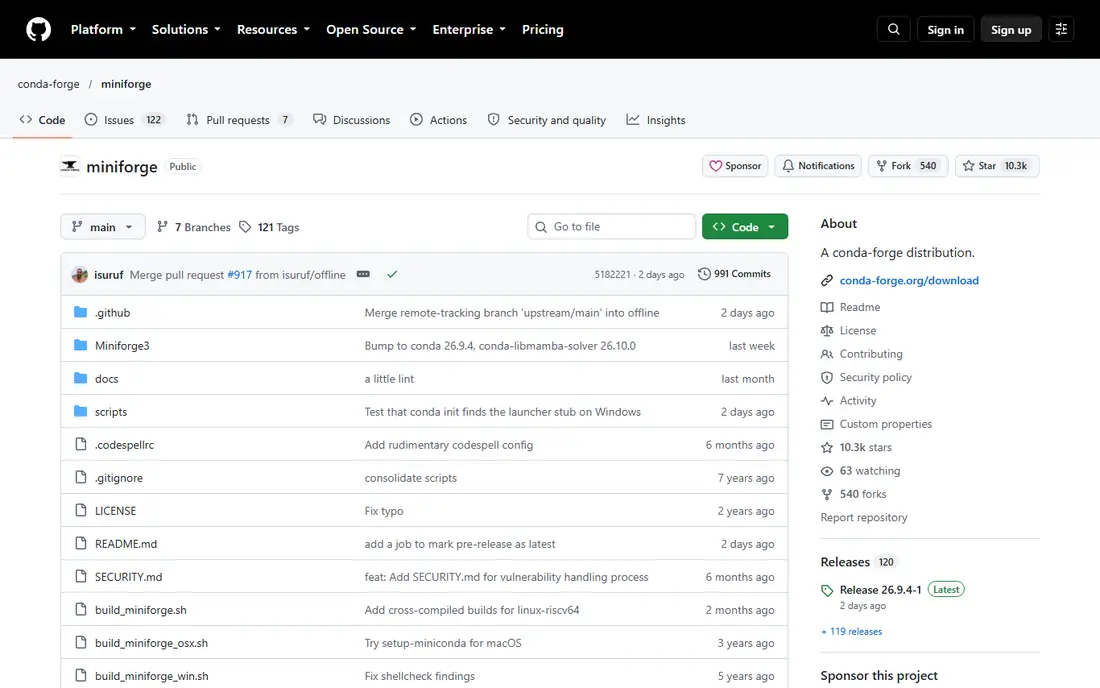
Miniforge is the answer most data teams give when asked how to avoid Anaconda's commercial terms. It installs conda, pinned to the conda-forge channel by default, so packages come from a community repository rather than Anaconda's commercial repository. That single difference removes the license question that pushes larger companies away from Anaconda, since Anaconda's paid tier applies to organizations with 200 or more employees.
Miniforge also ships with mamba, a much faster dependency solver, which makes environment creation noticeably quicker on large stacks. The base install is small, so you add only the packages each project needs. The trade-off is that you start nearly empty: pandas, NumPy and Jupyter are not pre-installed, so new users must install them explicitly. For teams that value clean, reproducible environments, that is a feature rather than a flaw.
What we like- Defaults to conda-forge only
- Includes fast mamba solver
- Fully open source
Watch out for- Smaller installer community than Anaconda
- Fewer bundled packages by default
Starting price$0
Free planYes
Miniconda is Anaconda's own minimal installer: conda, Python and a handful of core packages, nothing else. Teams that like conda but do not want a multi-gigabyte install use it for servers, containers and CI pipelines, where a small base image matters. The workflow is identical to Anaconda, so existing environment files and commands carry over without changes.
The license note matters here too. Miniconda defaults to Anaconda's channels, so large organizations should configure it to use conda-forge only, just as Miniforge does by default. If you are an individual or a small team, Miniconda remains free and simple. If you work in a large company, Miniforge is the cleaner choice for the same workflow.
What we like- Tiny base install
- Same conda workflow
- Good for Docker and servers
Watch out for- Still pulls from Anaconda channels by default
- Packages added manually
Starting price$0
Free planYes
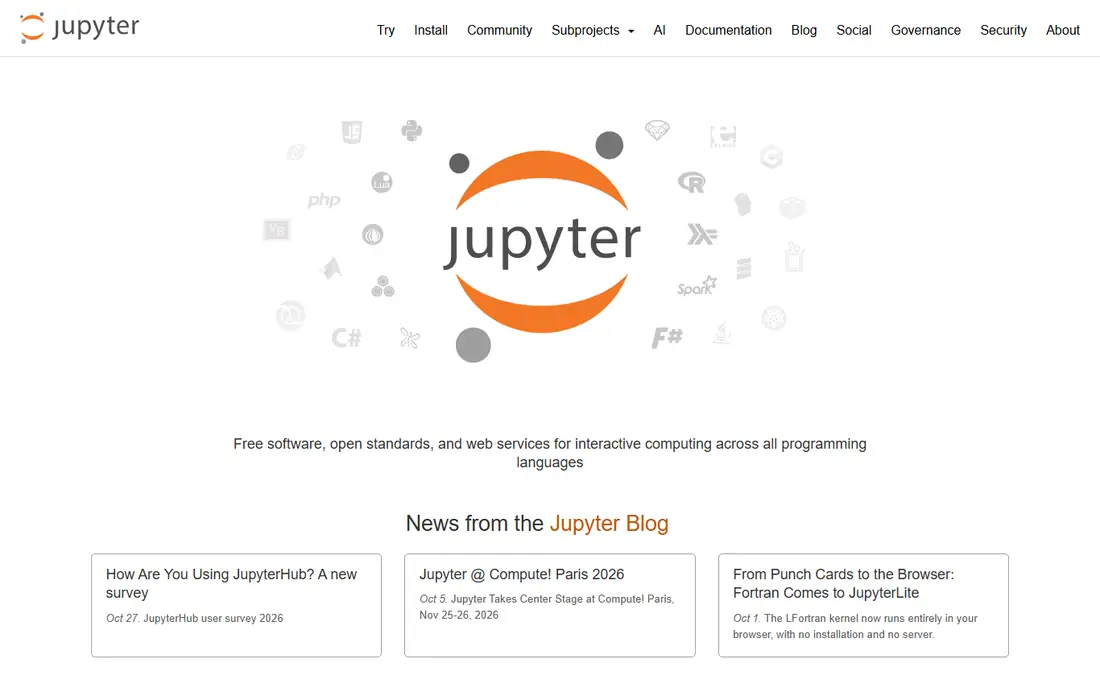
JupyterLab is the interface most data scientists actually spend their day in, whatever distribution they installed. It runs notebooks, terminals, file browsers and data viewers in one browser tab, and its extension library adds tools for plotting, debugging and version control. It is free, open source and maintained by Project Jupyter, so it carries no license risk at any organization size.
JupyterLab does not manage environments itself. You still need conda, pip or another tool to create the Python environment it runs in, which is why it pairs so well with Miniforge or Miniconda. Teams that want a hosted notebook service instead should look at JupyterHub for self-hosting or Google Colab for a managed cloud option. For local analysis, JupyterLab plus Miniforge is the standard free stack.
What we like- Free and open
- Rich notebook interface
- Huge extension ecosystem
Watch out for- Not a full IDE
- Environment management is separate
Starting price$249 per year
Free planYes
PyCharm is the professional IDE for Python developers who also do data work. Its code completion, inspections, refactoring and debugger go far beyond what a notebook offers, and it connects directly to conda environments created by Miniforge, Miniconda or Anaconda. The Community edition is free, while Pro costs near $249 per year for individuals, with lower rates for larger teams.
The main limit is that full notebook support sits in Pro, not Community, so data scientists who live in notebooks need the paid tier. PyCharm is also heavier on system resources than JupyterLab. For developers moving models toward production, with tests, version control and CI in the same project, that weight buys real productivity. For pure exploration, JupyterLab stays lighter.
What we like- Smart code completion and refactoring
- Strong debugger
- Conda environment support
Watch out for- Pro needed for full notebook support
- Heavier than a notebook alone
Starting priceSee website
Free planFree trial
DataSpell is JetBrains' IDE built specifically for data scientists, and it feels like an intelligent notebook with IDE power behind it. It supports Jupyter notebooks natively, adds smart coding assistance, interactive visualizations, and connections to JupyterHub and JupyterLab servers. Built-in database tools let analysts import and export data without leaving the IDE, and SQL gets the same smart assistance as Python.
Pricing is subscription-based through JetBrains, so check the current rate on the vendor page before budgeting. DataSpell overlaps with PyCharm Pro for many users, and teams that already pay for PyCharm may not need both. It earns its place for analysts who want notebook-first work with database access and IDE tooling in one window.
What we like- Built for notebook workflows
- Database integration
- Smart SQL assistance
Watch out for- No free tier
- Overlaps with PyCharm for many users
Starting price$0
Free planYes
Spyder is the scientific IDE that ships inside Anaconda, and it stands fine on its own. It offers an editor, an IPython console, a variable explorer that shows dataframes and arrays in a table, and plotting panes, all arranged for analysis work. Scientists and engineers who learned Python through MATLAB-style workflows often feel at home here faster than in a general IDE.
Spyder is free and open source, and it runs on Windows, macOS and Linux. The interface looks older than PyCharm or VS Code, and its plugin library is smaller, but for numeric work it covers the essentials well. Teams that want a free, focused desktop IDE without the weight of a full JetBrains product should keep Spyder on the shortlist.
What we like- Free and open
- Variable explorer
- Built for scientists and engineers
Watch out for- Interface feels dated
- Smaller plugin library than VS Code
Starting price$0
Free planYes
Posit, formerly RStudio, is the workbench for teams that mix R and Python. Its desktop edition is free and handles both languages, with Quarto for publishing reports, notebooks and dashboards from the same source. Data teams in research, pharma and public policy use it heavily, since those fields still run large R codebases alongside Python.
Python support is newer than R support, so pure Python developers may find PyCharm or VS Code more polished for their workflow. Server and enterprise editions are paid, while the desktop edition stays free. For mixed-language teams, or for analysts moving between R scripts and Python notebooks, Posit is the most practical shared workbench available.
What we like- Strong for R and Python together
- Quarto publishing
- Free desktop edition
Watch out for- Python support is newer than R support
- Server editions are paid
Starting price$9.99 per month
Free planYes
Google Colab removes setup entirely: open a browser tab and you have a Jupyter-style notebook with Python libraries pre-installed and optional GPU access. That makes it ideal for teaching, quick experiments and sharing work with collaborators who should not need to install anything. The free tier covers casual use well.
Free sessions have limits on runtime length and GPU availability, and heavy users will hit them. Colab Pro starts near $9.99 per month and raises those limits, with a Pro Plus tier above it for the heaviest workloads. Colab also stores notebooks on Google Drive, which suits Google Workspace teams but may not fit strict corporate data rules. For everything else, it is the fastest way to start analyzing data.
What we like- No install needed
- Free GPU access
- Easy sharing
Watch out for- Free sessions time out
- Paid plans needed for heavy use
How we chose
We compared distributions, IDEs and cloud notebooks on licensing, cost, environment handling and fit for data work. We used vendor pages and recent comparison guides for pricing, and we favored tools that remain actively maintained and free of license traps for larger teams. We did not claim hands-on testing. Instead we weighed how each tool handles packages, notebooks, debugging and collaboration, so buyers can pick a stack rather than a single product.
Building a replacement stack
Most teams do not replace Anaconda with one product. They replace it with a stack: Miniforge for environments, JupyterLab for notebooks, and an IDE such as PyCharm or VS Code for production code. That combination covers exploration and engineering without any commercial license fee, and it mirrors how many professional teams already work.
Start by moving one project to the new stack and exporting its environment file, then test that a colleague can rebuild the same environment from that file alone. Lock package versions for production work, and keep conda-forge as the only channel to avoid mixing sources. Once the first project rebuilds cleanly, the rest of the migration is repetition rather than risk.
One more check matters for teams: confirm that GPU libraries, database drivers and private packages all install from your chosen channels before you migrate widely. Some specialized packages still publish only to Anaconda channels or to pip, so a mixed install may be needed for those cases. Document the exceptions in your project readme, so the next person who rebuilds the environment does not have to rediscover them.
Frequently asked questions
Is Anaconda still free?
Anaconda is free for individuals, small teams and educational use, but organizations with 200 or more employees need a paid tier for commercial use of its repository. Miniforge avoids that question entirely by using the community conda-forge channel by default.
What is the difference between Miniforge and Miniconda?
Both install conda with a small base. Miniforge defaults to the conda-forge channel and includes the fast mamba solver, while Miniconda comes from Anaconda and defaults to Anaconda's channels. For large companies, Miniforge is the safer default.
Do I still need Anaconda if I use PyCharm?
No. PyCharm connects to conda environments from any distribution, including Miniforge and Miniconda, and it also works with plain virtual environments. You can drop Anaconda entirely and keep PyCharm as your IDE.
Can I use JupyterLab without installing Anaconda?
Yes. JupyterLab installs with pip or conda from any distribution, and Google Colab offers a hosted notebook with no install at all. You do not need Anaconda to run notebooks.
Which option is best for a complete beginner?
Start with Google Colab for zero setup, or install Miniforge plus JupyterLab for a local setup you fully control. Both paths are free, and both let you move to PyCharm or DataSpell later without losing your work.
Sources we checked (8)
- https://github.com/conda-forge/miniforge
- https://www.anaconda.com/download
- https://jupyter.org
- https://www.jetbrains.com/pycharm/
- https://www.jetbrains.com/dataspell/
- https://www.spyder-ide.org
- https://posit.co
- https://colab.research.google.com
Is your product missing or out of date?
We review this list regularly. Vendors can request a listing, send updated pricing or ask about featured placement.

Shihab Mia · Founder, Rankite
Shihab has 5+ years in B2B and SaaS SEO. He writes Rankite's software buying guides from pricing pages, documentation and public user reviews. More about Shihab.