How we make this list: we compare pricing pages, product documentation and public user reviews. Ratings come from G2, Capterra or Trustpilot, with the date we checked them.
Key takeaways
- Microsoft Planner is simple and cheap inside Microsoft 365, but timelines, dependencies, and reporting sit behind separate premium plans.
- Trello is the cheapest simple board, while ClickUp offers the most features per dollar for small teams.
- Asana and monday.com suit cross-functional teams that need structure, rules, and dashboards.
- Wrike and Basecamp fit opposite ends: Wrike for high-volume enterprise work, Basecamp for flat-price calm.
- Notion and Todoist work best when tasks live next to docs or personal planning, not as a full project system.
Quick comparison
| Tool | Best for | Starting price | Free plan |
|---|
 Asana Asana | Structured team projects | $10.99 per user/month | Yes |
 Trello Trello | Simple kanban boards | $5 per user/month | Yes |
 ClickUp ClickUp | All-in-one value | $7 per user/month | Yes |
 monday.com monday.com | Visual boards and dashboards | $9 per user/month | Yes |
 Wrike Wrike | High-volume enterprise work | $10 per user/month | Yes |
 Notion Notion | Docs plus tasks | $10 per user/month | Yes |
 Todoist Todoist | Personal task capture | $7 per user/month | Yes |
 Basecamp Basecamp | Flat-price team projects | $15 per user/month | Free trial |
Is your product missing or out of date?
We review this list regularly. Vendors can request a listing, send updated pricing or ask about featured placement.
The best Microsoft Planner alternatives
#1Asana
Best for: Structured team projects4.4/5 on
G2 (13,930 reviews, checked Oct 2026)
Visit asana.com
Starting price$10.99 per user/month
Free planYes
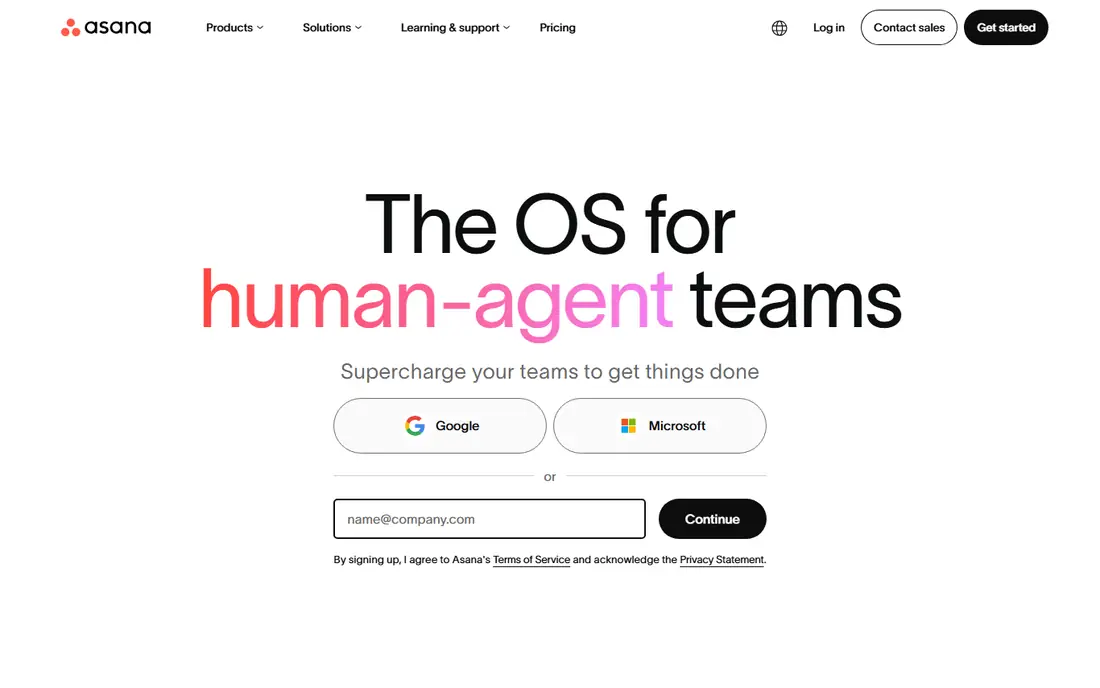
Asana is the polished step up from Planner for teams that need structure. Projects support lists, boards, timelines, and calendars, and paid plans add a workflow builder with unlimited rules, goals, and portfolio views. That structure helps cross-functional teams where work passes between departments and nothing should fall through the cracks.
Pricing starts around $10.99 per user per month billed annually for Starter, with Advanced near $24.99. The free plan is limited to very small teams, so most companies will pay. The trade-off is worth it when reporting and rules matter. If your team only needs a shared board, Trello will feel lighter and cheaper.
What we like- Strong rules and workflow builder
- Goals and portfolios on paid plans
- Polished interface
Watch out for- Free plan covers very small teams
- Advanced reporting needs higher tiers
- Per-seat costs add up
#2Trello
Best for: Simple kanban boards4.4/5 on
G2 (14,064 reviews, checked Oct 2026)
Visit trello.com
Starting price$5 per user/month
Free planYes
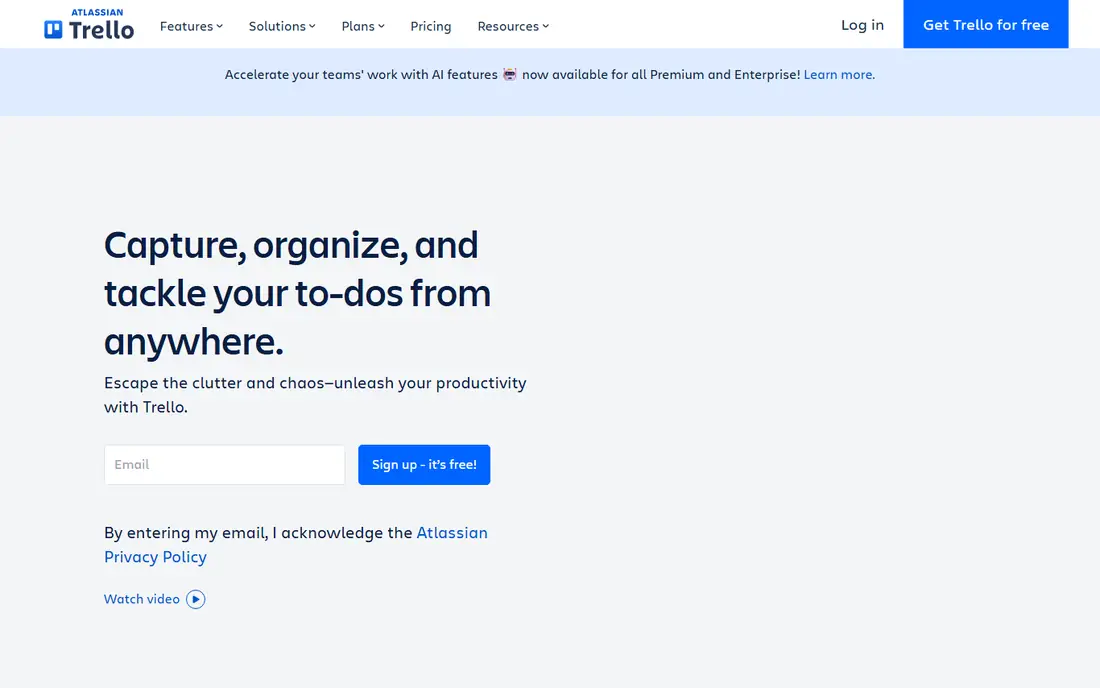
Trello remains the simplest alternative to Planner. A board, lists, and cards can be running in minutes, and the free plan covers up to 10 collaborators, which suits small teams and side projects. Standard starts at $5 per user per month billed annually, with Premium near $10 for timelines, calendars, and stronger automation.
The limits are real. Trello has no native task dependencies, so teams that need strict sequencing should look at Asana, ClickUp, or Wrike. Reporting is also basic compared with dedicated project tools. For a team that wants a visual board and little else, Trello is the cheapest honest choice, and it stays out of the way.
What we like- Fastest board to set up
- Low price
- Automation through Butler
Watch out for- No native task dependencies
- Reporting is basic
- Large projects get hard to manage
#3ClickUp
Best for: All-in-one value4.6/5 on
G2 (14,878 reviews, checked Oct 2026)
Visit clickup.com
Starting price$7 per user/month
Free planYes
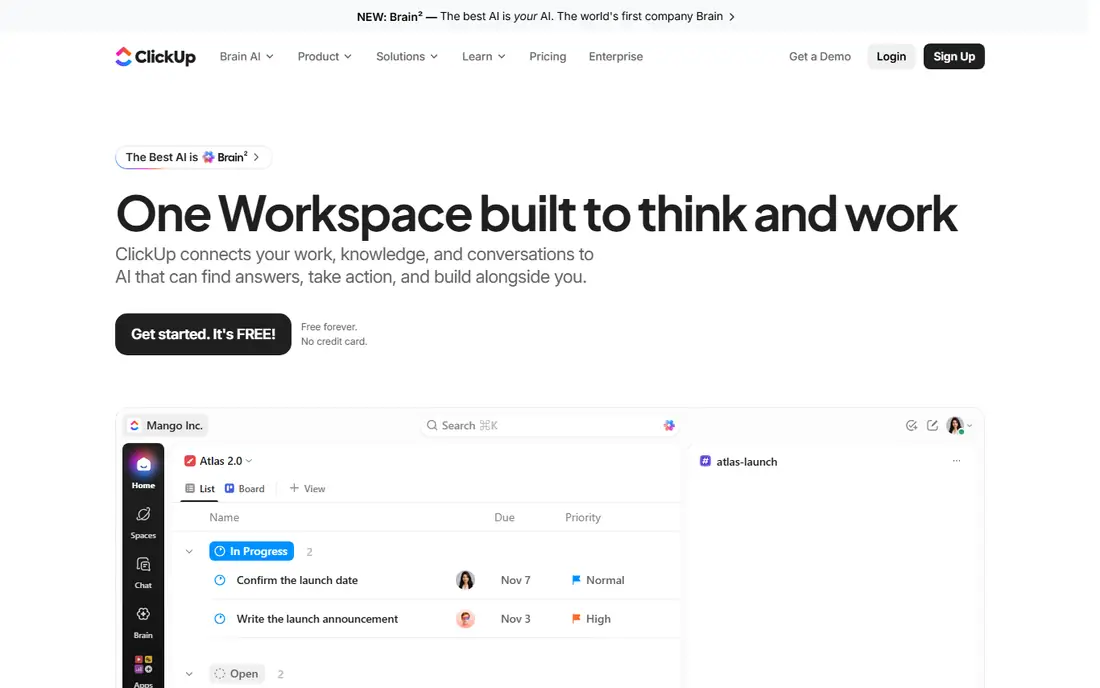
ClickUp packs tasks, docs, whiteboards, goals, Gantt charts, and time tracking into one workspace. The paid entry plan runs around $7 per user per month billed annually, and the free plan covers unlimited tasks and members, though storage is capped at 60 MB. For a small team that wants one tool instead of four, the value is hard to beat.
The risk is sprawl. ClickUp lets teams build almost anything, which means workspaces can turn into mazes of half-used views. Appoint one admin, start from a template, and turn off unused features. AI features also cost extra, around $9 per user per month for Brain AI on top of the base plan. With discipline, ClickUp is the value pick of this list.
What we like- Most features per dollar
- Docs, goals, and time tracking included
- Unlimited tasks on free plan
Watch out for- Setup can sprawl without an owner
- AI features cost extra
- Learning curve for new teams
#4monday.com
Best for: Visual boards and dashboards4.7/5 on
G2 (17,182 reviews, checked Oct 2026)
Visit monday.com
Starting price$9 per user/month
Free planYes
monday.com, styled as monday work management, is built around colorful boards that teams shape with custom columns, timelines, and dashboards. Operations teams like it for tracking work that does not fit a strict project template, such as intake, events, or content pipelines. The free plan covers up to two seats, and Basic starts near $9 per user per month billed annually with a three-seat minimum.
Automation and integration actions are capped by plan, so heavy automation users should check limits before committing. Dashboards and reporting are stronger than Planner's, which matters once managers need cross-team views. For visual, ops-heavy teams that want flexibility without ClickUp's sprawl, monday.com is a strong middle ground.
What we like- Flexible boards and columns
- Strong dashboards
- Good for operations-heavy teams
Watch out for- Three-seat minimum on Basic
- Automation actions capped by plan
- Costs rise with add-ons
#5Wrike
Best for: High-volume enterprise work4.2/5 on
G2 (4,540 reviews, checked Oct 2026)
Visit wrike.com
Starting price$10 per user/month
Free planYes
Wrike suits teams that handle a steady stream of requests, reviews, and approvals. Interactive Gantt charts, shareable dashboards, request forms, and workload views help managers see who is overloaded and where work stalls. The Team plan starts around $10 per user per month billed annually, with a free plan for small trials.
Seats are sold in groups on some plans, and the interface takes longer to learn than Trello or Planner. Small teams with simple boards will find Wrike heavy. Large teams with high volume, formal approvals, and reporting needs will find it one of the most capable tools here, and a clear step up from Planner's premium tiers.
What we like- Strong Gantt charts and dashboards
- Request forms and workload views
- Scales to large teams
Watch out for- Seats sold in groups
- Interface takes learning
- Overkill for small simple projects
#6Notion
Best for: Docs plus tasks4.6/5 on
G2 (13,834 reviews, checked Oct 2026)
Visit notion.so
Starting price$10 per user/month
Free planYes
Notion combines docs, wikis, and databases with task tracking, which suits teams that want knowledge and work in the same place. Pages can hold project trackers, meeting notes, and specs side by side, and databases can be filtered into boards, calendars, and timelines. The free plan is generous for individuals, and Plus starts near $10 per user per month billed annually.
Project management itself is lighter than Asana or Wrike. Dependencies, workload views, and portfolio reporting need workarounds or paid tiers. Notion is the right pick when docs are the main workspace and tasks ride along. When project control is the main job, choose a dedicated tool and link docs from it instead.
What we like- Docs, wikis, and tasks in one place
- Flexible databases
- Generous free plan
Watch out for- Project features are lighter than dedicated tools
- Reporting needs workarounds
- Performance on huge workspaces
#7Todoist
Best for: Personal task capture4.5/5 on
G2 (832 reviews, checked Oct 2026)
Visit todoist.com
Starting price$7 per user/month
Free planYes
Todoist is built for individuals who capture tasks fast. Natural-language entry turns a typed sentence into a dated, prioritized task, and the interface stays clean across web, phone, and desktop. Pro starts around $7 per month, with a free plan for basic lists and a Business plan for team workspaces.
Team project features are thinner than Asana or ClickUp, and there are no Gantt charts or workload views. Todoist fits people who want a personal system first, with light sharing second. For a whole team running shared projects, it will feel small, but as a Planner replacement for individuals, it is fast and pleasant.
What we like- Fast natural-language task entry
- Clean interface
- Works across devices
Watch out for- Team features need Business plan
- No Gantt or workload views
- Limited project reporting
#8Basecamp
Best for: Flat-price team projects4.1/5 on
G2 (5,488 reviews, checked Oct 2026)
Visit basecamp.com
Starting price$15 per user/month
Free planFree trial
Basecamp takes the opposite approach from feature-heavy tools. It offers message boards, to-do lists, schedules, docs, and group chat in one calm package, with a flat-price Pro Unlimited option around $299 per month for unlimited users, alongside a $15 per user per month plan. That flat price can save larger teams real money compared with per-seat tools.
The feature set is deliberately narrow. There are no Gantt charts, workload views, or advanced automations, and integrations are fewer than rivals. Teams that want simplicity and a predictable bill will like Basecamp. Teams that need timelines, dependencies, and reporting should pick Asana, Wrike, or ClickUp instead.
What we like- Flat pricing option for unlimited users
- Calm, simple feature set
- Chat and docs included
Watch out for- No Gantt or advanced reporting
- Fewer integrations
- Per-user plan still costs $15
How we chose
We compared published pricing pages and feature lists for each tool, plus recent Planner alternative comparisons that verify prices against vendor pages. A tool made this list only if it covers Planner's core job, shared task boards for teams, with a clear advantage in views, reporting, structure, or price. Prices shown are per user per month billed annually unless noted, and vendors change them often, so confirm on the pricing page before budgeting.
What to check before you switch
Start with the views your team actually uses. Planner teams often need only a board and a calendar, in which case Trello or Todoist may be enough. If managers need timelines, dependencies, and workload views, shortlist Asana, ClickUp, Wrike, or monday.com and test those views with real projects. Next, count seats honestly, including occasional collaborators, since per-seat pricing grows fast.
Also check your Microsoft 365 position. Planner Plan 1 costs around $10 per user per month on top of a Microsoft 365 plan, so leaving Planner may not save money if you keep paying for 365 anyway. The case for switching is features and reporting, not licence savings alone, and a pilot will prove whether the new tool earns its keep. Run a pilot with one team for a month before moving everyone, and export Planner tasks first so nothing is lost.
Frequently asked questions
Is there a free alternative to Microsoft Planner?
Yes. Trello, ClickUp, Asana, monday.com, Wrike, Notion, and Todoist all offer free plans, though limits vary. Trello allows up to 10 collaborators free, ClickUp offers unlimited tasks and members with capped storage, and Asana's free plan suits very small teams.
Which Planner alternative is cheapest?
Trello Standard at $5 per user per month billed annually is the cheapest paid plan here. ClickUp at $7 is the best value for features, while Basecamp's flat $299 per month plan can be cheapest for large teams with many users.
Do these tools integrate with Microsoft Teams?
Most offer Teams integrations or apps, including Asana, Trello, ClickUp, monday.com, and Wrike. Check the integration details for your plan, since some Teams features need paid tiers or admin setup.
Can I migrate tasks from Planner?
Most tools support import from spreadsheets, and some offer direct Planner importers or migration partners. Export Planner tasks to Excel first, clean up owners and dates, then import into the new tool and verify counts before closing Planner.
Which alternative is best for large enterprises?
Wrike and Asana are the strongest enterprise picks here, with reporting, portfolios, and governance features. monday.com also scales well for operations teams. All three need paid tiers for full reporting.
Does Planner Premium still make sense?
Planner Premium adds timelines, dependencies, and reporting inside Microsoft 365, and it may suit teams already deep in Teams and 365. If your team needs those features and wants to stay in Microsoft's stack, compare Premium pricing before switching vendors.
Sources we checked (8)
- https://asana.com/pricing
- https://trello.com/pricing
- https://clickup.com/pricing
- https://monday.com/pricing
- https://www.wrike.com/pricing
- https://www.notion.so/pricing
- https://todoist.com/pricing
- https://basecamp.com/pricing
Is your product missing or out of date?
We review this list regularly. Vendors can request a listing, send updated pricing or ask about featured placement.

Shihab Mia · Founder, Rankite
Shihab has 5+ years in B2B and SaaS SEO. He writes Rankite's software buying guides from pricing pages, documentation and public user reviews. More about Shihab.