How we make this list: we compare pricing pages, product documentation and public user reviews. Ratings come from G2, Capterra or Trustpilot, with the date we checked them.
Key takeaways
- PatSnap and Anaqua lead for large teams, but they solve different problems: PatSnap answers strategy questions, while Anaqua runs the portfolio and deadlines.
- PatentPal and Patentext are the most practical picks for teams that need actual drafts, not just search results.
- Lens.org is the only genuinely free option here, and it is a strong starting point for solo inventors and small firms.
- Almost none of these vendors publish list prices, so budget for a sales conversation and a demo before committing.
Quick comparison
| Tool | Best for | Starting price | Free plan |
|---|
 PatSnap PatSnap | Patent analytics and landscaping | See website | No |
 Anaqua Anaqua | Enterprise portfolio management | See website | No |
 PatentPal PatentPal | AI patent specification drafting | See website | No |
 XLSCOUT XLSCOUT | AI prior art and invalidity search | See website | No |
 Juristat Juristat | Prosecution and examiner analytics | See website | No |
 Ambercite Ambercite | Citation-based prior art discovery | See website | No |
 Lens.org Lens.org | Free patent and scholarly search | Free | Yes |
 Patentext Patentext | Startup invention-to-filing workflow | $2,700 per year | No |
Is your product missing or out of date?
We review this list regularly. Vendors can request a listing, send updated pricing or ask about featured placement.
#1PatSnap
Best for: Patent analytics and landscaping4.3/5 on
G2 (14 reviews, checked Oct 2026)
Visit patsnap.com
Starting priceSee website
Free planNo
PatSnap is the analytics-first pick on this list. It pulls together patents, scientific literature, and legal records, then layers AI agents on top for prior art research, patent-map building, and freedom-to-operate checks. For an R&D or strategy team asking where the white space is, who is filing what, and whether an invention looks novel, that combination is hard to beat.
The honest catch is scope. PatSnap will not manage your deadlines, renewals, or filings, so most teams pair it with a docketing system rather than replacing one. Pricing is also quote-based, and published estimates put it firmly in enterprise territory. If your main job is understanding the patent field rather than administering a portfolio, start here.
What we like- Very large global patent and literature datasets
- Task-specific AI agents for research and drafting support
- Strong visualization for patent maps
Watch out for- Enterprise pricing with no published list
- Not a docketing system
#2Anaqua
Best for: Enterprise portfolio management4.4/5 on
G2 (19 reviews, checked Oct 2026)
Visit anaqua.com
Starting priceSee website
Free planNo
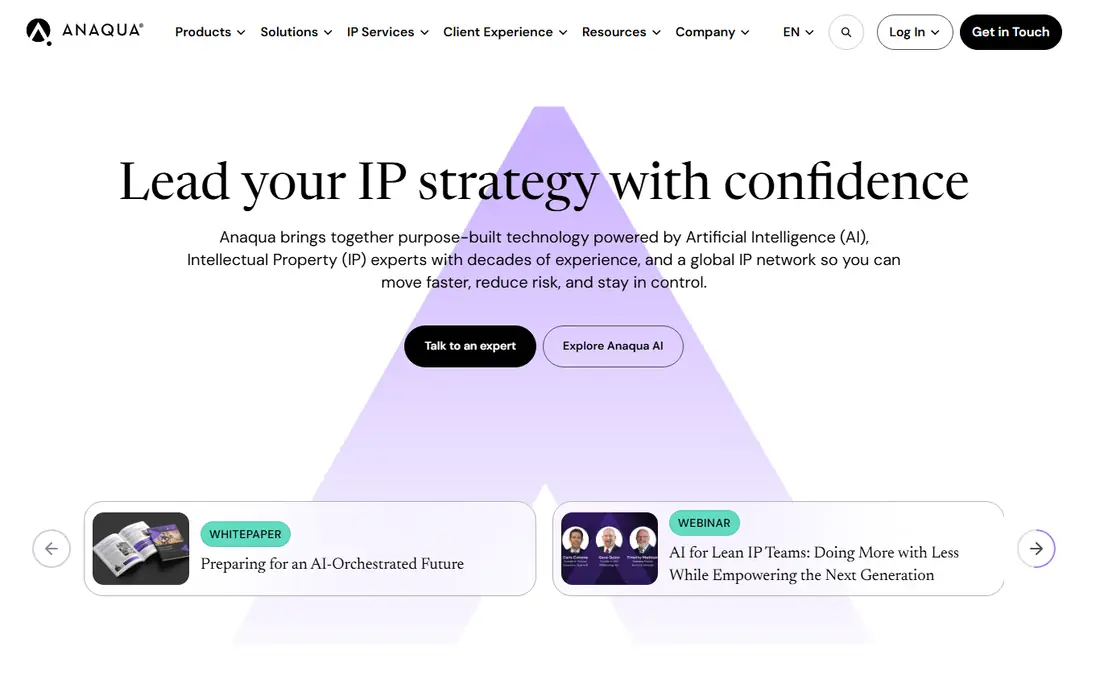
Anaqua is the system large IP departments buy when spreadsheets and point tools stop working. It covers portfolio management, docketing, analytics, and spend tracking, and its AI features now turn patent office correspondence and counsel emails into validated docketed records without re-keying. For a team managing hundreds of matters across jurisdictions, that automation removes a real source of errors.
The trade-off is weight. Anaqua's configurability is its strength, but it also means onboarding takes time and ongoing administration. Small teams will find it more than they need, and the quote-based pricing reflects its enterprise positioning. If your problem is running a large portfolio reliably, Anaqua is the most complete answer here.
What we like- End-to-end portfolio, docketing, and analytics in one platform
- AI docketing from PTO correspondence
- Deep workflow configurability
Watch out for- Implementation is a project, not a quick setup
- Pricing is not published
Starting priceSee website
Free planNo
PatentPal does one job and does it well. You drop in a document with your claims, and it generates a specification, figures, flowcharts, and block diagrams, then exports the draft to Word and Visio for finishing. For firms and companies that draft at volume, that first draft is where most of the time goes, so automating it changes the economics of a filing program.
The honest catch is narrowness. PatentPal will not search prior art, track deadlines, or manage a portfolio, so it belongs inside a larger workflow rather than replacing one. Reviewers also note that generated drafts still need a practitioner to check them, which is true of every drafting tool. If drafting speed is your bottleneck, this is the most targeted fix on the list.
What we like- Generates specifications and figures from claims in one workflow
- Exports to Word and Visio
- Customizable drafting phrases
Watch out for- Focused narrowly on drafting, not search or docketing
- Pricing is not published
Starting priceSee website
Free planNo
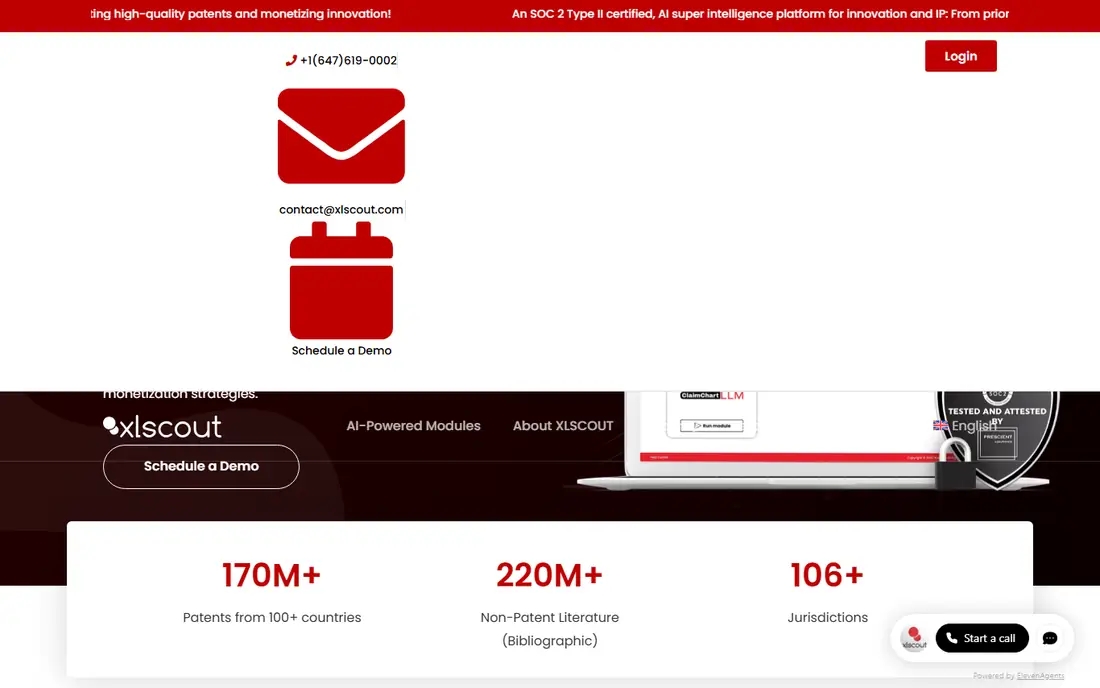
XLSCOUT is an integrated innovation platform built around large language models, and its modules cover the full arc from idea validation to monetization. The Novelty Checker and Invalidator tools produce automated reports that map invention features against prior art, while the Drafting module and ClaimChart tool extend the same workflow into filing and licensing work.
The platform suits teams that run a lot of searches and want consistent, report-ready output rather than raw result lists. The honest catch is that buying into the whole suite costs more than a single-purpose search tool, and new users need time to learn which module fits each task. For high-volume prior art work, though, its reviewers consistently rate it among the strongest options available.
What we like- LLM-powered novelty, invalidity, and drafting modules in one suite
- Automated reports with key feature mapping
- SOC 2 Type II certified
Watch out for- Module-based pricing can add up
- The breadth of modules takes time to learn
Starting priceSee website
Free planNo
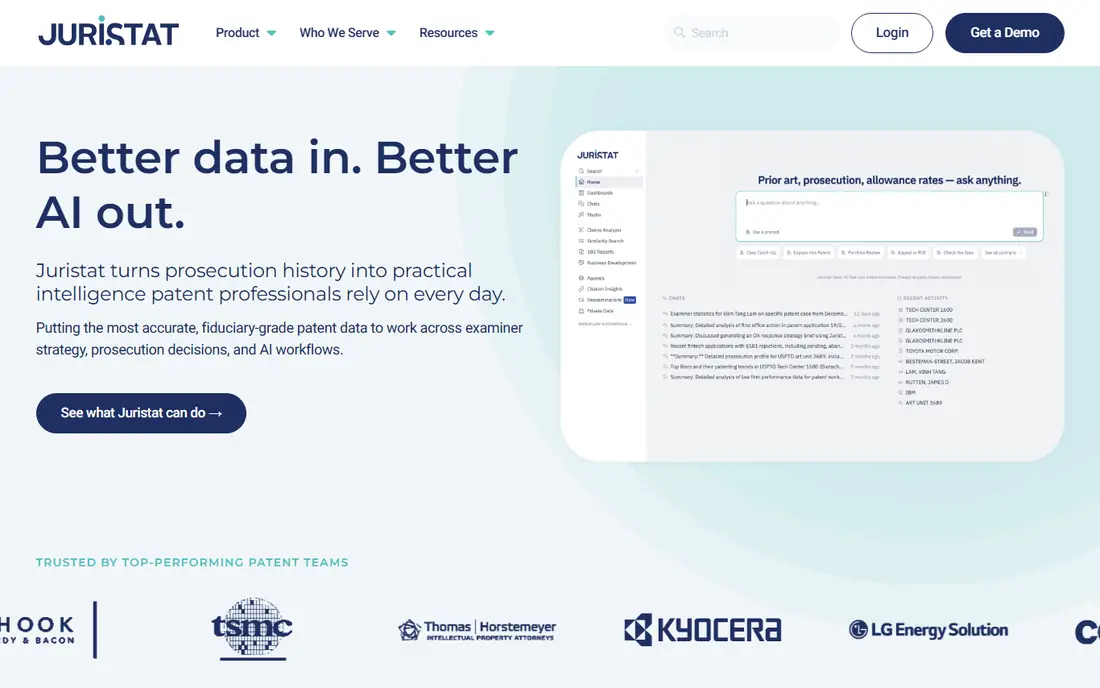
Juristat turns USPTO prosecution history into practical intelligence. Its core strength is examiner analytics: allowance rates, art unit behavior, and the patterns that help attorneys shape office action responses and filing strategy. Newer tools extend that data into office action response drafting, IDS preparation, and a structured data layer that other AI workflows can query.
The honest catch is fit. If you rarely prosecute applications, much of Juristat's value goes unused, since its dataset is built for prosecution decisions rather than general research. For firms and in-house teams that live in prosecution, however, it answers questions no general patent database answers well. Solo practitioners also get attention here, with pricing positioned below the enterprise tier.
What we like- Examiner-specific data built from prosecution history
- Office action and IDS preparation tools
- A data layer for AI workflows
Watch out for- Analytics-focused, not a drafting tool
- Best value comes with regular prosecution volume
Starting priceSee website
Free planNo
Ambercite takes a different approach to prior art search. Instead of relying on keywords or semantic matching, it analyzes citation networks across more than 175 million patent citations to rank the patents most similar to your starting set. Independent research cited by the company found it improved search quality by up to 46 percent when used alongside standard processes.
That makes it a strong second check for freedom-to-operate and invalidity work, where a missed reference is the expensive mistake. The honest catch is that it complements rather than replaces a full patent database, so budget for it as an addition. Its interface is also more focused than a general platform. For searchers who worry about what keyword searches miss, it is a smart buy.
What we like- Finds patents keyword and semantic search often misses
- Fast, ranked results from citation networks
- Independent research backs its quality claims
Watch out for- A complement to standard databases, not a replacement
- Smaller vendor with a narrower feature set
Starting priceFree
Free planYes
Lens.org is the open option on this list, and it deserves attention precisely because it costs nothing. It offers patent and scholarly search with citation analysis, letting users trace how patents and papers connect. For solo inventors, students, and small firms doing early research, it removes the budget barrier that keeps most patent tools out of reach.
The honest catch is capability. Lens.org does not draft applications, manage deadlines, or provide the AI agents that paid platforms now bundle. It is a research tool, not a workflow system. Used that way, though, it is genuinely useful, and many professionals keep it open alongside a paid database for quick checks and citation exploration.
What we like- Free access to patent and scholarly records
- Citation network analysis
- No sales process to start
Watch out for- No AI drafting or docketing features
- Support and advanced analytics are limited compared with paid tools
Starting price$2,700 per year
Free planNo
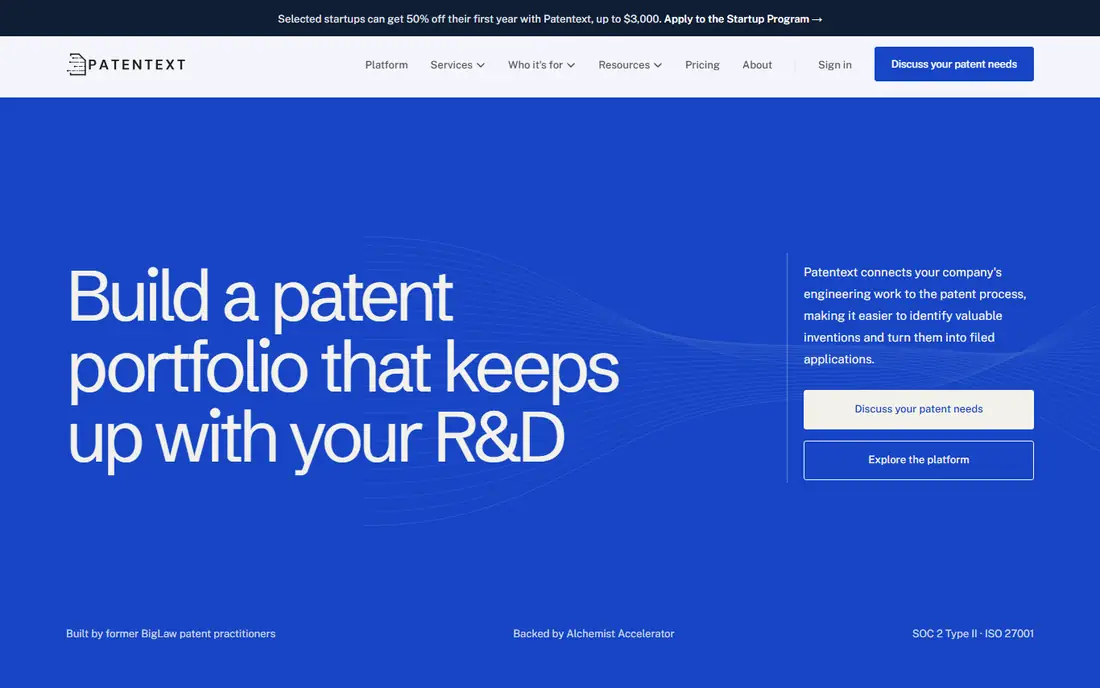
Patentext connects engineering work to the patent process in a way most tools here do not attempt. Its platform helps companies capture inventions from everyday technical work, evaluate them, and manage the pipeline, and its USPTO-registered agents then draft and file from the same record. Platform pricing starts at $2,700 per year, with flat fees for provisional, non-provisional, and PCT applications published on its site.
That transparency is rare in this market and a real advantage for startups budgeting their first filings. The honest catch is total cost: the platform fee is only the start, since each application carries its own service fee plus government fees. For a growing company building a repeatable invention process, though, the combination of software and practitioner services in one workflow is genuinely convenient.
What we like- Published flat-fee pricing for platform and services
- USPTO-registered agents handle filings
- Connects to Google Drive and GitHub
Watch out for- Service fees add up per application
- Best suited to companies, not individual filers
How we chose
We compared tools that reviewers, law firms, and IP teams consistently mention for AI-assisted patent work, drawing on public reviews, vendor documentation, and pricing pages. We favored tools with a clear, distinct job, since patent software fails when it tries to be everything at once, and we included a mix of enterprise platforms, focused drafting and search tools, and one free option. Prices were taken from vendor pricing pages where published; where vendors do not publish prices, we say so rather than repeating third-party estimates as fact.
What to check before you buy
Start with the job, not the feature list. A team drowning in deadlines needs Anaqua, a team drafting at volume needs PatentPal or Patentext, and a team worried about missing prior art needs XLSCOUT or Ambercite. Buying the wrong category is the most common and most expensive mistake in this market, and demos rarely reveal it unless you bring a real matter to test.
Data handling deserves a direct question in every demo. Ask whether your unpublished invention disclosures are used to train models, how long inputs are retained, and what security certifications the vendor holds. XLSCOUT and Patentext both publish SOC 2 credentials, which is a good sign, but policies differ across vendors and change over time. Get the answer in writing before uploading sensitive material.
Budget for the full cost, not the headline price
Most vendors here price by quote, and the quote usually covers only the platform. Implementation, training, data migration, and per-matter service fees can add substantially to the first-year total. Ask for a written estimate that includes all of those items, and ask what happens to your data if you cancel. A tool that makes export painful is a tool that owns your portfolio.
Frequently asked questions
What is the best AI patent tool overall?
There is no single winner, because these tools solve different problems. PatSnap leads for analytics and landscaping, Anaqua for portfolio management, and PatentPal for drafting speed. The right choice depends on whether your bottleneck is research, administration, or drafting volume.
Can AI tools draft a complete patent application?
AI tools can produce strong first drafts of specifications, figures, and claims, but a qualified practitioner should review and finalize every application. Patent offices hold the applicant responsible for accuracy, and AI output can contain errors or unsupported statements. Treat these tools as drafting assistance, not as a replacement for professional judgment.
Are AI patent tools safe for confidential inventions?
Reputable vendors publish security certifications and data policies, but practices differ. Before uploading unpublished material, confirm whether inputs are used for model training, how long data is retained, and whether the vendor holds certifications such as SOC 2 or ISO 27001. If a vendor will not answer clearly, do not upload sensitive disclosures.
How much do AI patent tools cost?
Costs vary widely. Lens.org is free, Patentext publishes a platform price starting at $2,700 per year plus per-application service fees, and enterprise platforms such as PatSnap and Anaqua price by quote. Most teams should expect a sales conversation and a demo before receiving a firm number.
Do I still need a patent attorney if I use an AI tool?
Yes, in most cases. AI tools speed up search and drafting, but filing strategy, claim scope, and office action responses still benefit from professional judgment. Some tools, such as Patentext, bundle registered practitioners into the service, which can reduce the need for a separate firm on straightforward filings.
What is the difference between patent analytics and patent management?
Analytics tools study the patent field: who is filing, where the white space is, and whether an invention looks novel. Management tools run the portfolio itself: deadlines, renewals, filings, and spend. Many teams need one of each, which is why PatSnap and Anaqua often appear together rather than as alternatives.
Sources we checked (10)
- https://www.patsnap.com
- https://www.anaqua.com
- https://www.patentpal.com
- https://www.xlscout.ai
- https://www.juristat.com
- https://www.ambercite.com
- https://www.lens.org
- https://www.patentext.com
- https://spellbook.com/learn/best-ai-tools-for-ip-lawyers
- https://resources.rework.com/tools/ai-tools/best-ai-tools-for-patent-drafting-2026
Is your product missing or out of date?
We review this list regularly. Vendors can request a listing, send updated pricing or ask about featured placement.

Shihab Mia · Founder, Rankite
Shihab has 5+ years in B2B and SaaS SEO. He writes Rankite's software buying guides from pricing pages, documentation and public user reviews. More about Shihab.