How we make this list: we compare pricing pages, product documentation and public user reviews. Ratings come from G2, Capterra or Trustpilot, with the date we checked them.
Key takeaways
- Bitwarden gives full sync on its free plan, which makes it the default pick when price matters most.
- Proton Pass pairs a useful free tier with built-in email aliases, the standout feature for privacy buyers.
- Dashlane and LastPass now sit at the expensive end, so they must earn their price with admin tooling.
- Families should start with Bitwarden, since shared vaults work without fuss at a low price.
- Passkey support is now standard across the tools here, so price and trust matter more than feature lists.
Quick comparison
| Tool | Best for | Starting price | Free plan |
|---|
 Bitwarden Bitwarden | Full sync on a free plan | $1.65 per month | Yes |
 Dashlane Dashlane | Bundled VPN and monitoring | $4.99 per month | No |
 NordPass NordPass | Simple UI at a low price | $1.49 per month | Yes |
 Proton Pass Proton Pass | Privacy plus email aliases | $2.49 per month | Yes |
 Keeper Keeper | Business-grade admin controls | See website | Yes |
 LastPass LastPass | A familiar name | $3 per month | Yes |
 RoboForm RoboForm | Strong form filling | $2.49 per month | Yes |
 Enpass Enpass | Offline-first vaults you control | $1.99 per month | Yes |
Is your product missing or out of date?
We review this list regularly. Vendors can request a listing, send updated pricing or ask about featured placement.
The best 1Password alternatives
#1Bitwarden
Best for: Full sync on a free plan4.6/5 on
G2 (1,475 reviews, checked Oct 2026)
Visit bitwarden.com
Starting price$1.65 per month
Free planYes
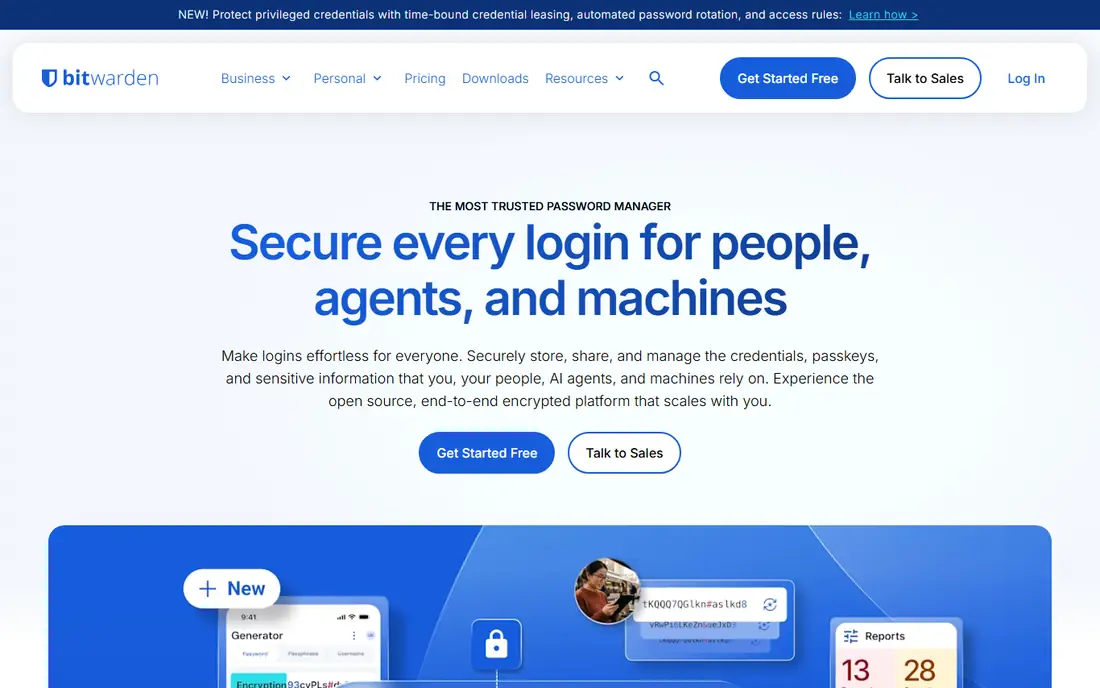
Bitwarden is the default 1Password alternative for a simple reason: the free plan covers unlimited passwords and unlimited devices with full sync. Premium costs $1.65 per month billed annually, or $19.80 per year, and adds emergency access, 1 GB encrypted file storage, and a built-in authenticator. The code is open source, and teams can self-host for full control.
The interface feels engineering-led next to 1Password polish, and iOS autofill works well but not magically, a limit Apple imposes on every third-party manager. Family plans cap at six users. For individuals, families, and technical teams that value transparency and price, Bitwarden is the pick that needs no justification.
What we like- Unlimited passwords and devices free
- Open source
- Self-hosting option
Watch out for- Interface feels engineering-led
- IOS autofill is competent, not magical
- Family caps at 6 users
#2Dashlane
Best for: Bundled VPN and monitoring4.5/5 on
G2 (628 reviews, checked Oct 2026)
Visit dashlane.com
Starting price$4.99 per month
Free planNo
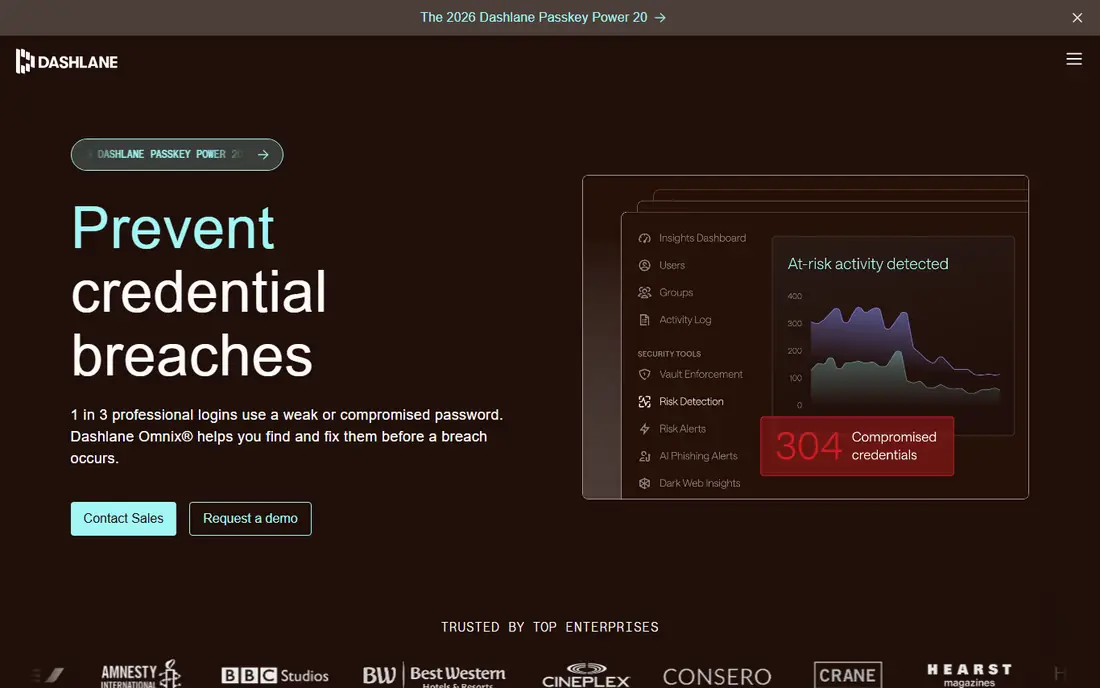
Dashlane bundles more than passwords: password health scoring, dark web monitoring, and a VPN sit in one subscription starting at $4.99 per month billed annually. The apps are polished, and the health dashboard pushes users to fix weak and reused passwords with clear priorities.
Dashlane now sits at the expensive end of personal managers, and business pricing has moved to quote-based plans. The free tier is limited, so budget buyers should look at Bitwarden or Proton Pass first. For a user who wants one subscription for passwords, VPN, and monitoring, Dashlane bundles genuinely useful extras.
What we like- Password health scoring
- Bundled VPN
- Dark web monitoring
Watch out for- Most expensive personal plan here
- Free tier limited
- Business pricing now quoted
Starting price$1.49 per month
Free planYes
NordPass offers a clean interface and modern XChaCha20 encryption at $1.49 per month on a two-year plan, the cheapest paid price on this list. Setup is fast, autofill works across browsers and apps, and the Nord ecosystem appeals to existing NordVPN users who want one account for both.
The free tier covers one device only, which frustrates multi-device users. Business controls trail Keeper and Bitwarden, and teams outside the Nord ecosystem get less value. For an individual who wants a simple, cheap manager with a modern interface, NordPass is a strong value pick.
What we like- Clean interface
- XChaCha20 encryption
- Cheap 2-year plan
Watch out for- Free tier limited to one device
- Fewer business controls
- Nord ecosystem lock-in risk
#4Proton Pass
Best for: Privacy plus email aliases4.6/5 on
G2 (6 reviews, checked Oct 2026)
Visit proton.me
Starting price$2.49 per month
Free planYes
Proton Pass pairs a genuinely useful free tier with hide-my-email aliases, the standout feature for privacy buyers. Aliases give every signup a unique address that forwards to your real inbox, so a breach exposes an alias, not your identity. The Swiss zero-knowledge design means Proton cannot read your vault, and Plus costs $2.49 per month billed annually.
Plus costs more than Bitwarden Premium, and the ecosystem shines brightest for users already on Proton Mail and Drive. Admin tools are newer than Keeper's. For a privacy-first buyer who signs up for many services, Proton Pass aliases alone justify the switch.
What we like- Built-in hide-my-email aliases
- Swiss zero-knowledge design
- Useful free tier
Watch out for- Plus costs more than Bitwarden
- Ecosystem best inside Proton
- Newer admin tools
Starting priceSee website
Free planYes
Keeper serves security and compliance-heavy teams best. Granular role-based access, BreachWatch dark web monitoring, audit logs, and compliance certifications cover the controls IT departments demand. Personal plans start around $2.92 per month in some listings, while business tiers are quoted, so confirm current pricing on the vendor page.
Personal users may find Keeper less polished than 1Password, and setup needs admin time to configure policies well. For a business that must prove access controls and pass audits, Keeper is the most enterprise-ready alternative on this list.
What we like- Granular role-based access
- BreachWatch monitoring
- Compliance certifications
Watch out for- Pricing varies by plan and quote
- Personal plans less polished
- Setup needs admin time
#6LastPass
Best for: A familiar name4.5/5 on
G2 (2,096 reviews, checked Oct 2026)
Visit lastpass.com
Starting price$3 per month
Free planYes
LastPass remains familiar to millions of users, with wide platform support, emergency access, and a straightforward vault. Premium costs $3 per month billed annually, and the interface needs no learning curve for existing users. Migration tools import from most rivals, including 1Password.
The free tier limits users to one device type, phones or computers, not both, which pushes most people to paid. The 2022 breach still shapes trust, and a $24.5 million settlement was approved in February 2026. For a user who values familiarity over the lowest price or the strongest trust story, LastPass still works.
What we like- Familiar interface
- Wide platform support
- Emergency access
Watch out for- Free tier limited to one device type
- Breach history lingers
- Premium costs $3 monthly
#7RoboForm
Best for: Strong form filling4.6/5 on
G2 (752 reviews, checked Oct 2026)
Visit roboform.com
Starting price$2.49 per month
Free planYes
RoboForm has filled web forms longer than almost any rival, and it still handles complex and older-browser forms better than most. Everywhere costs $2.49 per month billed annually, and the family plan covers five users at a budget price. Offline access suits travelers and spotty connections.
The interface feels dated, Linux support is absent, and modern extras like email aliases and VPN are missing. For a user whose main pain is forms, checkout pages, and applications rather than pure password storage, RoboForm remains a specialist worth considering.
What we like- Excellent form filling, even on older browsers
- Cheap family plan
- Offline access
Watch out for- Interface feels dated
- Linux support absent
- Fewer modern extras
#8Enpass
Best for: Offline-first vaults you control4.6/5 on
G2 (27 reviews, checked Oct 2026)
Visit enpass.io
Starting price$1.99 per month
Free planYes
Enpass takes an offline-first approach: your vault lives on your device and syncs through your own iCloud, Dropbox, or WebDAV storage, not a vendor cloud. That design appeals to users who distrust vendor servers entirely. Pricing starts at $1.99 per month billed annually, with a lifetime option reported in some listings.
Sync setup is manual compared with Bitwarden or 1Password, and team controls are thinner. Support is smaller than the big vendors. For a user who wants to control exactly where vault data lives, Enpass is the most independent option here.
What we like- Vaults sync through your own cloud
- Offline-first design
- Low price
Watch out for- Sync setup is manual
- Fewer team controls
- Support is smaller
How we chose
We compared tools on encryption design, free tier limits, passkey support, family and team features, admin controls, breach history, and published pricing. We used vendor pricing pages, product documentation, and published comparison guides. Where a vendor quotes privately, we wrote See website instead of repeating an unverified estimate.
How to pick a 1Password replacement
Start with your trust model. Open source tools like Bitwarden let anyone audit the code, while Swiss zero-knowledge design from Proton Pass keeps even the vendor out of your vault. Closed tools like Dashlane and Keeper rely on audits and certifications instead. None of these models is wrong, but pick the one that matches how much you want to verify versus trust.
Next, check the free tier against your real devices. Bitwarden and Proton Pass offer unlimited devices free, while NordPass and LastPass free tiers limit you to one device or one device type. A free plan that covers only your phone will frustrate you within a week if you also work on a laptop. Families should compare shared vault limits and guest access, since Bitwarden caps families at six users while other plans vary.
Then test migration before canceling 1Password. Export your vault, import it into the finalist, and check that logins, secure notes, credit cards, and identities arrive intact. Run the new manager for a week alongside 1Password, and confirm autofill works on your banking, work, and shopping sites. Only then cancel the old subscription and delete the old vault export file, since an export sitting on your desktop defeats the purpose of a manager.
Finally, turn on the features that actually protect you: a strong master password you alone know, two-factor authentication on the manager itself, passkeys where sites support them, and breach alerts. Check whether your manager supports emergency access for a trusted person, since a vault nobody can open after an accident helps nobody. Set a calendar reminder to review vault health quarterly. A password manager only helps if the master password is strong and unique, so write it down on paper and store it somewhere safe, not in a note on your phone.
Frequently asked questions
Is Bitwarden really free for unlimited devices?
Yes, Bitwarden free covers unlimited passwords and unlimited devices with full sync. Premium at $1.65 per month billed annually adds emergency access, 1 GB encrypted storage, and a built-in authenticator, but sync itself costs nothing.
What is the cheapest 1Password alternative?
NordPass at $1.49 per month on a two-year plan is the cheapest paid option here, followed by Bitwarden Premium at $1.65 per month billed annually. Free tiers from Bitwarden and Proton Pass cost nothing for unlimited devices.
Does Proton Pass hide my email address?
Yes, Proton Pass includes hide-my-email aliases that give each signup a unique forwarding address. If an alias leaks in a breach, you can disable it without changing your real email address, which is the standout privacy feature on this list.
Should I still trust LastPass after its breach?
LastPass disclosed a 2022 breach, and a $24.5 million settlement was approved in February 2026. The product still works, but trust is a personal call: Bitwarden, Proton Pass, and 1Password offer cleaner recent records for users who weigh breach history heavily.
Do these managers support passkeys?
Yes, passkey support is now standard across Bitwarden, Proton Pass, Dashlane, NordPass, Keeper, LastPass, RoboForm, and Enpass. Passkeys replace passwords with device-based keys, which resist phishing better than any password. Start with your email and banking sites, since those accounts protect everything else.
How do I move from 1Password to Bitwarden?
Export your 1Password vault, import the file into Bitwarden, and verify that logins, notes, and cards arrived intact. Run both managers for a week to confirm autofill, then cancel 1Password and delete the export file from your computer.
Sources we checked (8)
- https://bitwarden.com/pricing
- https://www.dashlane.com/pricing
- https://nordpass.com/pricing
- https://proton.me/pass/pricing
- https://www.keepersecurity.com/pricing
- https://www.lastpass.com/pricing
- https://www.roboform.com/pricing
- https://www.enpass.io/pricing
Is your product missing or out of date?
We review this list regularly. Vendors can request a listing, send updated pricing or ask about featured placement.

Shihab Mia · Founder, Rankite
Shihab has 5+ years in B2B and SaaS SEO. He writes Rankite's software buying guides from pricing pages, documentation and public user reviews. More about Shihab.