How we make this list: we compare pricing pages, product documentation and public user reviews. Ratings come from G2, Capterra or Trustpilot, with the date we checked them.
Key takeaways
- 2FAS, Ente Auth, and Proton Authenticator are the strongest free choices, with no account required, open-source code, and encrypted backups.
- Microsoft Authenticator is the natural pick for Microsoft 365 and work accounts, with push approvals and cloud backup.
- 1Password and Bitwarden suit people who want passwords and codes in one vault, though 1Password needs a paid subscription.
- Duo Mobile fits workplaces that already use Cisco Duo, while Authy remains a simple free option now focused on mobile.
Quick comparison
Is your product missing or out of date?
We review this list regularly. Vendors can request a listing, send updated pricing or ask about featured placement.
The best 2FA apps
Starting priceFree
Free planYes
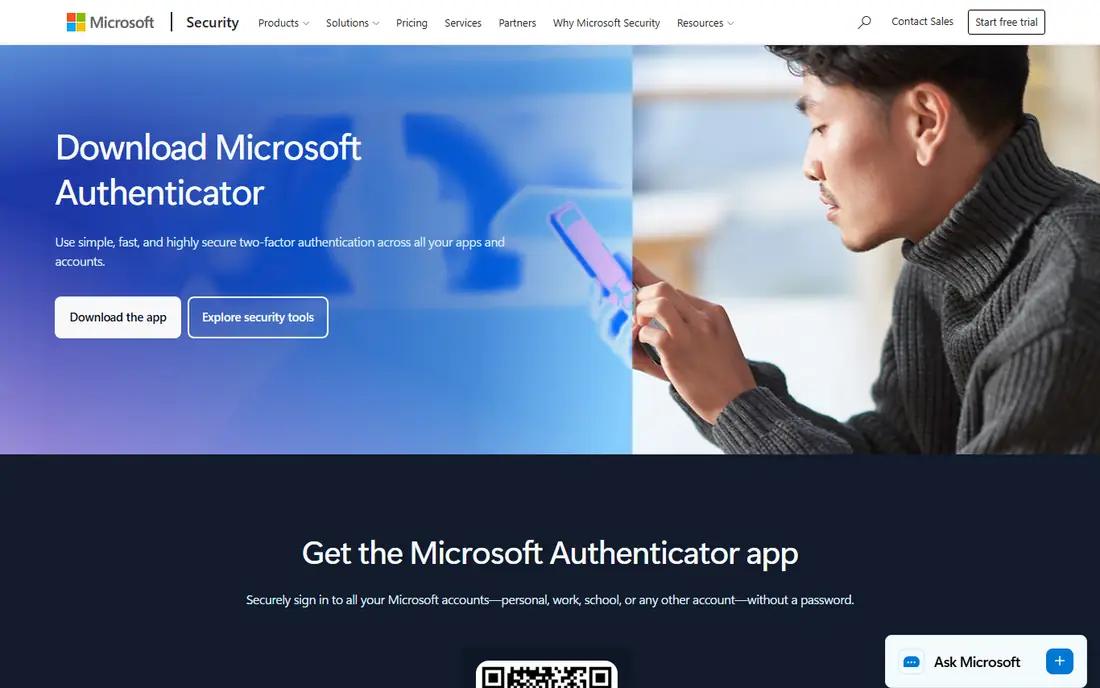
Microsoft Authenticator is the default for anyone whose sign-in belongs to Microsoft. For personal, work, or school Microsoft accounts it offers one-tap push approvals instead of typed codes, plus passwordless sign-in and passkey support. It also generates standard time-based codes for any other service that supports authenticator apps, so it works well beyond Microsoft.
The app is free, with encrypted cloud backup through your Microsoft account for recovery on a new phone. The trade-off is ecosystem lock-in: backup and restore run through Microsoft, and the richest features belong to work and school accounts. If your digital life centers on Microsoft 365, this is the obvious choice. If it does not, a platform-neutral app below will serve you better.
What we like- One-tap push approvals for Microsoft accounts
- Encrypted cloud backup
- Passkey and passwordless sign-in support
Watch out for- Backup is tied to a Microsoft account
- Personal-account features trail work-account features
Starting priceFree
Free planYes
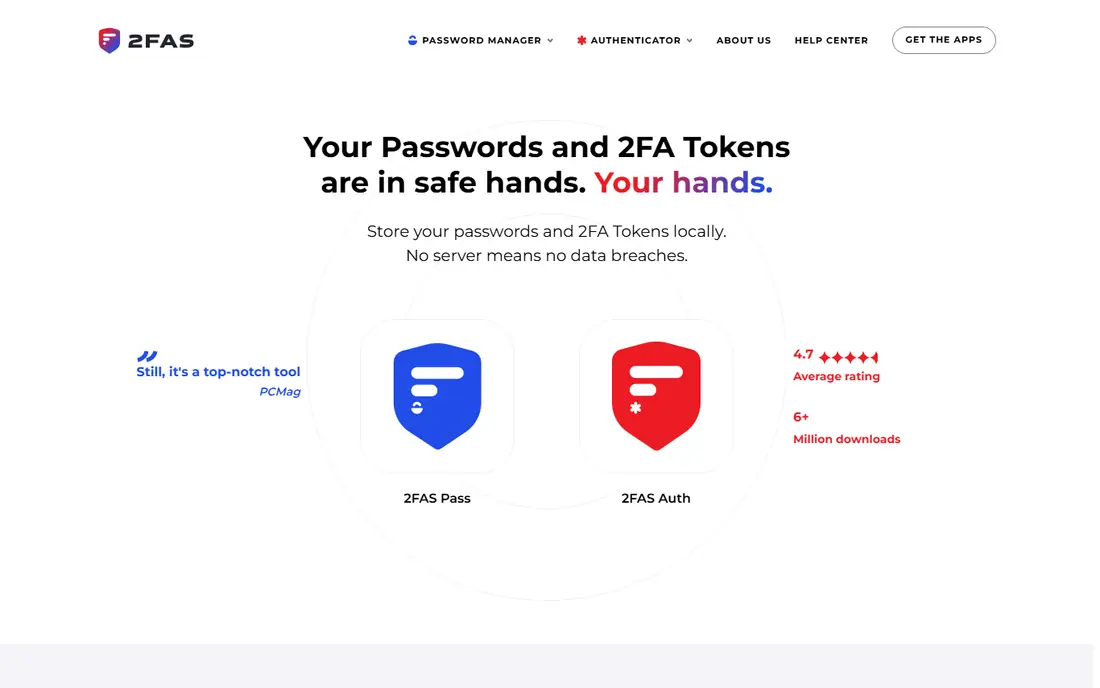
2FAS Auth is the pick most security guides now name first, and the reasons are straightforward. It is free, open-source, ad-free, and requires no account: tokens stay on your device by default, with optional encrypted backups to your own iCloud or Google Drive. Setup is a QR scan, and the interface stays out of your way when you need a code in a hurry.
The app is free forever, with no tiers for the authenticator itself. Its limits are scope: there is no desktop app, and true multi-device sync belongs to the separate 2FAS Pass product, which has a premium tier under $1 per month. For a personal authenticator that respects privacy and costs nothing, 2FAS is hard to beat.
What we like- Free forever with no ads or tracking
- No account required
- Encrypted backups to your own iCloud or Google Drive
Watch out for- No desktop app, mobile and browser extensions only
- Multi-device sync needs the separate Pass product

#3
Ente Auth
Best for: Encrypted cross-platform sync
Visit ente.io
Starting priceFree
Free planYes
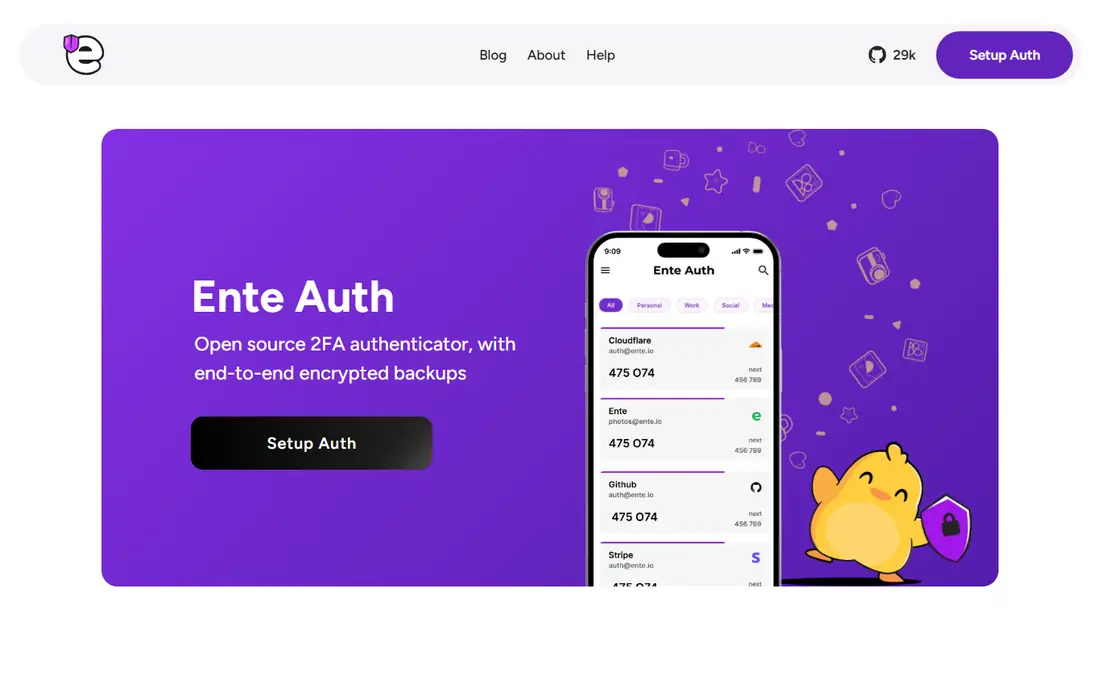
Ente Auth pairs strong privacy with genuine cross-platform reach. It offers end-to-end encrypted cloud backups, so a lost phone becomes an inconvenience rather than a lockout, and it runs on mobile, desktop, and web with codes synced across all of them. An offline mode works without an account at all, and the code is open source with an external cryptography audit behind it.
The app is free and open source, with no lock-in on exports. Ente Auth suits people who want cloud backup without handing their secrets to a big tech account, and who use more than one device type. Its community is smaller than Microsoft's or Google's, so support answers come more slowly, but the product itself is polished and actively maintained.
What we like- End-to-end encrypted cloud backups
- Apps for mobile, desktop, and web
- Offline mode without an account
Watch out for- Smaller community than the big-name apps
- Some advanced features assume an Ente account

#4
Proton Authenticator
Best for: Privacy-first, every platform
Visit proton.me
Starting priceFree
Free planYes
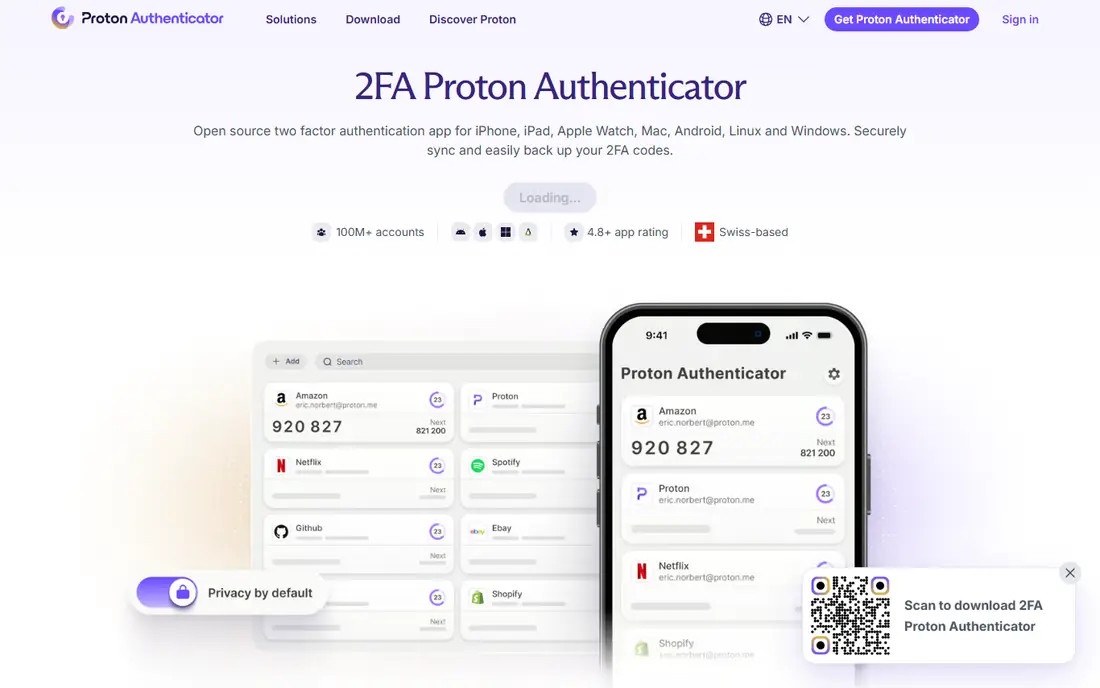
Proton Authenticator brings the Proton privacy model to two-factor codes. It is free, open source, and ad-free on iPhone, iPad, Apple Watch, Mac, Android, Windows, and Linux, with no account, phone number, or email required to start. Codes can be backed up with end-to-end encryption, exported directly, and found quickly with search and custom icons.
The app is completely free on all platforms, and a Proton account is only needed if you want cloud sync. Proton Authenticator suits privacy-minded users and people on less common platforms like Linux, where few authenticators run natively. It does not replace a password manager, but Proton Pass exists for that job if you later want one vault for both.
What we like- Free on every platform including Linux and Windows
- No account needed
- Encrypted backups and direct export
Watch out for- Sync needs a Proton account
- Fewer integrations than password-manager authenticators
Starting priceFree
Free planYes
Bitwarden Authenticator is a free standalone app for generating time-based codes, separate from the Bitwarden password manager. It stores codes locally, supports exports, and can sync with a Bitwarden vault if you use one. As with everything Bitwarden makes, the code is open source and the company publishes third-party audit results.
The standalone app is free. One detail matters: time-based codes stored inside the Bitwarden vault itself, rather than the standalone app, require Bitwarden Premium at $10 per year. Bitwarden Authenticator suits existing Bitwarden users who want codes in the same ecosystem, and anyone who wants a free, audited, standalone code generator without an account requirement.
What we like- Free standalone app
- Pairs with the Bitwarden vault
- Open source with third-party audits
Watch out for- Vault-based codes need Premium
- Standalone app is mobile only
Starting priceSee website
Free planNo
1Password takes the all-in-one route: your passwords, one-time codes, passkeys, and secure notes live in a single encrypted vault that syncs across Windows, Mac, Linux, iOS, and Android. When you sign in somewhere, 1Password can fill both the password and the current code, which removes the usual app-switching dance at login.
There is no free tier, and pricing is published on the vendor's site rather than stated here. The honest trade-off is concentration: keeping passwords and codes in one vault is convenient, but it means a single vault breach exposes both factors. Security purists often prefer a separate authenticator for that reason. For most people, though, the convenience of one vault they actually use beats a two-app setup they abandon.
What we like- Passwords, codes, and passkeys in one vault
- Autofill across devices
- Strong business and family plans
Watch out for- No free tier
- Codes live with passwords, so one vault holds both factors
Starting priceFree
Free planYes
Duo Mobile is the app employees meet when their employer uses Cisco Duo. It offers push approvals, including verified push that asks you to match a code before approving, plus standard time-based codes for any service. Duo Restore helps move accounts to a new device, and administrators can manage recovery for their organization.
The app itself is free, while Duo's paid editions are sold to organizations. Duo Mobile suits work accounts first: if your employer runs Duo, install it and follow their enrollment. For personal accounts, it works fine as a basic authenticator, but free rivals like 2FAS and Ente Auth offer better backup stories without an organization behind them.
What we like- Push approvals with verified push
- Duo Restore for device changes
- Phishing-resistant options for organizations
Watch out for- Full value needs a Duo organization account
- Personal use is basic compared with rivals
Starting priceFree
Free planYes
Authy has been a popular free authenticator for years, with encrypted cloud backups and multi-device support that made switching phones painless. Setup is simple, the app is free, and it generates standard codes for any service that supports authenticator apps.
Two caveats deserve mention. Authy's desktop apps were discontinued, so it is now a mobile-first choice, and some 2026 guides recommend new users pick 2FAS, Ente Auth, or Proton Authenticator instead, citing faster development there. Authy still works well for existing users who like it. New users should weigh its simplicity against the stronger backup and platform stories of the free rivals above.
What we like- Free with encrypted cloud backups
- Multi-device support
- Simple setup for beginners
Watch out for- Desktop apps were discontinued, so it is mobile-first now
- Some 2026 guides recommend moving to newer apps
How we chose
We compared authenticator apps on backup and recovery, platform coverage, privacy posture, open-source status, and price. Pricing came from vendor homepages checked in October 2026, and every homepage above was opened to confirm it loads and belongs to the product named. Aegis Authenticator was excluded after its former domain was found to host an unrelated product, so its homepage could not be verified in this session. Where a price could not be confirmed from the vendor, the field reads See website rather than a guess.
What to check before you install
Start with recovery, not features. Every authenticator generates the same six-digit codes, so the difference that matters is what happens when you lose your phone. Pick an app with encrypted backup or export, turn that backup on during setup, and test the restore on a second device before you need it. Next, decide whether you want codes separate from passwords. Separate apps like 2FAS or Ente Auth keep the two factors apart, while 1Password and Bitwarden combine them for convenience.
Then check platform coverage. If you use Linux or Windows desktops, Proton Authenticator and Ente Auth cover them, while most rivals are mobile only. Finally, save your recovery codes. Every service that offers two-factor authentication also offers backup codes for lockouts. Print them or store them somewhere safe, separate from your phone, because no authenticator can rescue an account whose backup codes are gone too.
Frequently asked questions
Is an authenticator app better than SMS codes?
Yes. Authenticator codes are generated on your device and do not travel over the phone network, so they are not exposed to SIM swap attacks the way SMS codes are.
What happens if I lose my phone?
If your app has encrypted backup or export, install it on the new phone and restore. If it does not, use each service's recovery codes or account recovery process, which is why saving those codes matters.
Do authenticator apps need internet?
No. Time-based codes are generated on the device from a shared secret and the current time, so they work offline. Internet is only needed for backup, sync, or push approvals.
Can I use the same authenticator for all my accounts?
Yes. Any app here can hold codes for many services at once, including email, social media, banking, and work accounts, as long as each service supports authenticator apps.
Should codes live in my password manager?
It is convenient, and 1Password and Bitwarden both support it. The trade-off is that one vault then holds both factors, so a vault breach exposes more. Separate apps keep the factors apart.
Which authenticator app is best for beginners?
2FAS and Microsoft Authenticator are the easiest starts. 2FAS needs no account and stays simple, while Microsoft Authenticator adds push approvals for Microsoft accounts.
Sources we checked (10)
- https://www.microsoft.com/en-us/security/mobile-authenticator-app
- https://2fas.com
- https://ente.io/auth
- https://proton.me/authenticator
- https://bitwarden.com
- https://www.1password.com
- https://www.duo.com
- https://authy.com
- https://brutaluniverse.com/best-authenticator-apps-compared-for-2fa-in-2026/
- https://www.visboo.com/authenticator-app-recovery-alternatives/
Is your product missing or out of date?
We review this list regularly. Vendors can request a listing, send updated pricing or ask about featured placement.

Shihab Mia · Founder, Rankite
Shihab has 5+ years in B2B and SaaS SEO. He writes Rankite's software buying guides from pricing pages, documentation and public user reviews. More about Shihab.
 Microsoft Authenticator
 2FAS
2FAS Bitwarden Authenticator
 1Password
 Duo Mobile
 Authy
Authy