How we make this list: we compare pricing pages, product documentation and public user reviews. Ratings come from G2, Capterra or Trustpilot, with the date we checked them.
Key takeaways
- Data observability watches data pipelines the way app monitoring watches servers, catching broken, stale, or changed data before it reaches dashboards.
- Monte Carlo and Bigeye lead on data specific monitoring, while Datadog and New Relic lead on full stack observability that includes data.
- Lineage matters, since a broken dashboard often traces back to one upstream table or job.
- Alert quality beats alert quantity, since noisy data alerts get ignored just like noisy server alerts.
- Start with freshness, volume, and schema checks on your most used tables, then expand coverage as trust grows.
Quick comparison
| Tool | Best for | Starting price | Free plan |
|---|
 Monte Carlo Monte Carlo | Data quality monitoring | See website | Free trial |
 Bigeye Bigeye | Data observability and lineage | See website | Free trial |
 Datadog Datadog | Full stack observability | See website | Free trial |
 New Relic New Relic | App and data monitoring | See website | Free |
 Dynatrace Dynatrace | AI driven observability | See website | Free trial |
 Splunk Observability Splunk Observability | Log and metric analytics | See website | Free trial |
 Grafana Cloud Grafana Cloud | Open dashboards and alerts | Free | Free |
 Honeycomb Honeycomb | Event based debugging | Free | Free |
Is your product missing or out of date?
We review this list regularly. Vendors can request a listing, send updated pricing or ask about featured placement.
The best data observability services
Starting priceSee website
Free planFree trial
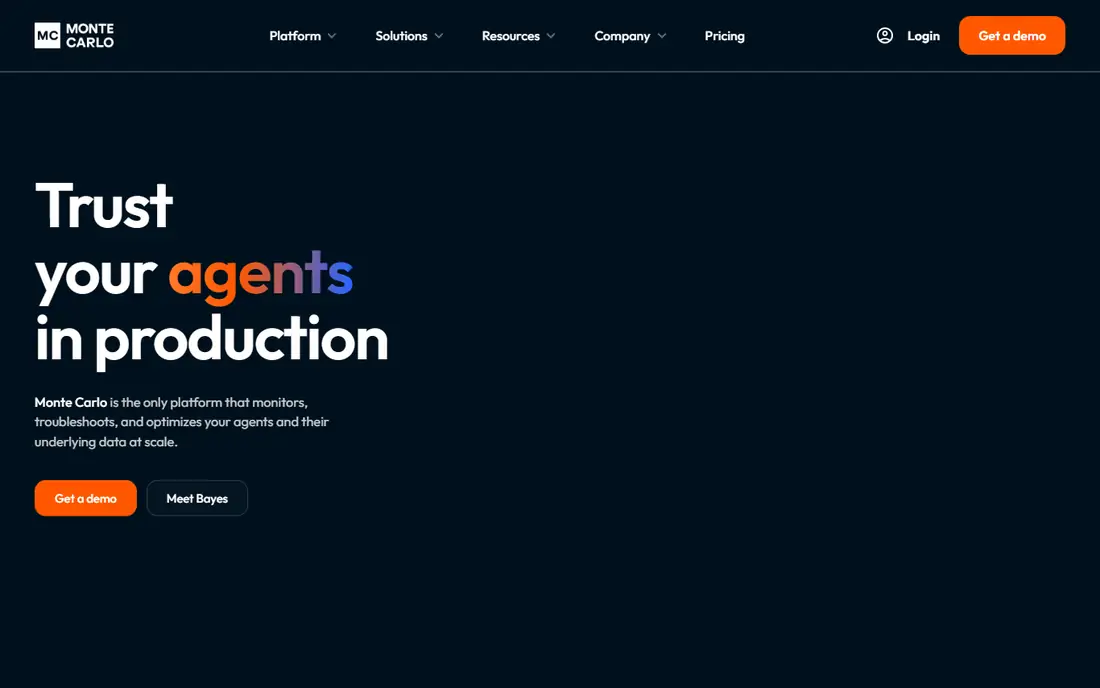
Monte Carlo calls itself the data observability leader, and its monitors cover freshness, volume, schema changes, and distribution shifts across warehouses, lakes, and BI tools. Machine learning baselines learn normal patterns per table, so alerts fire on real anomalies rather than fixed thresholds that miss seasonal swings. Incident management tracks data downtime from detection to resolution, with lineage showing which dashboards a broken table affects.
Setup needs data team time to connect sources, tune monitors, and route alerts to the right owners, and pricing is quote based, so a sales call is needed for a firm figure. Coverage spans Snowflake, BigQuery, Databricks, and other major platforms. For a data team whose dashboards feed decisions, Monte Carlo gives the most data focused monitoring available.
What we like- Data specific anomaly detection
- Monitors and alerts
- Broad warehouse support
Watch out for- Pricing is quote based
- Setup needs data team time
Starting priceSee website
Free planFree trial
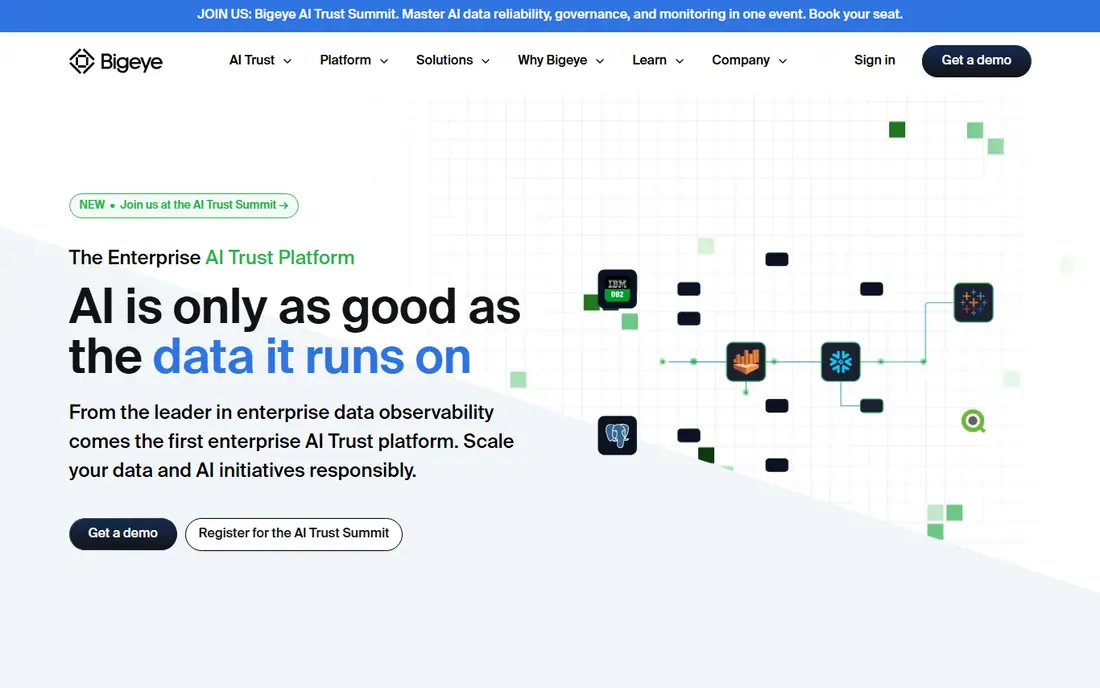
Bigeye automates data quality checks across warehouses and lakes, profiling tables and suggesting monitors for freshness, completeness, and distribution without hand writing every rule. Lineage graphs show how data flows from source to dashboard, which speeds root cause work when a metric breaks. Anomaly detection learns per column patterns and alerts owners in Slack or email.
The ecosystem is smaller than full stack rivals, and some teams may still need a separate APM tool for app monitoring. Pricing is quote based, tied to monitored tables and volume. For a data team that wants automated coverage and clear lineage, Bigeye offers a focused, practical platform.
What we like- Automated data quality checks
- Lineage graphs
- Anomaly detection
Watch out for- Smaller ecosystem than Datadog
- Pricing by quote
#3Datadog
Best for: Full stack observability4.4/5 on
G2 (726 reviews, checked Oct 2026)
Visit datadoghq.com
Starting priceSee website
Free planFree trial
Datadog covers infrastructure, apps, logs, and metrics in one platform, with hundreds of integrations and dashboards that correlate a slow dashboard to a slow query or a failing job. Data teams use Datadog to watch pipeline jobs, warehouse queries, and BI performance, though data quality rules need custom monitors or partner tools. Watchdog AI surfaces anomalies across metrics without manual threshold tuning.
Costs rise fast with log and metric volume, so teams must manage retention and indexing carefully. The breadth can overwhelm a data only team that does not need APM depth. For an org that already monitors apps on Datadog, adding data pipelines to the same platform keeps one pane of glass for incidents.
What we like- Huge integration library
- Logs, metrics, and traces together
- Strong dashboards
Watch out for- Costs grow fast with volume
- Data specific checks need extra work
#4New Relic
Best for: App and data monitoring4.4/5 on
G2 (586 reviews, checked Oct 2026)
Visit newrelic.com
Starting priceSee website
Free planFree
New Relic offers a free tier with generous telemetry, plus APM, infrastructure, logs, and browser monitoring in one platform. Its query language lets data teams ask questions across pipeline metrics, job durations, and error rates, and dashboards combine app and data signals. Alerts route to Slack, PagerDuty, and other incident tools.
Data specific quality checks, such as schema drift or distribution shifts, are thinner than Monte Carlo or Bigeye, so data teams may pair New Relic with a data tool. Usage pricing needs watching as telemetry grows. For a team that wants full stack monitoring with a free start, New Relic is an easy entry point.
What we like- Generous free tier
- Full stack telemetry
- Query language for data
Watch out for- Data quality features are thinner
- Usage pricing needs watching
#5Dynatrace
Best for: AI driven observability4.5/5 on
G2 (1,371 reviews, checked Oct 2026)
Visit dynatrace.com
Starting priceSee website
Free planFree trial
Dynatrace uses its Davis AI engine to link anomalies to root causes across apps, infrastructure, and data flows, reducing the manual correlation work during incidents. Auto discovery maps services and dependencies without heavy manual config, which helps large estates. Cloud support spans AWS, Azure, GCP, and Kubernetes, with data pipeline jobs visible alongside app services.
Enterprise pricing and setup complexity put Dynatrace beyond small data teams, and data quality rules still need custom work. For a large org that wants AI driven root cause across the whole stack, Dynatrace offers depth that simpler tools lack.
What we like- Davis AI root cause
- Auto discovery
- Broad cloud support
Watch out for- Enterprise pricing
- Setup complexity for small teams
#6Splunk Observability
Best for: Log and metric analytics4.3/5 on
G2 (55 reviews, checked Oct 2026)
Visit splunk.com
Starting priceSee website
Free planFree trial
Splunk Observability combines Splunk logs with metrics and traces for infrastructure and app monitoring, and its search language lets data teams dig into pipeline logs, job failures, and query errors in detail. Enterprise scale suits large data estates with heavy log volumes, and dashboards track pipeline health alongside app health.
Costs at scale are a known concern, and the SPL query language takes learning, though the observability UI softens that. Data quality monitoring still needs custom rules or a dedicated data tool. For an org already invested in Splunk, extending it to data pipelines keeps search and alerts in one place.
What we like- Powerful log search
- Metrics and traces
- Enterprise scale
Watch out for- Cost at scale
- Learning curve for SPL query language
#7Grafana Cloud
Best for: Open dashboards and alerts4.5/5 on
G2 (220 reviews, checked Oct 2026)
Visit grafana.com
Starting priceFree
Free planFree
Grafana Cloud offers open dashboards, alerts, and data source plugins that connect to warehouses, lakes, Prometheus, and many other systems. Data teams build pipeline health dashboards with freshness, row counts, and job durations, and alerts route to common incident tools. The free tier covers small teams, and the open source core runs anywhere.
Data quality monitoring needs plugins, custom queries, or a dedicated tool, since Grafana visualizes rather than profiles data itself. Self hosting adds operations work, though Grafana Cloud removes most of it. For a team that wants open, flexible dashboards at low cost, Grafana Cloud is a strong base.
What we like- Open source dashboards
- Wide data source support
- Generous free tier
Watch out for- Data quality checks need plugins or custom work
- Self hosting adds ops
#8Honeycomb
Best for: Event based debugging4.5/5 on
G2 (37 reviews, checked Oct 2026)
Visit honeycomb.io
Starting priceFree
Free planFree
Honeycomb stores wide events with high cardinality fields, which lets engineers slice pipeline runs by job, table, region, or customer to find why one run failed while others passed. BubbleUp highlights what differs between good and bad events, which speeds debugging for complex data flows. A free tier covers small teams and hobby projects.
Data quality checks such as schema drift need custom events or a dedicated tool, since Honeycomb focuses on debugging rather than data profiling. Event based pricing needs watching as volume grows. For a team debugging complex pipeline failures, Honeycomb gives query power that metric tools cannot match.
What we like- High cardinality event data
- Fast debugging queries
- BubbleUp analysis
Watch out for- Data quality monitoring is not the focus
- Pricing by events
How we chose
We compared data specific monitoring, lineage, anomaly detection, alert routing, warehouse and lake support, pricing transparency, and public data engineering feedback. We favored tools that detect freshness, volume, schema, and distribution problems, show lineage to affected dashboards, and alert the right owner fast. No hands on testing is claimed, and prices are shown as See website where vendors price by quote or usage.
Rolling out data observability without alert fatigue
Start with your most used tables and dashboards, not your whole warehouse, since broad coverage with noisy alerts teaches teams to ignore the system. Set freshness and volume monitors first, because stale or empty tables cause the most visible dashboard failures. Add schema change alerts next, since a renamed column breaks downstream jobs silently. Tune thresholds over two weeks, and review every alert that fired, keeping only alerts that led to action.
Lineage, ownership, and incident habits
Map lineage for critical metrics, so an incident page shows which dashboards and teams a broken table affects. Assign an owner to every monitored table, and rotate on call for data incidents just as app teams do. Write a short runbook for common failures, such as a failed job, a late feed, or a schema change, with steps to check source, rerun, and notify downstream users. A data incident habit, with detection, ownership, and communication, matters more than the tool you pick, since trust returns only when users hear about problems before they find them in a dashboard.
Cost, coverage, and tool fit
Watch telemetry cost from the start, since log and event volume grows with every new monitor, and set retention and sampling rules early. Pair a data specific tool such as Monte Carlo or Bigeye with a full stack tool such as Datadog or Grafana when you need both data quality and app health, rather than forcing one tool to cover both poorly. Review coverage each quarter, drop monitors that never fire, and add monitors for new critical tables as the warehouse grows. A lean, trusted set of monitors beats a vast, ignored one.
Frequently asked questions
What is data observability?
Data observability is monitoring for data pipelines and warehouses, tracking freshness, volume, schema, distribution, and lineage to catch broken data before it reaches dashboards. It mirrors app observability, which tracks servers and services, but focuses on data quality and flow. Good observability answers whether data is fresh, complete, and correct.
How is Monte Carlo different from Datadog?
Monte Carlo focuses on data quality, with monitors, lineage, and incident tools built for tables and dashboards. Datadog focuses on full stack app and infrastructure monitoring, with data pipelines as one use among many. Data teams often use Monte Carlo for data quality and Datadog for app health together.
Do I need data observability for a small warehouse?
Small teams benefit from basic freshness and volume checks, which Grafana or a simple scheduled query can cover. Dedicated tools pay off when dashboards feed decisions, when several teams share tables, or when silent data breaks have caused bad decisions. Start simple, and upgrade when manual checks take too long.
What causes most data incidents?
Late or missing feeds, schema changes, upstream job failures, and distribution shifts in source data cause most incidents. A renamed column, a changed code list, or a failed nightly job can break dashboards without any app error. Monitors for freshness, schema, and volume catch most of these early.
Who should own data quality alerts?
The team that owns the table or pipeline should own its alerts, with data engineering supporting the platform. Assign owners in the monitoring tool, route alerts to team channels, and review unowned monitors monthly. Shared ownership with no named owner leads to ignored alerts.
Sources we checked (8)
- https://www.montecarlodata.com
- https://www.bigeye.com
- https://www.datadoghq.com
- https://newrelic.com
- https://www.dynatrace.com
- https://www.splunk.com
- https://grafana.com
- https://www.honeycomb.io
Is your product missing or out of date?
We review this list regularly. Vendors can request a listing, send updated pricing or ask about featured placement.

Shihab Mia · Founder, Rankite
Shihab has 5+ years in B2B and SaaS SEO. He writes Rankite's software buying guides from pricing pages, documentation and public user reviews. More about Shihab.