How we make this list: we compare pricing pages, product documentation and public user reviews. Ratings come from G2, Capterra or Trustpilot, with the date we checked them.
Key takeaways
- There is no single most accurate weather app everywhere. Accuracy depends on your location, the data source, and the forecast window, so compare two apps when weather affects safety or travel.
- Apple Weather is the best free default for most iPhone users, while AccuWeather and The Weather Channel cover Android users with strong everyday forecasts.
- CARROT Weather is the best pick for power users who want customization and a choice of data sources, and Windy is the best free tool for wind, maps, and model comparison.
- MyRadar is the best free radar-first app, and RainViewer is a strong radar companion for tracking rain movement.
- Severe weather alerts matter more than graphics. Whatever app you pick, confirm that government severe weather alerts reach your phone, and never rely on one app alone during dangerous weather.
Quick comparison
Is your product missing or out of date?
We review this list regularly. Vendors can request a listing, send updated pricing or ask about featured placement.
The best weather apps
Starting priceFree
Free planYes
Apple Weather is the best weather app for most iPhone users because it is already on the phone, free, and covers the basics well. It shows hourly and 10-day forecasts, severe weather alerts, precipitation maps, and air quality, all in a clean design that needs no setup. For a quick daily check before leaving the house, it is genuinely hard to beat.
The limits show up for power users. You cannot switch data sources, customize the layout deeply, or dig into forecast models the way Windy lets you. Radar is useful but basic next to MyRadar. If you own an iPhone and want weather without another subscription, start here and add a specialist app only if you miss a specific feature.
What we like- Free and built in on iPhone
- Clean design
- Forecasts, alerts, and radar included
Watch out for- IPhone and Apple devices only
- Less customization than CARROT Weather
- Radar depth is basic
Starting priceFree
Free planYes
AccuWeather is the best-known weather brand in the US, and its standout feature is MinuteCast, which times rain down to the minute for the next few hours at street level. That matters for runners, dog walkers, and anyone deciding whether to leave now or wait twenty minutes. Global coverage, winter storm forecasts, and air quality data round out a strong everyday app.
The free version carries ads, and premium pricing has shifted over time, with recent guides citing a Premium plan around $29.99 per year after cheaper tiers were discontinued, so confirm the current offer before paying. The interface is also busier than Apple Weather. If minute-level rain timing matters to you, AccuWeather is worth the trade-offs.
What we like- MinuteCast gives street-level rain timing for hours ahead
- Global coverage
- Winter storm and air quality detail
Watch out for- Ads in the free version
- Premium pricing has changed over time, so check current plans
- Interface can feel busy
Starting priceFree
Free planYes
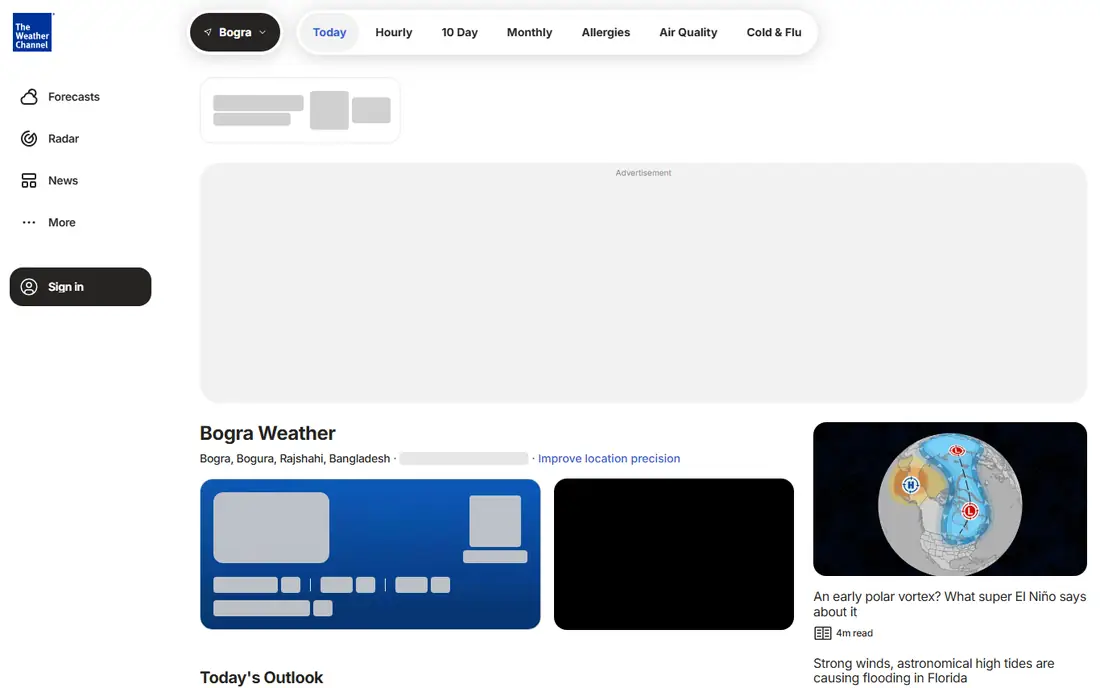
The Weather Channel app is a solid everyday choice, especially for road trips and travel planning. Its future radar helps you see where rain will be hours ahead, and its forecasts, alerts, and video content cover the daily routine well. It is free with ads, with a premium tier removing ads and adding features.
It does not specialize the way Windy or MyRadar do, and its feed can feel cluttered with news and video. For a single app that handles daily forecasts, radar, and travel checks without a subscription, though, it remains one of the most reliable options on either platform.
What we like- Strong everyday forecasts
- Future radar for trip planning
- Broad US coverage
Watch out for- Ads in the free version
- Premium features behind a paywall
- Some users find the feed cluttered
Starting priceSee website
Free planYes
CARROT Weather is the power user's weather app. Premium users can choose between multiple weather data sources, which matters when one source is consistently better for your region. Customization runs deep: layouts, widgets, lock screen displays, Apple Watch complications, and even a snarky AI personality that delivers forecasts with attitude.
The catch is price and taste. The richest features sit behind a subscription, and the humor that fans love can annoy others, though it can be toned down. For users who check weather constantly and want the forecast presented exactly their way, CARROT Weather is the best premium pick in this guide.
What we like- Premium users can switch data sources
- Deep customization and widgets
- Apple Watch and lock screen support
Watch out for- Best features need a subscription
- Humor and personality are not for everyone
- Subscription pricing varies by tier
Starting priceFree
Free planYes
Windy is the best weather app for people who care which forecast model is which. It offers dozens of interactive map layers for wind, rain, temperature, and storms, and lets you compare models like ECMWF and GFS side by side. Surfers, sailors, pilots, and hikers use it to read conditions that a simple daily forecast cannot express. The core app is free and carries no ads, which is rare in this category.
Casual users may find Windy overwhelming. It assumes you know what a model run is and why it matters, and its interface rewards study. If you plan outdoor activities where wind and timing decide safety, Windy is essential. If you just want to know whether to carry an umbrella, Apple Weather or AccuWeather is simpler.
What we like- More than 50 interactive map layers
- Compare ECMWF, GFS, and other models
- No ads in the core app
Watch out for- Built for enthusiasts, not casual checks
- Learning curve for model data
- Premium adds faster updates
Starting priceFree
Free planYes
MyRadar is the best free radar app, period. Its radar loads fast, renders at high resolution, and tracks storms with a clarity that general weather apps rarely match. Storm watchers, road trippers, and anyone living in severe weather country should have it on their phone, and the core features are free.
MyRadar is a radar tool first, not a complete forecast app. You will still want another app for detailed daily forecasts and planning. Pair it with Apple Weather or AccuWeather and you cover both jobs: planning from the forecast app, tracking from MyRadar when storms approach.
What we like- Fast, high-resolution radar
- Free core features
- Excellent for storm tracking
Watch out for- Radar-first design, not a full forecast app
- Premium adds extra layers
- Android and iOS feature sets differ slightly
Starting priceFree
Free planYes
Weather Underground stands out for hyperlocal data. It draws on a large network of personal weather stations, so forecasts and current conditions can reflect your neighborhood rather than the nearest airport. That matters in hilly areas, coastal zones, and cities where conditions change block by block.
Station quality varies, since personal stations are maintained by volunteers, and the interface is denser than Apple Weather. For users who want the closest possible reading to their actual location, and who enjoy digging into station data, Weather Underground is a strong free choice.
What we like- Hyperlocal data from personal weather stations
- Detailed local forecasts
- Strong community station network
Watch out for- Ads in the free version
- Interface is dense
- Station data quality varies by neighborhood
Starting priceFree
Free planYes
RainViewer does one job well: it shows rain, animated over time, so you can see where a storm is heading and when it will reach you. It is lightweight, fast, and easy to read at a glance, which makes it a good companion app for commutes and outdoor plans.
Like MyRadar, it is not a full forecast replacement. Use it alongside a forecast app when rain timing matters, and keep MyRadar or Windy for deeper storm analysis. For the simple question of whether rain is coming and when it will pass, RainViewer answers it faster than almost any other app.
What we like- Focused rain radar with animation
- Easy to track storm movement
- Lightweight and fast
Watch out for- Radar only, not a full forecast app
- Fewer layers than Windy or MyRadar
- Premium adds extras
How we chose
We compared apps on forecast quality, radar depth, severe weather alerts, data sources, customization, platform coverage, and pricing in October 2026 guides and vendor pages. We included both general forecast apps and radar specialists, because the best setup for many users is a pair rather than a single app. We left out apps with no credible current product, broken widget rollouts, or pricing that locks basic features behind extreme subscriptions. Prices change often, so confirm current plans before paying.
How to pick a weather app
Start with your phone and your habit. iPhone users should begin with Apple Weather, since it is free and already installed, and add a specialist only for a missing feature. Android users should start with AccuWeather or The Weather Channel for everyday forecasts. Then add one specialist: MyRadar for storms, Windy for wind and models, or RainViewer for rain timing.
Compare two apps when it matters
No app is most accurate everywhere. When weather affects a flight, a hike, a boat trip, or safety, check two apps with different data sources and see where they agree. CARROT Weather makes this easy by letting premium users switch sources, while Windy shows model disagreement directly. Agreement between independent sources is a better signal than any single forecast.
Set alerts before you need them
Alerts are the most important feature in any weather app, and the easiest to neglect. Turn on severe weather alerts for your home and for places you travel, test that they arrive, and keep a second source such as a government weather radio or official alerts app for dangerous conditions. A beautiful forecast that never warns you is a failed weather app.
Frequently asked questions
What is the best weather app for most people?
Apple Weather for iPhone users and AccuWeather or The Weather Channel for Android users cover most daily needs free. Power users who want customization and data choice should look at CARROT Weather, and outdoor enthusiasts should add Windy.
Which weather app is most accurate?
No app wins everywhere. Accuracy depends on location, terrain, and forecast window, and different data sources perform better in different regions. Compare two apps when accuracy matters, and prefer agreement between sources over any single number.
What is the best free weather app?
Apple Weather, AccuWeather, The Weather Channel, MyRadar, Windy, and RainViewer all offer strong free tiers. MyRadar and Windy stand out for offering powerful free features without ads in their core experience.
Which weather app is best for radar?
MyRadar is the best free radar-first app for storm tracking, with fast high-resolution radar. RainViewer is the simplest rain-tracking companion, and Windy offers the deepest map layers for users who want model data behind the radar.
Do I need a paid weather app?
Most users do not. Free tiers cover forecasts, alerts, and basic radar well. Pay only for a specific feature you use often, such as CARROT Weather customization, Windy faster model updates, or ad removal in an app you open daily.
Can a weather app replace official severe weather alerts?
No. Weather apps are a helpful layer, but official government alerts and weather radio remain the authority during dangerous weather. Keep official alerts enabled alongside any app, and act on warnings immediately rather than waiting for an app to confirm them.
Sources we checked (8)
- https://www.apple.com
- https://www.accuweather.com
- https://www.weather.com
- https://www.carrotweather.com
- https://www.windy.com
- https://www.myradar.com
- https://www.wunderground.com
- https://www.rainviewer.com
Is your product missing or out of date?
We review this list regularly. Vendors can request a listing, send updated pricing or ask about featured placement.

Shihab Mia · Founder, Rankite
Shihab has 5+ years in B2B and SaaS SEO. He writes Rankite's software buying guides from pricing pages, documentation and public user reviews. More about Shihab.
 Apple Weather
 AccuWeather
 The Weather Channel
 CARROT Weather
 Windy
Windy MyRadar
 Weather Underground
 RainViewer