How we make this list: we compare pricing pages, product documentation and public user reviews. Ratings come from G2, Capterra or Trustpilot, with the date we checked them.
Key takeaways
- The best tools for software documentation in 2026 are led by Confluence for internal docs, GitBook for product docs, and Docusaurus for open source projects.
- The best tool depends on the audience: internal teams, external developers, and API consumers need very different docs.
- Docs that live far from code go stale fast, so tools that sync with Git and CI win for developer docs every time.
- Free and open source tools like Docusaurus and MkDocs suit code heavy teams, while hosted tools suit non technical writers best.
- The best docs tool is the one your team actually updates, since a perfect tool with stale docs is worse than a simple tool with fresh docs updated weekly.
Quick comparison
| Tool | Best for | Starting price | Free plan |
|---|
 Confluence Confluence | Internal team docs | $5.42 per user per month | Yes |
 GitBook GitBook | Product and API docs | $29 per month | Yes |
 Notion Notion | Flexible team docs | $10 per user per month | Yes |
 ReadMe ReadMe | API reference docs | $99 per month | No |
 Docusaurus Docusaurus | Open source docs sites | Free | Yes |
 MkDocs MkDocs | Simple static docs | Free | Yes |
 Sphinx Sphinx | Python and code docs | Free | Yes |
 Slate Slate | API docs from Markdown | Free | Yes |
Is your product missing or out of date?
We review this list regularly. Vendors can request a listing, send updated pricing or ask about featured placement.
#1Confluence
Best for: Internal team docs4.1/5 on
G2 (4,368 reviews, checked Oct 2026)
Visit atlassian.com
Starting price$5.42 per user per month
Free planYes
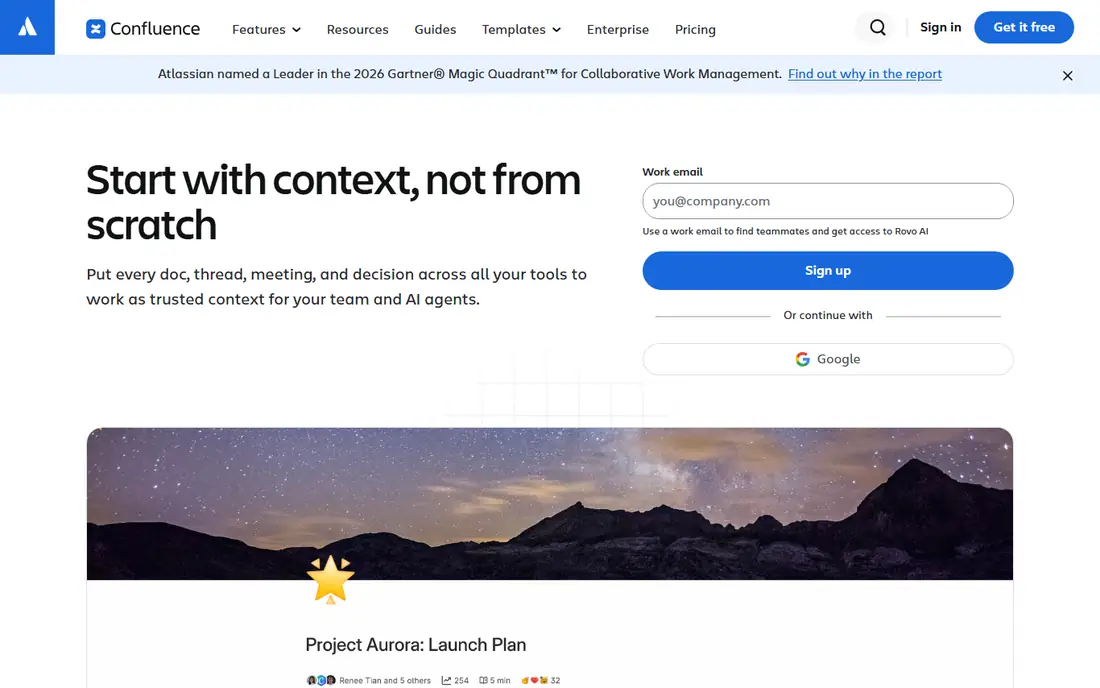
Confluence is the best fit for internal team documentation, with a free plan for up to 10 users and paid plans from 5.42 dollars per user per month on annual billing. Its templates, permissions, and Jira integration make it natural for teams already in the Atlassian ecosystem, and its collaboration features handle comments, mentions, and page history well.
The limits are API docs and search. Confluence is weak for public API reference docs, and its search can feel slow on large spaces. For an internal team that needs shared knowledge in one place, Confluence is the best choice overall.
What we like- Strong collaboration
- Jira integration
- Templates and permissions
Watch out for- Search can feel slow
- API docs weak
- Cost rises with team size
#2GitBook
Best for: Product and API docs4.7/5 on
G2 (207 reviews, checked Oct 2026)
Visit gitbook.com
Starting price$29 per month
Free planYes
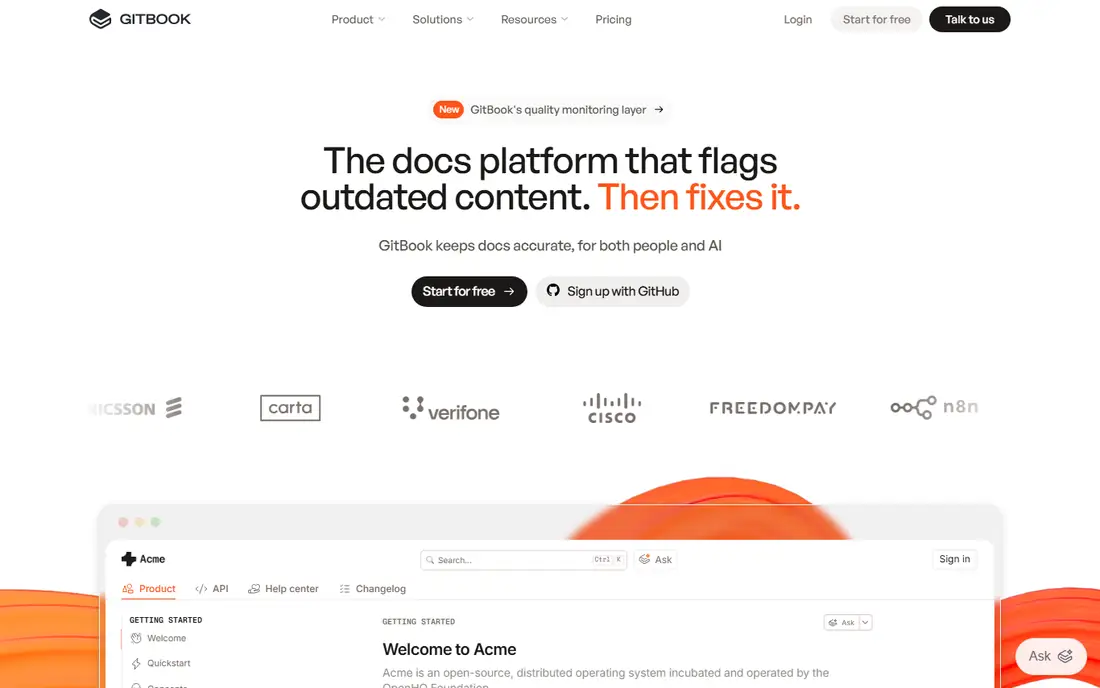
GitBook suits product and API documentation, with a clean public docs site, Git sync that keeps docs close to code, and API reference support. Plans start at 29 dollars per month, with a free plan for small teams and open source projects.
The limits are price and customization. GitBook costs more than open source tools, and its themes are less flexible than a custom static site. For a product team that wants polished public docs without building a site, GitBook is the best choice today.
What we like- Clean public docs sites
- Git sync
- API reference support
Watch out for- Paid plans start at 29 dollars per month
- Customization limited
- Fewer templates than Confluence
#3Notion
Best for: Flexible team docs4.6/5 on
G2 (13,834 reviews, checked Oct 2026)
Visit notion.so
Starting price$10 per user per month
Free planYes
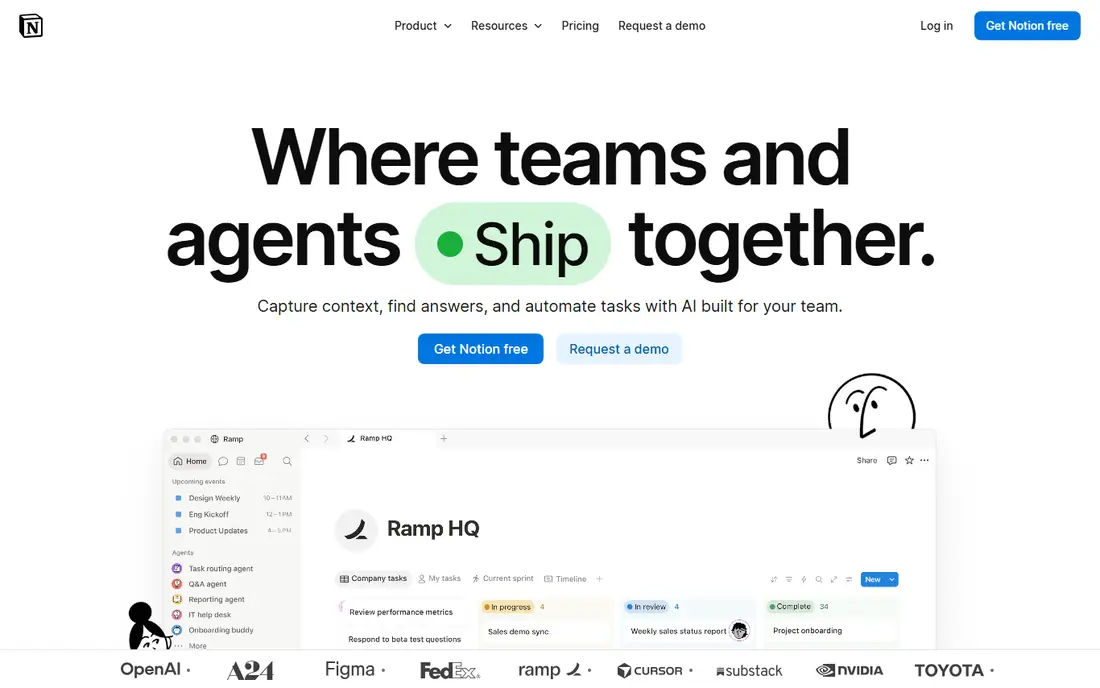
Notion offers the most flexible writing experience in this list, with blocks, databases, and templates that suit internal wikis, specs, and runbooks. Plans start at 10 dollars per user per month, with a free plan for individuals and small teams.
The limits are API docs and versioning. Notion is not built for API reference docs, its versioning is weaker than Git based tools, and its public docs options are limited. For a team that wants flexible internal docs, Notion is a strong choice overall.
What we like- Flexible blocks
- Great writing experience
- Strong templates
Watch out for- Not built for API docs
- Versioning weak
- Public docs limited
#4ReadMe
Best for: API reference docs4.5/5 on
G2 (46 reviews, checked Oct 2026)
Visit readme.com
Starting price$99 per month
Free planNo
ReadMe is the best fit for API reference documentation, with interactive try it out consoles, auto generated reference from OpenAPI specs, and API usage metrics. Plans start at 99 dollars per month, with no free plan.
The limits are price and scope. ReadMe is expensive for small teams and overkill for simple guides. For a company whose API is the product, ReadMe is the best choice today.
What we like- Best API reference experience
- Interactive try it out
- API metrics
Watch out for- Expensive entry at 99 dollars per month
- No free plan
- Overkill for simple docs
Starting priceFree
Free planYes
Docusaurus is the best fit for open source documentation sites, running as a free open source static site generator with versioning built in, Markdown writing, and React based customization. It powers docs for many large open source projects.
The limits are setup and writer fit. Docusaurus needs developer setup and hosting, and non technical writers may struggle with its workflow. For a code heavy team that wants a free, versioned docs site, Docusaurus is the best choice overall.
What we like- Free and open source
- Versioning built in
- React based customization
Watch out for- Needs developer setup
- Hosting is your job
- Non technical writers struggle
Starting priceFree
Free planYes
MkDocs suits simple static documentation, with fast setup, Markdown writing, and the Material theme that makes docs look polished with little effort. It is free and open source, and it suits small projects and internal guides.
The limits are collaboration and hosting. MkDocs has no hosted editor, so writers work in Git, and hosting is your job. For a small team that wants simple, fast, free docs, MkDocs is a strong choice today.
What we like- Simplest static docs
- Fast setup
- Material theme looks great
Watch out for- No hosted editor
- Plugins need setup
- Collaboration is Git based
Starting priceFree
Free planYes
Sphinx is the best fit for Python and code documentation, auto generating docs from docstrings, with many extensions and strong cross referencing. It is free and open source, and it powers Python's own docs.
The limits are learning curve and looks. Sphinx uses ReStructuredText by default, its themes feel dated, and setup takes time. For a Python team that wants docs generated from code, Sphinx is the best choice overall.
What we like- Auto docs from code
- Strong for Python
- Many extensions
Watch out for- ReStructuredText learning curve
- Themes dated
- Setup takes time
Starting priceFree
Free planYes
Slate suits API docs written in Markdown, producing beautiful single page API documentation with a three panel layout, code samples, and language tabs. It is free and open source, hosted on GitHub.
The limits are scope and maintenance. Slate builds single page docs only, its maintenance is community led, and it has no hosted editor. For a small API that wants beautiful docs fast and free, Slate is a strong choice today.
What we like- Beautiful single page API docs
- Markdown based
- Free and open source
Watch out for- Single page only
- Maintenance is community led
- No hosted editor
How we chose
We ranked tools by writing experience, versioning, search, API support, collaboration, and cost, favoring tools that keep docs close to code over tools that store docs far away from code. We gave extra weight to versioning, since docs that cannot match a software version mislead users badly. We also weighed writer fit, since a tool that only developers can use will not get updated by product or support teams at all. Finally, we checked search quality, since docs that cannot be found are just as useless as docs that do not exist.
Buying guide
Start by naming your audience. An internal team needs Confluence or Notion, a product team needs GitBook, an API team needs ReadMe or Slate, and an open source project needs Docusaurus or MkDocs. One audience beats a tool that tries to serve all of them weakly, and a tool chosen for one clear audience gets updated far more reliably than a tool chosen for every possible reader.
Next, check how docs stay fresh. Tools that sync with Git, pull from code, or tie docs updates to releases keep docs current, while tools that rely on manual reminders go stale. Ask who owns each page and how often it is reviewed, and make docs updates part of the definition of done for every feature, so a release cannot ship with outdated guides.
Also test the tool with a real new hire or new user, since docs that make sense to the author often confuse a fresh reader. Finally, test search and versioning before committing. Search is how users find docs, and versioning is how they find the right docs for their release. A tool with weak search or no versioning will frustrate users no matter how pretty its pages look, and a docs site that shows the wrong version for a user's release creates support tickets that better versioning would have prevented.
Frequently asked questions
What is the best tool for software documentation overall?
Confluence is the best for internal docs, GitBook for product docs, and Docusaurus for open source docs. The best tool depends on your audience, since internal, product, and API docs need different strengths, and a team that serves two audiences may need two tools rather than one compromise.
Should docs live in Git or in a wiki?
Docs for developers should live in Git, since versioning and review match code workflows. Docs for non technical teams suit a wiki like Confluence or Notion, where editing is easier and review is lighter. Many teams use both, keeping developer docs in Git and team knowledge in a wiki, with links between the two.
Is a free docs tool good enough?
Yes for many teams. Docusaurus, MkDocs, Sphinx, and Slate are free and power docs for large projects. Paid tools add hosted editing, support, and API features that free tools lack, so the real question is whether your team needs those extras or can host and maintain a free tool itself.
How do I keep docs from going stale?
Assign an owner to every page, tie docs updates to release checklists, and review pages on a schedule. Tools that sync with Git make staleness visible, since outdated docs show up in pull requests. Also track which pages users visit most, since a popular page that goes stale causes far more harm than an obscure page nobody reads.
What is the best tool for API documentation?
ReadMe is the best for a company whose API is the product, while Slate suits small APIs that want beautiful docs free. GitBook covers API reference plus guides in one site, which suits most product teams. Whichever tool you pick, keep the reference generated from your OpenAPI spec, since hand written reference docs drift from the real API fast.
Sources we checked (0)
Is your product missing or out of date?
We review this list regularly. Vendors can request a listing, send updated pricing or ask about featured placement.

Shihab Mia · Founder, Rankite
Shihab has 5+ years in B2B and SaaS SEO. He writes Rankite's software buying guides from pricing pages, documentation and public user reviews. More about Shihab.