How we make this list: we compare pricing pages, product documentation and public user reviews. Ratings come from G2, Capterra or Trustpilot, with the date we checked them.
Key takeaways
- MagicSchool AI is the broadest teacher toolkit here, with dozens of planning, grading and communication tools on a free plan, while Khanmigo is the strongest student facing tutor because it coaches instead of handing over answers.
- Privacy decides this purchase before features do. Only use tools your school or district has approved, and never put identifiable student work into a tool that has no data agreement with your district.
- Brisk Teaching and Diffit solve narrow, daily jobs well: feedback inside Google Docs and readings levelled to each student.
- Every AI output needs a teacher's eyes before it reaches a student. These tools draft, level and summarise; they do not know your class.
Quick comparison
| Tool | Best for | Starting price | Free plan |
|---|
 MagicSchool AI MagicSchool AI | All round teacher toolkit | $12.99 per month | Yes |
 Khanmigo Khanmigo | Student tutoring that withholds answers | Free for teachers | Yes |
 Brisk Teaching Brisk Teaching | Feedback inside Google Docs | See website | Yes |
 Diffit Diffit | Levelled readings for mixed classes | $14.99 per month | Yes |
 Curipod Curipod | Live interactive lessons | See website | Yes |
 Eduaide.ai Eduaide.ai | Pedagogy first resource building | $49.99 per year | Yes |
 SchoolAI SchoolAI | Teacher supervised student AI spaces | See website | No |
 Gemini for Education Gemini for Education | Schools already on Google Workspace | See website | Yes |
Is your product missing or out of date?
We review this list regularly. Vendors can request a listing, send updated pricing or ask about featured placement.
The best AI software for classroom use
#1MagicSchool AI
Best for: All round teacher toolkit4.7/5 on
G2 (7 reviews, checked Oct 2026)
Visit magicschool.ai
Starting price$12.99 per month
Free planYes
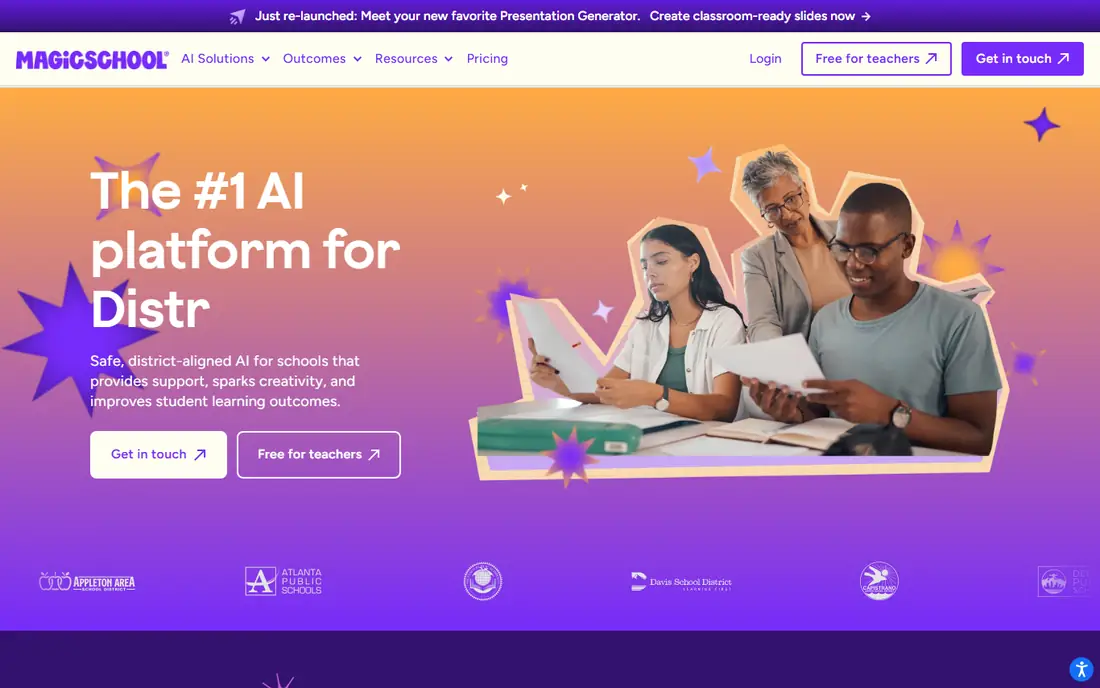
What we like- MagicSchool AI packs more than 80 teacher tools into one dashboard: lesson plans, rubrics, quiz questions, IEP goal drafts, report card comments, differentiation help and parent emails, plus a set of student facing tools and an assistant called Raina. The free plan is genuinely usable for a normal planning week, and Plus at 12.99 dollars a month (less billed annually) raises the limits. The company states that student data is not used to train its models and positions the product around FERPA and COPPA alignment, which is why so many districts have been able to approve it.
Watch out for- Breadth is also the weakness. A tool that does 80 jobs does some of them at draft quality only, and the IEP and assessment outputs in particular need a specialist's review before they are used. The free plan's usage caps arrive quickly during report season. And like every generator here, it writes fluently whether or not the content is right, so checking is part of the job.
#2Khanmigo
Best for: Student tutoring that withholds answers4.5/5 on
G2 (178 reviews, checked Oct 2026)
Visit khanacademy.org
Starting priceFree for teachers
Free planYes
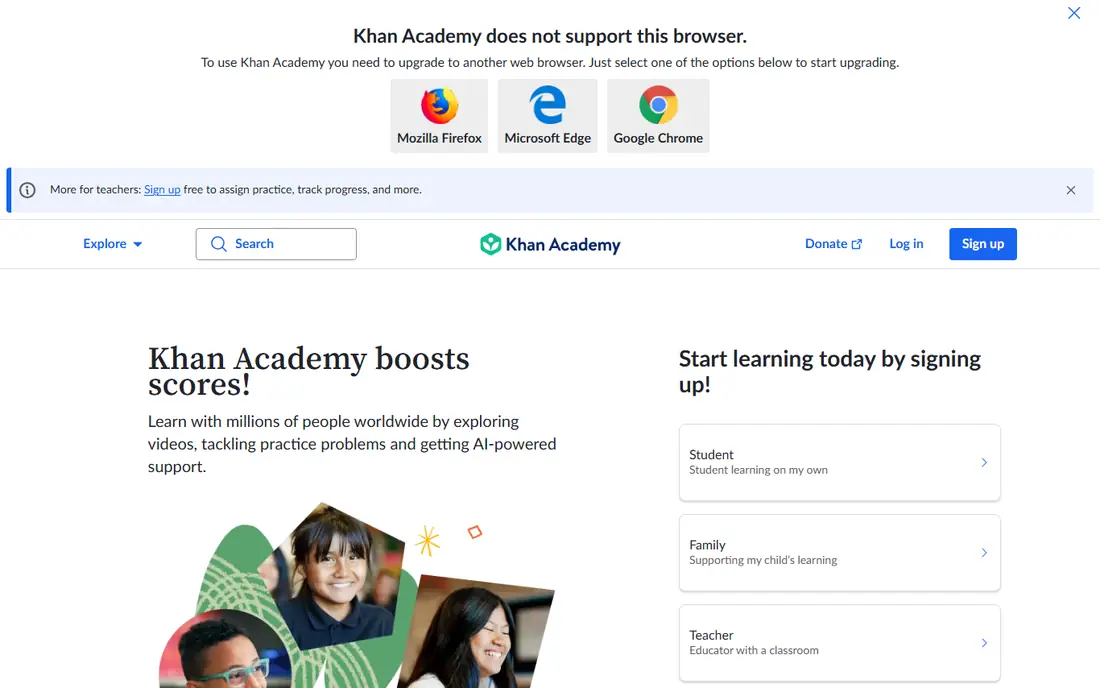
What we like- Khanmigo, from the nonprofit Khan Academy, is built to tutor rather than to complete homework. It asks questions, gives hints and pushes the student to explain their thinking, and it is tied to Khan Academy's own lesson library, so its help lines up with the maths and science content students are already assigned. Teachers get it free, learners and parents pay 4 dollars a month, and teachers receive a dashboard view of student conversations, which makes classroom oversight practical rather than theoretical.
Watch out for- The library tie in is also the limit: Khanmigo is strongest inside Khan Academy subjects and weaker as a general writing or project coach. District features and rostering sit behind district agreements, so an individual teacher's free access does not include the full reporting suite. Students who want an answer machine will find it stubborn, which is the point, but expect complaints.
Starting priceSee website
Free planYes
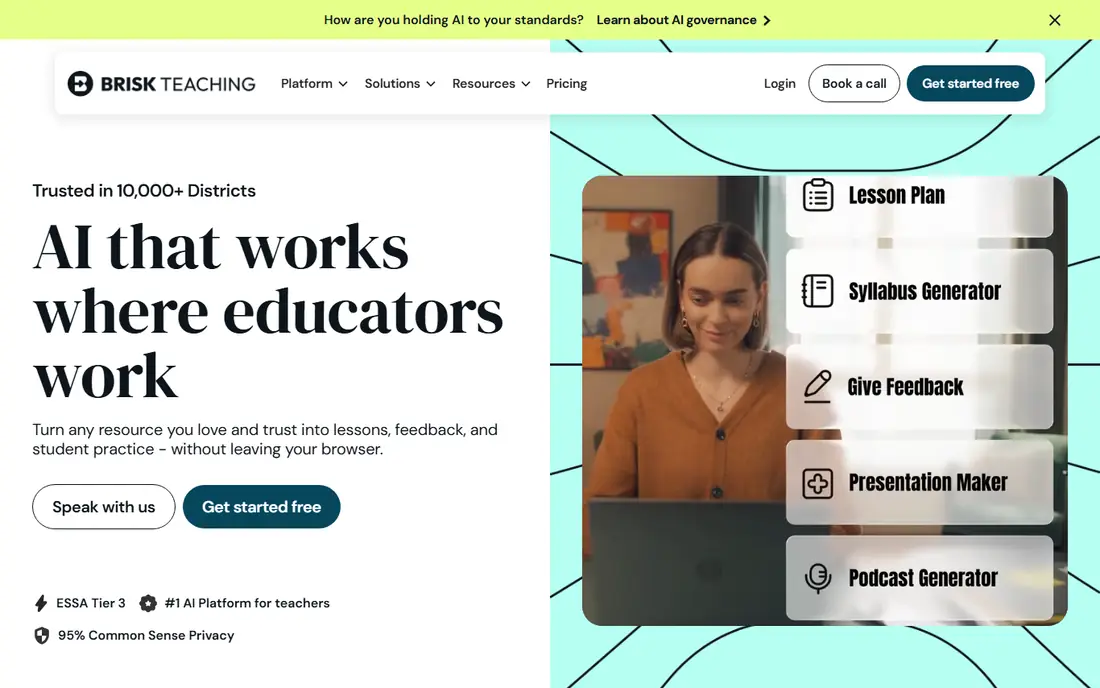
What we like- Brisk Teaching is a Chrome extension that works where teachers already work: inside Google Docs, Slides and Classroom. It generates feedback on student writing against your rubric, creates quizzes and resources from existing documents, levels text and drafts emails without opening a new platform. The free plan covers a real set of core tools, which is why it spread so fast through Google based schools. For a teacher whose marking pile lives in Docs, removing the copy and paste step is the whole value.
Watch out for- Published prices for the paid tier conflicted across current sources, so check the site rather than budget from a roundup. The extension model means it does little for teachers outside the Google ecosystem. Feedback quality depends heavily on the rubric you give it
- A vague rubric returns vague comments. District controls and the deeper analytics sit on school agreements, not the individual plan.
Starting price$14.99 per month
Free planYes
What we like- Diffit does one job properly: it takes a text, a topic or a link and produces readings at different levels, with vocabulary support, questions and activities matched to each version. For a class where reading ages span five years, that turns an hour of manual adapting into minutes. Teachers working with multilingual learners and students with IEPs lean on it hardest, and the outputs export cleanly into Google formats. Paid plans run at 14.99 dollars a month or 149.99 a year after the free tier.
Watch out for- It is a single purpose tool, so it will not plan your unit or mark your essays. Levelled text is a draft, and a passage simplified by software can quietly change meaning, which matters in science and history. The free tier is a taster rather than a working plan for a full class load. Per teacher pricing also adds up when a whole department adopts it without a school agreement.
#5Curipod
Best for: Live interactive lessons4.5/5 on
G2 (2 reviews, checked Oct 2026)
Visit curipod.com
Starting priceSee website
Free planYes
What we like- Curipod runs live lessons where every student responds on their own device: polls, word clouds, drawings, open answers and short writing tasks, with AI feedback returned to students during the lesson itself. That live writing feedback is its signature strength, and teachers use it for starter activities and exit checks where a show of hands tells them nothing. The free tier covers real classroom use, and the company states that student and teacher data is not used to train its AI.
Watch out for- Paid pricing for schools and districts is quoted rather than listed, so budget holders need a conversation before they can compare it. It is a lesson delivery tool, not a planning suite or a marking tool, so it sits alongside other software rather than replacing it. Live sessions depend on every student having a working device and connection, which is not true in every room.
Starting price$49.99 per year
Free planYes
What we like- Eduaide.ai builds teaching resources with an explicit pedagogy layer: you pick a framework or a depth of knowledge level and it generates lesson components, questions, activities and assessments shaped by that choice. Teachers who find general chatbots bland use it because the outputs arrive structured for teaching rather than as raw paragraphs. Pro costs 49.99 dollars a year, which makes it one of the cheapest paid plans in this list, and the free plan allows a limited number of generations each month.
Watch out for- The free plan's monthly generation limit is small enough that most working teachers hit it in the first week. Its interface assumes you know the frameworks it offers, so new teachers get less from it than experienced ones. It has no student facing side and no live lesson tools, so it covers planning only. School level agreements exist but the reporting side is thinner than MagicSchool's.
Starting priceSee website
Free planNo
What we like- SchoolAI is built around Spaces: teacher designed AI activities that students join for tutoring, practice, role play and writing help, while the teacher watches progress and conversations from a dashboard. That supervision model is its answer to the obvious classroom question of what students are actually doing with the AI. It connects with common LMS platforms, and its pitch to districts rests on guardrails and visibility rather than raw generation power.
Watch out for- There is no meaningful free plan for an individual teacher
- The free allowance is closer to a trial, and pricing is quoted for schools and districts. The value depends on students being inside its Spaces, so a teacher wanting quick planning help gets less from it than from MagicSchool or Brisk. As with any monitored space, schools should read the data terms themselves rather than rely on marketing summaries.
Starting priceSee website
Free planYes
What we like- For the many schools already running Google Workspace for Education, Gemini is the option with no new vendor to approve: it sits inside the existing Google agreement, appears in Classroom and Docs, and can turn class files into study guides, quizzes and rubrics. NotebookLM, included in the same ecosystem, answers questions from sources you provide and cites them, which makes it one of the safer research aids for older students. Access rides on the school's existing Google edition, so there is no separate per teacher bill in many districts.
Watch out for- What you get depends on your Workspace edition and your admin's settings, and the education features change often enough that last term's guidance may be stale. It is a general assistant rather than a teaching specialist, so lesson structures and differentiation need more prompting skill than in MagicSchool or Eduaide. Districts on Microsoft or mixed platforms get nothing from it.
How we chose
We looked for AI tools a teacher or school can actually deploy in October 2026: a public product and pricing page, a stated education privacy posture, and a job that maps to classroom work rather than general chat. Teacher planning tools, marking aids, live lesson tools and supervised student tutors all qualified. We excluded general chatbots with no education controls, and we excluded any tool that markets itself as a way to do students' work for them. Where current sources disagreed on a paid price, we wrote see website instead of printing a figure we could not pin down. No tool here was hands on tested for this guide; the judgements rest on vendor documentation and current reporting.
How to pick classroom AI software
Start with approval, not features. Get your district's approved list, and treat any tool without a signed data agreement as a tool for your own planning only, with no student names, work or data inside it. That single rule removes most of the risk in this category.
Next, match the tool to the job that eats your week. If planning and paperwork dominate, MagicSchool AI or Eduaide.ai gives the broadest relief. If marking dominates, Brisk Teaching inside Docs or a levelled reading tool such as Diffit pays back faster. If the goal is student practice with oversight, Khanmigo and SchoolAI are built for it, with opposite strengths: Khanmigo brings a content library, SchoolAI brings custom spaces.
Then build a checking habit. Read generated questions before printing them, confirm levelled texts still say what the original said, and sample AI feedback before it reaches students. Finally, tell students and parents what is in use and why. A short note home at the start of term prevents most of the difficult conversations later.
Frequently asked questions
Is it legal for students to use AI tools in class?
It depends on the tool and the setup, not the technology alone. In the US, FERPA governs student records and COPPA covers children under 13, and districts handle both by approving tools under data privacy agreements. A tool on your district's approved list, used as directed, is the safe route. A tool you signed up for personally is fine for your own planning, but student data should stay out of it.
Which of these tools is free for teachers?
MagicSchool AI, Khanmigo, Brisk Teaching, Diffit, Curipod and Eduaide.ai all offer free tiers, and Khanmigo is free for teachers outright. Gemini for Education is available through a school's Google Workspace agreement. Free tiers carry limits on generations or classes, so treat them as a working trial and check what the paid tier adds before a whole department depends on one.
Can AI grading and feedback be trusted?
As a first pass, yes; as the final word, no. AI feedback is fast and consistent on surface features such as structure and spelling, and weaker on judgement calls, originality and whether an argument is actually sound. It can also reflect bias in how it scores different writing styles. Use it to draft comments, then read, adjust and own the grade yourself, because the grade carries your name, not the software's.
How do I stop students using AI to do homework for them?
Choose tutors that coach rather than answer, such as Khanmigo, and supervised spaces such as SchoolAI where conversations are visible to you. Then design around the tool: ask for drafts and process work, use in class writing for assessed pieces, and talk plainly about what help is allowed. Detection tools are unreliable and accuse innocent students often enough that building the assignment well is the stronger move.
What data should never go into an AI tool?
Names with grades, IEP details, health information, disciplinary records and anything that identifies a child, unless the tool is district approved for exactly that use. For unapproved tools, anonymise everything: paste the essay, not the student's name and record. When in doubt, ask your district's data or IT lead before the lesson, not after.
Sources we checked (0)
Is your product missing or out of date?
We review this list regularly. Vendors can request a listing, send updated pricing or ask about featured placement.

Shihab Mia · Founder, Rankite
Shihab has 5+ years in B2B and SaaS SEO. He writes Rankite's software buying guides from pricing pages, documentation and public user reviews. More about Shihab.