How we make this list: we compare pricing pages, product documentation and public user reviews. Ratings come from G2, Capterra or Trustpilot, with the date we checked them.
Vonage vs 8x8: the short answer
Vonage and 8x8 both sell cloud business phone systems, but they aim at different buyers. Vonage starts at $19.99 per line per month for its Mobile plan, with Premium at $29.99 and Advanced at $39.99, and it suits small teams that want a simple phone service with strong mobile apps and a large library of integrations. 8x8 is quote based, with reported pricing from $24 per user per month for X2, $44 for X4, $85 for X6, from $110 for X7, and from $140 for X8, and it suits teams that need global calling and built in contact center tools. If your team calls mostly within the United States and Canada and wants a quick setup, Vonage is the better fit. If your team calls customers in many countries or runs a support center, 8x8 has the edge. The rest of this guide compares both head to head and adds six more systems worth considering before you sign a contract.
How we picked these 8 phone systems
We picked systems that compete directly with Vonage and 8x8 for small and midsize business buyers. Every tool on this list offers cloud hosted calling, a mobile app, a desktop app, and a business phone number without on site hardware. We checked starting prices against each vendor pricing page on 18 November 2026 and noted where a vendor hides its price behind a sales quote. We favored systems with published pricing, a free trial or a money back period, and a track record of serving teams of 5 to 500 people. We also looked at international calling rates, because that is where Vonage and 8x8 differ most, and at admin controls and integrations with common CRM and helpdesk tools. Each entry below lists a real drawback, because no phone system is right for every team.
Vonage vs 8x8 at a glance
The table below shows the two headliners side by side on the points buyers ask about first. Prices are starting prices on annual billing, checked 18 November 2026.
| Feature |
Vonage |
8x8 |
| Starting price |
$19.99 per line per month |
Quote based, reported from $24 |
| Mid tier |
Premium $29.99 |
X4 $44 |
| Top tier |
Advanced $39.99 |
X8 from $140 |
| Free plan |
No |
No |
| International calling |
Add on or per minute rates |
Unlimited to many countries on X4 and above |
| Contact center |
Limited |
Built in from X6 upward |
| Mobile app |
Yes |
Yes |
| Video meetings |
Included on higher plans |
Included |
Vonage prices its plans per line and leans on integrations with Salesforce, HubSpot, Microsoft Teams, and Google Workspace. 8x8 prices by tier and bundles contact center tools at the higher tiers, so a team that needs queues, supervisor dashboards, and workforce management may pay less with 8x8 than by adding a separate contact center tool to Vonage. 8x8 also covers more countries with unlimited calling, which matters for teams with overseas customers. Vonage counters with a simpler admin panel, a faster setup, and a published price list, so buyers can compare costs without a sales call.
Which one fits your team
Pick Vonage if your team is small, works mostly from mobile phones, and calls mainly within the United States and Canada. Vonage fits sales teams that make most calls from a mobile app and remote teams that need a quick setup. Pick 8x8 if your team calls customers in several countries, if you run a support or sales call center, or if you want contact center features in the same platform as your phones. Teams that need only a simple business number on a personal phone should look at Ooma Office in this list instead of either headliner.
What to check before you sign a contract
Read the contract terms before you pay for a year. Many cloud phone vendors offer a lower annual rate and a higher month to month rate, and the difference can be 30 percent or more. Check whether the plan includes unlimited calling to the countries your team calls, or whether international minutes are billed separately, because this is the biggest cost difference between Vonage and 8x8. Ask about number porting, because moving an existing business number can take days and some vendors charge a fee. Check the minimum user count, since some plans require three or more licenses. Finally, test the mobile app during the trial, because a phone system that your team finds hard to use on a mobile phone will not get adopted, no matter how good the desktop app is.
Quick comparison
| Tool | Best for | Starting price | Free plan |
|---|
 Vonage | Small teams that want a phone-first cloud system with strong CRM integrations | $19.99 per line per month for Mobile, $29.99 for Premium, $39.99 for Advanced, checked 18 Nov 2026 | No, 14-day free trial on paid plans |
 8x8 | Teams that need global calling and built in contact center tools | Quote based, reported X2 from $24 per user per month, X4 $44, X6 $85, X7 from $110, X8 from $140, checked 18 Nov 2026 | No, 30-day free trial on some plans |
 RingCentral | Teams that want phone, video meetings, and messaging in one platform | $20 per user per month for Core, $25 for Advanced, $35 for Ultra on annual billing, checked 18 Nov 2026 | No, 14-day free trial on paid plans |
 Nextiva | Small and midsize teams that want a simple phone system with strong support | $15 per user per month for Core, $25 for Engage, $75 for Scale on annual billing, checked 18 Nov 2026 | No, free demo available |
 Dialpad | Teams that want AI call summaries and real time coaching | $15 per user per month for Standard, $25 for Pro on annual billing, Enterprise by quote, checked 18 Nov 2026 | No, 14-day free trial on paid plans |
 Zoom Phone | Teams already using Zoom Meetings that want phone in the same app | $10 per user per month for US and Canada, $15 for Pro, $20 for Business Plus, checked 18 Nov 2026 | No, free trial available |
 Ooma Office | Small businesses that want a simple phone system with no contract | $19.95 per user per month for Essentials, $24.95 for Pro, $29.95 for Pro Plus, checked 18 Nov 2026 | No, 30-day money back guarantee |
 GoTo Connect | Small and midsize teams that want phone and video with a visual call flow editor | Quote, vendor does not publish list prices; third-party estimates put Phone System at about $26 per user per month, Connect CX at about $34, checked 18 Nov 2026 | No, free trial available |
Is your product missing or out of date?
We review this list regularly. Vendors can request a listing, send updated pricing or ask about featured placement.
The 8 best business phone systems for Vonage vs 8x8 buyers
#1Vonage
Best for: Small teams that want a phone-first cloud system with strong CRM integrations4.3/5 on
G2 (503 reviews, checked Oct 2026)
Visit vonage.com
Starting price$19.99 per line per month for Mobile, $29.99 for Premium, $39.99 for Advanced, checked 18 Nov 2026
Free planNo, 14-day free trial on paid plans
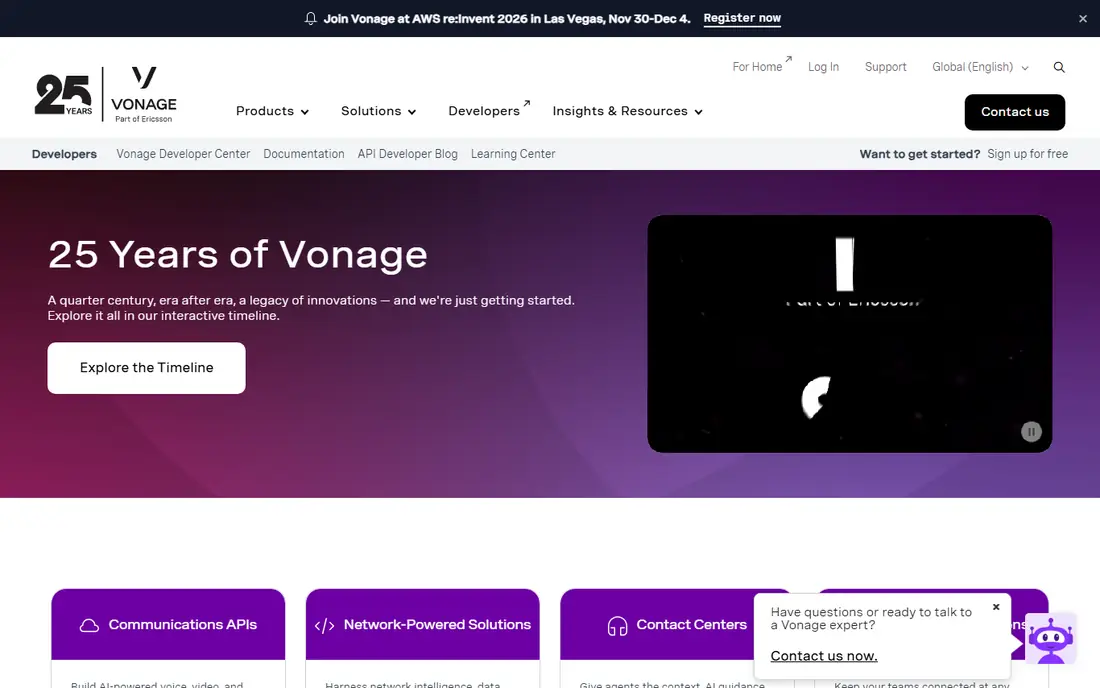
Vonage is a cloud phone service that gives a small business a professional phone number, call routing, voicemail, and business texting without any on site hardware. The Mobile plan covers the basics at $19.99 per line per month, while Premium adds a desktop app, call recording, and more integrations, and Advanced adds on demand call recording and visual voicemail. Vonage connects with Salesforce, HubSpot, Microsoft Teams, Google Workspace, and more than 50 other business tools, so call logs and contact records stay in sync. The mobile app is one of the better ones in this category, with a clean dialer and easy access to contacts and recent calls.
What we like- Simple setup, strong mobile apps, large integration library, unlimited US and Canada calling on paid plans
Watch out for- Video meetings and advanced analytics are limited to higher tiers, and international calling is an add on rather than included in the base price
#28x8
Best for: Teams that need global calling and built in contact center tools4.2/5 on
G2 (939 reviews, checked Oct 2026)
Visit 8x8.com
Starting priceQuote based, reported X2 from $24 per user per month, X4 $44, X6 $85, X7 from $110, X8 from $140, checked 18 Nov 2026
Free planNo, 30-day free trial on some plans
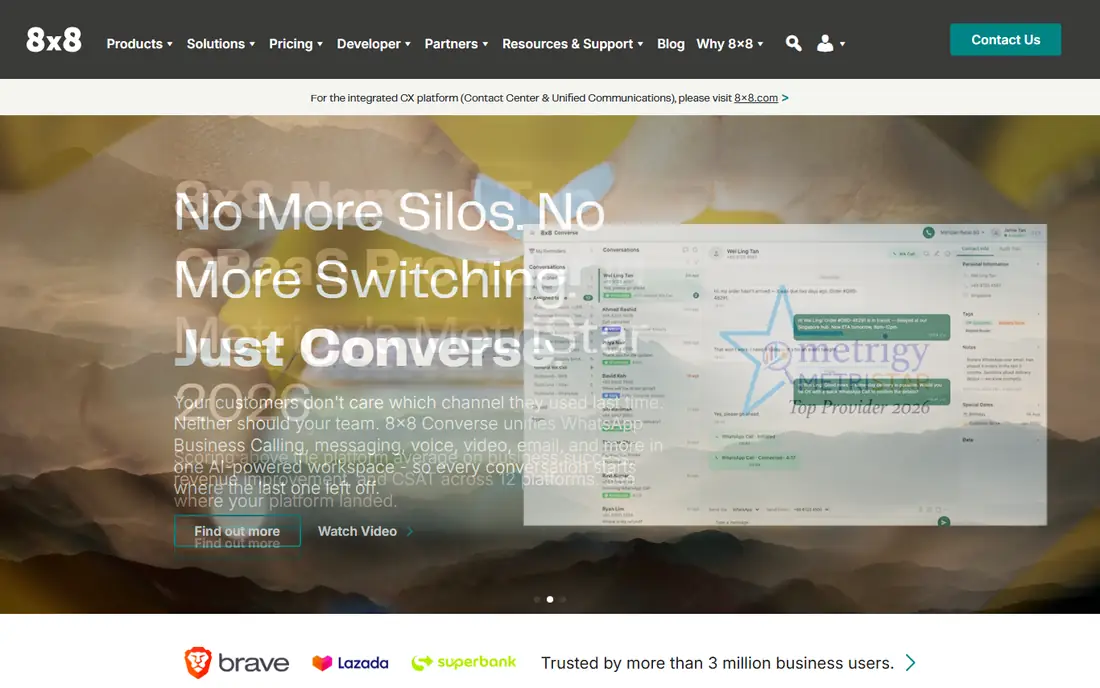
8x8 is a cloud communications platform that combines voice, video, chat, and contact center tools, with a particular strength in international calling. Its X2 tier starts from a reported $24 per user per month and covers unlimited calling in the United States and Canada plus 14 countries, while X4 at $44 adds unlimited calling to more than 40 countries, and X6 at $85 adds contact center features. Higher tiers add supervisor tools, workforce management, and quality management. 8x8 suits businesses with offices or customers in several countries, and teams that run a support or sales call center and want those tools in the same platform as their phones.
What we like- Strong international coverage, contact center features built in at higher tiers, unlimited calling to many countries
Watch out for- Pricing is quote based so you cannot compare it directly without a sales call, and the platform can feel complex for very small teams
#3RingCentral
Best for: Teams that want phone, video meetings, and messaging in one platform4.1/5 on
G2 (1,076 reviews, checked Oct 2026)
Visit ringcentral.com
Starting price$20 per user per month for Core, $25 for Advanced, $35 for Ultra on annual billing, checked 18 Nov 2026
Free planNo, 14-day free trial on paid plans
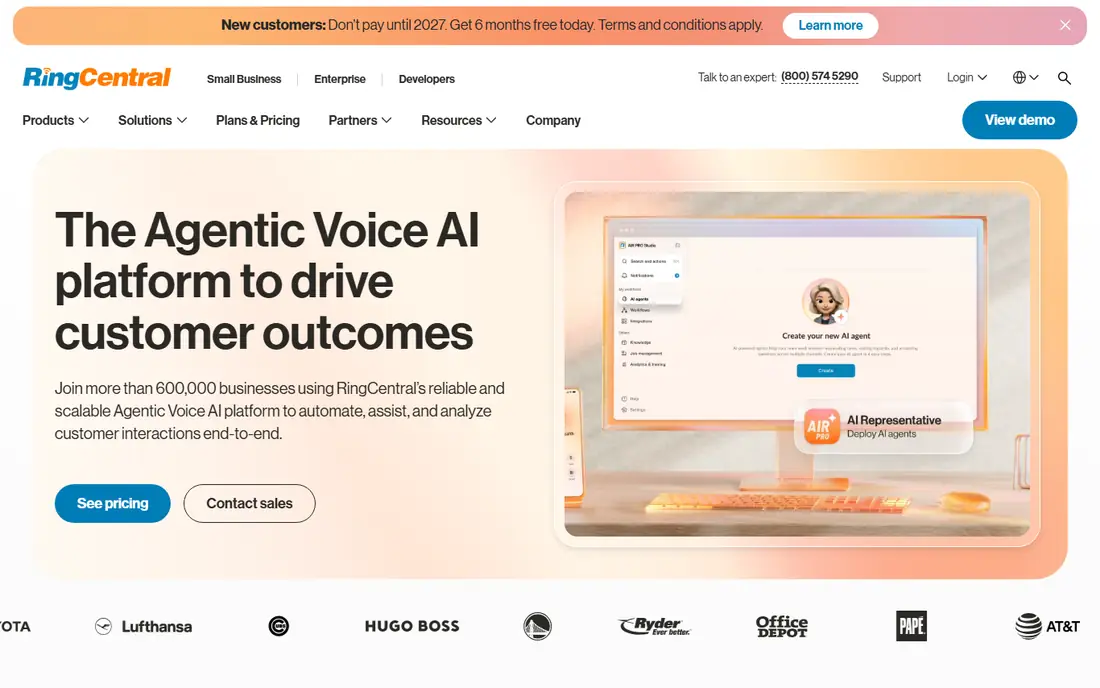
RingCentral RingEX is the best known all in one cloud phone platform, combining voice calls, video meetings, team messaging, and fax in a single app. Core at $20 per user per month on annual billing covers unlimited calling in the United States and Canada, voicemail to email, and team messaging, while Advanced adds call monitoring, automatic call recording, and deeper analytics, and Ultra adds video meeting capacity and more storage. RingCentral integrates with Salesforce, HubSpot, Microsoft 365, Google Workspace, Slack, and hundreds of other tools. Admins get detailed call reports, call queue controls, and the option to add RingCX for contact center work.
What we like- Full unified communications bundle, strong analytics, wide integration library, reliable call quality
Watch out for- The entry Core plan lacks call monitoring and some analytics, and the per user price climbs fast when you add contact center features
#4Nextiva
Best for: Small and midsize teams that want a simple phone system with strong support4.5/5 on
G2 (3,659 reviews, checked Oct 2026)
Visit nextiva.com
Starting price$15 per user per month for Core, $25 for Engage, $75 for Scale on annual billing, checked 18 Nov 2026
Free planNo, free demo available
Nextiva NEXT is a cloud phone system built for small and midsize businesses that want reliable calling without a steep learning curve. Core at $15 per user per month on annual billing includes unlimited voice and video calling in the United States and Canada, voicemail to email, auto attendant, and team messaging. Engage at $25 adds customer surveys, more integrations, and call recording, while Scale at $75 adds advanced analytics, single sign on, and a higher level of support. Nextiva is known for responsive support and a straightforward setup, and it integrates with Salesforce, HubSpot, Microsoft Teams, and Google Workspace. The platform suits teams that want a dependable phone service with a friendly admin panel, and it is one of the lowest cost entries in this list for a full business phone system.
What we like- Easy admin panel, strong customer support reputation, unlimited calling in the US and Canada, good value at the entry tier
Watch out for- Advanced analytics and some integrations are limited to the higher priced Engage and Scale tiers
#5Dialpad
Best for: Teams that want AI call summaries and real time coaching4.4/5 on
G2 (4,201 reviews, checked Oct 2026)
Visit dialpad.com
Starting price$15 per user per month for Standard, $25 for Pro on annual billing, Enterprise by quote, checked 18 Nov 2026
Free planNo, 14-day free trial on paid plans
Dialpad is a cloud phone system that stands out for its built in AI features, including live call transcription, automatic call summaries, and real time coaching prompts for sales and support teams. Standard at $15 per user per month on annual billing covers unlimited calling in the United States and Canada, voicemail, team messaging, and video meetings, while Pro at $25 adds AI summaries, CRM integrations, and more admin controls. Dialpad integrates with Salesforce, HubSpot, Google Workspace, Microsoft 365, and Slack. The interface is clean and modern, and the mobile app works well for teams that take calls away from a desk. Dialpad suits sales and support teams that want to review calls quickly and coach staff with real data.
What we like- Built in AI transcriptions and call summaries, clean modern interface, good mobile and desktop apps
Watch out for- Some AI features are limited to the Pro plan, and the monthly billing rate is much higher than the annual rate
#6Zoom Phone
Best for: Teams already using Zoom Meetings that want phone in the same app4.6/5 on
G2 (2,672 reviews, checked Oct 2026)
Visit zoom.com
Starting price$10 per user per month for US and Canada, $15 for Pro, $20 for Business Plus, checked 18 Nov 2026
Free planNo, free trial available
Zoom Phone is the cloud phone service from Zoom, and it is the natural pick for any team that already runs Zoom Meetings. The US and Canada plan at $10 per user per month covers unlimited domestic calling, voicemail, call recording, and a mobile and desktop app, while Pro at $15 adds more admin controls and Business Plus at $20 adds additional features for larger teams. Because Zoom Phone lives inside the same Zoom app as meetings and chat, staff do not need to learn a second tool, and admins manage users, numbers, and policies from one console. Zoom Phone integrates with Salesforce, HubSpot, Microsoft Teams, and Google Workspace. It suits teams that already pay for Zoom and want to add a business phone without a new vendor, and it is one of the cheapest entries in this list for a full phone system.
What we like- Low entry price, seamless with Zoom Meetings, reliable call quality, easy admin
Watch out for- Phone is a separate add on to a Zoom account, and advanced call center features cost extra
#7Ooma Office
Best for: Small businesses that want a simple phone system with no contract4.5/5 on
G2 (134 reviews, checked Oct 2026)
Visit ooma.com
Starting price$19.95 per user per month for Essentials, $24.95 for Pro, $29.95 for Pro Plus, checked 18 Nov 2026
Free planNo, 30-day money back guarantee
Ooma Office is a cloud phone system aimed squarely at small businesses that want a professional phone setup without a long contract. Essentials at $19.95 per user per month includes a virtual receptionist, extension dialing, voicemail to email, and a mobile app, while Pro at $24.95 adds video conferencing, call recording, and enhanced voicemail, and Pro Plus at $29.95 adds CRM integrations and call queuing. Ooma works with desk phones, mobile phones, and desktop apps, and setup is usually done in under an hour. The system suits businesses with 1 to 20 staff that want a reliable phone service with a predictable monthly cost and no annual commitment. The main trade off is that Ooma lacks the deep analytics and contact center tools of RingCentral and 8x8, so larger teams with complex call routing may outgrow it.
What we like- No contract required, easy setup, virtual receptionist included, good value for small teams
Watch out for- Advanced features such as call recording and CRM integrations are limited to the Pro Plus tier
#8GoTo Connect
Best for: Small and midsize teams that want phone and video with a visual call flow editor4.4/5 on
G2 (1,422 reviews, checked Oct 2026)
Visit goto.com
Starting priceQuote, vendor does not publish list prices; third-party estimates put Phone System at about $26 per user per month, Connect CX at about $34, checked 18 Nov 2026
Free planNo, free trial available
GoTo Connect is a cloud phone system from GoTo that combines calling, video meetings, and messaging for small and midsize teams. Its best known feature is the drag and drop Dial Plan Editor, which lets an admin build call routing, menus, and ring groups visually instead of writing rules. The Phone System plan covers unlimited calling in the United States and Canada, auto attendant, call queues, voicemail, SMS, and video meetings for up to 250 participants. Connect CX adds WhatsApp and web chat, a shared team inbox, and AI call summaries, while the Contact Center tier adds supervisor dashboards and queue callbacks.
What we like- Visual drag and drop call flow editor, video meetings included, unlimited calling in the US and Canada, simple admin
Watch out for- No published pricing, so you must talk to sales to get a quote, and contact center features sit in the higher priced tiers
Frequently asked questions
Is Vonage cheaper than 8x8?
Vonage publishes its prices, starting at $19.99 per line per month, while 8x8 is quote based with reported pricing from $24 per user per month for X2. At entry level Vonage is usually cheaper, but the comparison changes for teams that need international calling or contact center tools. 8x8 X4 at a reported $44 includes unlimited calling to more than 40 countries, which would cost extra on Vonage. Get a written quote from 8x8 with your exact user count and calling pattern before you decide, and compare the totals over a full year.
Which system is better for international calling?
8x8 is the stronger pick for international calling. Its X4 tier includes unlimited calling to more than 40 countries, and its X2 tier covers 14 countries, while Vonage charges per minute rates or an add on for most international destinations. If your team calls overseas every day, the per minute charges on Vonage can add up fast, and 8x8 may work out cheaper even at a higher monthly rate. Check the country list on each vendor site, because the exact countries covered differ by tier.
Can I keep my existing business phone number?
Yes, both Vonage and 8x8 support number porting, and so do the other systems in this guide. You submit a port request with your current provider details, and the new vendor moves the number to their platform. Porting usually takes a few business days for a standard number and longer for a toll free number. Keep your old service active until the port completes, and confirm that there is no fee for porting before you start.
Which system is best for a small team under 10 people?
For a small team, Vonage, Nextiva, and Ooma Office are the strongest picks in this guide. Vonage is best if your team works mostly from mobile phones and needs CRM integrations. Nextiva is best if you want the lowest entry price at $15 per user per month and strong support. Ooma Office is best if you want no annual contract and a simple setup. 8x8 is a better pick for a small team that calls overseas often or runs a small support queue, even though its pricing requires a sales call.
Do these phone systems work without desk phones?
Yes, all eight systems in this guide work without desk phones. Each one offers a mobile app and a desktop app, so staff can make and receive business calls from a phone, laptop, or tablet. You can also connect a desk phone or headset if your team prefers hardware. Softphone only setups are common for remote teams, and they save the cost of buying and shipping desk phones to every employee.
Sources we checked (8)
- https://www.vonage.com
- https://www.8x8.com
- https://www.ringcentral.com
- https://www.nextiva.com
- https://www.dialpad.com
- https://www.zoom.com
- https://www.ooma.com
- https://www.goto.com/connect
Is your product missing or out of date?
We review this list regularly. Vendors can request a listing, send updated pricing or ask about featured placement.

Shihab Mia · Founder, Rankite
Shihab has 5+ years in B2B and SaaS SEO. He writes Rankite's software buying guides from pricing pages, documentation and public user reviews. More about Shihab.