How we make this list: we compare pricing pages, product documentation and public user reviews. Ratings come from G2, Capterra or Trustpilot, with the date we checked them.
Nextiva vs Vonage: the short answer
Nextiva and Vonage both sell cloud business phone systems to small teams, but they win on different strengths. Nextiva NEXT starts at $15 per user per month for Core, with Engage at $25 and Scale at $75 on annual billing, and it suits small and midsize teams that want a simple phone system, a friendly admin panel, and strong support at a low entry price. Vonage starts at $19.99 per line per month for its Mobile plan, with Premium at $29.99 and Advanced at $39.99, and it suits small teams that want a phone-first service with strong mobile apps and a large library of integrations. If your priority is low cost and easy setup, Nextiva is the better fit. If your priority is mobile calling and deep CRM integrations, Vonage has the edge. The rest of this guide compares both head to head and adds six more systems worth considering before you sign a contract.
How we picked these 8 phone systems
We picked systems that compete directly with Nextiva and Vonage for small and midsize business buyers. Every tool on this list offers cloud hosted calling, a mobile app, a desktop app, and a business phone number without on site hardware. We checked starting prices against each vendor pricing page on 18 November 2026 and noted where a vendor hides its price behind a sales quote. We favored systems with published pricing, a free trial or a money back period, and a track record of serving teams of 5 to 500 people. We also looked at support quality and mobile app quality, because those are the main differences between the two headliners, and at admin controls and integrations with common CRM and helpdesk tools. Each entry below lists a real drawback, because no phone system is right for every team.
Nextiva vs Vonage at a glance
The table below shows the two headliners side by side on the points buyers ask about first. Prices are starting prices on annual billing, checked 18 November 2026.
| Feature |
Nextiva |
Vonage |
| Starting price |
$15 per user per month |
$19.99 per line per month |
| Mid tier |
Engage $25 |
Premium $29.99 |
| Top tier |
Scale $75 |
Advanced $39.99 |
| Free plan |
No |
No |
| Video meetings |
Included |
Included on higher plans |
| Team messaging |
Included |
Included |
| Mobile app |
Yes |
Yes |
| Support reputation |
Strong |
Standard |
Nextiva wins on entry price at $15 per user per month, about $5 less than Vonage Mobile, and its support reputation is one of the best in this category. Vonage wins on mobile app quality and on the size of its integration library, with more than 50 integrations against a smaller set from Nextiva. Vonage Advanced at $39.99 is much less than Nextiva Scale at $75, so teams that need advanced features should compare those two tiers closely.
Which one fits your team
Pick Nextiva if your team is small or midsize, wants a phone system that is easy to set up and manage, and values responsive support over a large feature list. Nextiva fits teams that want a low entry price and businesses that make most calls within the United States and Canada. Pick Vonage if your team works mostly from mobile phones, needs deep CRM integrations, or wants a phone-first service and is happy to keep a separate meeting tool. Teams that need only a simple business number on a personal phone should look at Grasshopper in this list instead of either headliner.
What to check before you sign a contract
Read the contract terms before you pay for a year. Many cloud phone vendors offer a lower annual rate and a higher month to month rate, and the difference can be 30 percent or more. Check whether the plan includes unlimited calling to the countries your team calls, or whether international minutes are billed separately. Ask about number porting, because moving an existing business number can take days and some vendors charge a fee. Check the minimum user count, since some plans require three or more licenses. Finally, test the mobile app during the trial, because a phone system that your team finds hard to use on a mobile phone will not get adopted, no matter how good the desktop app is.
Quick comparison
| Tool | Best for | Starting price | Free plan |
|---|
 Nextiva | Small and midsize teams that want a simple phone system with strong support | $15 per user per month for Core, $25 for Engage, $75 for Scale on annual billing, checked 18 Nov 2026 | No, free demo available |
 Vonage | Small teams that want a phone-first cloud system with strong CRM integrations | $19.99 per line per month for Mobile, $29.99 for Premium, $39.99 for Advanced, checked 18 Nov 2026 | No, 14-day free trial on paid plans |
 RingCentral | Teams that want phone, video meetings, and messaging in one platform | $20 per user per month for Core, $25 for Advanced, $35 for Ultra on annual billing, checked 18 Nov 2026 | No, 14-day free trial on paid plans |
 8x8 | Teams that need global calling and built in contact center tools | Quote based, reported X2 from $24 per user per month, X4 $44, X6 $85, X7 from $110, X8 from $140, checked 18 Nov 2026 | No, 30-day free trial on some plans |
 Dialpad | Teams that want AI call summaries and real time coaching | $15 per user per month for Standard, $25 for Pro on annual billing, Enterprise by quote, checked 18 Nov 2026 | No, 14-day free trial on paid plans |
 Zoom Phone | Teams already using Zoom Meetings that want phone in the same app | $10 per user per month for US and Canada, $15 for Pro, $20 for Business Plus, checked 18 Nov 2026 | No, free trial available |
 Ooma Office | Small businesses that want a simple phone system with no contract | $19.95 per user per month for Essentials, $24.95 for Pro, $29.95 for Pro Plus, checked 18 Nov 2026 | No, 30-day money back guarantee |
 Grasshopper | Solo owners and very small teams that want a business number on a personal phone | $14 per month for True Solo, $25 for Solo Plus, $55 for Small Business on annual billing, checked 18 Nov 2026 | No, 7-day free trial with no credit card required |
Is your product missing or out of date?
We review this list regularly. Vendors can request a listing, send updated pricing or ask about featured placement.
The 8 best business phone systems for Nextiva vs Vonage buyers
#1Nextiva
Best for: Small and midsize teams that want a simple phone system with strong support4.5/5 on
G2 (3,659 reviews, checked Oct 2026)
Visit nextiva.com
Starting price$15 per user per month for Core, $25 for Engage, $75 for Scale on annual billing, checked 18 Nov 2026
Free planNo, free demo available
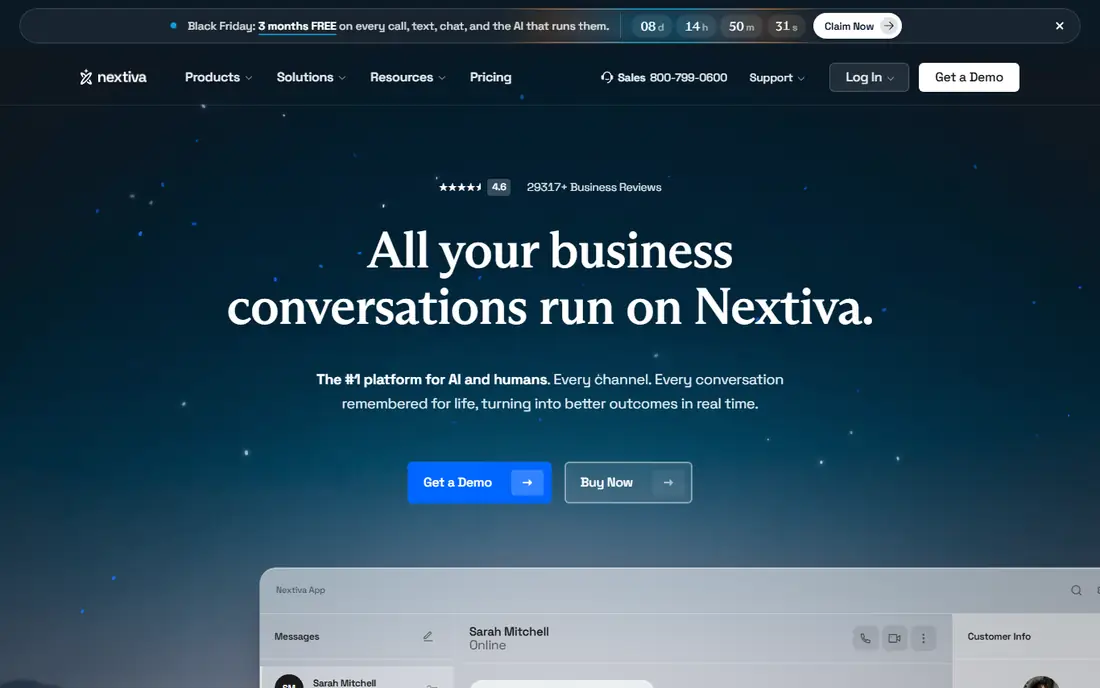
Nextiva NEXT is a cloud phone system built for small and midsize businesses that want reliable calling without a steep learning curve. Core at $15 per user per month on annual billing includes unlimited voice and video calling in the United States and Canada, voicemail to email, auto attendant, and team messaging. Engage at $25 adds customer surveys, more integrations, and call recording, while Scale at $75 adds advanced analytics, single sign on, and a higher level of support. Nextiva is known for responsive support and a straightforward setup, and it integrates with Salesforce, HubSpot, Microsoft Teams, and Google Workspace.
What we like- Easy admin panel, strong customer support reputation, unlimited calling in the US and Canada, good value at the entry tier
Watch out for- Advanced analytics and some integrations are limited to the higher priced Engage and Scale tiers
#2Vonage
Best for: Small teams that want a phone-first cloud system with strong CRM integrations4.3/5 on
G2 (503 reviews, checked Oct 2026)
Visit vonage.com
Starting price$19.99 per line per month for Mobile, $29.99 for Premium, $39.99 for Advanced, checked 18 Nov 2026
Free planNo, 14-day free trial on paid plans
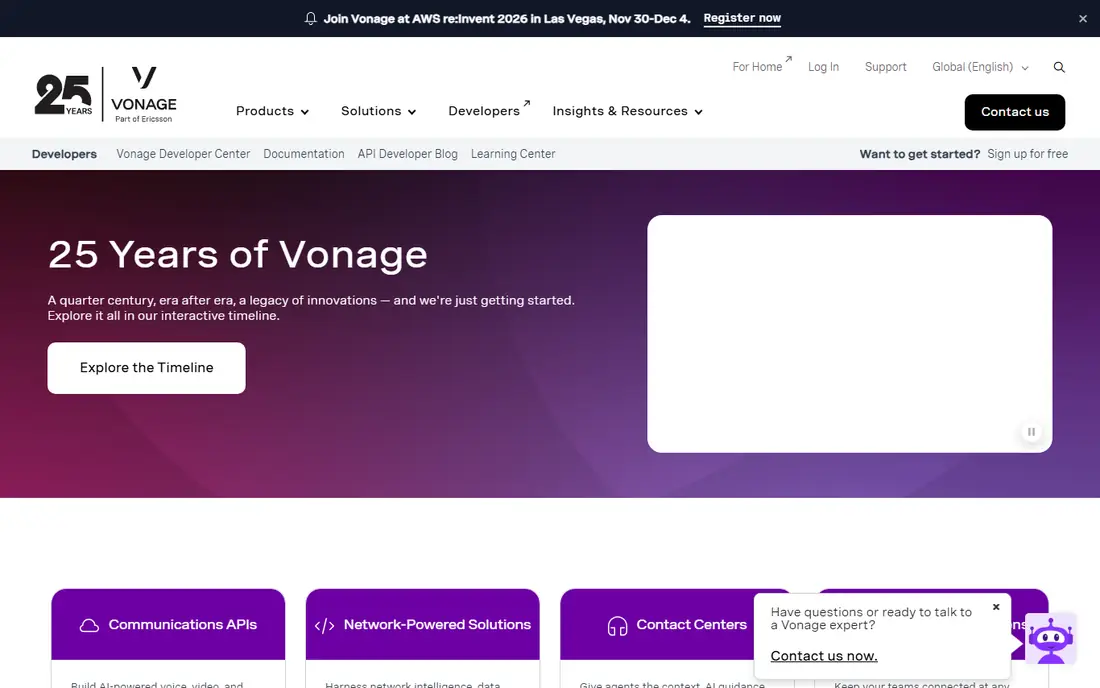
Vonage is a cloud phone service that gives a small business a professional phone number, call routing, voicemail, and business texting without any on site hardware. The Mobile plan covers the basics at $19.99 per line per month, while Premium adds a desktop app, call recording, and more integrations, and Advanced adds on demand call recording and visual voicemail. Vonage connects with Salesforce, HubSpot, Microsoft Teams, Google Workspace, and more than 50 other business tools, so call logs and contact records stay in sync. The mobile app is one of the better ones in this category, with a clean dialer and easy access to contacts and recent calls.
What we like- Simple setup, strong mobile apps, large integration library, unlimited US and Canada calling on paid plans
Watch out for- Video meetings and advanced analytics are limited to higher tiers, and the entry Mobile plan lacks some admin controls that growing teams need
#3RingCentral
Best for: Teams that want phone, video meetings, and messaging in one platform4.1/5 on
G2 (1,076 reviews, checked Oct 2026)
Visit ringcentral.com
Starting price$20 per user per month for Core, $25 for Advanced, $35 for Ultra on annual billing, checked 18 Nov 2026
Free planNo, 14-day free trial on paid plans
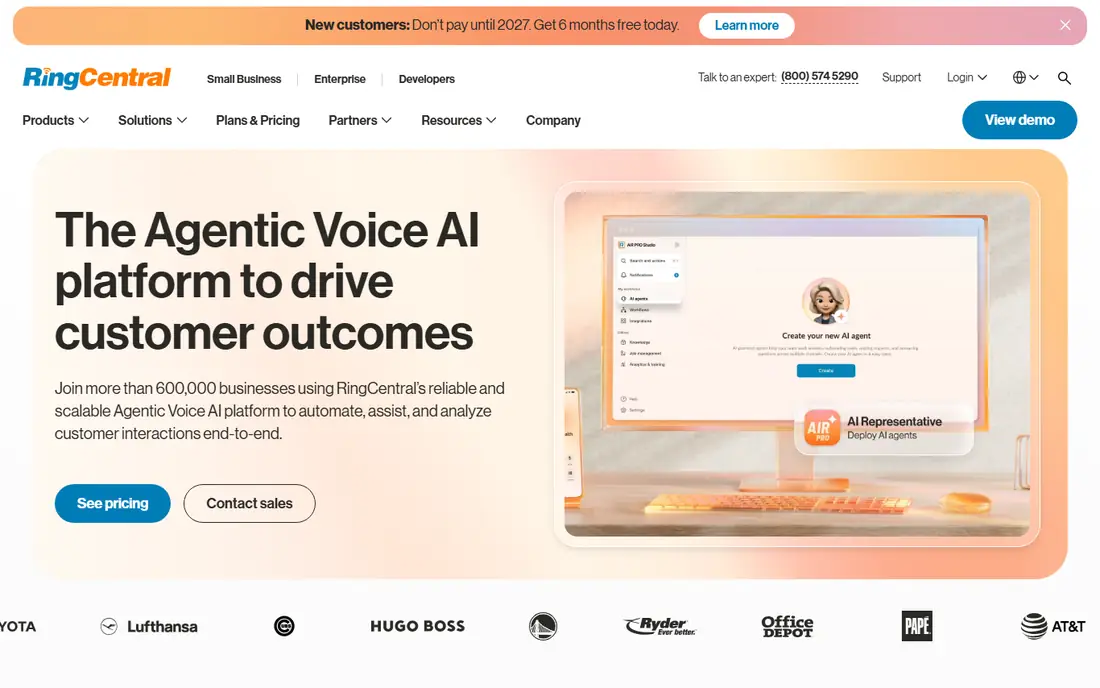
RingCentral RingEX is the best known all in one cloud phone platform, combining voice calls, video meetings, team messaging, and fax in a single app. Core at $20 per user per month on annual billing covers unlimited calling in the United States and Canada, voicemail to email, and team messaging, while Advanced adds call monitoring, automatic call recording, and deeper analytics, and Ultra adds video meeting capacity and more storage. RingCentral integrates with Salesforce, HubSpot, Microsoft 365, Google Workspace, Slack, and hundreds of other tools. Admins get detailed call reports, call queue controls, and the option to add RingCX for contact center work.
What we like- Full unified communications bundle, strong analytics, wide integration library, reliable call quality
Watch out for- The entry Core plan lacks call monitoring and some analytics, and the per user price climbs fast when you add contact center features
#48x8
Best for: Teams that need global calling and built in contact center tools4.2/5 on
G2 (939 reviews, checked Oct 2026)
Visit 8x8.com
Starting priceQuote based, reported X2 from $24 per user per month, X4 $44, X6 $85, X7 from $110, X8 from $140, checked 18 Nov 2026
Free planNo, 30-day free trial on some plans
8x8 is a cloud communications platform that combines voice, video, chat, and contact center tools, with a particular strength in international calling. Its X2 tier starts from a reported $24 per user per month and covers unlimited calling in the United States and Canada plus 14 countries, while X4 at $44 adds unlimited calling to more than 40 countries, and X6 at $85 adds contact center features. Higher tiers add supervisor tools, workforce management, and quality management. 8x8 suits businesses with offices or customers in several countries, and teams that run a support or sales call center and want those tools in the same platform as their phones. The main drawback is that 8x8 does not publish a simple price list, so buyers need a sales conversation to get a firm quote.
What we like- Strong international coverage, contact center features built in at higher tiers, unlimited calling to many countries
Watch out for- Pricing is quote based so you cannot compare it directly without a sales call, and the platform can feel complex for very small teams
#5Dialpad
Best for: Teams that want AI call summaries and real time coaching4.4/5 on
G2 (4,201 reviews, checked Oct 2026)
Visit dialpad.com
Starting price$15 per user per month for Standard, $25 for Pro on annual billing, Enterprise by quote, checked 18 Nov 2026
Free planNo, 14-day free trial on paid plans
Dialpad is a cloud phone system that stands out for its built in AI features, including live call transcription, automatic call summaries, and real time coaching prompts for sales and support teams. Standard at $15 per user per month on annual billing covers unlimited calling in the United States and Canada, voicemail, team messaging, and video meetings, while Pro at $25 adds AI summaries, CRM integrations, and more admin controls. Dialpad integrates with Salesforce, HubSpot, Google Workspace, Microsoft 365, and Slack. The interface is clean and modern, and the mobile app works well for teams that take calls away from a desk. Dialpad suits sales and support teams that want to review calls quickly and coach staff with real data.
What we like- Built in AI transcriptions and call summaries, clean modern interface, good mobile and desktop apps
Watch out for- Some AI features are limited to the Pro plan, and the monthly billing rate is much higher than the annual rate
#6Zoom Phone
Best for: Teams already using Zoom Meetings that want phone in the same app4.6/5 on
G2 (2,672 reviews, checked Oct 2026)
Visit zoom.com
Starting price$10 per user per month for US and Canada, $15 for Pro, $20 for Business Plus, checked 18 Nov 2026
Free planNo, free trial available
Zoom Phone is the cloud phone service from Zoom, and it is the natural pick for any team that already runs Zoom Meetings. The US and Canada plan at $10 per user per month covers unlimited domestic calling, voicemail, call recording, and a mobile and desktop app, while Pro at $15 adds more admin controls and Business Plus at $20 adds additional features for larger teams. Because Zoom Phone lives inside the same Zoom app as meetings and chat, staff do not need to learn a second tool, and admins manage users, numbers, and policies from one console. Zoom Phone integrates with Salesforce, HubSpot, Microsoft Teams, and Google Workspace. It suits teams that already pay for Zoom and want to add a business phone without a new vendor, and it is one of the cheapest entries in this list for a full phone system.
What we like- Low entry price, seamless with Zoom Meetings, reliable call quality, easy admin
Watch out for- Phone is a separate add on to a Zoom account, and advanced call center features cost extra
#7Ooma Office
Best for: Small businesses that want a simple phone system with no contract4.5/5 on
G2 (134 reviews, checked Oct 2026)
Visit ooma.com
Starting price$19.95 per user per month for Essentials, $24.95 for Pro, $29.95 for Pro Plus, checked 18 Nov 2026
Free planNo, 30-day money back guarantee
Ooma Office is a cloud phone system aimed squarely at small businesses that want a professional phone setup without a long contract. Essentials at $19.95 per user per month includes a virtual receptionist, extension dialing, voicemail to email, and a mobile app, while Pro at $24.95 adds video conferencing, call recording, and enhanced voicemail, and Pro Plus at $29.95 adds CRM integrations and call queuing. Ooma works with desk phones, mobile phones, and desktop apps, and setup is usually done in under an hour. The system suits businesses with 1 to 20 staff that want a reliable phone service with a predictable monthly cost and no annual commitment. The main trade off is that Ooma lacks the deep analytics and contact center tools of RingCentral and 8x8, so larger teams with complex call routing may outgrow it.
What we like- No contract required, easy setup, virtual receptionist included, good value for small teams
Watch out for- Advanced features such as call recording and CRM integrations are limited to the Pro Plus tier
#8Grasshopper
Best for: Solo owners and very small teams that want a business number on a personal phone3.9/5 on
G2 (162 reviews, checked Oct 2026)
Visit grasshopper.com
Starting price$14 per month for True Solo, $25 for Solo Plus, $55 for Small Business on annual billing, checked 18 Nov 2026
Free planNo, 7-day free trial with no credit card required
Grasshopper is a virtual phone system from GoTo that adds a separate business line on top of your existing mobile phone, so you can make and receive business calls and texts without a second device. Unlike most rivals here, Grasshopper charges per account rather than per user: True Solo is $14 per month on annual billing with one number and one extension, Solo Plus is $25 with one number, three extensions, and unlimited users, and Small Business is $55 with four numbers and unlimited extensions. All plans include unlimited calling and business texting in the United States and Canada, plus a virtual receptionist, voicemail, call forwarding, and simultaneous ring across devices. Grasshopper suits a solo owner or a small team that wants a professional number fast and does not need desk phones, video meetings, or a contact center. The main limits are the lack of video and the US and Canada only calling area.
What we like- Flat per account pricing, not per user, simple setup, unlimited US and Canada calling and texting, 24 hour support
Watch out for- No desk phone support, no video meetings, and international calling needs a deposit and per minute rates
Frequently asked questions
Is Nextiva cheaper than Vonage?
At entry level, yes. Nextiva Core starts at $15 per user per month and Vonage Mobile starts at $19.99 per line per month, checked 18 November 2026. The mid tiers are also cheaper on Nextiva, with Engage at $25 against Vonage Premium at $29.99. The top tiers reverse the picture: Nextiva Scale is $75 while Vonage Advanced is $39.99. Teams that need advanced analytics should compare those two tiers closely, since Vonage gives more value at the top. Add any extras such as toll free numbers, additional local numbers, or international minutes before you compare the totals.
Which system has better mobile apps?
Vonage has the edge on mobile apps, with a clean dialer, easy access to contacts and recent calls, and a strong rating from mobile users. Nextiva also offers a solid mobile app with calling, messaging, and voicemail, but its mobile experience is not as polished as its desktop admin panel. If your team makes most calls from a mobile phone, Vonage is the better pick. If your team works mostly from a desk, the difference matters less.
Can I keep my existing business phone number?
Yes, both Nextiva and Vonage support number porting, and so do the other systems in this guide. You submit a port request with your current provider details, and the new vendor moves the number to their platform. Porting usually takes a few business days for a standard number and longer for a toll free number. Keep your old service active until the port completes, and confirm that there is no fee for porting before you start.
Which system is best for a small team under 10 people?
For a small team, Nextiva, Vonage, and Ooma Office are the strongest picks in this guide. Nextiva is best if you want the lowest entry price at $15 per user per month and strong support. Vonage is best if your team works mostly from mobile phones and needs CRM integrations. Ooma Office is best if you want no annual contract and a simple setup. Grasshopper is also worth a look for a solo owner or a two person team that only needs a business number on a personal phone.
Do these phone systems work without desk phones?
Yes, all eight systems in this guide work without desk phones. Each one offers a mobile app and a desktop app, so staff can make and receive business calls from a phone, laptop, or tablet. You can also connect a desk phone or headset if your team prefers hardware. Softphone only setups are common for remote teams, and they save the cost of buying and shipping desk phones to every employee.
Sources we checked (8)
- https://www.nextiva.com
- https://www.vonage.com
- https://www.ringcentral.com
- https://www.8x8.com
- https://www.dialpad.com
- https://www.zoom.com
- https://www.ooma.com
- https://grasshopper.com
Is your product missing or out of date?
We review this list regularly. Vendors can request a listing, send updated pricing or ask about featured placement.

Shihab Mia · Founder, Rankite
Shihab has 5+ years in B2B and SaaS SEO. He writes Rankite's software buying guides from pricing pages, documentation and public user reviews. More about Shihab.