How we make this list: we compare pricing pages, product documentation and public user reviews. Ratings come from G2, Capterra or Trustpilot, with the date we checked them.
Key takeaways
- TrueNAS is the strongest all-round replacement, with proven storage, snapshots, and app support.
- Proxmox leads for virtualization, with containers and virtual machines as the main job.
- OpenMediaVault and CasaOS suit users who want a simpler, lighter home server.
- Synology DSM and QNAP QTS come with dedicated hardware, which suits buyers who want a finished box.
- XigmaNAS and Rockstor offer open source storage-focused options for tinkerers.
Quick comparison
| Tool | Best for | Starting price | Free plan |
|---|
 TrueNAS TrueNAS | reliable storage with snapshots and apps | See website | Yes |
 Proxmox Proxmox | virtual machines and containers as the main job | See website | Yes |
 OpenMediaVault OpenMediaVault | a lightweight NAS on ordinary hardware | See website | Yes |
 Synology DSM Synology DSM | a finished NAS box with polished software | See website | No |
 QNAP QTS QNAP QTS | a finished NAS box with strong hardware options | See website | No |
 XigmaNAS XigmaNAS | open source storage on modest hardware | See website | Yes |
 Rockstor Rockstor | a Btrfs-based NAS with a modern interface | See website | Yes |
 CasaOS CasaOS | a simple home server dashboard for beginners | See website | Yes |
Is your product missing or out of date?
We review this list regularly. Vendors can request a listing, send updated pricing or ask about featured placement.
The best unraid alternatives
#1TrueNAS
Best for: reliable storage with snapshots and apps4.8/5 on
Capterra (53 reviews, checked Oct 2026)
Visit truenas.com
Starting priceSee website
Free planYes
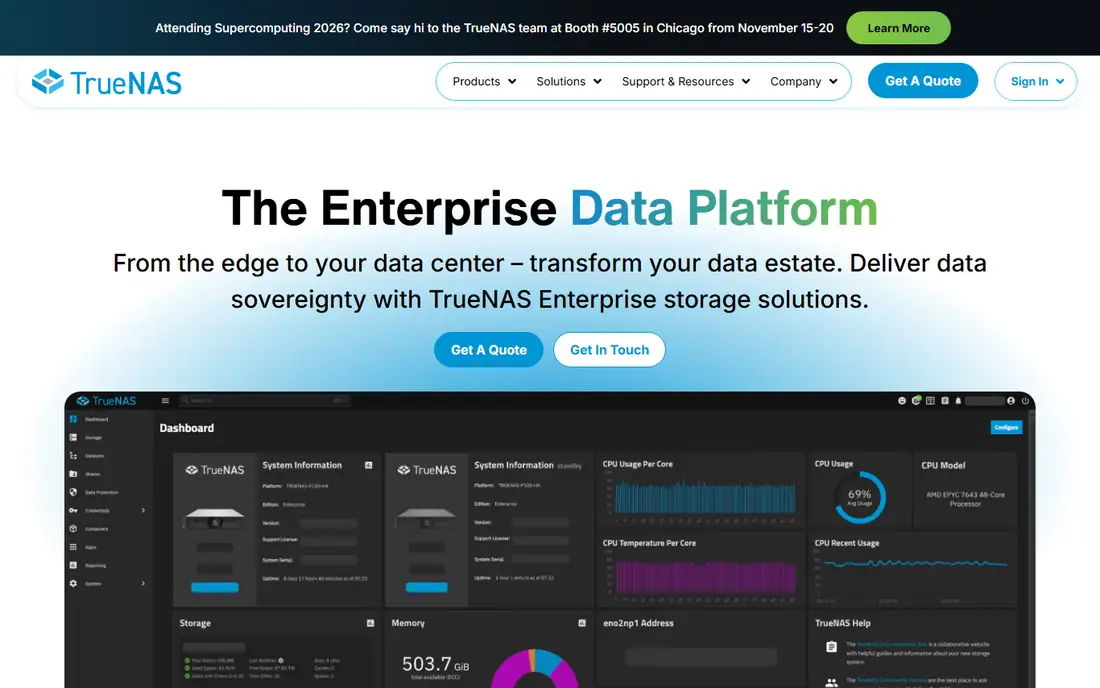
TrueNAS is the most popular open source NAS platform, built on ZFS storage with snapshots, replication, and data integrity checks. The Scale edition adds Docker apps and virtual machines, which covers the main Unraid use cases: media serving, file storage, backups, and home automation. The interface is polished, and the community is large, so guides and help are easy to find.
TrueNAS needs plenty of RAM for ZFS, especially with large pools, and hardware compatibility should be checked before installing, particularly for network cards and disk controllers. For a home server user who wants reliable storage first, with apps second, TrueNAS is the strongest pick here. Its snapshot and replication features protect data better than most rivals.
What we like- Proven ZFS storage
- Snapshots and replication
- Good app support
Watch out for- Needs plenty of RAM
- Hardware compatibility needs checking
#2
Proxmox
Best for: virtual machines and containers as the main job
Visit proxmox.com
Starting priceSee website
Free planYes
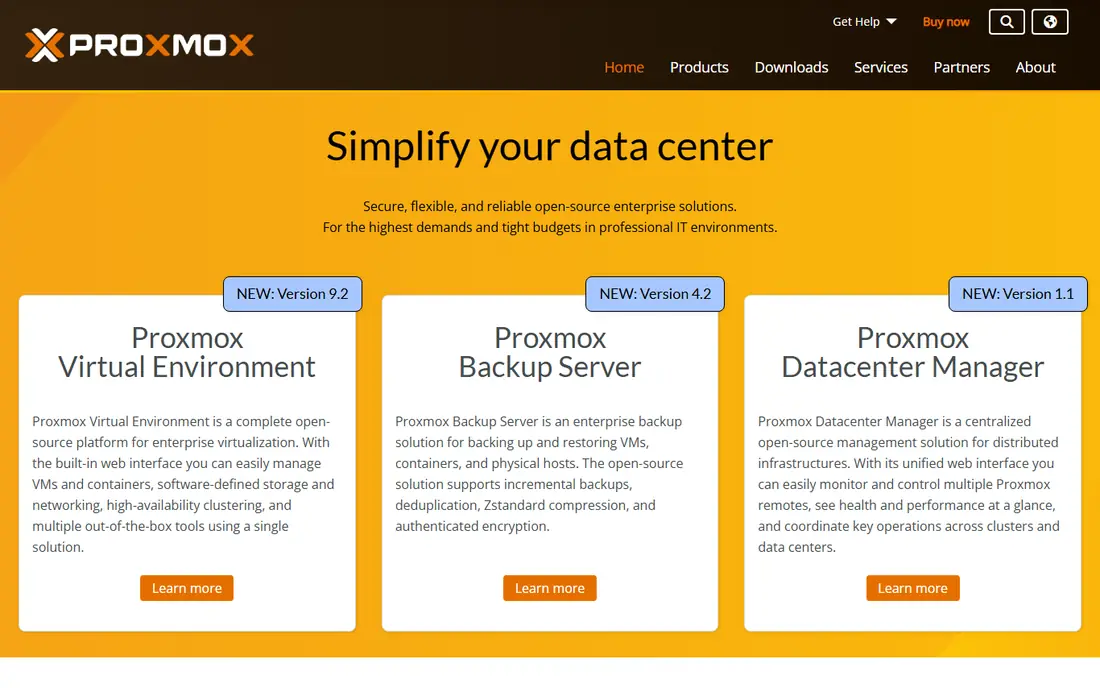
Proxmox VE is a virtualization platform for KVM virtual machines and LXC containers, with clustering, backups, and a web interface. It suits users whose home server mainly runs virtual machines, such as a Windows VM, a Linux lab, or isolated test environments, with storage handled by the VMs or by a separate NAS. The core version is free, with paid support available.
Storage management is less guided than TrueNAS or Unraid, since Proxmox expects users to plan pools and shares themselves. For a virtualization-first home lab, Proxmox is the best tool here. Many users pair Proxmox for VMs with TrueNAS for storage, which gives the best of both.
What we like- Excellent virtualization
- Clustering
- Free core version
Watch out for- Storage features are less guided than TrueNAS
- Learning curve
Starting priceSee website
Free planYes
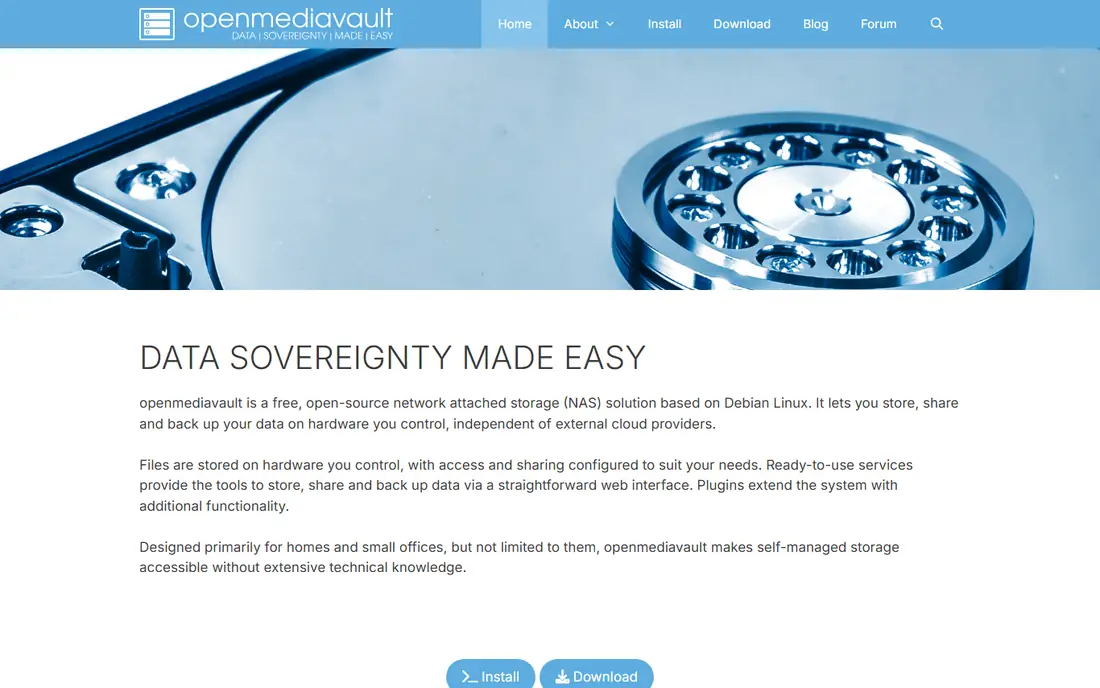
OpenMediaVault is a lightweight, Debian-based NAS system with a web interface for shares, users, RAID, and services. It runs well on older or low-power hardware, including Raspberry Pi and small PCs, which suits users who want a simple file server without heavy resource needs. Plugins add Docker, media serving, and backup features.
Plugin quality varies, and Docker setup needs the compose plugin, which takes some learning. For a user who wants a simple, free NAS on hardware they already own, OpenMediaVault is an excellent pick. It is the lightest serious option here.
What we like- Free and open source
- Light on resources
- Debian base
Watch out for- Plugin quality varies
- Docker setup needs plugins
#4Synology DSM
Best for: a finished NAS box with polished software4.6/5 on
G2 (96 reviews, checked Oct 2026)
Visit synology.com
Starting priceSee website
Free planNo
Synology DSM is the software that runs on Synology NAS hardware, with a polished desktop-like interface, a huge app range, and easy setup. Apps cover media, photos, backups, surveillance, and office tools, and the system updates itself with minimal effort. That polish suits buyers who want a finished box rather than a DIY project.
Hardware cost is the main barrier, since Synology boxes cost more than building a PC, and flexibility is less than TrueNAS or Unraid for custom setups. For a buyer who values simplicity and support over tinkering, Synology is the best finished NAS here. Its software quality is the reason it leads the consumer NAS market.
What we like- Polished software
- Huge app range
- Easy setup
Watch out for- Hardware cost
- Less flexible than DIY systems
#5
QNAP QTS
Best for: a finished NAS box with strong hardware options
Visit qnap.com
Starting priceSee website
Free planNo
QNAP QTS runs on QNAP NAS hardware, with a strong hardware range from small home boxes to rack units, plus virtualization, containers, and many apps. The platform suits users who want finished hardware with more expansion and virtualization options than Synology typically offers. HDMI output on some models turns a NAS into a direct media player.
The interface is busier than Synology, and hardware cost is again the barrier. For a buyer who wants finished hardware with strong specs and virtualization, QNAP is a strong rival to Synology. Compare models on drive bays, network speed, and expansion before buying.
What we like- Strong hardware range
- Good virtualization
- Many apps
Watch out for- Hardware cost
- Interface is busier than Synology
Starting priceSee website
Free planYes
XigmaNAS, formerly NAS4Free, is an open source NAS system supporting ZFS and UFS storage, with file sharing, iSCSI, and basic services. It runs on modest hardware and even from a USB stick, which suits users who want a simple storage box without heavy resource needs. The system is stable and long-lived, with roots going back many years.
The interface is dated, and the community is smaller than TrueNAS, so guides are fewer. For a tinkerer who wants open source storage on modest hardware, XigmaNAS is a dependable pick. New users will find TrueNAS easier, but XigmaNAS rewards those who value lightness.
What we like- Free and open source
- Light
- Supports ZFS and UFS
Watch out for- Interface is dated
- Smaller community than TrueNAS
Starting priceSee website
Free planYes
Rockstor is a Linux NAS built on Btrfs, with snapshots, pooling, and a modern web interface, plus Docker support through Rock-ons. Btrfs snapshots give easy rollback for files and shares, which suits users who want snapshot protection without ZFS RAM needs. The interface is cleaner than XigmaNAS, and the system is open source.
The community is smaller than TrueNAS, and hardware support should be checked before installing, especially for RAID controllers. For a user who likes Btrfs and wants a modern interface, Rockstor is a distinctive pick. Its snapshot workflow is the feature that sets it apart.
What we like- Btrfs snapshots
- Modern interface
- Docker support
Watch out for- Smaller community
- Hardware support needs checking
#8
CasaOS
Best for: a simple home server dashboard for beginners
Visit casaos.io
Starting priceSee website
Free planYes
CasaOS is a simple home server dashboard that makes installing apps easy, with an app store covering media, files, home automation, and more. It runs on many Linux systems, including Raspberry Pi and small PCs, and the interface is friendly for beginners. That simplicity suits users who mainly want apps, not deep storage management.
Storage features are basic next to TrueNAS or Unraid, with less RAID and snapshot depth. For a beginner who wants a home server for apps first and storage second, CasaOS is the easiest entry point here. Pair it with a separate backup plan, since CasaOS alone is not a full data protection system.
What we like- Very easy to use
- Good app store
- Light on resources
Watch out for- Storage features are basic
- Not a full NAS replacement
How we chose
We compared these tools on storage reliability, virtualization, Docker support, ease of use, hardware needs, and cost. We checked vendor pages and public comparison guides, and where pricing was not published we wrote See website instead of guessing. We kept the list to tools a real home server user can install or buy today, and we left out tools that only cover one narrow server task.
Start with your data plan, not the software. Decide how many drives, what RAID or parity level, and how backups work before choosing a platform, since storage choices are harder to change than software. TrueNAS and Rockstor suit snapshot-heavy plans, while Unraid-style parity suits mixed drive sizes, which no tool here matches exactly, so check mixed-drive support carefully if that matters to you.
Next, test on spare hardware before migrating real data. Install the shortlisted platform, create a test pool, try Docker apps and virtual machines, and practice a restore. A platform that looks good in guides but fails on your hardware will waste weeks, so hardware testing comes first.
Finally, plan backups separately from the server itself. A NAS is not a backup: a single box can fail, burn, or be stolen, so keep an off-site copy of irreplaceable data, whether on a second box, cloud storage, or external drives stored elsewhere. The best home server is the one whose data survives a disaster, not the one with the most apps.
Also monitor drive health from day one. Enable SMART monitoring and scrub schedules where your platform supports them, and set regular alerts for failing drives, so you replace a drive early before it fails rather than after. Check alerts every week. Keep a spare drive on hand if your pool is large, since a second failure during a rebuild can mean data loss, and test a rebuild on a spare drive before you need one for real.
Frequently asked questions
What is Unraid used for?
Unraid is a NAS operating system for home servers, known for mixed-drive parity, Docker apps, and virtual machines in one interface. Users replacing it usually need the same storage, app, and virtualization combination from another platform.
Which alternative is closest to Unraid?
TrueNAS Scale is closest overall, with storage, apps, and virtual machines, though it handles mixed drives differently from Unraid. OpenMediaVault with Docker plugins is a lighter alternative, while Proxmox leads for virtualization alone.
Can I use mixed drive sizes?
Unraid is famous for mixed-drive parity, and most alternatives handle it less flexibly. TrueNAS ZFS prefers matched drives, while OpenMediaVault and CasaOS leave pooling to the user. Check mixed-drive support for your chosen platform before migrating, since it affects how you reuse existing drives.
How much RAM do I need?
It depends on the platform and pool size. TrueNAS ZFS benefits from more RAM, often 16 GB or more for larger pools, while OpenMediaVault and CasaOS run well on 4 to 8 GB. Proxmox needs RAM for virtual machines on top of the host. Check vendor guidance for your pool size before buying hardware.
Is a NAS a backup?
No. A NAS protects against single-drive failure, but not against theft, fire, flood, or ransomware that reaches the NAS. Keep an off-site copy of irreplaceable data, whether on a second device, cloud storage, or external drives stored elsewhere.
Should I build a server or buy a finished NAS?
Building gives more flexibility and power per dollar, while a finished NAS from Synology or QNAP gives simplicity, support, and a polished experience. Build if you enjoy tinkering and want custom specs, and buy if you want a box that just works.
Sources we checked (8)
- https://www.truenas.com
- https://www.proxmox.com
- https://www.openmediavault.org
- https://www.synology.com
- https://www.qnap.com
- https://www.xigmanas.com
- https://rockstor.com
- https://www.casaos.io
Is your product missing or out of date?
We review this list regularly. Vendors can request a listing, send updated pricing or ask about featured placement.

Shihab Mia · Founder, Rankite
Shihab has 5+ years in B2B and SaaS SEO. He writes Rankite's software buying guides from pricing pages, documentation and public user reviews. More about Shihab.