How we make this list: we compare pricing pages, product documentation and public user reviews. Ratings come from G2, Capterra or Trustpilot, with the date we checked them.
Key takeaways
- Plain FTP sends passwords and files without encryption, so SFTP or FTPS should replace it for any real work.
- FileZilla, WinSCP, and Cyberduck cover most needs free, across Windows, macOS, and Linux.
- Transmit and ForkLift are the polished paid picks for Mac users who transfer files daily.
- Mountain Duck suits teams that want cloud storage to appear as a local drive.
- Syncthing removes the server entirely by syncing folders directly between devices.
Quick comparison
| Tool | Best for | Starting price | Free plan |
|---|
 FileZilla FileZilla | Free cross-platform transfers | $0 | Yes |
 WinSCP WinSCP | Windows scripting and sync | $0 | Yes |
 Cyberduck Cyberduck | Cloud storage plus SFTP | $0 | Yes |
 Transmit Transmit | Polished Mac transfers | $45 one-time | Free trial |
 ForkLift ForkLift | Mac file manager plus FTP | $19.95 one-time | Free trial |
 SmartFTP SmartFTP | Windows professional transfers | See website | Free trial |
 Mountain Duck Mountain Duck | Cloud storage as a drive | $39.99 one-time | Free trial |
 Syncthing Syncthing | Server-free folder sync | $0 | Yes |
Is your product missing or out of date?
We review this list regularly. Vendors can request a listing, send updated pricing or ask about featured placement.
The best alternatives to FTP
Starting price$0
Free planYes
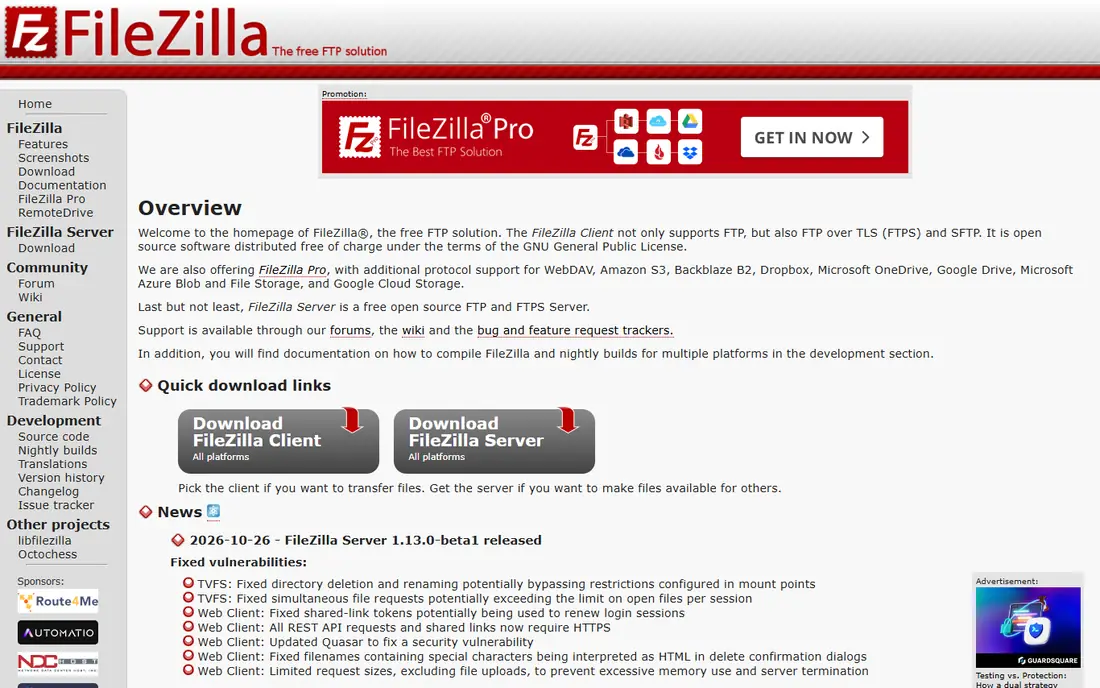
FileZilla is the default free answer to FTP for most people. It runs on Windows, macOS, and Linux, supports FTP, FTPS, and SFTP, and handles drag-and-drop transfers, queues, and bookmarks without fuss. Download it only from filezilla-project.org, since third-party installers have bundled unwanted software in the past.
The interface is functional rather than pretty, and advanced automation is thinner than WinSCP or SmartFTP. A paid Pro version adds cloud storage protocols for users who also move files to S3 or Google Drive. For straightforward secure transfers on any desktop system, FileZilla remains the safest free starting point for most users today.
What we like- Free and open source
- Runs on Windows, macOS, and Linux
- Supports FTP, FTPS, and SFTP
Watch out for- Interface feels dated
- Pro cloud features are paid
- Bundled installer needs care on download
#2WinSCP
Best for: Windows scripting and sync4.6/5 on
G2 (231 reviews, checked Oct 2026)
Visit winscp.net
Starting price$0
Free planYes
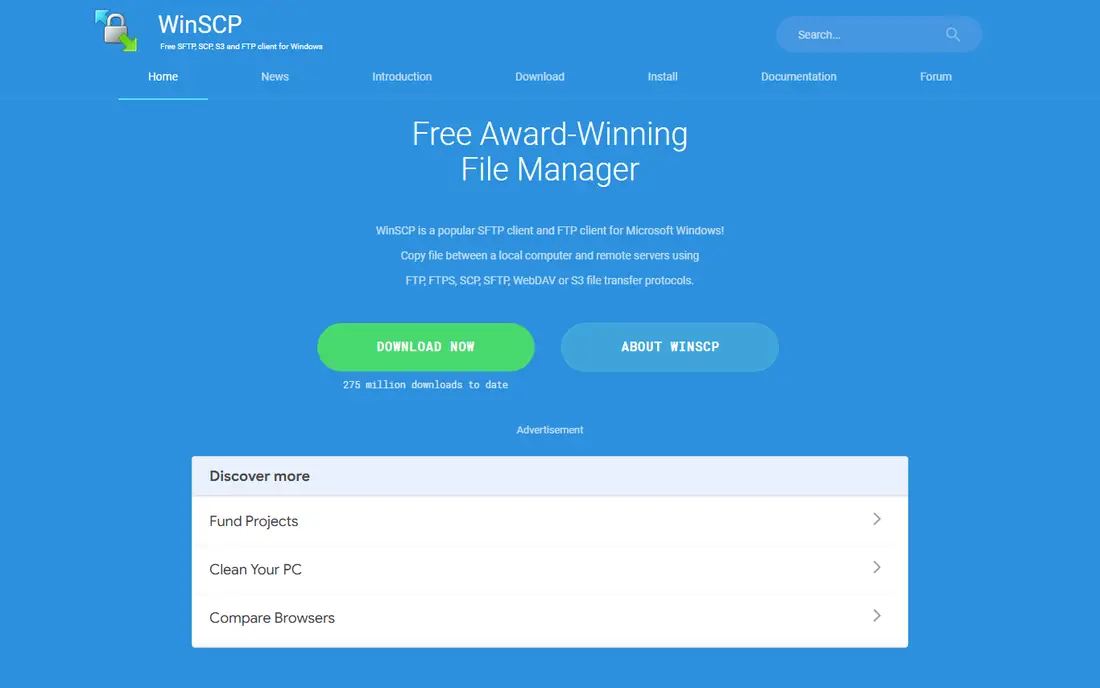
WinSCP is the free Windows pick for users who go beyond occasional transfers. It supports SFTP, SCP, FTP, FTPS, WebDAV, and S3, and its scripting and synchronization features suit backups, deployments, and scheduled transfers. Integration with Windows Explorer makes it feel native, and session management keeps many servers organized.
The interface packs a lot into one window, which can overwhelm first-time users. There is also no macOS or Linux version, so cross-platform teams need a second tool. For Windows users who automate transfers or sync folders, WinSCP is the strongest free option available.
What we like- Free for Windows
- Strong scripting and automation
- Explorer integration and sync
Watch out for- Windows only
- Interface is dense for beginners
- No macOS or Linux version
#3Cyberduck
Best for: Cloud storage plus SFTP4.3/5 on
G2 (87 reviews, checked Oct 2026)
Visit cyberduck.io
Starting price$0
Free planYes
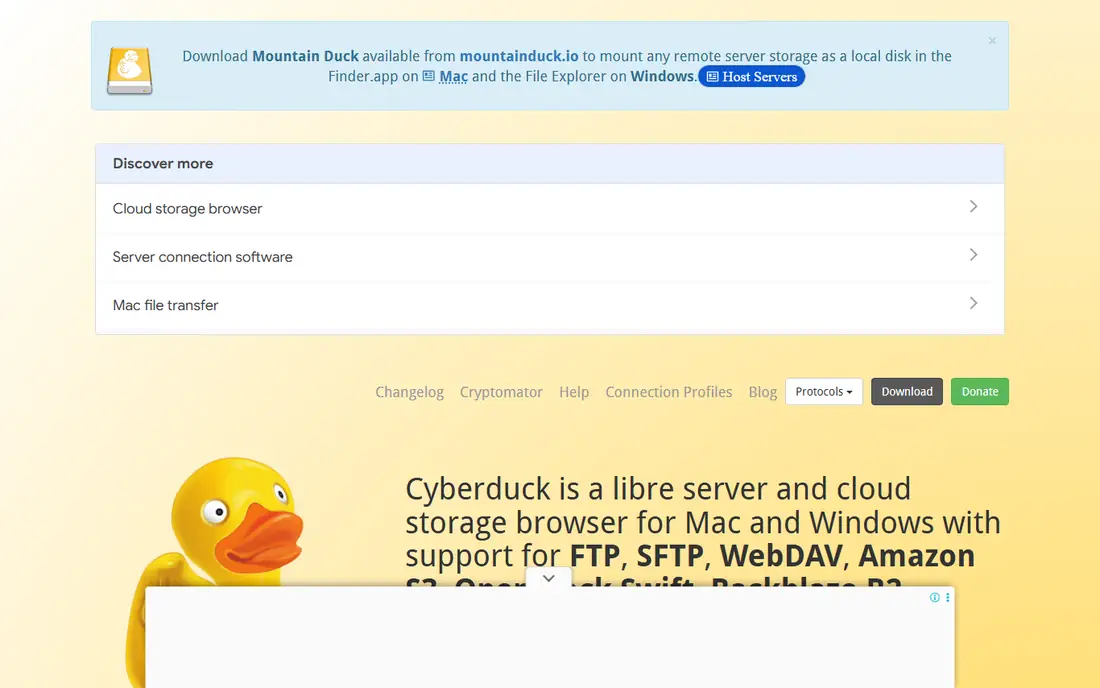
Cyberduck covers FTP, SFTP, WebDAV, and a wide range of cloud storage, including S3, Azure, Backblaze B2, Google Drive, Dropbox, and OneDrive. That breadth makes it a good single client for teams that move files between servers and cloud buckets. It runs on macOS and Windows, with a command-line version called duck for Linux as well.
The single-pane view means dragging between two remote locations takes more steps than a dual-pane client. Bulk transfers can also feel slower than Transmit or ForkLift. Cyberduck is free under its open licence, with a paid store version for users who want easy updates. For mixed server and cloud work, it is the best free all-rounder.
What we like- Free and open source
- Broad cloud support
- Clean interface on Mac and Windows
Watch out for- Single-pane view only
- Can be slower on bulk transfers
- Paid store version for convenience
#4Transmit
Best for: Polished Mac transfers4.3/5 on
G2 (14 reviews, checked Oct 2026)
Visit panic.com
Starting price$45 one-time
Free planFree trial
Transmit 5 is the modern Mac FTP client, built by Panic with a polished interface and fast transfers. It supports FTP, SFTP, WebDAV, S3, Backblaze B2, Box, Google Drive, Dropbox, and Azure, plus folder sync and remote editing. Mac users who transfer files daily tend to stay with Transmit once they try it.
The price is $45 as a one-time purchase with a trial, which is fair for a daily tool but steep for occasional use. There is no Windows or Linux version. If you work on a Mac and move files often, Transmit is the premium pick. If you transfer files rarely, Cyberduck covers the same protocols free.
What we like- Fast and polished Mac app
- Broad protocol and cloud support
- Excellent sync features
Watch out for- MacOS only
- One-time price plus paid upgrades
- Overkill for occasional transfers
Starting price$19.95 one-time
Free planFree trial
ForkLift 4 is both a full dual-pane file manager and an FTP client, which suits Mac users who manage local and remote files in one place. It supports SFTP, FTP, WebDAV, S3, Backblaze B2, Google Drive, OneDrive, Dropbox, and network shares, so one app can cover most file work. Published pricing puts lifetime licences from $19.95 for one user with one year of updates.
The dual-pane design is powerful but can feel complex for users who only need simple transfers. ForkLift is also macOS only. Choose it when you want a file manager first and FTP second. Choose Transmit when transfers alone are the job and polish matters most.
What we like- Dual-pane file manager
- FTP, SFTP, and cloud in one app
- Lifetime licence from $19.95
Watch out for- MacOS only
- Complex for users who only need FTP
- Interface takes learning
#6SmartFTP
Best for: Windows professional transfers4.0/5 on
G2 (21 reviews, checked Oct 2026)
Visit smartftp.com
Starting priceSee website
Free planFree trial
SmartFTP is a professional Windows client with scheduling, synchronization, advanced logging, and automation features that suit administrators and developers. It supports FTP, FTPS, SFTP, WebDAV, S3, Google Drive, and OneDrive, and its transfer queue gives fine control over large jobs. Published comparisons have put pricing near $69.95 per year, so confirm the current figure on the vendor page.
The interface is busy, and casual users may find WinSCP simpler and free. SmartFTP earns its price for professionals who schedule transfers, need detailed logs, or manage many servers. For occasional transfers, a free client will do the same job without the cost.
What we like- Advanced logging and automation
- Scheduling and sync
- Strong Windows integration
Watch out for- Windows only
- Paid software
- Interface is busy for casual users
Starting price$39.99 one-time
Free planFree trial
Mountain Duck, from the makers of Cyberduck, mounts FTP, SFTP, WebDAV, and cloud storage as local drives on Windows and macOS. Once mounted, any application can open and save files on the remote server as if it were a local folder. That design suits teams that edit documents, images, or code directly on remote storage without a separate transfer step.
The price is $39.99 as a one-time purchase with a trial, and there is no native Linux version. Mounted drives can also feel slower than a dedicated client for bulk transfers. Mountain Duck is the right pick when working directly on remote files matters more than raw transfer speed.
What we like- Mounts servers and cloud as local drives
- Works in any app
- Offline file support
Watch out for- No native Linux version
- One-time price
- Transfer speed depends on the mount
Starting price$0
Free planYes
Syncthing takes a different approach from every other tool here. Instead of uploading files to a server, it syncs folders directly between devices over an encrypted peer-to-peer connection. There is no central server to pay for or secure, and the software is free and open source across Windows, macOS, Linux, and mobile platforms.
The trade-off is that Syncthing is synchronization, not on-demand file transfer. Both devices must be online to sync, and large teams need care with folder sharing, versioning, and conflict handling across many machines. It also lacks the server-side access controls of a managed transfer service. For personal sync, small teams, and backups between your own machines, Syncthing removes FTP entirely and costs nothing but setup time and patience.
What we like- Free and open source
- No central server
- Encrypted peer-to-peer sync
Watch out for- Sync, not on-demand transfer
- Both devices must be online
- Setup needs care for large teams
How we chose
We compared published feature lists and pricing for maintained clients, and checked current status for older tools. FireFTP was excluded because it is discontinued and incompatible with modern Firefox, and FlashFXP was excluded because it has seen no update since 2017. A tool made this list only if it is actively maintained, supports SFTP or another encrypted protocol, and covers a distinct use case. Prices marked "See website" reflect conflicting published figures, so confirm on the vendor page before buying.
What to check before you switch
Start with the protocol, not the app. Plain FTP sends credentials and files without encryption, so any replacement should use SFTP, FTPS, or an encrypted sync protocol for real work. This single change matters more than any feature comparison, since it protects passwords and file contents on every transfer. Next, check your platforms. Windows-only tools like WinSCP and SmartFTP suit single-platform teams, while FileZilla and Cyberduck cover mixed environments. Mac teams should compare Transmit, ForkLift, and Cyberduck on daily use, not feature lists alone.
Also decide between transfer and sync. A client suits uploads, downloads, and server management. Syncthing or a mounted drive suits ongoing folder sharing. For teams, check how saved sessions and passwords are stored, since a shared client with weak credential handling can undo the security gains of switching to SFTP. Finally, test with your largest files and slowest connection. Transfer speed, resume support, and queue control matter more in practice than a long protocol list, so run a real transfer before committing a team to a new client.
Frequently asked questions
Is FTP still safe to use?
Plain FTP is not safe for sensitive data, since credentials and files travel without encryption. Use SFTP or FTPS instead, which every tool on this list supports. Keep plain FTP only for anonymous public downloads where no credentials are involved.
What is the difference between FTP, FTPS, and SFTP?
FTP is the original unencrypted protocol. FTPS adds TLS encryption to FTP. SFTP is a different protocol that runs over SSH and encrypts both commands and data. SFTP is the usual choice for secure server transfers today.
Which free FTP client is best?
FileZilla is the best free cross-platform client, WinSCP is the best free Windows client for scripting, and Cyberduck is the best free Mac and Windows client for cloud storage. All three are free and actively maintained.
Do I need an FTP client to use SFTP?
Not always. Windows, macOS, and Linux include OpenSSH command-line tools for SFTP and SCP. A graphical client is easier for browsing folders and dragging files, especially for occasional users or large transfers.
Can I mount a server as a local drive?
Yes. Mountain Duck mounts FTP, SFTP, WebDAV, and cloud storage as local drives on Windows and macOS. Cyberduck's command-line tool and operating system features can also mount some protocols, but Mountain Duck is the polished option.
What replaced FireFTP and FlashFXP?
Both are effectively discontinued for modern use. FileZilla, WinSCP, and Cyberduck cover their use cases free, while Transmit and ForkLift cover paid Mac use. Migrate bookmarks and saved sessions before removing an old client.
Sources we checked (8)
- https://filezilla-project.org
- https://winscp.net
- https://cyberduck.io
- https://panic.com/transmit
- https://binarynights.com
- https://www.smartftp.com
- https://mountainduck.io
- https://syncthing.net
Is your product missing or out of date?
We review this list regularly. Vendors can request a listing, send updated pricing or ask about featured placement.

Shihab Mia · Founder, Rankite
Shihab has 5+ years in B2B and SaaS SEO. He writes Rankite's software buying guides from pricing pages, documentation and public user reviews. More about Shihab.