How we make this list: we compare pricing pages, product documentation and public user reviews. Ratings come from G2, Capterra or Trustpilot, with the date we checked them.
Key takeaways
- Smartsheet and monday.com have the lowest verified entry prices for paid analytics. Both start at $9 per member or seat per month on annual billing.
- Asana includes reporting dashboards in its Starter plan ($10.99 per user per month, billed annually). Goals, portfolios and resource management only come with Advanced at $24.99.
- Wrike shows most clearly how analytics depth depends on the plan. The Team plan gets a shareable dashboard, while advanced reporting and BI are in the custom-priced Pinnacle plan.
- Kissflow, Pipefy and Process Street are built around processes. They measure how requests and approvals move, not just task status. None of them publishes a simple per-seat price you can lock in without talking to sales.
- Four of the eight tools have a permanent free plan. The free plans cap users or boards tightly, so analytics work almost always needs a paid plan.
Quick comparison
| Tool | Best for | Starting price | Free plan |
|---|
 Smartsheet Smartsheet | Spreadsheet-minded ops teams | $9 per member/month (billed annually; $12 billed monthly) | Free trial |
 monday.com monday.com | Visual dashboards across many teams | $9 per seat/month (billed annually) | Yes (up to 2 seats) |
 Asana Asana | Linking daily work to goals | $10.99 per user/month (billed annually) | Yes (Personal plan, up to 2 users) |
 Wrike Wrike | Agencies and PMOs needing deep reporting | $10 per user/month | Yes |
 ClickUp ClickUp | Budget-conscious teams wanting one app | See website | Yes |
 Pipefy Pipefy | Request and approval pipelines | See website | Yes |
 Kissflow Kissflow | Low-code process apps for operations and IT | See website | Free trial |
 Process Street Process Street | Recurring checklists and compliance runs | See website | Free trial |
Is your product missing or out of date?
We review this list regularly. Vendors can request a listing, send updated pricing or ask about featured placement.
The best workflow management software with analytics
#1Smartsheet
Best for: Spreadsheet-minded ops teams4.4/5 on
G2 (22,767 reviews, checked Oct 2026)
Visit smartsheet.com
Starting price$9 per member/month (billed annually; $12 billed monthly)
Free planFree trial
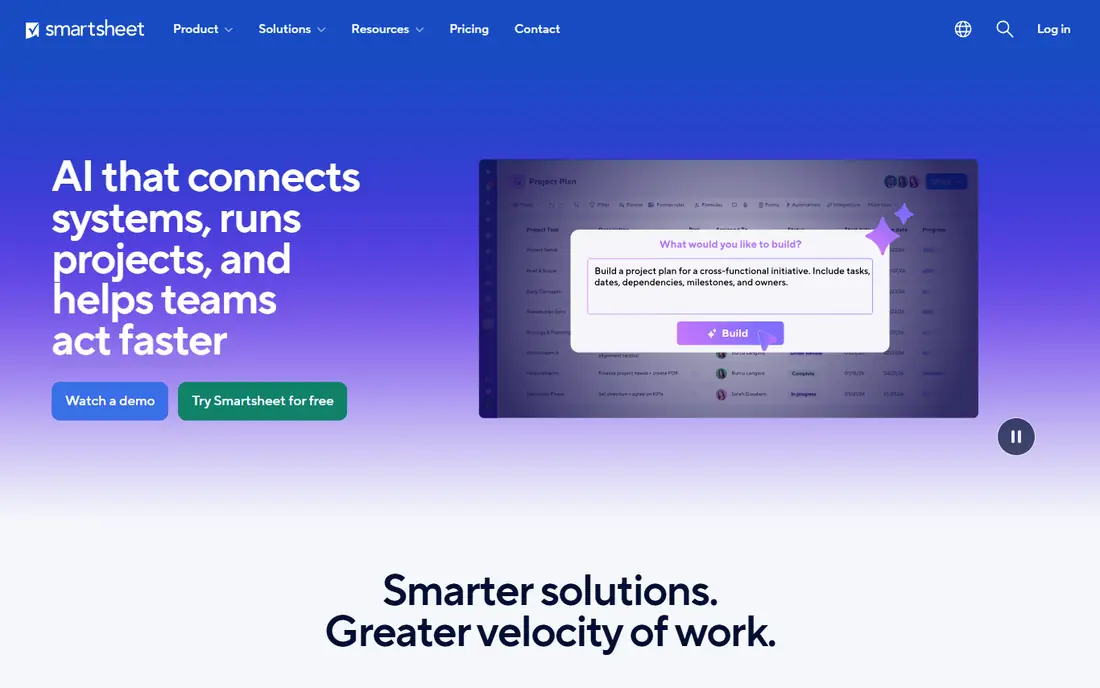
Smartsheet suits teams that already run operations out of Excel and want the same grid with automation and reporting on top. Its analytics are simple and generous: the pricing page lists dashboards and reports as unlimited on all plans, and a report can pull data from many sheets into one view. For a manager tracking 30 client onboardings at once, that roll-up is the feature that matters most.
The Pro plan costs $9 per member per month on annual billing and covers 1 to 10 members plus unlimited contributors. Contributors can view, comment, upload files and fill in forms without a paid seat. That keeps costs down when only a few people build workflows and everyone else feeds them data.
The catch is automation volume. Pro includes 250 automations per month, and a busy approval process can use that up quickly. Business ($19 per member per month annually, $24 monthly) removes the cap and adds workload tracking, timeline view and admin controls. Portfolios and scenario planning are only in Enterprise, which needs 10 or more members and a sales quote.
What we like- Dashboards and reports are unlimited on every plan
- Unlimited free contributors who can comment and submit forms
- Rich formulas that link data across sheets
Watch out for- Pro caps automations at 250 per month
- Pro is limited to 10 paid members
#2monday.com
Best for: Visual dashboards across many teams4.7/5 on
G2 (17,182 reviews, checked Oct 2026)
Visit monday.com
Starting price$9 per seat/month (billed annually)
Free planYes (up to 2 seats)
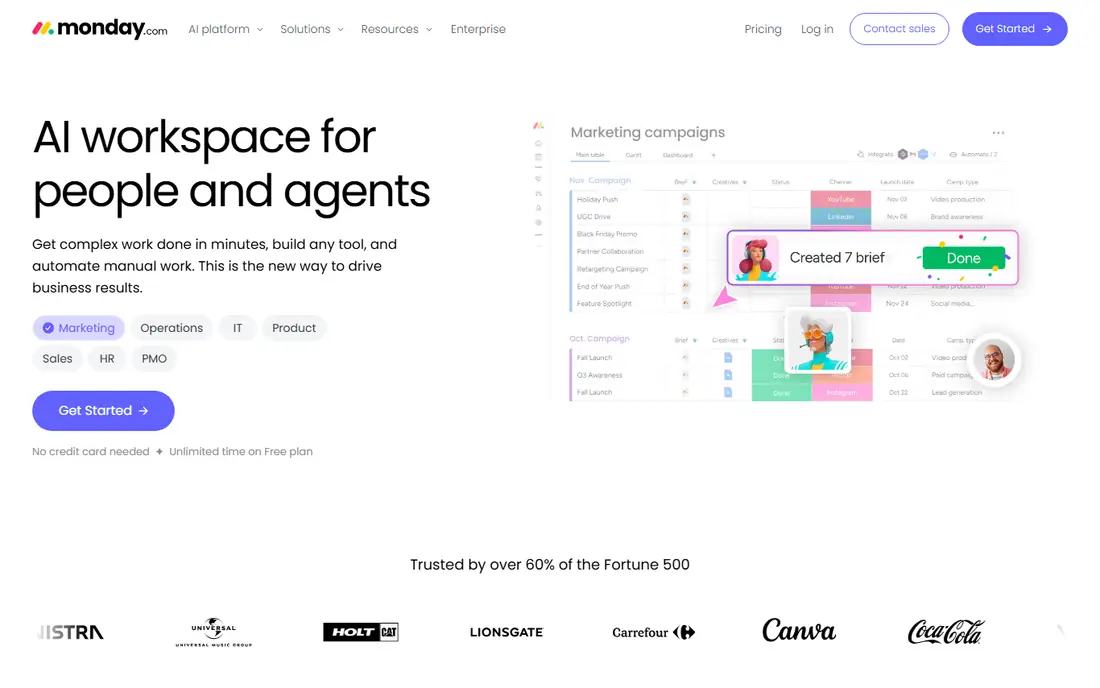
Marketing and operations leads tend to pick monday.com when they want a board everyone will use without training. A board can hold a project, a client list or a process. Dashboards turn board data into charts and widgets a department head can scan in a minute. A small team can usually set it up in a few hours, helped by a large template library.
The pricing page lists Basic at $9, Standard at $12 and Pro at $19 per seat per month, billed annually. Annual billing saves about 18% compared with monthly. Each paid plan now includes a monthly allowance of AI credits (1,000 on Basic), and you can buy more if your team uses AI features heavily.
The honest weakness is that serious analytics are on the higher plans. Pro is where you get advanced board views with charts and diagrams, time tracking and calculation-heavy columns. A team that wants proper reporting should budget $19 per seat, not $9. Read-only stakeholders also need some planning under seat-based pricing, although paid plans include unlimited free viewers.
What we like- Colorful, easy dashboards that non-technical staff actually open
- One platform can cover projects, clients and internal processes
- AI credits bundled into each paid tier
Watch out for- Charts, time tracking and advanced columns are on Pro
- The free plan stops at 3 boards
#3Asana
Best for: Linking daily work to goals4.4/5 on
G2 (13,930 reviews, checked Oct 2026)
Visit asana.com
Starting price$10.99 per user/month (billed annually)
Free planYes (Personal plan, up to 2 users)
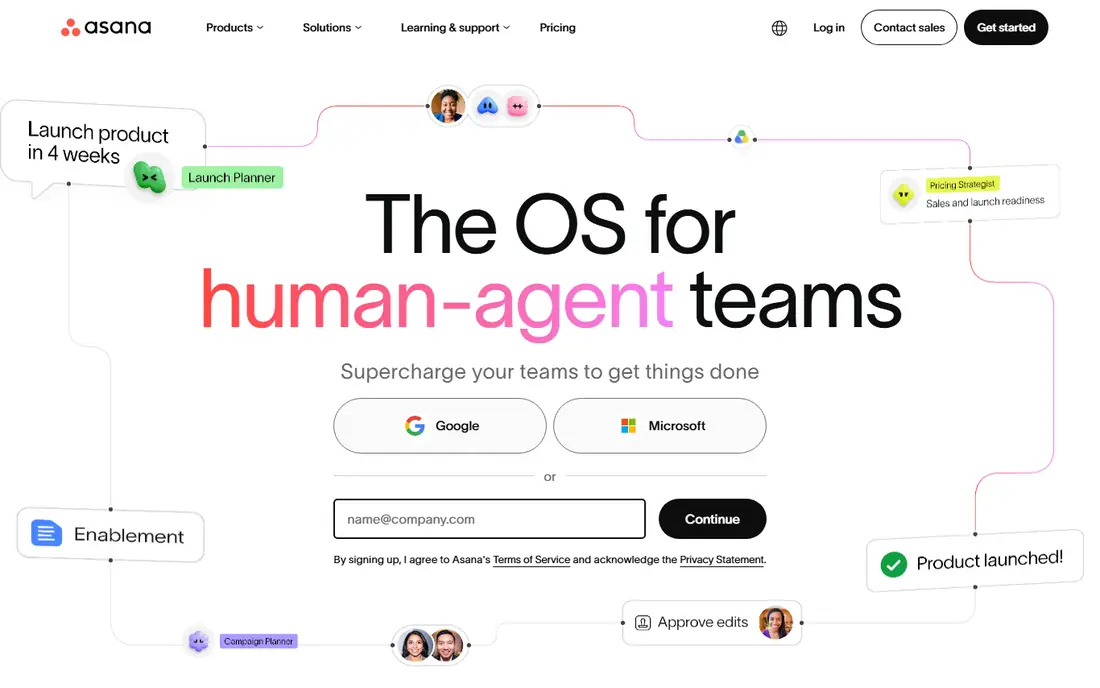
Asana fits companies where leadership wants to see how individual tasks add up to quarterly objectives. The Starter plan ($10.99 per user per month, billed annually) adds reporting dashboards, timeline and Gantt views, forms that turn requests into tasks, and unlimited automations. That works well for a team of 10 to 50 running repeatable workflows.
Asana stands out with its Advanced plan at $24.99. It adds unlimited portfolios for tracking many projects at once and Goals that connect daily work to company objectives. You also get resource management for balancing workloads, plus approvals and proofing. If your executives ask every Monday whether the quarter is on track, this is the plan that answers it.
The drawback is the price jump. Many teams start on Starter and find the reporting they wanted is one plan up, which more than doubles the cost per seat. The free Personal plan is limited to two users, so it works as a personal trial, not a team pilot.
What we like- Reporting dashboards included from Starter
- Goals and Portfolios show progress above the project level
- Unlimited automations on paid plans
Watch out for- Goals, portfolios and resource management require Advanced at $24.99
- Free plan supports only 2 users
#4Wrike
Best for: Agencies and PMOs needing deep reporting4.2/5 on
G2 (4,540 reviews, checked Oct 2026)
Visit wrike.com
Starting price$10 per user/month
Free planYes
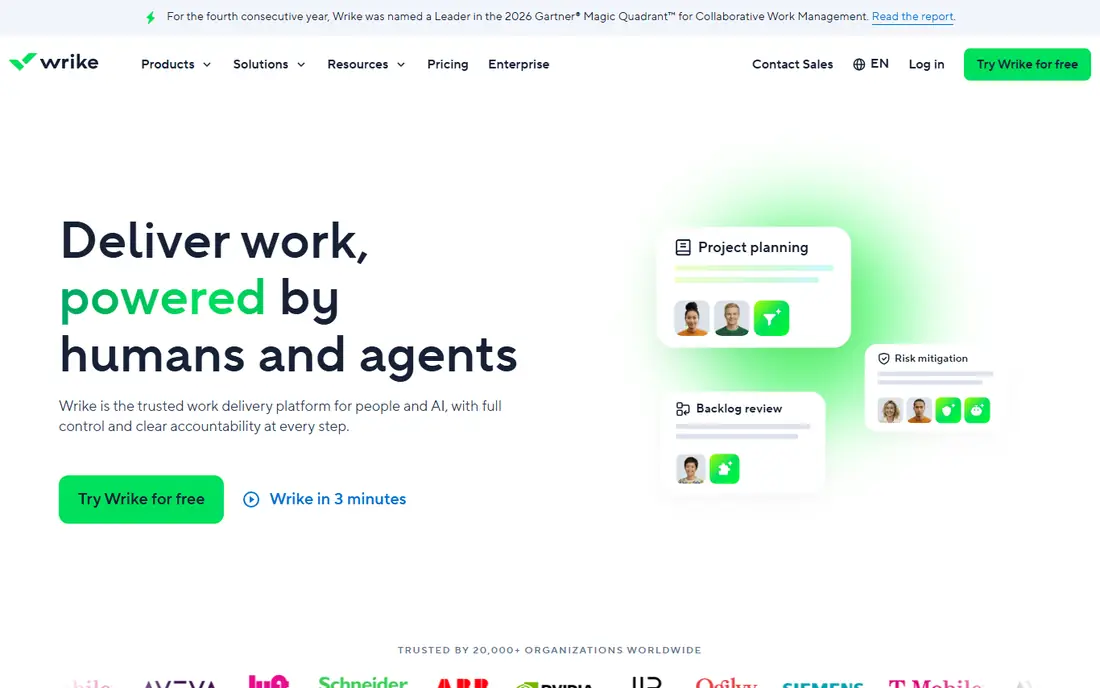
Wrike is built for organizations that run many projects for many stakeholders, such as agencies, marketing departments and project management offices (PMOs). The Team plan costs $10 per user per month and supports 2 to 15 users. It includes a shareable dashboard, interactive Gantt charts and AI features such as comment summaries.
Business costs $25 per user per month for 5 to 200 users. It adds templates and more customization for running standard workflows across departments. The deeper analytics come with Pinnacle, which Wrike says includes advanced reporting and BI, forecasting, and budgets based on job-role cost rates and billable hours. For a services firm that needs to connect workflow data to profitability, that mix is rare among these tools.
The trade-off is that prices are less transparent at the top. Pinnacle and Apex are quote-only. Wrike's FAQ says you can buy Team and Business yourself for up to 15 users, and larger accounts go through a sales rep. Expect a longer buying process past small-team pricing, and ask about contract length.
What we like- Shareable dashboards from the Team plan
- Pinnacle adds budgeting, billable hours and BI-style reporting
- 14-day trial with no credit card
Watch out for- Team plan is capped at 15 users
- The strongest analytics need a sales quote
#5ClickUp
Best for: Budget-conscious teams wanting one app4.6/5 on
G2 (14,878 reviews, checked Oct 2026)
Visit clickup.com
Starting priceSee website
Free planYes
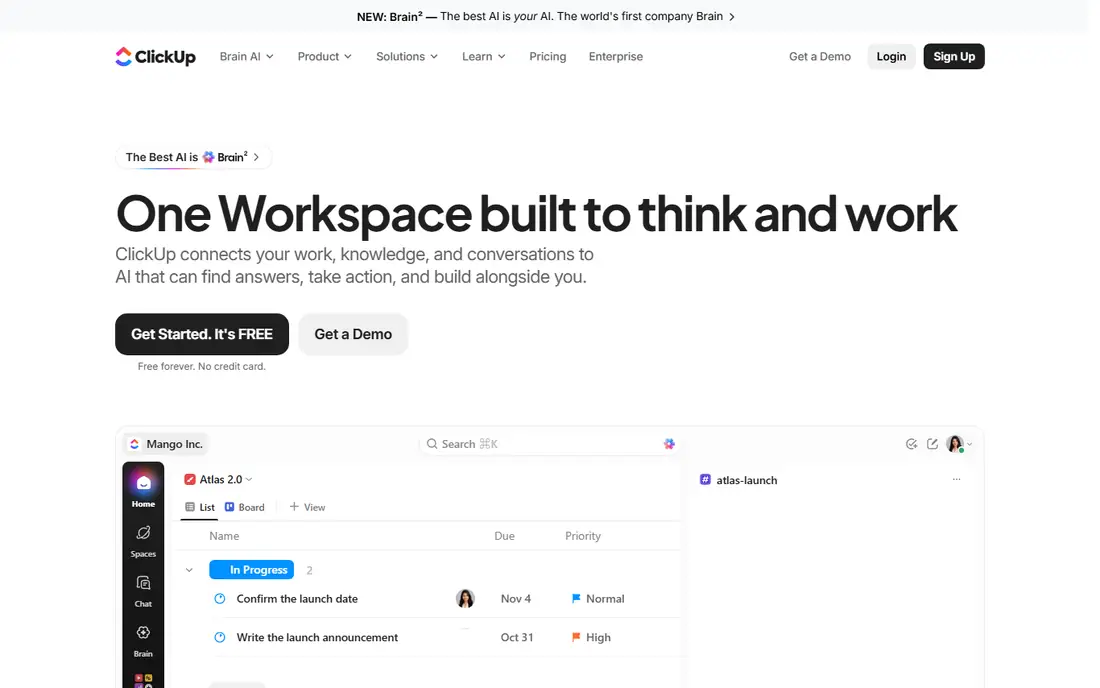
ClickUp appeals to small companies that want to replace three or four tools with one. Tasks, docs, whiteboards, goals and dashboards share one workspace. Dashboards can show workload, time tracked and sprint progress side by side. For a 15-person agency, that can cut the software bill noticeably.
ClickUp has changed its plan names and prices several times recently, and outside sources disagree on the current figures. Check the vendor's pricing page before you budget. The free plan is still a good way to test whether your workflow fits before you pay.
The most common complaint on G2 and Reddit is complexity. With so many settings, custom fields and views, teams without a clear owner end up with messy workspaces and unreliable dashboards. Agree on naming rules and required fields before a wide rollout, or your reports will be built on inconsistent data.
What we like- Dashboards, docs, tasks and goals in one product
- Generous free plan for trying workflows
- Highly customizable views and fields
Watch out for- The number of options creates a learning curve
- Lower plans carry usage caps on some features
#6Pipefy
Best for: Request and approval pipelines4.6/5 on
G2 (231 reviews, checked Oct 2026)
Visit pipefy.com
Starting priceSee website
Free planYes
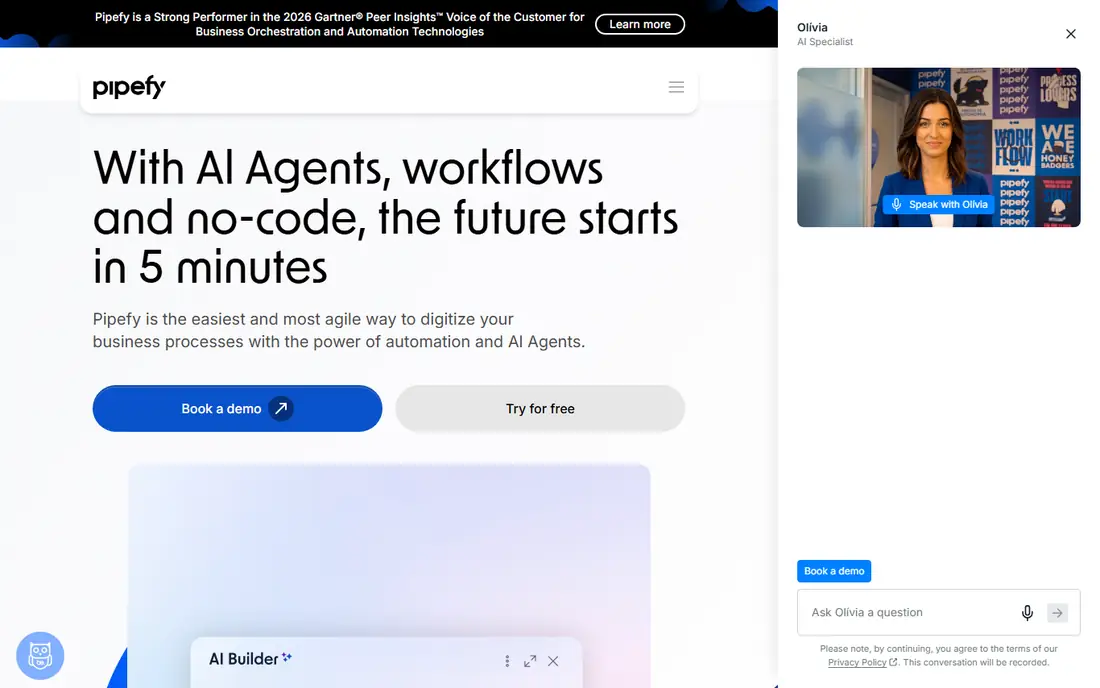
Pipefy treats each workflow as a "pipe" made of phases. That matches how procurement, HR onboarding, accounts payable and customer requests actually move. A request comes in through a form and moves through the phases as a card, and Pipefy tracks how long it stays in each one. A finance or operations manager can use that timing to find the step where work stalls.
It fits mid-size companies that want to formalize back-office processes without hiring developers. Conditional fields and automations are set up visually, and a simple process can go live quickly.
The weakness is scope. Pipefy is not a project planner, so teams that also need Gantt charts or resource views will run it next to another tool. Its plans have changed over time and third-party listings conflict, so confirm current pricing with the vendor.
What we like- Phase-based pipes with forms suited to back-office work
- Reporting on where cards slow down between phases
- Visual setup without developers
Watch out for- Less suited to open-ended project work
- Pricing tiers are not simple to compare
#7Kissflow
Best for: Low-code process apps for operations and IT4.3/5 on
G2 (590 reviews, checked Oct 2026)
Visit kissflow.com
Starting priceSee website
Free planFree trial
Kissflow is closer to business process management than to team task tracking. Operations and IT teams use it to build structured apps for things like purchase requests, vendor onboarding and expense approvals. Requests are routed by role, and reports show how long each stage takes. It fits a 200-person company replacing email approvals and spreadsheets across several departments.
The analytics focus on the process. You see volumes, delays and step times rather than charts of individual productivity. For a COO trying to cut approval times, that is the right view.
The catch is cost and commitment. Third-party listings describe Kissflow's pricing as a monthly platform fee rather than a low per-user price, which puts it out of reach for most very small businesses. Building good forms and rules also takes longer than adding tasks to a board, so plan for an implementation project rather than an afternoon.
What we like- Low-code builder for approval workflows, case management and custom apps
- Process reports for tracking cycle times across departments
- Aimed at company-wide rollouts with governance
Watch out for- Platform-style pricing is steep for small teams
- More setup work than a task board
#8Process Street
Best for: Recurring checklists and compliance runs4.6/5 on
G2 (463 reviews, checked Oct 2026)
Visit process.st
Starting priceSee website
Free planFree trial
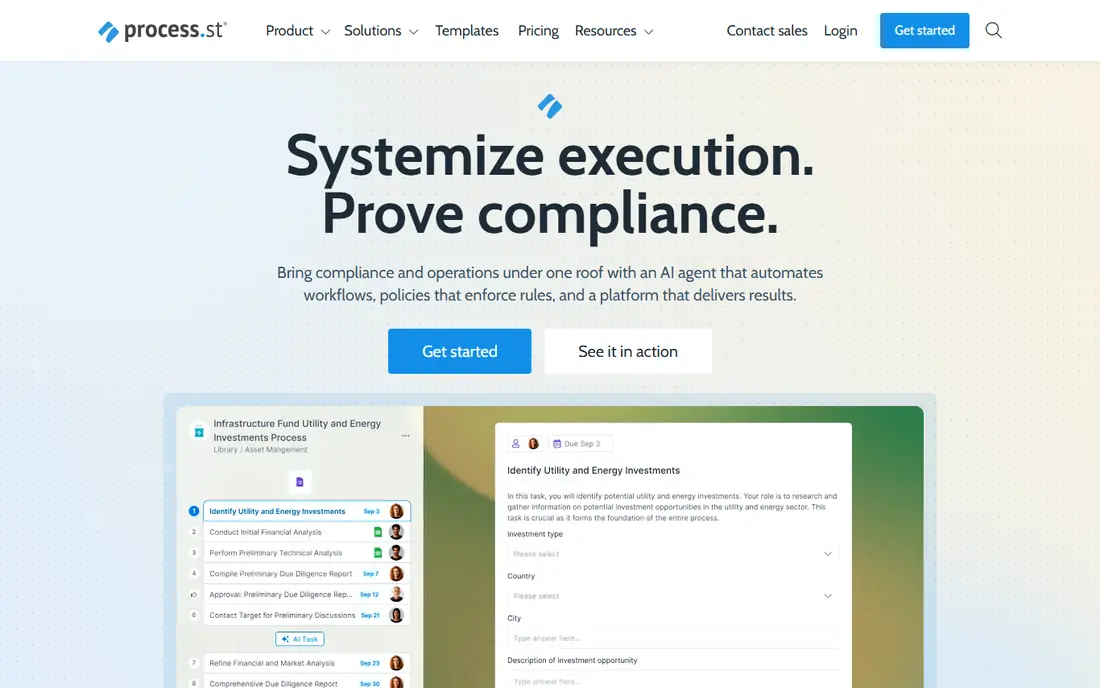
Process Street is for repeatable procedures like client onboarding, employee offboarding, month-end close and quality checks. You write the procedure once as a workflow, then start a "run" each time it happens. Each run records form data, approvals and timestamps. Reports then show which runs are late and where steps get skipped.
That makes it useful for businesses under audit or compliance pressure, such as financial services firms or healthcare operations. There, proving a checklist was followed matters as much as finishing it. Its reports show whether people actually followed the process, which general task tools handle poorly.
The honest limitation is fit. Process Street is not a project management tool, so it has no deep Gantt or resource planning. Its prices have changed over the years and outside sources conflict, so get a current quote before comparing it with per-seat tools.
What we like- Turns standard operating procedures into trackable checklists
- Approvals, conditional logic and data capture inside each run
- Reporting shows run status and overdue steps across a team
Watch out for- Not designed for project planning
- Pricing is plan-based and best confirmed with sales
How we chose
We started with each vendor's own pricing pages and documentation. For every tool we recorded the plan names, per-seat or flat pricing, user limits, and the plan where dashboards, reporting and automation limits change. If we could not confirm a vendor's current price on its own site, we list it as "See website" instead of repeating third-party figures.
Next, we read public reviews on G2, Capterra and Reddit to find recurring complaints, such as learning curves, price jumps between plans and support quality. Finally, we looked at integrations, data export, and fit for US companies with roughly 10 to 500 employees. We did not test the tools ourselves. This list is based on published product information and user feedback.
What to check before you buy
Find the plan where reporting actually starts
Almost every vendor here sells a cheap entry plan and keeps the useful analytics one step up. Asana's goals and portfolios, monday.com's chart views and time tracking, and Wrike's BI reporting all sit above the starting plan. Price the plan you will really need, times your seat count, for 12 months.
Decide whether you track projects or processes
Asana, Wrike, monday.com, ClickUp and Smartsheet are project tools. They measure task completion, workload and deadlines. Pipefy, Kissflow and Process Street are process tools, and they measure how long a request takes to move through fixed steps. If slow approvals are your main problem, a process tool will give you clearer numbers.
Count who needs a paid seat
Smartsheet's free contributors and monday.com's free viewers can cut costs sharply when many people only submit forms or read. Check whether form submitters, clients, and executives who only view dashboards count as paid users.
Watch automation and usage caps
Lower plans often cap automation runs or AI credits per month. If a workflow fires five automations per request, a cap of 250 per month allows only 50 requests. At moderate volume, that can run out in a week.
Ask about export and contract terms
Before you sign an annual contract, confirm you can export raw data (CSV or API) to a BI tool such as Power BI or Looker Studio. Built-in dashboards are convenient, but owning the underlying data protects you if you switch tools later.
Frequently asked questions
What is workflow management software with analytics?
It is software that moves work through set steps and then reports on how that work went. Typical metrics include cycle time, overdue items, workload per person and items completed per week. The reports help managers find bottlenecks instead of guessing.
Which tool has the cheapest paid plan with dashboards?
Of the prices we could verify on vendor sites, Smartsheet Pro and monday.com Basic both start at $9 per member or seat per month on annual billing. Smartsheet includes unlimited dashboards on Pro, while monday.com saves its richer chart views for higher plans.
Can a free plan handle workflow analytics?
Usually only for a pilot. Asana's and monday.com's free plans are limited to two users or seats, and monday.com's free plan allows only three boards. They are fine for testing a workflow, but reporting across a team needs a paid plan.
Do I need a separate BI tool?
Most small teams do not, since built-in dashboards cover status, workload and cycle time. Mid-size companies that want to combine workflow data with finance or CRM data often export it to a BI tool. Check API and export options before you buy.
How long does setup take?
A simple board-based workflow in monday.com, Asana or Smartsheet can be running in a day. Process platforms like Kissflow or Process Street take longer because you have to define forms, rules and approvals. A rollout across several departments often takes a few weeks.
Are these tools priced per user or per account?
Smartsheet, monday.com, Asana and Wrike charge per user or seat. Process-focused tools are more likely to use plan or platform pricing. That can be cheaper when you have many users but expensive for small teams.
Sources we checked (10)
- https://www.smartsheet.com/pricing
- https://monday.com/pricing
- https://asana.com/pricing
- https://www.wrike.com/price/
- https://www.process.st/small-business-management-software/
- https://www.capterra.com/p/149470/KiSSFLOW/pricing/
- https://www.trustradius.com/products/kissflow/pricing
- https://www.trustradius.com/products/pipefy/pricing
- https://www.softwareadvice.com/scm/pipefy-procurement-profile/
- https://crozdesk.com/software/process-street/pricing
Is your product missing or out of date?
We review this list regularly. Vendors can request a listing, send updated pricing or ask about featured placement.

Shihab Mia · Founder, Rankite
Shihab has 5+ years in B2B and SaaS SEO. He writes Rankite's software buying guides from pricing pages, documentation and public user reviews. More about Shihab.