How we make this list: we compare pricing pages, product documentation and public user reviews. Ratings come from G2, Capterra or Trustpilot, with the date we checked them.
Key takeaways
- This guide covers analytics for business video (marketing, sales, training and streaming), not security camera or CCTV analytics, which is a separate category with different vendors.
- Gumlet has the lowest published entry price with real engagement data: a free plan, then $6 per month billed annually, with heatmaps and drop-off points per video.
- Wistia remains the strongest pick for marketing teams that want heatmaps, A/B testing and CSV export, but those sit on the $79 per month Business plan, not the free tier.
- Sales teams that need to know which prospect watched which video should look at Vidyard or Hippo Video, both priced per seat rather than per account.
- If you run your own app or streaming service, Mux Data is a different kind of tool: it measures playback quality and engagement through SDKs and gives 100,000 monthly views free.
Quick comparison
| Tool | Best for | Starting price | Free plan |
|---|
 Wistia Wistia | Marketing teams tracking engagement and leads | $79/month (billed annually) | Yes |
 Vidyard Vidyard | Sales reps tracking prospect viewing | See website | Yes |
 Vimeo Vimeo | Small businesses wanting a familiar all-round host | See website | Yes |
 Gumlet Gumlet | Budget-conscious teams that still want heatmaps | $6/month (billed annually) | Yes |
 Mux Data Mux Data | Developers and streaming services measuring playback | Free up to 100k views/month | Yes |
 Hippo Video Hippo Video | Per-rep video analytics with CRM sync | $20 per user/month (billed annually) | Yes |
 SproutVideo SproutVideo | Private and internal video with access controls | See website | Free trial |
 Spotlightr Spotlightr | Course creators and funnel marketers | See website | Yes |
 Brightcove Brightcove | Enterprise media and marketing organizations | See website | Free trial |
 Dacast Dacast | Live events and paid streaming | See website | Free trial |
Is your product missing or out of date?
We review this list regularly. Vendors can request a listing, send updated pricing or ask about featured placement.
The best video analytics software
#1Wistia
Best for: Marketing teams tracking engagement and leads4.6/5 on
G2 (1,192 reviews, checked Oct 2026)
Visit wistia.com
Starting price$79/month (billed annually)
Free planYes
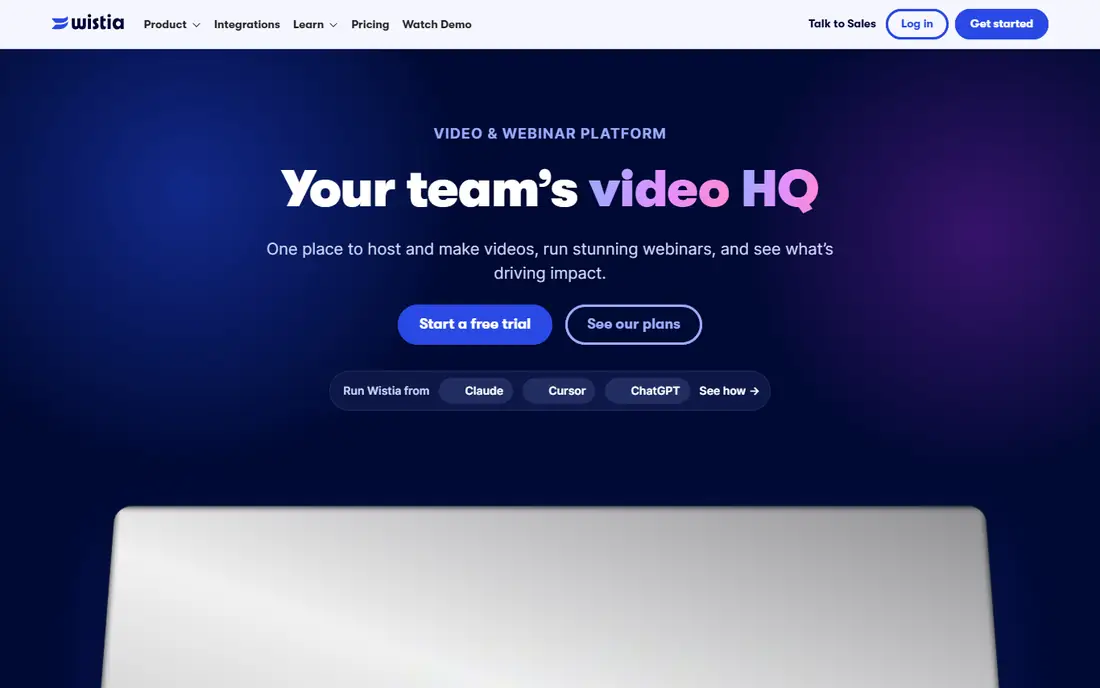
Wistia is built for the marketer who wants to see exactly where viewers drop off and which videos produce pipeline. Its pricing page lists a Free plan with 25 GB of storage, one user and basic video analytics, then a Business plan at $79 per month billed annually with 250 GB, three users, advanced analytics, CTAs and in-video forms.
The detail that matters most for analytics buyers is the plan comparison. Heatmaps and engagement graphs are not included on Free, while Business adds them along with A/B testing and CSV export. Extra users cost $25 each, which is easy to budget for a small team. Wistia also connects to HubSpot, Marketo and Pardot, so viewing data can feed lead scoring.
The catch is the step up. Connecting Wistia to your marketing platform and capturing leads with viewer engagement data sits in the Business + Signals tier at $329 per month billed annually. If attribution is the whole reason you are buying, plan for that number, not the $79 one.
What we like- Heatmaps and engagement graphs on the Business plan
- A/B testing and CSV export included
- Works with HubSpot, Marketo and Pardot
Watch out for- Free plan is limited to one user and basic analytics
- Lead and attribution features jump to $329/month
#2Vidyard
Best for: Sales reps tracking prospect viewing4.5/5 on
G2 (832 reviews, checked Oct 2026)
Visit vidyard.com
Starting priceSee website
Free planYes
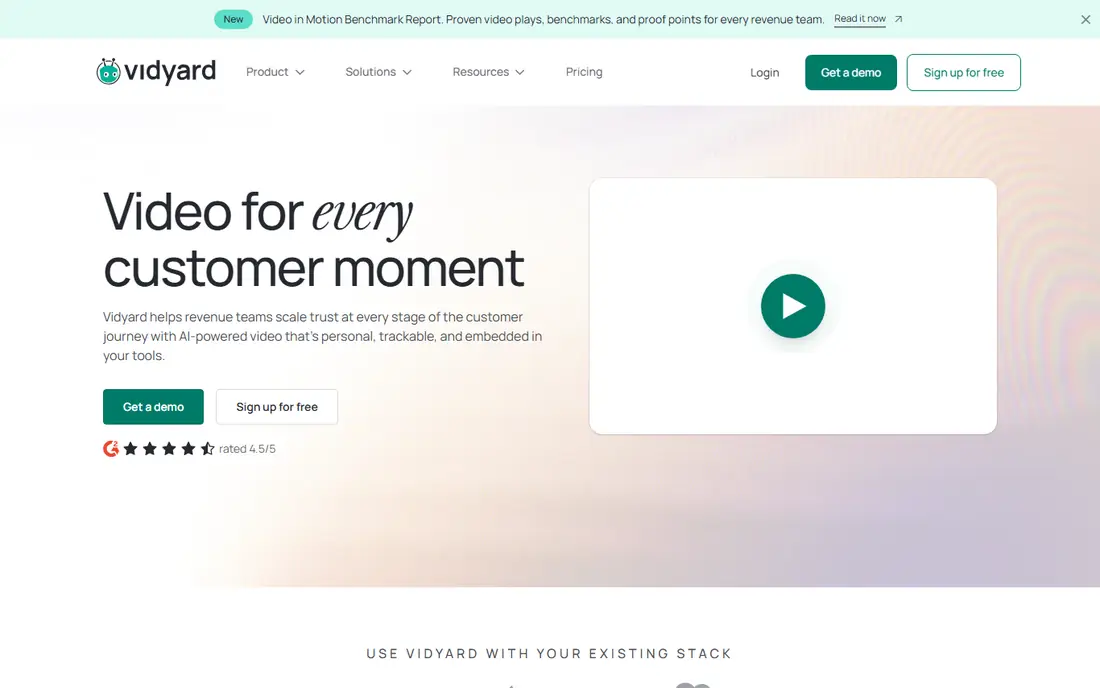
Sales leaders like Vidyard because it answers a narrow question well: did the prospect actually watch the demo, and how much of it? Reps record from the browser, send personalized videos, and get notified when someone views. Paid plans add full video analytics and team performance reporting so a manager can compare reps.
The free plan is a reasonable test drive, but it caps embeddable videos and monthly recordings, so it will not carry a real sales team. The entry paid plan is billed per seat, and the Teams and Enterprise tiers, which carry most of the CRM depth, are priced through sales. Check the current per-seat figure on Vidyard's pricing page before you model costs.
Where Vidyard is a poor fit is the marketing website. If you mostly need an embedded player and audience reports for a few public videos, paying for every contributor's seat is the wrong cost structure. A per-account host such as Wistia or Gumlet is usually cheaper for that job.
What we like- Built-in screen and webcam recorder
- Alerts when a prospect watches
- Team performance analytics on paid plans
Watch out for- Per-seat pricing adds up for website-only use
- Teams and Enterprise prices are quote-only
#3Vimeo
Best for: Small businesses wanting a familiar all-round host4.3/5 on
G2 (722 reviews, checked Oct 2026)
Visit vimeo.com
Starting priceSee website
Free planYes
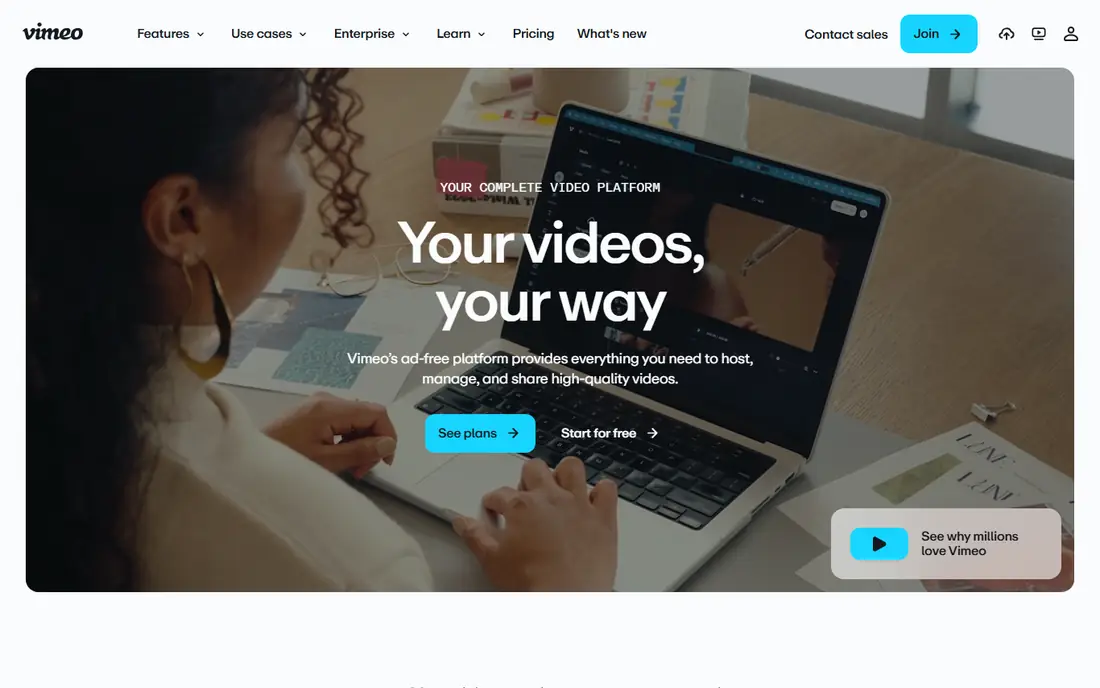
Plenty of small companies already have a Vimeo account, and for them the analytics may be good enough without adding another tool. Vimeo restructured its plans into Free, Starter, Standard, Advanced and Enterprise. Basic analytics appear on the lower paid plans, while advanced analytics come with the Advanced tier alongside webinars.
The free Basic plan exists but offers very little storage, so treat it as a trial. The bigger planning issue is bandwidth. Every self-serve plan shares a 2 TB monthly bandwidth cap, and teams that exceed it can be pushed toward Enterprise, which is custom priced. If one of your videos might go viral or you embed long webinars on a busy site, ask about this before you commit. Vimeo was also acquired by Bending Spoons in late 2025, so watch for further plan changes.
What we like- Ad-free player on every plan
- Analytics, webinars and AI editing in one subscription
- Widely known and easy for non-technical staff
Watch out for- Self-serve plans share a 2 TB monthly bandwidth cap
- Deeper analytics reserved for higher tiers
#4
Gumlet
Best for: Budget-conscious teams that still want heatmaps
Visit gumlet.com
Starting price$6/month (billed annually)
Free planYes
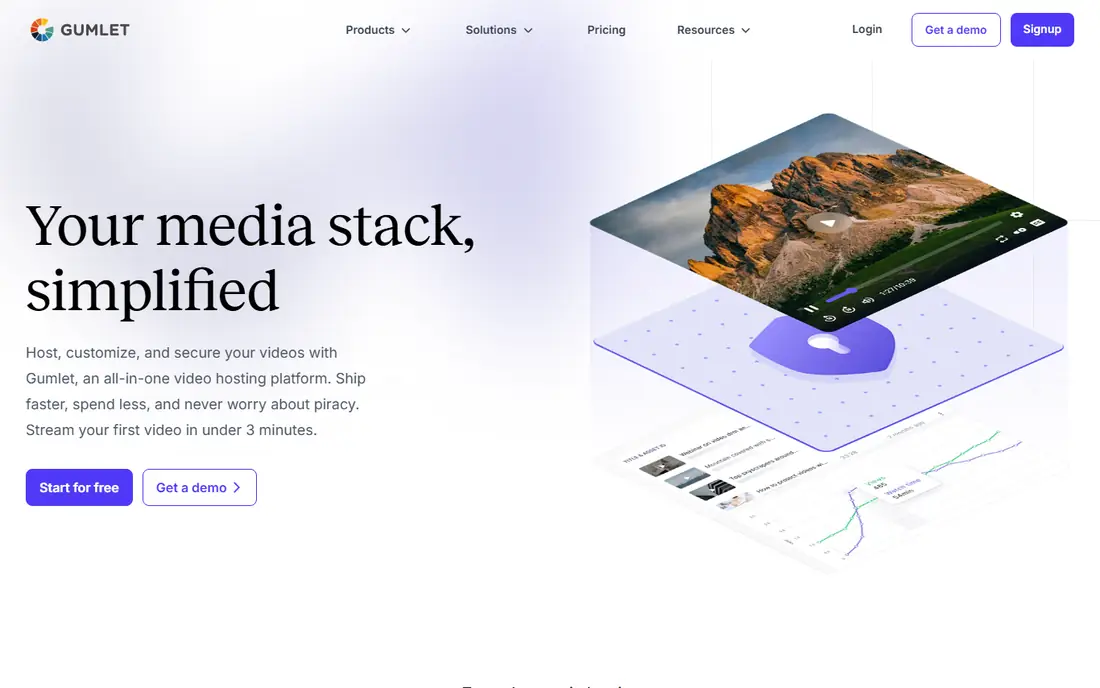
Gumlet is the value pick on this list. Its free-forever plan includes one seat, 60 storage minutes and 100 GB of bandwidth. The Creator plan costs $6 per month billed annually ($9 monthly) and adds two seats, branding removal, API access and Google and Meta pixel tracking.
On analytics, Gumlet tracks plays, watch time, engagement heatmaps and drop-off points per video, with filters by geography, device and time period. You can use the built-in dashboards or pull the data into your existing stack through the API.
The honest limitation is plan design. CRM integrations arrive on Growth at $19 per month billed annually, and custom viewer analytics plus priority support sit on Business at $99. Because storage is counted in minutes rather than gigabytes, estimate your library length carefully before choosing a tier.
What we like- Low published prices with monthly and annual options
- Plays, watch time, heatmaps and drop-off points per video
- API access from the Creator plan
Watch out for- Pricing is based on storage minutes, which takes some getting used to
- CRM integrations start at the Growth plan
#5
Mux Data
Best for: Developers and streaming services measuring playback
Visit mux.com
Starting priceFree up to 100k views/month
Free planYes
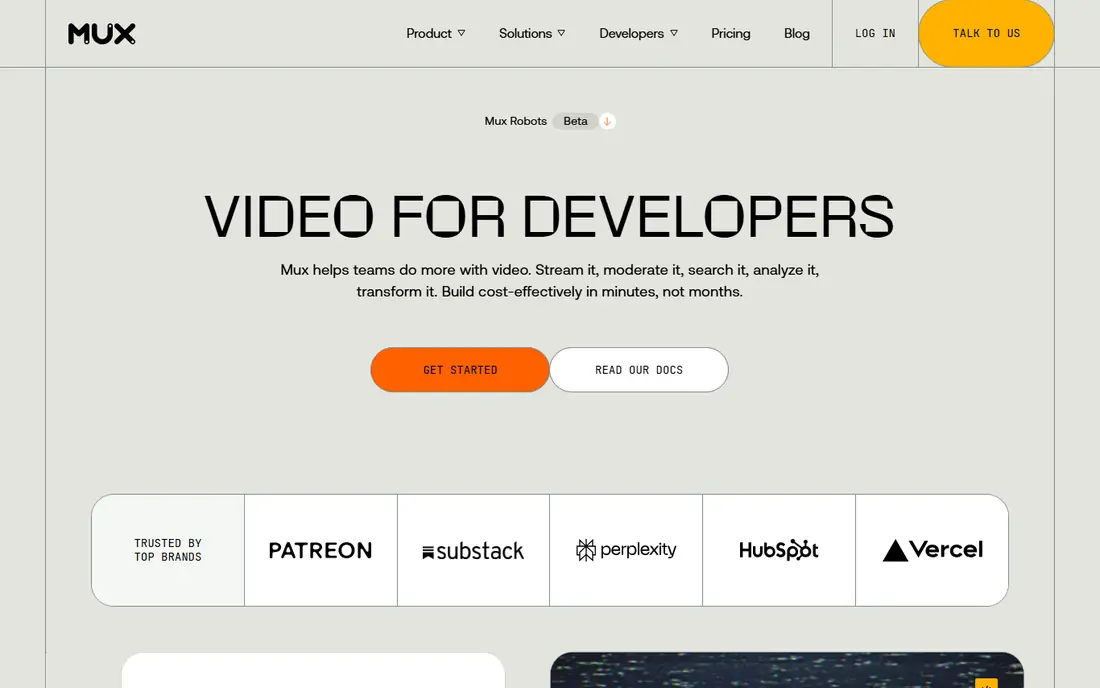
Mux Data is not a marketing dashboard. It is for product and engineering teams that run their own player, app or streaming service and need to know about startup time, rebuffering, errors and viewer engagement.
Pricing is unusually clear. The pay-as-you-go plan includes 100,000 monthly views free, then $0.60 per 1,000 views with no commitment. The Media plan costs $499 per month with 1 million views included, additional views at $0.50 per 1,000, and adds the operations monitoring dashboard, custom dashboards and data exports. Data retention is 100 days on all published plans.
The trade-off is that someone technical has to implement it, and the free tier gets email support only. For a marketer who just wants to know which product video converts, Mux is overkill. For a company selling video subscriptions, it is one of the most transparent options available.
What we like- Quality of experience and engagement metrics across web, mobile and OTT
- Usage-based pricing with no commitment
- Works with video hosted anywhere
Watch out for- Requires developer setup through SDKs
- Data exports and monitoring dashboards start at $499/month
#6Hippo Video
Best for: Per-rep video analytics with CRM sync4.5/5 on
G2 (736 reviews, checked Oct 2026)
Visit hippovideo.io
Starting price$20 per user/month (billed annually)
Free planYes

Hippo Video is a cheaper route into sales video analytics than many competitors. The free plan includes basic editing and analytics, a teleprompter and Gmail, Outlook and LinkedIn integrations. The Pro plan costs $20 per user per month billed annually ($30 monthly) and upgrades you to advanced editing and analytics, interactive CTAs and custom branding.
For managers, Teams at $60 per user per month annually is the more interesting tier. It adds team reports and integrations with Outreach, Salesloft, HubSpot and Freshsales, so viewing activity lands where reps already work. Hippo also advertises zero setup fees and 24x5 live support.
Watch the Salesforce question. Salesforce integration appears under the Enterprise plan at $80 per user per month annually with a 10-seat minimum, so a small Salesforce shop could pay more than expected.
What we like- Free plan with basic analytics
- Integrations with Outreach, Salesloft, HubSpot and Freshsales on Teams
- Team reports for managers
Watch out for- Advanced analytics need a paid seat
- Salesforce integration is listed on the Enterprise plan, which requires 10 seats
#7SproutVideo
Best for: Private and internal video with access controls4.6/5 on
G2 (187 reviews, checked Oct 2026)
Visit sproutvideo.com
Starting priceSee website
Free planFree trial
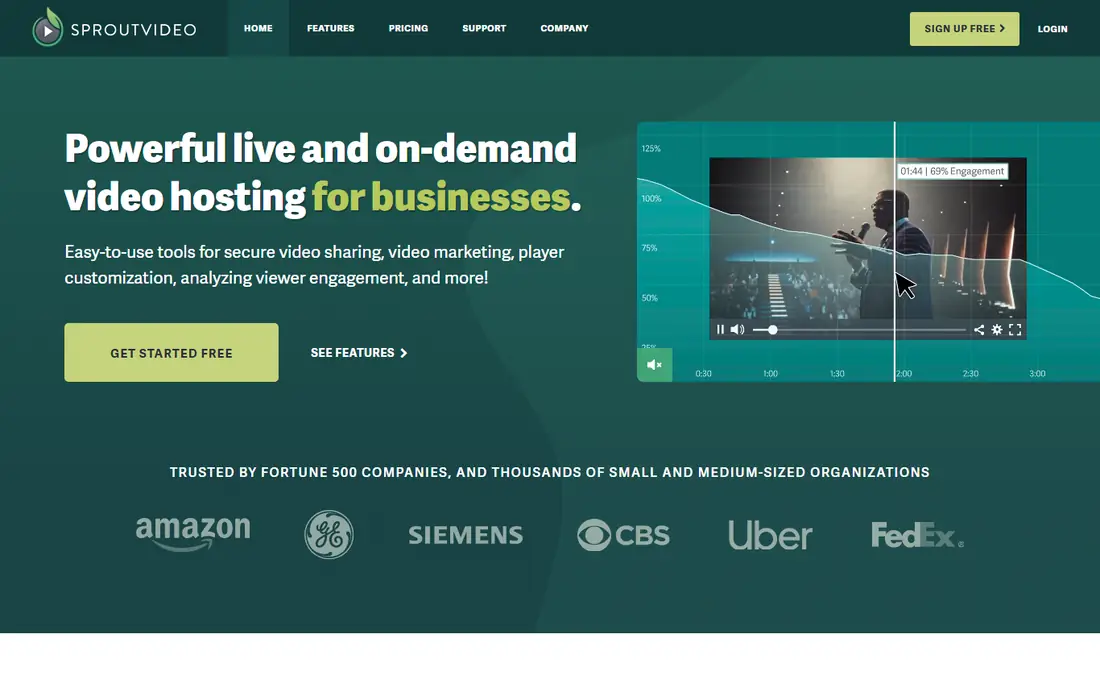
SproutVideo suits HR, training and internal communications teams who need to know who watched a video and also control who can watch it. Access options include password protection, domain and IP restrictions, email capture gates and single sign-on support.
Its plans are sized by storage and bandwidth rather than video count or seats, which often works out well for large libraries with many viewers. Live streaming is included, so all-hands meetings and recorded training can live in the same account.
The weakness is on the marketing side. Reviewers describe the interface as functional but dated, and lead capture and CRM features are thinner than Wistia's. If your main goal is demand generation, look higher up this list. Current plan prices are on SproutVideo's pricing page.
What we like- Password, domain and IP restrictions plus SSO support
- Plans based on storage and bandwidth, not seats
- Live streaming included
Watch out for- Interface looks dated next to Wistia
- Marketing integrations are lighter than marketing-first tools
Starting priceSee website
Free planYes
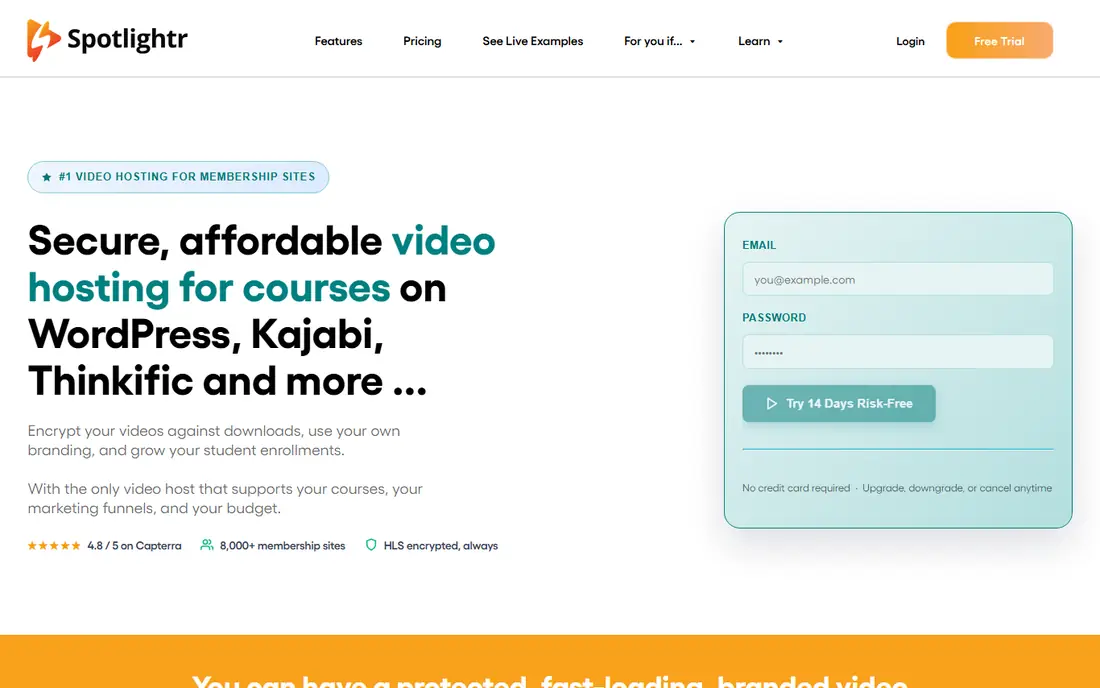
Formerly called vooPlayer, Spotlightr targets people who sell with video: course creators, coaches and marketers running funnels. It combines hosting with marketing tools such as opt-in locks, video funnels, in-app recording and custom branding, plus analytics on how viewers move through each video.
Security is better than you might expect at this price point. HLS encryption helps protect paid course content from casual downloading. Spotlightr is sold on monthly or annual subscriptions and offers a free version, which makes it easy to test with a real lesson or sales video.
The trade-off is scale and support. Help comes through email and an online form, with no phone line advertised.
What we like- Opt-in locks and video funnels built in
- HLS encryption for protected content
- Free version available
Watch out for- Support is by email and online form only
- Smaller company with fewer native integrations than market leaders
#9Brightcove
Best for: Enterprise media and marketing organizations4.1/5 on
G2 (54 reviews, checked Oct 2026)
Visit brightcove.com
Starting priceSee website
Free planFree trial
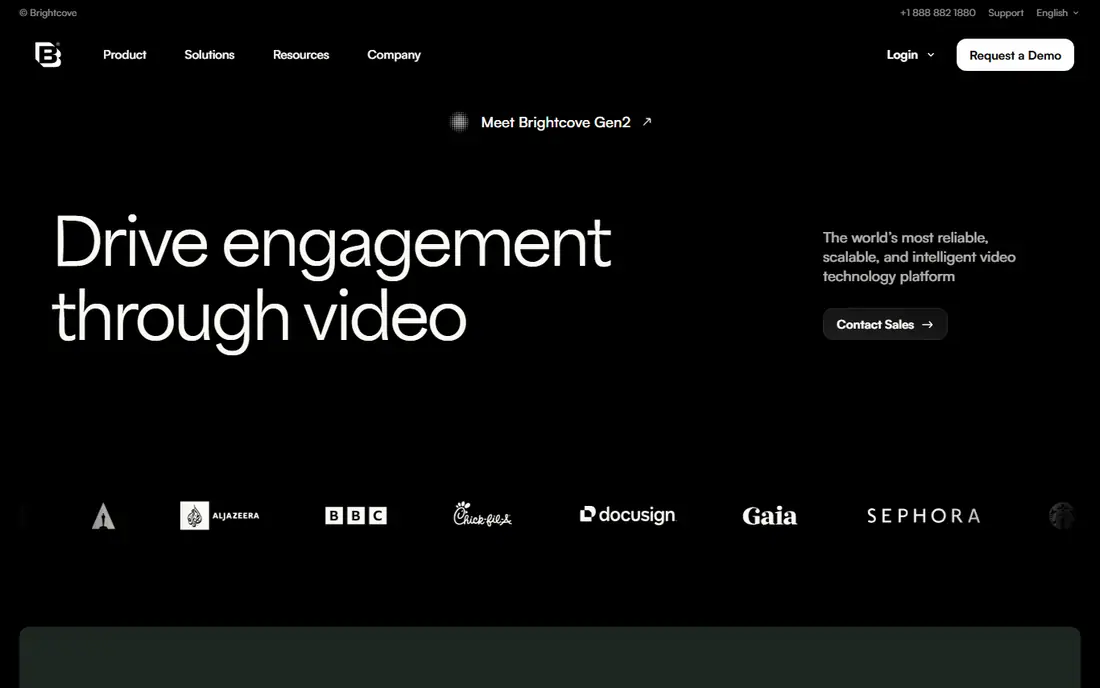
Brightcove is the heavyweight choice for publishers, broadcasters and large marketing departments that need hosting, ad monetization, live streaming and audience analytics under one enterprise contract.
For an SMB, the main obstacle is transparency. Brightcove does not list pricing, and contract-tracking sites report annual spend far above what self-serve tools cost. Expect a sales process, annual contracts and an onboarding project rather than a credit-card signup.
If you have a dedicated video team and need advanced ad analytics or multi-region delivery, it belongs on the shortlist. A five-person marketing team will be better served higher on this list.
What we like- Built for large-scale media and marketing operations
- Covers hosting, monetization and analytics in one platform
- Free trial available
Watch out for- No published pricing
- Costs and contract terms are aimed at large organizations
#10Dacast
Best for: Live events and paid streaming4.3/5 on
G2 (30 reviews, checked Oct 2026)
Visit dacast.com
Starting priceSee website
Free planFree trial
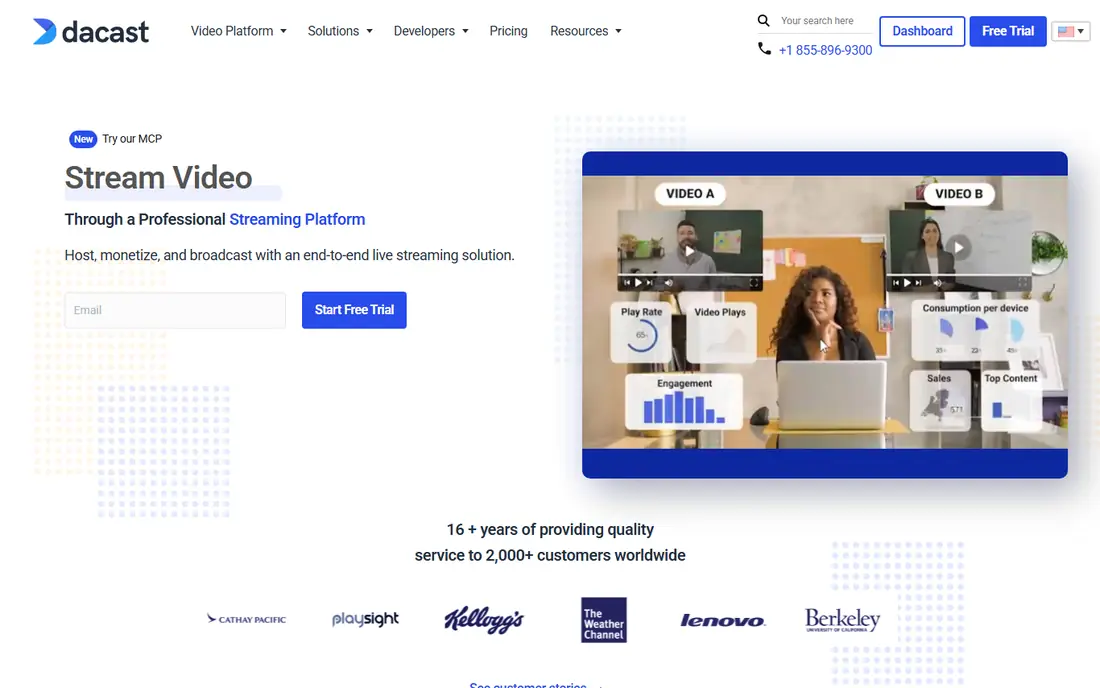
Dacast fits organizations whose main video output is live: churches, schools, event producers and companies streaming town halls or paid events. It bundles live and on-demand hosting with a white-label player, paywall options, ad insertion and viewer analytics.
Plans are sized by bandwidth and storage, which suits event-driven usage where audiences spike for a few hours. Monetization through a built-in paywall is a real advantage for anyone selling access to streams, since the viewing data and revenue sit in the same place.
As a pure analytics tool, though, Dacast is not as deep as Wistia or Gumlet on per-viewer engagement. Competitors also point out that some Dacast plans require a minimum commitment of several months, so read the billing terms on the pricing page before signing.
What we like- Live streaming and on-demand hosting in one account
- Paywall and ad monetization
- White-label, ad-free player
Watch out for- Analytics are secondary to streaming features
- Some plans have been reported to carry multi-month minimum terms
How we chose
We started with products that host or measure business video and report on audience behavior, then removed tools focused on CCTV or security camera analytics, which serve a different buyer. For each remaining product we read the vendor's own pricing page where it was available, checked plan limits (seats, storage, bandwidth, views) and noted which analytics features sit on which tier.
We then compared documentation, listed integrations and public reviews on G2, Capterra, Software Advice and TrustRadius to judge support quality, ease of use and common complaints. Where a vendor's price could not be confirmed on its own site, we marked it "See website" rather than repeat third-party figures. We did not run hands-on tests; the rankings reflect fit for small and mid-size US companies based on that research.
What to check before you buy video analytics software
Decide which question you need answered
Marketing teams usually want to know which videos hold attention and produce leads. Sales teams want to know which specific prospect watched. Product teams want to know whether playback is smooth. Wistia and Gumlet answer the first, Vidyard and Hippo Video the second, Mux Data the third.
Look at where analytics features sit on the price ladder
Many vendors advertise heatmaps or CRM sync on the homepage but reserve them for upper tiers. Wistia's heatmaps start on Business, Gumlet's CRM integrations start on Growth, and Hippo's Salesforce integration sits on Enterprise.
Model seats versus usage
Per-seat pricing (Vidyard, Hippo Video) gets expensive when many people record videos. Per-account pricing with included seats (Wistia, Gumlet, Vimeo) is cheaper for small content teams. Usage-based pricing (Mux Data) is predictable only if you know your monthly view count.
Check bandwidth caps and overage rules
Bandwidth limits rarely make it onto plan cards, yet they cause the most surprise bills. Vimeo's self-serve plans share a 2 TB monthly cap. Ask each vendor what happens when you go over.
Confirm data export
If you plan to combine video data with web analytics or CRM reports, check for CSV export or an API on the plan you will actually buy. Wistia includes CSV export on Business, Gumlet offers API access from Creator, and Mux limits full data exports to Media and custom plans.
Frequently asked questions
What is video analytics software?
In a business context, it measures how people interact with your videos: plays, watch time, drop-off points, replays and the actions viewers take afterward. Some tools also identify individual viewers by email or CRM record. The same term is used for AI analysis of security camera footage, which is a separate category not covered here.
Is YouTube Analytics enough for a small business?
For public brand content on YouTube, it is a solid free starting point. It cannot tell you which known lead watched a video on your website, it shows ads and related videos next to yours, and it does not connect to your CRM.
Which tool on this list is cheapest?
Gumlet has the lowest published paid plan at $6 per month billed annually, and it offers a free plan. Wistia, Vidyard, Vimeo, Hippo Video, Mux Data and Spotlightr also have free tiers, though the free versions usually limit storage, users or analytics depth.
Can these tools send video engagement data to my CRM?
Several can, but usually on mid or upper plans. Wistia connects to HubSpot, Marketo and Pardot, Gumlet adds CRM integrations on its Growth plan, and Hippo Video lists HubSpot, Salesloft, Outreach and Freshsales on Teams, with Salesforce on Enterprise. Confirm the specific CRM and plan before you buy.
How long does setup take?
Self-serve hosts such as Wistia, Gumlet, Vimeo and Spotlightr can be running the same day: upload videos, swap embed codes, and analytics start collecting. Mux Data needs a developer to install an SDK in your player. Enterprise platforms like Brightcove usually involve a sales cycle and an onboarding project measured in weeks.
Sources we checked (13)
- https://wistia.com/pricing
- https://www.hippovideo.io/pricing.html
- https://www.mux.com/pricing/data
- https://www.gumlet.com/video-hosting/
- https://www.dacast.com/blog/live-streaming-pricing/
- https://swarmify.com/blog/vidyard-pricing-for-website-video/
- https://swarmify.com/blog/vimeo-pricing-bandwidth-limits/
- https://fast.io/resources/video-hosting-platforms/
- https://www.softwareadvice.com/video-management/vooplayer-profile/
- https://www.capterra.com/p/175499/SproutVideo/
- https://www.trustradius.com/products/brightcove/pricing
- https://www.spendhound.com/marketplace/brightcove-pricing
- https://castr.com/best-alternative-dacast/
Is your product missing or out of date?
We review this list regularly. Vendors can request a listing, send updated pricing or ask about featured placement.

Shihab Mia · Founder, Rankite
Shihab has 5+ years in B2B and SaaS SEO. He writes Rankite's software buying guides from pricing pages, documentation and public user reviews. More about Shihab.