How we make this list: we compare pricing pages, product documentation and public user reviews. Rankite is independent; if a vendor ever pays for a featured spot, that listing is clearly labeled Partner.
Key takeaways
- Most businesses do not need the biggest platform. They need the one that works with the cameras they already own.
- Enterprise picks like Milestone, Genetec and Avigilon are priced by quote and sold through integrators. Budget for that.
- Blue Iris and Agent DVR are the practical choices for small offices that want to own their software outright.
- Cloud systems like Verkada remove servers and wiring headaches but lock you into one brand of camera.
- Always check camera compatibility lists before paying. ONVIF support is the line between an open system and a trap.
Quick comparison
| Tool | Best for | Starting price | Free plan |
|---|
 Milestone XProtect Milestone XProtect | Large multi-site camera fleets | See website | Free trial |
 Genetec Security Center Genetec Security Center | Unifying video with access control | See website | No |
 Avigilon Avigilon | AI analytics with your own hardware | See website | No |
 exacqVision exacqVision | Mid-size businesses and integrators | See website | No |
 Verkada Verkada | Cloud-managed multi-location setups | See website | Free trial |
 Blue Iris Blue Iris | Small offices with a Windows PC | See website | Free trial |
 Wisenet WAVE Wisenet WAVE | Lightweight VMS for growing systems | See website | Free trial |
 Agent DVR Agent DVR | DIY setups on any operating system | $7.95/month (remote access and business use) | Yes |
Is your product missing or out of date?
We review this list regularly. Vendors can request a listing, send updated pricing or ask about featured placement.
The best video surveillance software
A self-storage company in Missouri ran three facilities with three different DVR systems. When a customer reported a break-in at one site, the manager had to drive there to pull the footage, because none of the systems were reachable remotely. Replacing everything with one managed platform cost real money upfront, but the next incident was reviewed from a laptop at home within minutes. Video surveillance software is the part that decides whether your cameras are evidence or decoration.
Starting priceSee website
Free planFree trial
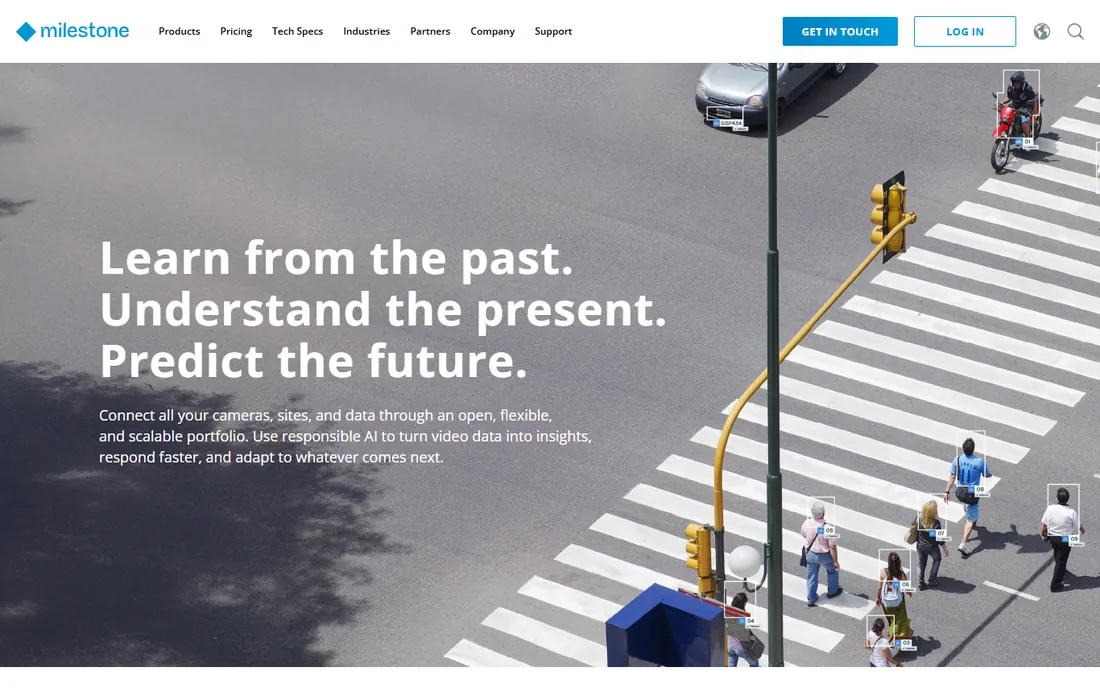
Milestone is the name integrators mention first when a project outgrows a simple recorder box. XProtect runs everything from a retail back office to city-wide camera networks, and its open platform means you are not tied to one camera brand. The system holds up well under real load, which matters when you are archiving dozens of high-resolution streams around the clock.
What separates it from cheaper options is the ecosystem. Thousands of camera models are supported, and the analytics marketplace adds things like license plate recognition or smart search without ripping out the base system. If your company plans to grow from one site to ten, starting here saves a painful migration later.
The honest catch is complexity and cost. XProtect is licensed per camera channel plus server tiers, and real deployments usually go through a certified partner. Small businesses with four cameras will find it overkill. For operations teams with serious footage requirements, though, it is the safest long-term bet.
What we like- Open platform with thousands of camera integrations
- Scales from 8 cameras to tens of thousands
- Strong analytics marketplace with BriefCam
Watch out for- Pricing is quote-only and sold through partners
- Needs a trained integrator for larger deployments
#2
Genetec Security Center
Best for: Unifying video with access control
Visit genetec.com
Starting priceSee website
Free planNo
Genetec takes a different position than pure video vendors. Security Center is a unified platform where video surveillance sits alongside access control, intercom and intrusion detection. For a company that wants one operator console instead of five disconnected tools, that consolidation is the selling point.
The software is built with a serious view of cybersecurity, which matters when cameras sit on your network. Federated architecture lets you manage sites across regions from a central view while keeping recording local. Large organizations in transportation, retail and public safety run it at serious scale, so reliability is proven.
Expect an enterprise sales cycle. Pricing is quote-based and implementation usually involves a partner. It is also more than a VMS, so if you only need to watch cameras, you will pay for modules you never open. Buy it when you want the whole security operation in one place.
What we like- Video, access control and license plate recognition in one console
- Strong cybersecurity reputation
- Deep enterprise track record
Watch out for- Quote-only pricing
- Heavier training curve for operators
Starting priceSee website
Free planNo
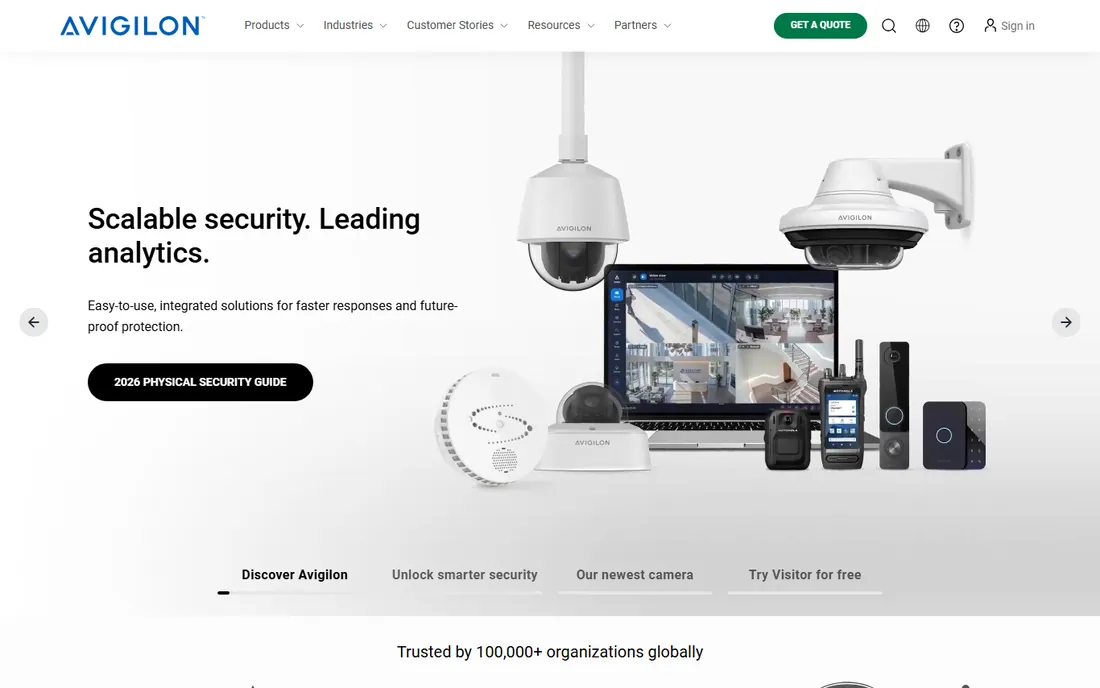
Avigilon, now part of Motorola Solutions, built its name on image quality and has pushed hard into AI. Its Control Center software pairs with cameras that run analytics on the edge, so features like appearance search and unusual motion detection work without extra servers chewing through CPU. For teams that investigate incidents often, that search capability saves real hours.
The company sells complete systems, cameras included, which simplifies procurement. One vendor, one support line, one warranty. There is also a cloud path through its Alta line for organizations that want to skip on-premise servers. The portfolio covers everything from a single storefront to campus-scale deployments.
The tradeoff is vendor lock-in. While third-party cameras can connect, you get the full value inside the Avigilon ecosystem. And like its enterprise peers, there is no public pricing, so plan for a sales process. It fits companies that want one throat to choke and analytics that actually work.
What we like- Strong in-house AI analytics including appearance search
- End-to-end hardware and software from one vendor
- Cloud and on-premise options
Watch out for- Works best with Avigilon cameras
- Pricing requires talking to sales
#4
exacqVision
Best for: Mid-size businesses and integrators
Visit exacq.com
Starting priceSee website
Free planNo
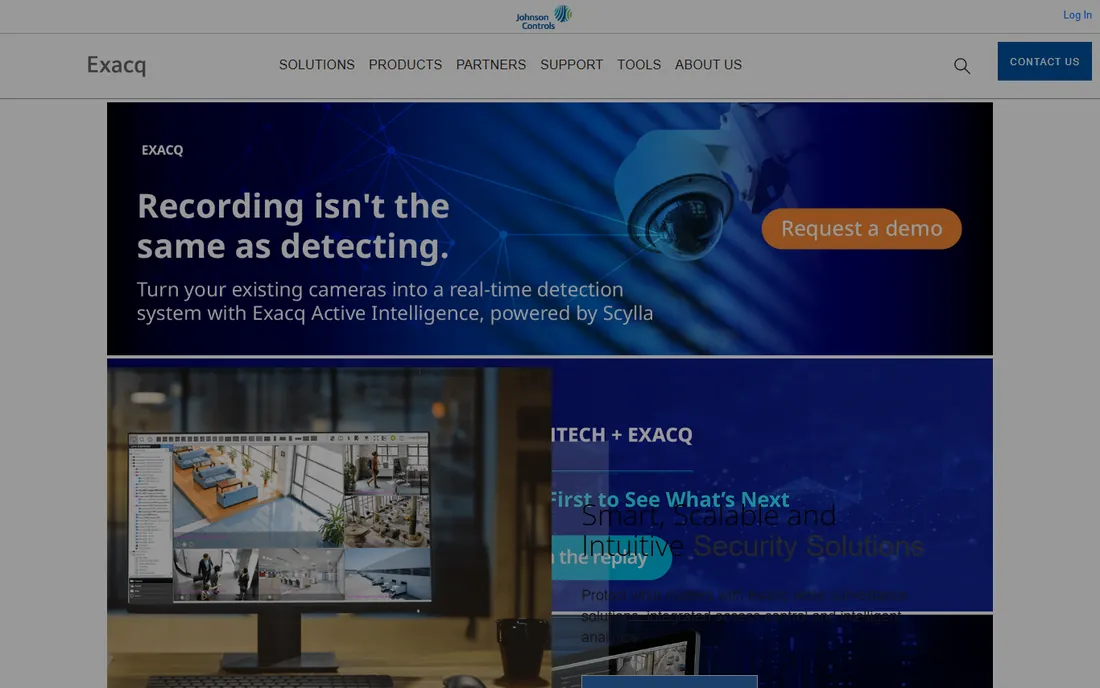
exacqVision sits in the middle ground that a lot of businesses actually live in. It is easier to administer than Milestone or Genetec, with an interface that front-desk staff can learn without training sessions. The software runs on commercial off-the-shelf servers or on exacq's own hybrid appliances, which simplifies buying.
The product line tiers scale sensibly, from a Start edition for small installs up to Enterprise for multi-server systems. Cross-platform clients mean your guards can view footage on whatever machine is on the desk. Camera support is broad, covering thousands of models through direct drivers and ONVIF.
It does not lead on AI analytics, and the really advanced features cost extra or come from partners. But for schools, clinics, warehouses and retail chains that need dependable recording and simple retrieval, exacqVision is one of the most practical choices on this list.
What we like- Easy to learn interface for non-technical staff
- Runs on Windows, Linux or Mac
- Solid camera compatibility with hybrid server options
Watch out for- Fewer advanced analytics than top-tier rivals
- Enterprise pricing still needs a quote
Starting priceSee website
Free planFree trial
Verkada throws out the traditional architecture. Cameras store footage locally on solid-state drives, and everything is managed through a cloud dashboard. No recorder closet, no port forwarding, no on-site server to patch. For companies with locations spread across cities, the IT savings are obvious.
The platform keeps expanding beyond video into access control, sensors and intercoms, all in the same interface. Search is genuinely fast, with AI features like face search and motion-based filtering that work across every site at once. Firmware and features update from the cloud, so the system improves without site visits.
The catch is the closed ecosystem. You can only use Verkada cameras, and each device needs a license. Over a five-year horizon, that can cost more than a traditional system you own outright. It is a strong fit for distributed businesses that value simplicity over flexibility.
What we like- No servers or NVRs to maintain
- Cameras and software managed from one cloud console
- Fast AI search across all locations
Watch out for- Requires Verkada cameras only
- Hardware plus license costs add up
- Cloud dependence
Starting priceSee website
Free planFree trial
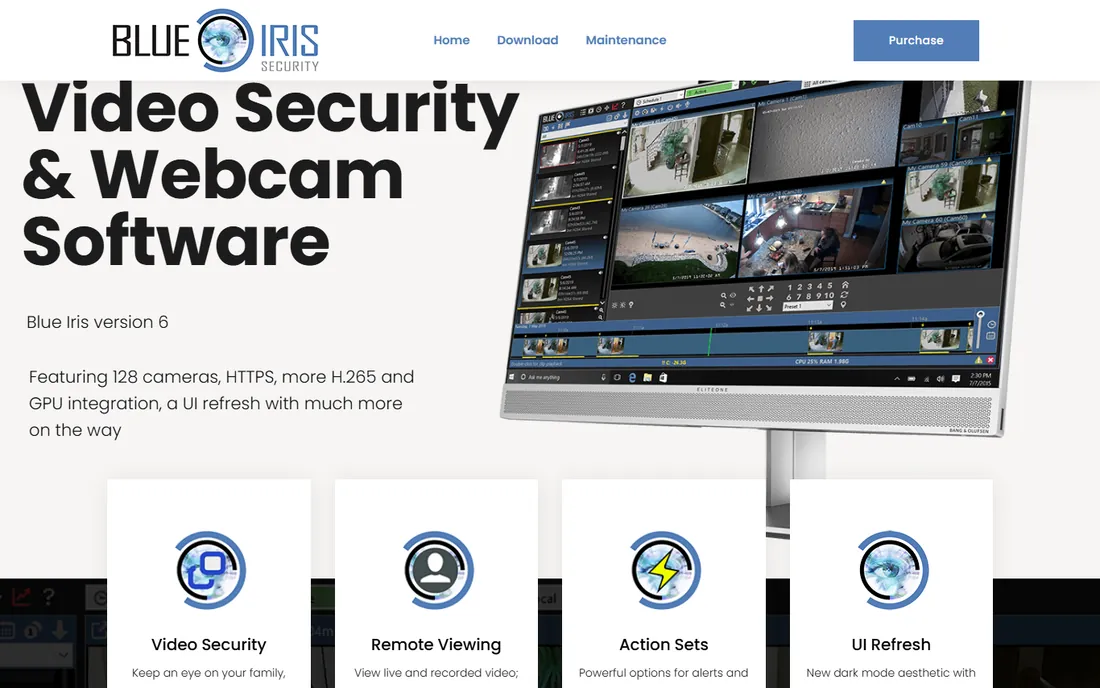
Blue Iris is the veteran indie pick for people who would rather own software than rent it. A single license covers up to 128 cameras on a Windows machine, and the price is a fraction of one enterprise camera license. Version 6 brought built-in AI services, and it integrates with local AI servers for person and vehicle detection without cloud fees.
The active user community is a genuine asset. Forums are full of hardware recommendations, CPU optimization tricks and storage calculators from people running dozens of cameras. Motion zones, alert actions and remote viewing through its web interface cover what most small businesses need.
Be realistic about the downsides. The interface is dense and dated, setup rewards technical users, and support is email-based from a small team. There is no hand-holding. But for a small office or retail shop with someone comfortable on Windows, it delivers professional capability for very little money.
What we like- One-time license up to 128 cameras
- Huge enthusiast community with real-world tuning guides
- AI detection integrates with local servers
Watch out for- Windows only
- Interface shows its age
- You are your own IT department
Starting priceSee website
Free planFree trial
Wisenet WAVE is Hanwha Vision's answer to businesses that find enterprise VMS too heavy. The server software is lightweight enough to run on modest hardware, installs in minutes, and the client interface is modern and approachable. Cameras from many brands connect, though naturally it shines brightest with Hanwha's own cameras.
The server hive architecture is the interesting part. Servers sync with each other automatically, so expanding from one site to several does not require re-architecting. Failover, health monitoring and mobile clients are all included. For a growing business, it is a comfortable middle path between a DIY recorder and a full enterprise deployment.
The ecosystem is smaller than Milestone's, so exotic integrations may not exist. And while the software supports third-party cameras, feature depth is greatest inside the Hanwha family. It is a solid choice when you want simplicity now and a real growth path later.
What we like- Lightweight server that runs on modest hardware
- Modern drag-and-drop interface
- Scalable server hive architecture
Watch out for- Strongest with Hanwha cameras
- Smaller third-party ecosystem than Milestone
Starting price$7.95/month (remote access and business use)
Free planYes
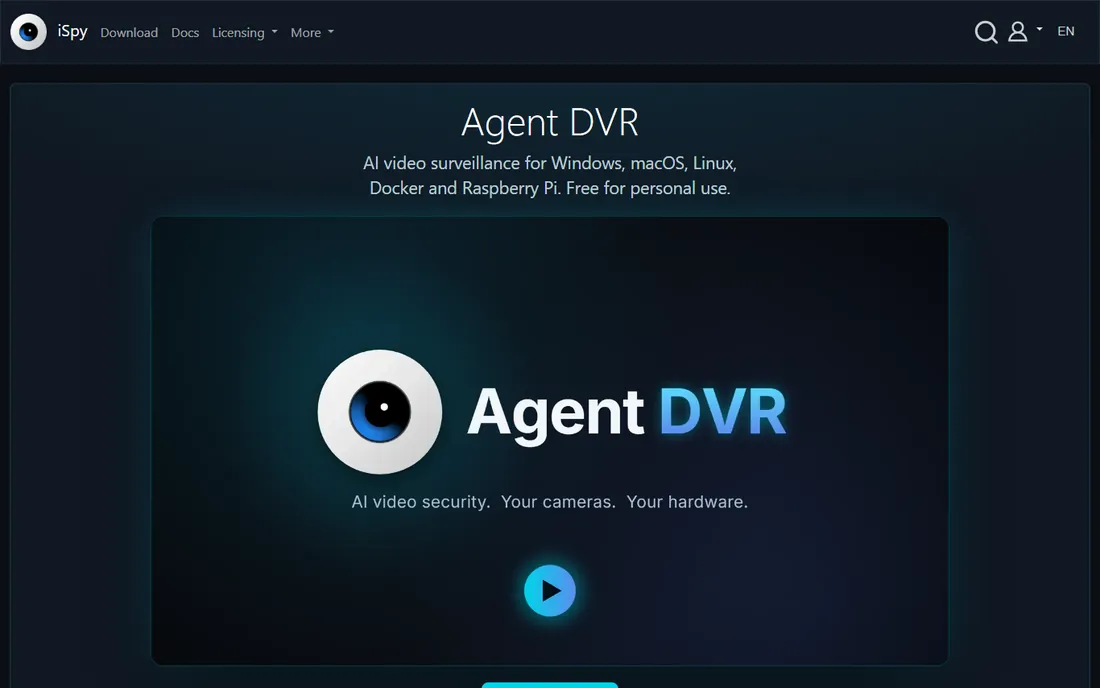
Agent DVR is the successor to the long-running iSpy project, and it carries over a massive community-built database of camera connection URLs. If you have an odd camera that nothing else auto-detects, this is the software most likely to talk to it. It runs on nearly everything, including Docker containers, which makes it popular with technical users.
The free tier covers personal local use, which makes it a genuine zero-cost option for a home office or a couple of cameras. Motion detection, recording, alerts and a web interface are all included. Paid licenses add HD streams, remote access and business use at modest cost.
The interface is functional rather than beautiful, and setup assumes you are comfortable with IP networking. Enterprise features like multi-server management are thin compared to the big names. But for tinkerers and small shops that want flexibility and near-zero software cost, it is hard to beat.
What we like- Free for personal local use
- Runs on Windows, Mac, Linux and Docker
- Huge camera database from the iSpy project
Watch out for- Paid license needed for HD, remote access and business use
- Interface is utilitarian
How we chose
We compared platforms based on camera compatibility breadth, deployment model (on-premise, cloud, or hybrid), scalability from a handful of cameras to thousands, analytics depth, and total cost structure including licensing and hardware lock-in. We reviewed vendor documentation, feature matrices and published user guidance for each product. We did not install or test the software hands-on, and enterprise pricing is quote-based, so we list it as See website rather than guessing.
What to check before you buy a VMS
Start with your cameras, not the software. If you already own cameras, confirm each model on the vendor's supported list. ONVIF compliance helps, but features like analytics and PTZ control often only work fully with natively supported models. A mismatch here is the most expensive mistake in surveillance buying.
Decide on architecture early. Cloud systems remove servers but tie you to one camera brand and an ongoing license. On-premise VMS gives you hardware freedom and predictable long-term cost, but you own the server, the storage and the patching. Hybrid options exist in the middle. Match the choice to your IT capacity, not just the brochure.
Count the total cost over five years. Camera licenses, server hardware, storage, maintenance contracts and cloud subscriptions all add up. A system that looks cheap per camera can get expensive at 60 cameras. Ask vendors for the full five-year number, including what happens when you add cameras in year three.
Cloud vs on-premise: which fits your business
Cloud-managed video surveillance trades control for convenience. You get remote access, automatic updates and AI features that improve without hardware changes. Multi-site companies benefit most, since one dashboard covers every location and there is no recorder closet to maintain. The price is dependence on the vendor's cameras and a subscription that never ends.
On-premise systems keep footage on your network and give you camera choice. You pay more upfront for servers and licenses, then own the system. Security-sensitive organizations often prefer this, along with anyone who wants to avoid recurring fees. The catch is that you need someone to maintain it.
Many businesses land in the middle with a hybrid setup: local recording for reliability and cloud access for convenience. Products from Milestone, exacqVision and Avigilon support versions of this. Pick based on who maintains your IT and how far your sites are spread.
Frequently asked questions
How many cameras can these systems handle?
It varies widely. Blue Iris supports up to 128 cameras on one PC, exacqVision servers handle up to 128 IP cameras each, and enterprise platforms like Milestone XProtect and Genetec Security Center scale to tens of thousands of cameras across federated servers. Match the platform to your realistic three-year camera count, not just today's number.
Do I need special cameras for video surveillance software?
Not necessarily, but compatibility matters. Most VMS platforms support ONVIF-compliant cameras, which covers most modern IP cameras. However, advanced features like edge analytics, smart search and camera-side motion detection usually require the vendor's own cameras or specifically supported models. Check the compatibility list before buying.
Is cloud video surveillance safe for business use?
Reputable cloud providers encrypt video in transit and at rest, and many hold certifications like SOC 2. The real considerations are bandwidth, since cameras stream constantly, and vendor lock-in, since cloud systems typically require the vendor's cameras. For regulated industries, verify where footage is stored and who can access it.
What does video surveillance software cost?
Small-business options range from free (Agent DVR for personal use) to a one-time license of well under a hundred dollars per system (Blue Iris). Mid-size VMS licenses typically run per camera channel, and enterprise platforms are quote-only. Always calculate the five-year total including cameras, storage, servers and maintenance.
Can I view cameras remotely on my phone?
Yes. Every platform on this list offers a mobile app or web client for remote viewing. Cloud systems like Verkada make remote access nearly automatic, while on-premise systems need the server reachable from outside, usually through a VPN or the vendor's relay service. Agent DVR requires a paid license for remote access.
What is the difference between a VMS and an NVR?
An NVR is a hardware box that records from cameras, while VMS is the software that manages recording, viewing and analytics. Some NVRs run VMS software, and VMS can also run on your own server. Think of VMS as the brains and the NVR as one possible body for it.
Sources we checked (8)
- https://www.milestonesys.com/
- https://www.genetec.com/
- https://www.avigilon.com/
- https://exacq.com/
- https://www.verkada.com/
- https://blueirissoftware.com/
- https://hanwhavisionamerica.com/
- https://www.ispyconnect.com/
Is your product missing or out of date?
We review this list regularly. Vendors can request a listing, send updated pricing or ask about featured placement.

Shihab Mia · Founder, Rankite
Shihab has spent more than a decade helping SaaS and e-commerce brands grow through search. He writes Rankite's software buying guides from pricing pages, documentation and public user reviews. More about Shihab.