How we make this list: we compare pricing pages, product documentation and public user reviews. Rankite is independent; if a vendor ever pays for a featured spot, that listing is clearly labeled Partner.
Key takeaways
- The cameras are the cheap part. The software decides whether your system is evidence or just footage.
- Milestone XProtect Essential+ (free, up to 8 cameras) is the best free start for small businesses.
- Blue Iris is the DIY favorite for Windows: one PC, up to 128 cameras, deep motion detection.
- ZoneMinder and Shinobi are the free open-source options for Linux-capable teams.
- ExacqVision, Luxriot and SecuritySpy suit businesses that need supported, per-camera licensed systems.
Quick comparison
| Tool | Best for | Starting price | Free plan |
|---|
 Blue Iris Blue Iris | DIYers and small businesses running cameras on a Windows PC | See website | Free trial |
 Milestone XProtect Milestone XProtect | Small businesses wanting enterprise-grade VMS free for up to 8 cameras | Free (Essential+, up to 8 cameras); paid tiers by quote | Yes |
 Agent DVR Agent DVR | Windows users wanting a modern free VMS with AI features | See website | Yes |
 ZoneMinder ZoneMinder | Linux-capable teams wanting free, open-source surveillance | Free | Yes |
 Shinobi Shinobi | Developers and tinkerers wanting a modern open-source NVR | Free (open source); Pro version paid | Yes |
 ExacqVision ExacqVision | Businesses wanting a supported, straightforward enterprise VMS | See website | Free trial |
 Luxriot Luxriot | SMBs wanting per-camera licensed VMS without enterprise complexity | See website | Free trial |
 SecuritySpy SecuritySpy | Mac-based homes and businesses running cameras on Apple hardware | See website | Free trial |
 Xeoma Xeoma | Users wanting a modular VMS with a free starter tier | See website | Yes (limited free version) |
Is your product missing or out of date?
We review this list regularly. Vendors can request a listing, send updated pricing or ask about featured placement.
The best IP video surveillance software
The cameras are the cheap part. Ask anyone who has built a 16-camera system: the hardware is a commodity, but the software decides whether you get searchable evidence with smart alerts or a pile of unwatchable footage. Video management software (VMS) records, detects motion, sends alerts and lets you find the three minutes that matter. These nine cover everything from free open-source to enterprise, and the right one depends on your camera count and your tolerance for tinkering.
Starting priceSee website
Free planFree trial
Blue Iris is the DIY legend: Windows software that turns a PC into a video recorder for up to 128 cameras, with motion detection, alerting (email, push, messaging), remote viewing and deep customization. It works with ONVIF cameras from every major brand, so you are not locked into one vendor's hardware. The one-time license (check blueirissoftware.com for current pricing) and active community make it the default for self-built systems.
The honest catch is the tinkering tax. The interface assumes you enjoy configuration, and a 16-camera system needs a genuinely capable PC. There is no Mac version and no vendor hand-holding. For the capable DIYer or the small business with IT skills, it is unmatched value.
What we like- Supports up to 128 cameras on one PC
- Deep motion and AI-based detection options
- One-time license model
- Huge DIY community
Watch out for- Windows only
- Interface is dense
- Pricing on the vendor's site
- Demands a capable PC for many cameras
#2
Milestone XProtect
Best for: Small businesses wanting enterprise-grade VMS free for up to 8 cameras
Visit milestonesys.com
Starting priceFree (Essential+, up to 8 cameras); paid tiers by quote
Free planYes

Milestone XProtect Essential+ is the best free deal in surveillance: a genuinely enterprise-grade VMS, free for up to 8 cameras, from the market leader. You get professional recording, motion detection, remote clients and an upgrade path to paid tiers (Express, Professional, Corporate) as you grow. For a small business with a handful of cameras, it is professional software at zero cost.
The honest catch is the enterprise DNA. The paid tiers are quote-priced and the system assumes Windows server infrastructure. Home users with two cameras will find it heavy. But for the small business that might grow, starting on the platform you will scale on is smart.
What we like- Essential+ is free for up to 8 cameras with no time limit
- The same platform scales to thousands of cameras
- Broad ONVIF and driver support
Watch out for- Paid tiers are quote-based enterprise pricing
- Windows server focus
- Overkill complexity for two-camera homes
Starting priceSee website
Free planYes
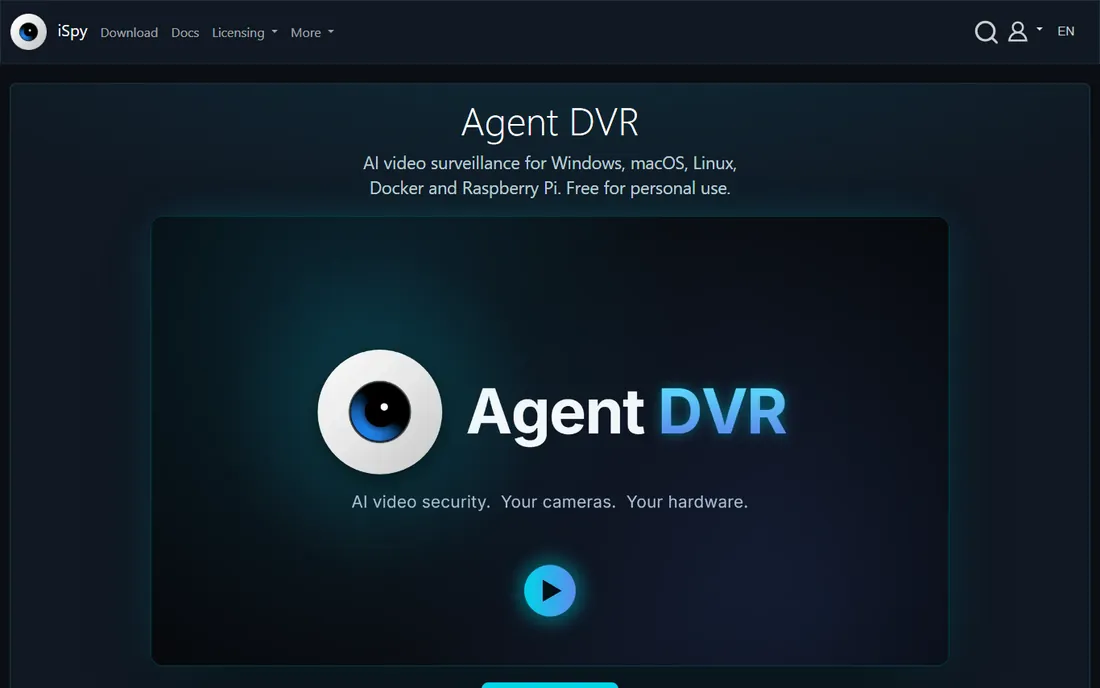
Agent DVR is the modern successor to the classic iSpy: a free-leaning VMS with a contemporary web interface, AI-based object detection, and support for a huge range of cameras. It runs on Windows (with other platform options) and covers recording, alerts and remote access. For users who find Blue Iris dated and ZoneMinder intimidating, Agent DVR is the middle path.
The honest catch is maturity. The community and tutorial base are smaller than the established alternatives, and premium features sit behind pricing on the vendor's site. But as a free modern starting point on Windows, it deserves a trial alongside Blue Iris.
What we like- Modern interface compared with classic VMS tools
- AI object detection
- Runs on Windows with broad camera support
- Free tier available
Watch out for- Pricing details on ispyconnect.com
- Newer codebase means smaller community than Blue Iris or ZoneMinder
#4
ZoneMinder
Best for: Linux-capable teams wanting free, open-source surveillance
Visit zoneminder.com
Starting priceFree
Free planYes
ZoneMinder is the open-source workhorse: a free Linux VMS that has recorded cameras for decades, with motion detection, alerting and a web interface. No licenses, no camera limits, no vendor. For organizations with Linux expertise (schools, nonprofits, tech companies), it turns commodity hardware into a serious surveillance system.
The honest catch is the skill requirement. You need Linux administration comfort, and the interface will not win converts. Support is community-based. But the price is zero forever, and for the capable team it is the most economical path to a large camera count.
What we like- Completely free and open source
- Proven over decades
- Runs on commodity Linux hardware
- No camera-count licensing games
Watch out for- Linux only
- Setup requires real sysadmin skill
- Interface shows its age
#5
Shinobi
Best for: Developers and tinkerers wanting a modern open-source NVR
Visit shinobi.video
Starting priceFree (open source); Pro version paid
Free planYes
Shinobi is the modern open-source alternative to ZoneMinder: a Node.js-based NVR with a cleaner interface, plugin architecture and lower resource demands. The open-source version is free; Shinobi Pro adds features and support for businesses. For developers who want to integrate cameras into larger systems, the modern codebase is inviting.
The honest catch is ecosystem size. Fewer tutorials, fewer forum answers, less battle-testing than ZoneMinder. It is also unapologetically technical. For the team that finds ZoneMinder archaic but wants open source, Shinobi is the contemporary choice.
What we like- Free and open source with a modern interface
- Lighter than ZoneMinder
- Pro version adds support and features
Watch out for- Community smaller than ZoneMinder's
- Documentation assumes technical users
- Enterprise features need Pro
#6
ExacqVision
Best for: Businesses wanting a supported, straightforward enterprise VMS
Visit exacq.com
Starting priceSee website
Free planFree trial
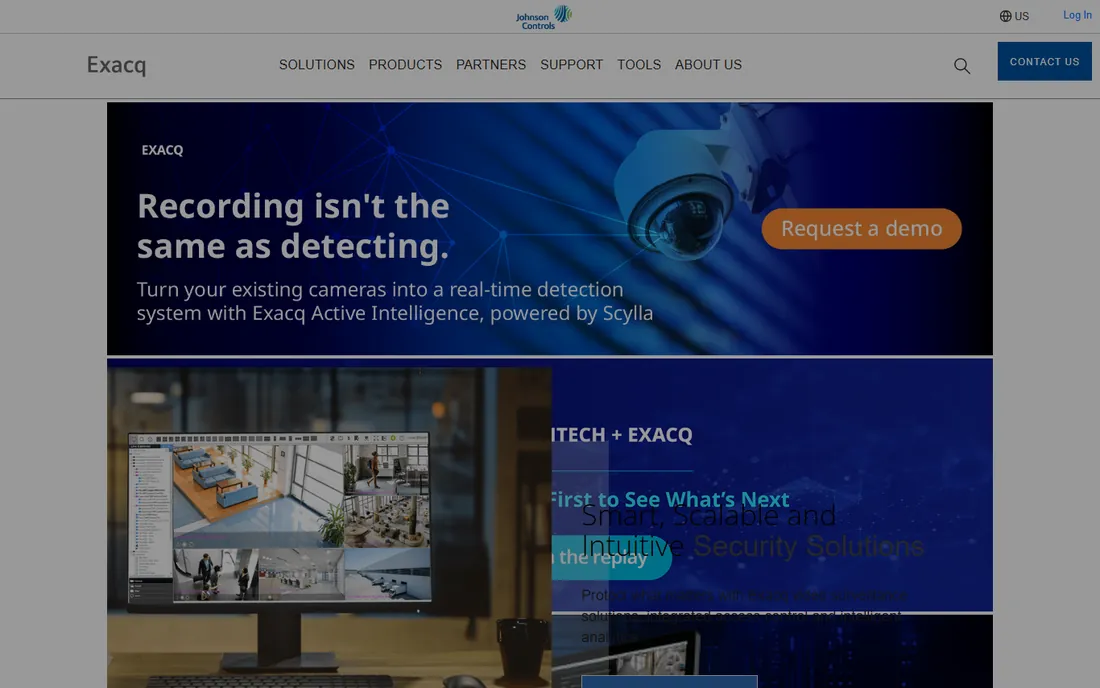
ExacqVision (a Johnson Controls company) is the business buyer's VMS: straightforward licensing, intuitive desktop and mobile clients, and a large integrator network that will design and install the system for you. It also offers hybrid NVR appliances for those who prefer hardware. For the business that wants surveillance as a purchased solution rather than a project, ExacqVision is built for that.
The honest catch is cost and channel. Pricing is quote-based through partners, and per-camera licensing means large systems get expensive. DIYers should look elsewhere. But for the SMB that wants a professional install with support, it is a mainstream, safe choice.
What we like- Purpose-built for business surveillance with intuitive clients
- Strong integrator channel for professional install
- Hybrid NVR appliances available
Watch out for- Quote-based pricing through partners
- Per-camera licensing adds up
- Less DIY-friendly
#7
Luxriot
Best for: SMBs wanting per-camera licensed VMS without enterprise complexity
Visit luxriot.com
Starting priceSee website
Free planFree trial
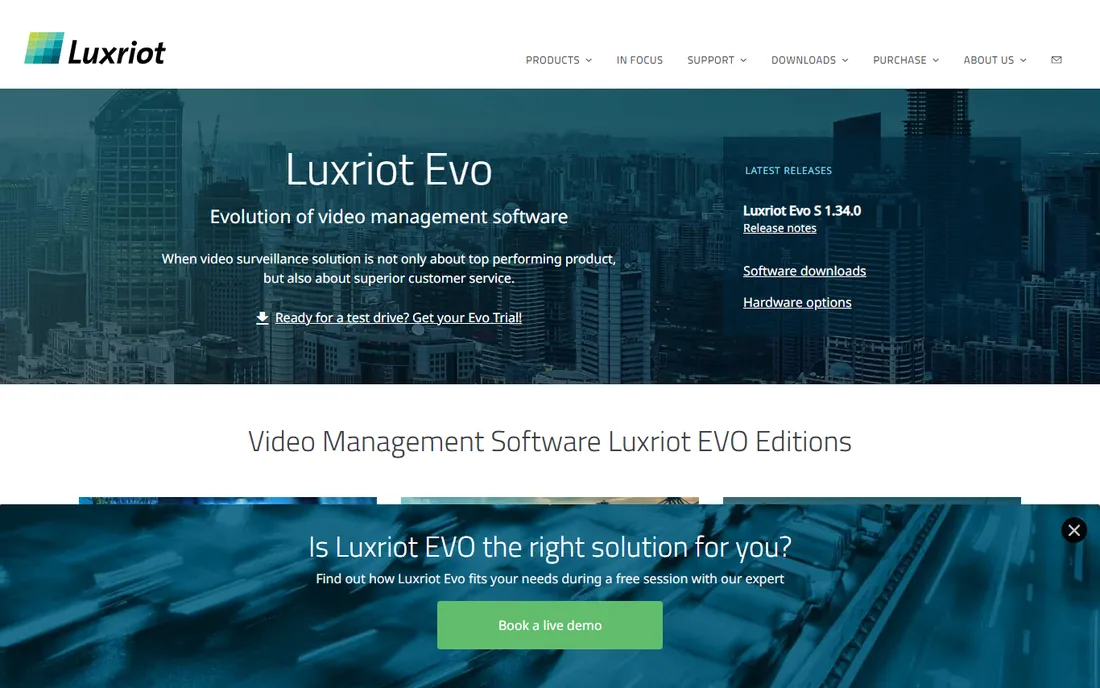
Luxriot sits between DIY and enterprise: a commercial VMS with per-camera licensing, video analytics options and a feature set aimed squarely at small and mid-sized businesses. It is less intimidating than Milestone's enterprise tiers and more supported than the open-source options. A free trial lets you test it against your cameras.
The honest catch is brand gravity. Fewer integrators know it, fewer forums discuss it, and pricing requires contacting the vendor. For the SMB that wants commercial software without enterprise sales cycles, though, Luxriot's positioning is exactly right.
What we like- Clear per-camera licensing model
- Good analytics options
- Lighter than the enterprise giants
Watch out for- Pricing on the vendor's site
- Smaller brand than Milestone or ExacqVision
- Fewer integrators
#8
SecuritySpy
Best for: Mac-based homes and businesses running cameras on Apple hardware
Visit bensoftware.com
Starting priceSee website
Free planFree trial
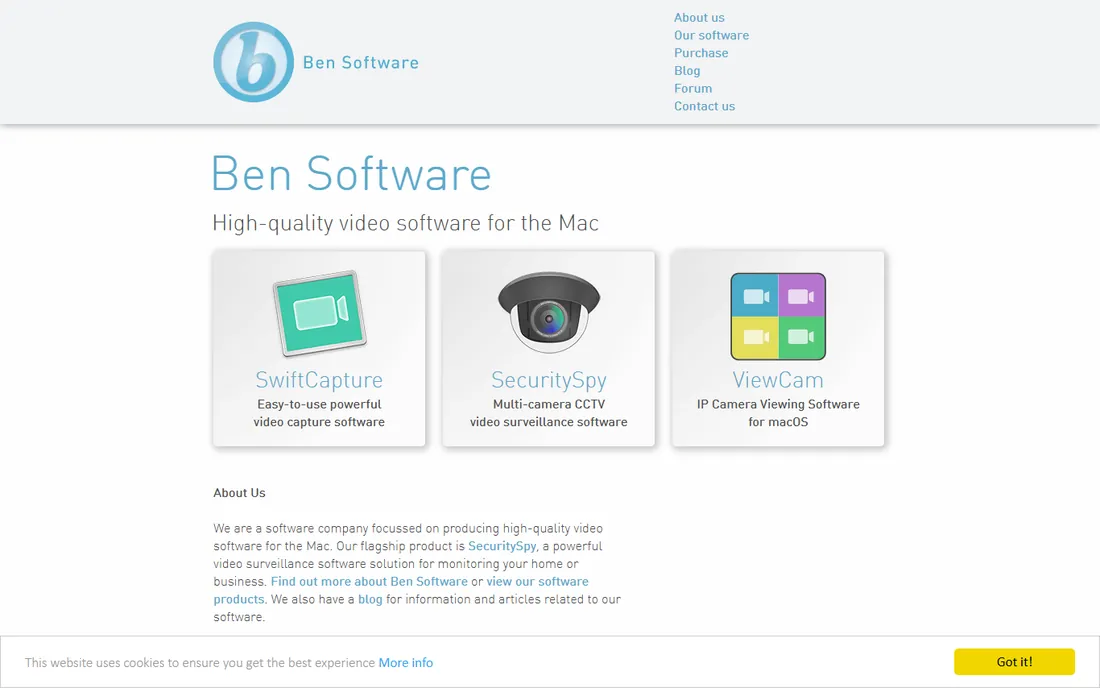
SecuritySpy is the answer to "I want Blue Iris but I use Macs": a mature, reliable VMS native to macOS with per-camera licensing, motion detection, alerts and remote viewing. It has served Mac-based homes and businesses for years, and its documentation is excellent. For the Apple-centric site, it avoids the Windows PC entirely.
The honest catch is the Apple tax in both senses: Mac hardware costs more per camera served, and per-camera licensing adds up. Pricing is on the vendor's site with a trial available. Windows shops get more choice; Mac shops get SecuritySpy, and it is good.
What we like- The serious VMS for macOS
- Per-camera licensing
- Mature, reliable, well-documented
Watch out for- Mac only
- Pricing on bensoftware.com
- Per-camera costs scale with system size
Starting priceSee website
Free planYes (limited free version)
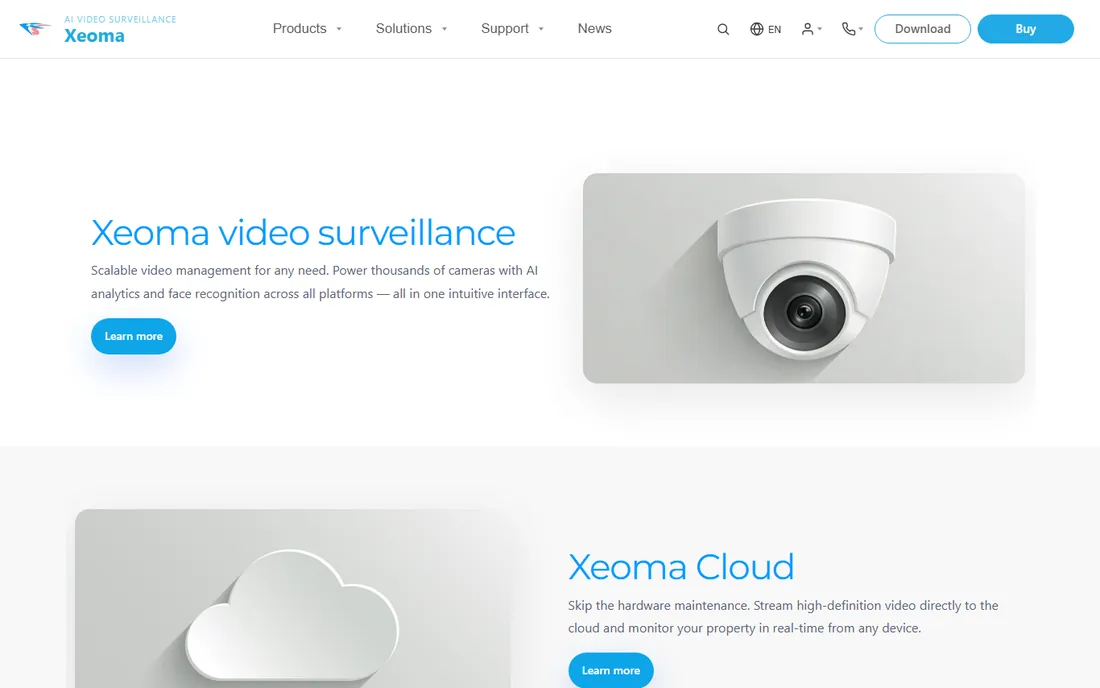
Xeoma takes a unique approach: you build your surveillance logic from modules chained together (camera, motion detector, recorder, notifier), which makes custom behaviors easy without scripting. It runs on everything including Raspberry Pi, and the free version covers small setups. For creative applications (retail analytics, custom alerts), the modular design shines.
The honest catch is the learning curve of the chain metaphor and the module-based pricing on felenasoft.com. The community is smaller than the mainstream options. But for the tinkerer who wants surveillance that behaves exactly as designed, Xeoma is the most flexible tool here.
What we like- Modular "chain" design lets you build custom logic
- Free version for small setups
- Runs on Windows, Mac, Linux and even Raspberry Pi
Watch out for- Module pricing on the vendor's site
- Unusual interface paradigm
- Smaller community
Free vs paid: the camera-count math
Under 8 cameras, Milestone XProtect Essential+ (free) and the open-source options cost nothing and outperform many paid tools. The paid tools earn their price in support, simplicity and scale: Blue Iris's one-time license for the DIYer, per-camera licenses (Luxriot, SecuritySpy, Xeoma) for growing businesses, enterprise quotes (ExacqVision, Milestone paid tiers) for large deployments.
Count your cameras, then count your IT skills. High skills plus low camera count means free software wins. Low skills or high camera counts mean paying for support and simplicity. The most expensive surveillance system is the free one nobody can operate when it matters.
What to check before you buy
Start with camera compatibility. Verify your cameras (or planned cameras) are ONVIF-compatible and listed as supported; proprietary cameras lock you into their vendor's software. The VMS decision should follow the camera decision, not precede it.
Then check the hardware math. PC-based VMS needs CPU for video decoding (or GPU acceleration), storage for retention (terabytes add up fast), and ideally a dedicated machine. Price the PC, the PoE switch and the storage alongside the software license.
Finally, check retention and remote access needs. How many days of footage must you keep? Who needs to view remotely, and on what devices? These answers size your storage and determine whether the mobile clients matter. Trial the remote apps before committing; you will use them more than the desktop console.
How we chose
We started with buyer reality: best IP camera software, Blue Iris vs Milestone, free VMS software. For each candidate we checked the vendor's own site for pricing and free-tier terms, then cross-checked capabilities against surveillance communities (IP Cam Talk and similar) and documentation. Where the vendor does not publish pricing, we wrote "See website." Camera-vendor-locked software was excluded.
Frequently asked questions
What is the best free IP camera software?
Milestone XProtect Essential+ (free up to 8 cameras) for the best free professional VMS; ZoneMinder or Shinobi for free open-source on Linux; Agent DVR for free on Windows. All handle real multi-camera systems.
Is Blue Iris worth it?
For Windows DIYers, yes: up to 128 cameras, deep detection options and a one-time license, backed by a huge community. Check blueirissoftware.com for current pricing and use the free trial first. It requires a capable PC and configuration patience.
How many cameras can free software handle?
XProtect Essential+ handles 8 free; ZoneMinder, Shinobi and Agent DVR have no software camera limits (hardware is the limit); Blue Iris supports up to 128 on a paid license. Your PC's CPU and storage usually cap you before the software does.
Do I need a dedicated PC for surveillance software?
Recommended. A dedicated machine (or NVR appliance) ensures recording never competes with other workloads. For 4-plus cameras, budget a real PC with adequate storage; for 16-plus, plan CPU/GPU decoding carefully.
What is ONVIF and why does it matter?
ONVIF is the open standard letting cameras and software from different vendors work together. ONVIF-compatible cameras free you from vendor lock-in and work with Blue Iris, Milestone, ZoneMinder and the rest. Always verify ONVIF support before buying cameras.
Can I view my cameras remotely?
Yes, all nine tools offer remote viewing via mobile apps or web clients. Secure it properly: strong passwords, VPN or the vendor's secure relay, and never expose camera ports directly to the internet.
Sources we checked (1)
- https://www.use-ip.co.uk/datasheets/6118/milestone_xprotect_essential.pdf
Is your product missing or out of date?
We review this list regularly. Vendors can request a listing, send updated pricing or ask about featured placement.

Shihab Mia · Founder, Rankite
Shihab has spent more than a decade helping SaaS and e-commerce brands grow through search. He writes Rankite's software buying guides from pricing pages, documentation and public user reviews. More about Shihab.