How we make this list: we compare pricing pages, product documentation and public user reviews. Ratings come from G2, Capterra or Trustpilot, with the date we checked them.
Key takeaways
- Guided setup comes in three forms: step-by-step builders, prebuilt automation templates, and human onboarding help. Most tools lean on one, so decide which one you need before you compare prices.
- Constant Contact is the clearest pick for owners who want a person to talk to. Its top tier includes a personal coach, and every plan starts with a 60-day trial.
- Brevo, MailerLite, Mailchimp, GetResponse and Omnisend all have a free entry point, which lets you test the setup flow before paying anything.
- ActiveCampaign and HubSpot guide you well once you are inside, but both get expensive as contact counts and feature tiers grow.
- Pricing for email platforms changes often and depends on contact count, so check the vendor pricing page for your list size before you commit.
Quick comparison
| Tool | Best for | Starting price | Free plan |
|---|
 Mailchimp Mailchimp | First-time marketers who want a guided builder | See website | Yes |
 Constant Contact Constant Contact | Owners who want phone support and coaching | See website | Free trial (60 days) |
 HubSpot Marketing Hub HubSpot Marketing Hub | Teams already using a CRM | See website | Yes |
 Brevo Brevo | Budget-minded teams mixing email and SMS | See website | Yes |
 MailerLite MailerLite | Small teams that want a simple setup | See website | Yes |
 GetResponse GetResponse | Funnel-style campaigns with webinars | See website | Yes |
 Omnisend Omnisend | Online stores that need ready-made flows | See website | Yes |
 ActiveCampaign ActiveCampaign | Growing teams that outgrow simple email | See website | Free trial |
Is your product missing or out of date?
We review this list regularly. Vendors can request a listing, send updated pricing or ask about featured placement.
The best software with guided campaign setup features
#1Mailchimp
Best for: First-time marketers who want a guided builder4.4/5 on
G2 (5,436 reviews, checked Oct 2026)
Visit mailchimp.com
Starting priceSee website
Free planYes
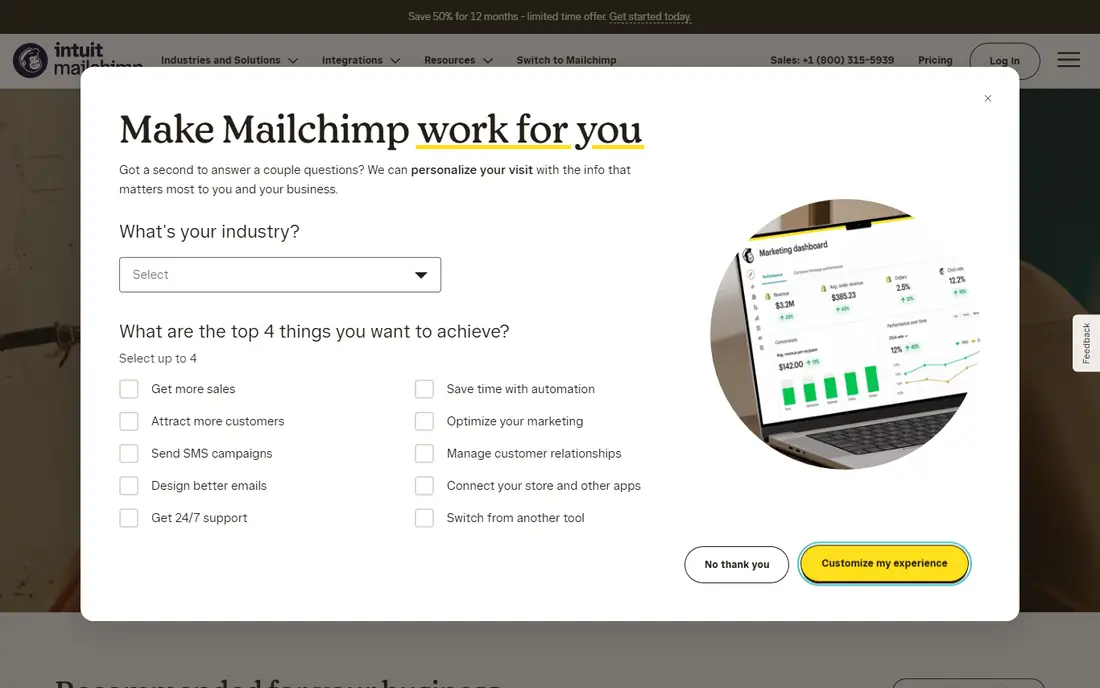
Mailchimp is the name most small business owners already know, and its setup flow reflects that. You pick a campaign type, build the audience, choose a template and move through the steps in order. Prebuilt journeys for welcome series, abandoned carts and birthdays save you from drawing an automation on a blank canvas.
The strength is breadth. There are years of help articles, courses and third-party guides, so almost any question about setting up a campaign has an answer somewhere. Integrations with ecommerce, form and CRM tools are plentiful.
The catch is cost. Mailchimp has a free tier and several paid plans, and public reviews regularly point out that bills rise with list size and that some automation features only appear on Standard or Premium. Price your actual contact count on the pricing page before you settle in.
What we like- Large template library
- Familiar interface with lots of tutorials
- Free tier to test the workflow
Watch out for- Costs climb quickly as contacts grow
- Advanced features sit on higher tiers
#2Constant Contact
Best for: Owners who want phone support and coaching4.1/5 on
G2 (7,393 reviews, checked Oct 2026)
Visit constantcontact.com
Starting priceSee website
Free planFree trial (60 days)
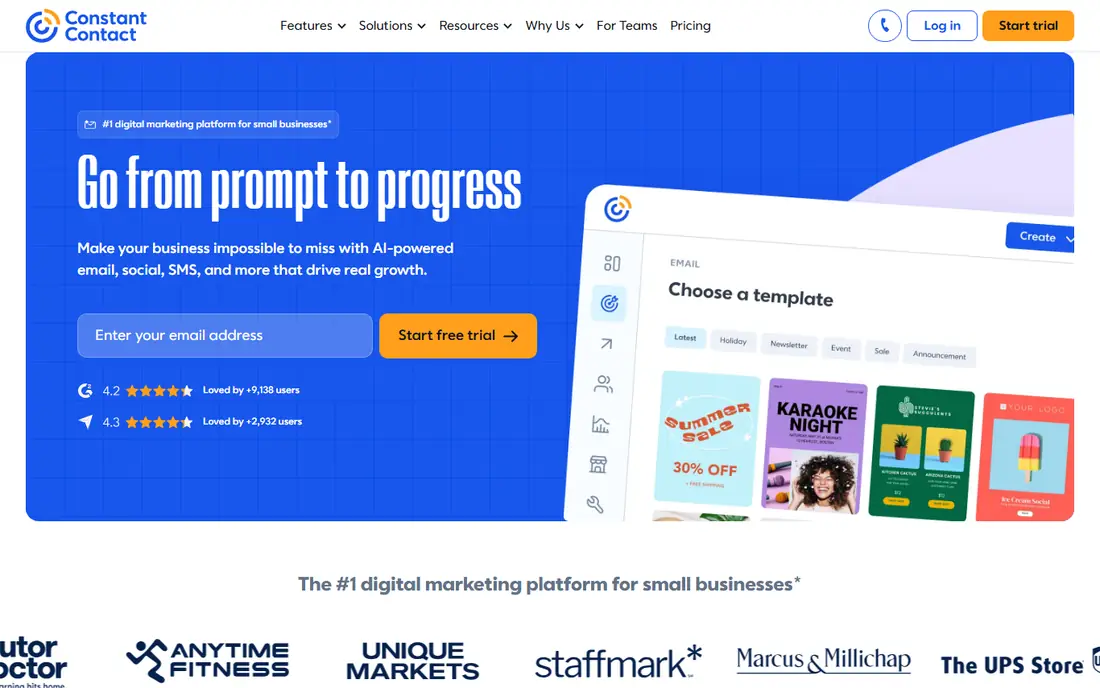
Constant Contact is built for people who would rather talk to someone than read documentation. Its pricing page advertises a 60-day free trial of the toolkit, a phone line for support, and a top plan that adds a personal coach who learns your business. For a shop owner launching a first promotion, that is a real form of guided setup.
The plans are tiered. The lowest covers basic email campaigns, contact management and social sharing. The middle plan adds landing pages and detailed tracking, and the highest adds the coach. Prepaying for six months saves 10 percent and a year saves 15 percent, with larger discounts for nonprofits.
The trade-off is depth. Constant Contact is simpler than ActiveCampaign or HubSpot when it comes to branching automation, so teams with complex lifecycle journeys may hit the ceiling. Contact-based pricing also applies, so confirm the figure for your list size.
What we like- Human support by phone
- Top tier includes a personal coach
- Money-back guarantee
Watch out for- Fewer advanced automation options
- Landing pages and detailed tracking need a higher tier
#3HubSpot Marketing Hub
Best for: Teams already using a CRM4.4/5 on
G2 (15,978 reviews, checked Oct 2026)
Visit hubspot.com
Starting priceSee website
Free planYes
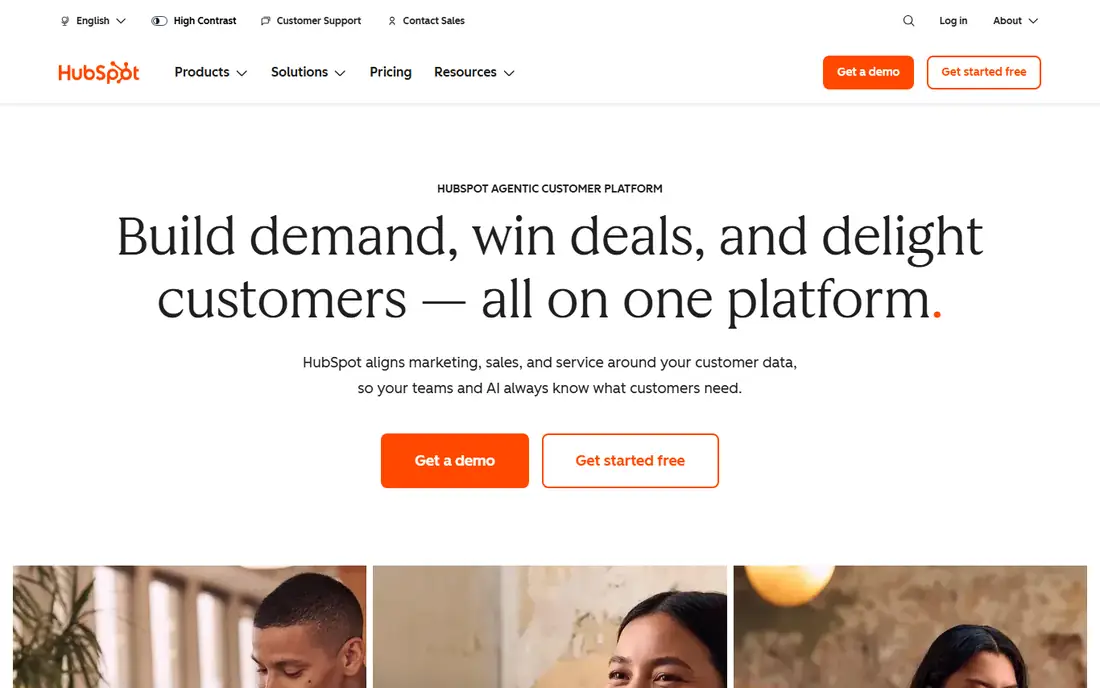
HubSpot suits companies that want campaigns, contacts and sales follow-up in one place. Free tools let you build forms, send basic email and track results, and the campaign tool groups assets so you can see how a promotion performed. The paid hubs add automation, landing pages and reporting.
Guidance is a strong point. HubSpot Academy publishes free courses, and the in-app prompts walk new users through the common tasks. If you already store customers in HubSpot CRM, there is no sync step to set up.
The honest weakness is price escalation. Starter is affordable, but moving up to Professional is a big jump, and public reviews often mention required onboarding services at that level. Per-contact charges also apply to marketing contacts, so a large list changes the math.
What we like- Free marketing tools to start
- Campaign reporting tied to CRM data
- Large knowledge base and training content
Watch out for- Costs rise sharply on Professional and above
- Onboarding fees on higher tiers
#4Brevo
Best for: Budget-minded teams mixing email and SMS4.5/5 on
G2 (2,747 reviews, checked Oct 2026)
Visit brevo.com
Starting priceSee website
Free planYes
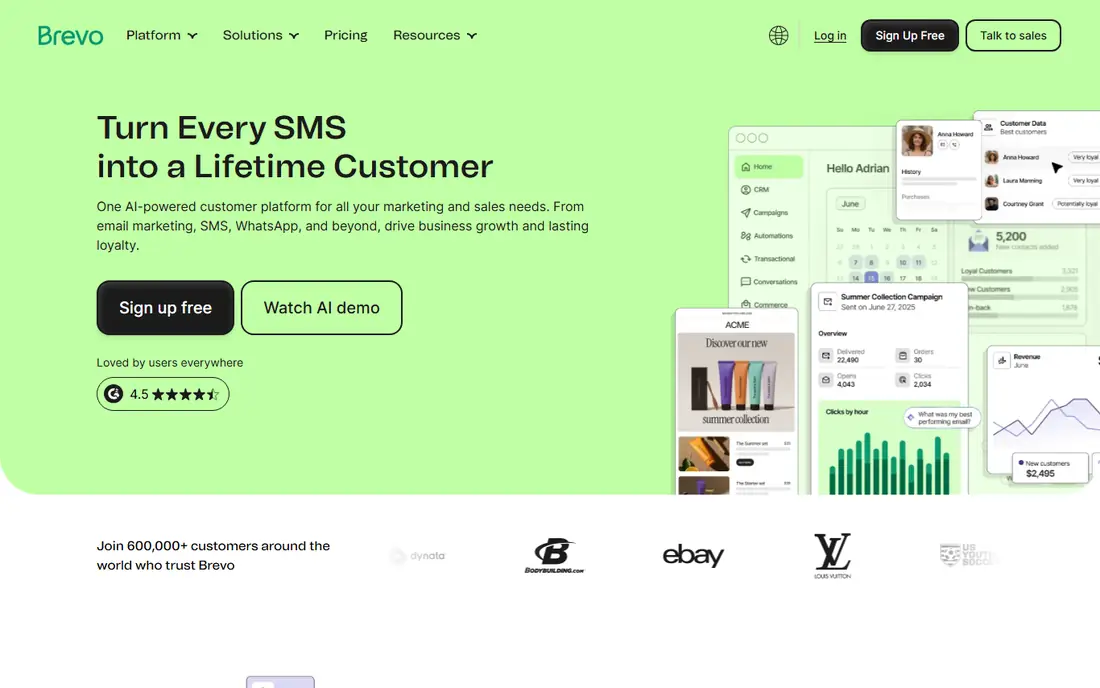
Brevo, formerly Sendinblue, appeals to teams that want several channels without paying for several tools. Its pricing is based mainly on how many emails you send, which can be kinder than contact-based billing if you have a large list but mail it rarely. Starter and Standard plans exist for small teams, with Professional and Enterprise above.
Setup is workable for beginners. Templates and a drag-and-drop editor handle the design, and automation workflows can be started from premade scenarios. It is less hand-holding than a coach, but the flow is clear.
The catch is limits. The free plan caps daily sends, and some features, such as higher-end automation and reporting, sit on the paid tiers. Reviews also suggest that live support is better on the more expensive plans.
What we like- Free plan with daily send limit
- Pricing built around email volume, not only contact count
- Email, SMS and WhatsApp in one tool
Watch out for- Free plan carries daily sending limits
- Support quality varies by tier
#5MailerLite
Best for: Small teams that want a simple setup4.6/5 on
G2 (1,114 reviews, checked Oct 2026)
Visit mailerlite.com
Starting priceSee website
Free planYes
MailerLite is the pick for a one-person marketing department. The interface is uncluttered, the automation builder is visual, and templates cover common sequences like welcome emails and re-engagement. Most people can send a first campaign in an afternoon.
The free plan has been advertised at 500 subscribers, which is enough to test the setup flow with a real list. Paid plans add things like unlimited templates, more automations and more landing pages, and nonprofit discounts have been reported.
The honest weakness is ceiling height. Teams that need deep CRM integration, lead scoring or complex multi-branch logic will find MailerLite thin. Plan pricing has been revised in the past, so check the current figures before budgeting.
What we like- Clean editor that is quick to learn
- Free plan for small lists
- Automation templates and landing pages included
Watch out for- Fewer enterprise features
- Free plan has subscriber and feature limits
#6GetResponse
Best for: Funnel-style campaigns with webinars4.3/5 on
G2 (1,143 reviews, checked Oct 2026)
Visit getresponse.com
Starting priceSee website
Free planYes
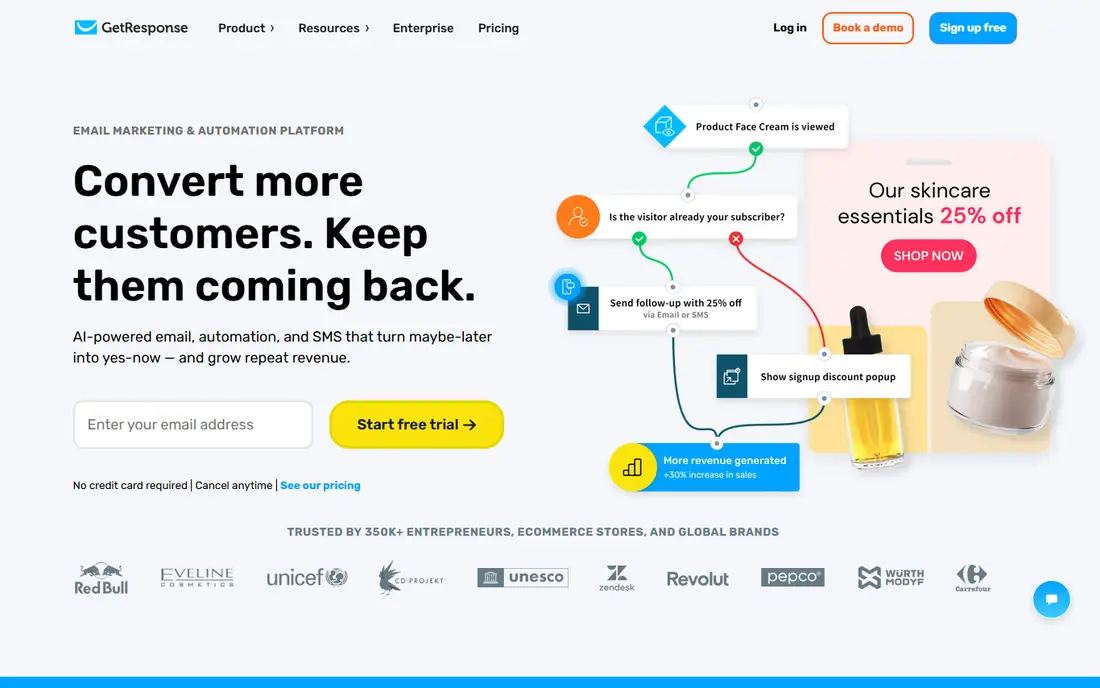
GetResponse suits marketers who think in funnels rather than single emails. Its tools cover email, landing pages, forms and webinars, and the funnel templates string those pieces together so you are not wiring each one by hand. That is guided setup for a whole campaign, not just a message.
A free plan has been listed for up to 500 contacts, which is enough to try the workflow. Plans are priced by contact count, with higher tiers adding automation and webinar capacity.
The catch is that the menu is wider than most small teams need. New users sometimes report the interface takes time to learn, and webinar limits depend on the plan. Look at which funnel features your tier actually includes.
What we like- Funnel builder for end-to-end campaigns
- Webinars and landing pages in one account
- Free plan for small lists
Watch out for- Interface can feel busy
- Larger feature set means a longer learning curve
#7Omnisend
Best for: Online stores that need ready-made flows4.6/5 on
G2 (1,249 reviews, checked Oct 2026)
Visit omnisend.com
Starting priceSee website
Free planYes
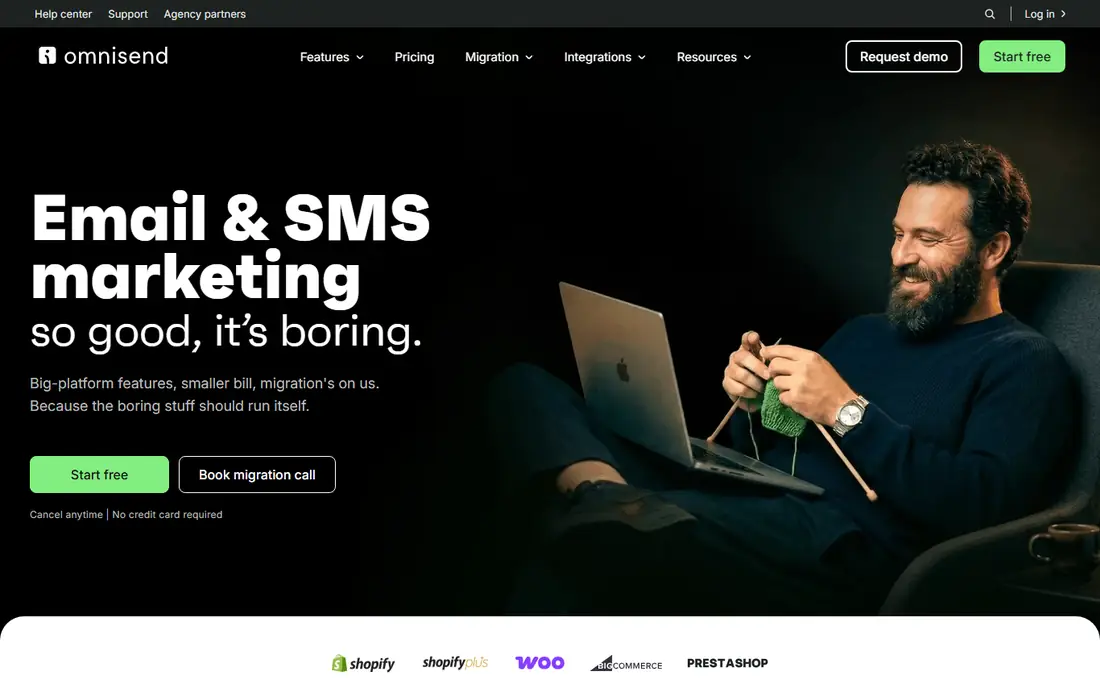
Omnisend is written for ecommerce. Welcome series, cart abandonment, browse abandonment and order follow-up flows come ready to switch on, and they connect to store platforms such as Shopify. If you sell products online, you can have the core revenue flows running without designing anything.
It also combines email and SMS in one place, so a campaign can mix both channels in a single flow. Pricing starts with a free plan, with paid tiers above it.
The limit is focus. Service businesses, B2B companies and publishers get less from the store-oriented templates. SMS credits are billed separately from the subscription, so budget for that if text messaging is part of your plan.
What we like- Prebuilt ecommerce automations
- Email and SMS in one platform
- Free plan to start
Watch out for- Built mainly for online stores
- SMS costs are separate
#8ActiveCampaign
Best for: Growing teams that outgrow simple email4.4/5 on
G2 (14,789 reviews, checked Oct 2026)
Visit activecampaign.com
Starting priceSee website
Free planFree trial
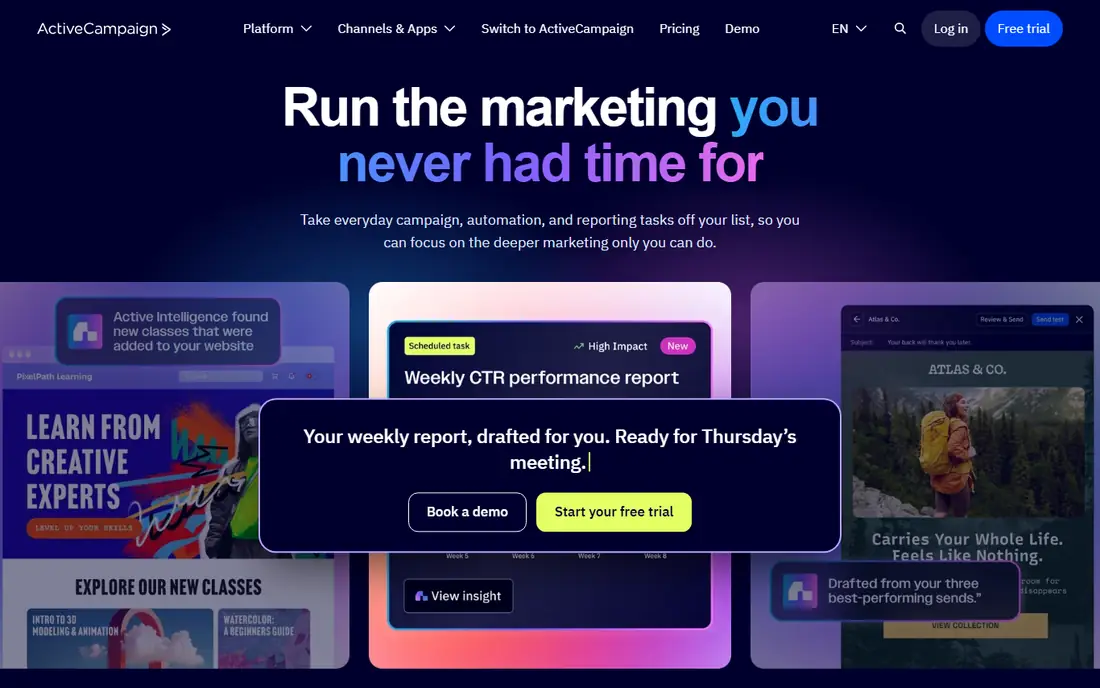
ActiveCampaign is for teams that have mastered the basics and now want branching logic, lead scoring and CRM-driven follow-up. A library of automation templates gives a starting point, so you adapt a proven sequence instead of building from zero. Few tools in this price range let you automate that precisely.
It offers a free trial but no permanent free plan, and public reviews describe the trial as short and limited in send volume. Plans are tiered by contact count and features, so the entry price rises as your list grows.
The weakness is complexity. A beginner who just wants to email a coupon will find ActiveCampaign heavier than needed. It rewards effort, so allow time to learn it and consider the Plus tier or above if you need CRM features.
What we like- Deep automation builder
- Prebuilt automation templates
- CRM and email in one platform
Watch out for- No free plan
- Learning curve is steeper than basic tools
How we chose
We built this list from public information: vendor pricing pages and product documentation where they were available, feature and integration lists, and public reviews on sites such as G2, Capterra and Reddit. We did not run hands-on tests of these products. We looked at what each tool offers to help a new user get a campaign live: templates, step-by-step builders, prebuilt automations, training content and human support.
We also weighed company-size fit, contract terms, pricing model (per contact, per email, or per seat), integrations and the limits of free plans. Where a current price could not be confirmed from the vendor, we wrote See website rather than quote a number that might be stale. The result mixes household names with smaller platforms that are strong in one area.
How to pick the right level of guidance
Guided setup is not one feature. Decide which kind helps you most, then match it to a tool.
Step-by-step builders
These walk you through audience, content, schedule and send in a fixed order. Mailchimp and MailerLite are good examples. They reduce mistakes for people sending their first few campaigns, but they offer less freedom once you want unusual logic.
Templates and prebuilt automations
Omnisend, ActiveCampaign, Brevo and GetResponse give you a working sequence to adapt. This is faster than a blank canvas and usually a better teacher than a tutorial, because you can see how a finished flow is built. Check that the templates fit your business, not just the marketing category.
Human onboarding
Constant Contact offers phone support and a coach on its top tier, and HubSpot sells onboarding on higher plans. If your team has little marketing experience or little time, a person who can answer questions is worth more than another template.
Questions to ask before you buy
- How many contacts will you have in 12 months, and what does that tier cost?
- Which features do you need that sit above the entry plan?
- Does the contract bill monthly or annually, and what is the cancellation process?
- Can you export your contacts and campaign data if you leave?
- Does it connect to your store, CRM or form tool?
Run a real campaign during the trial or on the free plan. Import a sample list, build one automation and send a test. How the tool behaves in those first two hours tells you more than a feature chart.
Frequently asked questions
What does guided campaign setup mean?
It means the software helps you build a campaign step by step instead of leaving you with a blank screen. That can be a wizard, a set of templates, prebuilt automation flows, in-app prompts or a human coach. The best tools combine at least two of these.
Which tool is easiest for a beginner?
MailerLite and Mailchimp have uncluttered builders and plenty of tutorials, and Constant Contact adds phone support and a 60-day trial. The right choice depends on whether you prefer to learn by yourself or ask someone. Try the free plan or trial of two tools before deciding.
Are free plans enough to run a real campaign?
Often yes for small lists. Free tiers typically cap contacts, daily or monthly sends and some automation features. They work well for testing the setup process, but check the limits against your list before relying on them.
Do I need a CRM as well as a campaign tool?
Not always. HubSpot and ActiveCampaign combine the two, which helps if you want sales follow-up tied to campaigns. If you only send newsletters and promotions, an email-focused tool is simpler and cheaper.
Can I switch tools later?
Yes, though it takes effort. Most platforms let you export contacts as a CSV file, but automations and templates usually need to be rebuilt by hand. Confirm export options before you sign up and avoid long prepaid terms until you are sure.
Sources we checked (10)
- https://www.constantcontact.com/pricing
- https://www.sendx.io/blog/mailerlite-pricing
- https://www.sendx.io/blog/brevo-pricing-plans-costs-alternatives-2026
- https://www.sendx.io/blog/getresponse-pricing
- https://www.sendx.io/blog/activecampaign-pricing
- https://www.sendx.io/blog/omnisend-pricing-plans-costs-alternatives-2026
- https://www.emailvendorselection.com/mailchimp-pricing/
- https://www.emailvendorselection.com/hubspot-pricing/
- https://www.capterra.com/p/153948/GetResponse/
- https://www.emailtooltester.com/en/reviews/activecampaign/pricing/
Is your product missing or out of date?
We review this list regularly. Vendors can request a listing, send updated pricing or ask about featured placement.

Shihab Mia · Founder, Rankite
Shihab has 5+ years in B2B and SaaS SEO. He writes Rankite's software buying guides from pricing pages, documentation and public user reviews. More about Shihab.