How we make this list: we compare pricing pages, product documentation and public user reviews. Ratings come from G2, Capterra or Trustpilot, with the date we checked them.
Key takeaways
- No single app covers a whole paper. Most writers end up with a reference manager, a place to draft, and one checking or discovery tool.
- Zotero costs nothing for the software and 300 MB of file storage, with paid storage from $20 per year, which makes it the cheapest serious citation tool here.
- Overleaf is the practical choice for equation-heavy or journal-template work, and its free plan limits you to one collaborator per project.
- Paperpile lists at $4.15 per month (Regular) or $5.75 per month (Expert), billed annually, and is built around Google Docs and Google Drive.
- AI tools such as Elicit and Scite speed up finding and checking sources, but you still have to read the papers and verify every claim.
Quick comparison
| Tool | Best for | Starting price | Free plan |
|---|
 Zotero Zotero | Free, flexible reference management | Free app; file storage from $20 per year for 2 GB | Yes |
 Overleaf Overleaf | LaTeX writing and co-authoring | $16.75 per month (Standard, billed annually) | Yes |
 Paperpile Paperpile | Reference management for Google Docs users | $4.15 per month (Regular, billed annually) | Free trial (30 days) |
 Scrivener Scrivener | Organizing long drafts like theses | See website | Free trial (30 days) |
 Scite Scite | Checking how papers have been cited | $12 per month (Basic, billed annually) | See website |
 Grammarly Grammarly | Grammar, clarity and tone checks | See website | Yes |
 EndNote EndNote | Large libraries and institutional use | See website | Yes |
 Elicit Elicit | AI-assisted literature search | See website | Yes |
Is your product missing or out of date?
We review this list regularly. Vendors can request a listing, send updated pricing or ask about featured placement.
The best software to help write research papers
#1Zotero
Best for: Free, flexible reference management4.4/5 on
G2 (99 reviews, checked Oct 2026)
Visit zotero.org
Starting priceFree app; file storage from $20 per year for 2 GB
Free planYes
Zotero is where most researchers should start. It collects references from the browser, stores PDFs, and inserts citations into Word, LibreOffice and Google Docs. Because it is run by a nonprofit and funded by storage subscriptions, there is no seat licence to negotiate and no vendor to lose.
The cost only appears when your PDFs outgrow the free allowance. The vendor's storage page lists 300 MB free, 2 GB for $20 per year, 6 GB for $60 per year and unlimited storage for $120 per year. Only attached files count toward the quota, so a library of links and metadata costs very little. Group libraries draw from the group owner's storage, which matters if a lab lead is the one paying.
The catch is polish. Zotero is less hand-holding than commercial rivals, and the first hour of getting the word processor plugin and sync working can feel fiddly. Anyone who wants a cleaner Google Docs experience may prefer Paperpile.
What we like- Software itself is free
- Nonprofit-run with no per-seat fee
- Shared group libraries
Watch out for- Free storage is only 300 MB
- Plugin setup takes some patience
Starting price$16.75 per month (Standard, billed annually)
Free planYes
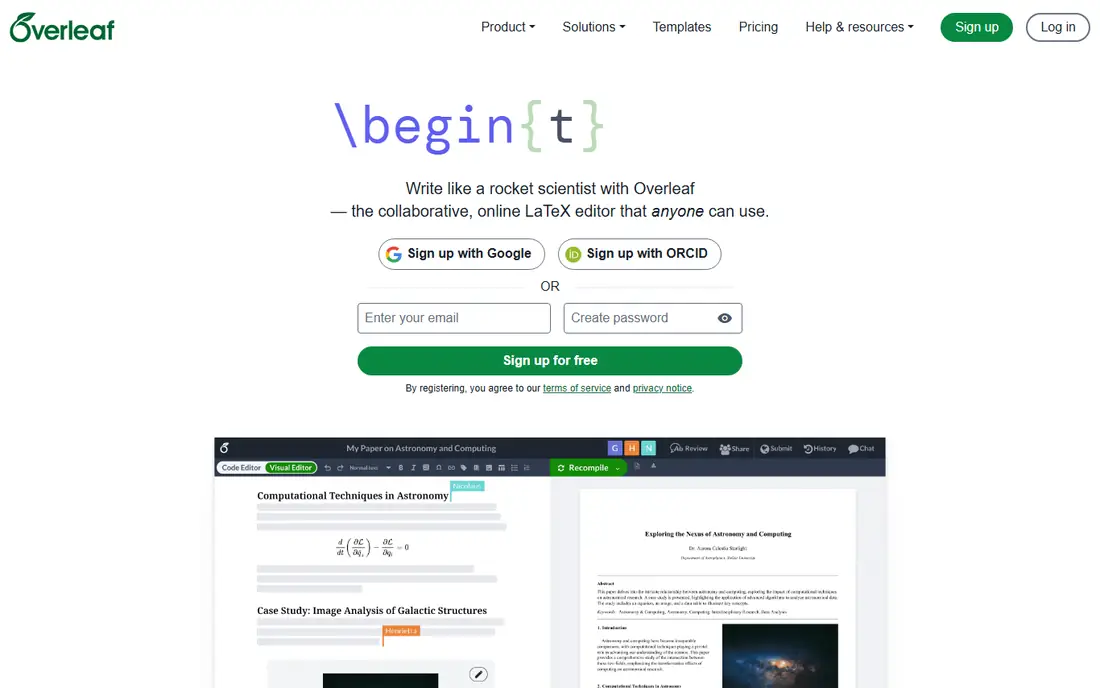
If your paper is full of equations, algorithms or tables that fight Word, Overleaf is the sensible answer. It is a browser-based LaTeX editor with templates for many journals and conferences, so you can start from the publisher's required format instead of fixing margins at midnight. Co-authors can edit the same project at once, which beats emailing files named final_v7.
The pricing page shows a Free plan, a Student plan at $8.25 per month ($98 per year), and a Standard plan at $16.75 per month billed annually ($199 per year) or $25 per month billed monthly. Standard allows 10 collaborators per project, while Free allows one. Institutions and groups can also get academic discounts, and the Student plan is for people currently enrolled at a degree-granting institution.
The honest drawback is the format itself. If nobody on your team knows LaTeX, forcing it on a social science paper adds friction without much reward. It also does not manage your library, so most Overleaf users pair it with Zotero or Paperpile through BibTeX.
What we like- No installation, runs in the browser
- Real-time collaboration
- Many journal templates
Watch out for- Free plan allows only one collaborator per project
- LaTeX has a learning curve
Starting price$4.15 per month (Regular, billed annually)
Free planFree trial (30 days)
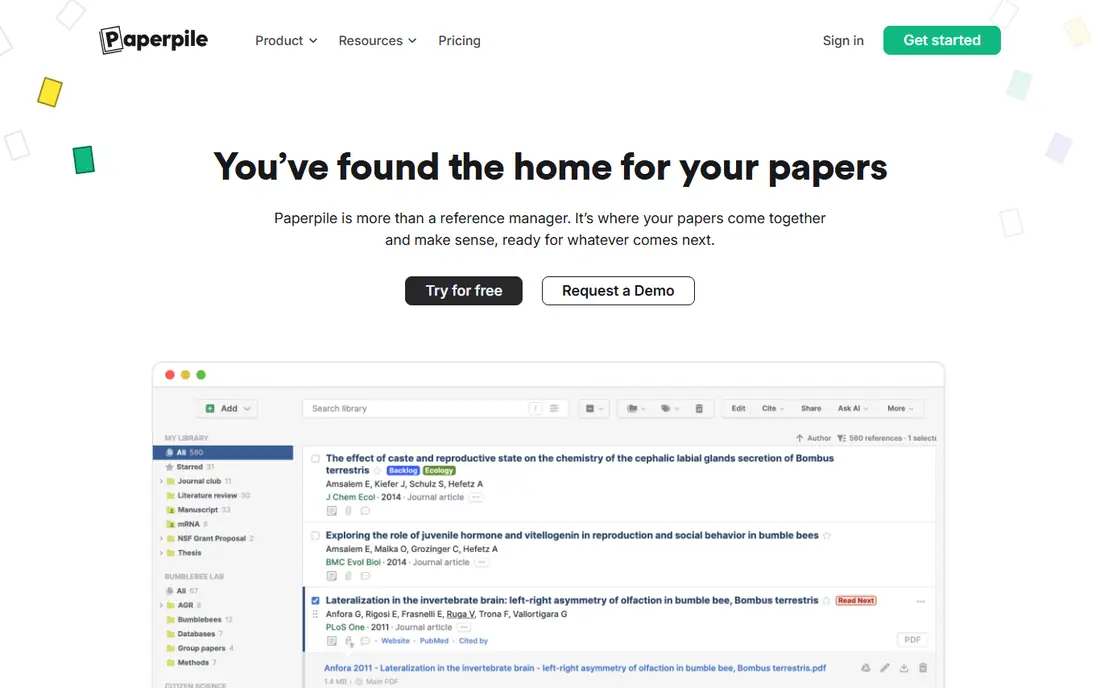
Paperpile suits writers who live in Google Docs and Chrome. It connects to your Google account, saves PDFs to your Drive, and handles citations and bibliographies inside the document. Setup is quick, and most people are importing papers within minutes.
The pricing page offers a 30-day free trial. After that, the Regular plan is listed at $4.15 per month and the Expert plan at $5.75 per month, both billed annually. Regular covers collecting, organizing, storing and citing. Expert adds full-text search across PDFs, notes and annotations, shared folders and libraries, and custom citation styles. A 50% academic discount and group discounts are listed.
Because it is subscription-only, it will cost more over a multi-year project than Zotero. Teams that rely on Microsoft Word will find the Google-first design less natural, although a Word plugin exists.
What we like- Tight Google Docs and Drive integration
- Clean interface
- Academic and group discounts
Watch out for- No permanent free plan
- Full-text search and annotations need the pricier Expert plan
Starting priceSee website
Free planFree trial (30 days)
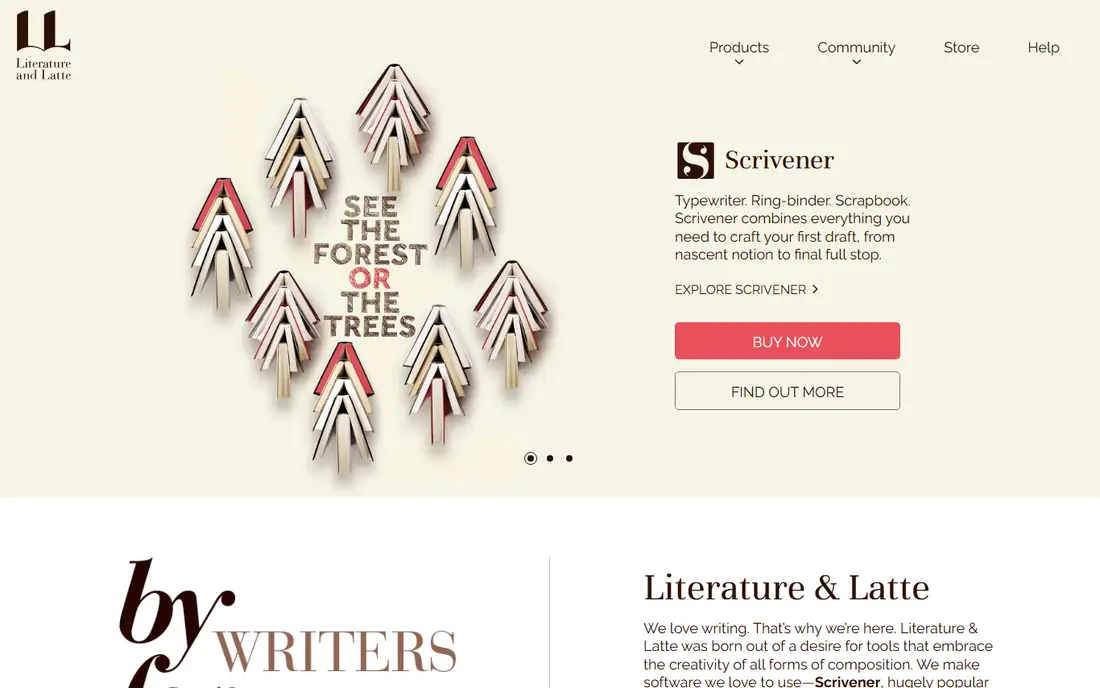
Scrivener is a drafting tool, not a reference manager. It fits dissertations, book-length reports and any project where you rearrange sections many times. You keep chapters, notes, PDFs and web clippings in one project and view them side by side, instead of scrolling through a 200-page file.
The vendor sells licences for macOS, Windows and iOS, including educational licences for students and academics who can show institutional affiliation, and a 30-day free trial is offered. I could not verify current prices from the store page, so check it before buying. Literature and Latte describes a licence model rather than a monthly subscription.
The weak spot is academic collaboration. Co-authors who just want to comment in a shared document will not enjoy it, and most people compile out to Word for final formatting. Citations usually come through a separate manager, which adds steps.
What we like- Splits long documents into movable sections
- Research and notes live beside the draft
- One-time licence model
Watch out for- Not built for citation management
- Steeper learning curve than a normal word processor
#5Scite
Best for: Checking how papers have been cited4.7/5 on
G2 (27 reviews, checked Oct 2026)
Visit scite.ai
Starting price$12 per month (Basic, billed annually)
Free planSee website
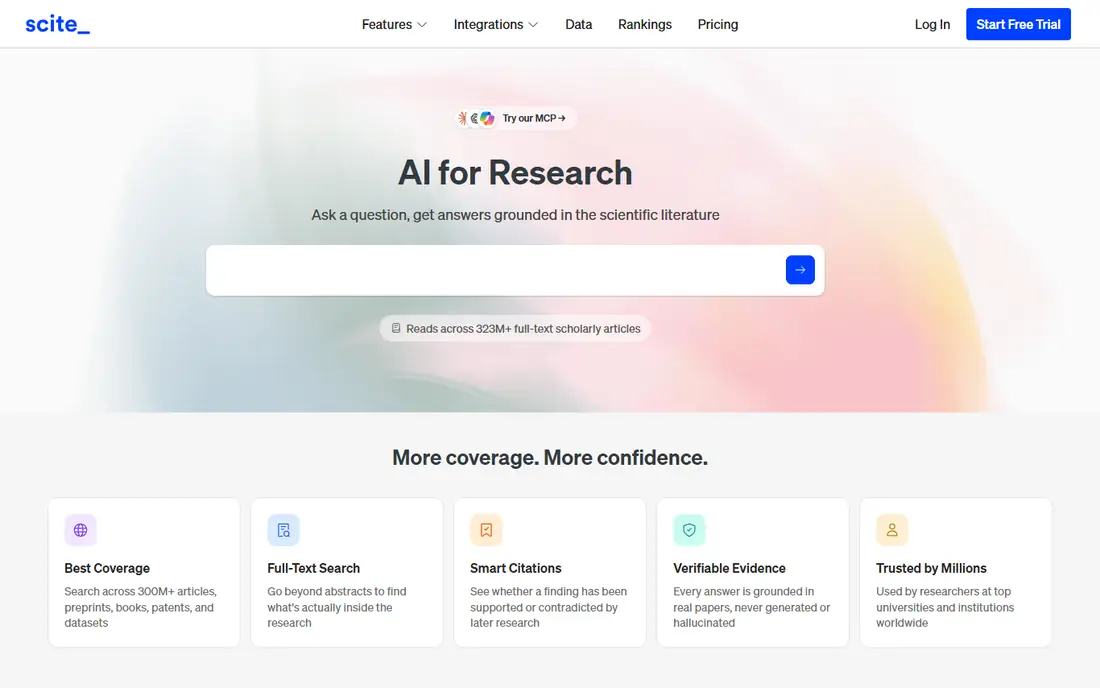
Scite answers a narrow question well: when other papers cite this one, do they agree or push back? That helps when you are about to rest an argument on a single study. It is a research check, not a place to write.
The vendor's documentation describes individual, team and organization plans, with annual equivalents of $12 per month for Basic and $40 per month for Pro or Team. Organization and Enterprise plans use custom pricing. Prices there exclude taxes and promotions, and the docs point to the pricing page for checkout figures. Commercial use of the API needs a separate licence, so companies building products on the data should read those terms.
The trade-off is cost against frequency. A doctoral student doing a systematic review may use it daily, while someone writing one report a year probably will not need it. I could not confirm a free tier, so see the vendor's site.
What we like- Shows whether later papers support or dispute a finding
- Useful for literature reviews
- API available on Pro
Watch out for- Paid for regular use
- Adds a step beyond your main writing tool
#6Grammarly
Best for: Grammar, clarity and tone checks4.7/5 on
G2 (14,073 reviews, checked Oct 2026)
Visit grammarly.com
Starting priceSee website
Free planYes
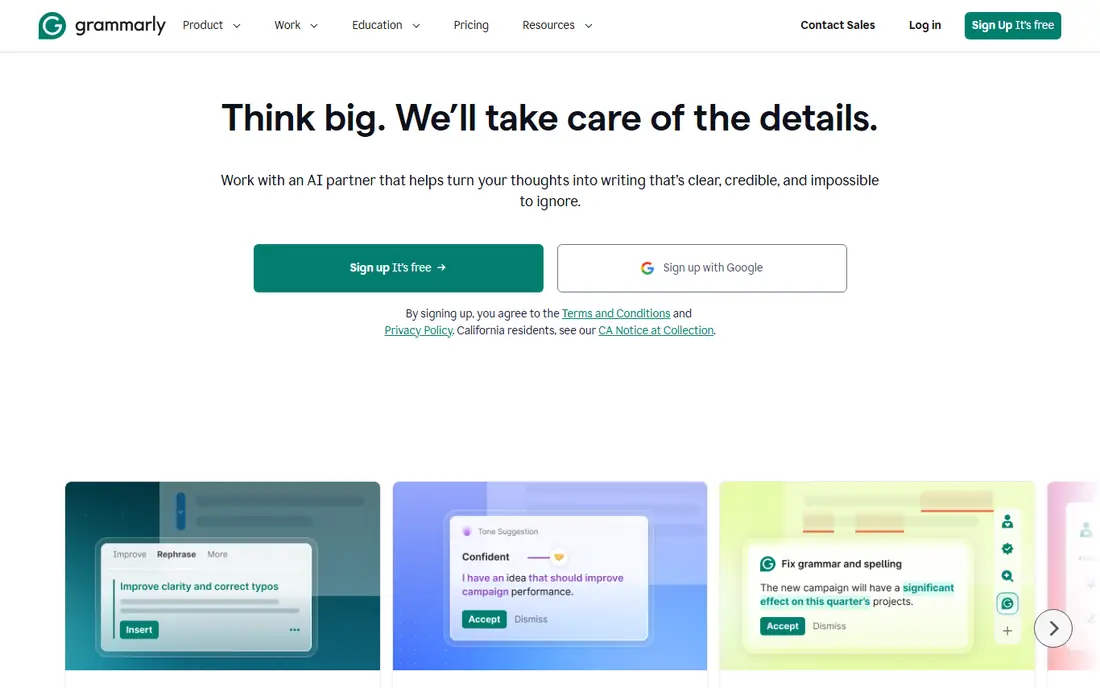
Grammarly is the proofreader you run once the argument is on the page. It flags spelling, grammar, punctuation and wordy sentences as you type, and it works across web editors and desktop apps. For writers who are not native English speakers, this is often the quickest way to catch the small errors reviewers notice.
Pricing changes by billing period and promotion, so confirm it on the vendor's plans page before you commit. A free tier exists and handles basic corrections. Paid tiers add deeper style and clarity suggestions.
Treat its suggestions with caution in technical writing. It can rewrite a precise term into a vague one or object to a discipline-standard passive construction. Accept changes one by one, and never paste unpublished data into any cloud tool without checking your institution's or journal's rules.
What we like- Works in browsers, Word and many other apps
- Catches typos and awkward phrasing
- Free tier available
Watch out for- Does not understand your field's conventions
- Paid plan pricing varies by billing term
#7EndNote
Best for: Large libraries and institutional use4.1/5 on
G2 (183 reviews, checked Oct 2026)
Visit endnote.com
Starting priceSee website
Free planYes
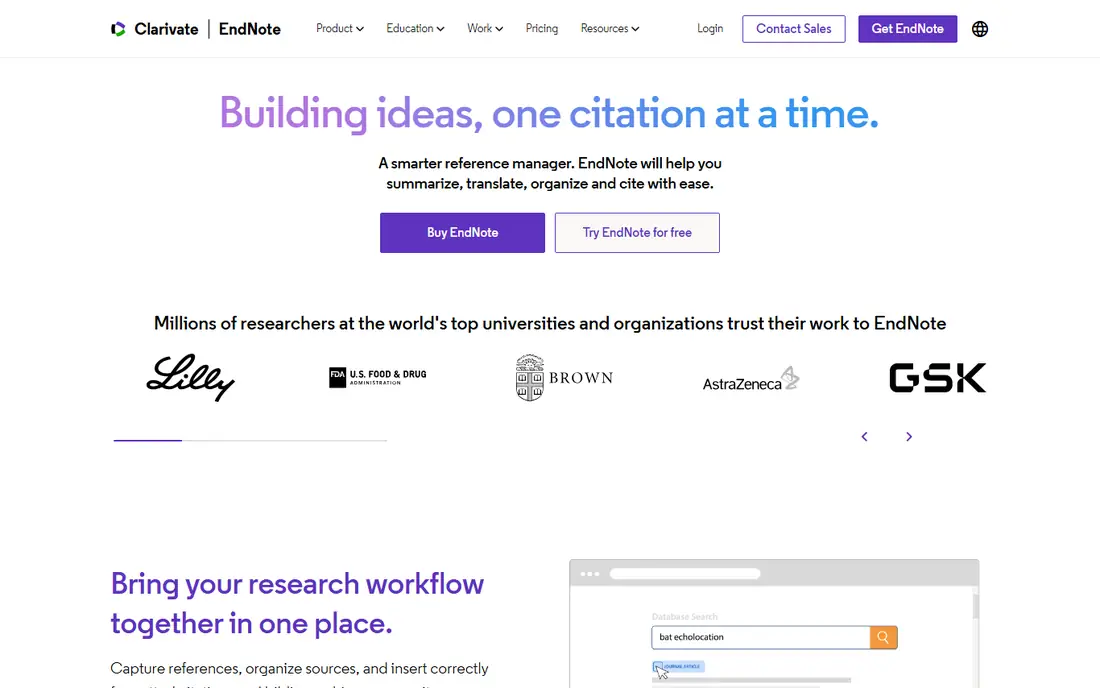
EndNote is the long-standing option, often provided through a university licence. Researchers with thousands of references, or labs that already have shared styles and workflows, tend to stay with it. Its Word integration is mature, and many journals publish EndNote output styles.
A free web-based version (EndNote Basic) exists with fewer features, while the full desktop product is paid and sold in several ways, including institutional licences. Check the vendor's buy page for the current offer, since prices differ for individuals and students. Ask your library first, because many already cover it.
For a new solo researcher paying out of pocket, it is harder to justify against Zotero. Switching away later is possible through standard export formats, but plan the migration before your deadline, not during it.
What we like- Handles very large libraries
- Widely supported by universities
- Strong Word integration
Watch out for- Costs more than Zotero or Paperpile
- Desktop edition licensing can be confusing
Starting priceSee website
Free planYes
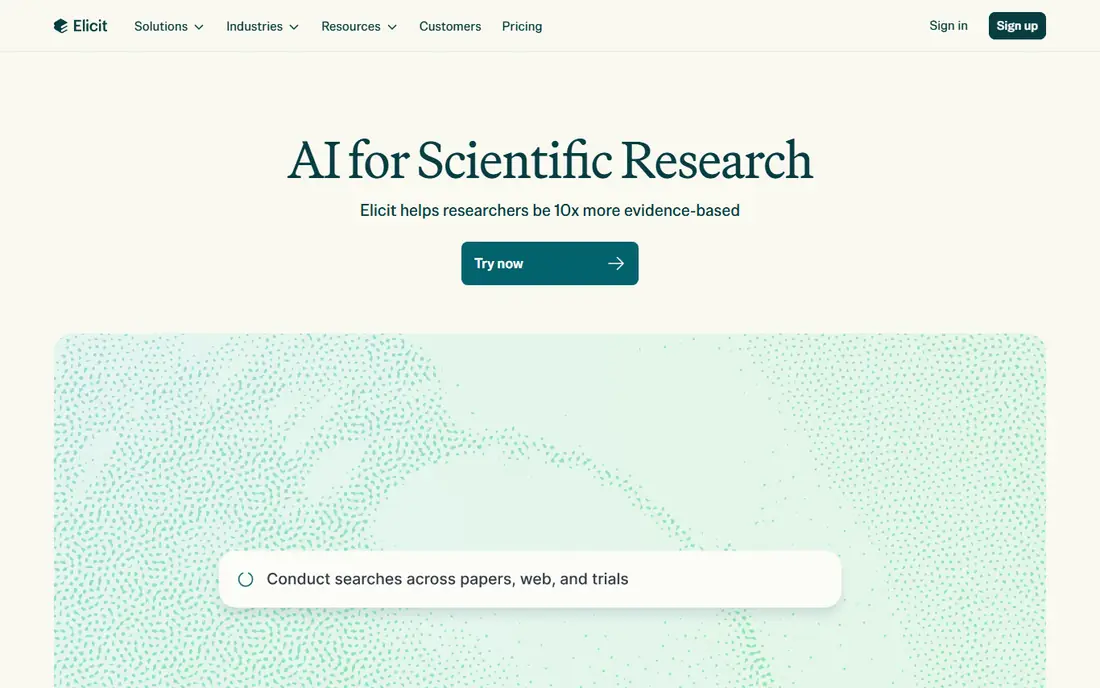
Elicit is aimed at the early stage, when you have a question but no reading list. You describe the topic, it returns relevant papers, and it can pull details such as methods or sample size into a comparison table. That makes it useful for scoping a review or checking whether a gap really exists.
A free tier is available, with paid plans above it. I could not verify current plan prices or limits, so look at the vendor's pricing page. Expect caps on the volume of data extraction at lower levels.
Any AI summary can be wrong, and a mis-extracted figure that lands in your paper is your problem, not the tool's. Use Elicit to find and sort papers, then read the ones that matter yourself. Citing a paper you only know through a summary is how errors spread.
What we like- Finds papers from a plain-language question
- Extracts key details into a table
- Free tier to try it
Watch out for- Output needs checking against the source paper
- Usage limits on lower plans
How we chose
We did not run hands-on tests. We compared vendor pricing pages and documentation, then checked feature claims against public reviews on G2, Capterra and Reddit. We weighed integrations (Word, Google Docs, LaTeX), export options, support, and how each tool fits solo writers versus small research teams.
Where a vendor page did not give a clear current price, we wrote See website rather than guess. The list mixes long-established products (EndNote, Zotero) with newer AI tools (Elicit, Scite), and every tool covers a different stage of the writing process.
How to build a research writing stack
Start with the job, not the brand. A paper has four stages: finding sources, managing them, drafting, and polishing. Pick one tool per stage and stop there.
Pick a reference manager first
This is the one choice that is expensive to reverse, since your library lives inside it. Zotero, Paperpile and EndNote all export in standard formats, but tags, notes and folder structure do not always survive the move. Choose before you have 300 saved PDFs.
Check your word processor. Word users have the widest choice. Google Docs users should look closely at Paperpile or Zotero. LaTeX users need clean BibTeX export, which all three offer.
Match the drafting tool to the document
Short papers with few equations are fine in Word or Google Docs. Theses and books benefit from Scrivener. Math-heavy, template-driven journal submissions are where Overleaf pays off. Co-authors matter too: if two others must edit, decide on one shared environment early.
Add AI tools carefully
Literature search tools save hours, but they can miss papers or misstate findings. Run the same query in Google Scholar or your library database to see what the AI missed. Check journal and institutional policies on AI assistance, because some require disclosure.
Watch the cost of storage and seats
Per-seat pricing adds up in a lab. Zotero charges for storage rather than users, Overleaf charges by plan and collaborator limits, and Paperpile charges per subscriber with group discounts. Ask whether your university already pays for EndNote, Overleaf or Grammarly before you buy anything yourself.
Frequently asked questions
What is the best software to help write a research paper?
There is no single winner, because writing a paper involves several jobs. Zotero is a strong default for managing references, Overleaf for LaTeX documents, and Grammarly for a final language pass. Combine one tool for each stage.
Is there free software for writing research papers?
Yes. Zotero is free to use with 300 MB of file storage, Overleaf has a free plan limited to one collaborator per project, and Grammarly and Elicit both have free tiers. Paid plans mostly add storage, collaborators and deeper features.
Do I need LaTeX to write a research paper?
No. Many fields use Word or Google Docs without any trouble. LaTeX helps most in math, computer science, physics and engineering, where equations and journal templates are common.
Can AI tools write my research paper for me?
They can help you find and summarize sources, but they should not replace your own reading or analysis. AI tools can misstate findings or invent references, so verify every claim and citation. Many journals and universities also have disclosure rules for AI use.
Which reference manager is best for Google Docs?
Paperpile is built around Google Docs and Google Drive, with a 30-day trial and plans from $4.15 per month billed annually. Zotero also has a Google Docs plugin and costs less if your files fit in the free storage.
Sources we checked (5)
- https://www.zotero.org/storage
- https://www.overleaf.com/user/subscription/plans
- https://paperpile.com/pricing/
- https://www.literatureandlatte.com/store/scrivener
- https://docs.scite.ai/pricing-and-plans
Is your product missing or out of date?
We review this list regularly. Vendors can request a listing, send updated pricing or ask about featured placement.

Shihab Mia · Founder, Rankite
Shihab has 5+ years in B2B and SaaS SEO. He writes Rankite's software buying guides from pricing pages, documentation and public user reviews. More about Shihab.