How we make this list: we compare pricing pages, product documentation and public user reviews. Ratings come from G2, Capterra or Trustpilot, with the date we checked them.
Key takeaways
- Figma is the default choice for most teams because it runs in the browser and handles design, prototyping and developer handoff in one file. Its seat-based pricing gets confusing as a team grows, so check which seat type each person needs.
- Sketch is still a good fit for Mac-based teams. Its Standard plan is $12 per editor per month billed yearly, and it also sells a $120 Mac-only license that includes one year of updates.
- Balsamiq and Axure suit different jobs. Balsamiq is for fast, low-fidelity wireframes with free reviewers, and Axure is for logic-heavy prototypes that need conditions and variables.
- Penpot is the open-source option for teams that want to self-host or avoid vendor lock-in, and it has a free tier.
- Prices vary a lot by billing term. UXPin Core drops from $49 to $29 per seat per month on annual billing, so ask what you will pay after the first year before you commit.
Quick comparison
| Tool | Best for | Starting price | Free plan |
|---|
 Figma Figma | All-round team design, prototyping and handoff | See website | Yes |
 Sketch Sketch | Design teams working on Macs | $12 per editor/month (billed annually) | Free trial (30 days) |
 UXPin UXPin | Code-backed prototypes tied to a design system | $29 per seat/month (billed annually; $49 monthly) | Yes (limited, after a 14-day trial) |
 Axure RP Axure RP | Complex prototypes with conditions, variables and documentation | See website | Free trial (30 days) |
 Balsamiq Balsamiq | Fast low-fidelity wireframes that keep feedback on structure | $16 per editor/month (billed annually) | Free trial (14 days) |
 ProtoPie ProtoPie | High-fidelity prototypes with sensors, voice and hardware | $25 per month (Basic, single seat) | Yes |
 Penpot Penpot | Open-source design you can self-host | See website | Yes |
 Framer Framer | Designing and publishing marketing websites | See website | Yes |
Is your product missing or out of date?
We review this list regularly. Vendors can request a listing, send updated pricing or ask about featured placement.
The best software for user experience design
#1Figma
Best for: All-round team design, prototyping and handoff4.7/5 on
G2 (1,593 reviews, checked Oct 2026)
Visit figma.com
Starting priceSee website
Free planYes
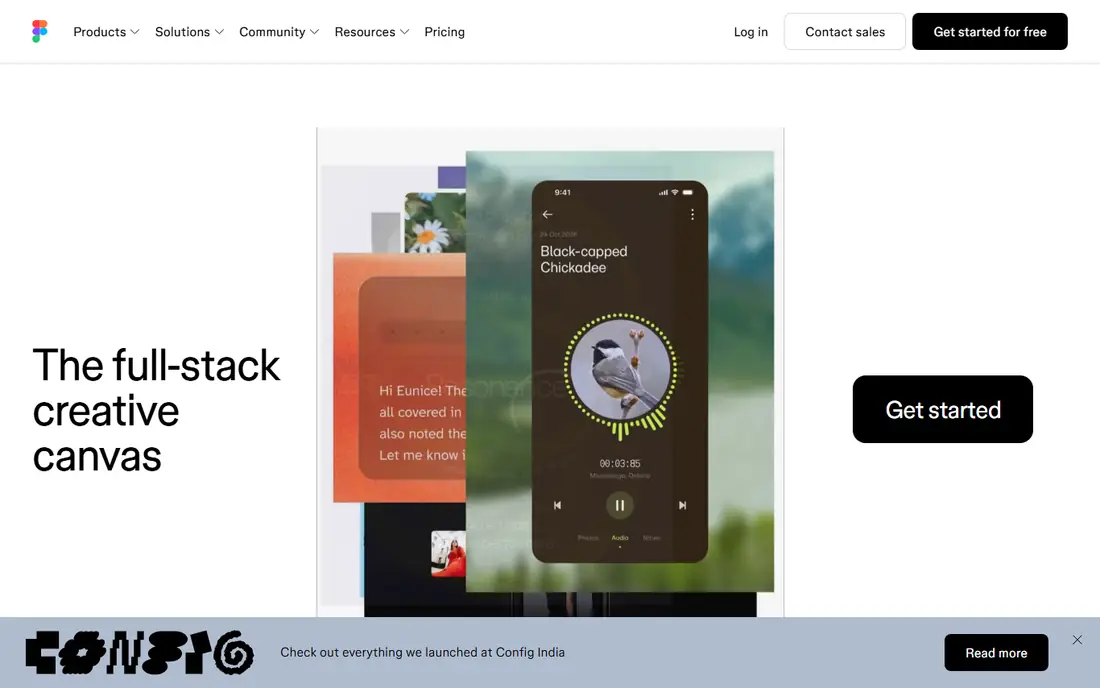
Figma is what most UX teams reach for first, and the reason is practical. Everyone opens the same link, designers and product managers comment on the same frame, and engineers inspect specs without a separate export step. There is a free Starter plan, which is enough to try it on a real project.
The pricing model is the thing to study before you buy. Paid plans charge by seat type, with Full seats for people who design, Dev seats for engineers and Collab seats for people who mostly comment. Giving a stakeholder the wrong seat type is an easy way to overspend. Figma's pricing page changes often, so confirm the current numbers there rather than trusting an old blog post.
The catch is that Figma can feel like too much for a two-person team that only needs wireframes, and its prototyping logic is lighter than Axure's. If your flows need real conditional behavior, you will either work around it or add a second tool. For everyone else, it is the safest shortlist starter.
What we like- Runs in any browser with real-time co-editing
- Huge library of community templates and plugins
- Design, prototyping and developer handoff live in one file
Watch out for- Per-seat pricing splits into Full, Dev and Collab seats, which complicates budgeting
- Advanced controls like SSO sit on higher tiers
#2Sketch
Best for: Design teams working on Macs4.5/5 on
G2 (1,227 reviews, checked Oct 2026)
Visit sketch.com
Starting price$12 per editor/month (billed annually)
Free planFree trial (30 days)
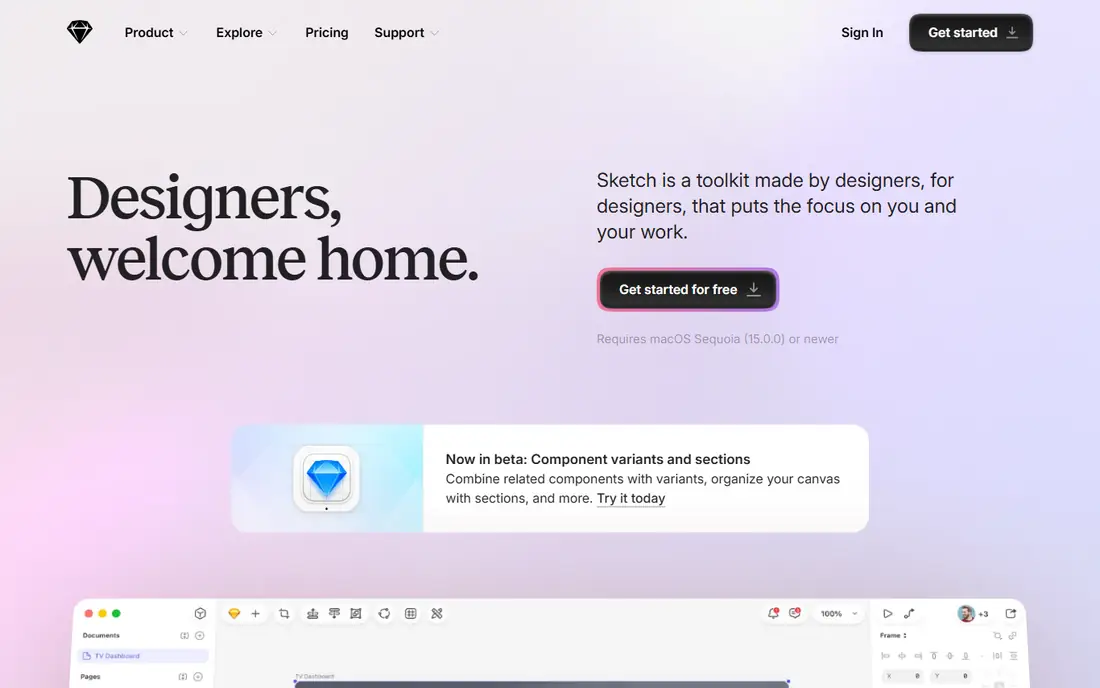
Sketch pioneered the modern interface design workflow and it has kept its focus on designers who want a fast native app. The Standard plan costs $12 per editor per month on yearly billing and includes real-time collaboration, unlimited documents, version history and free developer handoff. Viewers are free and unlimited, which matters if you have a lot of stakeholders who only review work.
Higher tiers add the controls larger companies ask for. Professional is $24 per editor per month on yearly billing and adds single sign-on, project archiving and permission groups. Enterprise is $44 and adds SCIM provisioning, bring-your-own-key encryption and dedicated support. A separate Mac-only license costs $120 per seat and includes one year of updates, which suits a solo designer who does not need collaboration.
The honest weakness is the Mac requirement for editing. If your team mixes Windows and Mac, or you hire contractors on Windows laptops, Sketch will create friction that Figma does not. Sketch says it has no plans for a free tier beyond its education offer, so you get a 30-day trial and then a decision.
What we like- Native Mac app that works offline
- Unlimited free viewers and free developer handoff
- A one-time Mac-only license is available
Watch out for- Editing needs a Mac (browser access is for viewing and handoff)
- No permanent free plan
#3UXPin
Best for: Code-backed prototypes tied to a design system4.2/5 on
G2 (118 reviews, checked Oct 2026)
Visit uxpin.com
Starting price$29 per seat/month (billed annually; $49 monthly)
Free planYes (limited, after a 14-day trial)
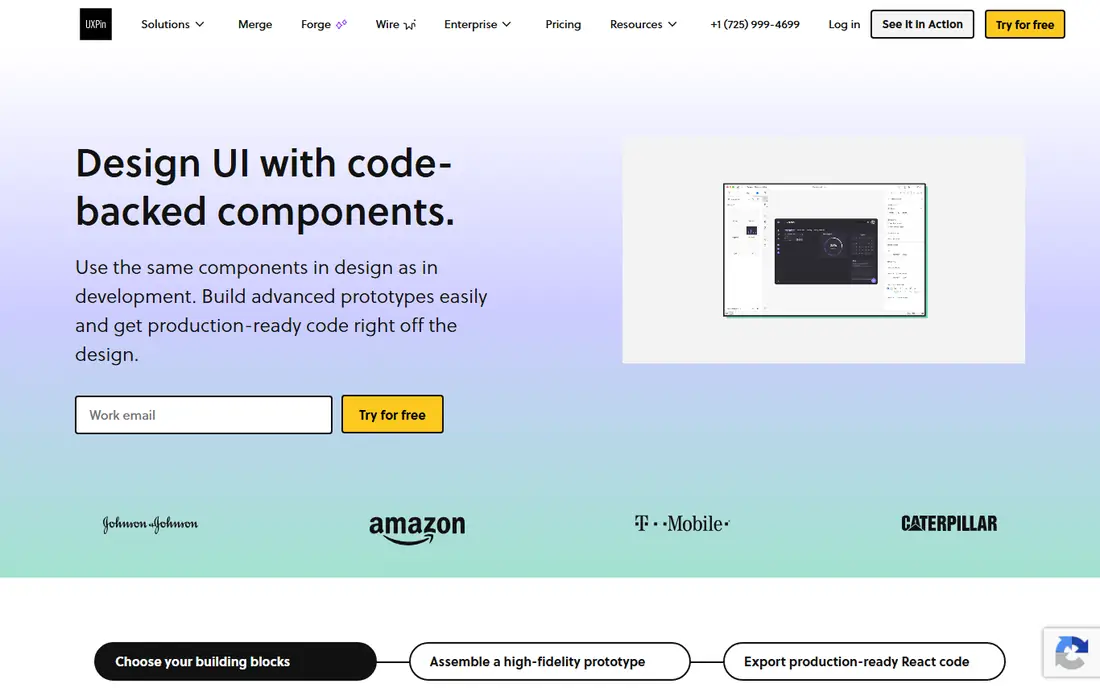
UXPin is built for product teams that have a design system and are tired of prototypes that look nothing like the shipped interface. Its prototypes can use coded libraries, so a button in the prototype behaves like the button in production. That makes it a stronger fit for design-ops and front-end-minded teams than for marketers sketching a landing page.
The Core plan lists at $49 per seat per month on monthly billing and $29 on annual billing. Growth is $69 monthly or $40 annually. Both include unlimited prototypes, and the plans differ mainly in AI credits and advanced features. Extra AI credits cost more, for example $13 per month for an additional 200, so heavy AI use can push the bill up.
Every plan starts with a 14-day trial, and after it ends you can pick a paid plan or stay on a limited free plan. The catch is that UXPin has a smaller community and plugin ecosystem than Figma, so you will find fewer templates and tutorials when you get stuck.
What we like- Prototypes can use real coded components
- Conditional logic, variables and expressions on every paid plan
- Every plan starts with a 14-day trial with no card
Watch out for- AI features run on monthly credits, with extra credits sold as add-ons
- Steeper learning curve than drag-and-drop tools
#4Axure RP
Best for: Complex prototypes with conditions, variables and documentation4.2/5 on
G2 (277 reviews, checked Oct 2026)
Visit axure.com
Starting priceSee website
Free planFree trial (30 days)
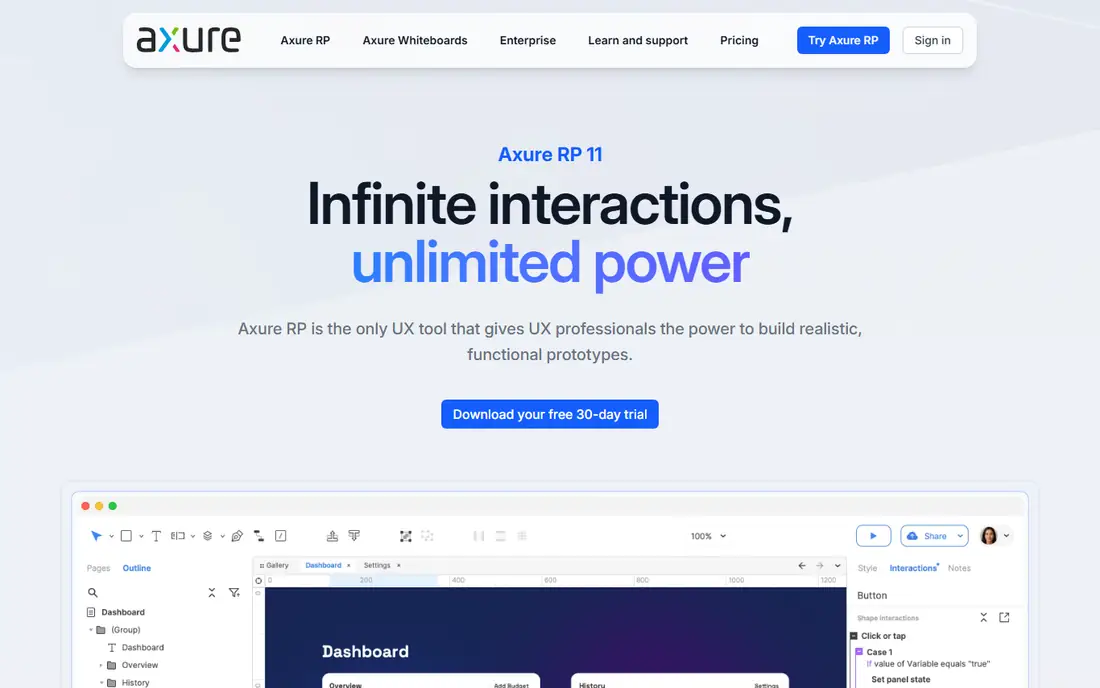
Axure is the tool people choose when a prototype has to behave like software. Think of a loan application with branching rules, a dashboard with filters that change the data, or a form that validates input. You can build that kind of logic without writing code, and testers get something close to the real product.
It also leans toward documentation. Analysts and UX leads at larger organizations use Axure to produce annotated wireframes and specs that developers or compliance teams sign off on. Third-party comparisons list a Pro and a Team tier plus custom Enterprise pricing, but the numbers differ between sources, so check Axure's own pricing page before budgeting.
The trade-off is learning time. Expect a new designer to need real practice before they are productive, and do not expect Figma-style smooth multiplayer editing. Axure fits specialist UX teams in regulated or enterprise settings, not a small startup moving fast.
What we like- Conditional logic, variables and dynamic content for realistic simulations
- Wireframes, flows and specification documents in one tool
- Unlimited reviewers on its cloud hosting
Watch out for- Interface is dense and takes weeks to learn
- Real-time co-editing is weaker than in browser-first tools
#5Balsamiq
Best for: Fast low-fidelity wireframes that keep feedback on structure4.2/5 on
G2 (501 reviews, checked Oct 2026)
Visit balsamiq.com
Starting price$16 per editor/month (billed annually)
Free planFree trial (14 days)
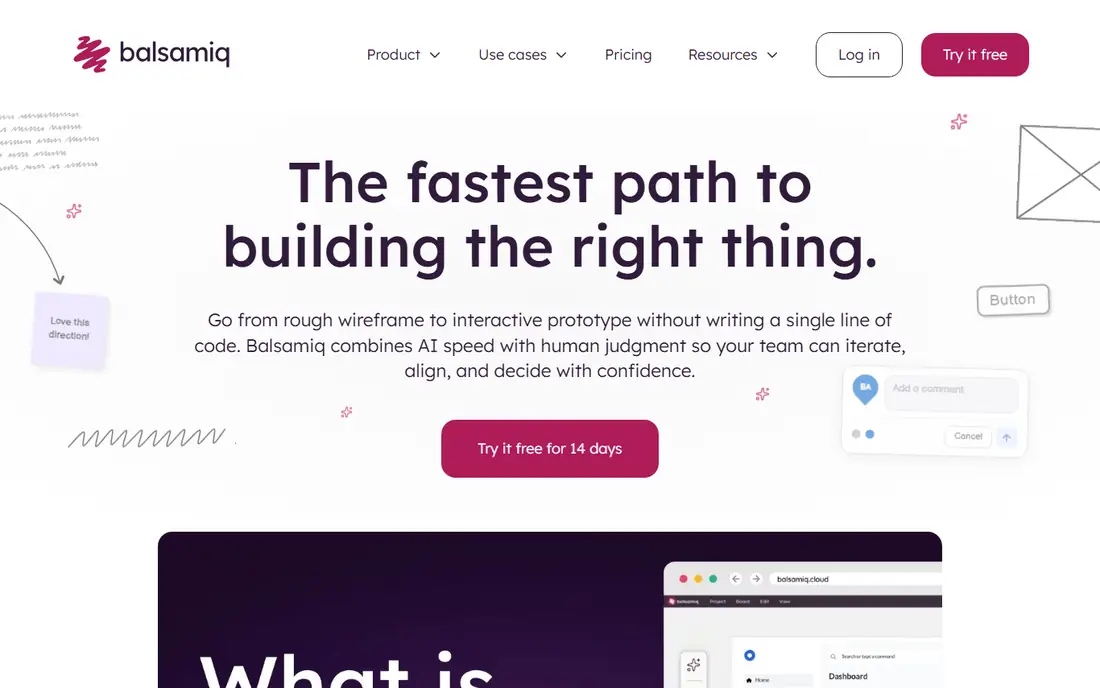
Balsamiq works best at the start of a project, when you want to argue about structure and flow rather than fonts. The hand-drawn style is on purpose. Stakeholders tend to comment on the layout and content order because nothing looks finished enough to nitpick.
The pricing model is friendly to small teams. The Starter plan is $16 per editor per month billed annually and allows up to 10 projects, where a project holds the wireframes and prototypes for one flow or major feature. Teams is $24 per editor per month and allows up to 100 projects. Starter includes 500 monthly AI credits per editor, and extra credits cost $15 per 500. Reviewers can view and comment at no cost, and you can try it free for 14 days without a card.
The limit is that Balsamiq stops where polished design begins. Once a wireframe is approved you will need another tool for visual design and handoff. Treat it as a planning tool that sits next to Figma or Sketch, not a replacement for either.
What we like- Reviewers are free and unlimited, so you only pay for editors
- Deliberately sketchy look keeps feedback on layout, not colors
- No credit card needed to start a trial
Watch out for- Not meant for high-fidelity visual design
- Starter is capped at 10 projects
#6ProtoPie
Best for: High-fidelity prototypes with sensors, voice and hardware4.4/5 on
G2 (24 reviews, checked Oct 2026)
Visit protopie.io
Starting price$25 per month (Basic, single seat)
Free planYes
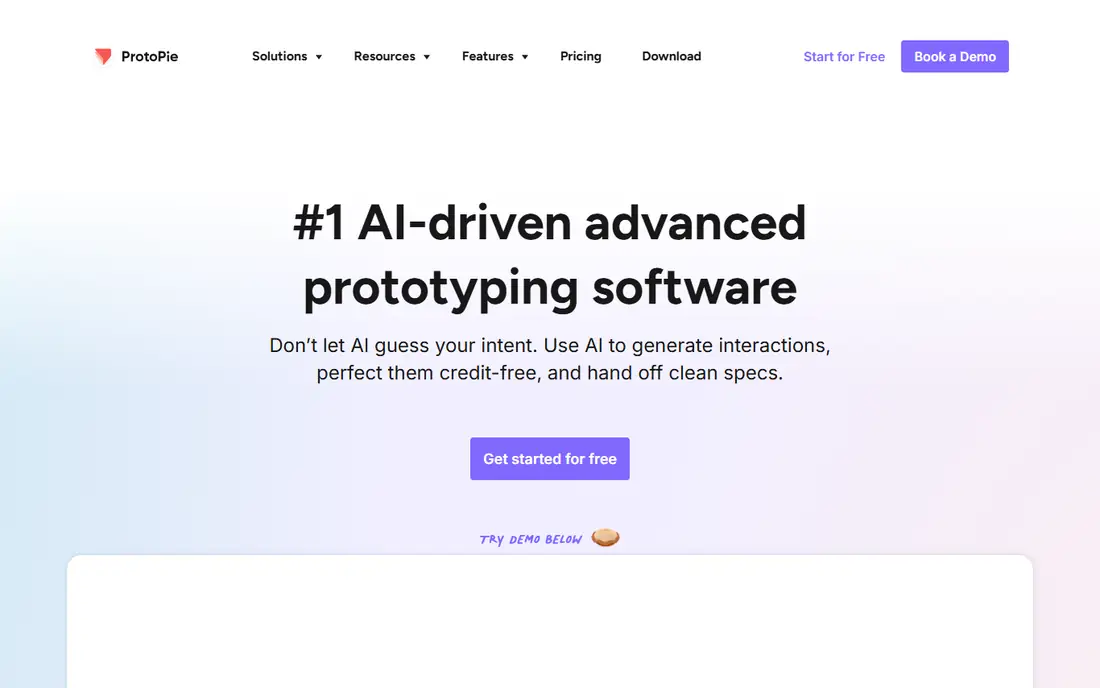
ProtoPie is for teams whose interfaces go beyond a screen and a click. Automotive dashboards, connected devices, kiosks and mobile apps with heavy gesture work are the typical uses. You import designs from another tool and then build detailed interactions on top of them.
The free plan allows 2 prototypes, with 8 scenes per prototype and 50MB of cloud storage. Basic is $25 per month for one seat, with 20 prototypes, no watermark and shareable links. Pro is $47 per editor per month and adds unlimited prototypes, team libraries and unlimited handoff recordings. Enterprise is custom priced with a three-seat minimum, SSO and dedicated support. The pricing page offers yearly and monthly views, so confirm which billing term the numbers you see apply to.
The catch is scope. If you only need clickable screens to test a checkout flow, ProtoPie is more tool than you need, and the team plan costs more than most layout-first tools.
What we like- Interaction model handles gestures, sensors and device input
- Connects to hardware such as Arduino on paid tiers
- Free plan available for testing
Watch out for- Pro plan jumps to $47 per editor per month
- Not a layout design tool, so designs usually start elsewhere
#7Penpot
Best for: Open-source design you can self-host4.5/5 on
G2 (10 reviews, checked Oct 2026)
Visit penpot.app
Starting priceSee website
Free planYes
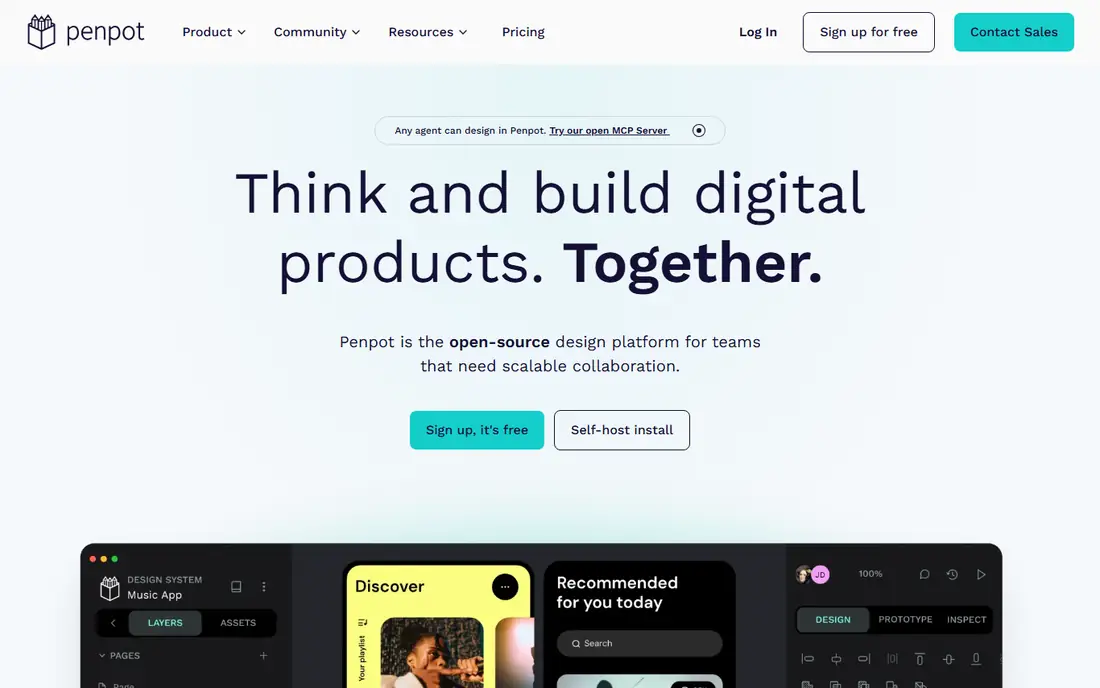
Penpot appeals to organizations that care where their design files live. Because it is open source, an IT team can run it on their own infrastructure, which helps with data residency rules or a general wish to avoid vendor lock-in. Designers get a browser-based editor with real-time collaboration, and developers get specs that map closely to CSS.
It is a credible alternative for teams that want a Figma-like workflow without the subscription lock-in. Managed hosting is available, but pricing details for the paid plans change, so check Penpot's own pricing page before you plan a budget.
The honest downside is maturity of the surrounding ecosystem. You will find fewer third-party plugins, UI kits and tutorials than for Figma, and a self-hosted setup means someone owns updates and backups. For a small agency or startup without IT staff, the hosted version is the easier path.
What we like- Open source, so you can self-host and keep files on your own servers
- Works in the browser and uses open web standards like SVG and CSS
- Free tier available
Watch out for- Smaller plugin and template ecosystem than Figma
- Self-hosting needs IT time
#8Framer
Best for: Designing and publishing marketing websites4.5/5 on
G2 (144 reviews, checked Oct 2026)
Visit framer.com
Starting priceSee website
Free planYes
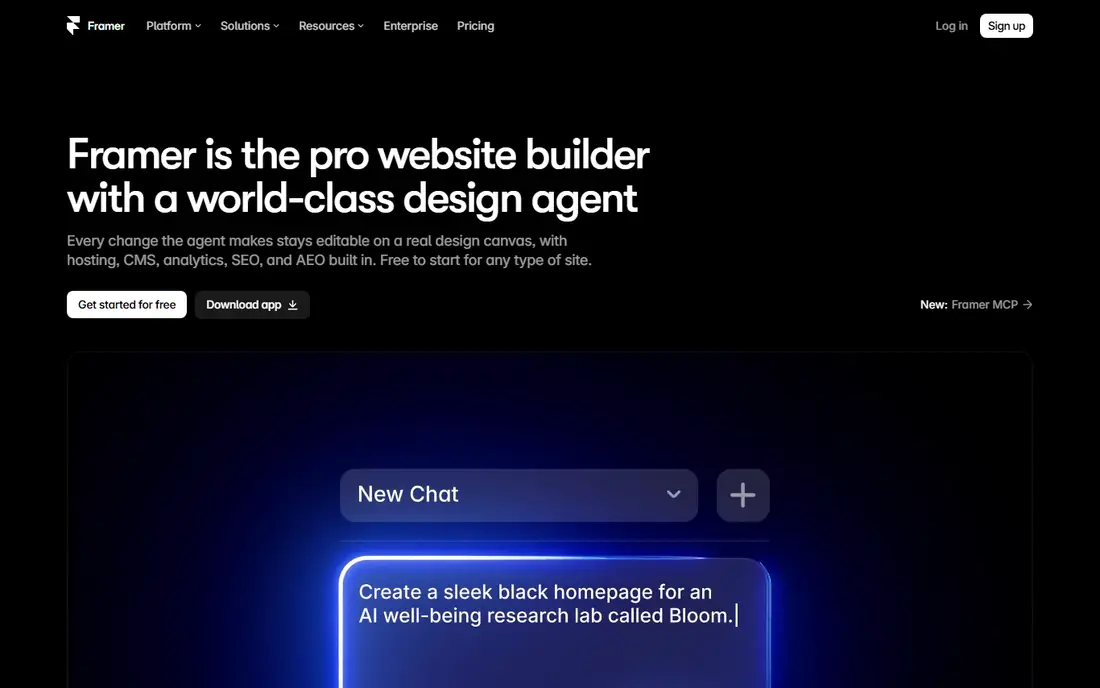
Framer started as a prototyping tool and is now mainly a website builder with a design canvas. It suits marketers and small design teams that want to design a landing page or marketing site and publish it without handing the files to a developer. What you design is what goes live, which removes a common source of drift between mockups and the final page.
Pricing follows the site, with a free plan and paid tiers that raise limits on pages, CMS items, bandwidth and editors. Because plans change, read the current tiers on Framer's pricing page before deciding.
The limit is that it is a poor choice for designing a complex product interface. If you are mapping flows for a SaaS app with dozens of states, Figma, Sketch or UXPin will serve you better. Pick Framer when the deliverable is a website, not an application.
What we like- Design and publish to a live site from the same tool
- Built-in CMS and hosting
- Free plan lets you build before you pay
Watch out for- Plans are priced per site, not like a general UX design tool
- Weaker for multi-screen product or app design
How we chose
We built the list from vendor pricing pages, product documentation and public reviews on G2, Capterra and Reddit, then compared features, integrations and company-size fit. We looked at what each tool does for UX work specifically: wireframing, prototyping, collaboration, handoff and design system support. We did not run hands-on tests, so the write-ups reflect published information, not personal benchmarks.
Where a vendor's pricing page was clear we quote it, with the billing term. Where we could not confirm current numbers from the vendor, the table says See website. Prices and plan limits change often, so check the vendor page before you buy.
The right choice depends on what your team produces and who touches the files, more than on feature count. A short checklist helps cut a list of eight down to two.
Start with the stage of work
Early in a project, a quick wireframing tool like Balsamiq keeps the conversation on structure. Mid-project, you need a visual design tool with components and prototypes, which points to Figma, Sketch, Penpot or UXPin. For logic-heavy simulations or hardware, Axure and ProtoPie handle what the others cannot. Many teams use two tools, and that is normal.
Check the operating system and hosting
Sketch edits only on Mac, which rules it out for mixed teams. Browser-based tools like Figma and Penpot work anywhere. If your security team requires self-hosting or data residency, Penpot, and enterprise tiers from Sketch or Axure, deserve a closer look.
Count seat types, not just seats
Most tools charge only for people who edit, and some give viewers or reviewers away. Sketch offers unlimited free viewers and Balsamiq offers unlimited free reviewers. Figma splits seats by role. Before you buy, list who designs, who reviews and who inspects specs, then price it for each tool.
Look at billing terms and exit options
Annual billing is usually cheaper. UXPin Core is $29 per seat per month billed annually versus $49 monthly, and Balsamiq's pricing page highlights annual savings. That saves money, but it locks you in for a year. Run a trial on a real project, and confirm you can export files before you commit. The free trials listed here range from 14 to 30 days, which is enough for one small project.
Think about handoff
A design is only useful once it becomes code. Ask your developers to inspect a sample file in each finalist and tell you what they miss. If your team has a coded component library, UXPin's code-backed approach may save rework that other tools cannot.
Frequently asked questions
What is the best software for user experience design?
For most teams Figma is the safest starting point because it works in the browser and covers design, prototyping and handoff. Mac-only teams may prefer Sketch, and teams that need complex logic should look at Axure. The best choice depends on your workflow, so trial two or three before you commit.
Is there free UX design software?
Yes. Figma, Penpot, UXPin (after its trial), ProtoPie and Framer all have free plans with limits. Sketch, Axure and Balsamiq offer free trials instead. Free tiers usually cap projects, prototypes or collaborators, so check the limits against a real project.
Do I need a separate tool for wireframing and prototyping?
Not always. Figma, Sketch and UXPin cover both wireframing and prototyping. A dedicated wireframing tool like Balsamiq is useful when you want to keep early feedback on structure. Axure and ProtoPie are worth adding when your prototype needs advanced logic or hardware input.
How much does UX design software cost?
Among the vendors with prices we verified, per-editor plans run from about $12 to $47 per month depending on the tool and plan. Billing term matters, since annual plans are cheaper than monthly. Enterprise tiers are quoted by sales, so budget extra for SSO and admin controls.
Can a small business use these tools without a design team?
Yes. Balsamiq is easy to learn and offers free reviewers. Framer suits owners who want to design and publish a marketing site themselves. Heavier tools like Axure and ProtoPie take more time to learn and are better for dedicated UX staff.
Sources we checked (7)
- https://www.sketch.com/pricing/
- https://www.uxpin.com/pricing
- https://balsamiq.com/pricing/
- https://www.protopie.io/plans
- https://www.usecarly.com/blog/figma-pricing/
- https://hedrick.io/post/axure-vs-figma-2026
- https://tekpon.com/software/axure-rp/reviews/
Is your product missing or out of date?
We review this list regularly. Vendors can request a listing, send updated pricing or ask about featured placement.

Shihab Mia · Founder, Rankite
Shihab has 5+ years in B2B and SaaS SEO. He writes Rankite's software buying guides from pricing pages, documentation and public user reviews. More about Shihab.