How we make this list: we compare pricing pages, product documentation and public user reviews. Ratings come from G2, Capterra or Trustpilot, with the date we checked them.
Key takeaways
- Most tools here sit on top of QuickBooks or Xero, pull the ledger on a schedule and turn it into a branded report pack. You keep your bookkeeping system and add a reporting layer.
- Entry prices vary a lot. Syft has a free plan and paid plans from $23 per month, Reach Reporting starts at $149 per month, and Jirav sells directly to businesses on annual contracts.
- Pricing models differ more than features do. Fathom and Reach charge by the number of companies connected, Power BI charges per user, and Datarails is quote-only.
- If you only need clean monthly P&L, balance sheet and cash flow reports, you probably do not need a full planning platform. Jirav and Datarails make sense once budgets, forecasts and multi-department models enter the picture.
- Check how each tool handles data export and who owns the report templates before you commit to a yearly plan.
Quick comparison
| Tool | Best for | Starting price | Free plan |
|---|
 Fathom Fathom | Accounting firms and owners with several companies | See website (published Pro tier: $450 per month for 25 companies, plus $17 per extra company) | Free trial (14 days) |
 Syft Analytics Syft Analytics | Budget-conscious teams that need consolidation | $23 per month (Standard plan) | Yes (Basic plan with dashboards and graphs; 14-day trial on paid plans) |
 Reach Reporting Reach Reporting | Bookkeepers and CFO firms that publish live reports to clients | $149 per month (1 connection, monthly billing) | Free trial (30 days, no credit card required) |
 Spotlight Reporting Spotlight Reporting | Advisory practices that report on many client files | $329 per month (Basic plan) | Free trial |
 Jirav Jirav | Finance teams that want reporting and forecasting together | $50 per month (Controller Essentials, accounting-firm wholesale plan) | No |
 Microsoft Power BI Microsoft Power BI | Teams that want custom dashboards across several data sources | $14 per user/month (Pro, billed annually) | Yes (free account for personal use; sharing needs a paid license) |
 QuickBooks Online QuickBooks Online | Small companies that want reports inside their bookkeeping software | $38 per month (Simple Start; currently 50% off for 3 months) | No |
 Datarails Datarails | Finance teams that want to keep working in Excel | See website | No |
Is your product missing or out of date?
We review this list regularly. Vendors can request a listing, send updated pricing or ask about featured placement.
The best software for automated accounting reports
#1Fathom
Best for: Accounting firms and owners with several companies5.0/5 on
G2 (7,076 reviews, checked Oct 2026)
Visit fathomhq.com
Starting priceSee website (published Pro tier: $450 per month for 25 companies, plus $17 per extra company)
Free planFree trial (14 days)
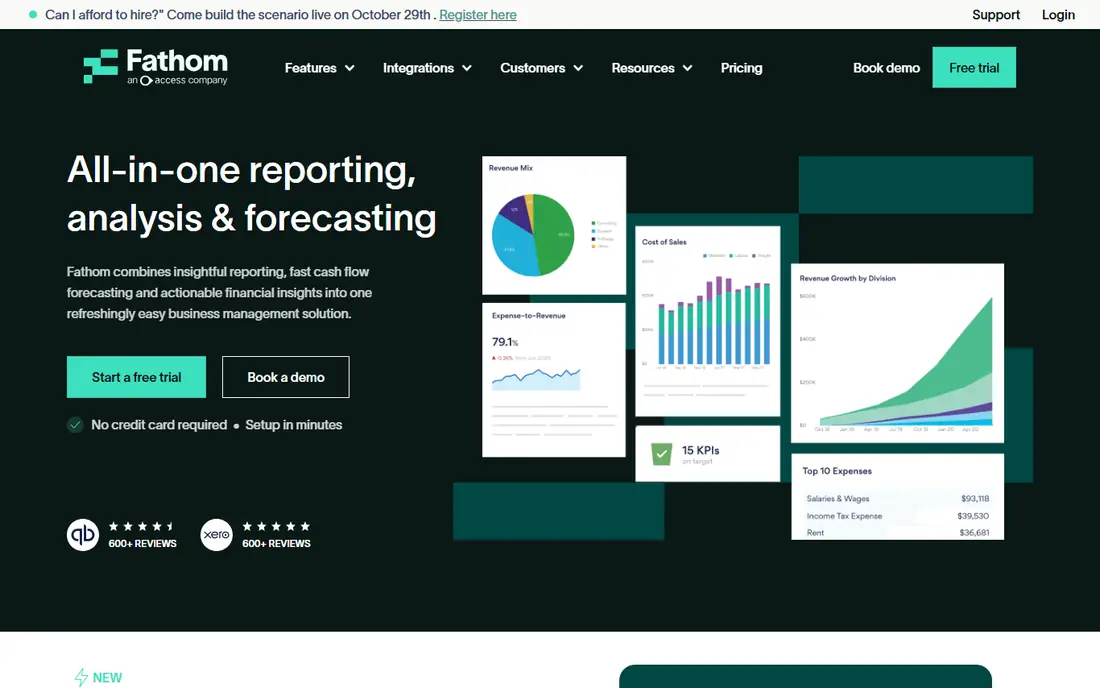
Fathom is the tool many accountants name first when a client asks for a monthly report pack that does not take a day to build. It connects to your accounting file, maps the chart of accounts, and produces a branded report with charts, KPIs and commentary. The vendor says every plan includes all features and unlimited users, which keeps the buying decision simple.
The strength is the reporting workflow itself. You can build budgets and scenarios, run multi-currency consolidations with eliminations, set custom KPIs and benchmark clients against each other. An AI commentary feature drafts the written explanation that normally eats the most time.
The catch is the pricing structure. It is based on the number of companies you connect, and the published tier on the pricing page is sized for portfolios. An owner with one company should confirm the entry price with the vendor before assuming it is cheap. Setup is quick to start (a 14-day trial is offered), but the chart of accounts mapping deserves an afternoon of care.
What we like- Branded management reports per client
- Three-way cash flow forecasting and consolidations
- Unlimited users on every plan
Watch out for- Pricing is built around groups of companies, so a single business pays relatively more
- The pricing page shows the Pro tier and a custom Enterprise tier, so check what applies to you
Starting price$23 per month (Standard plan)
Free planYes (Basic plan with dashboards and graphs; 14-day trial on paid plans)
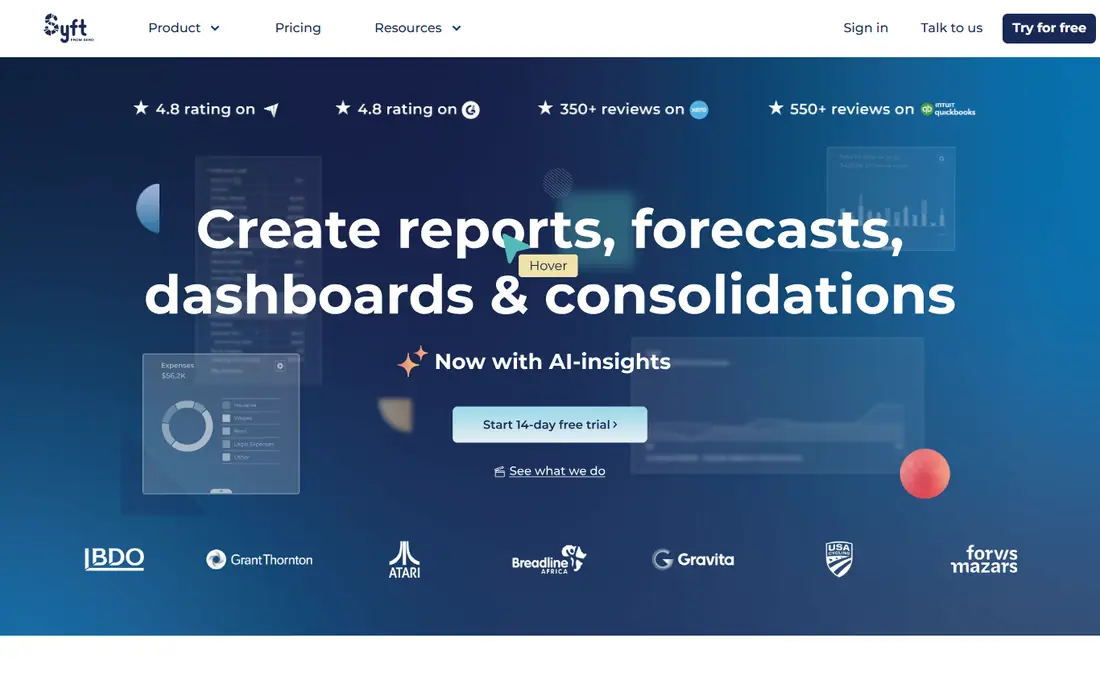
Syft is the price-led choice. Its paid plans run $23, $47 and $95 per month, and there is a free plan that gives you dashboards and graphs with unlimited users. Syft is now part of Xero, which tells you where its integrations are strongest, though QuickBooks and other sources are supported too.
Where it earns its place is multi-entity work. Consolidations, live views, automated commentary and actuals versus budget comparisons are part of the feature set, and the higher plans add multi-currency support and more layout control. Public reviews on Capterra and Software Advice lean positive on value and ease of use.
Read the plan comparison before you pick the entry tier. The lowest paid plan is designed to get you reporting, not to produce a fully customized board pack, and most growing companies end up on Plus or Advanced. Prices are quoted per entity, so a five-company group needs a quick calculation.
What we like- Lowest published paid entry price in this list
- Free plan with unlimited users
- Consolidations and non-financial data connections
Watch out for- The cheapest paid plan limits report customization and multi-currency support
- Costs rise per entity as you add companies and add-ons
#3Reach Reporting
Best for: Bookkeepers and CFO firms that publish live reports to clients4.8/5 on
G2 (63 reviews, checked Oct 2026)
Visit reachreporting.com
Starting price$149 per month (1 connection, monthly billing)
Free planFree trial (30 days, no credit card required)
Reach Reporting takes a different approach to the report pack. Instead of sending a PDF each month, you publish live reports and dashboards that clients can open at any time. Reports update when the bookkeeping data does, so the monthly scramble to refresh numbers mostly disappears.
Pricing is simple to read. One data connection is $149 per month, ten connections are $290, and twenty-five are $550. Extra connections on the larger tiers cost $29 and $22. Annual billing brings one connection down to $1,548 per year. All features are included at every tier, which means you are not forced into an upgrade to get a report builder or forecasting.
The honest drawback is the entry price for a single company. At $149 it is among the costlier ways to start, and reviewers on Capterra mention that smaller businesses may find it steep and that collaboration features are basic. It suits firms with several clients far better than a lone owner who wants one P&L.
What we like- Unlimited users and client portal access
- Flat price per connection with cheaper add-ons
- Annual billing saves up to 30%
Watch out for- One connection costs more than rival entry plans
- Some advanced features take time to learn
#4Spotlight Reporting
Best for: Advisory practices that report on many client files4.7/5 on
G2 (24 reviews, checked Oct 2026)
Visit spotlightreporting.com
Starting price$329 per month (Basic plan)
Free planFree trial
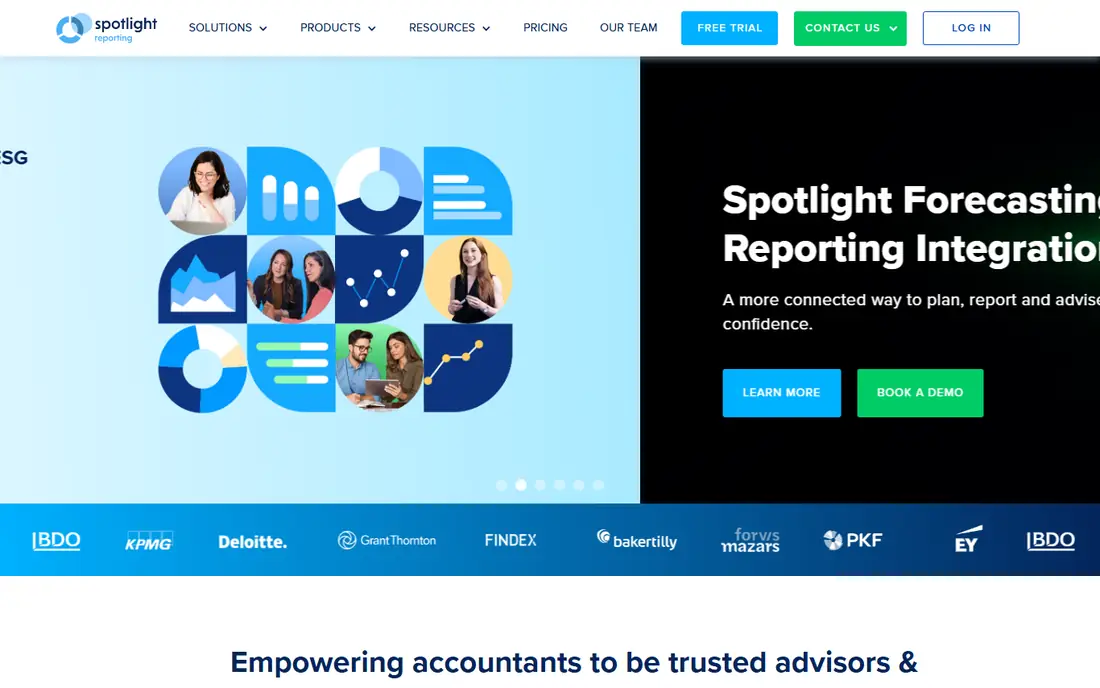
Spotlight Reporting is a veteran in advisory reporting, and its pricing page makes clear who it is written for. The Basic plan is $329 per month, and the SuperVCFO package at $495 per month adds more organizations, a dedicated customer success manager and extra training sessions. A separate Business plan for owners and CFOs is listed on third-party review sites, but confirm the current figure on the vendor site.
What stands out is the support model. The vendor highlights training, integrations and round-the-clock support as included rather than sold separately, and it offers certification for advisors. For a firm turning reporting into a paid advisory service, that structure helps with onboarding staff.
The trade-off is cost and fit. A single-company owner will find the firm-level plans heavy, and the price increase last year shows the vendor adjusts list prices over time. Ask about annual terms and what is included in the base bundle versus add-ons such as the ESG module.
What we like- Training and 24/7 support included
- Aggregation and benchmarking across entities
- Established with Xero and QuickBooks users
Watch out for- Pricing is aimed at firms rather than single businesses
- Basic plan price rose from $295 to $329 in October 2025
#5Jirav
Best for: Finance teams that want reporting and forecasting together4.7/5 on
G2 (195 reviews, checked Oct 2026)
Visit jirav.com
Starting price$50 per month (Controller Essentials, accounting-firm wholesale plan)
Free planNo
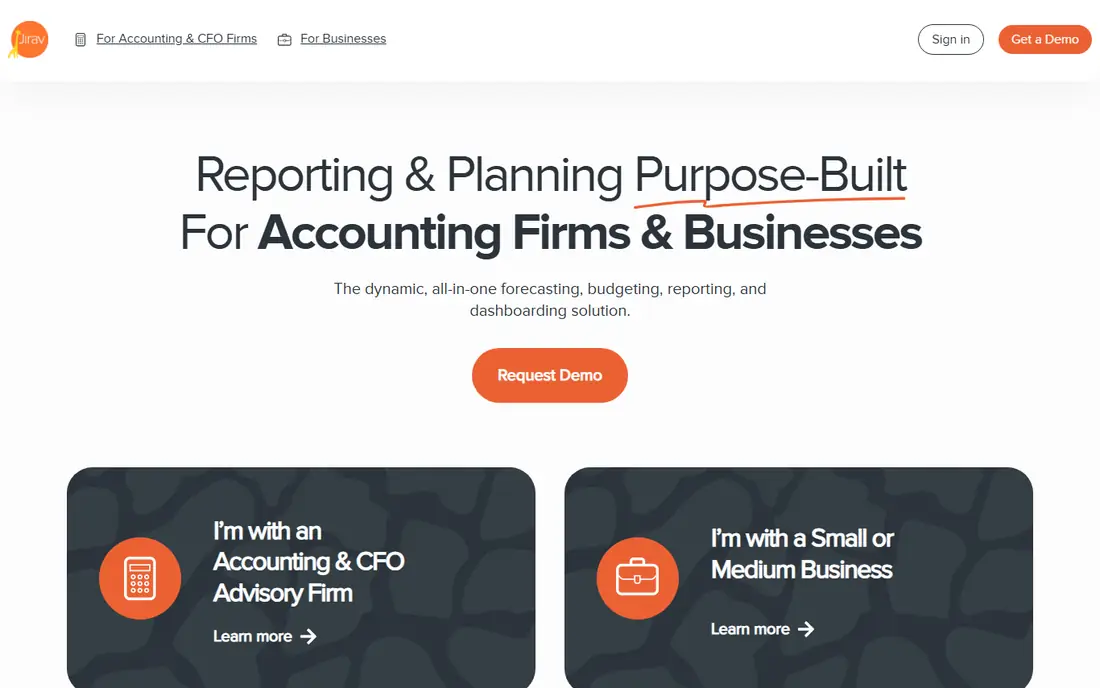
Jirav is a planning platform first and a reporting tool second, and that is both its appeal and its cost. If you want historical financials, KPIs, budget versus actual and a rolling forecast in one place, it covers all of it. Dashboards and report packages come with best-practice templates.
The pricing needs a careful read. The page on the main site is the accounting-firm wholesale list, starting at $50 per month for Controller Essentials and $150 per month for CFO Enterprise. Businesses buying directly use a separate price list, and third-party reviews report annual contracts starting around $10,000 per year. Check the direct business page before you build a budget around the $50 figure.
Expect more setup than with the lighter tools above. Driver-based planning is powerful but asks someone on your team to own the model. For a company that only wants monthly statements on a schedule, it is more than you need.
What we like- Budgets, forecasts and workforce planning sit beside the reports
- Dashboards and KPI templates included
- Accounting, payroll and spreadsheet integrations
Watch out for- Direct business pricing is on a different, much higher annual scale than the firm plan
- Heavier setup than a pure reporting tool
#6Microsoft Power BI
Best for: Teams that want custom dashboards across several data sources4.5/5 on
G2 (1,661 reviews, checked Oct 2026)
Visit powerbi.microsoft.com
Starting price$14 per user/month (Pro, billed annually)
Free planYes (free account for personal use; sharing needs a paid license)
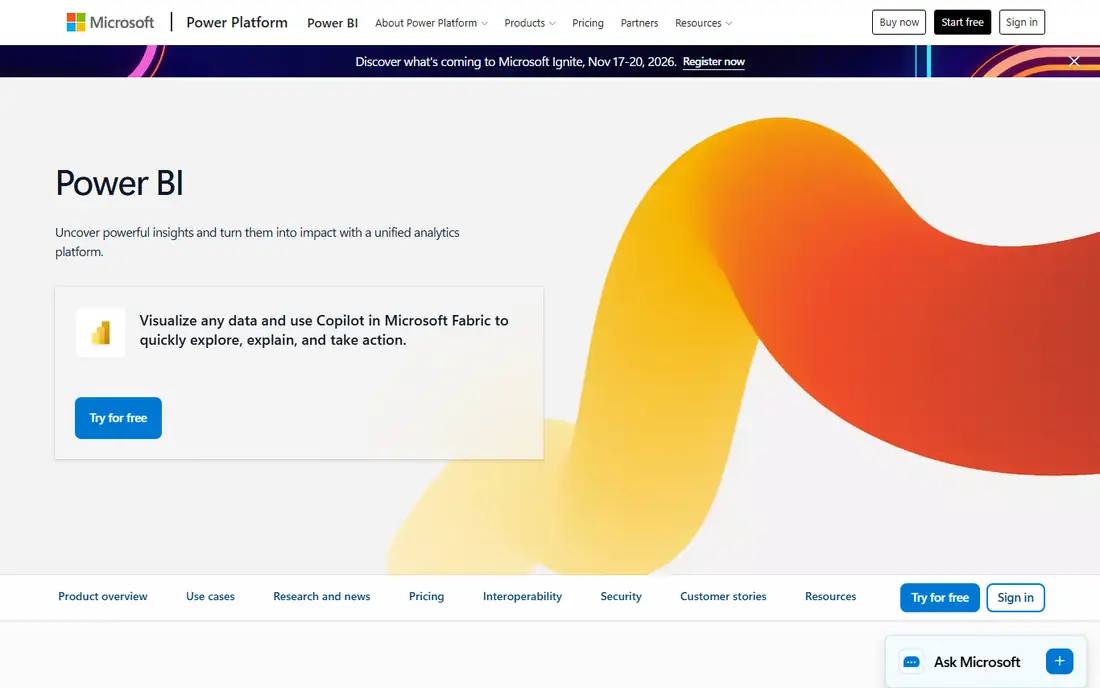
Power BI is the outlier here, and it is included on purpose. It is a general business intelligence product, not accounting software, but plenty of finance teams use it to turn ledger data into dashboards that refresh on a schedule. Microsoft lists Pro at $14 per user per month paid yearly, and Premium Per User at $24.
The advantage is flexibility. You can blend accounting data with sales, inventory or payroll data and build reports the dedicated tools do not offer. If your company already runs on Microsoft 365, adoption is easier.
The downside is labor. Nothing arrives pre-built, so someone must model the chart of accounts, write the measures and maintain them. Sharing also costs money, because report viewers generally need licenses too. Choose it when you have an analyst or a consultant, not when you want a report pack by next week.
What we like- Low per-user price
- Connects accounting data to CRM, payroll and spreadsheets
- Scheduled refresh and wide community support
Watch out for- Not an accounting tool, so you build the statements and logic yourself
- Every viewer typically needs a license on shared reports
#7QuickBooks Online
Best for: Small companies that want reports inside their bookkeeping software4.0/5 on
G2 (3,871 reviews, checked Oct 2026)
Visit quickbooks.intuit.com
Starting price$38 per month (Simple Start; currently 50% off for 3 months)
Free planNo
Sometimes the best automation is the system you already own. QuickBooks Online has a library of standard reports, and the plan you choose decides how deep they go. Simple Start runs general business reports such as profit and loss, Essentials adds enhanced reports and custom performance metrics, and Plus adds comprehensive reports and budgets.
Pricing on the vendor page is $38 per month for Simple Start, $85 for Essentials, $140 for Plus and $340 for Advanced, with a promotional 50% discount for the first three months. User limits rise with each tier. Advanced is the plan aimed at companies that need more all-in-one financial control.
The catch is presentation. You get accurate numbers, but a polished monthly pack with commentary, benchmarks and multi-company roll-ups usually means adding a tool from this list. Treat QuickBooks as the data source and decide whether the native reports are enough before you pay for another layer.
What we like- No extra tool or integration to maintain
- Report depth rises with the plan
- Huge accountant and app ecosystem
Watch out for- Custom reporting and KPIs are held back for higher plans
- No multi-company storytelling without add-ons
#8Datarails
Best for: Finance teams that want to keep working in Excel4.6/5 on
G2 (388 reviews, checked Oct 2026)
Visit datarails.com
Starting priceSee website
Free planNo
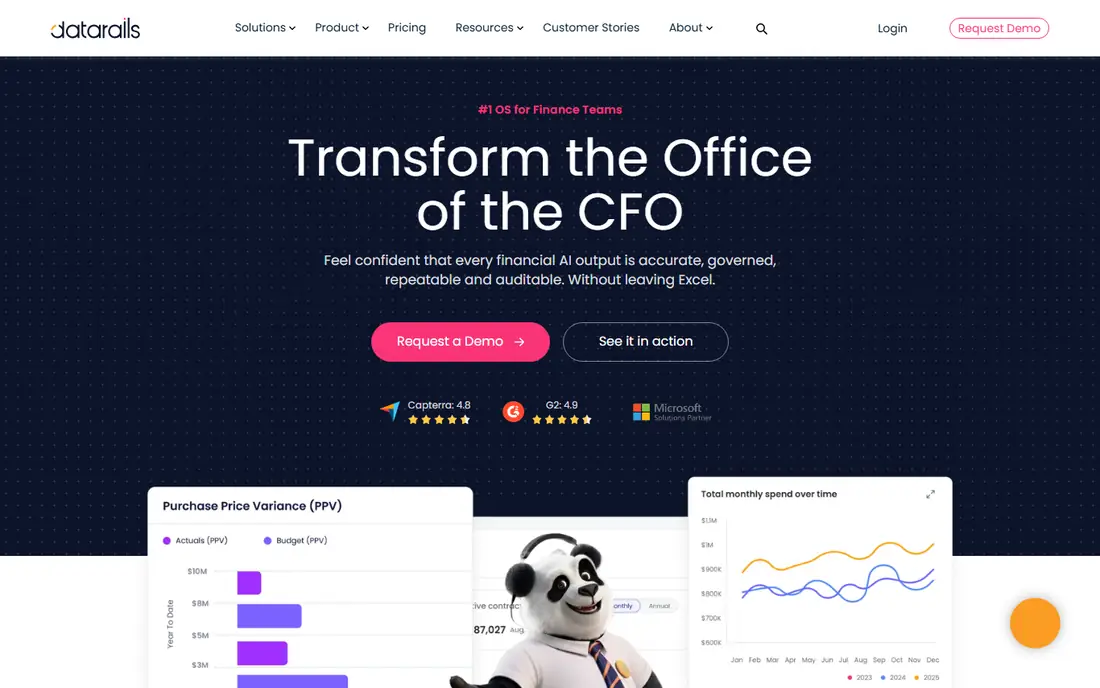
Datarails is built for the finance team that will not give up its spreadsheets. It layers consolidation, reporting and planning over Excel, so the person who owns the monthly close keeps a familiar interface while the data gets centralized and refreshed.
That Excel-first design is the main reason to shortlist it. Month-end packs, variance reports and board decks can draw from consolidated data rather than copy-pasted tabs, and the workflow makes sense for companies with several entities and a small FP&A group.
Price is the question mark. The vendor does not publish a price list, so you need a demo and a quote. Third-party buyer data from Vendr shows an average contract value above $33,000, which is an estimate rather than a list price. For a company under about 20 people with one entity, a lighter tool will do the same job for far less.
What we like- Builds on Excel files your team already uses
- Consolidation, reporting and forecasting in one product
- Suits mid-size finance teams
Watch out for- Quote-based pricing with no public price list
- Third-party data points to a sizable annual commitment
How we chose
We did not run hands-on trials for this guide. Instead, we compared the vendors' own pricing pages, product documentation and feature lists, then cross-checked them against public reviews on G2, Capterra and Software Advice and community discussion where available. We checked each tool for how it automates report creation, which accounting systems it connects to, how it charges, what is included on lower plans, and what size of company it fits.
We included a mix of established names and smaller vendors, and one general BI tool and one native accounting platform for buyers who want to avoid a new subscription. Where a vendor does not publish a price, we say See website rather than guess. Prices change, so confirm the figure on the vendor's page before you buy.
Start with the report you actually send
Write down the three reports you produce every month and who reads them. If the answer is a P&L, balance sheet and cash flow summary for an owner or a lender, a reporting-only tool such as Syft, Fathom or Reach covers it. If the answer includes a rolling forecast and department budgets, look at Jirav or Datarails.
Match the pricing model to your structure
Per-company pricing favors firms and groups. Per-user pricing favors small teams with few viewers. Flat enterprise quotes favor companies that already have a finance department. Run the numbers for your count of companies and viewers, not the headline price.
Check the data connection
Most tools connect to QuickBooks Online and Xero, but support for Sage, spreadsheets or ERP systems varies. Confirm that your ledger is supported, how often data refreshes, and whether the tool reads from your file in read-only mode. If you use more than one system, ask how they are combined.
Ask about exit terms
Find out whether you can export reports, dashboards and underlying data if you leave, and whether you can cancel monthly or are locked into a year. Monthly plans give you room to test. Annual plans usually save money, so take them once you are sure of the fit.
Frequently asked questions
What is automated accounting reporting software?
It connects to your accounting system, pulls the data on a schedule and builds standard reports such as profit and loss, balance sheet and cash flow without manual copy and paste. Many also add KPIs, commentary and forecasts. The goal is to cut the time spent on month-end packs.
Do I need this if QuickBooks or Xero already has reports?
Often not, if you only need standard statements. A separate tool is worth it when you need branded packs, benchmarking, multi-company consolidation, written commentary or client portals. Start with the native reports and add a tool when you hit those limits.
How much does automated accounting reporting cost?
It ranges from free plans and about $23 per month at the low end to several hundred dollars per month for firm-focused tools, and tens of thousands of dollars per year for planning platforms bought directly. Most small businesses will land in the lower and middle part of that range. Always confirm on the vendor page.
Which tool is best for a small business with one company?
Syft is the cheapest way to start, with a free plan and paid plans from $23 per month. QuickBooks Online's own reports may be enough if you stay on its higher plans. Fathom, Reach and Spotlight are priced more for firms with many clients.
How long does setup take?
Connecting an accounting file is usually quick, often within a trial session. The longer step is mapping accounts, building templates and choosing KPIs, which can take a few hours to a few days. Planning platforms such as Jirav and Datarails take longer because of the modeling work.
Sources we checked (14)
- https://www.fathomhq.com/pricing
- https://www.syftanalytics.com/pricing-page
- https://reachreporting.com/pricing
- https://www.spotlightreporting.com/pricing/basic-plan-price-increase-faqs
- https://www.jirav.com/pricing
- https://www.microsoft.com/en-us/power-platform/products/power-bi/pricing
- https://quickbooks.intuit.com/pricing/
- https://www.capterra.com/p/184036/Reach-Reporting/
- https://www.capterra.com/p/161231/Syft-Analytics/
- https://www.g2.com/products/spotlight-reporting/pricing
- https://claryx.ai/blog/syft-analytics-review/
- https://aistatements.com/blog/jirav-pricing
- https://www.vendr.com/marketplace/datarails
- https://www.alphabold.com/power-bi-pricing-model/
Is your product missing or out of date?
We review this list regularly. Vendors can request a listing, send updated pricing or ask about featured placement.

Shihab Mia · Founder, Rankite
Shihab has 5+ years in B2B and SaaS SEO. He writes Rankite's software buying guides from pricing pages, documentation and public user reviews. More about Shihab.