How we make this list: we compare pricing pages, product documentation and public user reviews. Ratings come from G2, Capterra or Trustpilot, with the date we checked them.
Key takeaways
- Resource Guru is the cheapest verified entry point in this list at $5 per person per month, and G2 reviewers keep praising its ease of use.
- Kantata is the biggest name by review volume, with a G2 score of 4.2 out of 5 across 1,576 reviews. It is built for professional services firms, not small teams.
- Float, Runn and Hub Planner are the three focused schedulers. All offer a free trial (30 days for Float and Runn, 60 days for Hub Planner), so you can test with real project data before paying.
- Teamwork and Productive are project and agency platforms with resource planning inside them. They suit teams that want one system for tasks, budgets and capacity.
- SAVIOM targets medium and large organizations that need forecasting and financial planning. It is the least self-serve tool on the list.
Quick comparison
| Tool | Best for | Starting price | Free plan |
|---|
 Float Float | Agencies that want a clean visual scheduler | $7 per person/month (billed annually) | Free trial (30 days) |
 Resource Guru Resource Guru | Small teams that also book equipment and rooms | $5 per person/month | Free trial |
 Runn Runn | Capacity planning for project-based teams | See website | Free trial (30 days) |
 Hub Planner Hub Planner | Add-on style scheduling with a long trial | See website | Free trial (60 days) |
 Productive Productive | Agencies that want PSA and resourcing together | See website | See website |
 Teamwork Teamwork | Client-work teams that bill by time | See website | Yes |
 Kantata Kantata | Professional services firms with big benches | See website | See website |
 SAVIOM SAVIOM | Enterprise resource forecasting and finance | See website | See website |
Is your product missing or out of date?
We review this list regularly. Vendors can request a listing, send updated pricing or ask about featured placement.
The best resource management software by user ratings
#1Float
Best for: Agencies that want a clean visual scheduler4.4/5 on
G2 (45 reviews, checked Oct 2026)
Visit float.com
Starting price$7 per person/month (billed annually)
Free planFree trial (30 days)
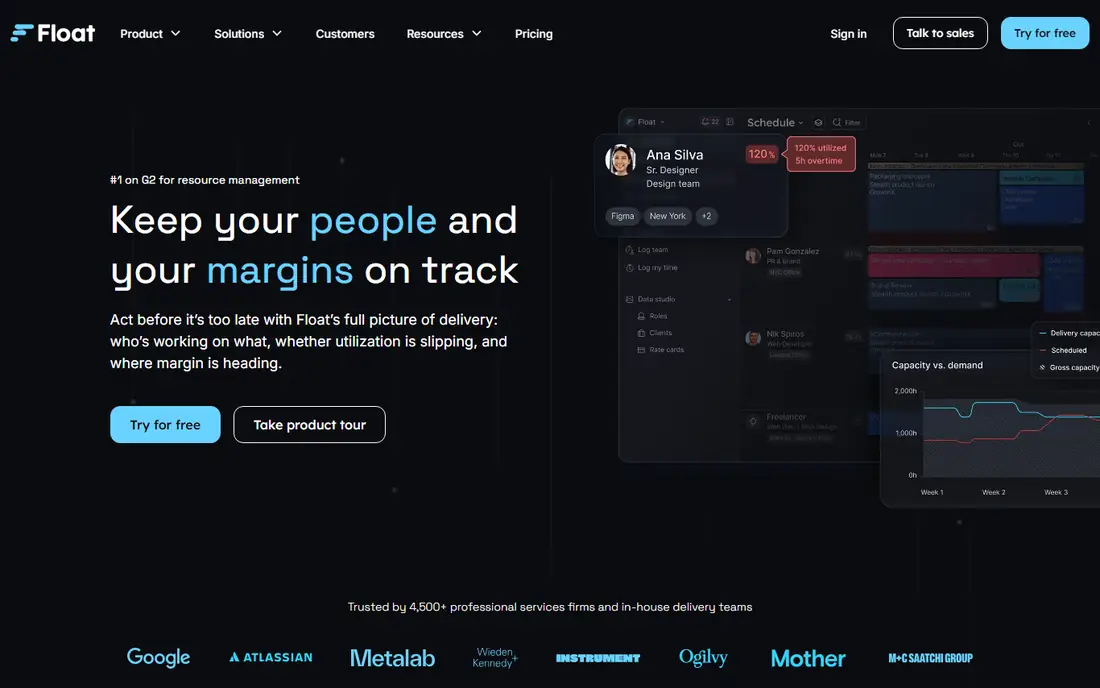
Float is the tool many agency owners try first, and for good reason. The schedule view shows who is booked, who is free and who is overloaded without any training. A small team can usually load people and projects in an afternoon.
Float's own pricing material lists three plans. Starter is $7 per person per month billed annually and covers resource scheduling, unlimited projects and reporting. Pro is $12 per person per month billed annually and adds time tracking, single sign-on and workflow features. Enterprise is custom, and the trial runs 30 days.
The catch is scope. Float plans people and capacity very well, but it is not a full project management or billing system. If you need budgets, invoicing and task detail in the same place, you will pair it with other tools. Note that third-party sites quote slightly different Float prices, so confirm the number on the pricing page before you budget.
What we like- Fast to set up and easy to read at a glance
- Starter plan includes unlimited projects
- Pro adds built-in time tracking and SSO
Watch out for- Per-person pricing climbs as headcount grows
- Enterprise pricing is custom and not published
#2Resource Guru
Best for: Small teams that also book equipment and rooms4.6/5 on
G2 (493 reviews, checked Oct 2026)
Visit resourceguruapp.com
Starting price$5 per person/month
Free planFree trial
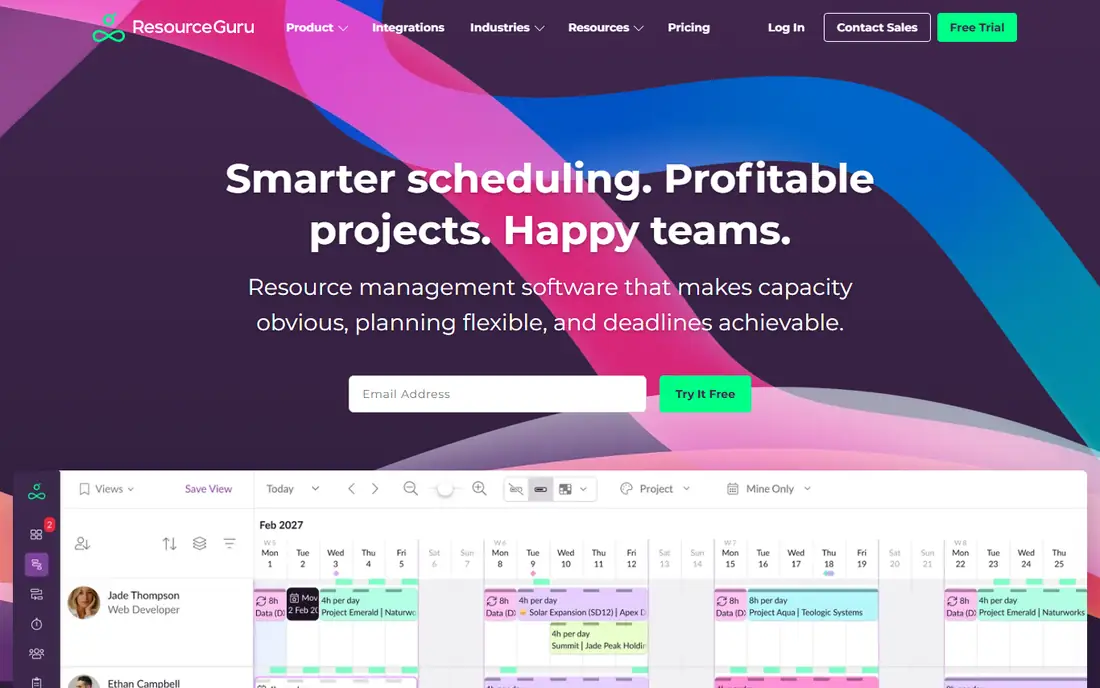
Resource Guru is the pick when the thing you schedule is not only people. The product covers resource scheduling, capacity planning, leave management, equipment management and meeting room booking. That makes it handy for studios, event teams and agencies that share kit.
The pricing page shows an entry plan called Grasshopper at $5 per person per month, described as the essentials without reports. Other resources, such as equipment, are listed at $2.50 each. A free trial gives access to all features, so you can see what the higher tiers add before deciding.
Reviewers on G2 repeatedly point to ease of use and the color-coded visual layout. The honest limitation is depth. If you want utilization targets tied to billable rates and revenue forecasts, you will outgrow it faster than you would a PSA platform.
What we like- Lowest verified starting price in this list
- Handles people, equipment and meeting rooms
- Leave management included
Watch out for- Cheapest tier leaves out reports
- Lighter on budgets and financials than PSA tools
#3Runn
Best for: Capacity planning for project-based teams4.5/5 on
G2 (1 reviews, checked Oct 2026)
Visit runn.io
Starting priceSee website
Free planFree trial (30 days)
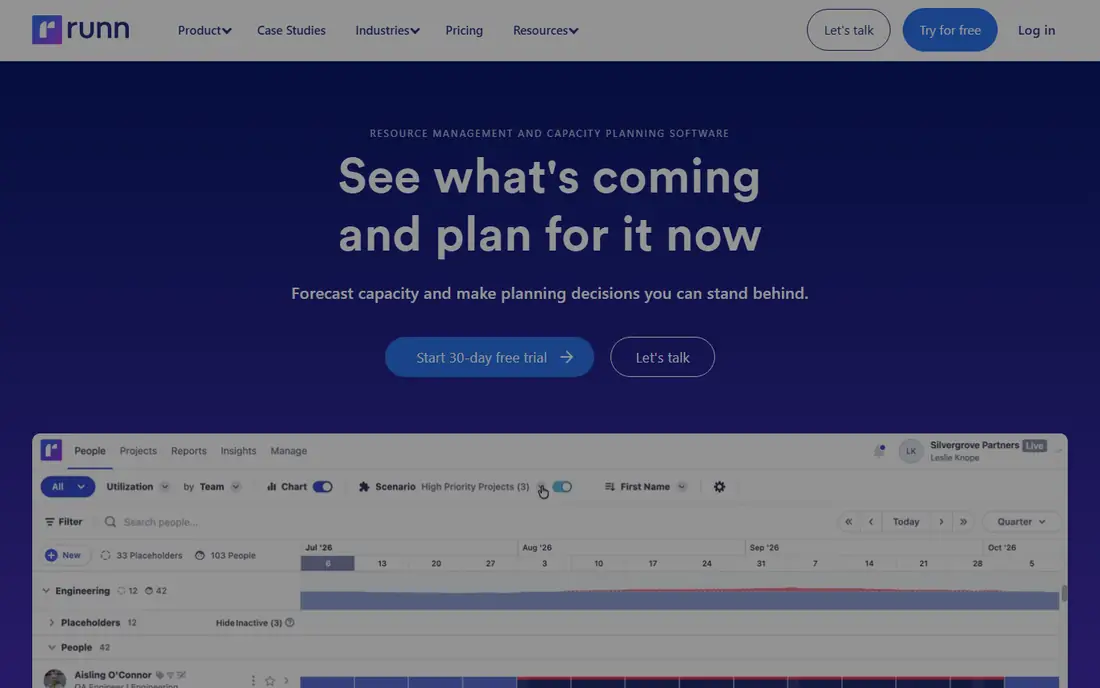
Runn is aimed at teams that plan people on technical or project-based work and want to see demand against capacity weeks or months ahead. Its financial tools track budgets and costs, and it supports both fixed-price and time-and-materials billing models. That combination is useful for software shops and consultancies.
Pricing is based on resource seats and split across tiers, with an Advanced plan for larger organizations. Different review sites quote different starting prices, from $7 to $10 per seat, so I have not printed a number here. Check the vendor's pricing page, which also lists a 30-day trial according to third-party reviews.
The weak spot is that a seat-based model punishes you for loading everyone in. Decide early whether only delivery staff or the whole company needs a seat. Runn is a planner first, so expect to connect it to your time tracking and accounting tools.
What we like- Strong forward-looking capacity view
- Supports fixed-price and time-and-materials budgets
- Phase-based project budgeting
Watch out for- Pricing is per resource seat and sources disagree on current rates
- Reporting depth depends on plan
#4Hub Planner
Best for: Add-on style scheduling with a long trial4.2/5 on
G2 (58 reviews, checked Oct 2026)
Visit hubplanner.com
Starting priceSee website
Free planFree trial (60 days)
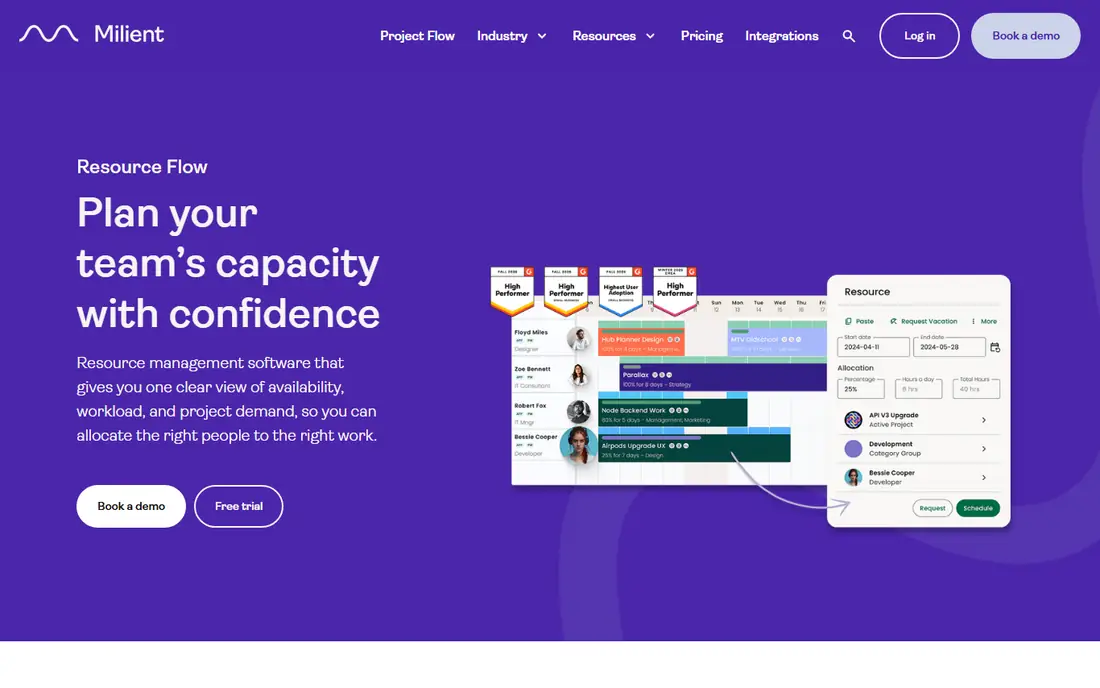
Hub Planner takes a modular approach. The core scheduler covers projects, resources and reports, and extensions add approval workflow, custom fields, smart groups, leave management and tasks. That lets a growing team add only what it needs.
A 60-day free trial is a real advantage if your project data is messy and you want a proper test run. Published reviews describe a lower tier priced per resource and a higher Premium tier that includes all extensions, plus a custom Enterprise option. Rates vary by source, so use the vendor's page for the current figure.
The trade-off is that the sticker price of the cheapest plan is not the whole story. Once you add the extensions your team will probably want, compare the total with an all-in-one tier elsewhere. Hub Planner suits teams that value control over a polished first impression.
What we like- Longest trial in this list
- Modular extensions such as approvals, custom fields and leave
- Per-resource pricing
Watch out for- Useful features sit in paid extensions or higher tiers
- Interface feels more dated than newer rivals
#5Productive
Best for: Agencies that want PSA and resourcing together4.6/5 on
G2 (76 reviews, checked Oct 2026)
Visit productive.io
Starting priceSee website
Free planSee website
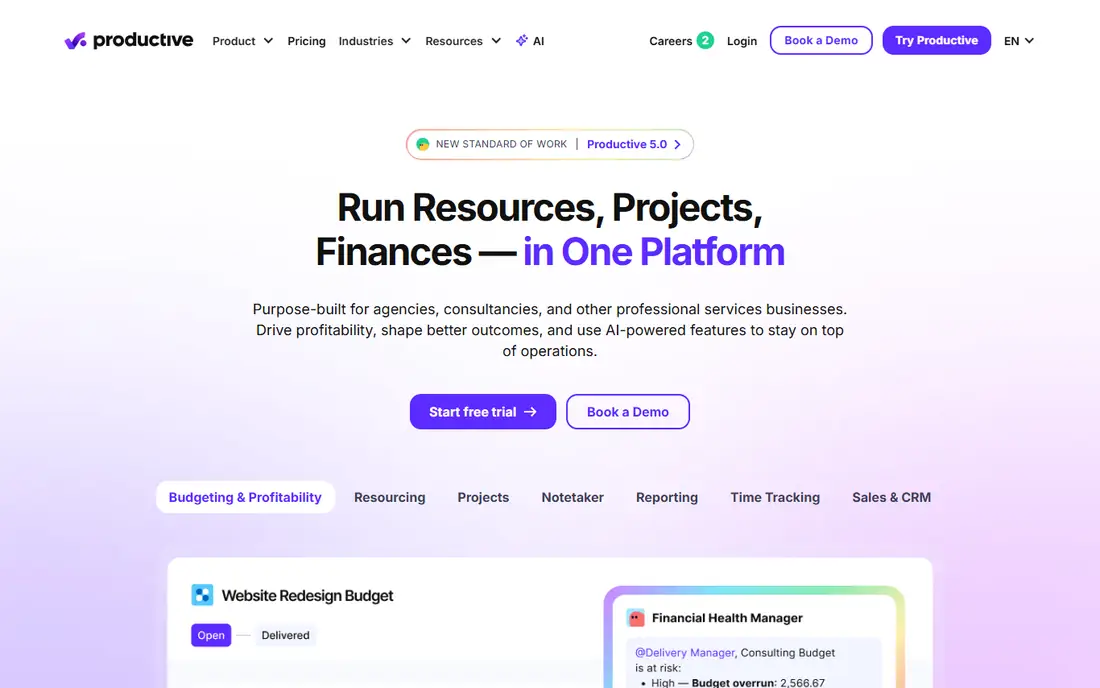
Productive is an agency management platform, and resource planning is one part of a wider system. Third-party reviews describe four tiers: Essential, Professional, Ultimate and Enterprise. Advanced reporting and resource planning are tied to Professional and above, which matters if resourcing is your main reason to buy.
The appeal is one tool for the whole job. Budgets, time tracking and capacity live next to each other, so a project manager can see profit risk as the schedule changes. For a 20 to 60 person agency, that can replace two or three separate subscriptions.
The downside is setup effort. Expect to spend more time configuring workflows than you would with a pure scheduler. Published prices differ between review sites, so I left the figure as See website.
What we like- Combines projects, budgets, time and resource planning
- Built specifically for agencies
- Custom tiers for large teams
Watch out for- Resource planning sits on the higher Professional tier
- More to configure than a scheduler-only tool
#6Teamwork
Best for: Client-work teams that bill by time4.4/5 on
G2 (1,214 reviews, checked Oct 2026)
Visit teamwork.com
Starting priceSee website
Free planYes
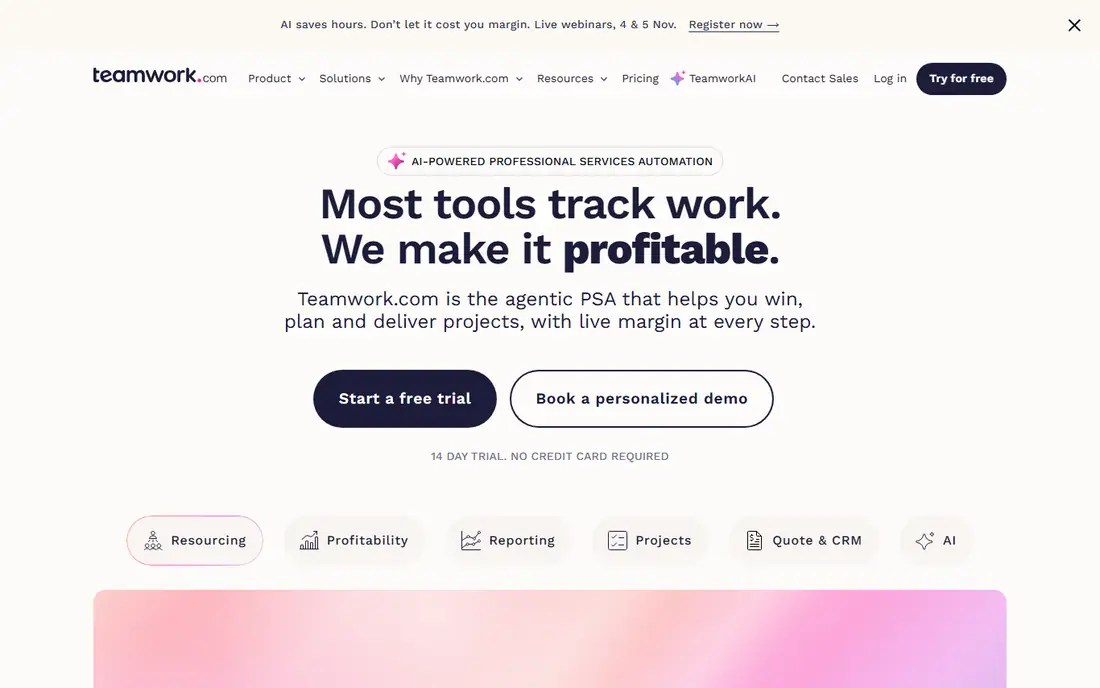
Teamwork is a project management product that has grown into client work territory. According to one 2026 review, its sweet spot is agencies and IT service firms of roughly 10 to 50 people that bill time and need capacity, budgets and client access together. It is a poor fit for internal teams that never invoice.
There is a free plan, then paid tiers billed per user. The same review notes that two of the five plans carry public per-seat prices and two require talking to sales, and that the mid-level plan, not the cheapest one, carries the real workflow. Treat the entry price as a starting point and check which plan includes the resource features you need.
The catch is that you are buying a broad tool. If all you want is a calendar of who works on what, Teamwork will feel heavy. If you also want task lists and client approvals, it saves you from stitching tools together.
What we like- Free plan available
- Capacity, budgets and client access in one system
- Plans for small agencies up to larger services firms
Watch out for- Resourcing features are strongest on higher tiers
- Several plans need a sales conversation
#7Kantata
Best for: Professional services firms with big benches4.2/5 on
G2 (1,574 reviews, checked Oct 2026)
Visit kantata.com
Starting priceSee website
Free planSee website
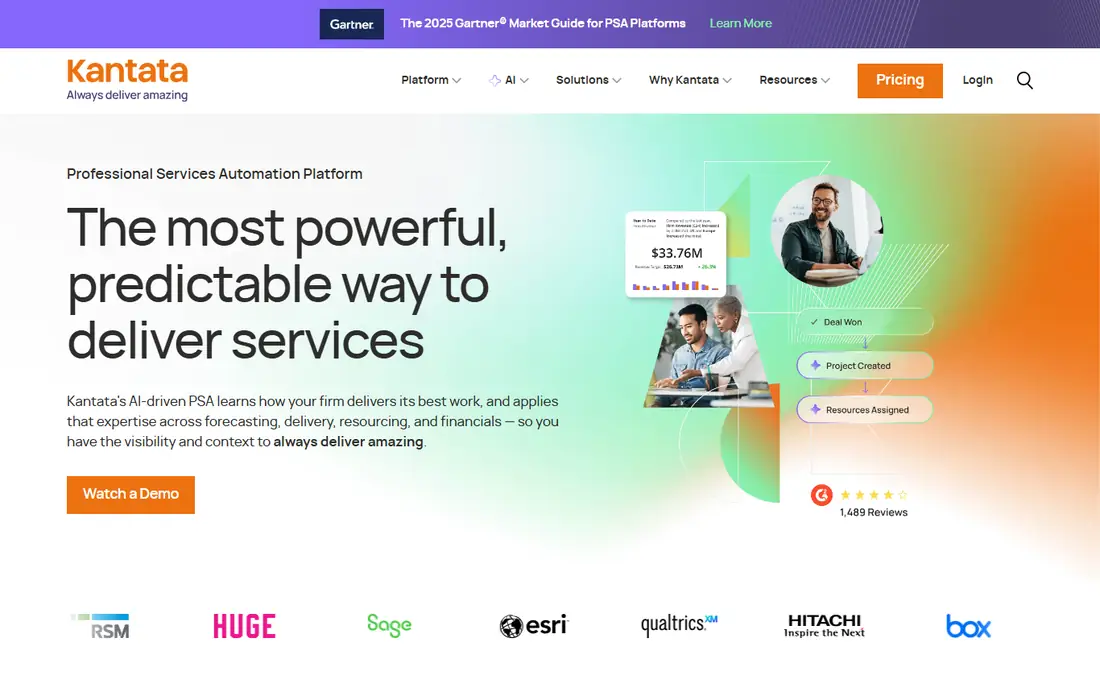
Kantata, formerly Mavenlink and Kimble, is a professional services automation platform with deep resource management. G2 shows it at 4.2 out of 5 from 1,576 reviews. That volume makes it one of the most heavily reviewed options here, though the score is lower than some smaller tools with fewer reviews.
Its resource features cover forecasting and capacity planning, allocation and scheduling, skills inventory and managing a talent network. The older optimizer uses algorithms to match staffing across many parameters, and a newer Resourcing Agent adds AI monitoring of staffing gaps. This is useful when you have dozens or hundreds of consultants and a bench to keep busy.
The honest weakness is fit. Implementation is a project in itself, and a ten-person studio will pay for features it never touches. Pricing is quote-based, so budget time for demos and procurement.
What we like- Largest review base in the category (1,576 on G2)
- Skills inventory and forecasting
- AI resourcing agent
Watch out for- Built for services firms, so overkill for small teams
- Pricing is not published
#8SAVIOM
Best for: Enterprise resource forecasting and finance4.5/5 on
G2 (1 reviews, checked Oct 2026)
Visit saviom.com
Starting priceSee website
Free planSee website
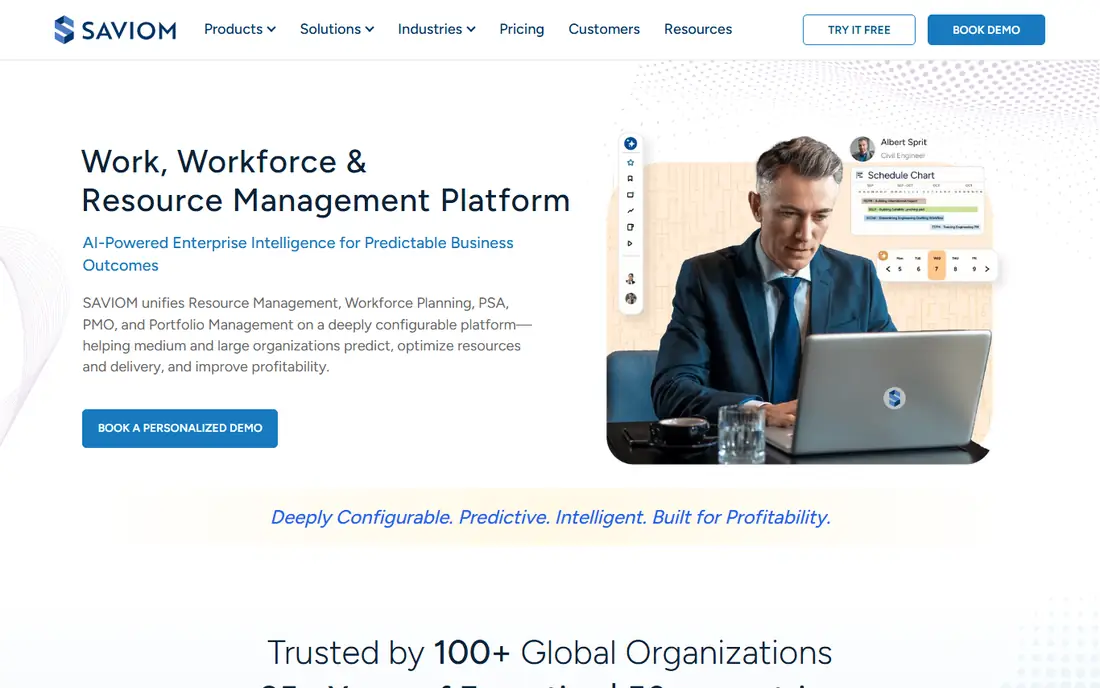
SAVIOM sits at the enterprise end of this list. The vendor describes its resource management software as highly configurable and built for medium-to-large organizations. It connects forecasting, capacity planning, scheduling, utilization, financial planning and analytics across projects, teams and locations.
That scope is the strength. If finance wants forecasted cost by role and operations wants bench strength by region, SAVIOM is designed for that conversation. It also publishes industry pages for IT, architecture and engineering, and professional services.
For a small business, it is probably too much. Expect a sales-led process and a configuration phase, not a credit card sign-up. Ask for a reference customer of your size before committing.
What we like- Covers forecasting, capacity, scheduling, utilization and financial planning
- Highly configurable
- Multi-location planning
Watch out for- Aimed at medium-to-large organizations
- No public pricing and likely a longer rollout
How we chose
I built this list from public information, not hands-on testing. For each tool I read the vendor's pricing and product pages where they were available, then compared them against documentation, review summaries on G2 and Capterra, and independent reviews. I looked at features, integrations, trial length, pricing model and the size of company each product is designed for.
User ratings shift as new reviews arrive, so I only quote scores I could see directly (Kantata's G2 score) and describe the rest in terms of what reviewers repeatedly praise. Where I found conflicting prices across sources, I wrote See website rather than guess.
How to use user ratings without being misled
Ratings are a useful filter, but a blunt one. A 4.7 from 110 reviews and a 4.2 from more than 1,500 reviews are not directly comparable. Read the written reviews from companies of your size, and pay attention to the complaints, not the stars.
Read the cons sections first
G2's summaries group feedback into themes. For the tools reviewed here, common praise is ease of use, and common complaints are limited customization or a learning curve. Decide which of those you can live with.
Match the tool type to your problem
A scheduler (Float, Resource Guru, Runn, Hub Planner) answers who is free next month. A PSA platform (Kantata, Productive, Teamwork) also tracks budgets and billing. An enterprise planner (SAVIOM) adds financial forecasting. Reviews of one type will not tell you whether another type suits you.
Run a real trial
Trials of 30 or 60 days are long enough to load a live project mix. Test three things: how fast you can add a new project, how clearly overbooking shows up, and whether you can export your data. Ask about contract length and cancellation terms before you enter payment details.
Count seats carefully
Most schedulers charge per person or per resource. Work out whether you will schedule everyone or only delivery staff, because that choice can change the bill by a large margin. Ask whether viewers and managers need paid seats.
Frequently asked questions
What is resource management software?
It is software that shows who is working on what, how much capacity is free, and where you will be short of people in the coming weeks. Most tools add reporting on utilization and budgets. Larger platforms also handle skills, forecasting and billing.
Which resource management tool is cheapest?
Among the tools where I could verify a price, Resource Guru starts lowest at $5 per person per month. Float's published Starter plan is $7 per person per month billed annually. Check each vendor's pricing page for current rates, because they change.
Do any of these tools have a free plan?
Teamwork offers a free plan, but its resource features sit on paid tiers. Float and Runn offer 30-day trials and Hub Planner offers 60 days. Resource Guru offers a free trial with access to all features.
How much should I trust G2 and Capterra scores?
Treat them as a starting point. Review counts differ widely, and reviewers skew toward certain company sizes. Read recent reviews from teams like yours and compare the complaint themes.
Which tool suits a small agency?
Float, Resource Guru and Runn are common starting points because they are quick to set up. If you also want budgets and time tracking in the same system, look at Productive or Teamwork.
Sources we checked (11)
- https://resourceguruapp.com/pricing
- https://www.float.com/resources/resource-management-software-tools
- https://www.g2.com/categories/resource-management
- https://www.kantata.com/psa/resource-management-software
- https://diginomica.com/how-kantata-brings-resource-management-ai-world
- https://www.saviom.com/resource-management-software/
- https://thedigitalprojectmanager.com/tools/runn-review/
- https://project-management.com/hub-planner-software-review/
- https://www.agencyhandy.com/informative/productive-io-pricing/
- https://saascrmreview.com/teamwork-review/
- https://thedigitalprojectmanager.com/tools/forecast-review/
Is your product missing or out of date?
We review this list regularly. Vendors can request a listing, send updated pricing or ask about featured placement.

Shihab Mia · Founder, Rankite
Shihab has 5+ years in B2B and SaaS SEO. He writes Rankite's software buying guides from pricing pages, documentation and public user reviews. More about Shihab.