How we make this list: we compare pricing pages, product documentation and public user reviews. Ratings come from G2, Capterra or Trustpilot, with the date we checked them.
Key takeaways
- Most marketing teams do not need the most powerful tool. They need approvals, a content calendar and clear ownership, and Asana, monday.com and Wrike cover those well.
- Entry prices on the vendors' own pricing pages run from $7 per user per month (ClickUp Unlimited, billed yearly) to $20 (Airtable Team). Plans with proofing, workload views or advanced reporting usually cost $19 to $25 or more per user.
- Four tools in this list have a free plan (Asana, monday.com, Wrike, ClickUp), but the free tiers are limited. Asana's free plan covers only one or two people, and monday.com's is capped at two seats.
- Workamajig is the one pick built for agencies and in-house creative groups that need budgets, time tracking and billing in the same system as projects.
- Price per seat matters less than who needs a paid seat. Check whether freelancers, designers and clients can comment for free before you count heads.
Quick comparison
| Tool | Best for | Starting price | Free plan |
|---|
 Asana Asana | Campaign planning and approvals | $10.99 per user/month (billed annually) | Yes |
 monday.com monday.com | Visual dashboards and custom boards | $9 per seat/month (billed annually) | Yes |
 Wrike Wrike | Creative request intake and proofing | $10 per user/month | Yes |
 ClickUp ClickUp | Budget teams that want one workspace | $7 per user/month (billed yearly) | Yes |
 Teamwork.com Teamwork.com | Client work and agencies | See website | Yes |
 Airtable Airtable | Content databases and custom workflows | $20 per user/month (billed annually) | Yes |
 Hive Hive | Teams that want chat, time tracking and PM together | See website | Yes |
 Workamajig Workamajig | Agencies and in-house creative studios | See website | See website |
Is your product missing or out of date?
We review this list regularly. Vendors can request a listing, send updated pricing or ask about featured placement.
The best project software for marketing teams
#1Asana
Best for: Campaign planning and approvals4.4/5 on
G2 (13,930 reviews, checked Oct 2026)
Visit asana.com
Starting price$10.99 per user/month (billed annually)
Free planYes

Asana is the safest first look for a marketing team that has outgrown spreadsheets and Slack threads. A campaign becomes a project, each deliverable becomes a task with an owner and due date, and dependencies show who is blocking whom. Most people learn it in an afternoon, which matters when half the team is writers and designers who will not read documentation.
On pricing, the Asana page lists a free Personal plan for one or two people. Starter is $10.99 per user per month billed annually, and Advanced is $24.99 on the same basis. Marketers who want portfolios, workload views and approvals across several campaigns will end up on Advanced, so budget for that tier rather than the entry price.
The catch is cost at scale. Every seat is paid, and the price climbs quickly once you add agency partners or part-time contributors who need access. Asana is also a general work tool, so it has no built-in proofing or budget tracking tuned for creative work.
What we like- Clean timeline and board views
- Easy for non-technical staff to adopt
- Strong integration library
Watch out for- Free plan is limited to one or two people
- The most useful planning features sit on the $24.99 Advanced tier
#2monday.com
Best for: Visual dashboards and custom boards4.7/5 on
G2 (17,182 reviews, checked Oct 2026)
Visit monday.com
Starting price$9 per seat/month (billed annually)
Free planYes
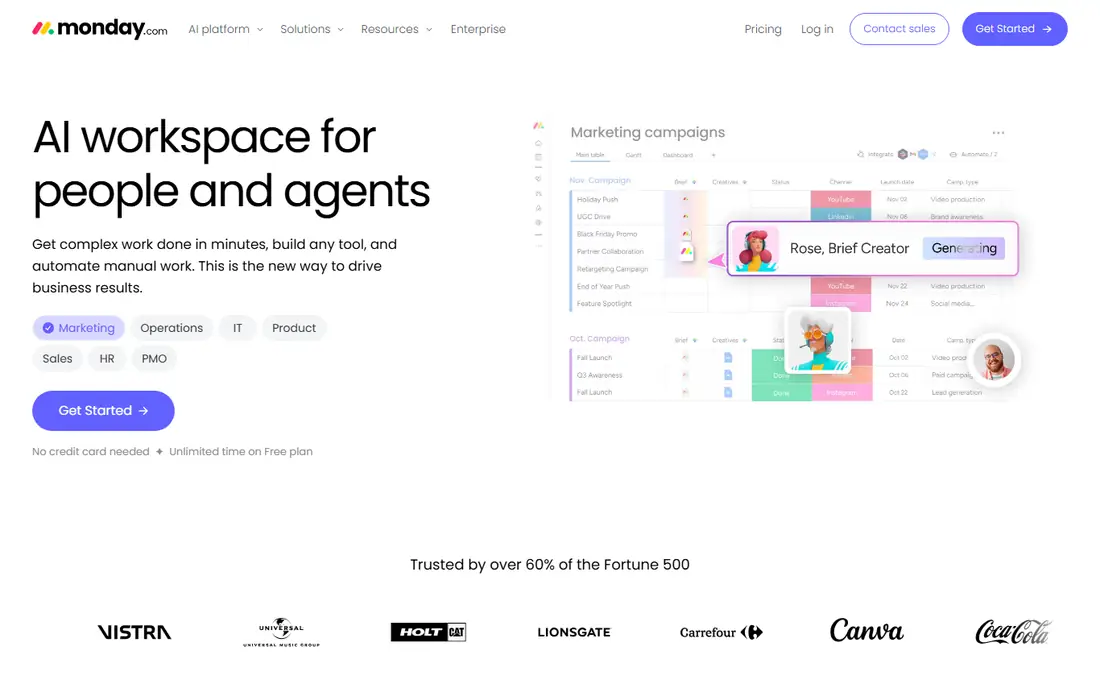
monday.com suits marketing managers who care about how work looks on a screen. You can build a content calendar, a campaign tracker and a request intake form on separate boards, then roll them up into a dashboard for your CMO. The flexibility is the draw, and it is also the risk: a team without a clear owner can end up with a messy set of boards.
The monday.com pricing page shows a free plan for up to two seats. Paid plans start with Basic at $9 per seat per month on annual billing, then Standard at $12 and Pro at $19. The page also shows AI credits bundled with each tier, so check how many you get before you rely on the AI features.
Plan limits are the honest weakness. Basic is light, and the features most marketers want, such as more automations and richer views, arrive on Standard or Pro. Price a realistic seat count on the page before you commit, because per-seat pricing grows with every added teammate.
What we like- Flexible boards you can shape around your own workflow
- Strong dashboards for reporting to leadership
- Many automation recipes
Watch out for- Free plan is limited to two seats
- The cheapest tier is thin on automations and views
#3Wrike
Best for: Creative request intake and proofing4.2/5 on
G2 (4,540 reviews, checked Oct 2026)
Visit wrike.com
Starting price$10 per user/month
Free planYes
Wrike is a better fit for marketing departments that behave like internal agencies, with a steady stream of requests from sales, product and regional teams. Request forms feed a queue, work gets assigned, and reviewers mark up assets and sign off. That structure is useful when you have more than a dozen campaigns running at once.
The Wrike pricing page lists a Free plan with essential task management, Team at $10 per user per month, and Business at $25. Pinnacle is custom priced, and the page lists advanced resource and capacity planning there. Wrike also sells add-ons separately, so the real cost can run above the headline number.
The trade-off is complexity. Small teams of three or four marketers can find Wrike heavy, and setup takes real thought if you want clean folders, custom fields and reports. It rewards teams with an admin who cares about process.
What we like- Request forms and approvals suit creative teams
- Handles many concurrent projects
- Free plan available for basic task management
Watch out for- Interface takes longer to learn than Asana or Trello
- Advanced resource planning sits on the top custom-priced tier
#4ClickUp
Best for: Budget teams that want one workspace4.6/5 on
G2 (14,878 reviews, checked Oct 2026)
Visit clickup.com
Starting price$7 per user/month (billed yearly)
Free planYes
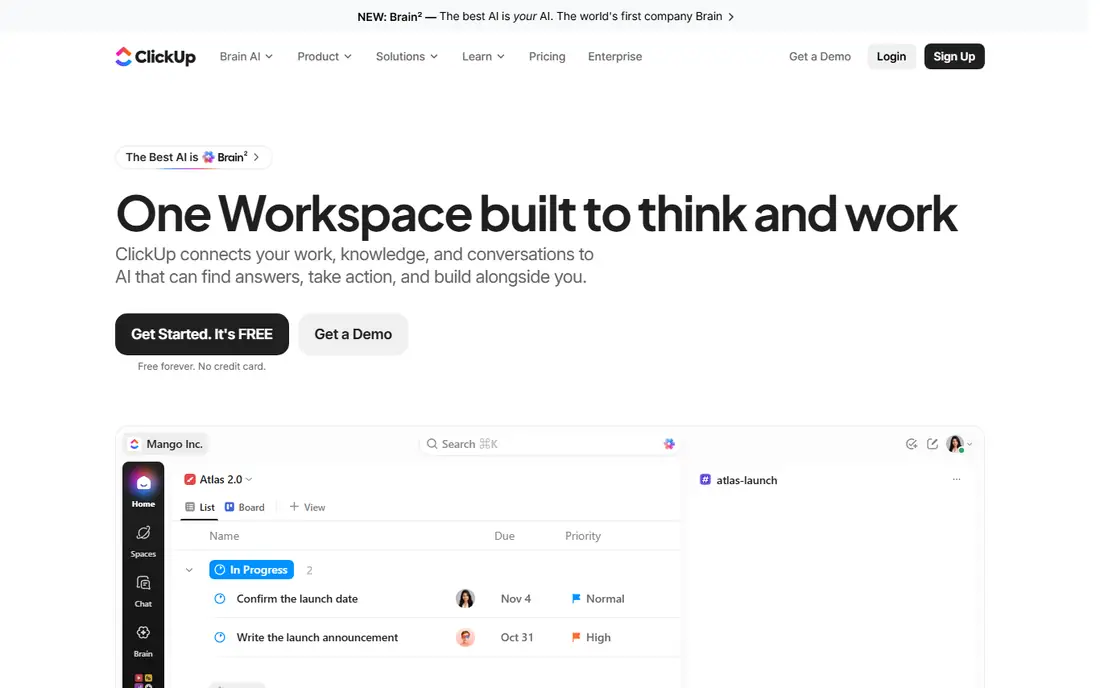
ClickUp is the value pick. The Unlimited plan is $7 per user per month billed yearly ($10 monthly), and Business is $12 yearly ($19 monthly). The free plan lists unlimited tasks and unlimited members, though storage is capped at 60MB, which a team sharing creative files will hit fast.
For marketing, the appeal is replacing several tools with one. You can write briefs in docs, track tasks on a board, plan on a calendar and collect requests through forms. A small team with someone willing to set up templates can run a full content operation here for very little money.
The downside is that ClickUp offers a lot of options. New users often get lost in views, statuses and settings, and a team without a workspace owner tends to create inconsistent setups. Plan on a few weeks of tidy-up before it feels natural.
What we like- Lowest entry price among the big names
- Docs, tasks, whiteboards and forms in one place
- Generous free plan
Watch out for- Large feature set makes setup and training slow
- Interface can feel crowded
#5Teamwork.com
Best for: Client work and agencies4.4/5 on
G2 (1,214 reviews, checked Oct 2026)
Visit teamwork.com
Starting priceSee website
Free planYes
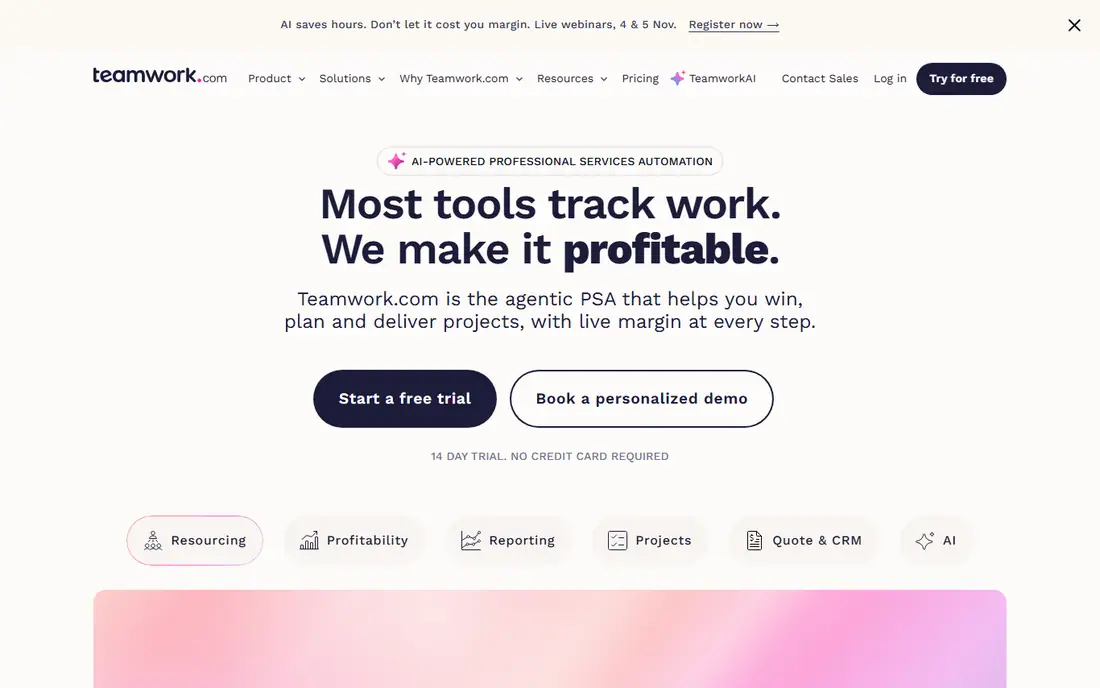
Teamwork.com is aimed at teams that deliver work to clients, which makes it a natural match for marketing agencies and in-house teams that bill internal departments. It puts time tracking, budgets and workload planning alongside tasks, so you can see whether a campaign is on track financially and not just on schedule.
I could not confirm Teamwork's current prices from its own pricing page, so the table says See website. Third-party roundups list a free tier and paid tiers named Deliver, Grow and Scale, but the numbers differ between sources, which is a good reason to check the vendor page directly. Ask about seat minimums and whether clients or collaborators need a paid seat.
The weak point is fit. If you only need a content calendar and task list, Teamwork has more than you need. It makes the most sense when billable hours and client reporting are a daily concern.
What we like- Built with client delivery in mind
- Time tracking and budgets are part of the product
- Client-facing collaboration options
Watch out for- Plan names and prices have changed over time, so check before you buy
- More than a basic task tool needs
#6Airtable
Best for: Content databases and custom workflows4.6/5 on
G2 (3,300 reviews, checked Oct 2026)
Visit airtable.com
Starting price$20 per user/month (billed annually)
Free planYes
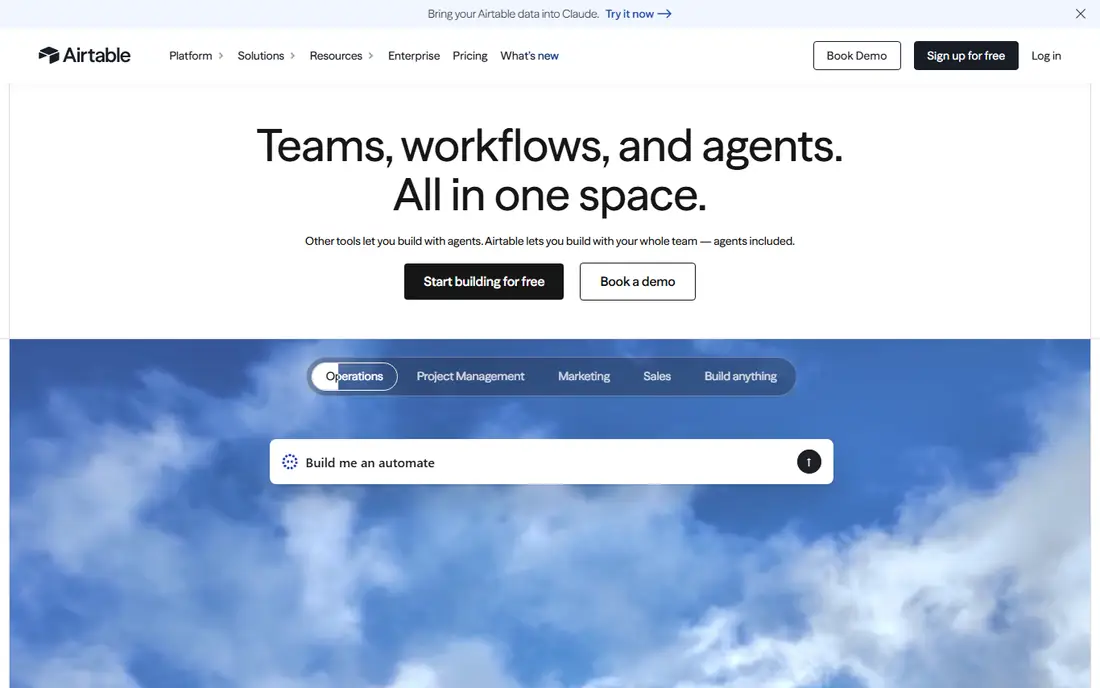
Airtable works best when your marketing work is really a database problem. Think of a content library with hundreds of posts, each with a status, channel, author and publish date, or a campaign tracker tying assets to budgets. You can view the same records as a grid, a calendar or a kanban board.
The Airtable pricing page lists a Free plan, Team at $20 per user per month billed annually, and Business at $45. That puts it above Asana and monday.com at the entry level, and the free plan has capacity limits that a growing content team will notice.
The catch is that Airtable asks you to design the system. Teams that want ready-made project templates, dependencies and workload views may find themselves rebuilding features that other tools include. It suits marketing operations people who enjoy building.
What we like- Strong for content inventories, asset libraries and editorial calendars
- Flexible views over the same data
- Solid automation and integration options
Watch out for- Not a traditional project tool, so you build the structure yourself
- Per-seat price is the highest of the entry plans here
#7
Hive
Best for: Teams that want chat, time tracking and PM together
Visit hive.com
Starting priceSee website
Free planYes
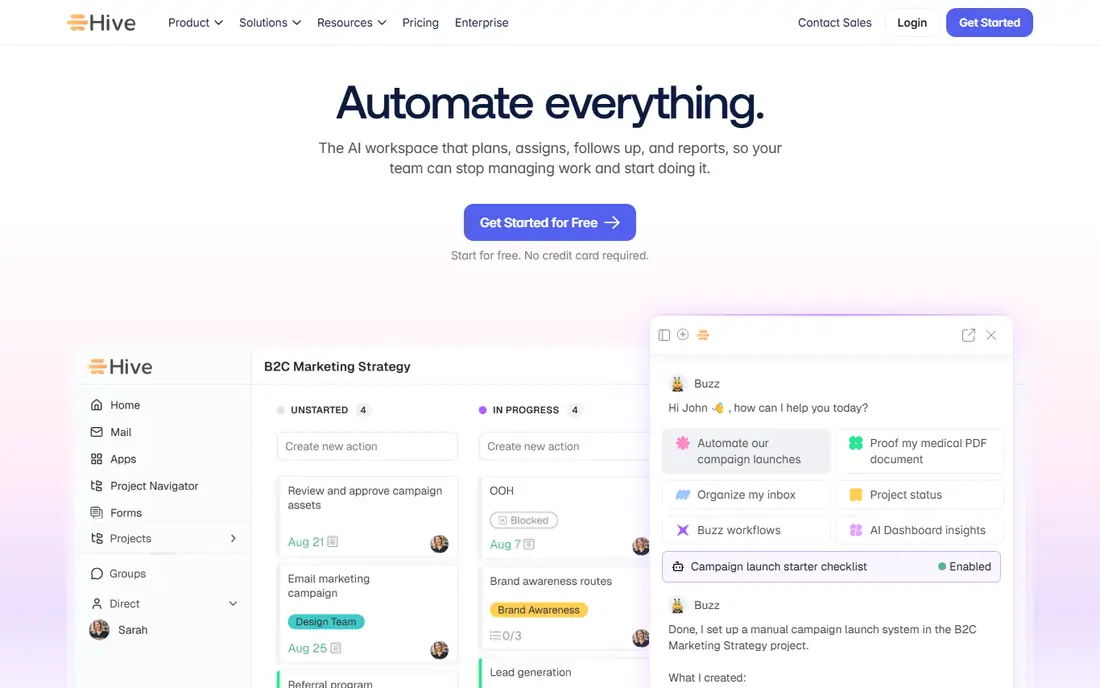
Hive is a mid-market option for teams that want fewer separate apps. It combines task management with built-in messaging, time tracking and several project views, so a small marketing group can keep conversations next to the work. It has a free tier and a paid Teams plan, and reviewers on Capterra mention automation limits and add-on costs.
I could not open Hive's pricing page in this research, so the price field says See website. A TechRepublic review listed the Teams plan at $12 per user per month billed annually, but confirm that with the vendor. Ask which AI and pro modules cost extra.
Hive is a sensible pick for a team of five to twenty that finds Asana too structured and ClickUp too busy. At larger sizes, the thinner reporting and integration options can start to hurt.
What we like- Messaging, notes and time tracking built in
- Multiple project views including Gantt and kanban
- Approachable for small teams
Watch out for- Add-ons can raise the real price
- Fewer integrations and a smaller user base than the big names
#8Workamajig
Best for: Agencies and in-house creative studios3.9/5 on
G2 (305 reviews, checked Oct 2026)
Visit workamajig.com
Starting priceSee website
Free planSee website
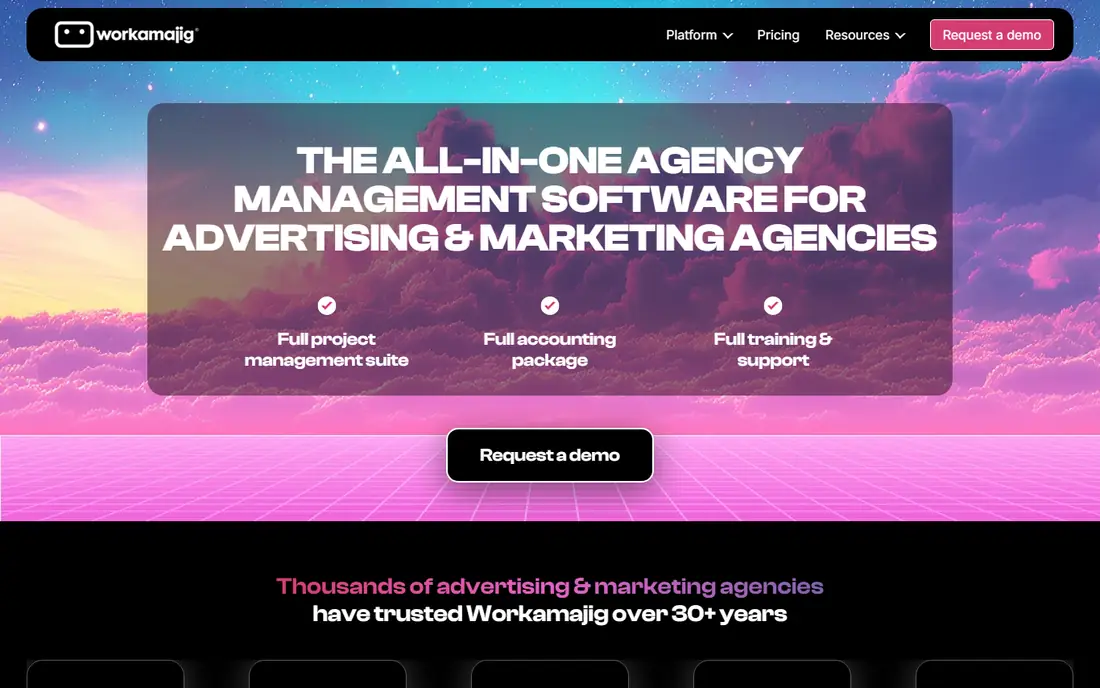
Workamajig describes itself as agency management software for creative, marketing and advertising agencies. It combines project management with accounting, CRM, resourcing and reporting, so it covers what a generic task tool leaves out: estimates, budgets, billable time and invoices.
That scope is its strength and its cost. Setup is a project in itself, and pricing is not published on the pages I found, so you will talk to sales. Marketing teams with no client billing, or with fewer than ten people, will likely find the process heavier than they want.
It fits best for agencies, and for large in-house studios that charge back to business units and need to know the true cost of each job.
What we like- Project management, resourcing, time and billing in one system
- Built for creative and advertising workflows
- Reporting that ties work to profit
Watch out for- No public pricing found
- More system than a small marketing team needs
How we chose
We did not run hands-on tests. We compared vendor pricing pages, product documentation and public reviews on sites such as G2, Capterra and Reddit, and weighed features, integrations and company-size fit. For each tool we looked at what a marketer would use daily: calendars, approvals, request intake, reporting and collaboration with outside contributors.
Prices come from vendor pricing pages where I could open them (Asana, monday.com, Wrike, ClickUp and Airtable). Where I could not confirm a current number from the vendor, the article says See website. The list mixes well-known platforms with narrower picks such as Workamajig and Hive.
What to check before you choose
Match the tool to how your team really works
A content team that publishes on a calendar needs different things from a team handling inbound requests from sales. Calendar-driven teams do well with Asana, monday.com or Airtable. Request-driven teams should look at Wrike or Teamwork.com, which handle intake and approvals more directly.
Count paid seats honestly
Most of these tools charge per user. List everyone who will touch a task: designers, writers, freelancers, the person approving social posts. Then ask each vendor whether guests, contractors or clients can view and comment without a paid seat. This single question changes the yearly cost more than the headline rate.
Check approvals and file handling
Marketing work lives in assets and feedback. Look at how each tool handles proofing, versions and file storage. ClickUp's free plan, for example, lists only 60MB of storage, so a team sharing creative files will need a paid plan or an outside file store.
Look at integrations and exports
Confirm the tool connects to what you already use, such as Slack, Google Workspace, Microsoft 365, your CRM and your design tools. Then check data export. If you leave in two years, you want your tasks and files in a usable format.
Run a small pilot
Pick one live campaign and run it in your top two choices for two to four weeks. Track how long setup takes, whether people update tasks without nagging, and whether the reports answer questions leadership asks. A tool that people use beats a stronger tool they avoid.
Frequently asked questions
What is the best project software for a small marketing team?
For teams of up to ten, Asana, monday.com and ClickUp are the usual starting points. Asana is the easiest to adopt, monday.com has the better dashboards, and ClickUp costs the least. All three have a free plan or a low entry price, so you can test before paying.
Do I need marketing-specific project software?
Not usually. General tools like Asana, monday.com and Wrike handle campaigns, calendars and approvals well. Marketing-specific or agency platforms such as Workamajig make sense when you need budgets, time tracking and client billing alongside project work.
How much does project software for marketing teams cost?
On the vendor pages I checked, entry plans range from $7 to $20 per user per month on annual billing. Plans with stronger reporting, workload views or advanced automation typically cost $19 to $25 or more per user. Extra costs include add-ons, AI credits and storage, so ask for a full quote.
Are free plans enough for marketing work?
For a solo marketer or a two-person team, sometimes. Asana's free plan is for one or two people, and monday.com's covers up to two seats. Larger teams will hit limits on users, storage, automations or views and will need a paid tier.
How long does it take to set up a project tool?
Asana, monday.com and ClickUp can be running a basic campaign board within a day. Wrike, Teamwork.com and Workamajig take longer because of request forms, resource planning and billing setup. Plan on a few weeks of refinement for any of them if you want consistent templates across the team.
Sources we checked (12)
- https://asana.com/pricing
- https://monday.com/work-management/pricing
- https://www.wrike.com/price/
- https://clickup.com/pricing
- https://airtable.com/pricing
- https://www.smartsheet.com/pricing
- https://www.workamajig.com/agency-management-software
- https://thedigitalprojectmanager.com/tools/teamwork-pricing/
- https://tech.co/project-management-software/teamwork-pricing
- https://www.techrepublic.com/article/hive-review/
- https://www.capterra.com/p/150991/Hive/
- https://www.capterra.com/p/10533/Workamajig/
Is your product missing or out of date?
We review this list regularly. Vendors can request a listing, send updated pricing or ask about featured placement.

Shihab Mia · Founder, Rankite
Shihab has 5+ years in B2B and SaaS SEO. He writes Rankite's software buying guides from pricing pages, documentation and public user reviews. More about Shihab.