How we make this list: we compare pricing pages, product documentation and public user reviews. Ratings come from G2, Capterra or Trustpilot, with the date we checked them.
Key takeaways
- Hive is built for marketing and creative teams specifically: proofing, AI brief-to-plan, time tracking and client work in one workspace.
- Asana and monday.com lead the generalists: Asana for cross-team goals and portfolios, monday.com for visual no-code workflows non-technical marketers love.
- ClickUp offers the most features per dollar with a free plan covering unlimited members, though the breadth can overwhelm.
- Marketing teams should weight proofing, asset review and campaign calendars over generic task features.
Quick comparison
| Tool | Best for | Starting price | Free plan |
|---|
 Hive Hive | Marketing and creative teams | See website | Yes |
 Asana Asana | Cross-team campaigns and goals | See website | Yes |
 monday.com monday.com | Visual workflows for marketers | See website | Yes |
 ClickUp ClickUp | Most features for the price | See website | Yes |
 Wrike Wrike | Enterprise marketing operations | See website | Yes |
 Trello Trello | Simple Kanban for small teams | See website | Yes |
 Smartsheet Smartsheet | Spreadsheet-style campaign planning | See website | No |
 Basecamp Basecamp | Flat-fee simplicity | See website | Yes |
Is your product missing or out of date?
We review this list regularly. Vendors can request a listing, send updated pricing or ask about featured placement.
The best project management software for marketing teams
Marketing work is part project, part creative review, part deadline chaos. The right tool handles campaign calendars, asset proofing, request intake and reporting without forcing marketers into engineering workflows. Eight platforms evaluated for marketing use.
Starting priceSee website
Free planYes
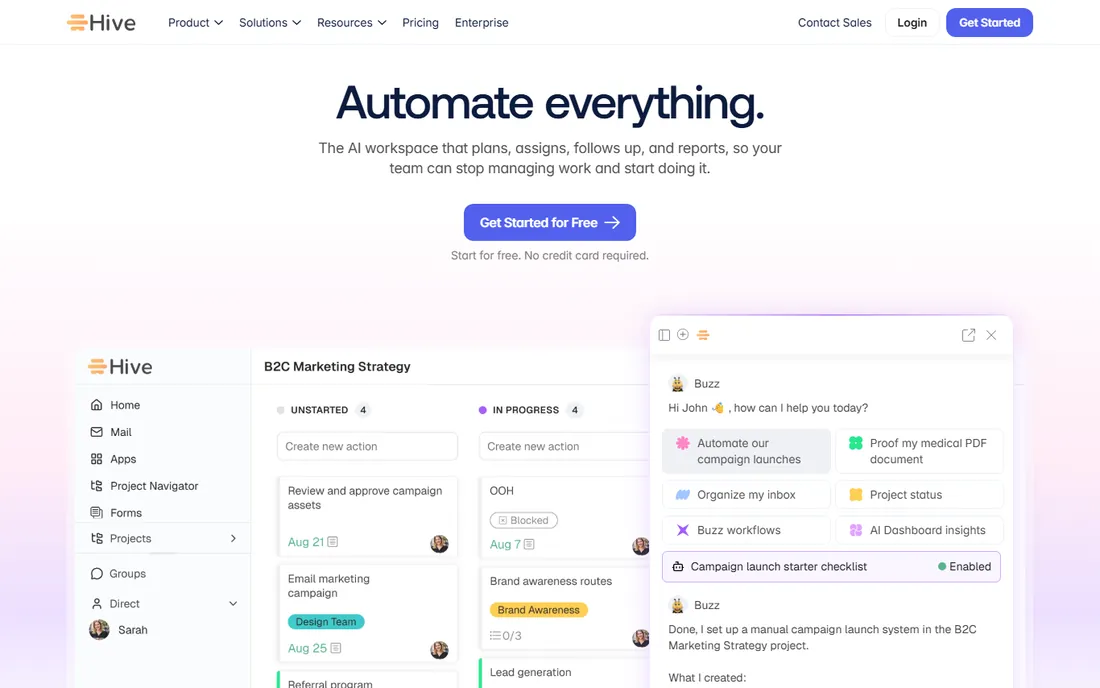
Hive positions itself as the marketing team's PM: Gantt, Kanban, calendar and portfolio views over the same data, proofing with AI checks against brand guidelines, time tracking for billable work, and Buzz, an AI agent that drafts project plans from briefs. The free tier covers small teams.
The integration ecosystem is thinner than the giants. Hive fits marketing teams and agencies that want proofing, resourcing and AI planning in one workspace.
What we like- Built for marketing, creative and agency work
- Proofing and approvals for images, video and PDFs
- AI agent turns briefs into task plans
- Time tracking included
Watch out for- Smaller ecosystem than Asana or monday.com
- Advanced features via add-ons
Starting priceSee website
Free planYes
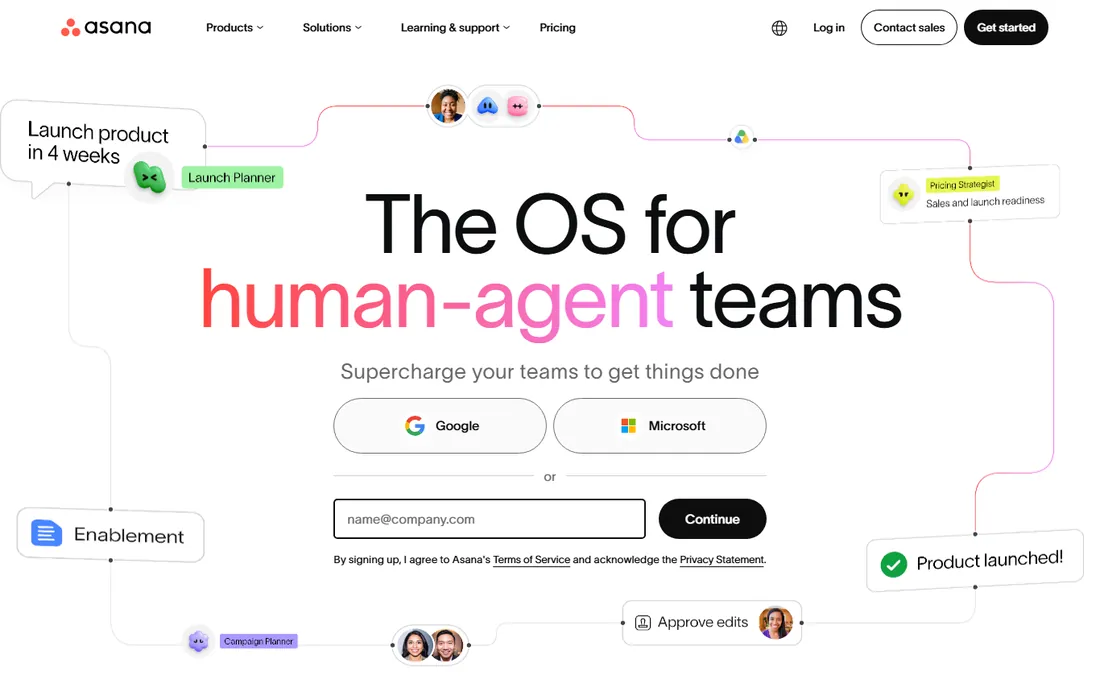
Asana excels when marketing must align with the wider company: goals, portfolios and cross-team projects keep campaigns connected to business objectives. Timeline view maps launch plans; forms handle creative requests.
Per-seat pricing adds up for large teams, and pure creative shops may find it structured. Asana fits marketing teams embedded in larger organizations where alignment matters.
What we like- Portfolios and goals connect campaigns to company objectives
- Timeline and calendar views suit campaign planning
- Strong templates and integrations
Watch out for- Pricing climbs per seat
- Advanced reporting needs higher tiers
- Can feel rigid for purely creative workflows
Starting priceSee website
Free planYes
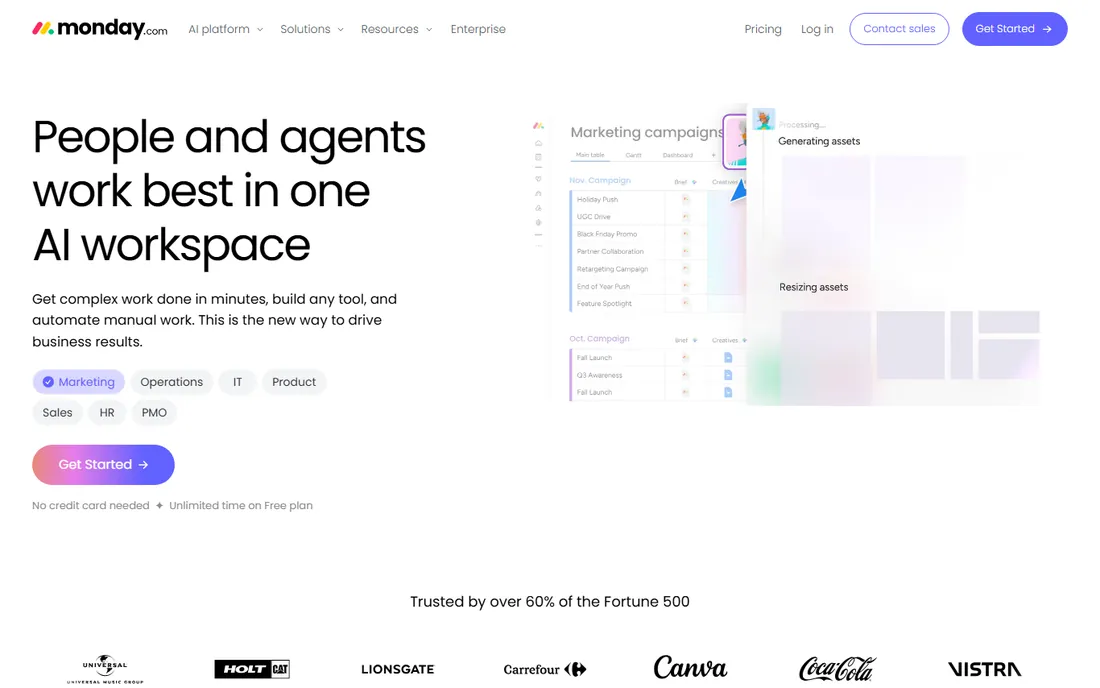
monday.com wins on approachability: marketers build content calendars, campaign trackers and approval workflows without IT help. Automations handle status changes and notifications; dashboards report to leadership.
The per-seat minimums and tier gating push costs up as teams grow. monday.com fits marketing teams that want visual, self-serve work management without a learning curve.
What we like- Visual, colorful boards non-technical users adopt fast
- No-code automations
- Dashboards for campaign reporting
- Broad template library
Watch out for- Pricing per seat with minimums
- Advanced features gated by tier
- Can get expensive at scale
Starting priceSee website
Free planYes
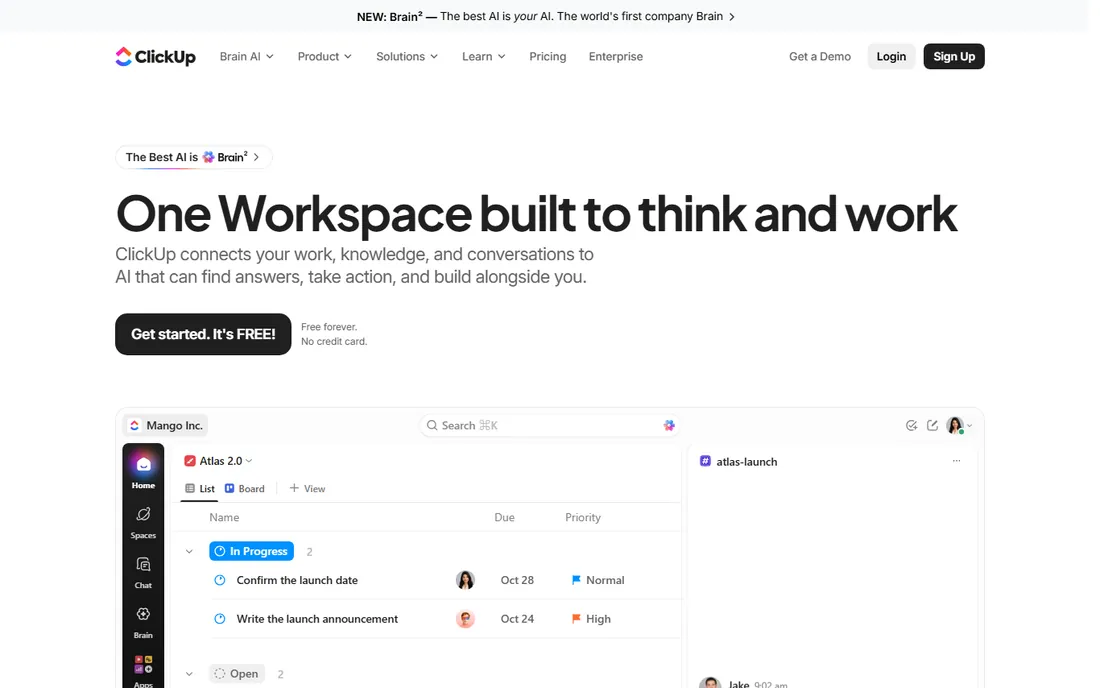
ClickUp replaces several tools: docs, chat, whiteboards, goals and dashboards alongside tasks, with a free plan unusually generous on members. Paid tiers undercut rivals.
The everything-app approach confuses teams that want simplicity. ClickUp fits budget-conscious marketing teams willing to invest setup time for an all-in-one workspace.
What we like- Free plan allows unlimited members
- Tasks, docs, chat, whiteboards and dashboards in one place
- Cheapest full-featured paid tiers
Watch out for- Feature breadth overwhelms new users
- Performance and complexity complaints persist
- AI costs extra
Starting priceSee website
Free planYes
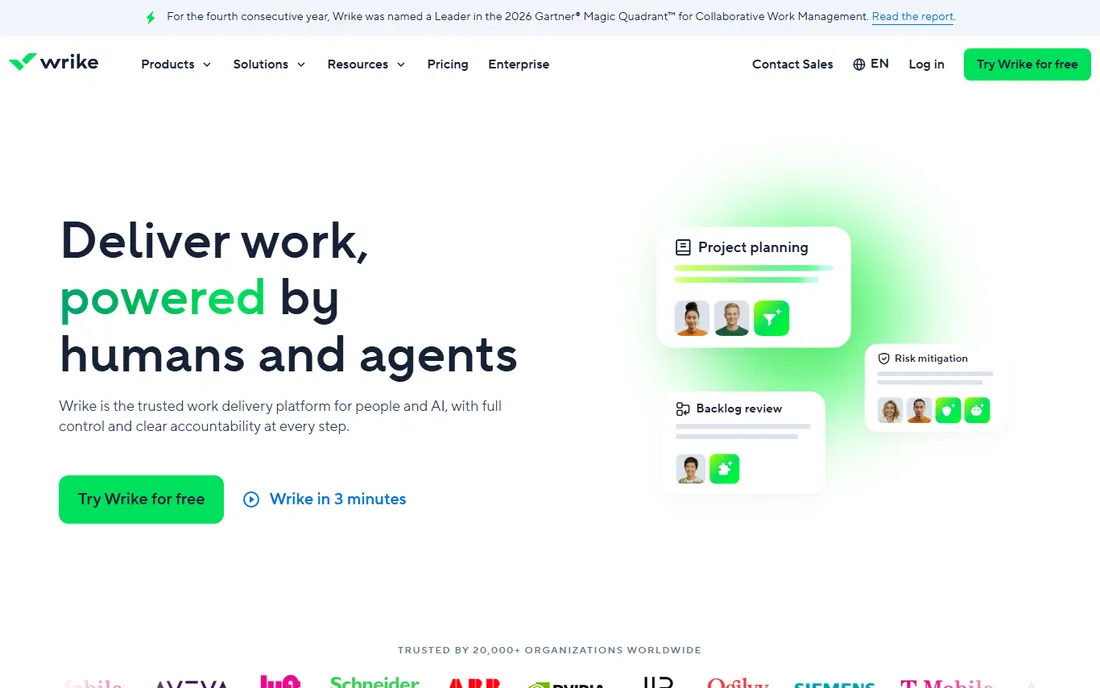
Wrike serves marketing operations at scale: resource planning across campaigns, budget tracking, proofing workflows and enterprise-grade permissions. Large marketing orgs get the control they need.
Small teams drown in it. Wrike fits enterprise marketing departments running many campaigns with shared resources and compliance needs.
What we like- Strong resource management and budgeting
- Proofing and approvals for creative
- Enterprise security and controls
Watch out for- Complexity and cost suit enterprises
- Smaller teams find it heavy
- The learning curve is real
Starting priceSee website
Free planYes
Trello is the lightweight: cards on boards for content pipelines, campaign checklists and editorial calendars. Butler automations add rules without complexity.
It does not do portfolios, resource planning or advanced reporting. Trello fits small marketing teams and freelancers who need visual task tracking without ceremony.
What we like- Dead-simple Kanban anyone learns in minutes
- Free tier covers small teams
- Butler automations handle routine moves
Watch out for- Thin for complex campaign management
- Reporting is minimal
- Scaling past boards gets messy
Starting priceSee website
Free planNo
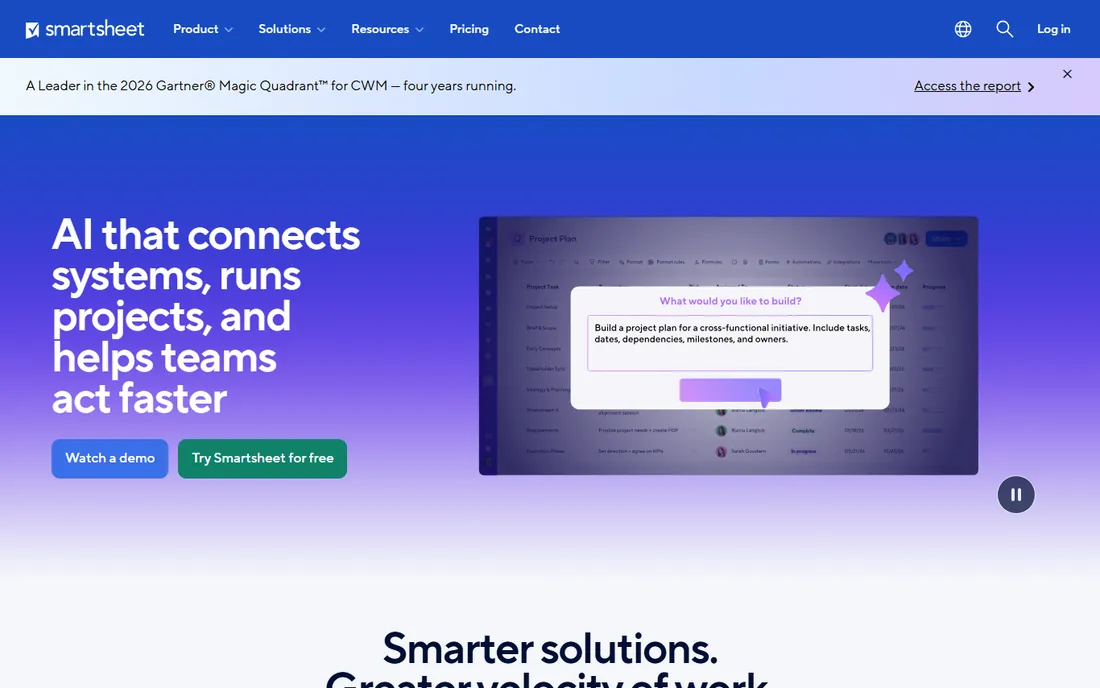
Smartsheet speaks spreadsheet: marketers who plan in rows and columns get Gantt charts, automations and dashboards on a familiar grid. Budget tracking and timeline planning are strengths.
There is no free plan, and creative teams miss visual proofing. Smartsheet fits marketing operations planners comfortable in spreadsheets managing complex timelines.
What we like- Familiar spreadsheet interface with Gantt and automation
- Strong for campaign timelines and budgets
- Enterprise controls
Watch out for- No free tier
- Less visual than monday.com
- Creative proofing is basic
Starting priceSee website
Free planYes
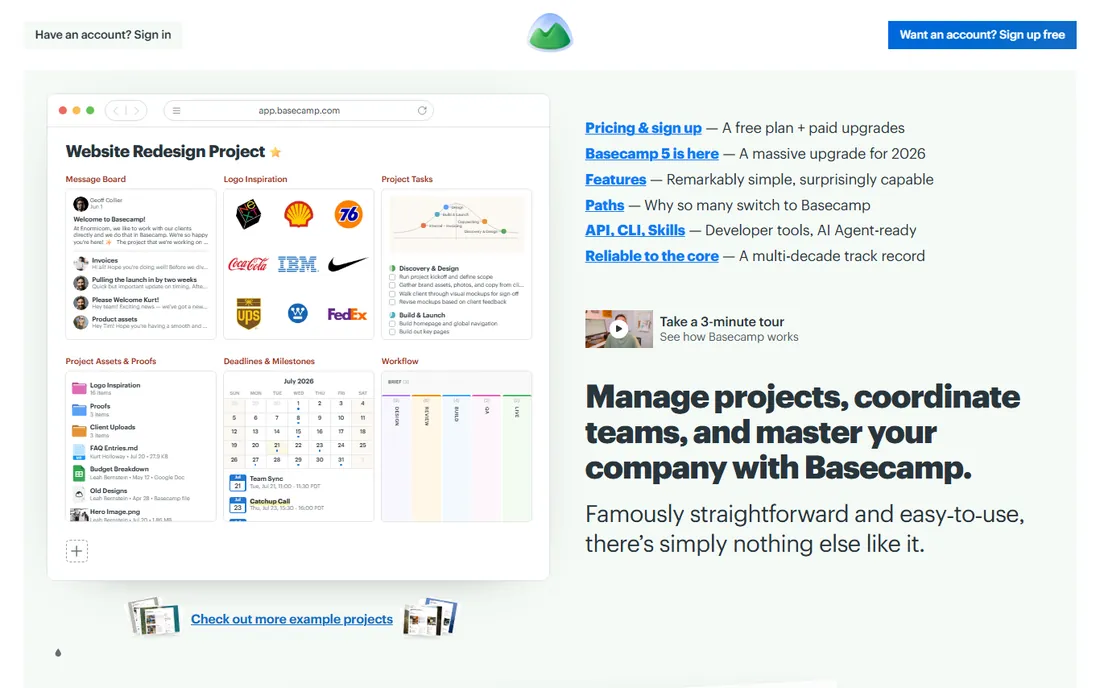
Basecamp charges flat, not per seat, which changes the economics for large teams. The philosophy is anti-bloat: projects contain to-dos, message boards, schedules and files, nothing more. Basecamp 5, released in 2026, refreshes the classic.
Marketing teams needing campaign analytics, proofing or resource planning will outgrow it. Basecamp fits teams that want communication and task clarity without PM software complexity.
What we like- Flat pricing regardless of team size
- Deliberately simple: to-dos, messages, schedules, files
- The new Basecamp 5 modernizes the classic
Watch out for- Lacks Gantt, advanced reporting and proofing depth
- Simplicity frustrates power users
- Per-project structure suits some teams poorly
What to check before you buy
Start with the creative workflow. Marketing teams live in asset review: proofing, annotations, version comparison and approvals. Tools with built-in proofing (Hive, Wrike) save the round-trip to separate review tools.
Check the campaign calendar view: can leadership see every launch, channel and owner in one place? Verify request intake: forms that turn stakeholder asks into triaged tasks prevent chaos. Test reporting depth against what your CMO actually asks for. Finally, count real users including freelancers and agencies, since per-seat pricing across extended teams changes the total fast.
Taming the intake chaos
Marketing teams do not fail for lack of talent; they fail under the weight of unstructured requests. "Can you just whip up a quick landing page" arrives by Slack, email, hallway and meeting, each one urgent, none of them scoped. The intake process is what separates a strategic team from an order-taking one.
Create one front door. Every request enters through the same form, whether it comes from the CEO or an intern. The form asks the questions that prevent misery later: what is the goal, who is the audience, what does success look like, when do you actually need it (versus when would you like it), and what happens if we do not do it. Half of all requests die at the form stage because the requester realizes they cannot answer these questions, which is the system working as intended.
Triage on a rhythm, not on arrival. A weekly intake review where the team scores new requests against current priorities beats the alternative: whoever shouts loudest wins. Score on impact, effort and strategic fit. Publish the prioritized queue so requesters can see where they stand instead of asking.
Right-size the process to the request. A typo fix should not go through the same workflow as a product launch campaign. Define tiers: fast-track (small, well-defined, under a few hours), standard (normal projects with a brief) and strategic (major initiatives needing planning). Most teams find eighty percent of requests fit the first two tiers.
Say no with data. "We cannot do this" creates enemies; "we can do this instead of the Q3 campaign, which is projected to drive X pipeline" creates understanding. The prioritized queue is your evidence. Marketing leaders who protect their team's focus with transparent trade-offs earn more trust than those who say yes to everything and deliver late.
Review and refine quarterly. Which request types keep arriving? Which get rejected most? The patterns reveal structural needs: maybe sales needs self-serve templates, or the website needs an owner. Intake data is a diagnostic tool for the whole marketing operation.
How we chose
We selected project management platforms with real marketing-team adoption, weighting proofing, campaign planning and creative workflows, using vendor sites, documentation and public reviews. Pricing in this category changes often, so every starting price is listed as See website. We did not run test campaigns.
Frequently asked questions
What should marketing teams prioritize in project management software?
Campaign calendars, creative proofing and approvals, request intake forms, workload visibility and reporting. Generic task management is table stakes; the marketing-specific workflows decide.
Is Asana or monday.com better for marketing?
Asana suits marketing teams needing goals, portfolios and cross-team alignment. monday.com suits teams wanting visual, self-serve boards with minimal learning curve. Both handle standard marketing work well.
Do we need proofing tools built in?
If your team reviews creative assets constantly, built-in proofing (Hive, Wrike) saves real time versus emailing PDFs. Occasional reviewers can manage with comments and attachments.
How much does PM software cost for a marketing team?
Typically $5 to $25 per user monthly, so a 20-person team runs $100 to $500 monthly. Flat-fee options (Basecamp) and generous free tiers (ClickUp, Hive) change the math for larger or smaller teams.
Can these tools handle agency client work?
Hive, Wrike and Teamwork-style features (client visibility, billable time tracking) suit agencies. Pure internal tools need workarounds for client collaboration; check guest access and permissions.
How long does implementation take?
Simple tools (Trello, Basecamp) go live in days. Configurable platforms (monday.com, ClickUp, Wrike) need weeks of setup, templates and training to stick. Budget change management, not just licenses.
How do you get creatives to actually update their tasks?
Make updating faster than the alternative. If logging status takes longer than a Slack message saying "done," people will use Slack. Use simple status buttons, automate progress from connected tools, and review the board in standups so updates have a visible purpose. The tool that gets updated is the one the team looks at together every day.
Should marketing use the same PM tool as engineering?
Not necessarily. Engineering tools optimize for sprints and story points; marketing work is more varied, with campaigns, requests and always-on channels that fit kanban or calendar views better. Shared visibility matters more than a shared tool: agree on how the teams hand off work and where status is visible, then let each team use what fits its workflow.
How do you manage recurring marketing work like social posts?
Templated recurring tasks with checklists beat reinventing the workflow weekly. Create a template for each repeatable deliverable (social post, newsletter, blog article) with the standard subtasks, owners and deadlines pre-filled. The team clones the template instead of planning from scratch, which keeps quality consistent and planning time near zero.
Sources we checked (8)
- https://hive.com
- https://www.asana.com
- https://monday.com
- https://clickup.com
- https://www.wrike.com
- https://trello.com
- https://www.smartsheet.com
- https://basecamp.com
Is your product missing or out of date?
We review this list regularly. Vendors can request a listing, send updated pricing or ask about featured placement.

Shihab Mia · Founder, Rankite
Shihab has 5+ years in B2B and SaaS SEO. He writes Rankite's software buying guides from pricing pages, documentation and public user reviews. More about Shihab.