How we make this list: we compare pricing pages, product documentation and public user reviews. Ratings come from G2, Capterra or Trustpilot, with the date we checked them.
Key takeaways
- Only two tools on this list publish a self-serve entry price: Tradogram Essentials at $99 per month and Precoro Core at $499 per month (billed annually). Most others quote by deal.
- Ramp is the only option with a free plan, but its advanced purchasing features (PO management, renewals, AI agents) are an add-on to the paid Ramp Plus tier.
- Mid-market tools like Precoro, Procurify and ProcureDesk say they can go live in weeks. Ramp's own procurement page says enterprise suites can take 12 to 18 months to deploy.
- Cost control mostly comes from three features: budget checks before a PO is approved, three-way matching before an invoice is paid, and catalogs or punchouts that steer buyers to negotiated prices.
- Coupa, SAP Ariba and Zip are built for large, complex spend. For a company under a few hundred employees, they are usually more software (and more contract) than the problem needs.
Quick comparison
| Tool | Best for | Starting price | Free plan |
|---|
 Procurify Procurify | Mid-market teams with budgets across many departments | See website (custom quote) | No |
 Precoro Precoro | Multi-location companies that want fast rollout | $499/month (Core, billed annually) | No |
 ProcureDesk ProcureDesk | QuickBooks, Xero and Sage Intacct shops | See website (vendor lists Purchasing Automation at $996/month paid monthly, 10 users included) | No |
 Tradogram Tradogram | Small teams that want a low, published entry price | $99/month (Essentials; $950.40/year billed annually) | No |
 Ramp Ramp | Companies that want cards, AP and purchasing in one place | Free; advanced purchasing is an add-on to Ramp Plus (see website) | Yes |
 Order.co Order.co | Consolidating everyday supply buying across locations | See website (pricing on request) | No |
 Zip Zip | Intake and approval orchestration at larger companies | See website (custom) | No |
 Coupa Coupa | Large enterprises with complex, global spend | See website (custom) | No |
 SAP Ariba SAP Ariba | Companies already running SAP ERP | See website (custom) | Free trial (SAP Ariba Buying) |
Is your product missing or out of date?
We review this list regularly. Vendors can request a listing, send updated pricing or ask about featured placement.
The best procurement software for cost control
#1Procurify
Best for: Mid-market teams with budgets across many departments4.6/5 on
G2 (398 reviews, checked Oct 2026)
Visit procurify.com
Starting priceSee website (custom quote)
Free planNo
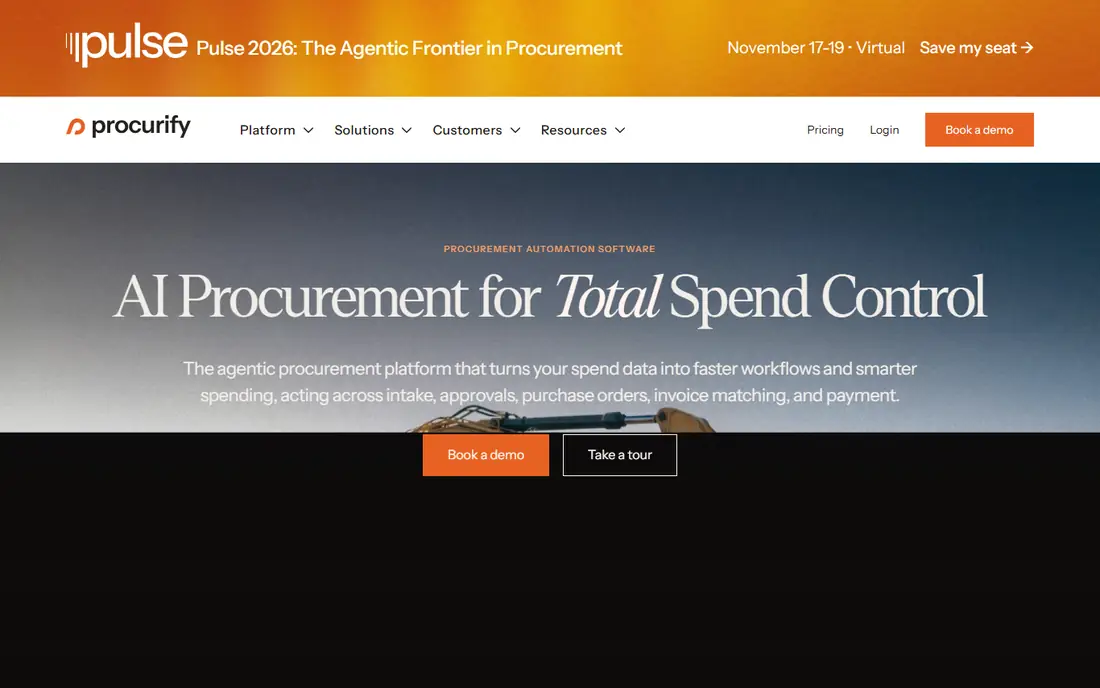
Procurify is a procure-to-pay platform aimed at finance and operations teams that need spending held to budget across departments, locations or grant funds. Requests route through approval chains, and approvers see the budget impact before they sign off. That pre-approval visibility is the core of its cost-control pitch: overspending is caught at the request stage, not when the invoice shows up.
Integrations are a strong point for US mid-market buyers. Procurify lists certified connectors for QuickBooks Online, NetSuite, Sage Intacct and Dynamics 365 Business Central, plus punchouts to Amazon Business and Staples, so office and lab supplies can be bought at contracted prices inside the approval flow. The vendor says a dedicated implementation team handles setup and promises go-live in weeks rather than months.
The catch is price transparency. Procurify quotes every deal based on how your team is structured, and Vendr's buyer data puts its median contract around $15,000 per year. That is reasonable for a 200-person company, but a 20-person business may find a cheaper tool covers the same basics.
What we like- Real-time budget tracking tied to approvals
- Certified integrations with QuickBooks, NetSuite, Sage Intacct and Dynamics 365 Business Central
- Dedicated Customer Success Manager and 24/5 technical support
Watch out for- No public pricing
- Can feel heavy for a team that only raises a handful of POs a month
#2Precoro
Best for: Multi-location companies that want fast rollout4.7/5 on
G2 (222 reviews, checked Oct 2026)
Visit precoro.com
Starting price$499/month (Core, billed annually)
Free planNo
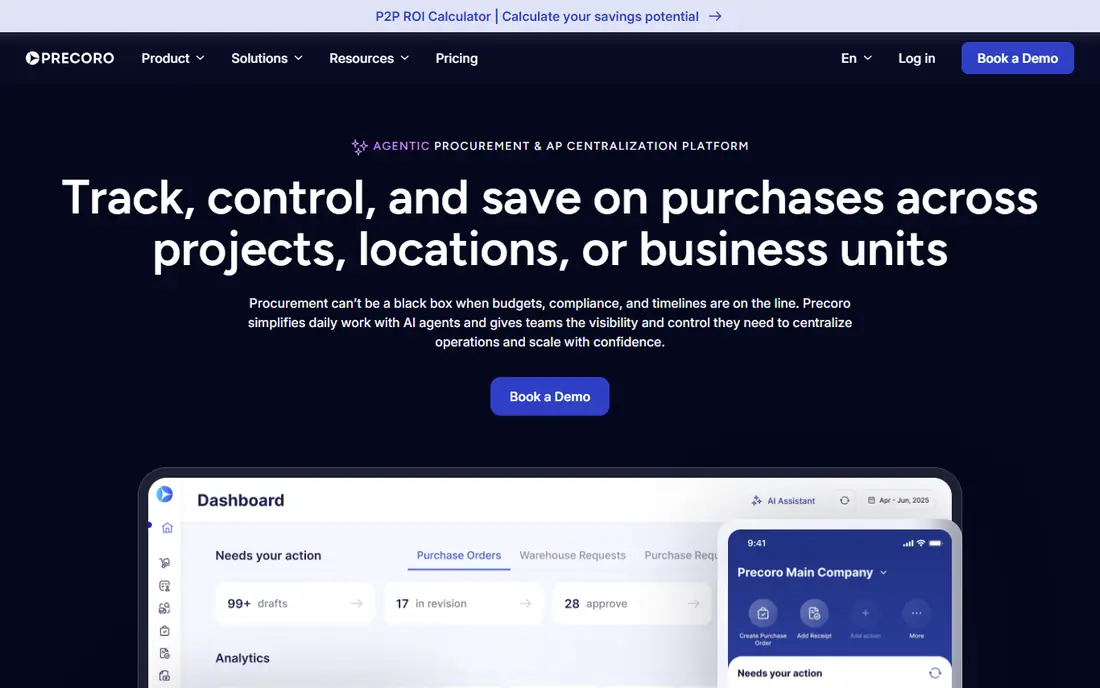
Precoro targets mid-sized companies with distributed operations, such as hospitality groups, property managers and project-based businesses where purchasing happens in many places but finance needs one view. Purchases can be tracked by location, project or department, which makes it easy to see which site is drifting over budget.
What stands out is how openly it prices. The Core plan starts at $499 per month and the Automation plan at $999 per month, both billed annually, with Enterprise on custom terms and unlimited users. There is also a standalone AP Automation plan from $499 per month. On the control side, Precoro matches invoices against what was ordered and received, flags duplicate invoices, and supports approved-item catalogs with set prices, SKUs and images. It is SOC 2 Type II compliant and connects to Power BI for leadership reporting.
The weakness is that the headline price is a floor. Pricing scales with users, so a company with many requesters should get a quote before assuming $499 is the real number. There is no free plan to test with.
What we like- Published starting prices
- 2 to 8 week go-live with no IT involvement, per the vendor
- Invoice matching with duplicate detection and PunchOut catalogs
Watch out for- Annual billing only
- User count pushes price above the starting figure
#3ProcureDesk
Best for: QuickBooks, Xero and Sage Intacct shops4.4/5 on
G2 (49 reviews, checked Oct 2026)
Visit procuredesk.com
Starting priceSee website (vendor lists Purchasing Automation at $996/month paid monthly, 10 users included)
Free planNo
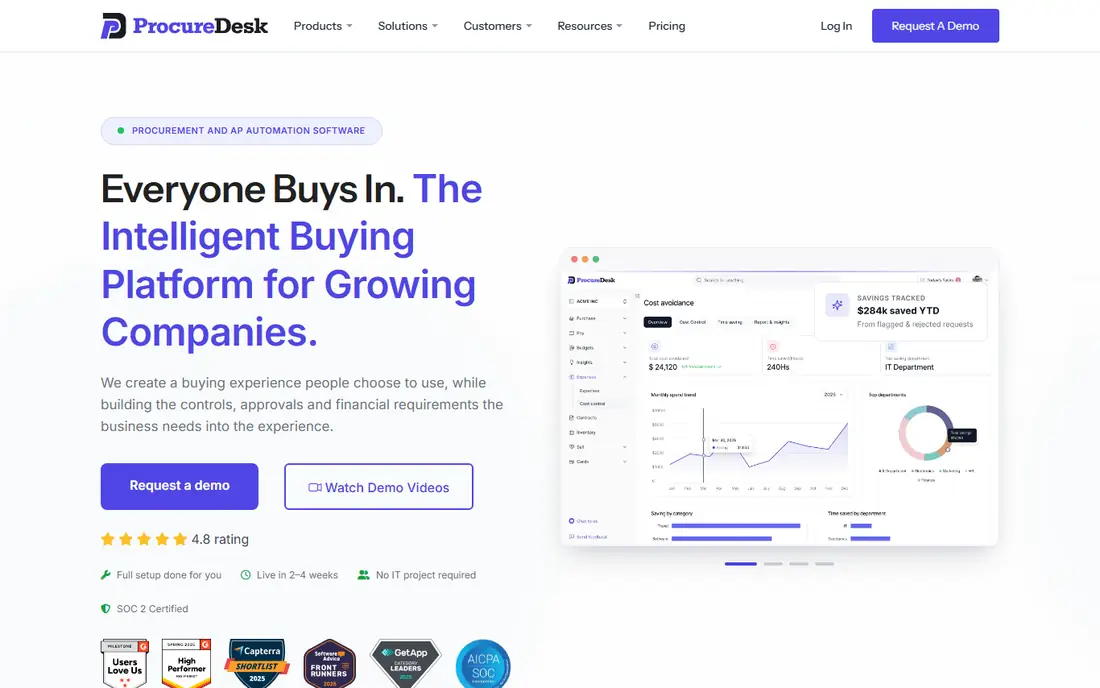
ProcureDesk positions itself for companies with 100 to 1,000 employees and roughly $10M to $250M in revenue, run by a controller or CFO who wants purchase controls without an enterprise rollout. It connects to NetSuite, QuickBooks Online, Xero, Bill.com, Sage Intacct and Microsoft Dynamics 365, which covers the accounting stack of most US mid-market firms.
Its rules engine is the practical cost-control lever. If you set a $2,000 threshold, requests under it convert straight into a purchase order, while anything above goes to a reviewer. That keeps managers out of trivial approvals and puts their attention on the larger spend. The Purchasing and AP Automation plan adds invoice approval workflows, three-way matching and invoice OCR.
ProcureDesk's own published figures vary by page. One comparison lists Purchasing at $498 per month, while another lists Purchasing Automation at $996 per month paid monthly and the bundle with AP at $1,563 per month. Confirm the current number on the pricing page before budgeting.
What we like- Auto-approval rules based on spending limits
- 200+ supplier catalog integrations
- Strong QuickBooks sync noted in user reviews
Watch out for- Some reviewers mention a learning curve
- Per-month cost is high for very small teams
#4Tradogram
Best for: Small teams that want a low, published entry price4.2/5 on
G2 (36 reviews, checked Oct 2026)
Visit tradogram.com
Starting price$99/month (Essentials; $950.40/year billed annually)
Free planNo
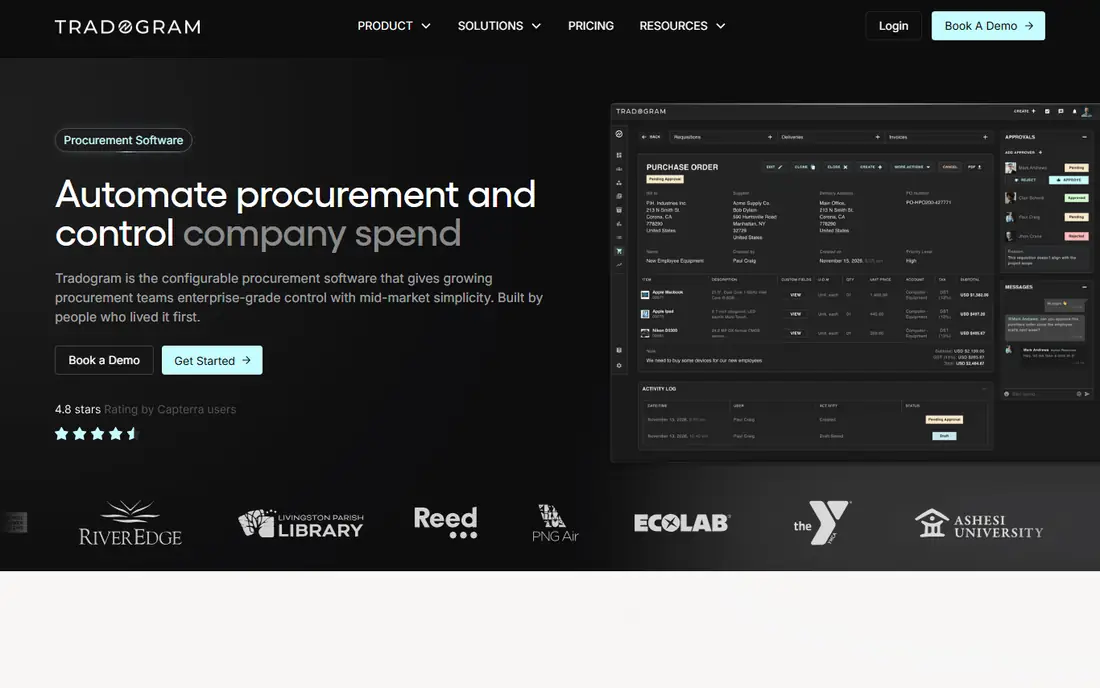
Tradogram is a modular procurement platform that small and mid-size teams can start using without booking a demo. The Essentials plan costs $99 per month, or $950.40 per year if you pay annually (a 20% saving), and covers core purchasing, supplier and invoice workflows. Premium starts at 20 users on a custom quote, and Scale offers unlimited users with multi-entity and multi-location support.
For cost control, Tradogram's RFQ and supplier tools help a buyer get competing quotes before issuing a PO, which matters more for a small manufacturer or contractor than slick intake forms. It connects to NetSuite, Sage and Dynamics 365 Business Central.
The honest catch is that the $99 price covers a narrow setup. Extra users cost more, and the integrations most finance teams need (ERP sync, SSO, API) are sold as add-ons. Price out your real configuration, not the headline.
What we like- Lowest published entry price on this list
- Self-serve signup without a sales call
- Modules include RFQs, contracts, receiving and invoice matching
Watch out for- Additional user fees apply
- ERP integrations, SSO, API access and PunchOut are add-ons
#5Ramp
Best for: Companies that want cards, AP and purchasing in one place4.8/5 on
G2 (2,540 reviews, checked Oct 2026)
Visit ramp.com
Starting priceFree; advanced purchasing is an add-on to Ramp Plus (see website)
Free planYes
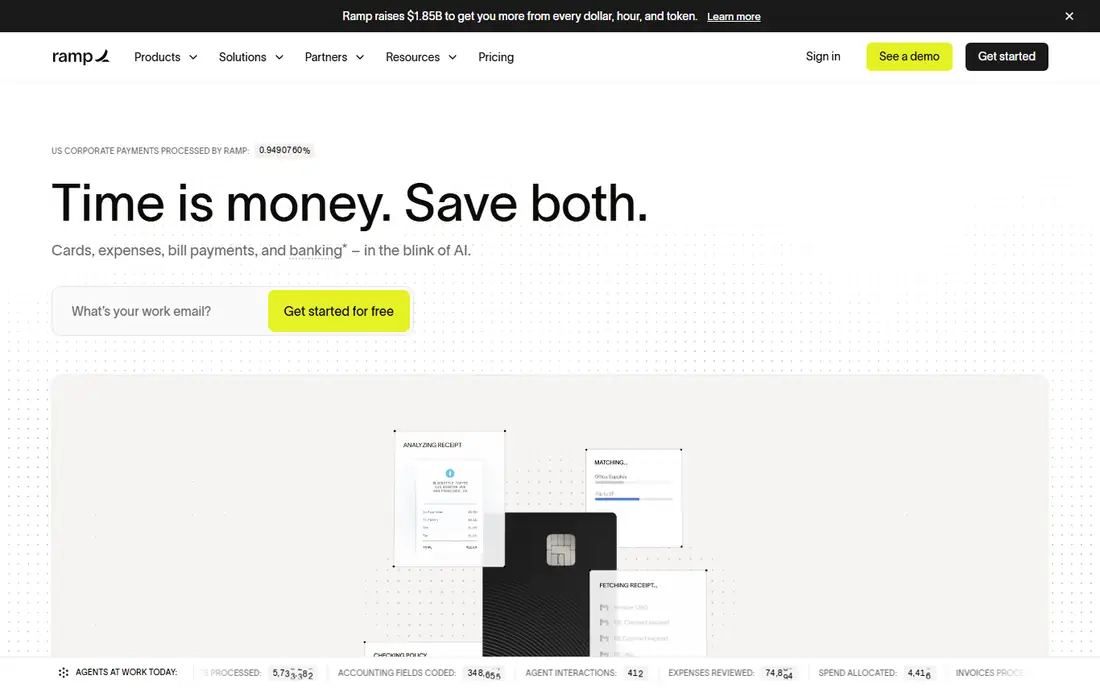
Ramp started as a corporate card and expense platform and has grown into purchasing. For a company already on Ramp, the procurement module is the easiest path to purchase controls because cards, bills, expenses and POs share one data set. Approvers can see budget impact and committed spend before they approve.
Employees describe what they need in plain language, and Ramp's AI handles routing, vendor research and compliance checks. Ramp also connects to contract and ticketing tools such as Ironclad, DocuSign, Jira and Asana, so legal and security reviews can happen in the tools those teams already use. Ramp claims customers see 16% annual savings on vendor spend, though that is a vendor figure, not an independent one.
The weakness is packaging. AI intake is free, but workflow orchestration, AI agents, PO management, renewals and reporting require the purchasing add-on to Ramp Plus. If you have no interest in switching card providers, a standalone procurement tool may be simpler.
What we like- AI intake is free for all Ramp customers
- POs sync with QuickBooks Online and NetSuite with two- and three-way matching
- Most teams operational within a week, per the vendor
Watch out for- Full procurement features cost extra on top of Plus
- Best value only if you also use Ramp cards and AP
#6Order.co
Best for: Consolidating everyday supply buying across locations4.4/5 on
G2 (145 reviews, checked Oct 2026)
Visit order.co
Starting priceSee website (pricing on request)
Free planNo
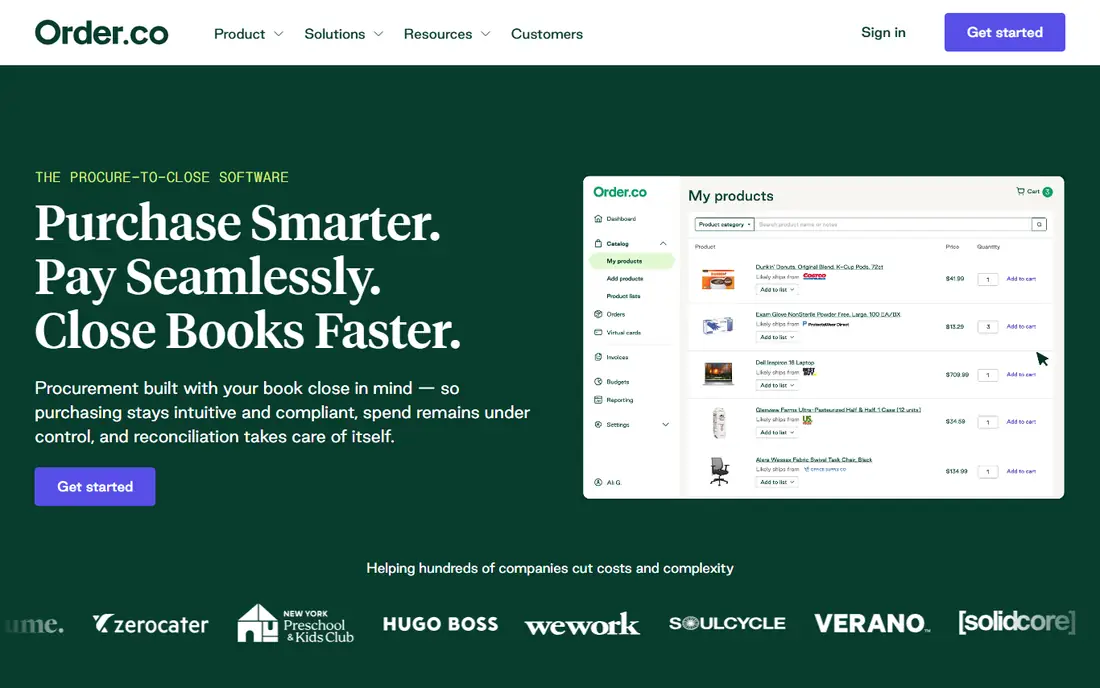
Order.co suits multi-location businesses (coworking, fitness, healthcare, property management, retail) that buy the same supplies over and over from many vendors. Instead of each site manager ordering on a personal account, purchasing runs through one platform from requisition to payment, which gives finance a single view of what every location spends.
The vendor markets 5% hard-dollar savings, mainly from consolidating spend and catching price drift on repeat orders. Treat that as a claim to test in your demo, not a guarantee. Accounting sync covers QuickBooks Online, NetSuite and Sage Intacct, and there is a dedicated Workday procurement integration.
Order.co is less useful for one-off capital purchases or competitive bidding. Pricing is quote-only, so you will need a sales conversation before you can compare costs.
What we like- Covers requisition through payment in one platform
- Integrations with QuickBooks Online, NetSuite, Sage Intacct and Workday
- SSO through Okta or Ping Identity
Watch out for- No public pricing
- Better suited to recurring supplies than complex sourcing
#7Zip
Best for: Intake and approval orchestration at larger companies4.6/5 on
G2 (139 reviews, checked Oct 2026)
Visit zip.com
Starting priceSee website (custom)
Free planNo
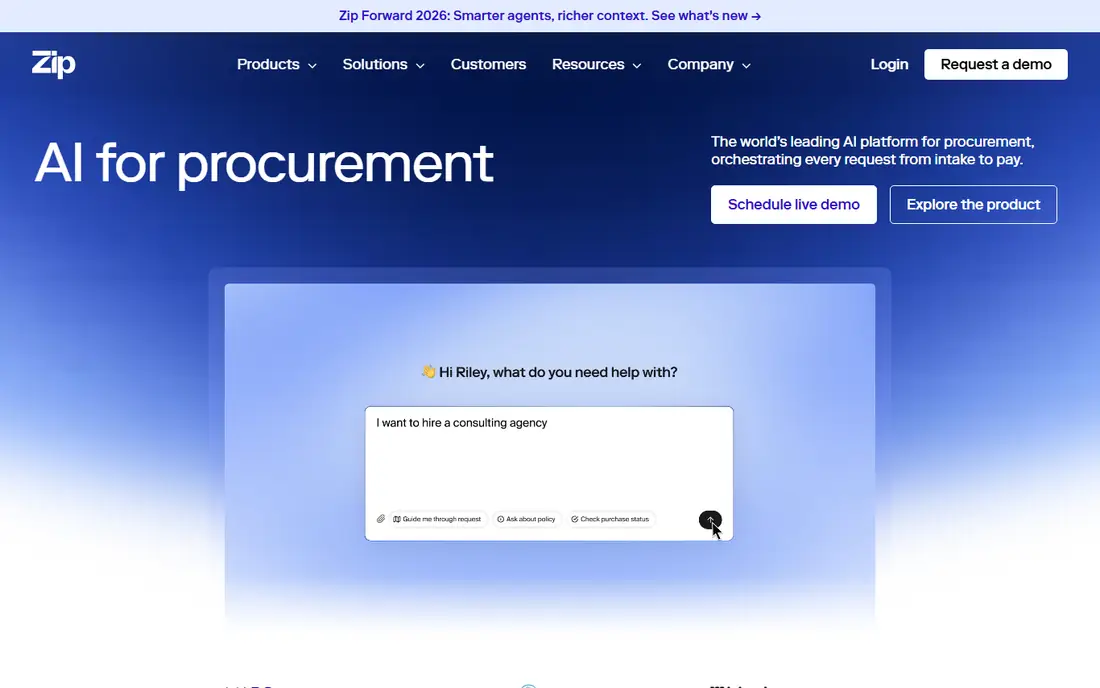
Zip is an AI procurement platform built around intake: every purchase request, from a new SaaS tool to a consulting contract, starts in one place and routes to the right reviewers. Its customer stories feature large companies such as T-Mobile and Dollar Tree, which tells you where its center of gravity sits.
The cost-control value shows up in renewals and vendor review. When every new vendor passes through the same workflow, duplicate tools and quiet auto-renewals become visible. Zip also works with certified consulting partners for deployment, which helps large organizations but signals a bigger project.
For a typical small or mid-size US company, the budget is the issue. Pricing is custom, and Vendr's buyer data shows an average contract value of roughly $72,000 per year. If you have under a few hundred employees, start with one of the mid-market tools above.
What we like- Strong intake that pulls legal, security, IT and finance into one approval flow
- Integrations with ERPs such as Oracle and Workday plus Slack and Microsoft Teams
- Renewal tracking aimed at cutting software spend
Watch out for- Enterprise contract sizes
- More than most small businesses need
#8Coupa
Best for: Large enterprises with complex, global spend4.2/5 on
G2 (569 reviews, checked Oct 2026)
Visit coupa.com
Starting priceSee website (custom)
Free planNo
Coupa calls itself an AI-native total spend management platform, and it is one of the default choices for large enterprises that need sourcing, contract management, procurement, invoicing and supplier risk under one roof. If your company buys across many countries, currencies and legal entities, Coupa has the depth to model that.
Its cost-control strength is breadth of data. Because sourcing events, contracts, POs and invoices sit in one system, procurement teams can spot off-contract spend and compare what different business units pay for the same items.
The downside for smaller buyers is time and money. Pricing is not published, and mid-market vendors such as Ramp describe enterprise suites like Coupa as six-figure annual contracts with deployments that can run 12 to 18 months. A 100-person company will rarely use enough of it to justify that.
What we like- Covers procurement, contracts, suppliers, invoicing and spend analysis in one suite
- Large supplier network
- Deep ERP integration
Watch out for- Long implementations
- Pricing and contract terms aimed at enterprise budgets
#9SAP Ariba
Best for: Companies already running SAP ERP4.1/5 on
G2 (799 reviews, checked Oct 2026)
Visit sap.com
Starting priceSee website (custom)
Free planFree trial (SAP Ariba Buying)
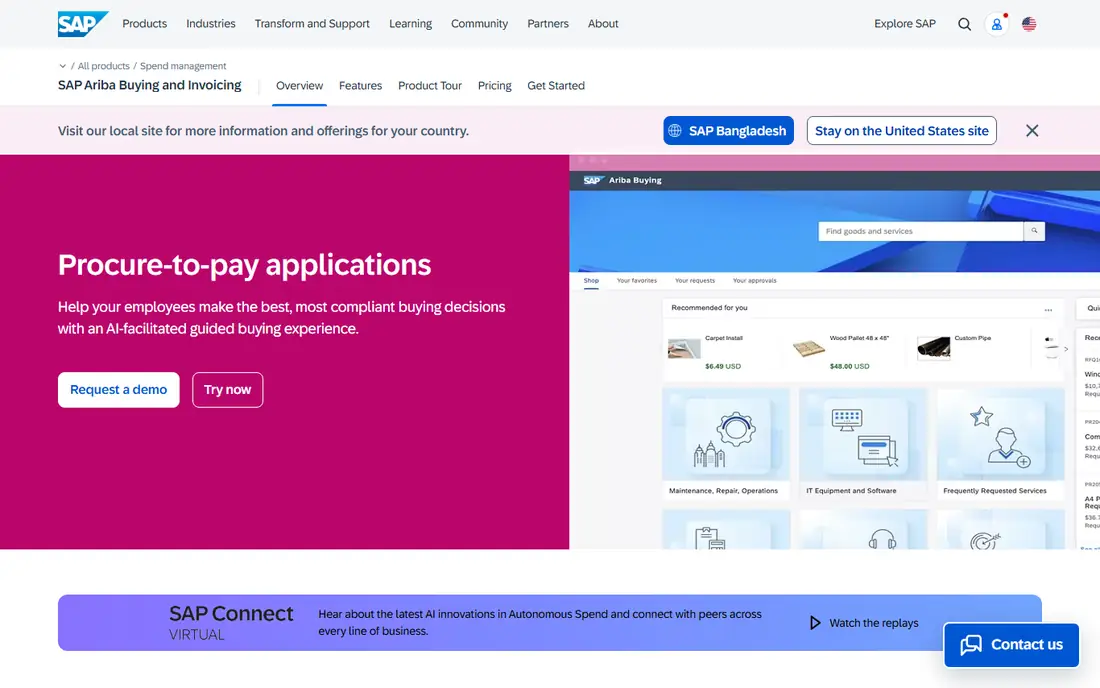
SAP Ariba Buying and Invoicing is SAP's procure-to-pay suite, and it makes the most sense for companies already standardized on SAP ERP. Guided buying shows employees catalog content and purchasing policies as they shop, so the cheap, compliant option is the easy one to choose.
On control, Ariba runs real-time budget, tax and inventory checks, automates invoice processing and includes an exception management library for invoices that do not match. Its supplier network supports touchless collaboration with trading partners on orders and invoices, which can also capture early-payment discounts.
The catch is effort. Ariba is built for large, complex organizations, and most deployments involve an integration partner. SAP offers a free trial of Ariba Buying, which is a sensible way to see if your team will actually use guided buying before you commit.
What we like- Guided buying with policy checks at the point of purchase
- Real-time tax, budget and inventory checks
- Free hands-on trial of the buying module
Watch out for- Implementation usually needs a partner
- Interface and setup are heavier than mid-market tools
How we chose
We started with procurement and procure-to-pay products that small and mid-size US companies actually shortlist, then kept only tools with real cost-control features: budget checks before approval, purchase orders, invoice matching, and catalog or supplier controls. Prices come from each vendor's own pricing or product pages where published. Where a vendor quotes by deal, we list "See website" and, in a few cases, cite third-party contract data from Vendr so readers have a rough sense of scale.
We also read vendor documentation on integrations and implementation, and checked public reviews on G2, Capterra and Software Advice for recurring complaints. We did not run hands-on tests. We weighed company-size fit heavily, because the right tool for a 40-person firm is rarely the right tool for a 4,000-person one.
What to check before you sign
Match the tool to your spend volume
Count your monthly POs and invoices first. A team raising 30 POs a month can run on Tradogram Essentials or Ramp's free tier. A company processing hundreds of invoices across several entities will get more from Precoro, Procurify or ProcureDesk, where three-way matching and AP automation remove real hours. Only consider Coupa, SAP Ariba or Zip if you have a dedicated procurement team and complex sourcing.
Look for controls that act before money moves
Reports showing last quarter's overspend do not save money. Ask each vendor to demo three things: a request blocked or rerouted because it exceeds the remaining budget, an invoice held because it does not match the PO and receipt, and a buyer steered to a catalog item at the negotiated price. If the demo cannot show all three, cost control will depend on people remembering the rules.
Price the full configuration
Starting prices hide a lot. Tradogram charges for extra users and sells ERP integration as an add-on. Precoro's figures scale with users and bill annually. Ramp's purchasing features sit on a paid tier. Ask for a written quote that includes your user count, the accounting integration you need, SSO if you require it, and any onboarding fee.
Ask about contract length and data export
Most of these vendors sell annual contracts, and enterprise suites often run multiple years. Ask whether you can export POs, invoices and vendor records in CSV or via API if you leave. Also ask who handles setup. Several mid-market vendors include an implementation team, while enterprise suites often rely on paid consulting partners.
Frequently asked questions
What is the cheapest procurement software for cost control?
Ramp has a free plan with AI intake, but its full purchasing features are an add-on to the paid Plus tier. Among standalone tools, Tradogram Essentials has the lowest published price at $99 per month, with extra fees for additional users and integrations.
How does procurement software reduce costs?
It reduces costs by checking spend against budget before approval, holding invoices that do not match the PO and receipt, and pushing buyers toward catalogs with negotiated prices. It also exposes duplicate vendors and unused renewals, which are common sources of quiet overspending.
How long does implementation take?
Mid-market tools typically go live in weeks. Precoro cites 2 to 8 weeks, Procurify says weeks rather than months, and Ramp says most teams are operational within a week. Enterprise suites like Coupa and SAP Ariba can take much longer, and Ramp's procurement page cites 12 to 18 months for enterprise tools.
Do I need a procurement tool if I already have spend management cards?
Cards control how money is paid, not whether a purchase should happen. If most of your spend is small and recurring, card controls may be enough. Once you buy from vendors on invoice terms or need approvals before commitments are made, a PO-based tool adds the missing control.
Which tools work with QuickBooks?
Procurify, ProcureDesk, Ramp and Order.co all list QuickBooks Online integrations. ProcureDesk also supports Xero, and most tools on this list connect to NetSuite and Sage Intacct. Confirm on the vendor's site whether the integration is included in your plan or sold as an add-on.
Sources we checked (16)
- https://www.procurify.com/why/
- https://www.procurify.com/
- https://www.vendr.com/marketplace/procurify
- https://precoro.com/
- https://www.procuredesk.com/procure-to-pay-suite/
- https://www.procuredesk.com/procuredesk-vs-procurify-logistics-companies/
- https://www.tradogram.com/pricing
- https://ramp.com/procurement
- https://www.order.co/tools/
- https://www.capterra.com/p/161813/Order-Software/
- https://www.softwareadvice.com/scm/order-profile/
- https://zip.com/
- https://www.vendr.com/buyer-guides/zip
- https://www.linkedin.com/company/coupa
- https://www.sap.com/products/spend-management/procure-to-pay.html
- https://www.selecthub.com/p/procurement-software/sap-ariba-procurement/
Is your product missing or out of date?
We review this list regularly. Vendors can request a listing, send updated pricing or ask about featured placement.

Shihab Mia · Founder, Rankite
Shihab has 5+ years in B2B and SaaS SEO. He writes Rankite's software buying guides from pricing pages, documentation and public user reviews. More about Shihab.