How we make this list: we compare pricing pages, product documentation and public user reviews. Ratings come from G2, Capterra or Trustpilot, with the date we checked them.
Key takeaways
- "Preconstruction software" covers three different jobs: measuring plans (takeoff), building the estimate, and managing bid invitations. Few products do all three well, so decide which gap costs you the most bids.
- STACK is the only tool here with a free plan that lists a clear limit (one active project a month), which makes it the cheapest way to test digital takeoff. Paid plans start at $299 per user per month, billed annually.
- Bluebeam lists the simplest public pricing: $260, $330, $440 or an introductory $590 per user per year, depending on the plan. Its estimating is lighter than a dedicated estimating tool, though.
- Procore and Join do not publish prices. Expect a sales call and a quote built around your team size and project volume.
- Takeoff-only tools such as PlanSwift and Togal.AI need a place to send the numbers. Check how they export to your estimating or accounting system before you buy.
Quick comparison
| Tool | Best for | Starting price | Free plan |
|---|
 STACK STACK | Trade contractors moving from paper or PDF takeoff to a full digital workflow | $299 per user/month (billed annually) | Yes |
 Bluebeam Bluebeam | Teams that already work from PDF drawings and want markup, measuring and collaboration | $260 per user/year (Basics, billed annually) | See website |
 Procore Procore | General contractors that want bidding connected to project delivery | See website | No |
 Join Join | Preconstruction teams that need to track cost from early concept estimates through contract | See website | No |
 Togal.AI Togal.AI | Estimators who want automated area takeoffs from plan sets | See website | See website |
 PlanSwift PlanSwift | Estimators who prefer a desktop takeoff tool with reusable templates | See website | See website |
 BuildingConnected BuildingConnected | General contractors collecting and comparing subcontractor bids | See website | See website |
Is your product missing or out of date?
We review this list regularly. Vendors can request a listing, send updated pricing or ask about featured placement.
The best preconstruction software for bidding
#1STACK
Best for: Trade contractors moving from paper or PDF takeoff to a full digital workflow4.5/5 on
G2 (94 reviews, checked Oct 2026)
Visit stackct.com
Starting price$299 per user/month (billed annually)
Free planYes
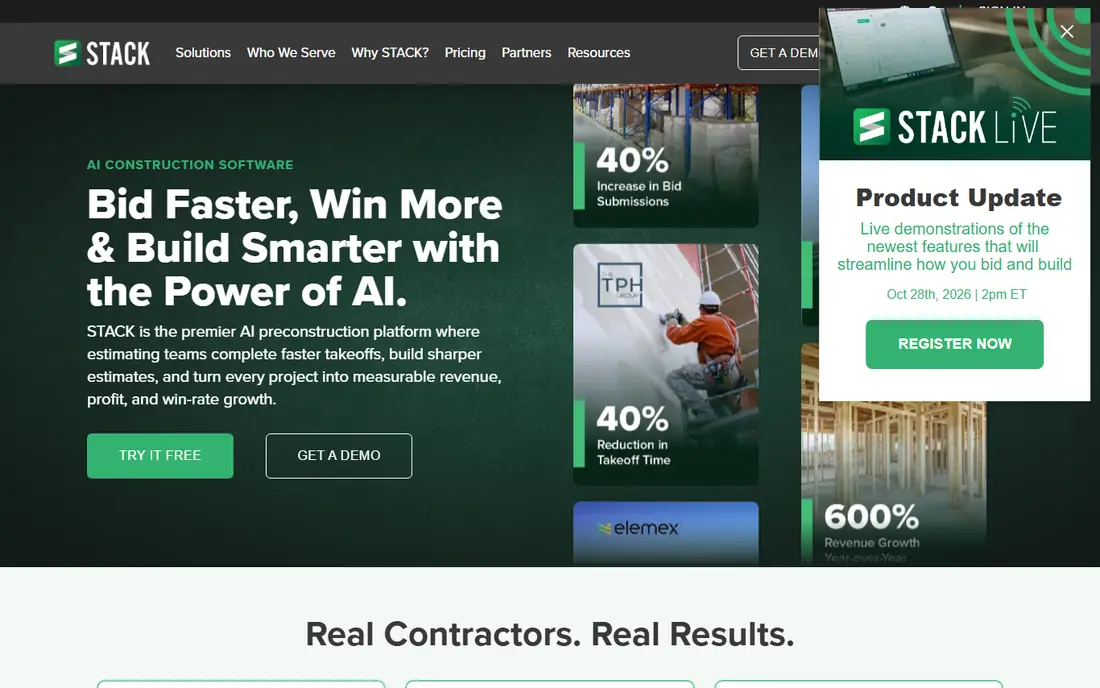
Estimators who have been measuring on printed sheets or in a PDF viewer will find STACK an easy first step. You can create a free account without a credit card, and the free plan is limited to one active project per month. That is enough to run a real bid through it and see whether the workflow fits.
The paid plan starts at $299 per user per month, billed annually, and removes the project and page limits. The next tier, listed at $349 per user per month, adds worksheet-style estimating, which matters if you build estimates from assemblies and labor items rather than a simple quantity list. STACK also sells a broader platform that adds field and project management, with a combined price listed from $348 per user per month.
The catch is cost per seat. A three-person estimating team on annual billing adds up quickly, and the annual commitment means you should use the free plan thoroughly before paying. If you only bid a handful of jobs a year, the free tier may be all you need.
What we like- Free forever plan with a 7-day trial of the paid tier
- Labor and material takeoff in one place
- Unlimited projects and plan pages on paid plans
Watch out for- Free plan is capped at one active project per month
- Worksheet-style estimating sits on the higher tier
#2Bluebeam
Best for: Teams that already work from PDF drawings and want markup, measuring and collaboration4.6/5 on
G2 (494 reviews, checked Oct 2026)
Visit bluebeam.com
Starting price$260 per user/year (Basics, billed annually)
Free planSee website
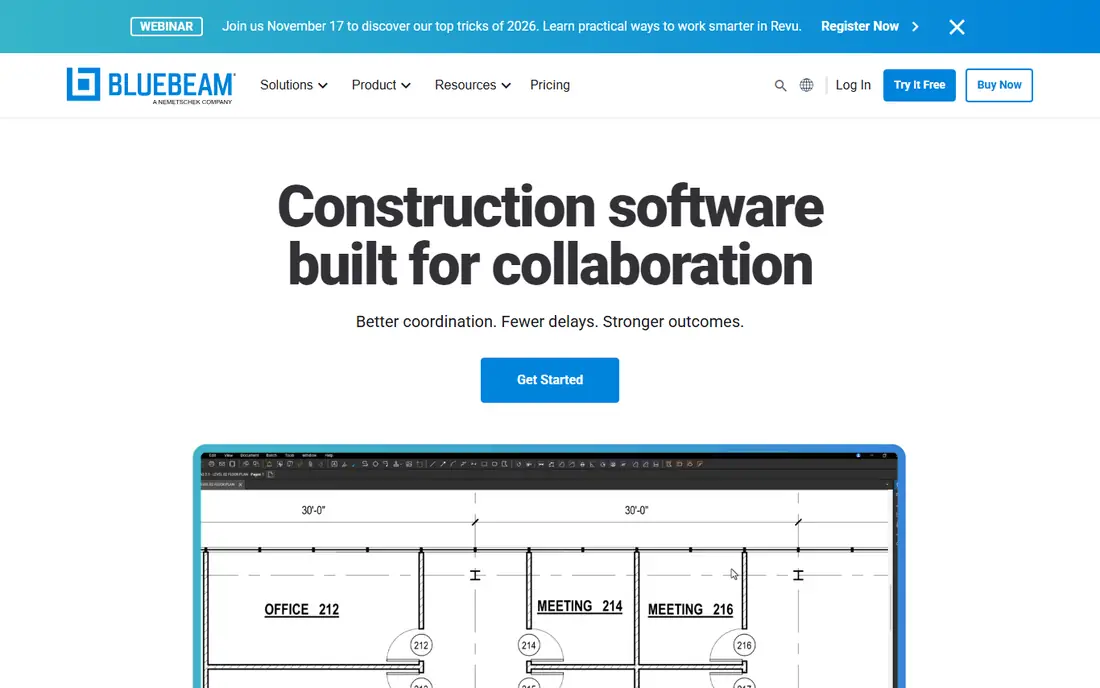
Bluebeam is the tool many project managers and superintendents already know, which counts for something when you need subcontractors and owners to open your files. Pricing is published per user, billed annually: Basics at $260, Core at $330, Complete at $440, and Max at an introductory $590.
For bidding, the plan you pick matters. Basics covers length and area measurement. Core adds perimeter, count, angle and volume measurements, and Complete adds Quantity Link with Microsoft Excel, which is how most estimators move takeoff numbers into a spreadsheet. Max adds AI drawing reviews and comparisons.
The honest limit is that Bluebeam measures and marks up plans but does not price a bid. You will still need Excel or a separate estimating package to turn quantities into a proposal. It suits firms that want a strong plan-room tool without changing how they estimate.
What we like- Clear public pricing
- Strong markup and PDF tools
- Excel link for quantities on the Complete plan
Watch out for- Not a full estimating system
- The best measuring features sit on higher plans
#3Procore
Best for: General contractors that want bidding connected to project delivery4.6/5 on
G2 (4,357 reviews, checked Oct 2026)
Visit procore.com
Starting priceSee website
Free planNo

Procore comes at preconstruction from the project side. Its Bid Management tool handles invitations, subcontractor responses and bid comparison, while estimating is a separate piece. Procore presents the two as complementary, which means a full preconstruction setup involves buying more than one product.
That structure works well for a general contractor already running projects in Procore, because awarded bids can carry into the project record instead of being retyped. It is a harder sell for a small specialty contractor who only wants to price jobs and send proposals.
Procore does not publish prices on its preconstruction page. Plan on a demo, a custom quote and a longer onboarding than the lightweight tools on this list. Ask what happens to your data and costs if you later drop a module.
What we like- Bid invitations, responses and comparison in one workflow
- Links preconstruction to the rest of Procore
- Large integration ecosystem
Watch out for- Pricing is quote-based
- Most value comes when you adopt more than the bidding modules
#4
Join
Best for: Preconstruction teams that need to track cost from early concept estimates through contract
Visit join.build
Starting priceSee website
Free planNo
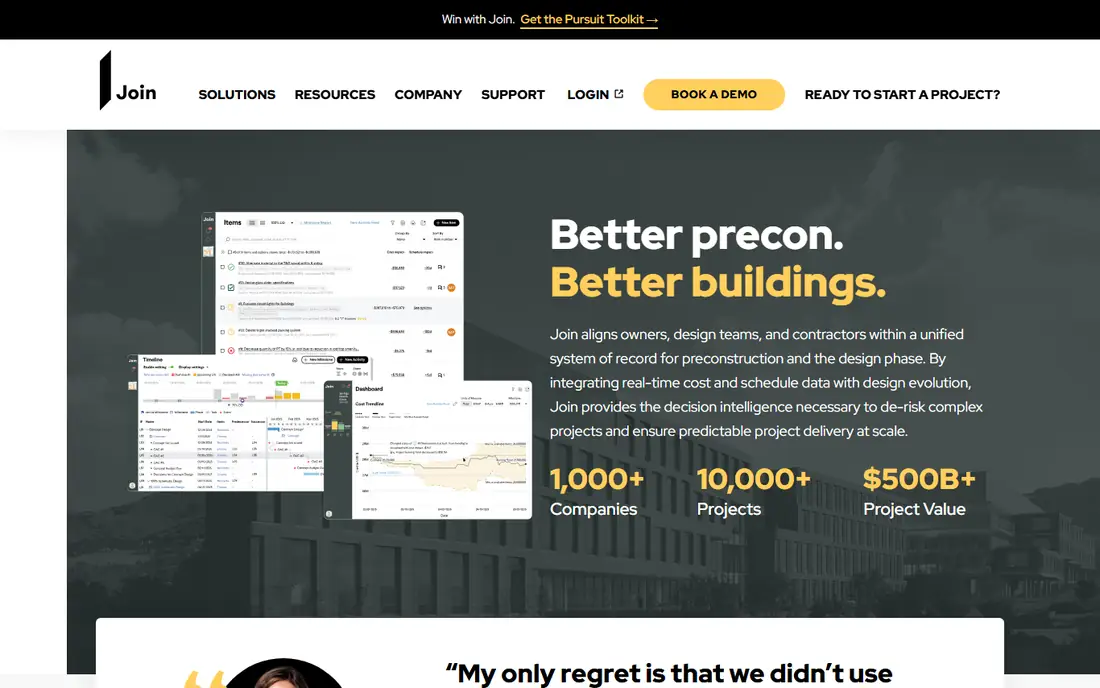
Join is aimed at the preconstruction department rather than the field. Its cost analysis feature brings together estimates at every stage, from early conceptual numbers to the contracted cost, so a team can see how the budget moved as design changed. That is useful for construction managers and general contractors who spend months on a job before bidding is final.
Because the product is focused, it does not try to replace your project management system. That is a strength if you want a specialist tool and a weakness if you want one login for everything.
Pricing is by quote after the vendor evaluates your team. There is no self-serve checkout, so budget time for a demo and a conversation about what you actually need to set up.
What we like- Built specifically for preconstruction
- Cost analysis covers concept to contracted cost
- Custom quotes based on team needs
Watch out for- No public pricing
- Smaller name recognition than the big platforms
#5Togal.AI
Best for: Estimators who want automated area takeoffs from plan sets4.8/5 on
G2 (61 reviews, checked Oct 2026)
Visit togal.ai
Starting priceSee website
Free planSee website
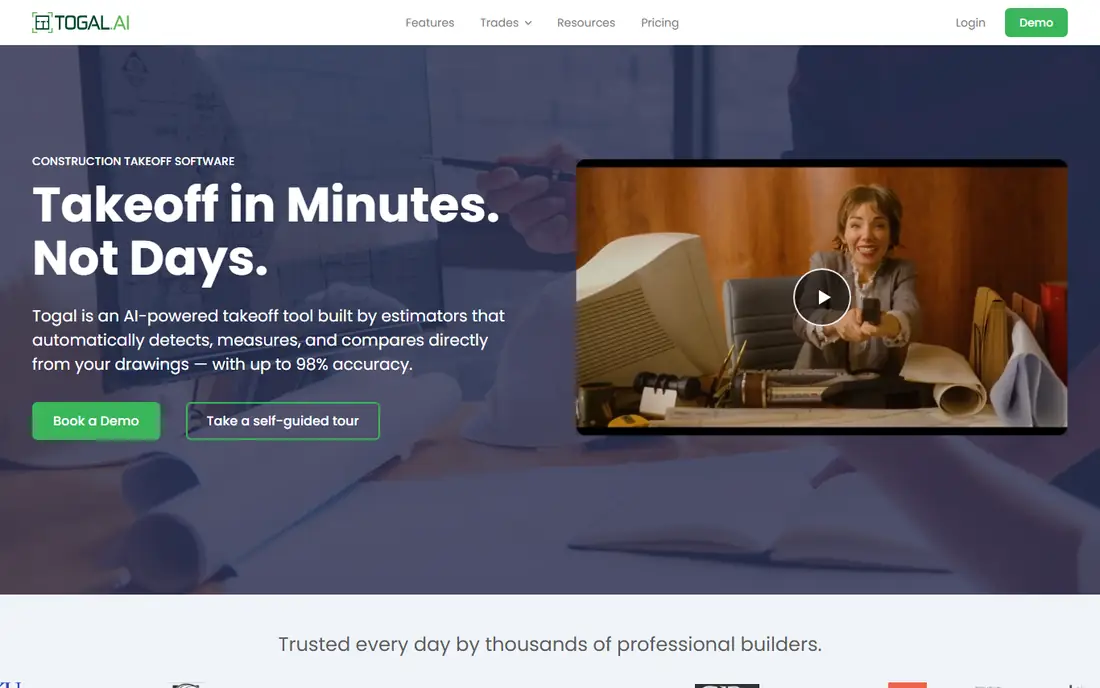
Togal.AI uses machine learning to detect spaces and areas on drawings and turn them into measurements. For an estimator facing a large plan set and a short deadline, that automation can cut the manual clicking that eats up bid days. It is most useful on projects where area and square-footage quantities drive the price.
Third-party listings describe a per-user plan billed yearly with unlimited automated takeoffs, plus a custom plan for larger teams, but you should confirm current terms with the vendor. We list the price as See website for that reason.
The catch is scope. Togal.AI speeds up measuring, yet you still need to price those quantities elsewhere. Always have an estimator check the automated output against the drawings before a number goes into a bid.
What we like- Automates area and room takeoffs from drawings
- Per-user plan without an enterprise contract for small teams
- Pairs with existing estimating tools
Watch out for- Focused on takeoff, not full estimating
- Price and trial terms change, so confirm on the vendor site
#6PlanSwift
Best for: Estimators who prefer a desktop takeoff tool with reusable templates4.3/5 on
G2 (35 reviews, checked Oct 2026)
Visit planswift.com
Starting priceSee website
Free planSee website
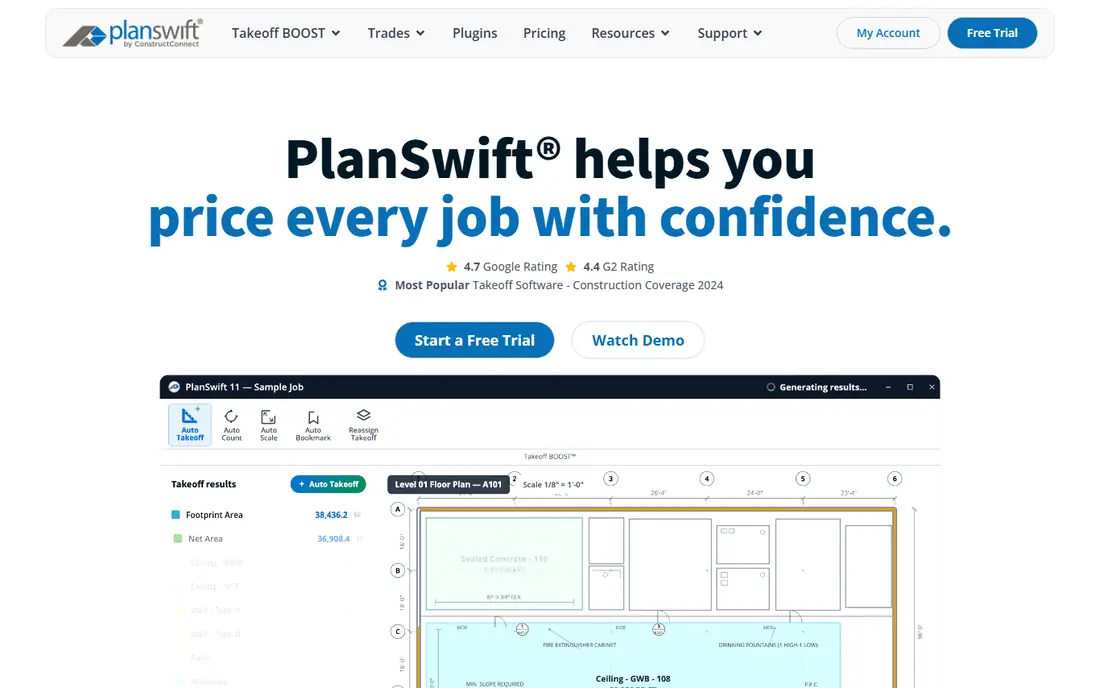
PlanSwift has been around since 2007 and remains a common pick for contractors who want to own a takeoff tool that runs on their own computer. Estimators build assemblies once and reuse them, which pays off if you bid similar work repeatedly, such as flooring, roofing or drywall.
Directory listings show a single flat-rate annual plan rather than tiered packages, which keeps budgeting simple. Check the current price and what is included with the vendor before you commit, since resellers and bundles vary.
The weakness is collaboration. Cloud takeoff tools let several people work on one plan set and share updates live. With a desktop product, you will rely more on file sharing and export. That is fine for a solo estimator and more awkward for a distributed team.
What we like- Long-running takeoff product with an established user base
- Templates and assemblies speed up repeat work
- Flat pricing rather than a per-project fee
Watch out for- Desktop-based, so remote collaboration is weaker than cloud tools
- Pricing needs a vendor check
#7BuildingConnected
Best for: General contractors collecting and comparing subcontractor bids4.5/5 on
G2 (36 reviews, checked Oct 2026)
Visit buildingconnected.com
Starting priceSee website
Free planSee website
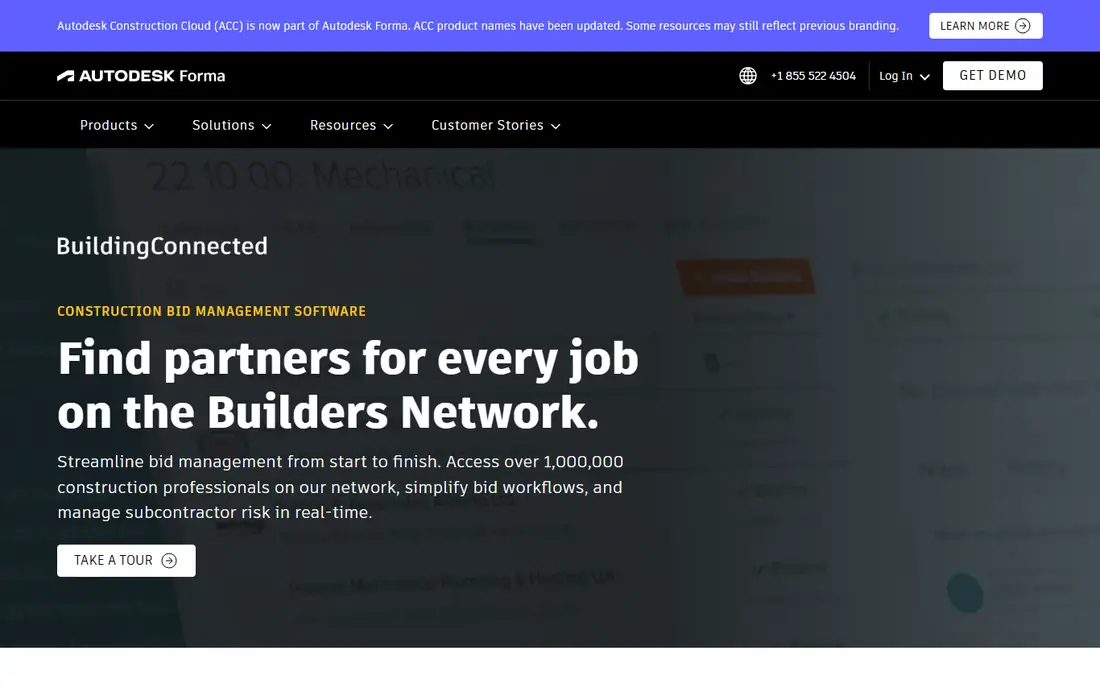
BuildingConnected is a bid management tool and network rather than an estimating tool. A general contractor sends invitations to subcontractors, tracks who has responded, and compares leveled bids. Its network is described as including over a million construction professionals, which helps when you need to find new subcontractors.
Subcontractors can usually respond to invitations without paying, while paid tiers for the bid-sending side are quoted by sales. Third-party sources suggest the entry price is a few thousand dollars a year, but treat that as a rough guide and confirm directly.
Pair it with a takeoff and estimating tool from this list. On its own it will not measure plans or price work, and some reviewers on public sites mention spam and outdated contact data, so clean your invite lists before sending.
What we like- Large network of contractors and subcontractors
- Bid invites and tracking in one place
- Part of the Autodesk construction family
Watch out for- Sales-led pricing for the paid tier
- No takeoff or estimating of its own
How we chose
We did not run hands-on tests of these products. Instead, we reviewed vendor pricing pages and product pages, read public documentation, and compared what users say on review sites such as G2 and Capterra and on community forums. We looked at what each tool does for bidding specifically, how it is priced (per seat, flat or quote-based), what it connects to, and what size of company it fits.
Where a vendor did not publish a current price on its own site, we list See website instead of relying on third-party numbers. We also tried to include a mix: well-known platforms like Procore and Bluebeam, plus more focused tools such as Join, Togal.AI and STACK. Features and pricing change often, so confirm details with each vendor before buying.
Start with the step that loses you the most time or money. Then choose a tool that fixes that step without forcing a new process on everything else.
If measuring plans is the bottleneck
Look at STACK, Togal.AI, PlanSwift or Bluebeam. Compare how each handles the plan formats you receive, whether quantities export to your estimating system, and whether more than one estimator can work on a job at once. Run one live bid through a trial or free plan before you decide.
If pricing and proposals are the bottleneck
You need estimating, not just takeoff. Check for assemblies, labor and material cost databases, and proposal output. STACK offers worksheet-style estimating on its higher tier. If you outgrow spreadsheets, ask any vendor how it imports your existing cost data.
If subcontractor coverage is the bottleneck
Bid management tools such as Procore Bid Management and BuildingConnected are built for inviting, tracking and leveling subcontractor bids. These matter most to general contractors who buy out a large share of the work. A specialty contractor that self-performs will get more from takeoff and estimating.
Contract terms worth asking about
Several tools here bill annually per user. Ask about contract length, auto-renewal, what happens to your data if you cancel, and whether you can export projects and estimates in a usable format. Quote-based tools also deserve a question about onboarding fees and which modules are included in the price you are given.
Frequently asked questions
What is preconstruction software?
It is software used before a project is built to measure plans, estimate costs, manage bids and plan budgets. Some products cover one of those jobs, such as takeoff or bid management, and others bundle several.
Do I need estimating software if I already use Bluebeam?
Not always. Bluebeam handles markup and measurement, and the Complete plan links quantities to Excel. If your estimates are simple and live in spreadsheets, that may be enough. If you build estimates from assemblies and cost databases, a dedicated estimating tool will save time.
Is there free preconstruction software for bidding?
STACK has a free plan with a limit of one active project per month, which suits small or occasional bidders. Most other tools here either charge per user or quote pricing, so use trials and demos to test them.
How long does it take to set up?
Takeoff tools like STACK and Bluebeam can be used within a day because you upload plans and start measuring. Quote-based platforms such as Procore and Join usually take longer, because they involve a demo, a contract and data setup. Allow extra time if you need to import cost data or connect accounting.
Should a general contractor and a subcontractor choose the same tool?
Not necessarily. General contractors benefit from bid management and cost tracking across many trades, while subcontractors usually need fast takeoff and estimating. A shared PDF format, such as plans marked up in Bluebeam, is often the common ground.
Sources we checked (11)
- https://www.stackct.com/pricing/
- https://www.stackct.com/takeoff-and-estimate-pricing/
- https://www.bluebeam.com/pricing/
- https://join.build/pricing/
- https://join.build/
- https://www.procore.com/preconstruction
- https://bimtoolshub.com/bid-management-by-procore
- https://quotr.ai/blog/quotr-vs-togal-ai-comparison-2026/
- https://www.capterra.com/p/70808/PlanSwift/pricing/
- https://www.getapp.com/construction-software/a/buildingconnected/
- https://www.softwareadvice.com/construction/buildingconnected-profile/
Is your product missing or out of date?
We review this list regularly. Vendors can request a listing, send updated pricing or ask about featured placement.

Shihab Mia · Founder, Rankite
Shihab has 5+ years in B2B and SaaS SEO. He writes Rankite's software buying guides from pricing pages, documentation and public user reviews. More about Shihab.