How we make this list: we compare pricing pages, product documentation and public user reviews. Ratings come from G2, Capterra or Trustpilot, with the date we checked them.
Key takeaways
- Takeoff tools split into three camps. Bluebeam is PDF markup with measuring. STACK, PlanSwift and Kreo are dedicated takeoff and estimating platforms. Togal.AI is AI-first and draws the quantities for you.
- Entry prices run from free (STACK, Buildxact Go, Houzz Pro's free plan) to $2,000 a year per seat for PlanSwift and $299 per user per month for STACK Premium.
- Autodesk Forma Takeoff starts at $108 per month and includes a 30-day free trial. That makes it the cheapest way to test 2D and 3D quantities on a real bid.
- Residential builders and remodelers are better served by Buildxact or Houzz Pro, where takeoff feeds straight into estimates, proposals and purchase orders.
- Before you buy, run one live bid through a free trial and check how quantities export to Excel or your estimating system.
Quick comparison
| Tool | Best for | Starting price | Free plan |
|---|
 Togal.AI Togal.AI | AI-automated area takeoffs | See website | No |
 Bluebeam Revu Bluebeam Revu | PDF markup with measuring | $260 per user/year (billed annually) | Free trial |
 STACK STACK | Subcontractors bidding commercial work | $299 per user/month (billed annually) | Yes |
 PlanSwift PlanSwift | Estimators who want price-and-measure in one desktop tool | $2,000 per seat/year | Free trial (14 days) |
 Kreo Kreo | Cloud takeoff with AI on a lower budget | $100 per user/month (billed annually) | Free trial (7 days) |
 Autodesk Forma Takeoff Autodesk Forma Takeoff | 2D and 3D quantities for teams on Autodesk | From $108 per month | Free trial (30 days) |
 Buildxact Buildxact | Residential builders and remodelers | $169 per month (billed annually) | Yes |
 Houzz Pro Houzz Pro | Small remodelers and design-build firms | $199 per month (Pro plan) | Yes |
Is your product missing or out of date?
We review this list regularly. Vendors can request a listing, send updated pricing or ask about featured placement.
The best preconstruction software for takeoffs
#1Togal.AI
Best for: AI-automated area takeoffs4.8/5 on
G2 (61 reviews, checked Oct 2026)
Visit togal.ai
Starting priceSee website
Free planNo
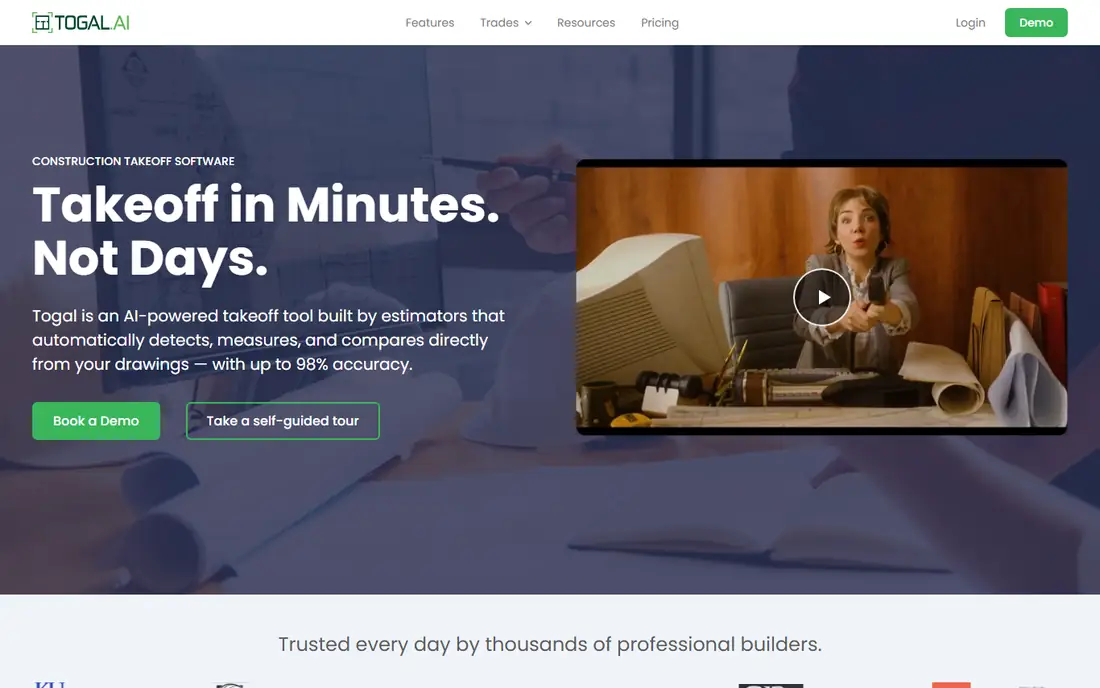
Togal.AI is the tool to look at if your bottleneck is the hours spent tracing floor plans by hand. You upload a drawing set, the software detects spaces and areas, and you review and correct the result instead of starting from a blank sheet. For general contractors and estimators who bid many projects on tight deadlines, that shift in workflow is the main selling point.
Pricing is the part to confirm early. Third-party listings have shown a Growth plan around $299 per user per month on annual billing, with a custom plan for larger teams. We could not verify a current figure on the vendor's own pages, so check directly before budgeting. Expect a demo-led sales process rather than a self-serve checkout.
The catch is scope. Togal.AI is a takeoff engine first, so teams that want cost databases, assemblies and proposals in the same product may still pair it with a separate estimating system. Check its output against a sample project you already bid, since AI detection varies with drawing quality.
What we like- Detects and measures rooms and areas automatically from plans
- Built around speed on large drawing sets
- Cuts down on manual tracing
Watch out for- Pricing is not clearly published on the vendor's pages
- Narrower on estimating depth than full platforms
#2Bluebeam Revu
Best for: PDF markup with measuring4.5/5 on
G2 (461 reviews, checked Oct 2026)
Visit bluebeam.com
Starting price$260 per user/year (billed annually)
Free planFree trial
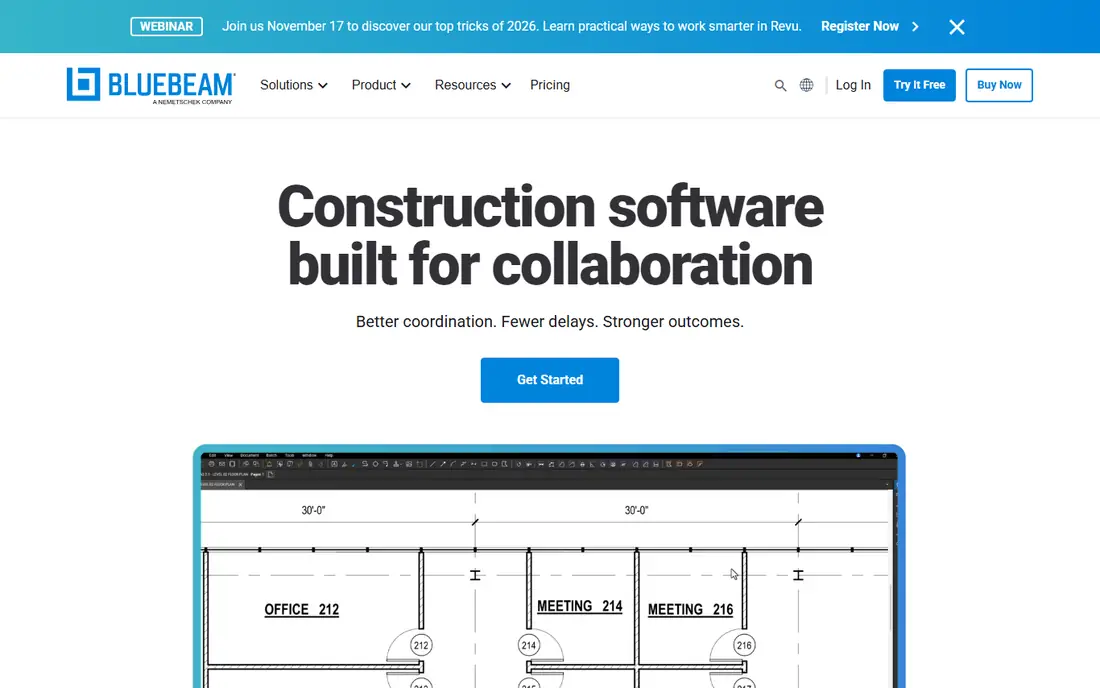
Bluebeam started as a PDF markup tool and still behaves like one, which is both its strength and its limit. Most subcontractors already receive drawings that have been marked up in Revu, so there is little friction in the bid process. You measure length, area and counts directly on the PDF and export the results.
The tier you choose matters a lot for takeoffs. The vendor's pricing page shows Basics at $260 per user per year with simple length and area measuring only. Core, at $330, adds perimeters, counts, angles and volume, plus overlay and compare. Complete is $440, and a newer AI-focused tier called Max is listed at an introductory $590 per user per year. All plans are billed annually.
Choose Bluebeam if your estimators work in spreadsheets and want a flexible measuring layer. Skip it if you want assemblies, labor rates and proposals in one place, because you will build that part yourself.
What we like- Familiar to architects, engineers and GCs, so shared drawings just work
- Markup and Studio collaboration alongside measuring
- Cheaper than most dedicated takeoff suites
Watch out for- Not a full estimating system, so pricing happens elsewhere
- The lowest tier limits measurement features
#3STACK
Best for: Subcontractors bidding commercial work4.5/5 on
G2 (94 reviews, checked Oct 2026)
Visit stackct.com
Starting price$299 per user/month (billed annually)
Free planYes
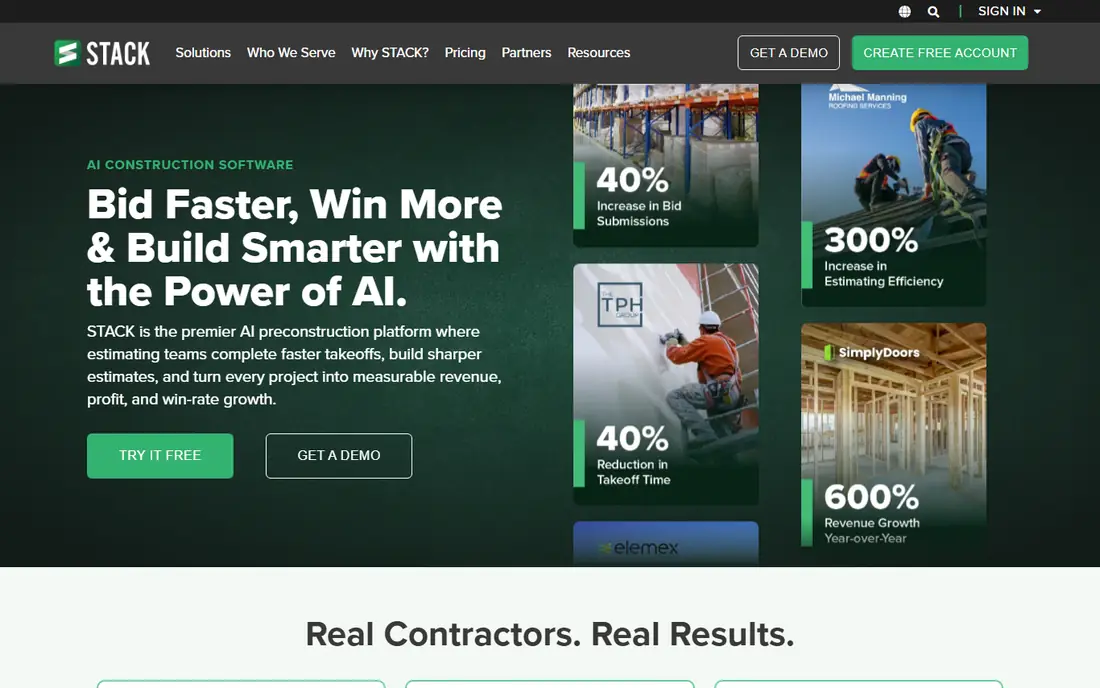
STACK is a cloud takeoff and estimating platform that many trade contractors know by name. Its pricing page lists a free plan that includes 7 days of the Pro tier, then drops to one active project per month, up to 300 plan pages and 50 measurements per project. That is enough to learn the interface, not enough to run a bidding department.
Paid Takeoff & Estimate plans start at $299 per user per month on annual billing, with a higher tier at $349. Both come with unlimited projects, plan pages and measurements. The vendor states that subscriptions run on 12-month terms, so plan for the commitment.
The honest drawback is price per seat. A three-person estimating team pays well over $10,000 a year before add-ons. STACK also sells a separate field product (Build & Operate, from $49 per user per month), which is useful if you want bid-to-build continuity but is not needed for takeoff alone.
What we like- Free plan with core takeoff tools
- Cloud-based and works on PC and Mac
- Unlimited projects and measurements on paid plans
Watch out for- Premium costs more per seat than most competitors
- Free plan is capped at one active project per month
#4PlanSwift
Best for: Estimators who want price-and-measure in one desktop tool4.3/5 on
G2 (35 reviews, checked Oct 2026)
Visit planswift.com
Starting price$2,000 per seat/year
Free planFree trial (14 days)
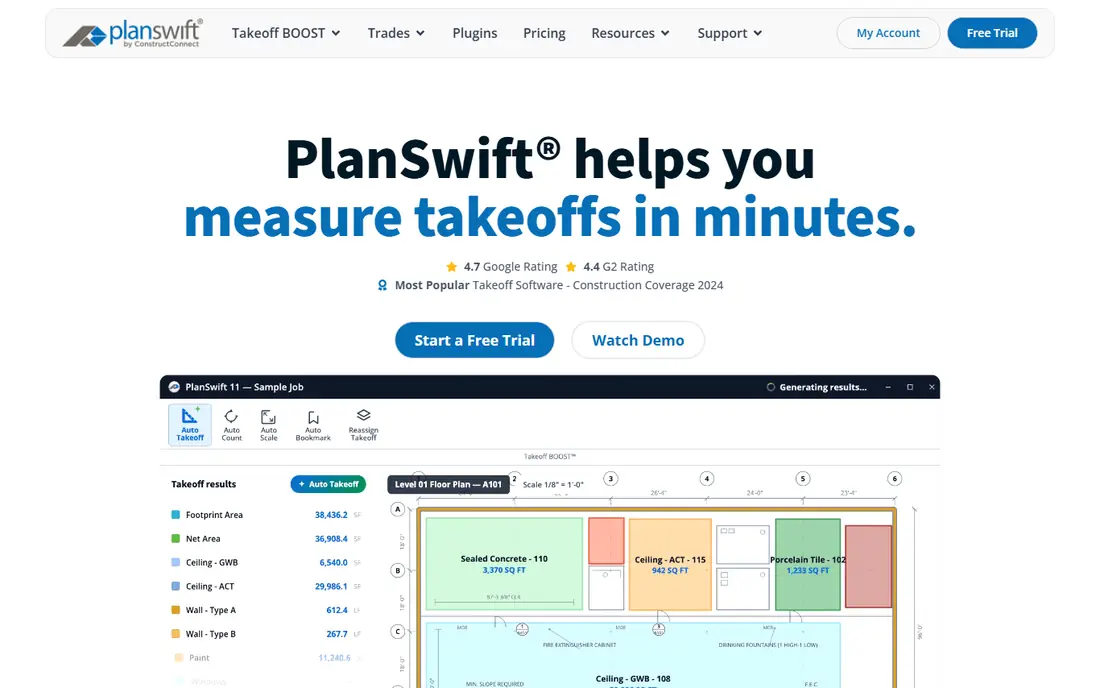
PlanSwift has been around since 2007 and sits in the middle of the market. You measure on screen, drop in material and labor assemblies, and the estimate builds as you go. For specialty trades and small GCs, that combined workflow cuts down on retyping quantities into a spreadsheet.
The pricing page lists two annual plans: Essential at $2,000 per seat per year and Core at $3,000 per seat per year. Each covers the software, updates, priority support and training. The trial runs 14 days and, according to the vendor, does not ask for a card or charge automatically afterward. Its newer AI toolset is called Takeoff BOOST, though you should ask what is included in which plan.
The trade-off is flexibility. Annual terms mean you pay for seats whether or not bids are flowing. Teams that work from many locations may also prefer a cloud-native product with browser access.
What we like- Takeoff and pricing in a single tool with reusable assemblies
- Annual price includes updates, priority support and training
- 14-day trial with no credit card
Watch out for- Annual commitment per seat
- Desktop heritage feels dated next to browser-based tools
#5Kreo
Best for: Cloud takeoff with AI on a lower budget4.6/5 on
G2 (44 reviews, checked Oct 2026)
Visit kreo.net
Starting price$100 per user/month (billed annually)
Free planFree trial (7 days)

Kreo is a newer cloud takeoff product that publishes its prices, which is rare in this category. The Essential plan is $100 per user per month on annual billing. It covers PDF, CAD and image files, area, length, volume and count measurements, drawing comparison and custom assemblies. It is takeoff and estimating without AI.
The Pro plan at $175 per user per month adds the AI features. Business is $250 per user per month with five seats included, which works out to a team license. Each plan has a 7-day free trial, and pounds-sterling pricing is listed for UK buyers.
Kreo suits small and mid-size contractors who want modern tools without STACK-level seat costs. The weaker side is track record. It has a smaller base of users than the older names, so ask for references in your trade before you sign.
What we like- Transparent public pricing
- 2D and 3D takeoff views with live-linked estimates
- Excel import and export on every plan
Watch out for- Smaller user base than STACK or Bluebeam
- AI features start at the middle tier
#6
Autodesk Forma Takeoff
Best for: 2D and 3D quantities for teams on Autodesk
Visit autodesk.com
Starting priceFrom $108 per month
Free planFree trial (30 days)
Autodesk's takeoff product (formerly Autodesk Takeoff) is built for estimators who see both drawings and models. It produces quantities from 2D sheets and 3D models in one place, which matters on projects where the design team delivers BIM files. The 30-day trial gives you enough time to run a full bid.
The product page advertises a starting price of $108 per month. Confirm the billing term, number of users and any bundle with Autodesk, since pricing depends on subscription length and region. The vendor offers a 30-day return policy on annual and multi-year plans and 15 days on monthly ones.
Autodesk is the sensible choice for firms already using Autodesk Construction Cloud or Revit-based workflows. If your drawings are almost all flat PDFs from small architects, a lighter tool will probably be quicker to learn.
What we like- Longest free trial on this list
- Handles 2D drawings and 3D model quantities
- 30-day return policy on annual plans
Watch out for- Best value when you already use Autodesk products
- The advertised starting price may not match your final subscription
#7Buildxact
Best for: Residential builders and remodelers4.3/5 on
G2 (66 reviews, checked Oct 2026)
Visit buildxact.com
Starting price$169 per month (billed annually)
Free planYes
Buildxact is aimed at home builders, remodelers and light commercial contractors who need estimates out the door quickly. Digital takeoffs start on the Foundation plan at $169 per month when billed annually ($199 monthly). That plan includes unlimited users, lead management, quote letters, digital signatures and purchase orders.
The free Go plan includes five complimentary credits for AI estimating and proposals. It is a way to test the style of the product, not a full takeoff setup. Pro is $339 per month on annual billing and adds job management and scheduling. Master is $509 per month and includes the Takeoff Assistant and Estimate Reviewer, which are otherwise add-ons ($99 and $149 per month on Pro).
The catch is that add-ons stack up. A builder who wants AI takeoff help and review tools can end up on the top plan. For pure commercial takeoff work from large drawing sets, a dedicated platform is likely a better fit.
What we like- Unlimited users on paid plans
- Takeoff, estimates, quotes and purchase orders in one product
- Free Go plan to start
Watch out for- Takeoff assistant AI sits behind the top tier or paid add-ons
- Annual plans need a 12-month commitment
#8Houzz Pro
Best for: Small remodelers and design-build firms4.2/5 on
G2 (76 reviews, checked Oct 2026)
Visit pro.houzz.com
Starting price$199 per month (Pro plan)
Free planYes
Houzz Pro is a business management suite for remodelers, designers and small builders, and takeoff is one feature among many. On the vendor's pricing page, takeoffs arrive on the Pro plan at $199 per month for one user. That plan also includes bid management, budget management, schedules and daily logs. The Teams plan starts at $399 per month and adds unlimited users.
This is a good fit for a small firm that wants one place for estimates, client approvals and invoices. It is not a replacement for dedicated commercial takeoff software, and it will feel light if your estimators handle multi-trade bids from 400-page sets.
Price per user matters here. The Pro plan covers one user, so extra seats push you toward the Teams plan. Check what the free plan includes before relying on it, since takeoffs are listed under the paid Pro tier.
What we like- Takeoffs sit alongside bid management, change orders and contracts
- Free plan available to explore the tools
- Includes client-facing proposals and payments
Watch out for- Takeoffs require the Pro plan or above
- Built for residential work, not heavy commercial bids
How we chose
We built this list from vendor pricing pages, product documentation and public reviews on G2, Capterra and Reddit. We looked at takeoff features first (area, length, count, volume, 2D and 3D), then at estimating depth, export options, integrations, trial terms, contract length and fit for different company sizes. We did not run hands-on tests, so where a claim comes from a vendor rather than a reviewer, we say so.
Prices come from each vendor's own pricing page at the time of writing. Where we could not verify a current figure, we mark it "See website" or note that it should be confirmed. Plans change often, particularly with AI add-ons, so check before you buy.
How to match takeoff software to your bidding style
Start with the drawings you actually receive
If your plans arrive as flat PDFs, nearly every tool here works. If you regularly receive IFC or other 3D model files, check that the tool reads them. Kreo and Autodesk Forma Takeoff both offer 3D takeoff, and Bluebeam handles 3D PDFs on Core and above.
Decide where pricing happens
Some tools stop at quantities (Bluebeam, Togal.AI). Others turn quantities into priced estimates with assemblies and proposals (PlanSwift, STACK, Buildxact). If your estimators already have a solid spreadsheet or a separate estimating package, a measurement-only tool costs less and is simpler to adopt. If they re-key numbers by hand today, an integrated product saves more time.
Compare total seat cost, not entry price
A $2,000 desktop license, a $100 monthly cloud seat and a $299 monthly cloud seat look very different on paper. Over a year, PlanSwift Essential is $2,000, Kreo Essential is $1,200, and STACK Premium is $3,588 per user. Multiply by the number of estimators and add training time. Flat team plans, such as Kreo Business with five seats or Buildxact with unlimited users, change the math for bigger groups.
Test with a live bid
Take a project you already bid and run it through two or three trials. Compare the quantities against your original numbers, measure how long it took, and check the export. A 7-day trial is short, so line up the drawings before you sign up. Kreo has 7 days, PlanSwift has 14, and Autodesk has 30.
Check contract terms and data export
Most annual plans are 12-month commitments, and some require paying upfront. Ask how to export measurements, assemblies and cost data if you leave. Excel export is the minimum.
Frequently asked questions
What is takeoff software in preconstruction?
Takeoff software measures quantities from construction drawings, such as square footage of flooring, linear feet of pipe or counts of fixtures. Estimators use those quantities to price materials and labor. Digital tools replace paper plans and scale rulers.
Is AI takeoff accurate enough to trust?
It can save a lot of time on clean drawings, but results vary with plan quality and trade. Treat AI output as a first draft and verify it against a project you know. Vendors make accuracy claims that we could not independently confirm.
Do I need takeoff software if I already use Bluebeam?
Not always. Bluebeam Core and Complete handle many measuring jobs, and plenty of estimators pair it with Excel. A dedicated tool starts to pay off when you need reusable assemblies, cost databases and proposals tied to your measurements.
What is the cheapest way to start?
STACK has a free plan with limits, and Buildxact and Houzz Pro both have free plans, though Houzz Pro takeoffs need the $199 Pro plan. Among paid options, Autodesk Forma Takeoff starts at $108 per month and Bluebeam Basics at $260 per year. Check which features your plan includes.
How long does it take to get started?
Cloud tools like Kreo and STACK let you sign up and upload plans the same day. Desktop tools such as PlanSwift take longer because of installation and assembly setup. Expect a few weeks before assemblies and templates match how you estimate.
Sources we checked (11)
- https://www.bluebeam.com/pricing/
- https://www.stackct.com/pricing/
- https://www.stackct.com/takeoff-and-estimate-pricing/
- https://www.planswift.com/
- https://www.planswift.com/pricing/
- https://www.kreo.net/pricing
- https://www.autodesk.com/products/forma-takeoff/overview
- https://www.autodesk.com/products/forma-takeoff/buy
- https://www.buildxact.com/us/pricing/
- https://www.houzz.com/houzz-pro/pricing
- https://www.togal.ai/
Is your product missing or out of date?
We review this list regularly. Vendors can request a listing, send updated pricing or ask about featured placement.

Shihab Mia · Founder, Rankite
Shihab has 5+ years in B2B and SaaS SEO. He writes Rankite's software buying guides from pricing pages, documentation and public user reviews. More about Shihab.