How we make this list: we compare pricing pages, product documentation and public user reviews. Ratings come from G2, Capterra or Trustpilot, with the date we checked them.
Key takeaways
- Middleware pricing has split into two camps. Boomi publishes a $99 per month Pay-As-You-Go plan and Confluent Cloud has a $0 Basic cluster tier. MuleSoft now starts at $2,000 per month on annual billing.
- RabbitMQ is still free and open source, and version 4.4 shipped in October 2026. For a small team that only needs reliable messaging between its own services, it is the cheapest serious option.
- IBM now owns a large share of this market. It finished buying Confluent on March 17, 2026, and its integration platform (formerly webMethods Hybrid Integration and Cloud Pak for Integration) has been renamed IBM Integration.
- Most enterprise integration platforms still hide their real prices behind a sales call. Expect usage credits, annual terms and minimum commitments. For example, MuleSoft's Pre-Commit model needs at least $50,000 a year.
- First decide whether you need integration (connecting SaaS apps and ERPs), messaging (moving events between services) or an application server (running Java apps). Most buying mistakes come from mixing these up.
Quick comparison
| Tool | Best for | Starting price | Free plan |
|---|
 MuleSoft Anypoint Platform MuleSoft Anypoint Platform | Salesforce-centric companies building an API program | $2,000 per month (billed annually) | Free trial |
 Boomi Boomi | Mid-size firms that want low-code integration with a published entry price | $99 per month plus usage (Pay-As-You-Go) | Free trial (30 days) |
 IBM Integration (formerly webMethods Hybrid Integration) IBM Integration (formerly webMethods Hybrid Integration) | Hybrid estates with mainframes, IBM MQ and on-prem systems | See website | Free trial |
 Confluent Confluent | Real-time event streaming on fully managed Apache Kafka | $0 per month (Basic cluster; Standard from about $385 per month) | Yes |
 RabbitMQ RabbitMQ | Developer teams that need a free, proven message broker | Free (open source); commercial support from Broadcom is quoted | Yes |
 Azure Service Bus Azure Service Bus | Companies already running workloads on Microsoft Azure | See website (pay as you go) | Free trial |
 Jitterbit Harmony Jitterbit Harmony | Mid-market ERP, EDI and SaaS integration | See website | No |
 Red Hat JBoss EAP Red Hat JBoss EAP | Running enterprise Java applications with vendor support | See website | No |
Is your product missing or out of date?
We review this list regularly. Vendors can request a listing, send updated pricing or ask about featured placement.
The best middleware software
#1
MuleSoft Anypoint Platform
Best for: Salesforce-centric companies building an API program
Visit mulesoft.com
Starting price$2,000 per month (billed annually)
Free planFree trial
Salesforce rebuilt MuleSoft pricing in 2026, and the new model is easier to read than the old core-based quotes. Every package now draws from a single pool of Mule Credits. You can spend them on app integration, API management, document processing or agent management. The published floor is $2,000 a month, billed annually, and Salesforce says per-credit rates drop by up to 90% as usage scales.
It fits best at a company that already runs Salesforce and needs to connect it to an ERP, a data warehouse and a handful of internal APIs, with proper security policies on each. There are three ways to buy: pre-purchase a block of credits, commit to a yearly baseline and pay monthly, or pay a custom fixed price for unlimited credits.
The catch is cost and complexity. The Pre-Commit option carries a $50,000 minimum annual commitment, and MuleSoft projects usually need a developer or partner who knows its tooling. A 20-person company with three SaaS apps to connect will be paying for far more platform than it uses.
What we like- One credit pool covers integration, API management, document processing and agent governance
- Volume discounts of up to 90% as usage grows
- Strong governance for APIs and AI calls
Watch out for- Entry price is out of reach for many small businesses
- Credit-based billing takes time to forecast
#2Boomi
Best for: Mid-size firms that want low-code integration with a published entry price4.4/5 on
G2 (505 reviews, checked Oct 2026)
Visit boomi.com
Starting price$99 per month plus usage (Pay-As-You-Go)
Free planFree trial (30 days)
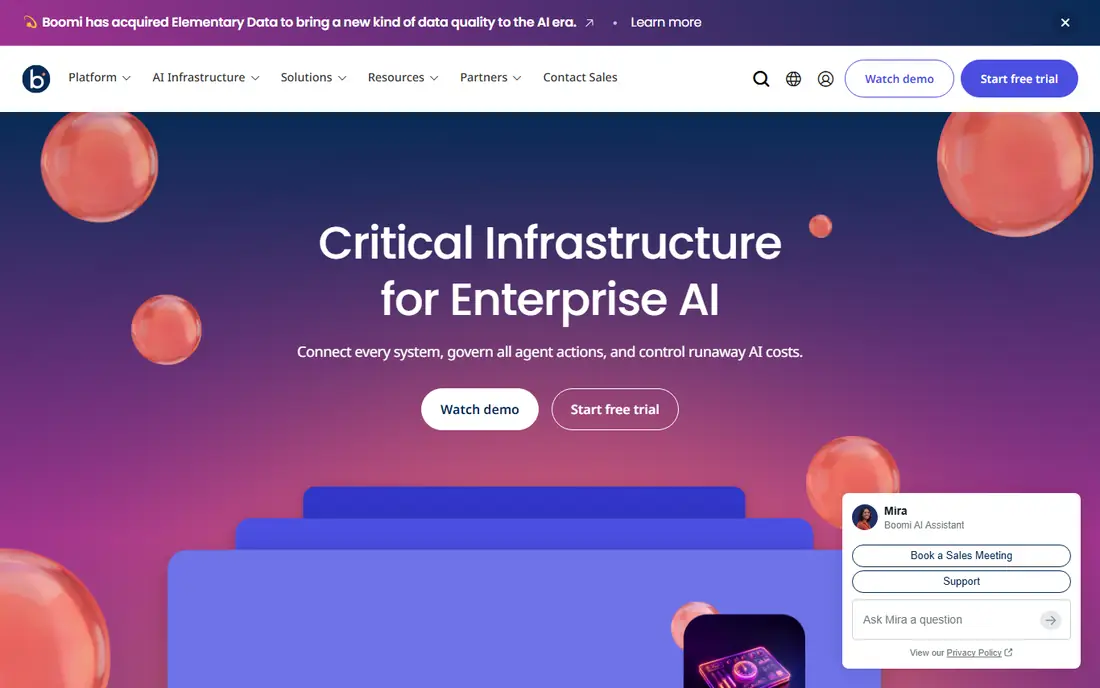
Of the enterprise-grade platforms here, Boomi is the easiest to start on a small budget. Its Pay-As-You-Go edition is self-service and costs $99 a month plus usage. Boomi's own documentation says the plan scales from one process a month to thousands of runs per minute. There is no long contract, so a team can prove out one or two integrations before talking to sales.
What stands out is breadth. Besides app-to-app integration, Boomi sells API management, master data (Data Hub) and B2B/EDI under one brand. That suits a distributor or manufacturer that trades documents with suppliers.
The honest weakness is that once you need higher limits or enterprise features, you are back to quoted Professional and Enterprise editions. Public reviews also say that self-hosted runtimes (Atoms and Molecules) add infrastructure work. Model your message volumes before you commit, since usage fees on a busy order sync add up.
What we like- Rare public entry price for an enterprise integration platform
- Low-code, drag-and-drop process builder
- Covers integration, API management, data hub and EDI
Watch out for- Subscription editions are still quote-only
- Per-message usage charges can climb with high-volume flows
#3
IBM Integration (formerly webMethods Hybrid Integration)
Best for: Hybrid estates with mainframes, IBM MQ and on-prem systems
Visit ibm.com
Starting priceSee website
Free planFree trial
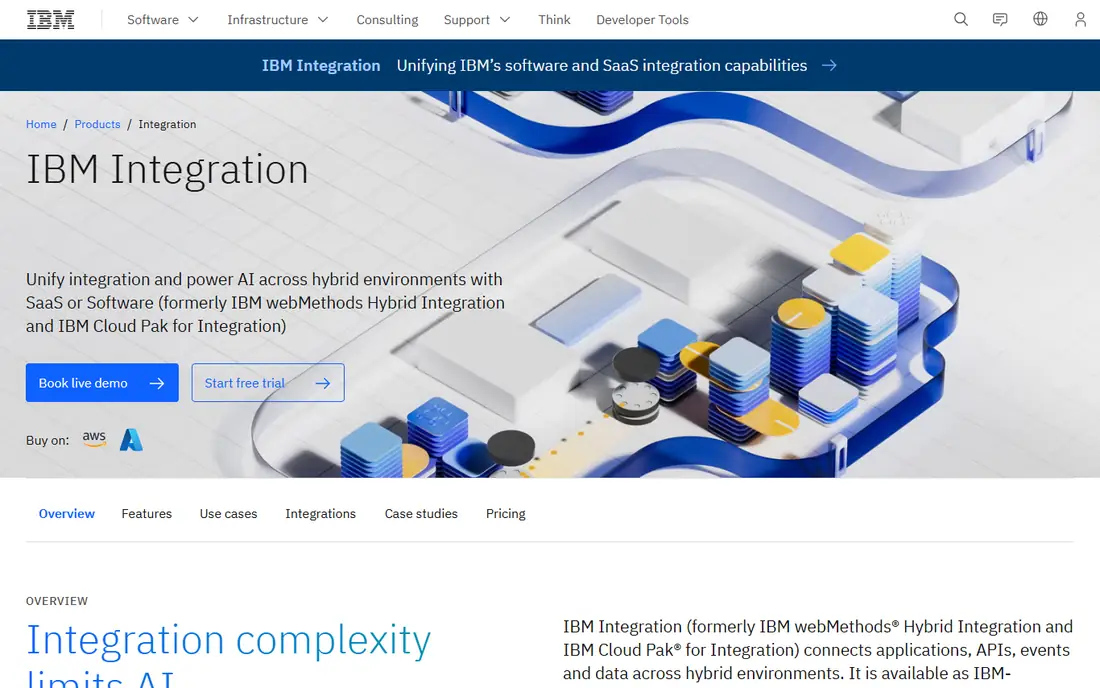
For companies with decades of systems to keep running, IBM is the safe pick. IBM Integration is the new name for what used to be IBM webMethods Hybrid Integration and IBM Cloud Pak for Integration. It connects applications, APIs, events and data across cloud and on-prem environments. You can buy it as IBM-managed SaaS on usage-based credits, or as self-managed software with entitlement-based licenses.
The standout component is IBM MQ. IBM describes it as built to never lose a message, with exactly-once delivery across hybrid and multicloud setups. IBM's 2026 purchase of Confluent also brings high-scale event streaming into the same portfolio.
The downside is the buying effort. There is no public price list for the SaaS tier, only an estimator and a sales conversation, and peer reviews often call the licensing confusing. A mid-size company without an integration specialist on staff will likely need an IBM partner for setup.
What we like- SaaS or self-managed deployment on containers or virtual machines
- Includes IBM MQ for guaranteed message delivery
- Covers APIs, events, files and B2B in one family
Watch out for- Licensing is complex and quote-driven
- Sized for larger IT teams rather than small businesses
#4Confluent
Best for: Real-time event streaming on fully managed Apache Kafka4.4/5 on
G2 (114 reviews, checked Oct 2026)
Visit confluent.io
Starting price$0 per month (Basic cluster; Standard from about $385 per month)
Free planYes

Confluent sells a managed version of Apache Kafka and was built by Kafka's creators. It became part of IBM when that deal closed in March 2026. Pick it when you need to stream events (orders, clicks, sensor readings, database changes) to many systems at once in real time. The Basic cluster tier starts at $0 a month and you pay for what you use, so a developer can build a proof of concept without a purchase order.
The vendor's pricing page lays out the tiers clearly. Standard starts at roughly $385 a month and adds a 99.99% uptime SLA, infinite storage and audit logs. Enterprise starts near $895 a month and adds private networking.
The catch is that Kafka is overkill for simple jobs. If you only need to move records between two SaaS apps, an iPaaS like Boomi or Jitterbit is easier. Billing also scales with throughput, storage and connectors, so run the vendor's cost estimator before you put production traffic on it.
What we like- Serverless Kafka clusters with no capacity planning
- 80+ fully managed connectors
- Runs on AWS, Azure and Google Cloud
Watch out for- Usage-based bills are hard to predict
- Kafka concepts have a real learning curve
#5
RabbitMQ
Best for: Developer teams that need a free, proven message broker
Visit rabbitmq.com
Starting priceFree (open source); commercial support from Broadcom is quoted
Free planYes
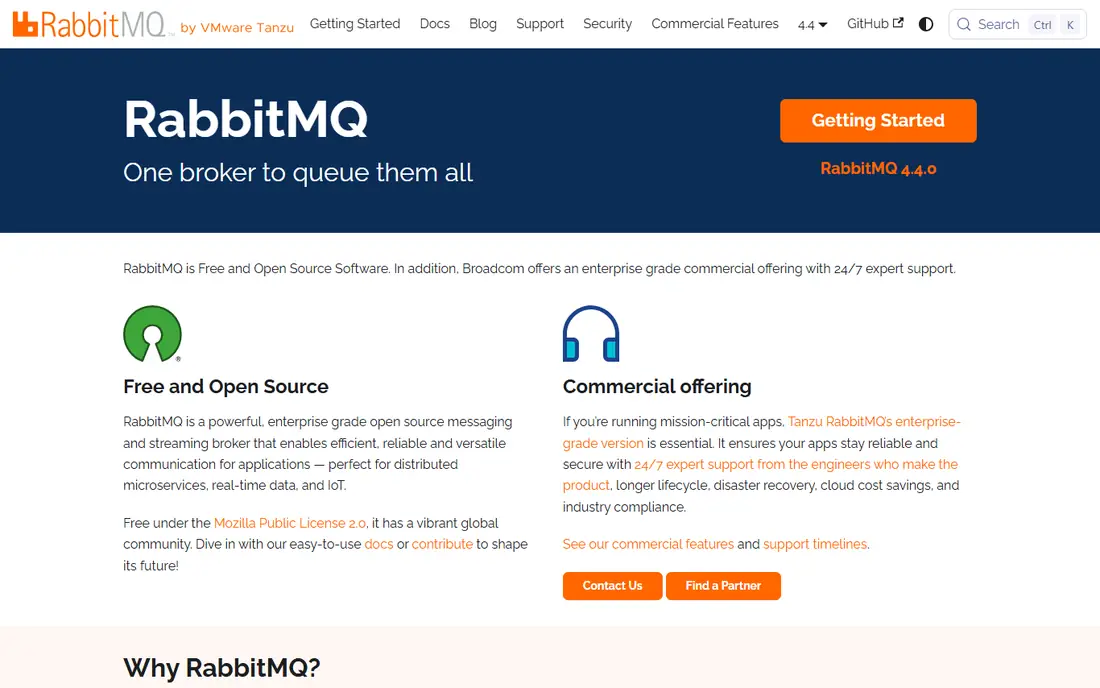
RabbitMQ is the default answer when a software team says "we need a queue." It is a free, open source messaging and streaming broker that runs on a laptop, a server or any cloud. Version 4.4 came out in October 2026 and supports routing, filtering, streams and federation between clusters.
For a small company with in-house developers, the economics are hard to beat because you pay only for the server it runs on. It speaks open standards such as AMQP 1.0 and MQTT 5.0, so you can swap client libraries or move clouds without rewriting your messaging layer.
The trade-off is that you handle operations. Community support is best-effort through GitHub, Discord and a mailing list. Each release series also stops getting community patches on a published date (4.4 is covered until July 31, 2027). If you need 24/7 support with SLAs, Broadcom sells Tanzu RabbitMQ with extra enterprise features, priced through sales.
What we like- Free under the Mozilla Public License
- Supports open protocols including AMQP 1.0 and MQTT 5.0
- Client libraries for most languages and no vendor lock-in
Watch out for- You run, patch and monitor it yourself unless you buy support
- Community support for older versions ends on a fixed schedule
Starting priceSee website (pay as you go)
Free planFree trial
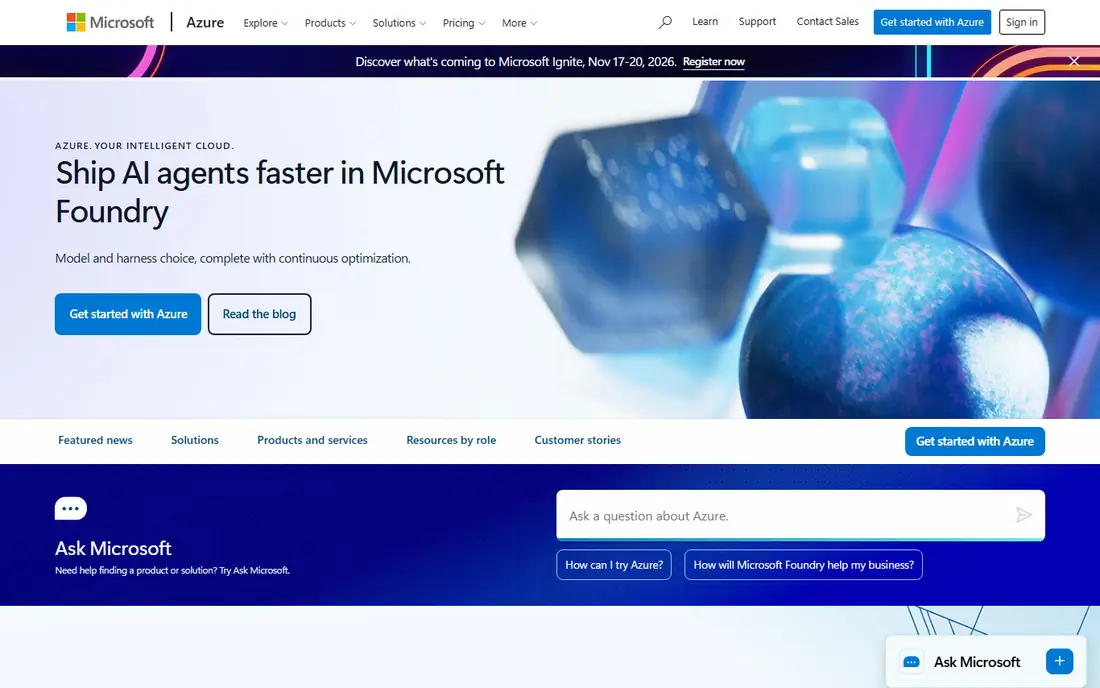
Microsoft's managed message broker makes sense if your apps, identity and data already live in Azure. Service Bus handles queues and publish/subscribe topics between applications, and Microsoft runs the infrastructure. Billing is pay as you go with no upfront costs, and you can test it with an Azure free account.
The practical strength is the surrounding toolset. Service Bus is part of Azure's integration family alongside Logic Apps (workflow integration with hundreds of connectors) and API Management. A .NET team can build a full integration stack without signing a separate vendor contract.
The weaknesses are lock-in and confusing tiers. Features like larger message sizes and dedicated capacity sit in the Premium tier, which costs far more than Standard, and the per-region price grid is hard to read. Use the Azure pricing calculator with your region and expected volumes before you commit.
What we like- Fully managed, so there is no broker to patch
- Pay-as-you-go with no upfront cost
- Pairs with Logic Apps and API Management for wider integration
Watch out for- Ties your messaging to Azure
- Tier differences (Basic, Standard, Premium) affect features and cost a lot
Starting priceSee website
Free planNo
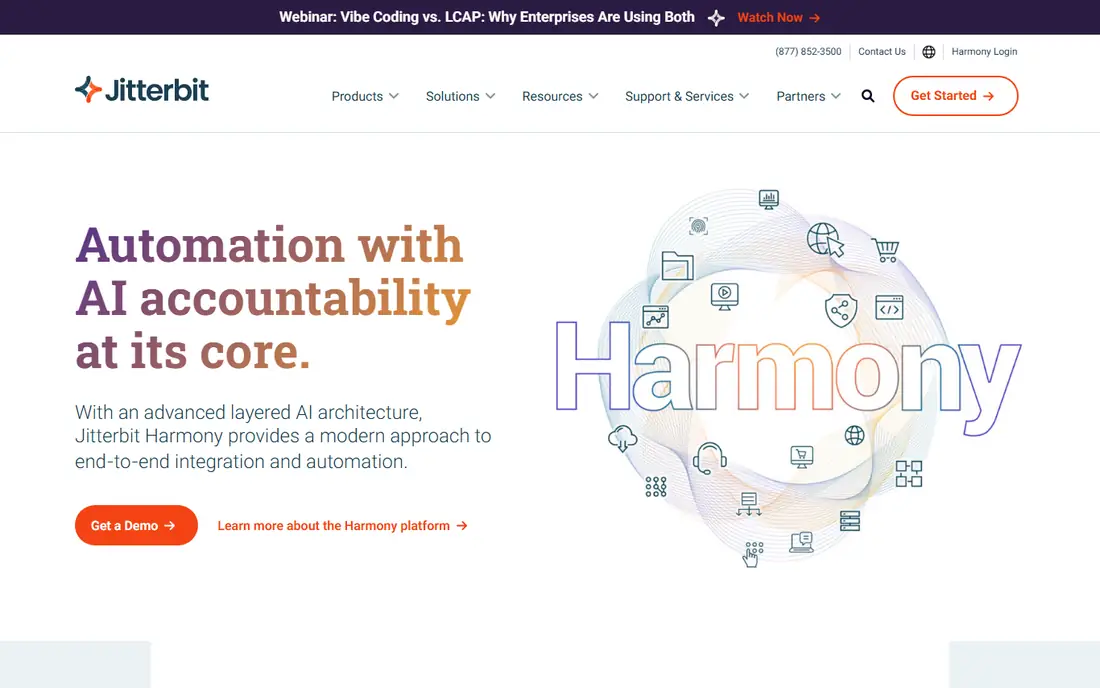
Jitterbit aims at the middle ground between lightweight automation tools and heavyweight enterprise suites. Its Harmony platform bundles an iPaaS, an API manager, EDI and a low-code app builder. That appeals to a mid-size manufacturer or retailer that needs to sync orders between an ERP, an online store and trading partners.
The concrete strength is that EDI and API work sit next to regular integrations. You are not buying three products to handle supplier documents, partner APIs and internal data sync.
The honest catch is price transparency. Jitterbit publishes no list prices, and third-party contract data suggests a typical deal runs into the tens of thousands of dollars a year. That makes it a poor fit for very small firms. Ask for a written breakdown of the endpoints, connections and environments included in any quote.
What we like- Low-code iPaaS with API Manager and EDI on the same platform
- App builder included for simple internal tools
Watch out for- Pricing is quote-only
- Smaller connector community than MuleSoft or Boomi
#8
Red Hat JBoss EAP
Best for: Running enterprise Java applications with vendor support
Visit redhat.com
Starting priceSee website
Free planNo
JBoss Enterprise Application Platform is middleware in the classic sense: the server layer your custom Java applications run on. Red Hat sells it as a subscription that covers support, patches and certified builds, and the 8.x series is current. It suits companies with in-house Java systems (billing, policy administration, line-of-business apps) that need a supported runtime.
Its main strength is portability. The same application can run on bare metal, VMs or Red Hat OpenShift. Because it is based on the open source WildFly project, you are not locked into a proprietary runtime.
The weakness is its narrow scope. JBoss EAP does not connect your SaaS apps or move data between systems, so most firms will pair it with an integration tool. Subscriptions are counted by cores and quoted through Red Hat or a reseller. Negotiated discounts vary widely, so get competing quotes.
What we like- Jakarta EE application server built on open source (WildFly)
- Runs on premises, in virtual machines or on OpenShift
- Long support lifecycle and security patches
Watch out for- Subscription is priced by cores and quoted
- Only relevant if you run Java applications
How we chose
We started from the three jobs middleware does for a business: connecting applications, moving messages or events between systems, and hosting applications. For each candidate we read the vendor's own pricing page and product documentation and checked what entry plans include. We also noted deployment options, contract structure and support channels. We confirmed corporate changes, such as IBM's purchase of Confluent, through IBM's announcements.
Next we read public reviews on G2, Capterra, PeerSpot and Reddit, looking for repeated complaints about setup time, billing surprises and support quality. A tool made the list only if it is sold and maintained today and genuinely fits the middleware category. We did not run hands-on benchmarks, and no vendor paid for placement. Where a vendor does not publish a price, we say so rather than guess.
What to check before you sign a middleware contract
Match the tool to the job
Integration platforms (MuleSoft, Boomi, IBM Integration, Jitterbit) connect business applications and transform data between them. Message brokers (RabbitMQ, Azure Service Bus, Confluent) move messages or events reliably between services your developers build. Application servers (JBoss EAP) run your own code. Many companies need two of these, but few need all three on day one.
Model usage before you compare prices
Almost every vendor here bills by consumption: credits, messages, throughput or cores. Pull a month of real volumes (orders, API calls, records synced) and ask each vendor to price that exact load. A $99 entry plan can cost more than a $2,000 plan if your message counts are high, and the reverse is also true.
Read the contract terms, not just the plan names
Look for minimum annual commitments, overage rates, auto-renewal clauses and yearly price increases. Ask whether non-production environments (development, test) count against your allowance.
Plan for skills and support
Open source brokers are free to license, but someone has to run them. Enterprise platforms often need a certified partner for the first project, which can add weeks to setup and a services bill on top of the subscription. Ask each vendor what setup usually looks like for a company your size and which support hours are included.
Protect your exit
Ask how you would export integration definitions, API specs and message data if you leave. Tools built on open standards (AMQP, MQTT, Kafka, Jakarta EE) are easier to move away from than proprietary flow designers.
Frequently asked questions
What is middleware software, in plain terms?
Middleware is the software layer that lets separate applications talk to each other. It can be an integration platform that syncs your CRM and ERP, a message broker that passes events between services, or an application server that runs your code. In every case it sits between systems rather than serving end users directly.
What is the cheapest middleware option for a small business?
RabbitMQ is free to license, and Confluent's Basic cluster tier starts at $0 a month with usage billing. Both need technical staff. If you want a low-code integration platform instead, Boomi's Pay-As-You-Go plan ($99 a month plus usage) is the lowest published entry price among the enterprise vendors on this list.
Is MuleSoft worth it for a mid-size company?
It can be, if Salesforce is your core system and you plan to build and govern many APIs. With a $2,000 monthly minimum on annual billing, it is harder to justify for a handful of simple app connections. Compare it against Boomi or Jitterbit using your real volumes.
Do I need Kafka, or is a regular message queue enough?
A queue such as RabbitMQ or Azure Service Bus suits task distribution and messages between services. Kafka, or Confluent's managed version, is built for high-volume event streams that several systems need to read and replay. If you are not sure, start with a queue, since it is simpler to run.
Can middleware run on premises?
Yes. RabbitMQ, Red Hat JBoss EAP and IBM Integration's self-managed software all run in your own data center. Boomi and Jitterbit offer runtimes you can install locally while the design tools stay in the cloud. Azure Service Bus and Confluent Cloud are cloud services, although Confluent also sells self-managed options.
How long does a middleware rollout take?
A single integration on a low-code platform can go live in days. A company-wide rollout with API governance, multiple environments and legacy systems usually takes months and often involves a partner. Before you sign, ask vendors for typical timelines from customers your size.
Sources we checked (15)
- https://www.salesforce.com/mulesoft/anypoint-platform/pricing/
- https://help.boomi.com/docs/Atomsphere/Platform/atm-Boomi_Pay_As_You_Go_FAQ_88ebfd22-b959-43ee-828b-0c4f99a5a8ef
- https://www.integrate.io/blog/boomi-pricing/
- https://www.ibm.com/products/webmethods-hybrid-integration
- https://newsroom.ibm.com/2026-03-17-ibm-completes-acquisition-of-confluent,-making-real-time-data-the-engine-of-enterprise-ai-and-agents
- https://www.confluent.io/confluent-cloud/pricing/
- https://docs.confluent.io/cloud/current/billing/billing-dimensions.html
- https://www.rabbitmq.com/
- https://www.rabbitmq.com/contact
- https://azure.microsoft.com/en-us/pricing/details/service-bus/
- https://learn.microsoft.com/en-us/azure/logic-apps/logic-apps-pricing
- https://www.jitterbit.com/
- https://www.vendr.com/marketplace/jitterbit
- https://www.redhat.com/en/technologies/jboss-middleware/application-platform
- https://developers.redhat.com/products/eap
Is your product missing or out of date?
We review this list regularly. Vendors can request a listing, send updated pricing or ask about featured placement.

Shihab Mia · Founder, Rankite
Shihab has 5+ years in B2B and SaaS SEO. He writes Rankite's software buying guides from pricing pages, documentation and public user reviews. More about Shihab.