How we make this list: we compare pricing pages, product documentation and public user reviews. Ratings come from G2, Capterra or Trustpilot, with the date we checked them.
Key takeaways
- AI automation in knowledge bases has moved past search. Slite, Guru and Document360 now use AI agents to flag stale content, fact-check docs or verify answers, not just to retrieve them.
- Pricing models split sharply. Slite and Help Scout publish per-seat prices, while Guru and Document360 now quote every customer individually, so budget time for a sales call.
- Slite has the clearest entry price we found for AI-assisted internal docs: $10 per user/month billed yearly, with AI search capped at 30 questions per seat on that plan.
- If your knowledge base mainly serves customers, Help Scout's free plan includes one Docs site, and its Envoy AI assistant is billed at $0.75 per resolution rather than per seat.
- Usage caps on AI questions, edits and credits are the hidden cost to check on every plan, because they decide how much "automation" you actually get.
Quick comparison
| Tool | Best for | Starting price | Free plan |
|---|
 Guru Guru | Governed AI answers across many tools | See website | No |
 Document360 Document360 | Customer-facing docs with AI writing help | See website | No |
 Slite Slite | Small teams wanting AI-maintained internal docs | $10 per user/month (billed yearly) | Free trial |
 Notion Notion | Teams that want docs, wiki and projects in one place | See website | Yes |
 Confluence Confluence | Companies already on Jira and Atlassian | See website | Yes |
 Help Scout Help Scout | Support teams pairing a help center with an inbox | $25 per user/month (billed annually) | Yes |
 Helpjuice Helpjuice | Flat-rate pricing for public help centers | See website | Free trial |
 Bloomfire Bloomfire | Large research and insights libraries | See website | No |
Is your product missing or out of date?
We review this list regularly. Vendors can request a listing, send updated pricing or ask about featured placement.
The best knowledge base software with AI automation
#1Guru
Best for: Governed AI answers across many tools4.7/5 on
G2 (2,345 reviews, checked Oct 2026)
Visit getguru.com
Starting priceSee website
Free planNo
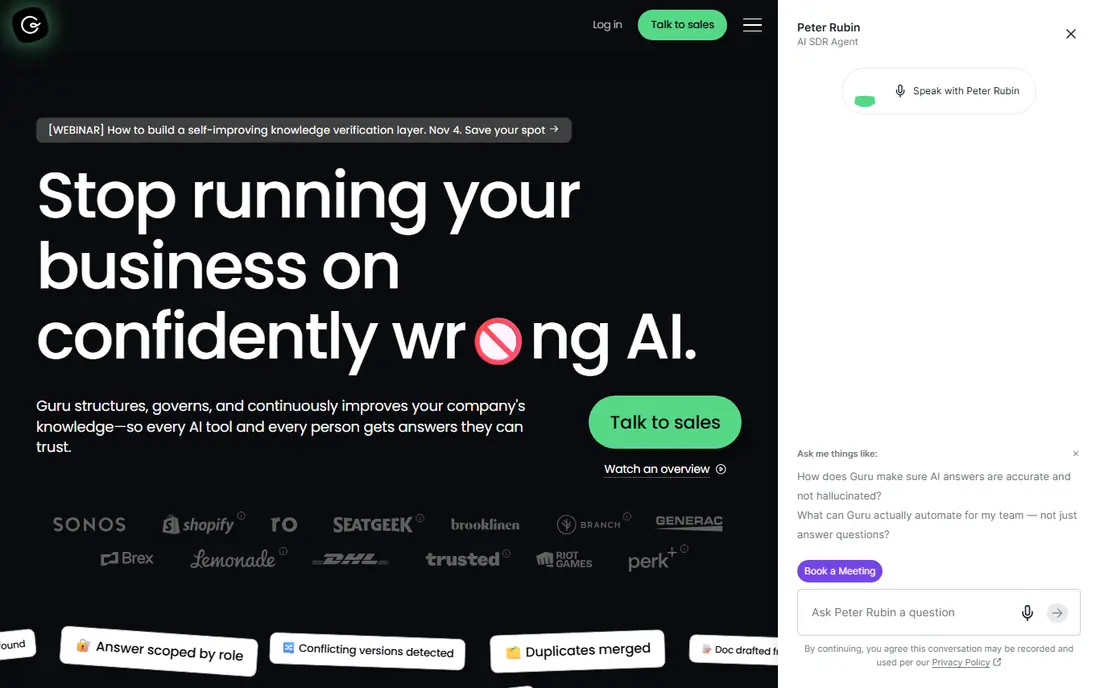
Guru has repositioned itself as an "AI knowledge layer" that sits underneath the rest of your stack. Instead of asking people to open a wiki, it pushes verified answers into Slack, Microsoft Teams, Salesforce, Zendesk and other tools, and through MCP it can feed the same governed content to the AI assistants your staff already use.
The automation piece buyers should look at is its Knowledge Agents. Guru's own pricing page says they now verify and unverify information for you, which targets the oldest problem in any wiki: content that quietly goes out of date. Governance is the other draw. Guru lists SOC 2 Type II, HIPAA and GxP compliance, SSO and SCIM, data loss prevention masking, centralized audit logs, and a commitment that your data never trains its models.
The catch is the buying process. Guru no longer shows self-serve tiers; pricing is a package that includes platform access plus a team of solution engineers for knowledge architecture, agent tuning and rollout. That suits a 200-person company with messy knowledge spread over ten systems. A 15-person agency will likely find it more process than it needs. Registered 501(c)(3) nonprofits can ask about reduced pricing through the Guru for Good program.
What we like- Knowledge Agents can verify and unverify content on their own
- 100+ integrations plus MCP delivery to other AI tools
- Answers are permission-aware and include citations
Watch out for- No published price, every deal is scoped by sales
- Package model is heavier than a small team needs
#2Document360
Best for: Customer-facing docs with AI writing help4.7/5 on
G2 (543 reviews, checked Oct 2026)
Visit document360.com
Starting priceSee website
Free planNo
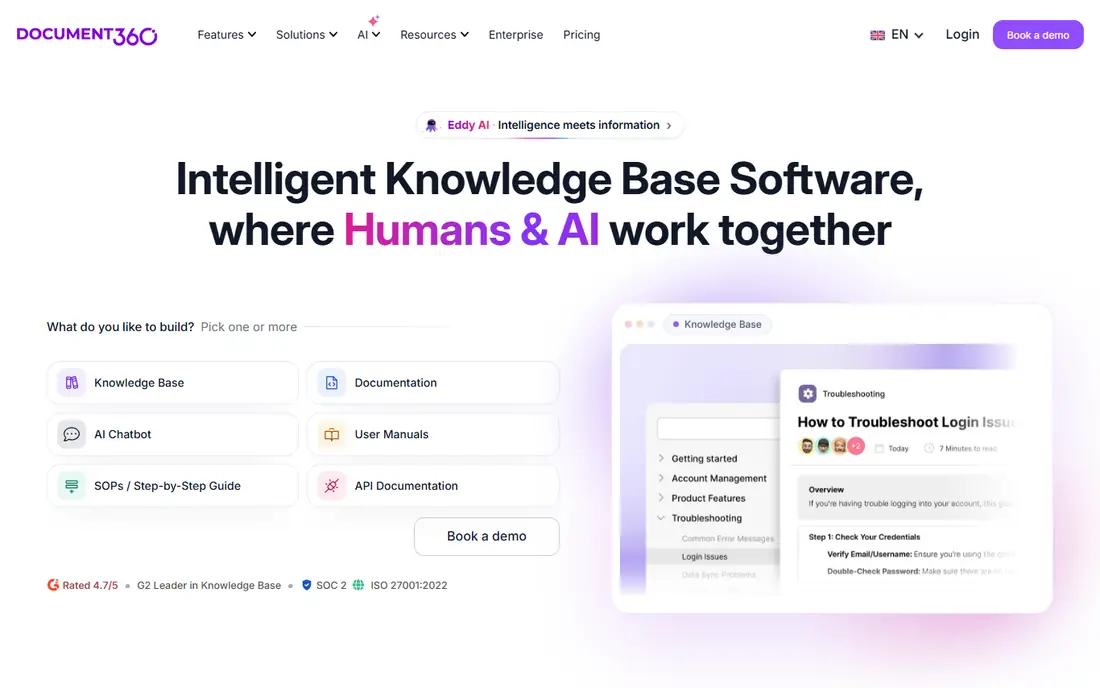
Document360 is built for teams that publish a lot of structured documentation: product help centers, SOPs, user manuals and API docs. It separates the editor portal from the reader site, supports public, private or mixed knowledge bases, and lets you run several projects (for example a public help center and a private internal handbook) under one account.
Its AI set, branded Eddy AI, covers both writers and readers. The pricing page lists an AI writing agent, AI-generated content and FAQs, AI search and answers, auto-generated glossaries, duplicate content detection and an MCP server as included capabilities. There is also an optional AI Premium Suite for screen capture, step-by-step guides, interactive demos and video recording.
The honest trade-off is pricing transparency. Document360 states plainly that it does not show flat pricing and quotes based on team accounts, workspaces, languages, security needs, privacy model and AI Premium Suite usage. On the plus side, every customer gets a success manager and onboarding sessions, and standard content migration from Confluence, Google Docs, SharePoint or PDFs is included in most quotes. Security buyers will note SOC 2 Type II, ISO 27001 and a choice of datacenter location.
What we like- Eddy AI writing agent, AI search and duplicate content detection included with plans
- Migration and onboarding included in most quotes
- Long integration list covering Zendesk, Freshdesk, Intercom, Slack and Teams
Watch out for- Quote-only pricing makes quick comparisons hard
- Visual authoring tools (screen capture, video) sit in a paid add-on
#3Slite
Best for: Small teams wanting AI-maintained internal docs4.7/5 on
Capterra (42 reviews, checked Oct 2026)
Visit slite.com
Starting price$10 per user/month (billed yearly)
Free planFree trial
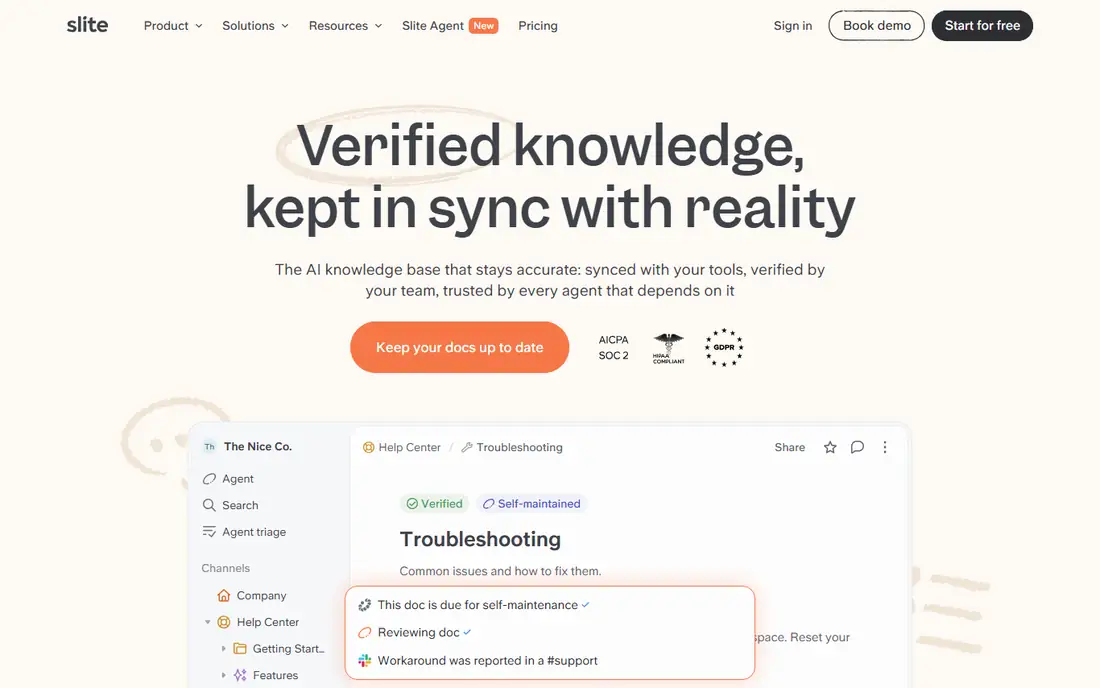
Slite is the most approachable option here for a company that wants an internal wiki with AI built in and does not want a sales call. The Basic plan at $10 per user/month (billed yearly) includes unlimited docs, Ask (AI search and answers within Slite), a doc verification workflow, a Knowledge Management Panel and API plus MCP access.
The automation gets more interesting on Pro at $20 per user/month. That tier adds the Slite Agent, search across connected tools, doc fact-checking with suggested fixes, agent workflows and 50 monthly credits per seat, along with OpenID SSO and a custom domain for public docs. AI answers inside Slack are available on every plan, which matters because many teams never open the wiki itself.
Watch the limits on Basic. AI search is capped at 30 questions per seat per month and the writing assistant at 30 AI edits per user per month, while file uploads top out at 200MB and storage at 5GB per user. Reader-only seats, audit logs and SCIM are Enterprise features, so a company with many occasional readers should price that tier before committing.
What we like- Clear published per-seat pricing
- Doc verification and fact-checking with suggested fixes
- Exports to PDF, Markdown and HTML
Watch out for- Basic plan caps AI search at 30 questions per seat each month
- The Slite Agent and cross-tool search need the $20 Pro plan
#4Notion
Best for: Teams that want docs, wiki and projects in one place4.6/5 on
G2 (13,834 reviews, checked Oct 2026)
Visit notion.com
Starting priceSee website
Free planYes
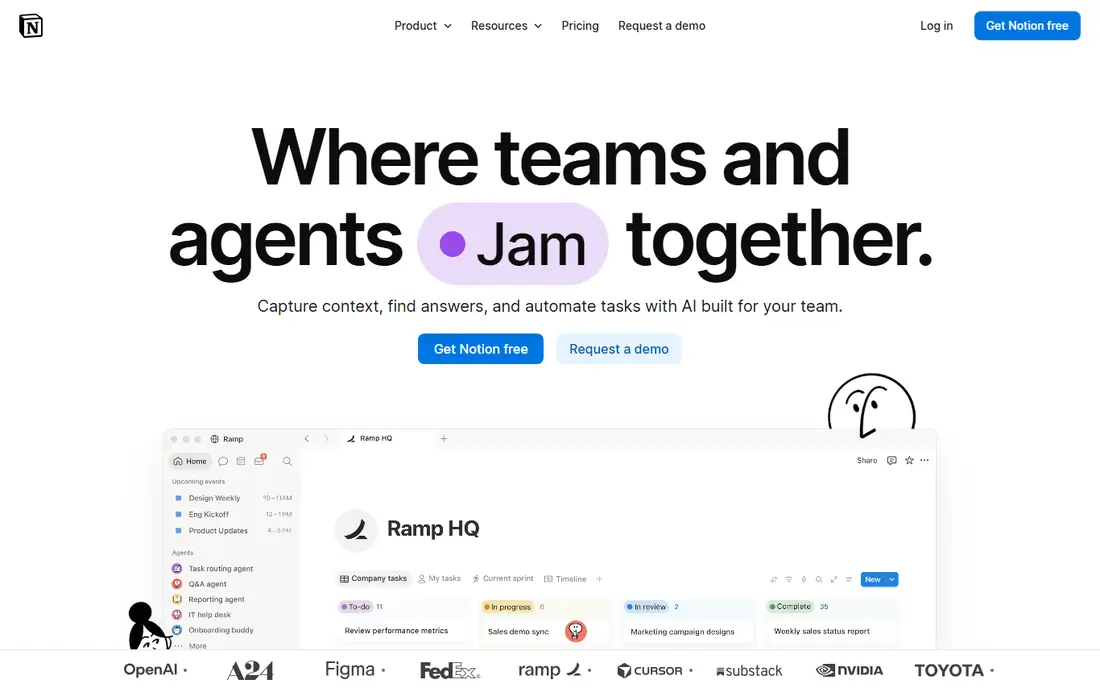
Notion is not a dedicated knowledge base product, but many small companies end up using it as one. Its AI can answer questions across your workspace, summarize long pages and draft new ones, and its newer agent features can carry out multi-step tasks inside the workspace. For a team that already runs projects and meeting notes in Notion, adding a company wiki costs almost no extra setup.
The strength is flexibility. A wiki page can sit next to a database of SOPs, an onboarding checklist and a product roadmap, all linked. That same flexibility is the weakness: without someone owning structure and review dates, a Notion wiki can grow messy fast, and it lacks the strict verification workflows that Guru or Slite build in.
Notion's pricing has changed several times as it reworked its AI packaging, and the most capable AI features are tied to its upper plans. Check the current plan table on Notion's site before you budget, and confirm which AI features are included versus metered.
What we like- One workspace for wiki pages, databases and project tracking
- Free plan for individuals and very small teams
- Huge template library and community
Watch out for- Knowledge pages have no built-in ownership discipline unless you set it up
- The fuller AI features sit on higher paid tiers
#5Confluence
Best for: Companies already on Jira and Atlassian4.1/5 on
G2 (4,368 reviews, checked Oct 2026)
Visit atlassian.com
Starting priceSee website
Free planYes
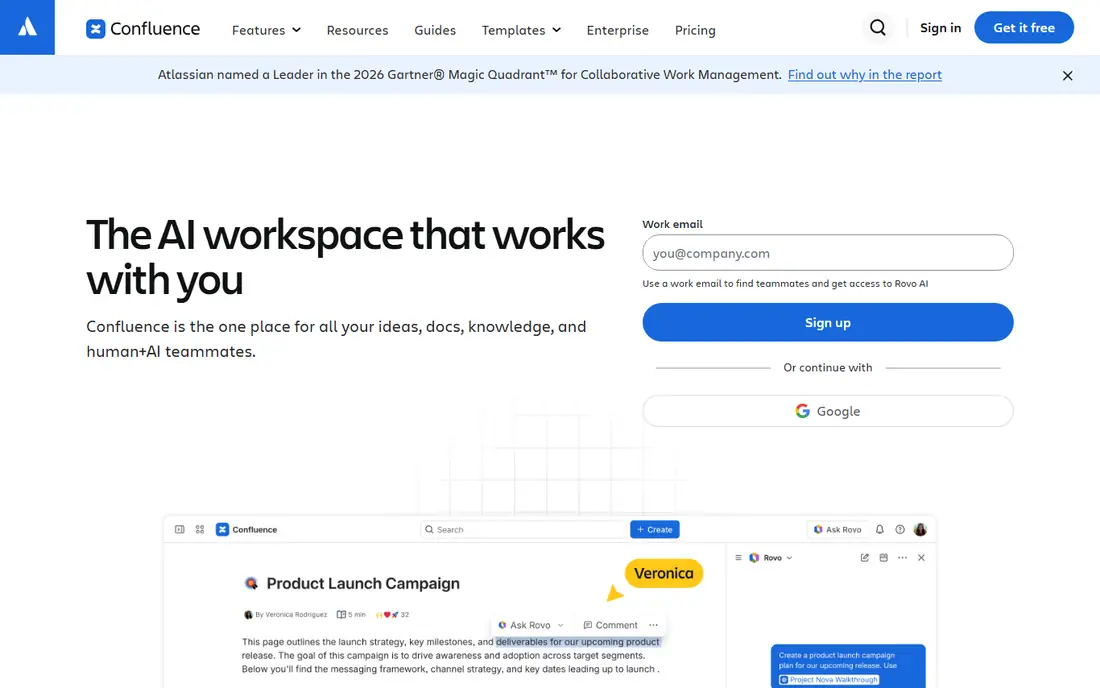
Confluence is the default wiki for software and IT teams, mostly because it sits next to Jira. Atlassian's AI layer, Rovo, adds search and chat across Confluence and connected apps, page summaries and AI agents that can draft content or act on work items. If your engineers already live in Jira, the integration story is hard to beat.
For SMB buyers the free plan is a real way to start, though it is limited in users and storage and the AI features are reserved for paid cloud plans. Paid tiers are priced per user, and the admin controls are mature: page permissions, spaces per team, audit options on the higher plans and a big marketplace of extensions.
The common complaint is usability. Sales, HR and operations staff often find Confluence slower to write in than Slite or Notion, and large instances accumulate stale pages unless someone runs regular cleanups. Check Atlassian's pricing page for current per-user rates and Rovo usage terms, since both have shifted in the past year.
What we like- Deep links with Jira tickets and other Atlassian products
- Rovo AI search and agents for paid cloud plans
- Free plan for small teams
Watch out for- Editor and page tree feel heavy to non-technical staff
- Marketplace add-ons can push total cost up
#6Help Scout
Best for: Support teams pairing a help center with an inbox4.4/5 on
G2 (431 reviews, checked Oct 2026)
Visit helpscout.com
Starting price$25 per user/month (billed annually)
Free planYes
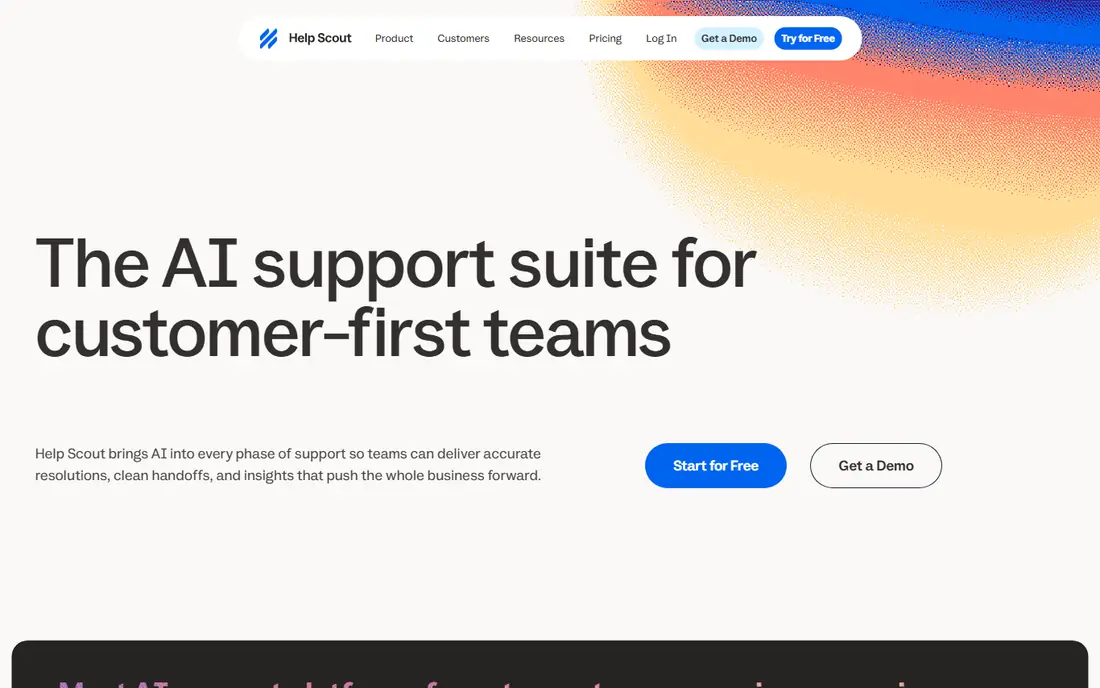
Help Scout belongs on this list for a specific buyer: a support team whose knowledge base exists mainly to answer customers. Its Docs product builds a searchable, branded help center, and it lives in the same product as the shared inbox, so agents can pull articles into replies without switching tools.
The AI automation centers on Envoy, an assistant that gives instant answers from your knowledge base content and other sources you add. It is billed at $0.75 per resolution on every plan, so you pay for outcomes rather than seats. The Standard plan at $25 per user/month (billed annually) includes an AI inbox assistant, multiple knowledge bases and basic workflows; Plus at $45 adds unlimited AI drafts and Salesforce, Jira and HubSpot integrations; Pro is $75.
Docs site limits are worth checking. The Free plan includes one, Standard two, Plus three and Pro five, with extra sites at $20 per month billed annually. Annual billing saves about 16 percent compared with monthly. If you need a private internal wiki for the whole company, pair Help Scout with something else.
What we like- Free plan includes one Docs site
- Envoy AI answers customers from your knowledge base on a pay-per-resolution basis
- Every plan has Docs sites built in
Watch out for- Docs is a help center, not a full internal wiki
- Envoy costs scale with volume and can be hard to forecast
#7Helpjuice
Best for: Flat-rate pricing for public help centers4.7/5 on
G2 (382 reviews, checked Oct 2026)
Visit helpjuice.com
Starting priceSee website
Free planFree trial
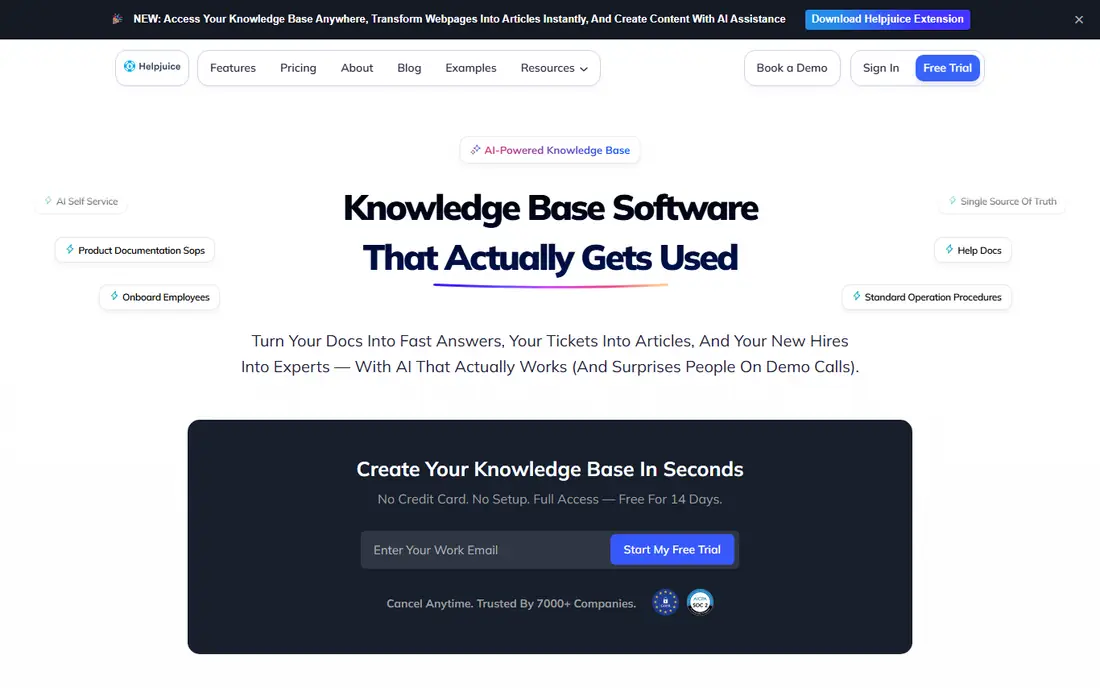
Helpjuice has been a dedicated knowledge base vendor for over a decade and is known for help centers that can be styled heavily to match a brand. It is built for both external self-service and internal documentation, with analytics on what readers search for and fail to find.
The pricing model is its main differentiator. Helpjuice charges a flat monthly fee by plan rather than per seat, which works in your favor if many people need to write or edit. Reviews and third-party breakdowns consistently describe it as one of the pricier options at the low end, and the AI capabilities are tied to specific plans, so confirm which tier includes the AI features you want.
Buyers on G2 and Capterra tend to praise the support team and customization, and some note that the admin interface feels older than newer tools. A free trial is available, which is the best way to test whether its AI search returns useful answers on your own content.
What we like- Flat monthly pricing rather than per-seat billing
- Highly customizable help center design
- AI features for search and writing on qualifying plans
Watch out for- Entry cost is high for very small teams
- AI features are not on every tier
Starting priceSee website
Free planNo
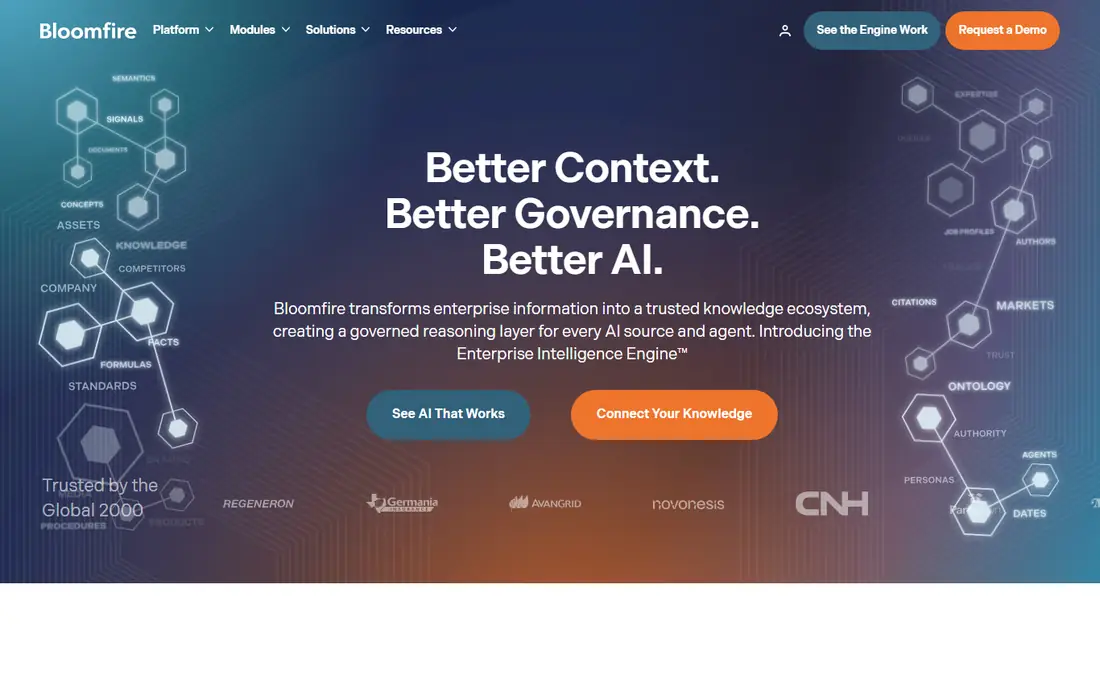
Bloomfire suits a different use case from most tools here. It is popular with market research, insights and customer-facing teams that store large volumes of reports, recordings and presentations and need people to find answers inside them. Its AI search indexes the content of files, including transcribed audio and video, and returns direct answers rather than just a list of documents.
The platform also leans on social knowledge sharing. Employees can ask questions, experts answer, and those answers become searchable content for the next person. For organizations where a lot of knowledge lives in a few senior people's heads, that capture loop is valuable.
The downside for SMBs is cost and process. Bloomfire is sold through sales with custom contracts, public buyer data points to enterprise-level spend, and there is no free plan. A 20-person company will usually get more value per dollar from Slite or Notion.
What we like- AI-powered search across documents, video and audio
- Strong for market research and insights teams
- Q&A features that capture expert knowledge
Watch out for- Sales-led pricing aimed at larger organizations
- No free plan or self-serve start
How we chose
We started from vendor pricing pages and product documentation, and only listed tools whose AI features go beyond a basic search box: answer generation, writing help, verification or agent workflows. Where a vendor's own page did not give a price we could confirm, we wrote "See website" rather than repeat third-party figures that often conflict.
We then weighed public reviews on G2, Capterra and Reddit for recurring complaints about setup time, search quality and support, and checked integrations (Slack, Teams, help desks, MCP), data export options, plan limits on AI usage, and whether each product fits a small or mid-size US company. We did not run hands-on tests of these products.
What to check before you buy
Decide who the knowledge base is for
Internal wikis and customer help centers are different products. Slite, Notion, Confluence, Guru and Bloomfire are built mainly for employees. Help Scout and Helpjuice lean toward customer self-service, and Document360 handles both well. Picking the wrong side means paying for features your readers never see.
Read the AI usage limits, not just the feature list
Most vendors now meter AI. Slite caps questions and edits on its Basic plan and gives Pro users a monthly credit allowance. Help Scout bills Envoy per resolution. Ask every vendor what happens when you hit a limit: does the feature stop, slow down, or start billing overage?
Check how content stays accurate
AI answers are only as good as the source pages. Look for verification workflows, doc owners, review reminders and stale-content alerts. Guru's agents and Slite's fact-checking are the most automated versions of this we found. Without something similar, your AI assistant will confidently repeat last year's policy.
Price the seat model against your headcount
Per-seat pricing gets expensive when the whole company needs read access. Ask about reader-only seats (Slite reserves them for Enterprise) or flat-rate plans like Helpjuice. Quote-based vendors such as Guru and Document360 can also be negotiated around reader counts.
Confirm export and exit options
Before signing an annual contract, find out how to get your content out. Slite exports PDF, Markdown and HTML. Ask the others for their export formats, and whether attachments and page hierarchy come along.
Frequently asked questions
What does AI automation actually do in a knowledge base?
It usually covers four jobs: answering questions in plain language from your docs, drafting or rewriting articles, flagging outdated or duplicate content, and pushing answers into tools like Slack or a help desk. The better products cite which page an answer came from so readers can check it.
Which knowledge base with AI is cheapest for a small team?
Among the products where we could confirm prices on the vendor's own page, Slite's Basic plan at $10 per user/month billed yearly is the lowest paid entry point for internal docs. Help Scout's free plan includes one Docs site for customer help content, though AI resolutions through Envoy cost $0.75 each.
Can AI answers in a knowledge base be wrong?
Yes. AI tools generate answers from whatever content you feed them, so outdated or conflicting pages lead to wrong answers. Choose a tool with citations and verification workflows, and assign owners to your most-used pages.
Why do some vendors not publish prices?
Guru and Document360 both quote based on factors like team size, workspaces, languages, security needs and AI usage. That can work out cheaper for unusual setups, but it makes side-by-side comparisons harder. Ask for a written quote that lists AI usage limits and renewal terms.
How long does it take to set up an AI knowledge base?
A small team on Slite, Notion or Help Scout can be running within a day or two, with most of the effort going into importing and cleaning content. Larger rollouts with Guru, Document360 or Bloomfire typically involve onboarding sessions and migration support from the vendor, which takes longer but reduces cleanup work.
Do these tools train AI models on my data?
Policies differ by vendor. Guru states that your data never trains its models. For every other tool, read the vendor's AI or trust documentation and ask sales to confirm in writing before uploading sensitive content.
Sources we checked (4)
- https://www.getguru.com/pricing
- https://document360.com/pricing/
- https://slite.com/pricing
- https://www.helpscout.com/pricing/
Is your product missing or out of date?
We review this list regularly. Vendors can request a listing, send updated pricing or ask about featured placement.

Shihab Mia · Founder, Rankite
Shihab has 5+ years in B2B and SaaS SEO. He writes Rankite's software buying guides from pricing pages, documentation and public user reviews. More about Shihab.