How we make this list: we compare pricing pages, product documentation and public user reviews. Ratings come from G2, Capterra or Trustpilot, with the date we checked them.
Key takeaways
- Confluence (free up to 10 users; Standard $5.42/user/month) and Nuclino (free plan; $6/user/month) are the cheapest ways to start documenting.
- IT Glue ($29/user/month, 5-user minimum) and Hudu ($27/user/month billed annually) are the IT-specific documentation platforms, with passwords, assets and client records built in.
- Document360 and Guru publish no prices and sell custom quotes; shortlist them for larger or support-led operations.
- GitBook (free plan; paid from $65/site/month + $12/user/month) fits engineering-led teams, while Helpjuice ($120/month for up to 4 users) targets support deflection.
Quick comparison
| Tool | Best for | Starting price | Free plan |
|---|
 Confluence Confluence | Teams already using Jira or the Atlassian suite | $5.42/user/month (Standard plan) | Yes (free for up to 10 users, 2 GB storage) |
 IT Glue IT Glue | MSPs and internal IT teams that want documentation built for IT work | $29/user/month (5-user minimum) | No |
 Hudu Hudu | MSPs and IT teams wanting IT Glue-style documentation at one flat rate | $27/user/month (billed annually; $30 month-to-month) | 14-day free trial (no credit card required) |
 Document360 Document360 | Product, support and engineering teams running large documentation libraries | See website (custom quote; no published prices) | 14-day free trial |
 Guru Guru | Companies that need verified answers where people already work | See website (custom quote; no published prices) | See website |
 Nuclino Nuclino | Small teams that want a fast wiki without the enterprise weight | $6/user/month | Yes (free plan available) |
 Tettra Tettra | Slack-first teams that answer the same questions repeatedly | $5/user/month (Basic, for teams of 10+) | Yes (free for up to 10 users) |
 GitBook GitBook | Engineering-led teams documenting products, APIs and internal systems | $65/site/month + $12/user/month (Premium, billed annually) | Yes (free plan for individuals) |
 Helpjuice Helpjuice | Support and IT teams deflecting tickets with customer-facing self-service | $120/month (up to 4 users, per Helpjuice's own site) | 14-day free trial (no credit card required) |
Is your product missing or out of date?
We review this list regularly. Vendors can request a listing, send updated pricing or ask about featured placement.
The best IT knowledge base software
Your technicians do not have a knowledge problem. They have a find-it-again problem. The fix for the server outage is written down somewhere: in a senior tech's head, in a Slack thread from March, in a Google Doc nobody updated since 2023. An IT knowledge base earns its keep the first time a junior tech resolves a ticket at 2 a.m. without waking anyone.
These nine tools cover the real options for IT teams and MSPs, from general wikis (Confluence, Nuclino) to IT-specific documentation platforms (IT Glue, Hudu) to support-focused knowledge bases (Document360, Helpjuice). Prices come from each vendor's own pricing page; where the vendor publishes nothing, we say so.
Starting price$5.42/user/month (Standard plan)
Free planYes (free for up to 10 users, 2 GB storage)
Confluence is the default answer, which is both its strength and its warning label. Nearly every IT team already knows it, it connects natively to Jira, and the free tier covers up to 10 users. For runbooks, postmortems and project documentation inside an Atlassian shop, it is the path of least resistance.
The honest problem is structure. Confluence is a wiki, not an IT documentation platform: there is no built-in password vault, no asset records, no client-based organization. Without someone enforcing templates and archiving stale pages, it decays into thousands of pages nobody trusts. Use Confluence for team knowledge; pair it with or replace it by an IT-specific tool for infrastructure documentation.
What we like- Free tier for up to 10 users makes starting painless
- Deep Jira and Trello integration for IT workflows
- Templates, page analytics and AI-assisted search on paid tiers
Watch out for- Unstructured by default, so it becomes a junk drawer without governance
- IT-specific needs (passwords, asset records) need add-ons
- Per-user pricing climbs fast past small teams
#2
IT Glue
Best for: MSPs and internal IT teams that want documentation built for IT work
Visit itglue.com
Starting price$29/user/month (5-user minimum)
Free planNo
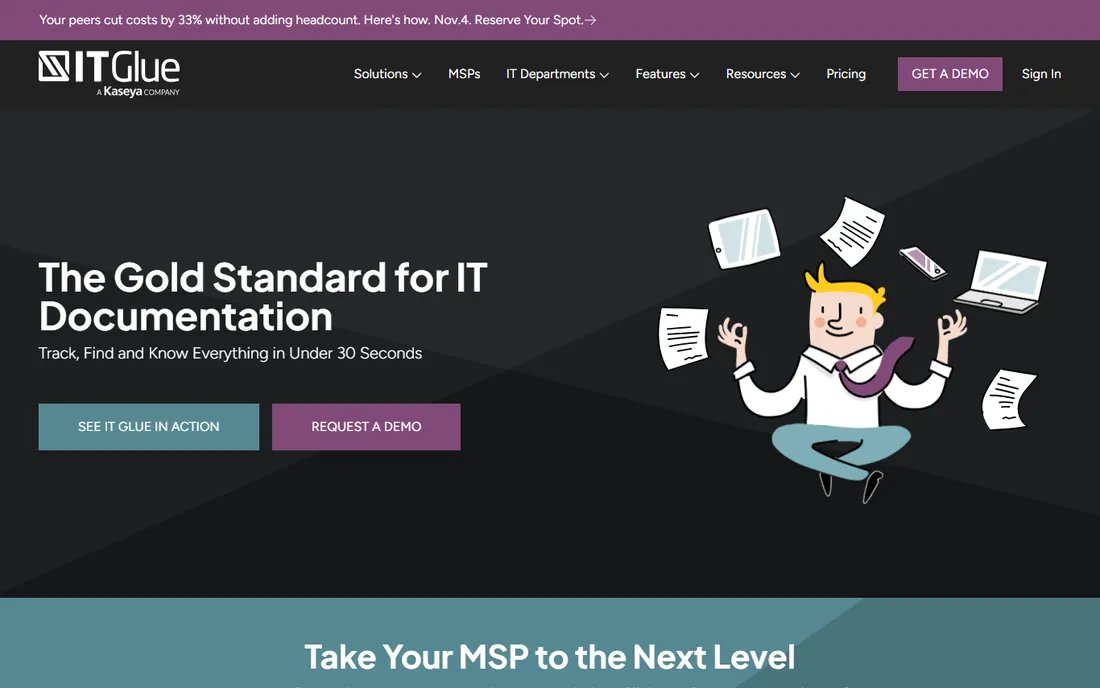
IT Glue is what happens when documentation software is built only for IT people. Instead of blank pages, you get structured records: configurations, credentials, SOPs, checklists and runbooks, all related to each other and searchable in seconds. The password vault with access controls and the PSA/RMM integrations are the features MSPs cite when they renew.
The commercial terms are firm: $29 per user per month with a 5-user minimum on the entry tier, rising to $38 and $44 on higher tiers, and no free trial advertised. That prices out one-person shops. IT Glue is also a Kaseya company now, which matters if you run a competing stack. For MSPs and IT departments that live on documentation quality, it remains the category standard.
What we like- Structured documentation purpose-built for IT (configurations, passwords, SOPs, checklists)
- Deep PSA and RMM integrations
- Password vault, access controls and audit trails included
Watch out for- No free trial advertised and no free tier
- 5-user minimum prices out solo operators
- The Kaseya ecosystem lock-in concerns some buyers
#3
Hudu
Best for: MSPs and IT teams wanting IT Glue-style documentation at one flat rate
Visit hudu.com
Starting price$27/user/month (billed annually; $30 month-to-month)
Free plan14-day free trial (no credit card required)
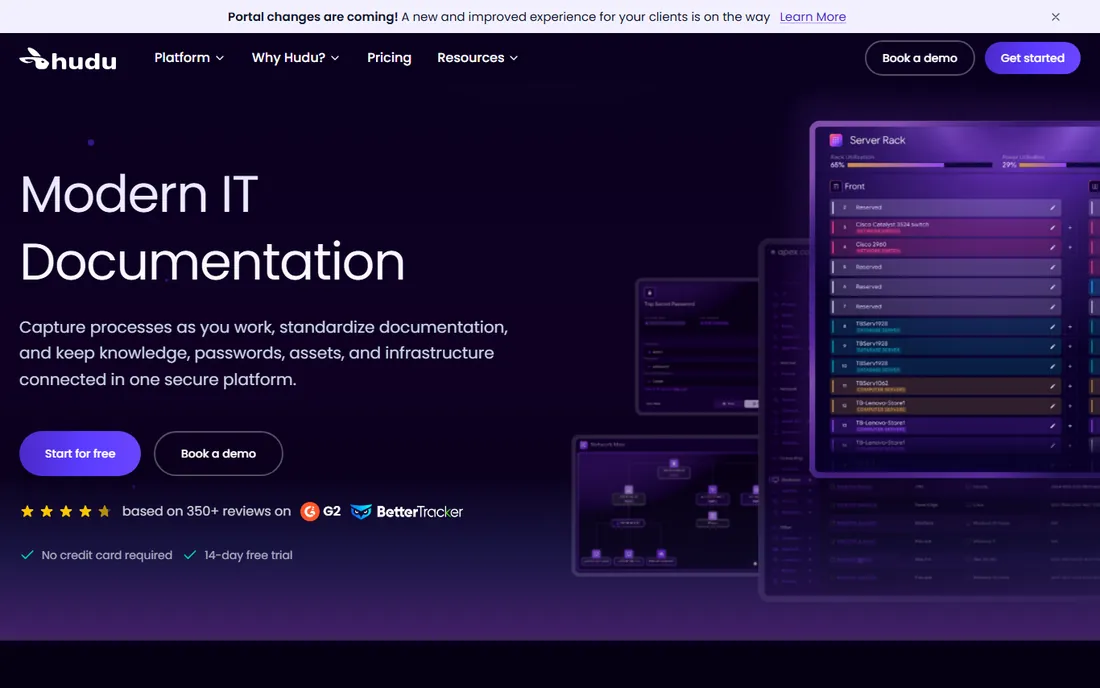
Hudu is the IT Glue alternative that a lot of MSPs switched to, and the pricing explains why. One flat rate, $27 per user per month billed annually ($30 month-to-month), covers centralized documentation, the password vault, asset management, IPAM, knowledge bases and client portals. You can self-host or use Hudu's cloud at the same price, with no user minimums and no contracts.
The trade is maturity. Hudu is the smaller vendor, and its integration catalog and advanced features do not fully match IT Glue yet. But for MSPs and internal IT teams that want structured IT documentation without the enterprise sales process, the value is direct: one price, everything included, trial without a credit card.
What we like- One flat price ($27/user/month annually) covering docs, passwords, assets and client portals
- Self-hosted or cloud at the same price
- 14-day trial with no credit card
Watch out for- Smaller company than IT Glue with a narrower integration list
- The per-user model still adds up for large teams
- Advanced features lag the market leader in places
#4
Document360
Best for: Product, support and engineering teams running large documentation libraries
Visit document360.com
Starting priceSee website (custom quote; no published prices)
Free plan14-day free trial
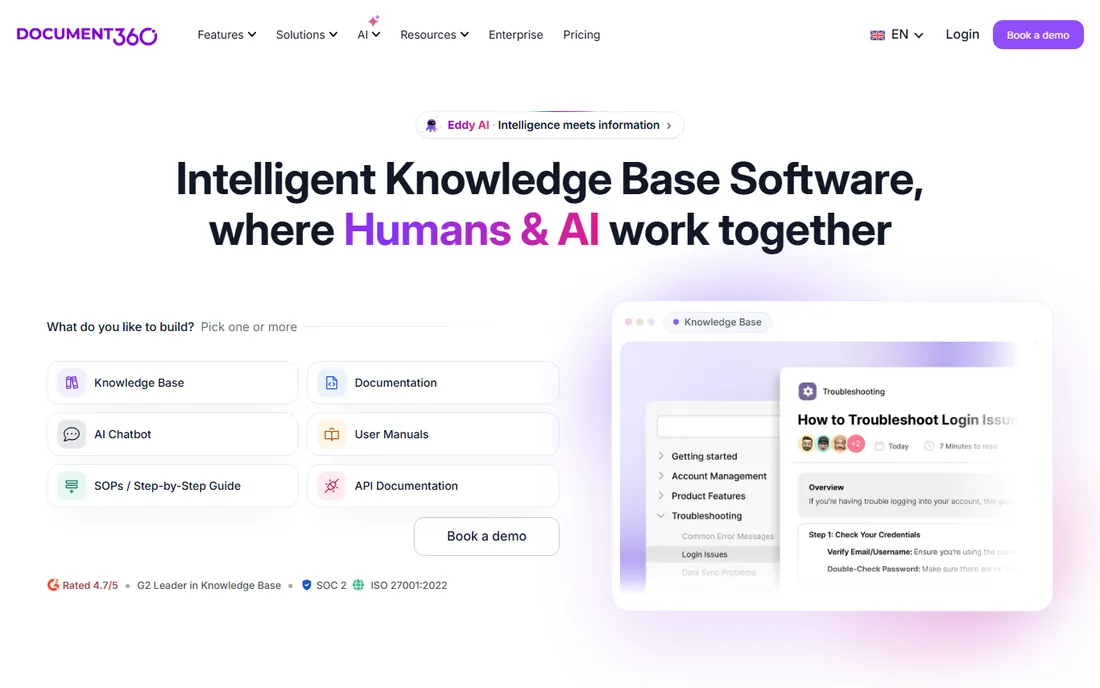
Document360 is the specialist for teams whose documentation is the product. Support organizations, SaaS companies and engineering teams run public help centers and private internal wikis from one platform, with version control, review workflows, analytics and AI-assisted authoring. When documentation volume is the problem, this is the tooling for it.
Everything about the commercial side says enterprise: custom quotes, no published prices, white-glove onboarding and paid migration support. A 14-day free trial lets you test the product, but the buying process is a sales conversation. Internal IT teams documenting infrastructure will find it heavier than IT Glue or Hudu; support-led organizations will find it exactly right.
What we like- Built for documentation at scale with versioning, workflows and analytics
- Public and private knowledge bases from one platform
- AI writing and search assistance included
Watch out for- Custom-quote pricing with nothing published
- Aimed at larger teams, so small IT shops overbuy
- Migration and onboarding add cost and time
#5
Guru
Best for: Companies that need verified answers where people already work
Visit getguru.com
Starting priceSee website (custom quote; no published prices)
Free planSee website

Guru does not want to be your wiki. It wants to be the answers inside the tools you already use. Knowledge lives as verified cards that surface in Slack, Microsoft Teams, the browser and the help desk, with named experts responsible for keeping each card current and AI flagging what has gone stale. The idea is that nobody should have to go looking for documentation; it should find them.
That model shines in support, sales and operations teams drowning in repeat questions. For a straight IT infrastructure wiki, it is less direct than IT Glue or Hudu. Pricing is quote-based with nothing published, and the product asks for real adoption effort: verification workflows only work if experts actually verify. Evaluate it when the problem is answers people trust, not pages people file.
What we like- Knowledge cards surface inside Slack, Teams, Chrome and other tools
- Verification workflows keep answers current with named experts
- AI search across the knowledge layer
Watch out for- No published pricing
- A different mental model from wikis, so adoption needs buy-in
- Best value shows in larger organizations with heavy repeat questions
#6
Nuclino
Best for: Small teams that want a fast wiki without the enterprise weight
Visit nuclino.com
Starting price$6/user/month
Free planYes (free plan available)
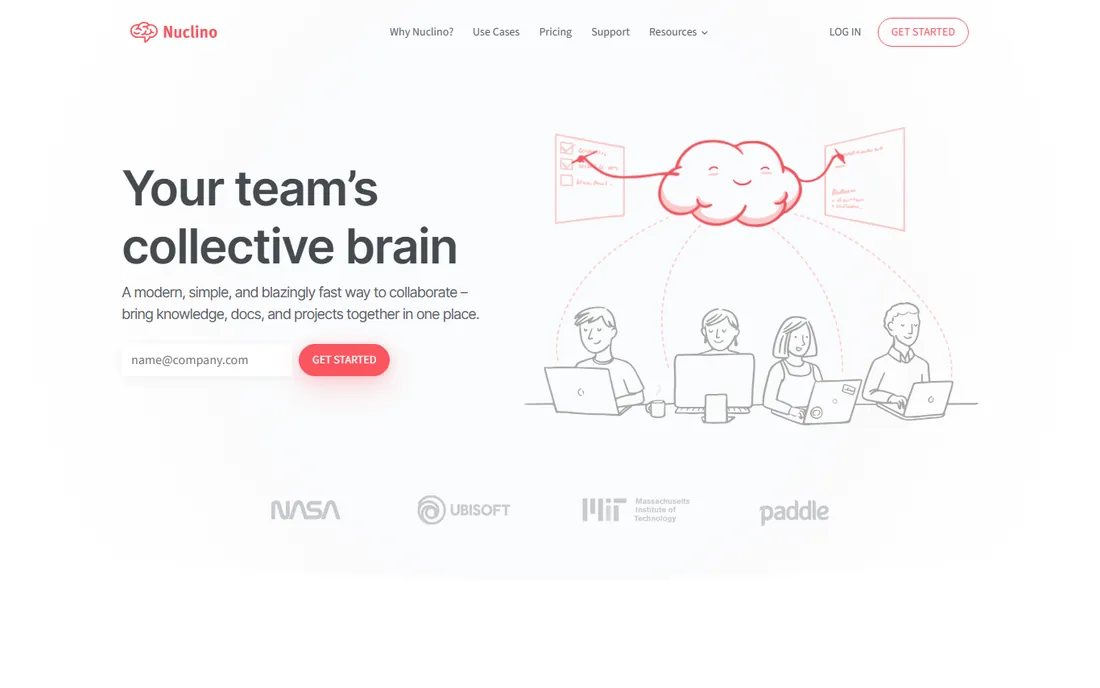
Nuclino is the tool you buy when Confluence feels like homework. It is a clean, fast wiki with real-time editing, a free plan and paid tiers from $6 per user per month. Setup takes minutes, the editor stays out of the way, and small teams adopt it without training sessions.
Nobody should mistake it for an IT documentation platform. There are no structured asset records, no password vault, no client-based organization. Permissions are lighter than enterprises need. But for a small internal IT team that needs runbooks, onboarding docs and shared notes in one searchable place, Nuclino's simplicity is a feature: the wiki your team actually writes in beats the powerful one they avoid.
What we like- Genuinely simple and fast, with real-time collaboration
- Free plan for getting started
- Flat learning curve, so teams actually use it
Watch out for- Light on permissions and governance for larger organizations
- No IT-specific structures like asset or password records
- Search and AI depth trail the bigger platforms
#7
Tettra
Best for: Slack-first teams that answer the same questions repeatedly
Visit tettra.com
Starting price$5/user/month (Basic, for teams of 10+)
Free planYes (free for up to 10 users)
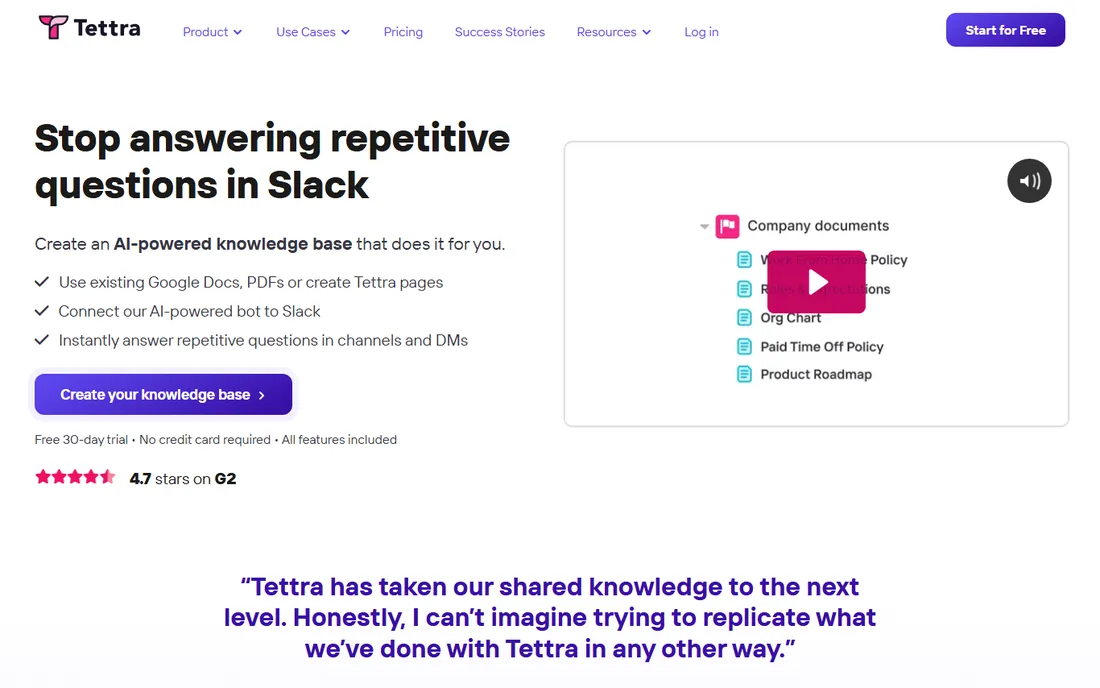
Tettra lives where your team already talks: Slack. When someone answers a question in a channel, Tettra captures it as a page. Its AI assistant answers from your content, and verification workflows make sure subject-matter experts re-check important pages before they go stale. For IT teams fielding the same how-do-I questions from the rest of the company, that loop is the whole product.
The pricing is friendly at the bottom: free for up to 10 users, then $5 per user per month on Basic for teams of 10 or more, with higher tiers adding AI features and analytics. The limit is scope: Tettra is an internal knowledge base for questions and answers, not a system of record for infrastructure. Use it for the human knowledge; keep passwords and asset records in a dedicated IT tool.
What we like- Deep Slack integration turns answered questions into documentation
- Verification workflows assign experts to keep pages current
- Free tier for up to 10 users
Watch out for- Built for internal Q&A rather than infrastructure records
- Per-user pricing with team minimums on paid tiers
- Narrower than full wiki platforms
#8
GitBook
Best for: Engineering-led teams documenting products, APIs and internal systems
Visit gitbook.com
Starting price$65/site/month + $12/user/month (Premium, billed annually)
Free planYes (free plan for individuals)
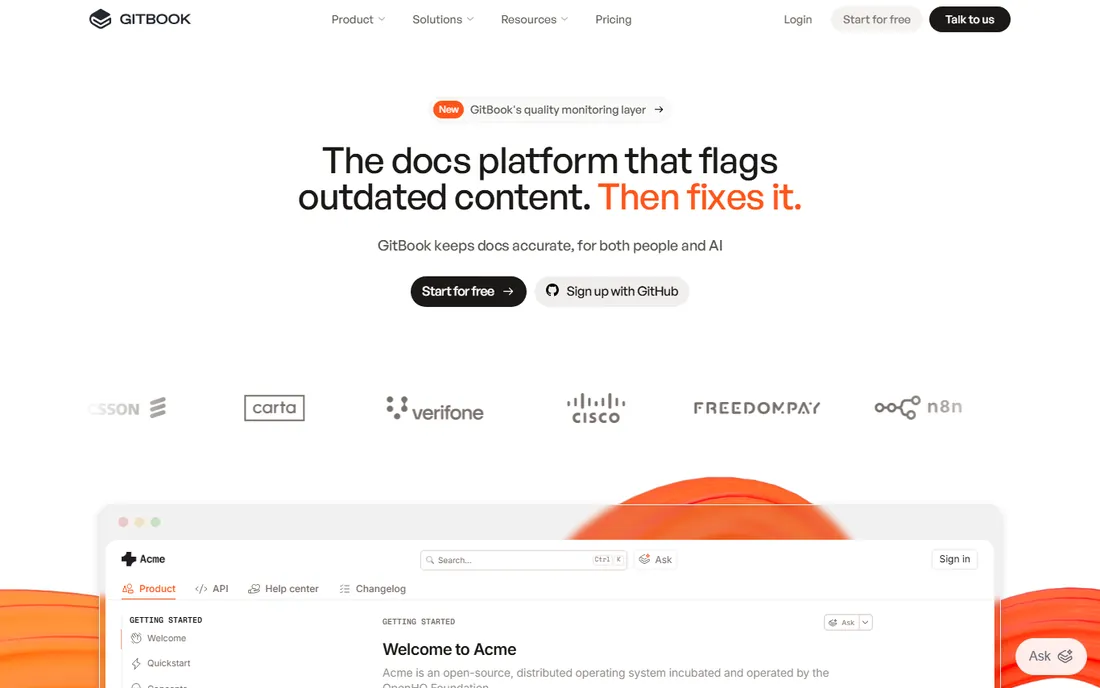
GitBook is the docs platform for teams that think in Git. Documentation syncs bidirectionally with GitHub and GitLab, changes flow through branch-based review, and the published sites look professional with custom domains and AI-assisted search. For engineering teams documenting APIs, internal platforms and runbooks-as-code, the workflow feels native.
The pricing model needs attention: it combines a per-site fee ($65/month on Premium, $249 on Ultimate, billed annually) with $12 per user per month. A small team pays modestly; a large one should model the total. And GitBook aims at product and developer documentation first. IT operations teams will find Confluence or an IT-specific platform a more natural home for infrastructure docs.
What we like- GitHub and GitLab sync fits engineering workflows
- Beautiful published docs sites with custom domains
- Free plan and 14-day trial lower the barrier to testing
Watch out for- Per-site plus per-user pricing gets expensive as teams grow
- Aimed at product documentation more than IT operations
- Private/internal use needs the higher tiers
#9
Helpjuice
Best for: Support and IT teams deflecting tickets with customer-facing self-service
Visit helpjuice.com
Starting price$120/month (up to 4 users, per Helpjuice's own site)
Free plan14-day free trial (no credit card required)

Helpjuice is built for one job: making sure people find answers without opening a ticket. IT teams use it for internal self-service portals and customer-facing help centers alike, with AI-powered search, article analytics showing what users actually look for, and support for more than 50 languages. The 14-day trial needs no credit card.
Pricing starts at $120 per month for up to 4 users per Helpjuice's own site, which is straightforward compared with the quote-based enterprise tools. The framing is support-desk rather than infrastructure: if your main problem is repeat tickets and onboarding questions, Helpjuice fits. If it is server credentials and network documentation, the IT-specific platforms above fit better.
What we like- Built for ticket deflection with AI search and analytics on what users look for
- Supports 50+ languages
- Straightforward per-plan pricing starting at $120/month
Watch out for- Support-desk framing fits external help centers better than internal IT wikis
- Per-user costs rise with team size
- Less depth for infrastructure documentation
How to choose an IT knowledge base
Start with who reads it. Internal IT teams documenting infrastructure need structured records, passwords and permissions: that is IT Glue or Hudu territory. Company-wide knowledge and runbooks fit Confluence, Nuclino or Tettra. Customer-facing help centers belong with Document360 or Helpjuice. One tool rarely serves all three audiences well.
Next, check permissions and search. IT documentation mixes secrets with public how-tos, so granular access control is not optional. Test search with your real content during the trial: a knowledge base nobody can search is a write-only archive. AI search (Guru, Document360, Helpjuice, GitBook) helps when the library grows past a few hundred pages.
Then count the real cost. Per-user pricing looks small until the whole IT department plus occasional contributors need seats. Flat or per-site models (Hudu's flat rate, GitBook's per-site component, Helpjuice's per-plan pricing) change the math for larger teams. And confirm integrations: PSA/RMM sync for MSPs, Slack/Teams for internal teams, GitHub for engineering.
How we chose
We started with the searches buyers actually run: IT knowledge base software, IT documentation software, MSP documentation software and internal knowledge base software. For each candidate we opened the vendor's homepage and pricing page, read the feature documentation, and checked public reviews on G2 and Capterra plus practitioner discussion on Reddit. We compared documentation structure, permissions, search and AI features, integrations and company-size fit. Where a vendor publishes no price, we wrote "See website" rather than repeating third-party estimates.
Migrating your docs without losing a weekend
The reason documentation migrations fail is not the tooling; it is the volume. Before moving anything, audit what you have: archive the obviously dead, keep the still-true, and flag the not-sure for review. Most teams find a third of their docs should not make the trip.
Use the import tooling rather than heroics. Confluence, Document360 and GitBook all import from common sources, and Hudu and IT Glue offer migration assistance. Migrate in phases: the 50 most-used articles first, then the rest. Assign every migrated page an owner and a review date, or the new system decays exactly like the old one.
Finally, keep the old system read-only for 90 days, not forever. A hard cutoff forces the team into the new tool; a permanent archive means two systems to search. Announce the cutoff date on day one of the migration.
Frequently asked questions
How much does IT knowledge base software cost?
Published prices run from free (Confluence up to 10 users, Nuclino's free plan, GitBook's free plan, Tettra up to 10 users) to $5.42/user/month (Confluence Standard), $6/user/month (Nuclino), $27/user/month billed annually (Hudu), $29/user/month with a 5-user minimum (IT Glue) and $120/month for up to 4 users (Helpjuice). Document360 and Guru are custom-quoted.
What is the difference between a wiki and an IT knowledge base?
A wiki stores pages; an IT knowledge base structures operational knowledge. IT-specific platforms add password vaults, asset and configuration records, client-based organization and verification workflows. Confluence and Nuclino are wikis you can shape into knowledge bases. IT Glue and Hudu are knowledge bases built for IT from the start.
Is Confluence enough, or do we need a dedicated IT tool?
Confluence handles team knowledge, runbooks and project docs well, especially inside Atlassian shops. It does not handle passwords, asset records or client-structured documentation natively. Most IT teams end up with Confluence for general knowledge plus a dedicated tool for infrastructure, or they skip Confluence for IT Glue or Hudu.
How do we get technicians to actually write documentation?
Make it part of closing the ticket, not a separate task: no doc update, no close. Keep templates short so writing takes minutes. Assign page owners and review dates so content stays trustworthy. Tools with verification workflows (Guru, Tettra) automate the nagging. And recognize contributors; documentation that nobody thanks anyone for stops happening.
Can we store passwords in the knowledge base?
Only in tools with a real password vault and access controls (IT Glue, Hudu). Never in a general wiki page. Even with a vault, enforce role-based access, audit who views credentials, and rotate shared passwords when staff leave.
How long does implementation take?
A simple wiki (Nuclino, Tettra, Confluence) can be live in a day. Structured IT platforms (IT Glue, Hudu) take one to four weeks including imports and template setup. Enterprise documentation projects (Document360) run longer with migration services. The content migration, not the software setup, is what takes the time.
Sources we checked (11)
- https://www.atlassian.com/software/confluence/pricing
- https://www.itglue.com/pricing/
- https://www.hudu.com/pricing
- https://document360.com/pricing/
- https://getguru.com/
- https://nuclino.com/
- https://tettra.com/pricing/
- https://www.gitbook.com/pricing
- https://helpjuice.com/
- https://www.g2.com/categories/knowledge-base
- https://www.capterra.com/knowledge-management-software/
Is your product missing or out of date?
We review this list regularly. Vendors can request a listing, send updated pricing or ask about featured placement.

Shihab Mia · Founder, Rankite
Shihab has 5+ years in B2B and SaaS SEO. He writes Rankite's software buying guides from pricing pages, documentation and public user reviews. More about Shihab.