How we make this list: we compare pricing pages, product documentation and public user reviews. Ratings come from G2, Capterra or Trustpilot, with the date we checked them.
Key takeaways
- "Fixed asset management" covers two different jobs: physical tracking (where is the laptop, who has it) and accounting (depreciation, disposals, tax books). Most tools below do the first well and the second only partly.
- Snipe-IT is the cheapest serious option: the self-hosted version is free, and the hosted plans start at $39.99 per month with unlimited users and assets.
- Asset Panda publishes user-based pricing in a vendor article, with a Starter package at $3,000 per year, so it sits at the premium end for small teams.
- Sortly has a real free plan (1 user), but it was built as an inventory app and works best as a light asset register, not an audit-grade one.
- Several vendors (EZO, Wasp, Asset Infinity, Sage) do not clearly list prices, so budget for a sales call and ask about onboarding fees before you sign.
Quick comparison
| Tool | Best for | Starting price | Free plan |
|---|
 Asset Panda Asset Panda | Custom workflows across many asset types | $3,000 per year (Starter package, user-based) | See website |
 EZOfficeInventory (EZO) EZOfficeInventory (EZO) | Check-in/out and maintenance tracking | See website | Free trial |
 Snipe-IT Snipe-IT | IT teams that want low cost and control | Free self-hosted; $39.99 per month hosted ($399.99 billed annually) | Yes (self-hosted, open source) |
 Wasp AssetCloud Wasp AssetCloud | Barcode-driven tracking with scanners | See website | See website |
 Asset Infinity Asset Infinity | Larger or multi-site asset lifecycles | See website | See website |
 Sortly Sortly | Small teams with a simple asset list | $24 per month billed annually ($49 per month billed monthly) | Yes (1 user); 14-day free trial of paid plans |
 Sage Fixed Assets Sage Fixed Assets | Accountants managing depreciation | See website | See website |
Is your product missing or out of date?
We review this list regularly. Vendors can request a listing, send updated pricing or ask about featured placement.
The best fixed asset management software
#1Asset Panda
Best for: Custom workflows across many asset types4.2/5 on
G2 (43 reviews, checked Oct 2026)
Visit assetpanda.com
Starting price$3,000 per year (Starter package, user-based)
Free planSee website
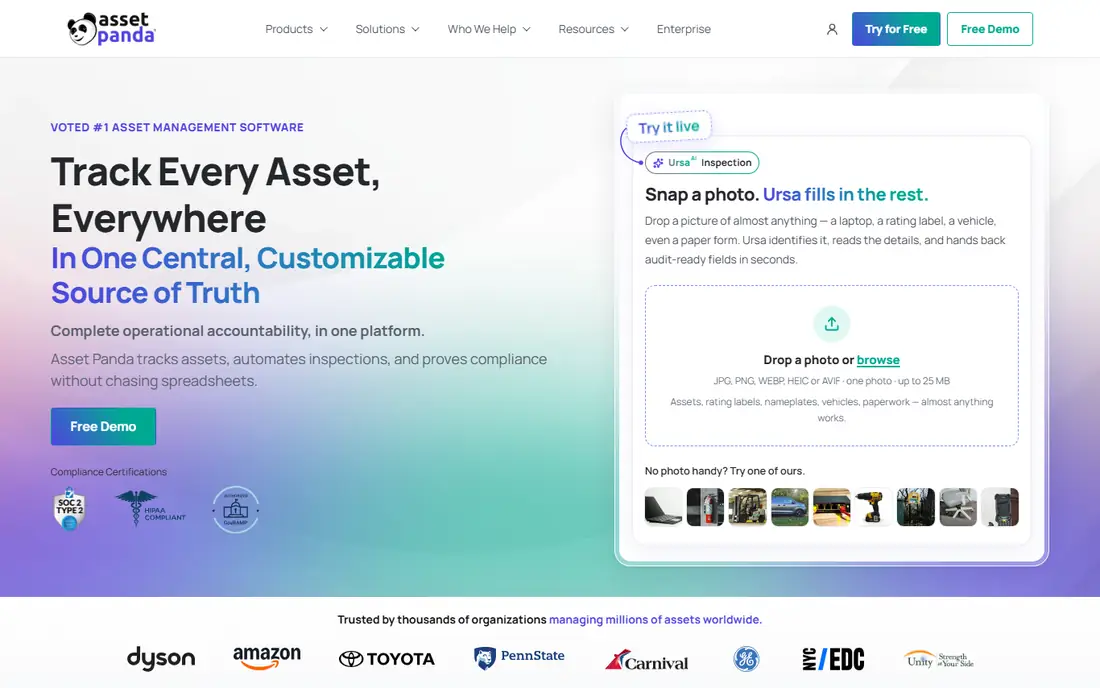
Asset Panda suits organizations that track a mixed bag of things: laptops, vehicles, tools, furniture, leased equipment. You build your own asset types and fields instead of bending your data to a fixed template. That flexibility is the main reason it shows up on shortlists for schools, local governments and mid-size companies.
On cost, the vendor says in its own article on asset tracking costs that pricing is user-based, starting at $3,000 per year for the Starter package and $7,500 per year for Business+. Larger rollouts can run far higher. If you only have 150 assets and one person managing them, that is hard to justify.
The catch is scope. Asset Panda is a tracking and workflow system. If your auditors want multi-book depreciation schedules, pair it with your accounting package or pick a tool built for that job.
What we like- Highly configurable fields and workflows
- Mobile scanning for audits
- Handles IT, facilities and equipment in one place
Watch out for- Priced above most small-business budgets
- Depreciation and tax accounting are not its core strength
#2
EZOfficeInventory (EZO)
Best for: Check-in/out and maintenance tracking
Visit ezo.io
Starting priceSee website
Free planFree trial
EZO is a good fit when assets move between people. Think camera gear at a marketing agency, loaner laptops at a school, or tools in a field-service van. Reservations, custody tracking and service reminders are the parts buyers mention most.
Public listings suggest plans are tiered by how many items you track, with unlimited users, which makes it friendlier for large teams than per-seat tools. Verify the current tiers on the vendor's pricing page, because third-party sites quote different figures.
Expect to spend a few days importing assets and printing labels. The honest drawback is that EZO is an operations tool first. Finance teams that need tax depreciation will still want an accounting system alongside it.
What we like- Check-in and check-out for shared equipment
- Maintenance scheduling and reminders
- Plans are generally tiered by item volume rather than by seat
Watch out for- Pricing is not simple to read from the outside
- Advanced features sit on higher tiers
#3Snipe-IT
Best for: IT teams that want low cost and control4.6/5 on
G2 (27 reviews, checked Oct 2026)
Visit snipeitapp.com
Starting priceFree self-hosted; $39.99 per month hosted ($399.99 billed annually)
Free planYes (self-hosted, open source)
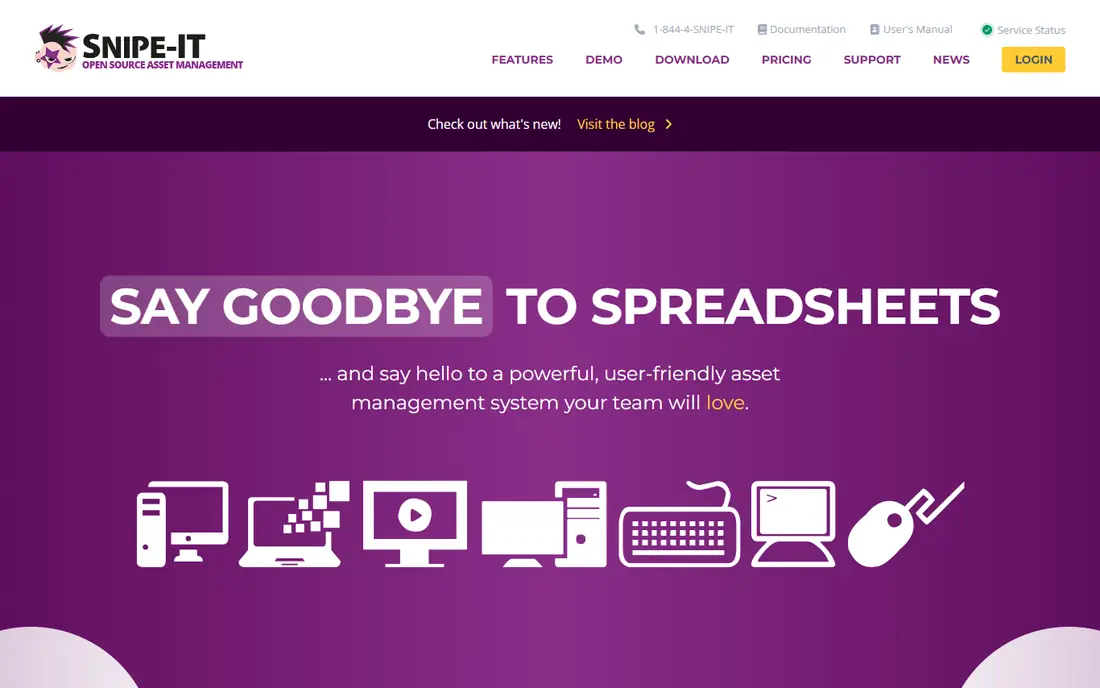
Snipe-IT is an open-source asset manager that began in IT departments, and it still feels like one. You track who has which laptop, accessories, licenses and consumables, with audit trails and email alerts. Per its pricing page, every plan, including the free self-hosted one, has no cap on users or assets.
The hosted tiers are flat. Basic Hosting is $39.99 per month, or $399.99 billed annually, Small Business Hosting is $99.99 per month, and Dedicated Hosting (small) is $249.99 per month. Support on all of them is community-based through GitHub and Discord, with email support starting on the hosted plans.
The trade-off is polish and scope. Depreciation is basic, and you will do more configuration yourself than with a commercial suite. For a small IT team with someone comfortable running a server, the value is hard to beat.
What we like- Unlimited users and assets on every plan
- Free to self-host
- Flat pricing that does not grow with headcount
Watch out for- Self-hosting needs technical skills
- Geared to IT assets rather than general fixed assets
Starting priceSee website
Free planSee website
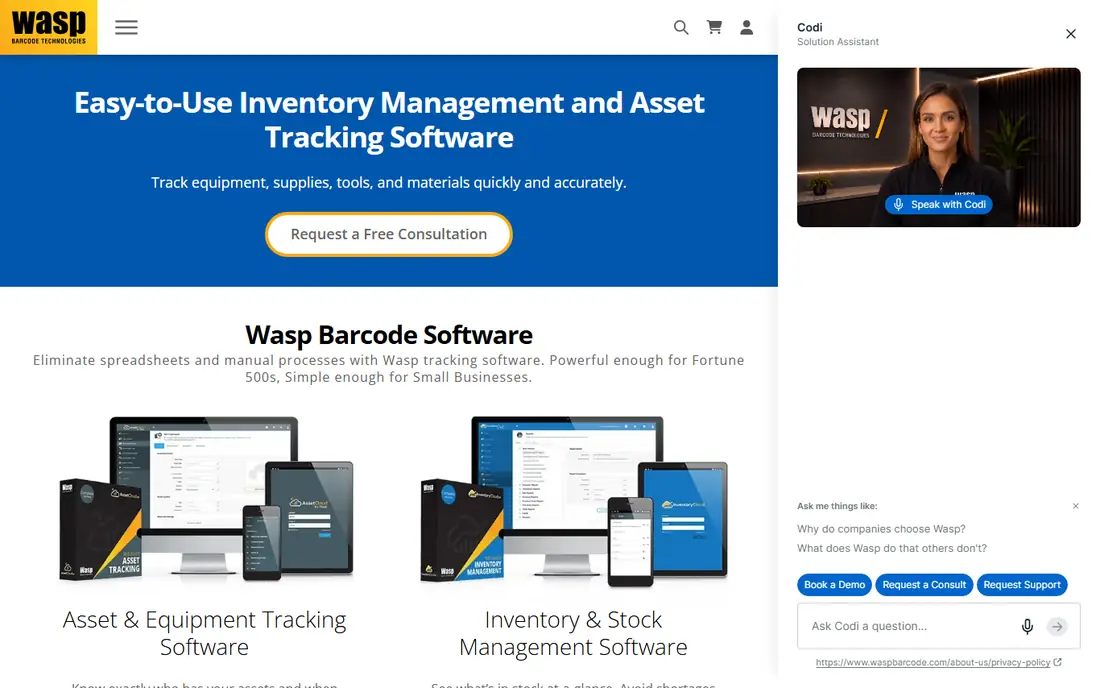
Wasp is better known as a barcode hardware company, and AssetCloud reflects that. If your main pain is walking a warehouse or a campus with a scanner and reconciling what you find against a list, buying software and hardware from one vendor simplifies support.
Pricing for the software depends on the plan and the number of users or assets, so get a written quote that includes labels, scanners and any setup help. Ask what the renewal terms look like and whether data export is included.
Where it is weaker: if you have no interest in barcode hardware, you are paying for a strength you will not use. The interface also tends to feel more utilitarian than newer cloud tools.
What we like- Vendor also sells scanners, printers and labels
- Suited to physical audits
- Familiar to teams already using barcodes
Watch out for- Pricing is not clearly listed
- Hardware adds to the total cost
Starting priceSee website
Free planSee website
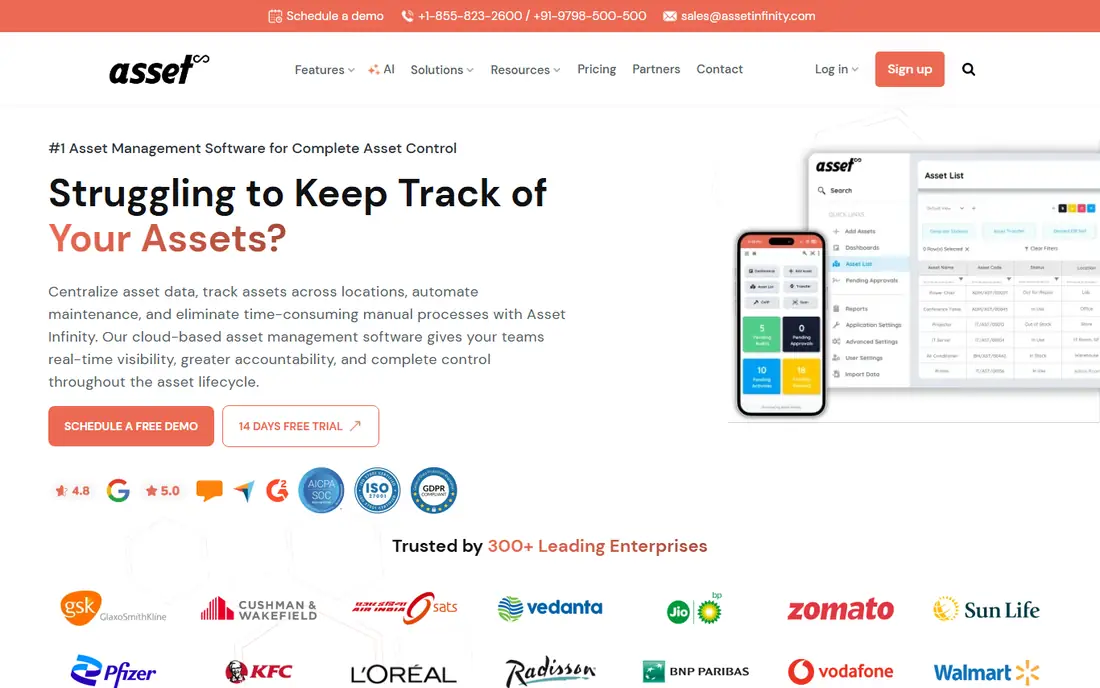
Asset Infinity targets organizations with assets spread across many sites, where one person cannot walk every location. It covers the lifecycle: procurement, assignment, maintenance and retirement, with tagging and mobile audits to keep records honest.
It is a reasonable pick for mid-size companies that outgrew spreadsheets but do not want an enterprise resource planning rollout. Ask for references from US customers and confirm support hours match your time zone.
The drawback is visibility. There are fewer US-based reviews to lean on than for the better-known names, so a pilot with real data matters more here.
What we like- Aimed at full lifecycle tracking from purchase to disposal
- Mobile and tag-based audits
- Designed for multiple locations
Watch out for- Quote-based pricing
- Less visible among US buyers, so fewer public reviews
#6Sortly
Best for: Small teams with a simple asset list4.3/5 on
G2 (27 reviews, checked Oct 2026)
Visit sortly.com
Starting price$24 per month billed annually ($49 per month billed monthly)
Free planYes (1 user); 14-day free trial of paid plans
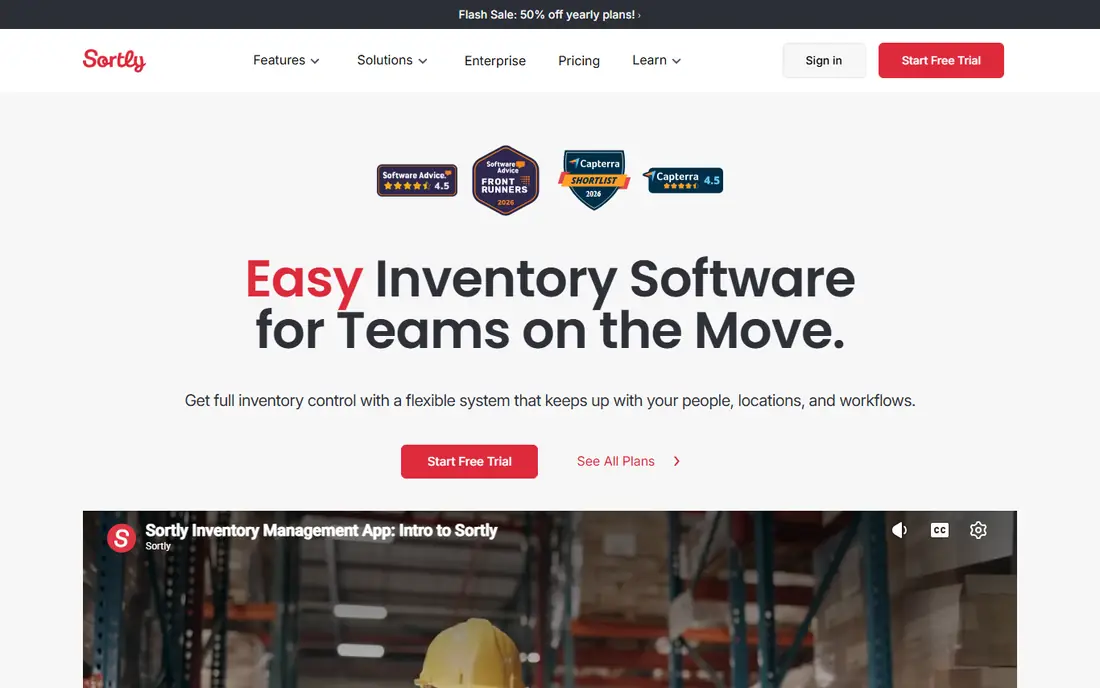
Sortly is the easiest tool on this list to start with. You photograph items, group them in folders, print QR labels and scan them from a phone. A bakery, small contractor or two-person office can have a working register by the end of the day.
According to its pricing page, there is a free plan with one user license. Paid tiers are Advanced ($49 per month, or $24 per month billed yearly), Ultra ($149 per month, or $74 yearly) and Premium ($299 per month, or $149 yearly), plus a quoted Enterprise tier. The listed yearly figures are promotional first-year rates, so check what renewal costs.
Be realistic about fit. Sortly is an inventory app, and it does not replace a fixed asset register that auditors will review. It works for tracking where things are, not for calculating book value.
What we like- Easy to set up in an afternoon
- Photos, QR labels and a clean mobile app
- Free plan for a single user
Watch out for- Built for inventory, so audit and depreciation features are limited
- Per-plan item and user caps
#7
Sage Fixed Assets
Best for: Accountants managing depreciation
Visit sage.com
Starting priceSee website
Free planSee website
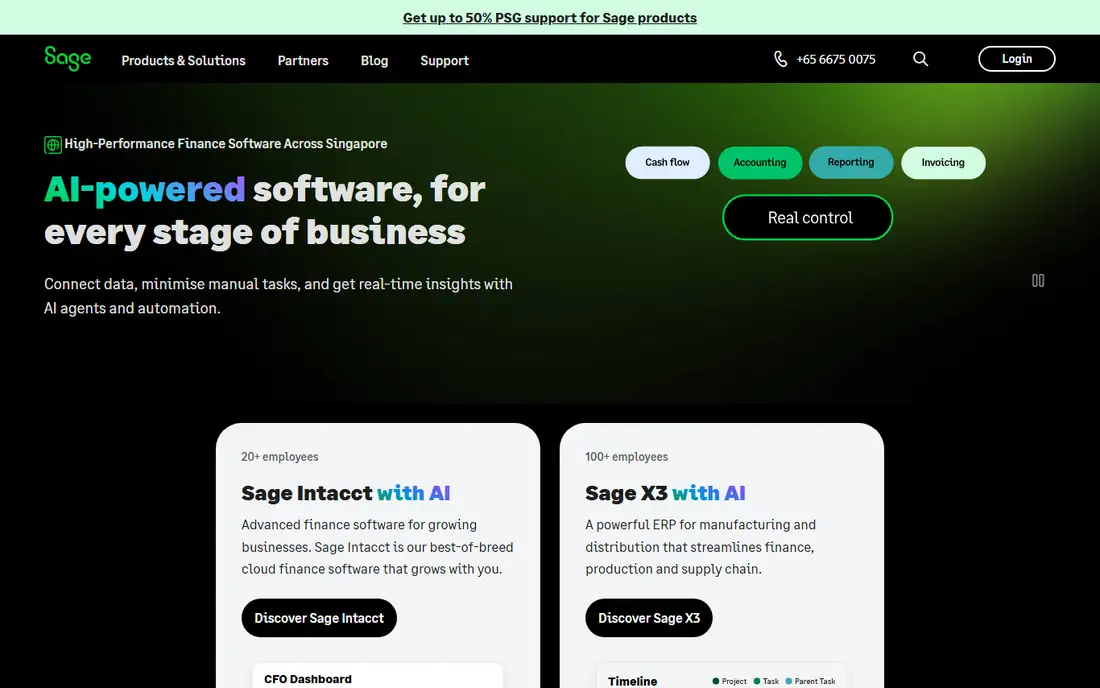
Sage Fixed Assets is the accounting-first option. It exists to calculate depreciation, handle additions and disposals, and produce schedules for the books and for tax. If your problem is the year-end fixed asset schedule, this category fits better than the tracking tools above.
It is usually bought through Sage partners, and packaging varies by region and product line, so confirm which edition applies to your situation and how it connects to your general ledger. Ask about implementation time, because migrating historical asset data takes real effort.
The honest limit is the other half of the job. It will not help a facilities manager find a missing projector. Many companies pair a tracking tool with an accounting one and sync the records on a schedule.
What we like- Built around depreciation, disposals and reporting
- Supports separate book and tax treatment
- Familiar to accounting firms
Watch out for- Pricing and packaging require a sales conversation
- Weak for day-to-day physical tracking
How we chose
We did not run hands-on trials. We compared vendor websites, public pricing pages and documentation, feature lists, integrations, and public reviews on sites such as G2, Capterra and Reddit. We also weighed company-size fit, contract style, and how clearly each vendor explains pricing and data export.
Where a vendor's pricing page lists a price, we quote it. Where we could not confirm a current figure from the vendor, we say "See website" instead of guessing. Prices change, so check each page before you commit.
Decide which problem hurts more
If you lose equipment, run audits by spreadsheet or cannot say who holds what, start with a tracking tool such as Asset Panda, EZO, Snipe-IT or Wasp. If your pain is depreciation schedules, disposals and tax reporting, start with an accounting-focused product such as Sage Fixed Assets, or check the fixed asset module in your current accounting system.
Count assets and users before comparing price
Per-seat pricing punishes large teams with few admins, while item-based or flat pricing can punish big asset counts. Snipe-IT's flat hosted tiers and Asset Panda's user-based plans show the two extremes. Write down your asset count, number of people who need logins and number of locations before you ask for quotes.
Ask these questions in every demo
- Can I export all asset data, including history, in a standard format if I leave?
- What is the contract length, and what happens to price at renewal?
- Are labels, scanners and onboarding included or extra?
- Does it integrate with my accounting software, directory and help desk?
- How does the mobile app work when there is no signal?
Run a small pilot
Import 50 to 100 real assets, tag them, and run a mock audit with the person who will do it every quarter. Problems with labels, fields and mobile scanning show up fast. A one-week pilot is cheap compared with a 12-month contract.
Frequently asked questions
What is fixed asset management software?
It is software that records physical assets a business owns, such as computers, vehicles and machinery, and tracks them through purchase, assignment, maintenance and disposal. Some products also calculate depreciation. Others focus only on location, custody and audits.
Do I need separate software for depreciation?
Often yes. Tracking tools usually offer limited depreciation, and accounting-focused products handle book and tax methods in more depth. Ask your accountant what level of detail they need before choosing.
Is free fixed asset software good enough?
For small teams, it can be. Snipe-IT can be self-hosted at no cost with unlimited users and assets, and Sortly offers a free plan for one user. The trade-offs are your own setup time, community-based support and fewer accounting features.
How long does implementation take?
Simple tools can be running in a day or two once your asset list is clean. Tools with custom workflows, multiple sites or accounting integrations usually take weeks. Cleaning the data in your spreadsheet first saves the most time.
What should I watch for in contracts?
Look at contract length, auto-renewal terms, price changes at renewal, and whether support, onboarding and labels cost extra. Confirm you can export your data in full at any time.
Sources we checked (8)
- https://snipeitapp.com/pricing
- https://www.sortly.com/pricing/
- https://www.assetpanda.com/resource-center/blog/how-much-does-asset-tracking-cost/
- https://www.assetpanda.com
- https://www.ezo.io
- https://www.waspbarcode.com
- https://www.assetinfinity.com
- https://www.sage.com
Is your product missing or out of date?
We review this list regularly. Vendors can request a listing, send updated pricing or ask about featured placement.

Shihab Mia · Founder, Rankite
Shihab has 5+ years in B2B and SaaS SEO. He writes Rankite's software buying guides from pricing pages, documentation and public user reviews. More about Shihab.