How we make this list: we compare pricing pages, product documentation and public user reviews. Rankite is independent; if a vendor ever pays for a featured spot, that listing is clearly labeled Partner.
Key takeaways
- Most small businesses do not need a separate fixed asset tool: Xero (from $25/month) and Zoho Books Premium ($60/org/month, billed annually) include a real depreciation module, and Sage 50 Pro ($132.17/month) posts depreciation through its month-end routine.
- QuickBooks Online ($38/month) tracks fixed assets but does not calculate depreciation on standard plans; only the $340/month Advanced plan has a Fixed Asset Manager that posts journals automatically.
- Wave and ZipBooks handle the ledger side free, with depreciation done through manual journal entries: fine for a handful of assets, tedious for fifty.
- If your accountant spends days on depreciation each year, AssetAccountant is the specialist: a dedicated engine, free for up to 10 assets, that posts journals straight into Xero or QuickBooks Online.
Quick comparison
| Tool | Best for | Starting price | Free plan |
|---|
 QuickBooks Online QuickBooks Online | Small businesses already running their books on QuickBooks | $38/month (Simple Start) | Yes (free tier; 30-day trial promos on paid plans) |
 Xero Xero | Small businesses wanting a built-in depreciation module | $25/month (Early) | Free trial (30 days) |
 Zoho Books Zoho Books | Businesses already running Zoho CRM, Inventory or other Zoho apps | $60/org/month, billed annually (Premium) | Yes (free plan for revenue under $50K) |
 Sage 50 Sage 50 | Businesses with in-house bookkeepers who want desktop-grade accounting | $132.17/month (Pro, cloud) | No (30-day refund on new subscriptions; weekly live demo) |
 AssetAccountant AssetAccountant | Businesses whose accountant needs a dedicated depreciation engine | See website (usage-based; free for up to 10 assets) | Free trial (30 days, no credit card) |
 Wave Wave | Freelancers and micro-businesses that want free accounting | Free (Starter); $19/month (Pro) | Yes (Starter is free) |
 FreshBooks FreshBooks | Service businesses that invoice constantly and depreciate rarely | $23/month (Lite) | Free trial (30 days) |
 Patriot Accounting Patriot Accounting | US micro-businesses that want the cheapest credible ledger | $20/month (Basic) | Free trial (30 days) |
 ZipBooks ZipBooks | Freelancers and consultants who want a free, modern ledger | Free (Starter); $15/month (Smarter) | Yes (Starter is free) |
Is your product missing or out of date?
We review this list regularly. Vendors can request a listing, send updated pricing or ask about featured placement.
The best fixed asset software for small business
Every tax season, small business owners find the same gap in their books. The laptops, vehicles and machinery sit on the balance sheet, but depreciation was never recorded properly, the old truck's disposal was booked wrong, and the accountant rebuilds the register from invoices at the last minute. Fixed asset accounting is not hard; it is just easy to postpone, and the cleanup always costs more than the routine.
The best fixed asset software for small business closes that gap where your books already live: for most owners, an accounting tool with a real depreciation module, meaning an asset register, scheduled postings and clean disposal entries. For businesses with dozens of assets, a dedicated depreciation engine that plugs into the ledger is the better buy. These nine tools cover both paths, with verified prices and honest notes on what each one actually automates.
Starting price$38/month (Simple Start)
Free planYes (free tier; 30-day trial promos on paid plans)
QuickBooks Online is on this list because your books probably already live here. Create a fixed asset account, tick the depreciation tracking option, and post the purchase. On Simple Start, Essentials and Plus, QuickBooks will not calculate or post depreciation, so you or your accountant create journal entries each period; disposals work the same way.
The exception is Advanced: at $340 per month it includes a Fixed Asset Manager that builds the schedule and posts the monthly journals for you. On a cheaper plan, pair QuickBooks with a dedicated depreciation tool (see AssetAccountant below) rather than buying Advanced for this one feature.
What we like- The accounting platform most US accountants already know, with 800-plus integrations
- Fixed asset accounts support a "track depreciation" flag
- Advanced plan includes a Fixed Asset Manager that posts monthly depreciation journals automatically
Watch out for- Standard plans do not calculate depreciation at all, so every posting is a manual journal entry
- Advanced at $340/month is a steep jump just for automated depreciation
- Prices rose again in August 2026
#2
Xero
Best for: Small businesses wanting a built-in depreciation module
Visit xero.com
Starting price$25/month (Early)
Free planFree trial (30 days)
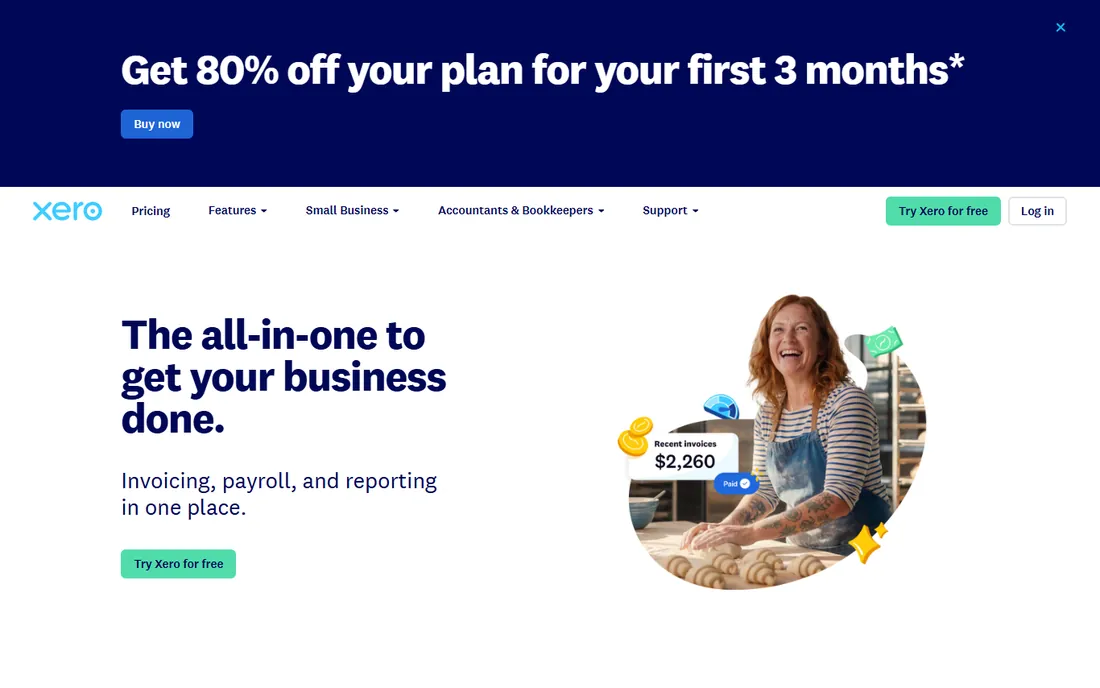
Xero is the strongest pick here for owners who want depreciation handled inside the accounting software: the Fixed Assets register ships with every plan. When a purchase posts to a fixed asset account, Xero creates a draft asset automatically; you assign the type, set the method and start date, and register it. Depreciation then runs on schedule, straight line, declining balance or full write-off, with the gain or loss on disposals calculated in the register.
That automation is why Xero beats QuickBooks on this job at a lower price. The honest catch is plan fit: the $25 Early plan caps you at 20 invoices and 5 bills, so most operating businesses land on Growing at $55 per month.
What we like- A genuine Fixed Assets module included in every plan, even the $25 Early tier
- Draft assets are created automatically when purchases hit fixed asset accounts
- Supports straight line, declining balance and immediate write-off methods
Watch out for- Early plan caps invoices and bills, so asset-heavy businesses often need Growing ($55) or Established ($90)
- Bank-feed and payroll depth trail QuickBooks in the US
#3
Zoho Books
Best for: Businesses already running Zoho CRM, Inventory or other Zoho apps
Visit zoho.com
Starting price$60/org/month, billed annually (Premium)
Free planYes (free plan for revenue under $50K)
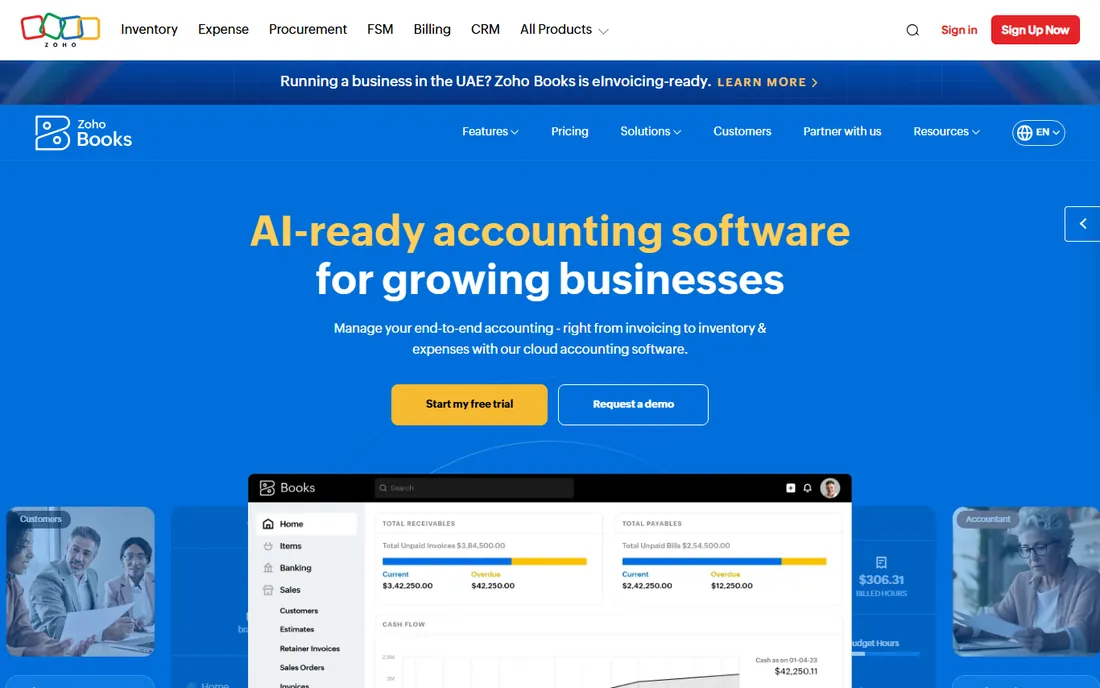
Zoho Books earns its place through the Premium plan. At $60 per organization per month billed annually, Premium adds fixed asset management alongside budgets and cash-flow forecasting: register assets, run depreciation schedules and record disposals without leaving the ledger, all under one login for businesses already on Zoho CRM or Zoho Inventory.
Look closely at the pricing, though. Standard ($15) and Professional ($40) exclude the fixed asset module, so this is effectively a $60-per-month decision, and Premium bundles 10 users whether you need them or not. Zoho Books suits the business growing inside the Zoho ecosystem; if you only need depreciation, Xero gives you the module cheaper.
What we like- Fixed asset management is a first-class module on Premium with depreciation schedules and disposal handling
- The free plan is genuinely usable for micro-businesses
- Deep integration with the rest of the Zoho suite
Watch out for- The fixed asset module sits on the $60 Premium tier, so small users pay for 10 seats of features to get it
- US payroll and banking depth lag the American incumbents
#4
Sage 50
Best for: Businesses with in-house bookkeepers who want desktop-grade accounting
Visit sage.com
Starting price$132.17/month (Pro, cloud)
Free planNo (30-day refund on new subscriptions; weekly live demo)
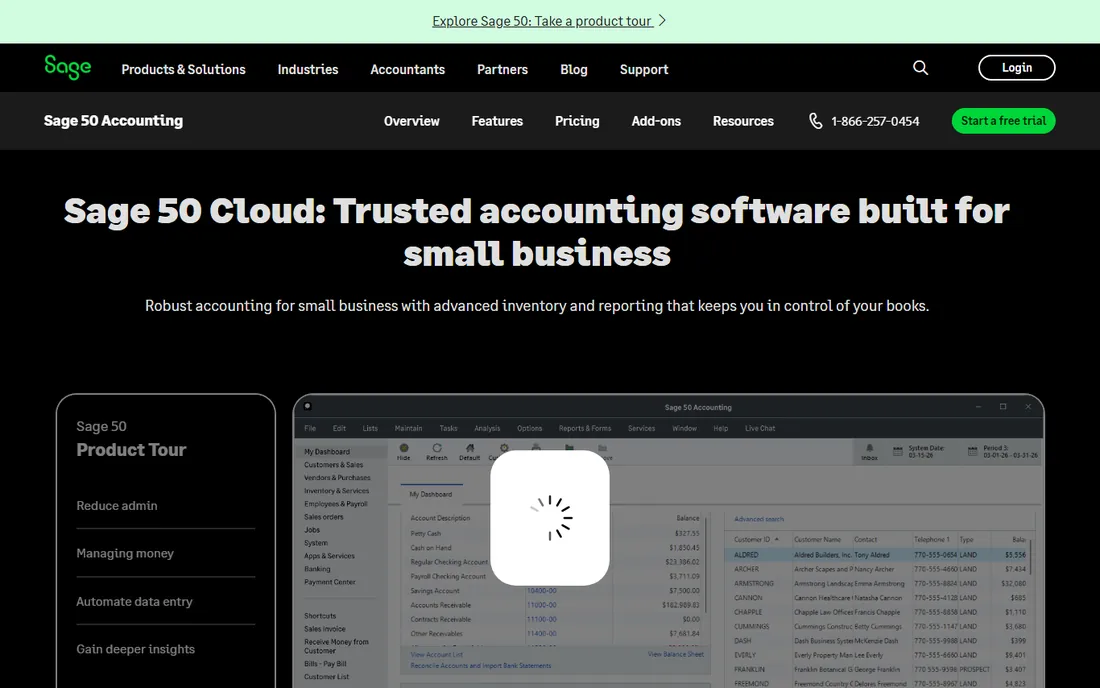
Sage 50 is the veteran here: the former Peachtree, now sold as Sage 50cloud with full online access. The Fixed Assets module maintains the register, and monthly depreciation posts through the month-end routine rather than as manual journals. Disposals, retirements and transfers flow through the same module, with an audit trail spreadsheet-raised bookkeepers will appreciate.
That depth comes at a price and a commitment: Pro starts at $132.17 per month for one user, Premium at $182.50 and Quantum at $271.17, with a minimum one-year commitment. Sage offers free migration from most QuickBooks versions. Sage 50 fits the business with an in-house bookkeeper: contractors, manufacturers and distributors who already think in jobs and inventory.
What we like- A real Fixed Assets module that posts monthly depreciation through the month-end routine
- Deep job costing, inventory and audit trails on higher tiers
- Free data migration from most QuickBooks versions
Watch out for- The priciest entry point here at $132.17 per month for one user, with a minimum one-year commitment
- The interface carries its desktop heritage
- Smaller firms may find it more software than they need
#5
AssetAccountant
Best for: Businesses whose accountant needs a dedicated depreciation engine
Visit asset.accountant
Starting priceSee website (usage-based; free for up to 10 assets)
Free planFree trial (30 days, no credit card)
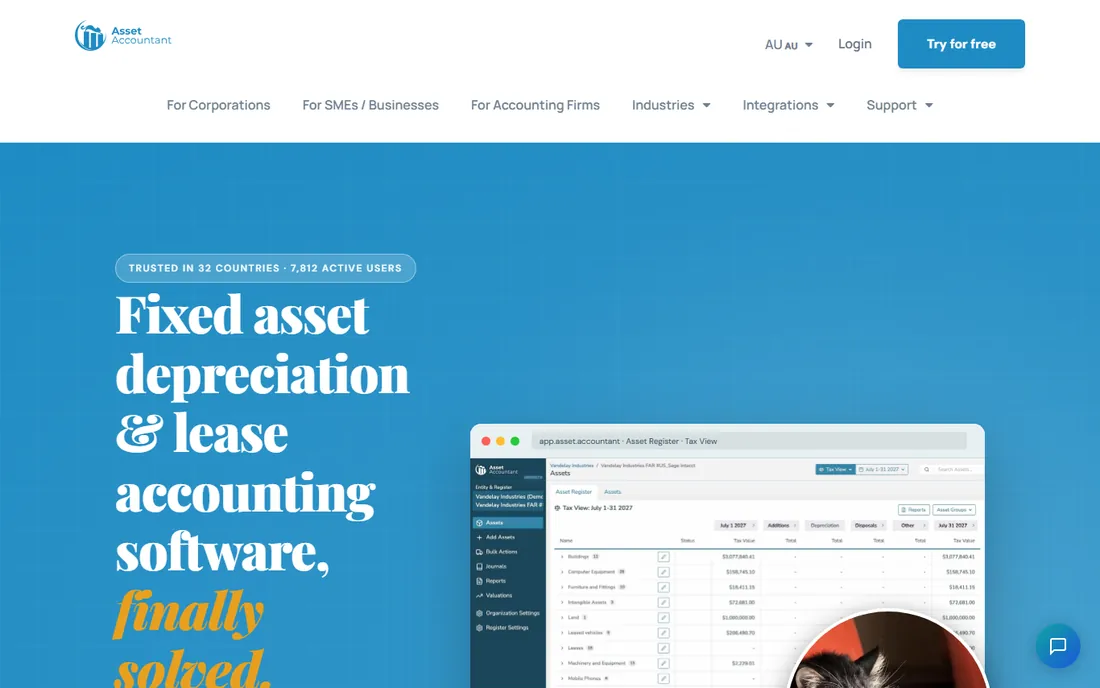
AssetAccountant is the only pure specialist on this list. It does one job: fixed asset depreciation and lease accounting, done properly. The register handles partial disposals, revaluations, impairments, components and work in progress; depreciation runs every period across every accepted method with automatic crossover; and tax and accounting depreciation sit side by side, which is exactly what your CPA wants at year end. Lease accounting for ASC 842 and IFRS 16 is built in too.
The integration story is the selling point. New assets are detected automatically from your Xero or QuickBooks feeds, and depreciation journals post to the general ledger in one click. Pricing is usage-based: free forever for up to 10 assets and a 30-day trial with no credit card. If your accounting tool handles depreciation manually and your asset list keeps growing, this upgrade pays for itself in avoided accountant hours.
What we like- Purpose-built depreciation with straight line, declining balance, units of production and immediate write-off, plus book and tax depreciation side by side
- One-click journal posting into Xero, QuickBooks Online, Sage Intacct and Dynamics 365
- Free tier covers up to 10 assets
Watch out for- It is not accounting software, so you still need a ledger
- Pricing is usage-based and quote-driven for larger portfolios, which slows comparison shopping
#6
Wave
Best for: Freelancers and micro-businesses that want free accounting
Visit waveapps.com
Starting priceFree (Starter); $19/month (Pro)
Free planYes (Starter is free)
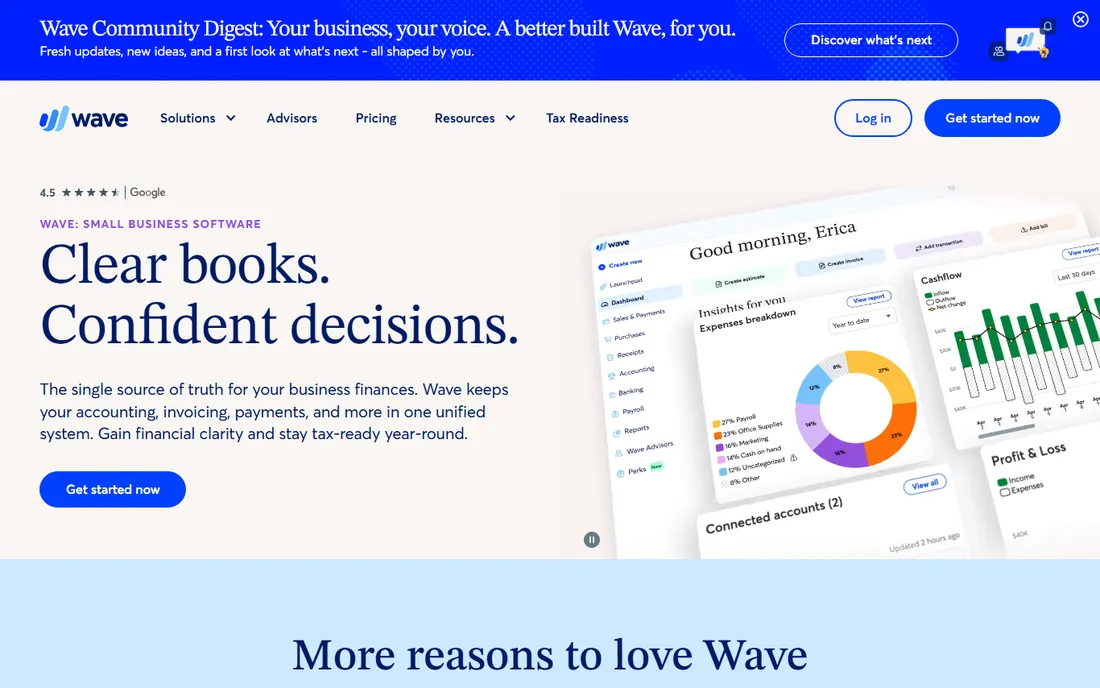
Wave is the free-ledger answer to fixed asset accounting. The Starter plan costs nothing and includes unlimited estimates, invoices, bills and bookkeeping records. When you buy equipment, you record it as a capital asset, create a depreciation account, and post depreciation with a journal entry each period. Wave's own help documentation walks through exactly this: supported, just manual.
That manual step is the whole trade. With three laptops and a vehicle, posting depreciation once a year takes minutes. With forty assets across classes, it becomes a chore your accountant bills you for, and Wave gives you no schedules, no methods and no disposal calculations. The $19-per-month Pro plan adds bank auto-import and receipt capture but no depreciation features.
What we like- The Starter plan is genuinely free with unlimited invoices, bills and bookkeeping records
- Wave's own help center documents the depreciation workflow step by step
- Clean enough for owners with no accounting background
Watch out for- No depreciation automation at all: every period's depreciation is a manual journal entry
- Bank auto-import and receipt capture sit behind the $19 Pro plan
- No inventory or project depth
#7
FreshBooks
Best for: Service businesses that invoice constantly and depreciate rarely
Visit freshbooks.com
Starting price$23/month (Lite)
Free planFree trial (30 days)
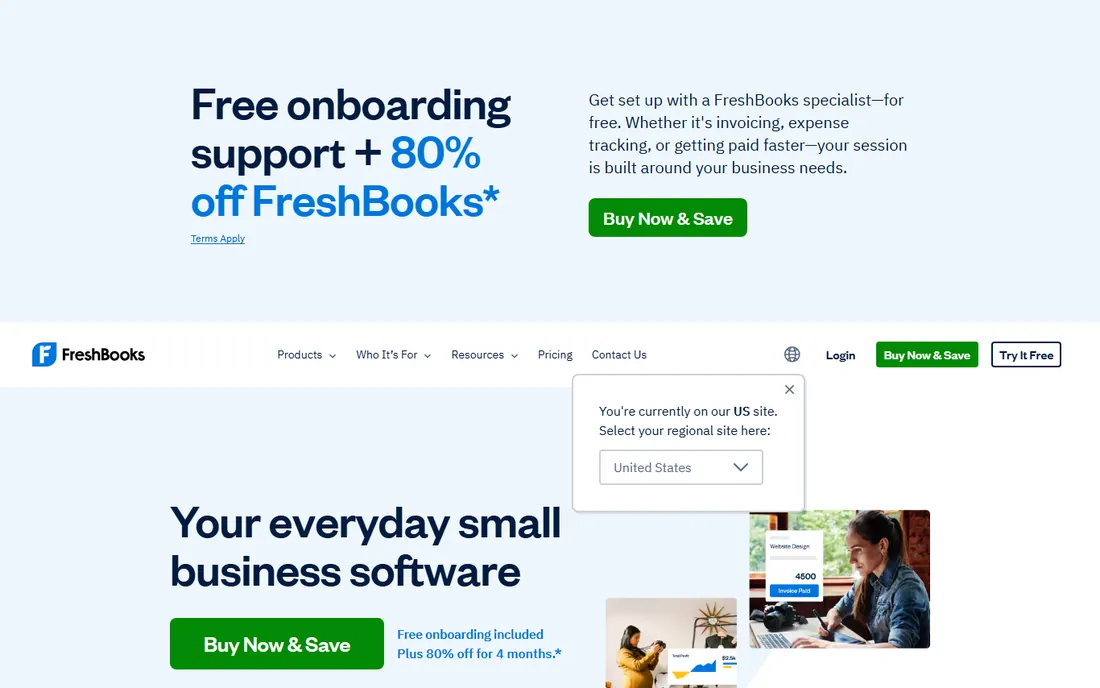
FreshBooks is an invoicing tool that grew into accounting, and it shows in the fixed asset story: no depreciation module, no asset register. Like Wave, you handle fixed assets through the chart of accounts with manual entries. On the $43 Plus plan and above you get double-entry accounting reports, bank reconciliation, accountant access and tax-time reports. The $23 Lite plan suits freelancers invoicing a handful of clients.
Buy FreshBooks for what it is best at. If your business is services and your accountant computes depreciation at year end, FreshBooks keeps the books clean and gets you paid faster. If equipment is central to your business, a tool with a real depreciation schedule will save more than FreshBooks' invoicing polish is worth.
What we like- The best invoicing experience in this set, with time tracking and client portals
- Plus ($43) adds double-entry accounting reports, bank reconciliation and accountant access
- 30-day money-back guarantee
Watch out for- No dedicated fixed asset register or depreciation module
- Asset-heavy businesses will outgrow it
- The Lite plan caps billable clients at five
Starting price$20/month (Basic)
Free planFree trial (30 days)
Patriot Accounting is the budget ledger: $20 per month for Basic, $30 for Premium, with no per-user fees, which undercuts nearly everything else here for a team. It is real double-entry accounting with a full chart of accounts, automatic bank imports, reconciliation and reporting, plus a dual-ledger setup showing cash and accrual books side by side. Integration with Patriot's own payroll keeps wages and related costs in one system.
For fixed assets, Patriot is in the manual camp: assets live in the chart of accounts and depreciation is posted by journal entry, with no register, schedules or disposal workflow. That is a fair trade at $20 a month with a 30-day free trial. Patriot fits the American micro-business with a short asset list. If you want the software to do the depreciation work, Xero's $25 Early plan is only $5 more and includes the module.
What we like- Flat $20 or $30 pricing with no per-user fees and unlimited users
- Dual-ledger design toggles between cash and accrual accounting
- Free US-based support on every tier
Watch out for- No depreciation automation or fixed asset module
- No inventory tracking
- US-only, so multi-currency businesses should look elsewhere
#9
ZipBooks
Best for: Freelancers and consultants who want a free, modern ledger
Visit zipbooks.com
Starting priceFree (Starter); $15/month (Smarter)
Free planYes (Starter is free)
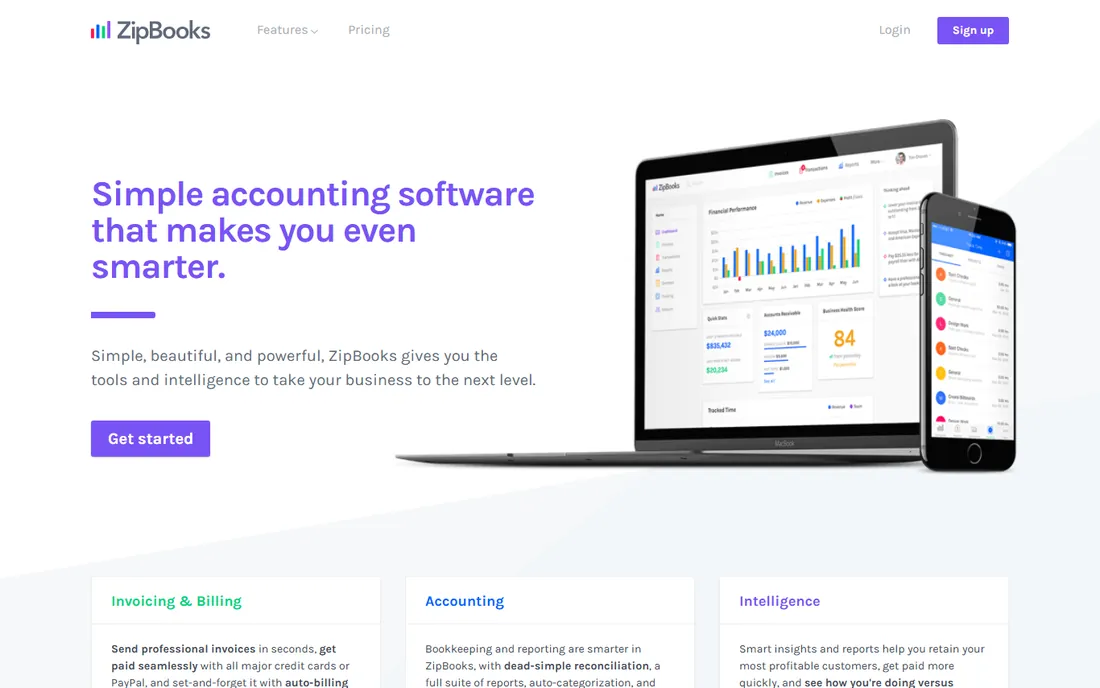
ZipBooks is the modern free alternative to Wave, aimed at freelancers, consultants and agencies. The free Starter plan covers unlimited invoices, unlimited vendors and customers, basic reports and one connected bank account, enough for a solo operator. The $15 Smarter plan adds recurring invoices with auto-bill, multiple bank accounts and time tracking; $35 Sophisticated adds smart tagging, book locking and unlimited users. The auto-categorization genuinely reduces bookkeeping time.
On fixed assets, ZipBooks is manual like its free rivals: asset accounts in the chart of accounts, depreciation by journal entry, no schedules and no disposal handling. For a consultant whose fixed assets are a laptop and a desk, that is plenty, and the price is right at zero. The honest catches are email-only support that can be slow, and the single bank account on the free tier, which pushes growing businesses toward Smarter. ZipBooks is a fine free ledger; it is not a fixed asset system.
What we like- The Starter plan is free with unlimited invoices and vendors
- Machine-learning transaction categorization improves as you use it
- Time tracking and project tagging built in
Watch out for- No fixed asset module or depreciation schedules
- Support is email-based and reviewers report slow responses
- The free tier connects only one bank account
How we chose
We started with the searches buyers actually run: fixed asset software, fixed asset accounting software, small business depreciation software and fixed asset register. For each candidate we opened the vendor's own homepage and pricing page, verified the current prices and plan names, and checked the fixed asset capability against the vendor's documentation and help centers. We compared depreciation methods, disposal handling and integrations, and weighed each tool against the business size it serves. Where a price could not be verified on the vendor's own pages, we wrote "See website" instead of guessing, and we did not claim any hands-on testing that did not happen.
What to look for before you buy
The right tool depends on how many assets you own and who does your taxes. Work through these questions before you shortlist anything.
A real depreciation module, or manual journals?
This is the single biggest divide in the list. Xero, Zoho Books Premium, Sage 50 and AssetAccountant maintain an asset register and run depreciation schedules for you. QuickBooks Online (except Advanced), Wave, FreshBooks, Patriot and ZipBooks keep assets in the chart of accounts and leave depreciation to manual journal entries. Manual is fine for under a dozen assets with one method. Past that, the register pays for itself in avoided errors.
Which depreciation methods are supported?
Straight line covers most small-business assets. Declining balance front-loads the expense, which suits vehicles and technology. Xero supports straight line, declining balance and immediate write-off; AssetAccountant adds units of production and automatic crossover. If your CPA uses anything beyond straight line, confirm the method exists before you commit.
How are disposals handled?
Selling or scrapping an asset means clearing both the asset account and its accumulated depreciation and booking the gain or loss. Tools with a register (Xero, Zoho, Sage 50, AssetAccountant) calculate this for you. Manual tools leave it to a journal entry, which is exactly where disposal mistakes happen.
Book depreciation versus tax depreciation
Your books depreciate assets over their useful life under accounting rules; your tax return follows IRS rules, which allow accelerated methods and immediate expensing under Section 179. These are two different schedules for the same assets. AssetAccountant tracks both side by side. Most accounting tools track book depreciation only and leave the tax schedule to your CPA. Know which one you are buying.
Who owns the register at year end?
If your accountant already maintains the register in their own system, a simple ledger with clean asset accounts may be all you need, and Wave or ZipBooks at $0 is hard to argue with. If you are the one reconstructing the register every April, buy the module. The cheapest software is the one your accountant does not have to fix.
There is a clear line in this category. Below it, your accounting software handles fixed assets as part of the general ledger, and that is enough: a handful of assets, one depreciation method, disposals once in a while. Above it, the spreadsheet or the manual journals start costing real money in accountant hours and audit friction.
The signs are consistent: the asset list has grown past thirty items, you use different methods for different classes, or your CPA asks for a schedule and you send a spreadsheet you do not trust. At that point, bolting a dedicated engine like AssetAccountant onto Xero or QuickBooks Online costs less than the year-end cleanup it replaces, and the free tier covers up to 10 assets while you evaluate.
One practical note: Section 179 lets many small businesses expense qualifying equipment in the purchase year instead of depreciating it. That does not remove the asset from your books; the asset and its full first-year depreciation still belong on the register, and the later disposal entry still needs the accumulated depreciation. Keep the register complete even for fully expensed assets.
Frequently asked questions
Can QuickBooks Online track fixed assets and depreciation?
Yes, with limits. It records fixed assets through dedicated accounts in the chart of accounts. On Simple Start, Essentials and Plus, depreciation is posted through manual journal entries; QuickBooks does not calculate it. The $340-per-month Advanced plan includes a Fixed Asset Manager that builds the schedules and posts the monthly journals automatically.
What is the difference between book depreciation and tax depreciation?
Book depreciation spreads an asset's cost over its useful life and appears in your financial statements. Tax depreciation follows IRS rules on your tax return and often allows faster write-offs, including immediate expensing under Section 179. Most tools here handle book depreciation; your CPA usually maintains the tax schedule separately, though AssetAccountant tracks both side by side.
How much does fixed asset software cost for a small business?
From $0 to about $132 per month. Wave and ZipBooks offer free plans with manual depreciation journals. Xero starts at $25 per month with a built-in module, Patriot Accounting at $20 per month without one, FreshBooks at $23 per month, Zoho Books Premium at $60 per organization per month billed annually, and Sage 50 Pro at $132.17 per month. AssetAccountant is usage-based with a free tier for up to 10 assets.
Do I need separate fixed asset software, or is my accounting tool enough?
If you own fewer than a dozen assets and use one depreciation method, your accounting tool is enough: record the assets, post depreciation annually, and let your CPA review it. Consider dedicated software when the list grows past a few dozen items, when you use multiple methods, or when year-end cleanup costs more than a subscription would.
How do I record selling or disposing of a fixed asset?
Remove the asset's original cost and its accumulated depreciation from the books, record any cash received, and book the difference as a gain or loss on disposal. Tools with a depreciation module calculate the gain or loss for you. In manual tools this is a journal entry worth having your accountant review the first time.
Sources we checked (13)
- https://quickbooks.intuit.com/pricing/
- https://www.xero.com
- https://www.zoho.com/books/pricing/
- https://www.sage.com/en-us/products/sage-50/
- https://www.waveapps.com/pricing
- https://www.freshbooks.com/pricing
- https://www.patriotsoftware.com/pricing/
- https://zipbooks.com/pricing/
- https://www.asset.accountant
- https://support.waveapps.com/hc/en-us/articles/208623506-Depreciation-in-Wave
- https://central.xero.com/s/article/How-Xero-calculates-depreciation-UK
- https://www.g2.com/categories/accounting
- https://www.capterra.com/accounting-software/
Is your product missing or out of date?
We review this list regularly. Vendors can request a listing, send updated pricing or ask about featured placement.

Shihab Mia · Founder, Rankite
Shihab has spent more than a decade helping SaaS and e-commerce brands grow through search. He writes Rankite's software buying guides from pricing pages, documentation and public user reviews. More about Shihab.