How we make this list: we compare pricing pages, product documentation and public user reviews. Ratings come from G2, Capterra or Trustpilot, with the date we checked them.
Key takeaways
- Pricing models differ more than features do. Procore quotes based on annual construction volume. JobTread and Houzz Pro charge a flat base fee plus a fee for each user. Contractor Foreman sells user bundles. Fieldwire charges per user.
- Contractor Foreman has the lowest published entry price on this list: $49 per month billed annually for one user. Its Unlimited plan costs $332 per month with no user cap.
- JobTread's $199 base price includes every feature, with no contract and no setup fee. Each extra office user costs $20 per month, and field crew who only log notes and photos are free.
- Fieldwire is the only tool here with a usable free tier for jobsite work. It covers up to 5 users, 3 projects and 100 sheets.
- Procore, Buildertrend, Knowify and Buildxact did not have prices we could confirm on their own sites for this review. Ask for a written quote before you book a demo call.
Quick comparison
| Tool | Best for | Starting price | Free plan |
|---|
 Procore Procore | Commercial general contractors and owners managing many projects at once | See website | No |
 Buildertrend Buildertrend | Residential home builders and remodelers with active homeowner communication | See website | No |
 Autodesk Build (now Forma Build) Autodesk Build (now Forma Build) | Contractors and design-build firms already working in Autodesk tools | $117/month | No |
 JobTread JobTread | Growing residential and specialty contractors who want every feature without tier upgrades | $199/month plus $20 per additional internal user (monthly) | No (30-day money-back guarantee on monthly plans) |
 Contractor Foreman Contractor Foreman | Small contractors who want a broad toolset at a low, predictable price | $49/month for 1 user (billed annually) | Free trial (30 days) |
 Fieldwire Fieldwire | Superintendents, foremen and specialty trades who work from drawings all day | $39 per user/month (Pro, billed annually) | Yes |
 Houzz Pro Houzz Pro | Remodelers, interior designers and design-build firms that also want leads and marketing | $99/month (Design plan, 1 user) | Yes |
 Knowify Knowify | Electrical, mechanical, plumbing and other trade subcontractors | See website | Free trial |
 Buildxact Buildxact | Residential builders and remodelers who spend most of their admin time estimating | See website | Yes (limited plan) |
Is your product missing or out of date?
We review this list regularly. Vendors can request a listing, send updated pricing or ask about featured placement.
The best construction management software
#1Procore
Best for: Commercial general contractors and owners managing many projects at once4.6/5 on
G2 (4,357 reviews, checked Oct 2026)
Visit procore.com
Starting priceSee website
Free planNo

Procore is the default pick for mid-size and large commercial builders, and its reviews show why. You can run RFIs, submittals, drawings, daily logs, inspections and budgets inside one system, and you don't pay for each person you invite. A general contractor that brings dozens of subcontractors and owner reps into every job saves real money compared with per-user tools.
The catch is cost and effort. Procore does not publish prices. Several third-party pricing analyses say the quote depends on your annual construction volume and the modules you choose, and they report annual contracts commonly reaching five figures. Reviewers also say onboarding takes months. A 10-person remodeling shop will pay for depth it never uses.
Pick Procore if you run commercial work at scale, have someone who can own the rollout, and need a platform your subs may already know. Smaller residential firms should start lower on this list.
What we like- No per-seat fees, so subs, owners and architects can all be invited
- Wide coverage of project management, quality, safety and financials
- Large integration marketplace and a big pool of trained users in the industry
Watch out for- Prices are quote-only and tied to construction volume
- Setup and training take months, not weeks
#2Buildertrend
Best for: Residential home builders and remodelers with active homeowner communication4.3/5 on
G2 (229 reviews, checked Oct 2026)
Visit buildertrend.com
Starting priceSee website
Free planNo
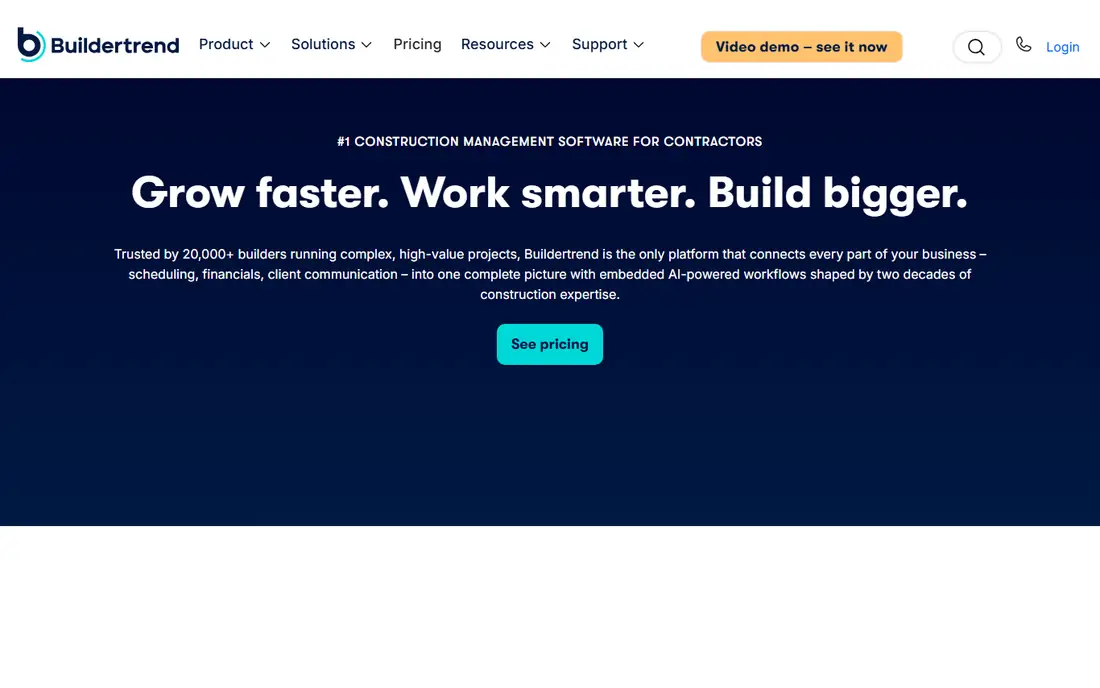
Buildertrend was built for custom home builders and remodelers, and its strongest feature is the client. Homeowners can log in to approve selections, sign change orders, see photos and pay invoices. That cuts down on the late-night texts that eat up a builder's week.
We could not confirm current list prices on Buildertrend's own site. Third-party reviews report three tiers (Essential, Advanced and Complete) and quote-based pricing tied to company size and volume, with figures that differ widely from source to source. One reviewer reported that Buildertrend's sales form suggested very small firms might not be a good fit. Get a written quote that includes any onboarding fee.
If most of your work is residential and your clients expect a polished portal, Buildertrend belongs on your shortlist. If you mainly need job costing for commercial bids, look at Procore or Knowify instead.
What we like- Strong client portal for selections, change orders and payments
- Scheduling, budgets and daily logs in one place
- One of the most widely reviewed residential platforms
Watch out for- Pricing is not clearly published and quotes vary
- Reviewers say it is heavier on the homeowner side than on commercial cost control
Starting price$117/month
Free planNo
Autodesk has rebranded Autodesk Build as Forma Build, part of its Forma industry cloud, so expect both names in sales materials for a while. The product page lists a starting price of $117 per month. There is also a lighter Forma Build Essentials tier that covers sheets, issues, forms, photos and daily reports for jobsite crews.
Its strength is document control. Spec books are split into searchable sections, submittals move through a customizable review workflow, and budgets support custom segments with snapshot comparisons. If your architects and engineers deliver Revit or AutoCAD files, keeping construction data in the same system avoids a lot of exporting back and forth.
The weakness is fit. A residential remodeler who never opens a model file won't get much from these features. And once you add the bundles Autodesk promotes, the real price will be higher than the starting figure, so price the exact seat count you need.
What we like- Strong drawing, model and specification handling
- RFIs, submittals, budgets and cost tracking in one platform
- Published starting price and an Essentials tier for simpler jobsite needs
Watch out for- Most useful if your team already works in Autodesk software
- Full cost depends on bundles and user counts
#4JobTread
Best for: Growing residential and specialty contractors who want every feature without tier upgrades4.9/5 on
G2 (108 reviews, checked Oct 2026)
Visit jobtread.com
Starting price$199/month plus $20 per additional internal user (monthly)
Free planNo (30-day money-back guarantee on monthly plans)
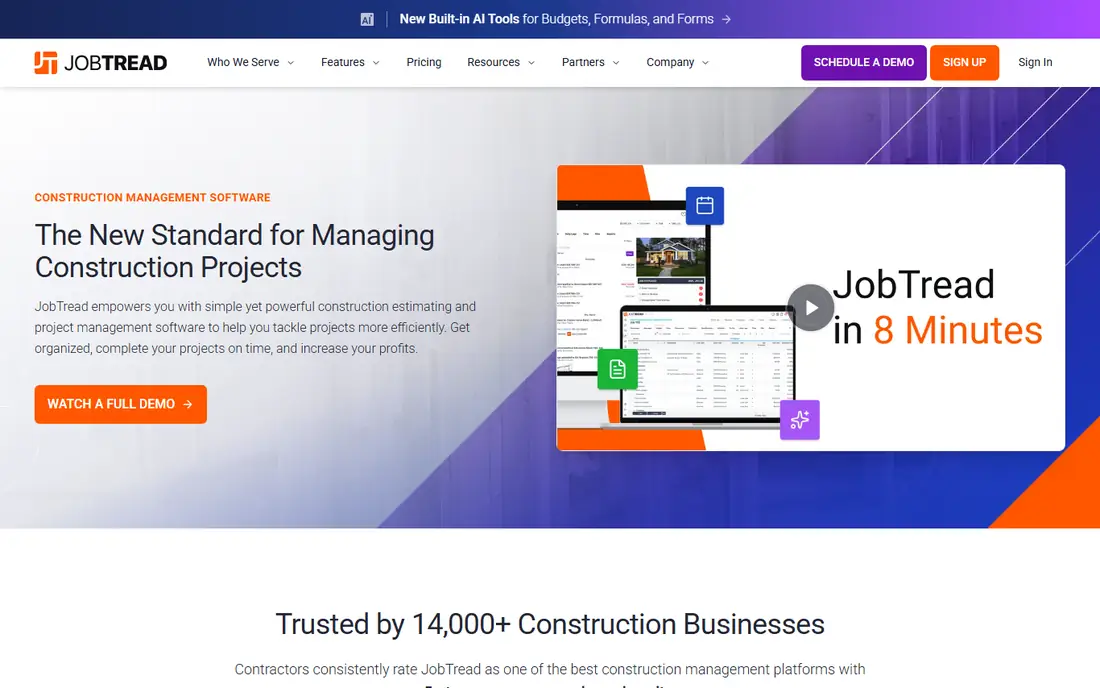
JobTread's pricing page is the easiest one to read in this category. You pay $199 per month for the platform with one internal user included, then $20 per extra internal user on monthly billing ($16 on annual). The per-user rate drops after 10 users. Annual billing saves 20 percent.
The free-user rule is generous. Subcontractors, vendors and customers get external access at no charge. Field crew who only upload photos, write daily notes, view schedules and check off tasks can also be added free. For a company with a small office and a large crew, that keeps the bill down.
Integrations cover QuickBooks Online, Zapier and EagleView, plus supplier connections such as Home Depot and SRS Distribution. The honest catch is that a 15-person office team pays noticeably more than the headline price. Run the calculator on the pricing page with your real headcount.
What we like- Every feature included at one price with no contract or setup fee
- Free implementation, training and support
- Customers, vendors, subs and basic field crew users are free
Watch out for- Office users add up as the team grows
- No free trial is advertised on the pricing page
#5Contractor Foreman
Best for: Small contractors who want a broad toolset at a low, predictable price4.5/5 on
G2 (384 reviews, checked Oct 2026)
Visit contractorforeman.com
Starting price$49/month for 1 user (billed annually)
Free planFree trial (30 days)
Contractor Foreman covers more ground for the money than any other tool here. Plans run from Basic ($49 per month, 1 user) to Standard ($105, up to 3 users), Plus ($166, up to 8), Pro ($221, up to 15) and Unlimited ($332, unlimited users). Those are monthly equivalents of annual billing. Pro and Unlimited include free setup and implementation.
The feature list covers estimates, takeoffs, scheduling, time cards, change orders, punch lists, service tickets, work orders and a client portal. Integrations include QuickBooks, Gusto for payroll and Microsoft Project. The site lists Xero as coming in mid-2026.
The tradeoff is polish. With this many modules, expect to spend time switching off what you don't use. And check that the 100-day money-back guarantee covers your plan, because the pricing page shows it on Plus, Pro and Unlimited only.
What we like- Lowest published entry price on this list
- Bundled user tiers up to unlimited users at $332/month
- 100-day money-back guarantee on Plus and above
Watch out for- The lowest prices require annual billing
- Reviewers tend to describe the interface as dense because it packs in so many modules
#6Fieldwire
Best for: Superintendents, foremen and specialty trades who work from drawings all day4.5/5 on
G2 (586 reviews, checked Oct 2026)
Visit fieldwire.com
Starting price$39 per user/month (Pro, billed annually)
Free planYes

Fieldwire (owned by Hilti) is a field tool first. Crews mark up sheets, track punch lists and tasks, and compare drawing versions on a phone or tablet. The free plan is a real working tier for a small crew on a few jobs, not a 14-day demo.
Paid pricing comes from Fieldwire's help center. Pro costs $468 per user per year or $54 monthly. Business costs $708 per year or $74 monthly and adds custom forms, 360-degree photos and two-way sync with Box, Dropbox and OneDrive. Business Plus costs $1,068 per year or $104 monthly and adds RFIs, submittals and change orders. Billing is prorated, and you pay only for unique users across projects.
Watch the overage rules. Every person you invite counts as a license, and annual accounts pay the monthly rate for users added mid-term until they buy more annual seats. Fieldwire also won't replace your estimating or accounting software.
What we like- Free for up to 5 users, 3 projects and 100 sheets
- Month-to-month option with no long-term contract
- Only the project owner pays, and users with their own paid accounts cost you nothing
Watch out for- Per-user pricing gets expensive for large teams
- RFIs, submittals and change orders require the top self-serve tier
#7Houzz Pro
Best for: Remodelers, interior designers and design-build firms that also want leads and marketing4.2/5 on
G2 (76 reviews, checked Oct 2026)
Visit houzz.com
Starting price$99/month (Design plan, 1 user)
Free planYes
Houzz Pro is the only product here that mixes project management with lead generation. The Design plan ($99 per month) covers 3D floor plans, selections, mood boards, CRM, estimates, invoices and online payments. Pro ($199 per month) adds takeoffs, bid management, change orders, budgets, contracts, schedules and daily logs. Teams starts at $399 per month with unlimited users, email marketing, a custom website and dedicated support.
For a remodeler who wins work through design presentations, the 3D plans and selections are a real selling tool. QuickBooks Online syncs on every paid plan.
The weakness is the per-user math on lower plans. Three users on Pro costs $299 per month, so check whether Teams is cheaper for your headcount. Advertising packages are sold separately, starting at $499 per month.
What we like- Combines 3D floor plans, selections, estimates and invoicing with marketing tools
- Teams plan includes unlimited users
- Free plan for getting started
Watch out for- Extra users cost $50 per user per month on Design and Pro
- Schedules, daily logs and change orders require the $199 Pro plan or higher
#8Knowify
Best for: Electrical, mechanical, plumbing and other trade subcontractors4.5/5 on
G2 (103 reviews, checked Oct 2026)
Visit knowify.com
Starting priceSee website
Free planFree trial

Knowify targets specialty subcontractors more than general contractors. Its reviews keep coming back to the same points: bid to invoice in one place, progress billing for commercial jobs, and a tight link to QuickBooks so the office isn't entering every invoice twice.
Third-party sources describe tiered plans with an added fee per user and a 14-day trial. The figures they report don't match each other, so treat any number you see online as a starting point for a quote. One independent review says the QuickBooks sync runs one way and that full job costing sits on a higher tier. Ask the sales rep to confirm both in writing.
Knowify suits a 5 to 50 person trade contractor that bills general contractors on schedules of values. Residential builders who need client portals will be better served by Buildertrend or JobTread.
What we like- Built around trade workflows like AIA-style progress billing and job costing
- Known for its QuickBooks integration
- Reviews put its pricing among the more transparent in the category
Watch out for- We could not confirm current prices on the vendor site
- One third-party review says job costing depth and the QuickBooks sync have limits on lower tiers
#9Buildxact
Best for: Residential builders and remodelers who spend most of their admin time estimating4.3/5 on
G2 (66 reviews, checked Oct 2026)
Visit buildxact.com
Starting priceSee website
Free planYes (limited plan)

Buildxact starts from the estimate, not the schedule. Builders upload plans, do takeoffs, build quotes from cost catalogs and turn a won quote into a job with a budget, purchase orders and a schedule. If estimating is your slowest step, this order of priorities makes sense.
We could not confirm US prices on Buildxact's own site for this review. Recent third-party reviews describe a free entry plan with limited credits and paid tiers with unlimited users, but the sources disagree on plan names and amounts. That suggests prices changed during 2026, so ask for a current quote.
The honest limit is scope. Reviewers point out gaps compared with full platforms, especially in field reporting and the homeowner experience. Some builders pair Buildxact with a separate field app.
What we like- Estimating and digital takeoff are its core strengths
- Supplier price catalogs help keep material costs current
- Reviewers report unlimited users on paid plans
Watch out for- Lighter on field management and client communication than all-in-one rivals
- Prices could not be confirmed on the vendor site and reportedly require a 12-month commitment for the best rate
How we chose
This review is based on research, not hands-on testing. We read each vendor's own pricing page, product pages and help documentation to confirm plans, user limits, contract terms and free tiers. Where a vendor did not publish prices, or the page could not be confirmed, we wrote "See website" instead of repeating third-party estimates as fact.
We then compared public reviews and pricing analyses from G2, Capterra, Software Advice and independent construction software blogs. We looked for complaints that came up again and again, such as onboarding time, surprise fees and per-user creep. Finally, we checked integrations (accounting, payroll, file storage), mobile field use, and company-size fit, so the list covers commercial GCs, residential builders, remodelers and trade subcontractors.
Start with the kind of work you do
Commercial general contractors need RFIs, submittals, drawing control and subcontractor access, which points to Procore, Autodesk Build or Fieldwire. Residential builders and remodelers get more from client portals, selections and change-order signatures, which points to Buildertrend, JobTread or Houzz Pro. Trade subcontractors billing on progress schedules should look hard at Knowify.
Do the user math before the demo
The headline price rarely matches the bill. Count three groups of people: office staff who need full access, field crew who only log time and photos, and outside parties such as subs and clients. JobTread lets field crew and outside parties in free. Fieldwire charges for every invited person unless they pay for their own account. Contractor Foreman and Houzz Pro Teams cap or remove user limits by tier.
Ask about contracts and exit terms
Contractor Foreman's lowest prices assume annual billing. JobTread has no contract and offers a 30-day money-back guarantee on monthly plans. Fieldwire lets you change plans anytime. Before signing anything annual, ask how you export your data (job files, photos, daily logs, financials) if you leave. Ask too whether renewal prices are capped.
Plan the rollout
A small contractor can be running on Contractor Foreman or JobTread within a few weeks, especially when the vendor includes implementation. Enterprise platforms take longer. Pick one internal owner, move one live project first, and connect your accounting system early, because double entry is the top reason crews quit using the software.
Frequently asked questions
What is the cheapest construction management software with published pricing?
On this list, Contractor Foreman's Basic plan is the cheapest at $49 per month, billed annually for one user. Fieldwire has a free tier for up to 5 users and 3 projects. Houzz Pro also offers a free plan. Free and entry tiers come with limits, so check the project and user caps.
Why don't Procore and Buildertrend show prices?
Both use quote-based pricing. Third-party reviews say quotes depend on factors like annual construction volume, company size and the modules you choose. Ask for an itemized written quote that includes onboarding fees and renewal terms.
Do I need a separate estimating tool?
Not always. JobTread, Contractor Foreman, Houzz Pro and Buildertrend all include estimating. Buildxact is worth a look if estimating and takeoffs take up most of your office time, since that is its core focus.
Which tools work with QuickBooks?
JobTread, Contractor Foreman and Houzz Pro list QuickBooks Online integrations on their own sites, and Knowify is widely reviewed for its QuickBooks connection. Check whether the sync runs one way or both ways, and which records it covers (invoices, bills, time).
Is per-user or flat pricing better for contractors?
Flat or bundled pricing usually works out better if many people need access, like large field crews or lots of subs. Per-user pricing can be cheaper for a small office team. Model your real headcount on each vendor's calculator before deciding.
Sources we checked (19)
- https://contractorforeman.com/
- https://contractorforeman.com/plans/
- https://www.jobtread.com/pricing
- https://www.houzz.com/houzz-pro/pricing
- https://pro.houzz.com/pro-learn/blog/houzz-pro-pricing
- https://help.fieldwire.com/hc/en-us/articles/202634054-Fieldwire-Pricing-and-Overages
- https://construction.autodesk.com/products/autodesk-build/
- https://softwareconnect.com/reviews/procore/
- https://planyard.com/blog/cost-of-procore-construction-software-explained
- https://www.getonecrew.com/post/procore-pricing
- https://connecteam.com/reviews/buildertrend/
- https://planyard.com/blog/what-is-buildertrend
- https://www.softwareadvice.com/construction/buildertrend-profile/
- https://www.erpresearch.com/erp-add-ons/construction/knowify
- https://fervorstudio.ca/news/knowify-review-pricing-alternatives/
- https://www.softwareadvice.com/construction/knowify-profile/
- https://fervorstudio.ca/news/buildxact-review-pricing-alternatives/
- https://estimatorsuite.com/reviews/buildxact/
- https://www.ressiosoftware.com/blog/buildxact-pricing
Is your product missing or out of date?
We review this list regularly. Vendors can request a listing, send updated pricing or ask about featured placement.

Shihab Mia · Founder, Rankite
Shihab has 5+ years in B2B and SaaS SEO. He writes Rankite's software buying guides from pricing pages, documentation and public user reviews. More about Shihab.