How we make this list: we compare pricing pages, product documentation and public user reviews. Ratings come from G2, Capterra or Trustpilot, with the date we checked them.
Key takeaways
- Procore leads construction management with 16,000-plus customers and growing AI across project workflows.
- ALICE Technologies brings true AI schedule optimization, simulating millions of scenarios to cut duration and cost.
- Buildots uses computer vision on hardhat cameras to track progress against plans automatically.
- Buildertrend embeds AI into the residential builder's daily workflows, from submittals to financials.
Quick comparison
Is your product missing or out of date?
We review this list regularly. Vendors can request a listing, send updated pricing or ask about featured placement.
AI in construction means schedule optimization, computer-vision progress tracking and automated document workflows, layered on project management platforms. Eight tools.
Starting priceSee website
Free planNo

Procore covers the construction lifecycle: project management, financials, quality, safety and BIM, with AI increasingly embedded in document handling, insights and predictions. The ecosystem of integrations is the industry's largest.
Cost and complexity suit larger firms. Procore fits general contractors and owners managing complex projects at scale.
What we like- 16,000-plus customers and 2 million-plus users
- Comprehensive project, financial and BIM tools
- Growing AI across workflows
- Huge integration ecosystem
Watch out for- Enterprise pricing
- Implementation effort
- Smaller contractors may find it heavy
Starting priceSee website
Free planNo
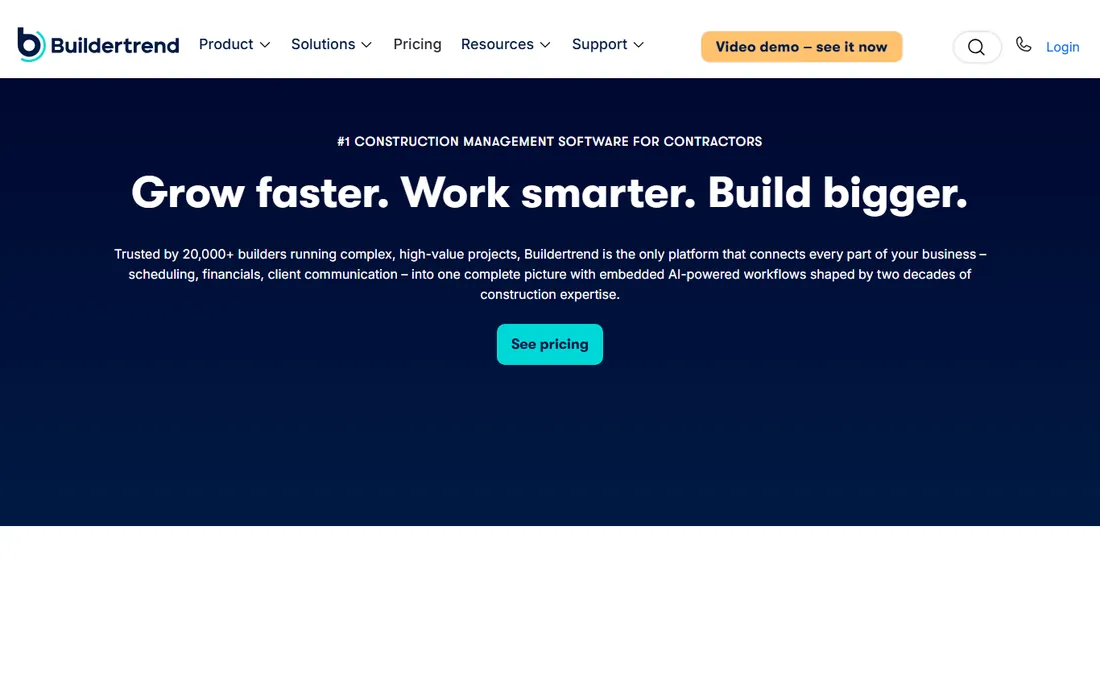
Buildertrend unifies the residential builder's world: scheduling, financials, selections, client portals and subcontractor coordination, with AI now handling submittals and document workflows. Two decades of builder focus show in the details.
Commercial GCs need more. Buildertrend fits home builders, remodelers and specialty contractors.
What we like- Leading platform for home builders and remodelers
- AI built into daily workflows including submittals
- Financials, schedules and client communication in one
Watch out for- Residential focus limits heavy civil fit
- Pricing is quote-based
Starting priceSee website
Free planNo
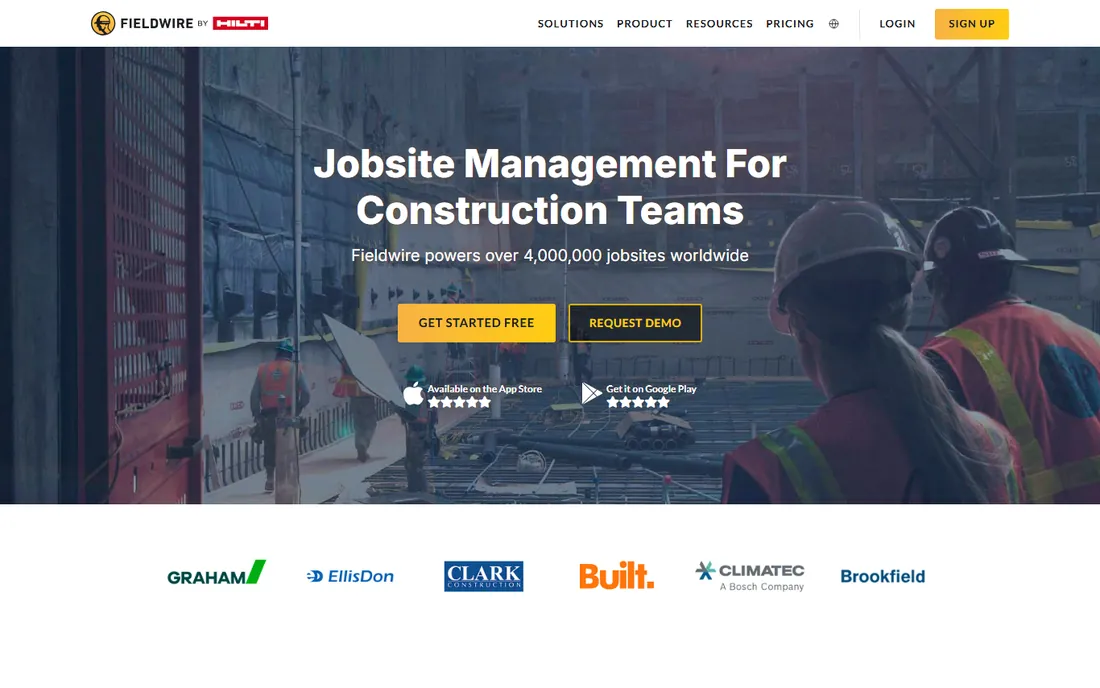
Fieldwire (Hilti) connects the field to the plan: tasks pinned to drawings, punch lists, inspections and messaging that crews actually use. The mobile experience is the selling point.
Back-office depth trails the suites. Fieldwire fits contractors prioritizing field execution and crew adoption.
What we like- Field-first task and plan management
- Easy for crews to adopt
- Hilti backing adds resources
- Strong punch list workflows
Watch out for- Less financial depth than Procore
- The office-side feature set is thinner
Starting priceSee website
Free planNo
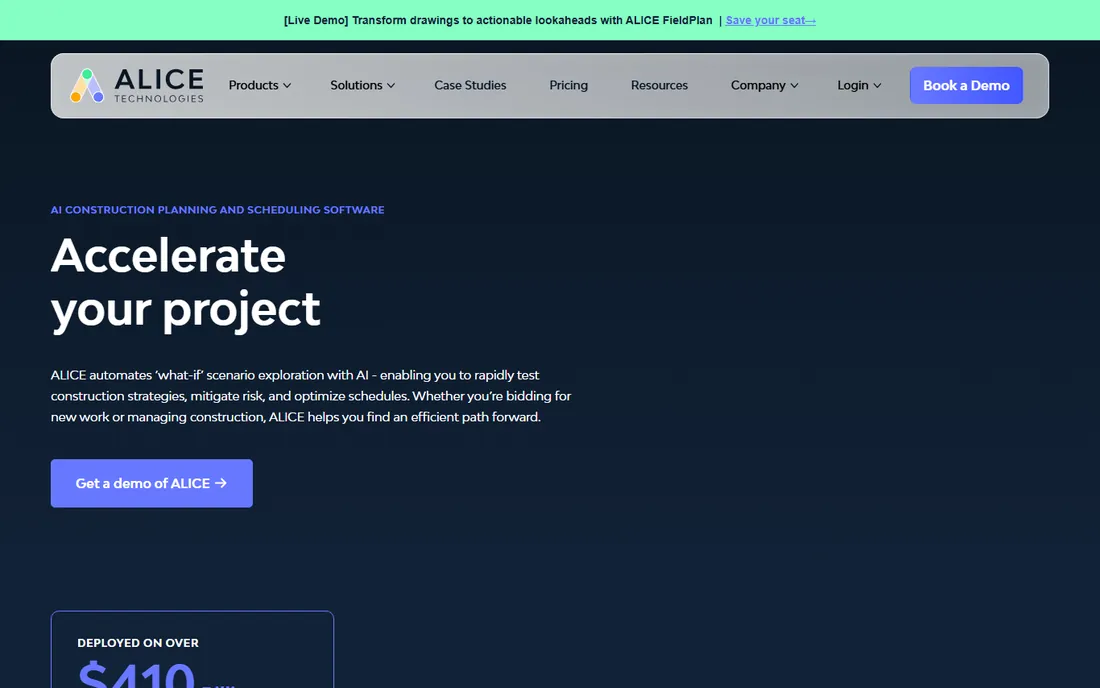
ALICE is the AI specialist: feed it the project model and constraints, and it explores millions of construction sequences to find the optimal schedule for duration, cost and resource use. Top general contractors use it on major projects.
It optimizes schedules; it does not run the jobsite. ALICE fits large contractors and owners where schedule is money.
What we like- Genuine AI: simulates millions of schedule scenarios
- Customers report 17 percent shorter durations and 14 percent lower labor costs
- Purpose-built for preconstruction
Watch out for- Specialized on scheduling, not full project management
- Enterprise pricing
Starting priceSee website
Free planNo

Buildots turns site imagery into management data: hardhat-mounted cameras capture the work, AI compares it to BIM and schedule, flagging delays and defects. Progress tracking becomes continuous instead of weekly.
Hardware deployment takes planning. Buildots fits large contractors wanting objective, real-time progress visibility.
What we like- Computer vision tracks progress from hardhat cameras
- Compares actuals to plan and schedule automatically
- Catches errors early
Watch out for- Requires camera hardware rollout
- Pricing is enterprise
- Best on large projects
Starting priceSee website
Free planNo
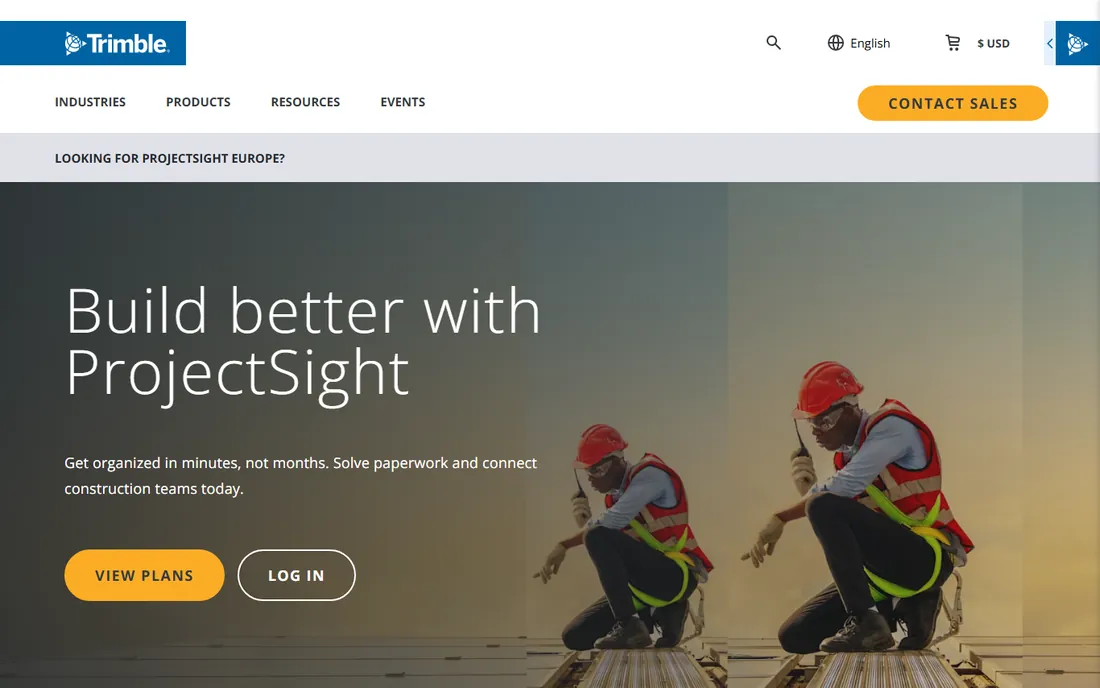
ProjectSight brings Trimble's construction technology into project management: documents, RFIs, punch lists and field workflows connected to the broader Trimble stack.
Standalone appeal is narrower. ProjectSight fits contractors already invested in Trimble hardware and software.
What we like- Trimble ecosystem integration
- Solid project, document and field management
- Good for Trimble-heavy contractors
Watch out for- Less market momentum than Procore
- AI features trail the specialists
Starting priceSee website
Free planNo
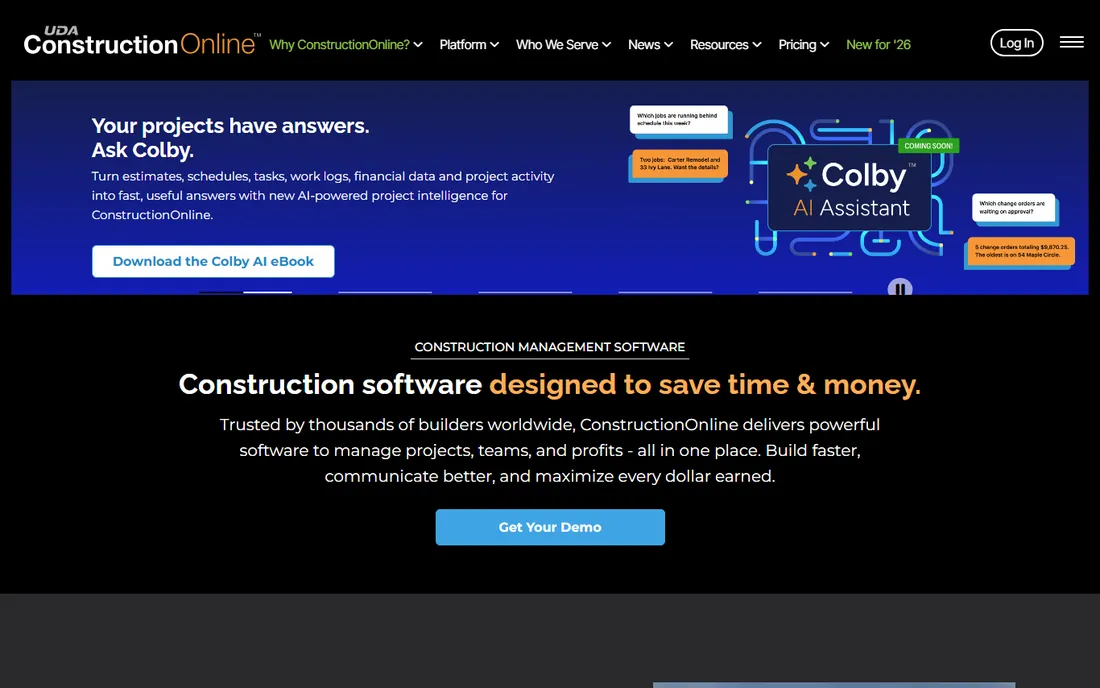
ConstructionOnline (UDA Technologies) offers contractors an all-in-one suite: project scheduling, estimating, daily logs, client communication and financials.
Innovation pace trails AI-native rivals. ConstructionOnline fits small to mid-size contractors wanting one established system.
What we like- Broad feature set for contractors: scheduling, estimating, client portals and financials
- Long track record
Watch out for- Interface feels dated
- AI capabilities are limited versus newer platforms
Starting priceSee website
Free planNo

BuildIT Systems serves Canadian contractors with scheduling, project management and dispatch tools tuned to local practices.
International buyers need other options. BuildIT fits Canadian contractors wanting domestic software and support.
What we like- Canadian vendor since 2000
- Scheduling, dispatch and project management for contractors
- Local market knowledge
Watch out for- Regional focus
- Smaller feature set than global platforms
What to check before you buy
Separate AI marketing from AI capability. Schedule optimization (ALICE) and vision-based tracking (Buildots) are real AI; chatbots bolted onto PM tools are less transformative.
Check field adoption: the best platform fails if crews will not use the app. Verify BIM and schedule integration for your file formats. Confirm offline mobile capability for jobsites with poor connectivity. Finally, evaluate implementation support: construction software succeeds on onboarding quality.
Getting field crews to actually use the software
Construction software dies in the trailer, not the office. The project managers buy it, the superintendents ignore it, and six months later the renewal comes up with adoption near zero. Adoption is a field problem first.
Start with the foreman's pain, not the executive's dashboard. Nobody in the field opens an app to feed headquarters analytics. They open apps that save them time: faster daily reports, photo documentation without the camera roll chaos, or RFIs answered in hours instead of days. Sell the tool on the problems the crew feels, and the data for the office follows.
Make the mobile experience the evaluation criterion. If the app is slow, confusing or unusable with gloves on, in bright sunlight, on a weak connection, it will not get used. Offline capability is non-negotiable: connectivity on jobsites is unreliable, and anything that loses data when the signal drops will be abandoned after the first incident. Test the app on a real device, on a real site, during the trial.
Keep the learning curve flat. The best field tools need under an hour of training. If onboarding requires a multi-day course, simplify the rollout: start with one workflow, such as daily logs or punch lists, get the crew comfortable, then add the next. Champions on each crew, usually a tech-comfortable foreman, do more for adoption than any corporate training program.
Respect the paper habit. Crews that have run on paper for twenty years will not switch because of a mandate. Run the new tool alongside paper for two weeks, show the crew the time saved on a real task (a daily report that took forty-five minutes now takes ten), then cut the paper. Evidence beats directives.
Measure what matters to the field. Track daily log completion rates, photo upload consistency and response times on RFIs, not just license utilization. When a superintendent sees that documented issues get resolved faster, usage becomes self-reinforcing.
Finally, close the feedback loop visibly. When field input changes a workflow or fixes an annoyance, say so publicly. Crews that see their feedback acted on keep giving it; crews that shout into a void stop using the tool.
How we chose
We selected construction platforms with live products and real contractor customers, spanning management suites and AI specialists, using vendor sites, documentation and public reviews. Pricing is quote-based across the category, so all prices are See website. We did not build anything.
Where AI helps most on a jobsite
AI in construction works best on specific, bounded problems rather than as a general promise. Knowing where the value actually sits helps buyers cut through the marketing.
Schedule optimization is the clearest win. Tools that simulate thousands of schedule scenarios find sequences human planners miss, and they replan in minutes when reality intervenes. The value compounds on complex projects with tight sequencing constraints, where a two-week acceleration is worth more than the software costs many times over.
Progress tracking from photos and video is maturing fast. Computer vision compares site imagery against the BIM model or schedule and flags what is behind. This does not replace superintendents, but it gives project managers an objective second opinion and catches slippage weeks earlier than monthly reports.
Safety monitoring shows promise with caveats. Vision systems can flag missing PPE or unsafe behavior, but false positives erode trust quickly and the privacy implications need handling with crews and unions upfront. Pilot this narrowly before committing.
Document intelligence is the quiet workhorse. RFIs, submittals, change orders and drawings generate thousands of pages; AI search and summarization across that corpus saves hours weekly for project engineers. The ROI here is unglamorous and very real.
Where AI helps least: replacing judgment. Soil conditions, subcontractor reliability, weather calls and client politics remain human decisions. Tools that present themselves as decision-makers rather than decision support tend to disappoint. Buy the ones that make your best people faster, not the ones that promise to replace them.
Frequently asked questions
What does AI actually do in construction management?
Schedule optimization (simulating scenarios), computer-vision progress tracking, document and submittal automation, safety monitoring and predictive delay analytics.
How is ALICE different from regular scheduling software?
ALICE uses AI to explore millions of possible construction sequences and resource combinations, finding optimal schedules humans would not discover manually.
What is Buildots and how does it work?
Buildots mounts cameras on hardhats, captures site imagery, and uses computer vision to compare actual progress against BIM models and schedules automatically.
Procore vs Buildertrend: which is right for us?
Procore suits commercial general contractors and owners at scale. Buildertrend suits residential builders, remodelers and specialty contractors with client-facing workflows.
Do field crews actually adopt these tools?
Adoption decides ROI. Field-first tools like Fieldwire win on simple mobile UX. Budget real training time regardless of vendor.
How much does construction management software cost?
Pricing is quote-based and scales with project volume, users and modules. Expect thousands to tens of thousands annually; AI specialists price per project or enterprise license.
How long does it take to deploy construction management software?
For a single project team, a focused rollout takes two to six weeks: configuration, template setup, and training on one or two core workflows. Company-wide deployment across multiple jobsites takes longer, typically two to four months, because each project has its own processes to map. The fastest deployments start narrow (daily logs and document control) and expand once the field team is comfortable.
Can construction software integrate with accounting systems?
Most established platforms integrate with common construction accounting tools like Sage, Viewpoint or QuickBooks, syncing budgets, costs and invoices. The depth varies: some offer real-time sync while others rely on scheduled imports. Verify the specific integration your finance team needs before buying, because accounting reconciliation is where failed implementations hurt most.
Sources we checked (8)
- https://www.procore.com
- https://www.buildertrend.com
- https://www.fieldwire.com
- https://www.alicetechnologies.com
- https://buildots.com/
- https://projectsight.trimble.com
- https://us.constructiononline.com/uda-constructiononline-construction-management-software
- https://www.builditsystems.com
Is your product missing or out of date?
We review this list regularly. Vendors can request a listing, send updated pricing or ask about featured placement.

Shihab Mia · Founder, Rankite
Shihab has 5+ years in B2B and SaaS SEO. He writes Rankite's software buying guides from pricing pages, documentation and public user reviews. More about Shihab.
 Procore
 Buildertrend
 Fieldwire
 ALICE Technologies
 Buildots
 Trimble ProjectSight
 ConstructionOnline
 BuildIT Systems