How we make this list: we compare pricing pages, product documentation and public user reviews. Rankite is independent; if a vendor ever pays for a featured spot, that listing is clearly labeled Partner.
Key takeaways
- Computer monitoring tools split into two camps: privacy-respecting workforce analytics (ActivTrak, Insightful, Monitask) and deep-surveillance platforms (Teramind, Veriato) built for investigations and insider threats.
- Starting prices range from $4.99 per user per month (Hubstaff) to quote-based enterprise plans (Veriato, Syteca), with most vendors offering a free trial.
- Check your state and local notice-and-consent rules before deploying anything; the technology is widely legal on company-owned devices, but employee notification requirements vary.
- The cheapest tool is not always the cheapest rollout: add-ons for screenshots, API access, and data retention can push the real per-seat cost well above the headline price.
Quick comparison
| Tool | Best for | Starting price | Free plan |
|---|
 Teramind Teramind | Insider threat detection and data loss prevention | See website | No / Free trial |
 ActivTrak ActivTrak | Workforce analytics without invasive surveillance | $10 per user/month (billed annually) | Yes (up to 3 users) |
 Hubstaff Hubstaff | Time tracking with payments and invoicing built in | $4.99 per user/month (billed annually) | Yes / Free trial (14 days) |
 Time Doctor Time Doctor | Proof of work with payroll for remote teams | $6.70 per user/month (billed annually) | No / Free trial (14 days) |
 Insightful Insightful | Transparent workforce analytics for remote teams | $8 per user/month (billed annually) | No / Free trial (7 days) |
 Veriato Veriato | Deep investigations and behavioral analytics | See website | No / Free trial (7 days) |
 Syteca Syteca | Privileged access and session monitoring for IT teams | See website | No |
 InterGuard InterGuard | All-in-one monitoring plus endpoint protection | $8 per user/month | No / Free trial |
 Monitask Monitask | Consent-based monitoring for small remote teams | $6.49 per user/month (billed annually) | No / Free trial (10 days) |
Is your product missing or out of date?
We review this list regularly. Vendors can request a listing, send updated pricing or ask about featured placement.
The top computer monitoring software
An ExpressVPN survey of 2,000 employers and employees found that 85% of employers use some form of online monitoring, according to reporting by The Register. Whether you find that reassuring or unsettling, it means the question is no longer whether to monitor but how. The nine tools below cover the full range, from light-touch productivity analytics to forensic-grade session recording.
#1
Teramind
Best for: Insider threat detection and data loss prevention
Visit teramind.co
Starting priceSee website
Free planNo / Free trial
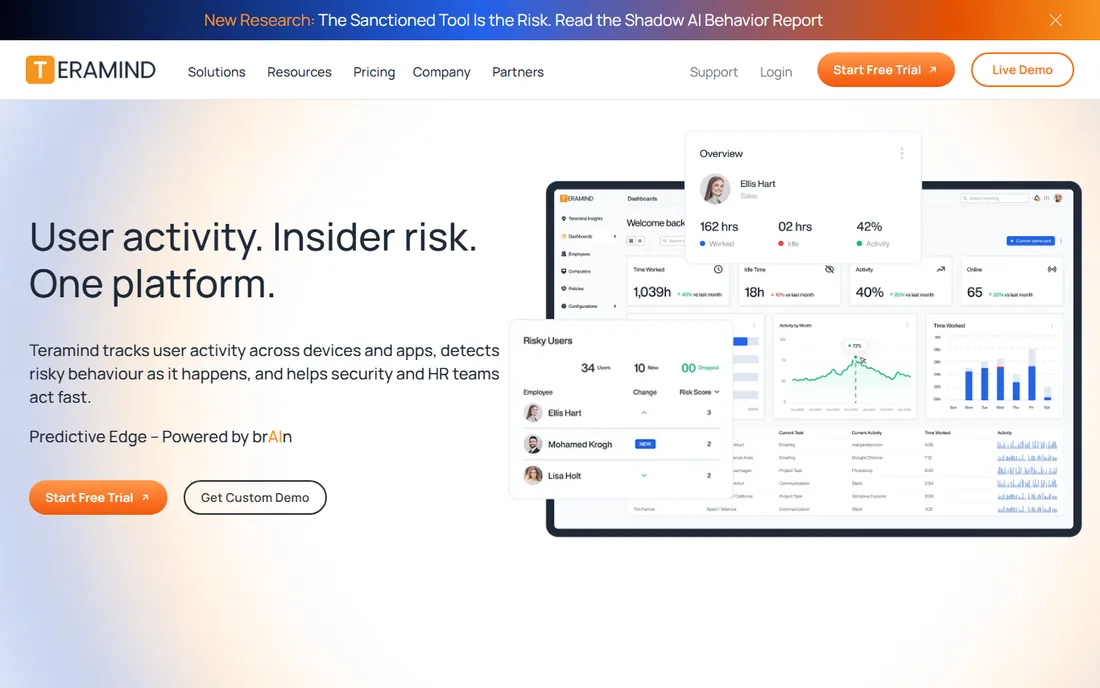
Teramind is the heaviest tool on this list, and it owns that position deliberately. It records screens, logs keystrokes, watches email and file transfers, and scores user behavior for risk. For a financial services firm or healthcare provider with real compliance obligations, that depth is the point: it can prove what happened, when, and who did it.
The honest catch is that Teramind is a security platform wearing a productivity label. The interface assumes an IT or security administrator, not an HR manager. Smaller companies without that kind of compliance pressure usually find it to be more surveillance than they need, and employees tend to push back once they learn what it captures. Use it when you have a genuine insider-threat or audit problem to solve, not to check whether the marketing team is at their desks.
What we like- Forensic-grade session recording with searchable playback
- DLP, UEBA, and productivity analytics in one platform
- Runs in cloud, on-premise, or private cloud
Watch out for- Deep surveillance features can damage employee trust
- Five-seat minimum on every plan
- Setup and rule tuning take dedicated IT time
Starting price$10 per user/month (billed annually)
Free planYes (up to 3 users)
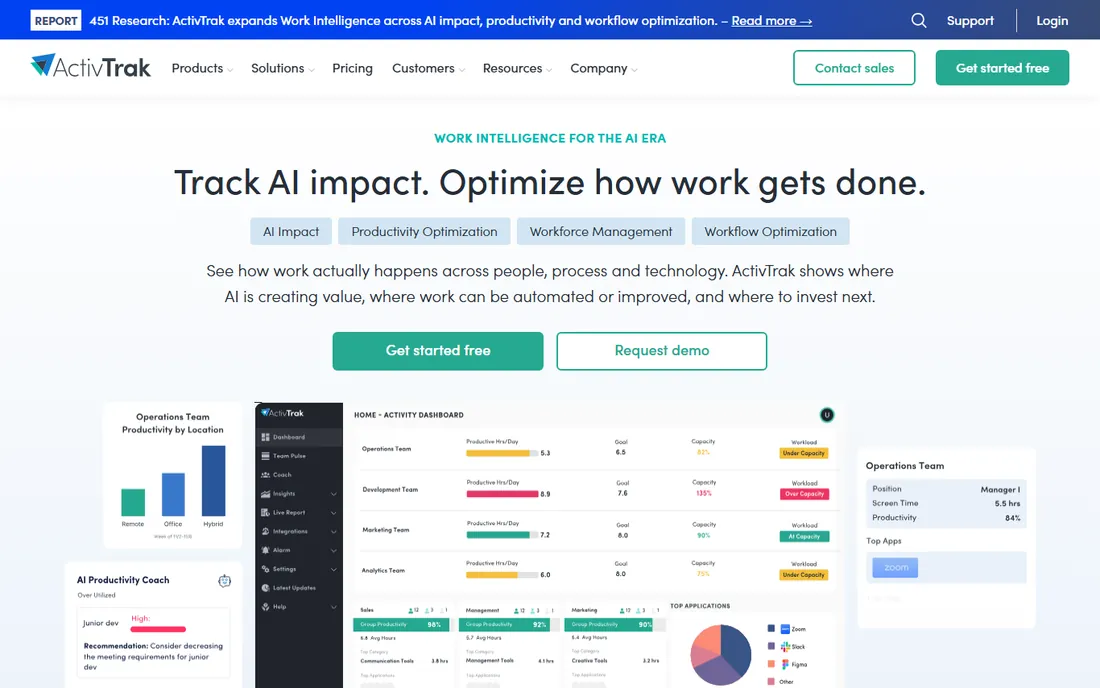
Where Teramind watches everything, ActivTrak deliberately refuses to. It tracks apps, websites, active time, and schedule adherence, then turns that into capacity planning, productivity goals, and team health dashboards. Managers get utilization trends and AI usage reports without ever seeing an employee's inbox or keystrokes.
That restraint is its biggest selling point with employees and HR. The tradeoff is a pricing model with real add-on sprawl: screenshots, API access, and extended data history each cost extra, so the $10 headline can climb fast once you configure what you actually need. Still, for a small or mid-size company that wants workforce insight without a surveillance backlash, ActivTrak is the easiest tool on this list to defend to your team.
What we like- Genuine free plan for up to three users
- No keystroke logging, email reading, or camera access by design
- Strong workload balance and burnout-risk analytics
Watch out for- Screenshots and live screen view need a paid add-on
- Paid plans bill annually with no monthly option
- Premium support tiers cost extra above 50 seats
#3
Hubstaff
Best for: Time tracking with payments and invoicing built in
Visit hubstaff.com
Starting price$4.99 per user/month (billed annually)
Free planYes / Free trial (14 days)
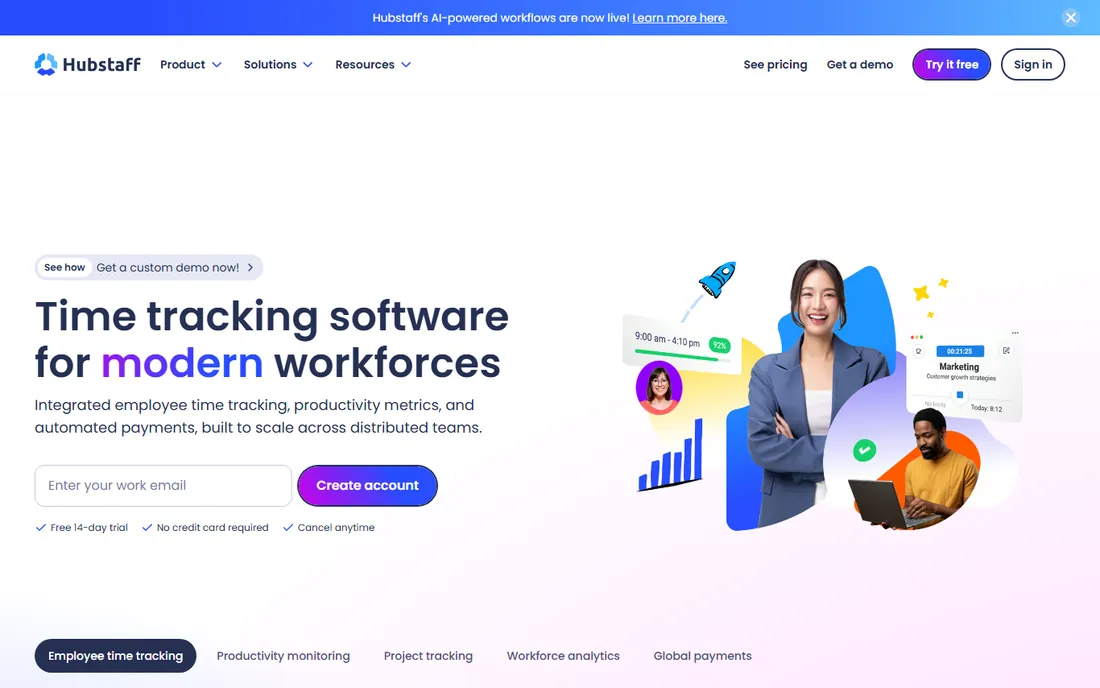
Hubstaff approaches monitoring from the time-tracking side rather than the surveillance side. Hours flow automatically into timesheets, timesheets feed payroll and invoices, and the activity data (apps, URLs, optional screenshots, activity levels) sits on top of that. For agencies, BPOs, and distributed teams that pay by the hour, that financial layer makes Hubstaff pull double duty.
The AI-powered unusual activity detection, which flags things like mouse jigglers, is a useful guardrail for remote attendance. Just read the pricing carefully: the $4.99 Starter tier is genuinely cheap, but screenshots beyond the basics, workforce analytics, GPS features, and corporate controls each live on higher tiers or add-ons. Budget against the feature set you need, not the entry price.
What we like- Automated payments through PayPal, Wise, and Gusto
- GPS tracking and geofencing for field and mobile teams
- Lowest entry price of the major platforms
Watch out for- Advanced features like Insights analytics and extra screenshots are paid add-ons
- The full platform can be more than office-only teams need
- Monthly billing costs noticeably more
Starting price$6.70 per user/month (billed annually)
Free planNo / Free trial (14 days)
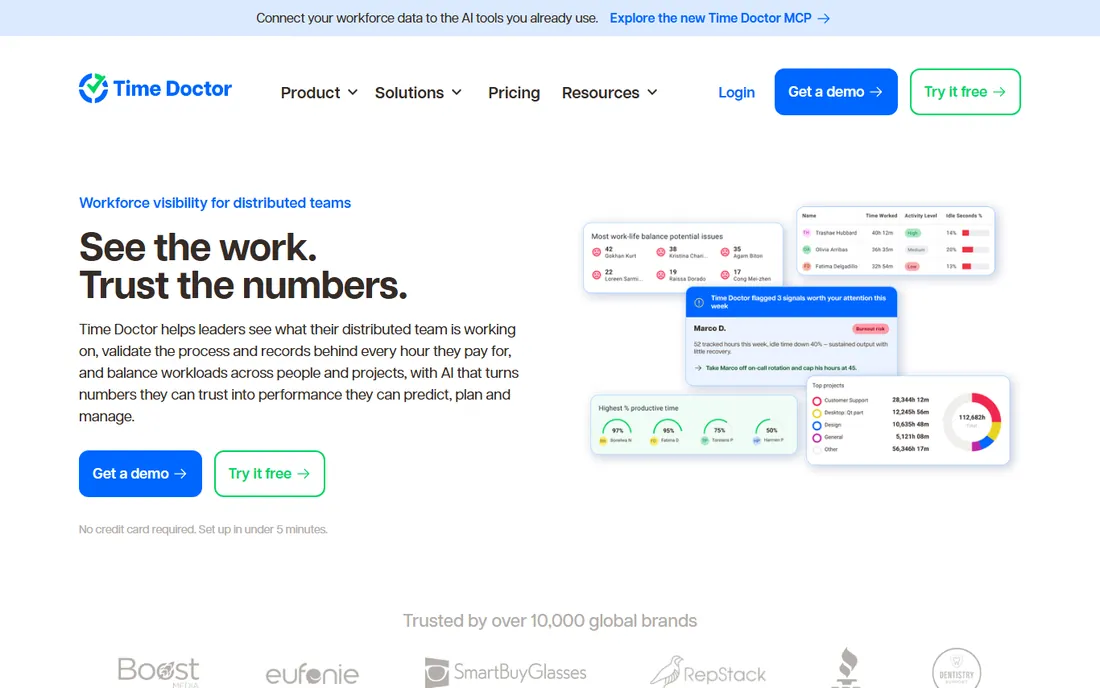
Time Doctor has been tracking distributed teams for years, and the maturity shows. Beyond the standard screenshots and app usage reports, it ties hours directly to payroll, flags unproductive patterns with distraction alerts, and now bundles AI-driven insights into every tier instead of reserving them for enterprise buyers.
What keeps it out of the top spot for privacy-sensitive buyers is the philosophy: this is verification software. Screenshots are core to the product, not an add-on, and the platform is designed to validate that hours worked were hours productive. Teams that treat it as a shared source of truth do well with it. Teams that deploy it silently tend to get the backlash that comes with that. The 14-day trial is worth using with a pilot group before committing.
What we like- 60+ integrations with payroll and HRIS systems
- Distraction alerts and work-life balance metrics
- AI features included in every plan rather than gated
Watch out for- No free plan of any kind
- The monitoring depth can feel intrusive to some teams
- Lower tiers limit data storage and group counts
Starting price$8 per user/month (billed annually)
Free planNo / Free trial (7 days)
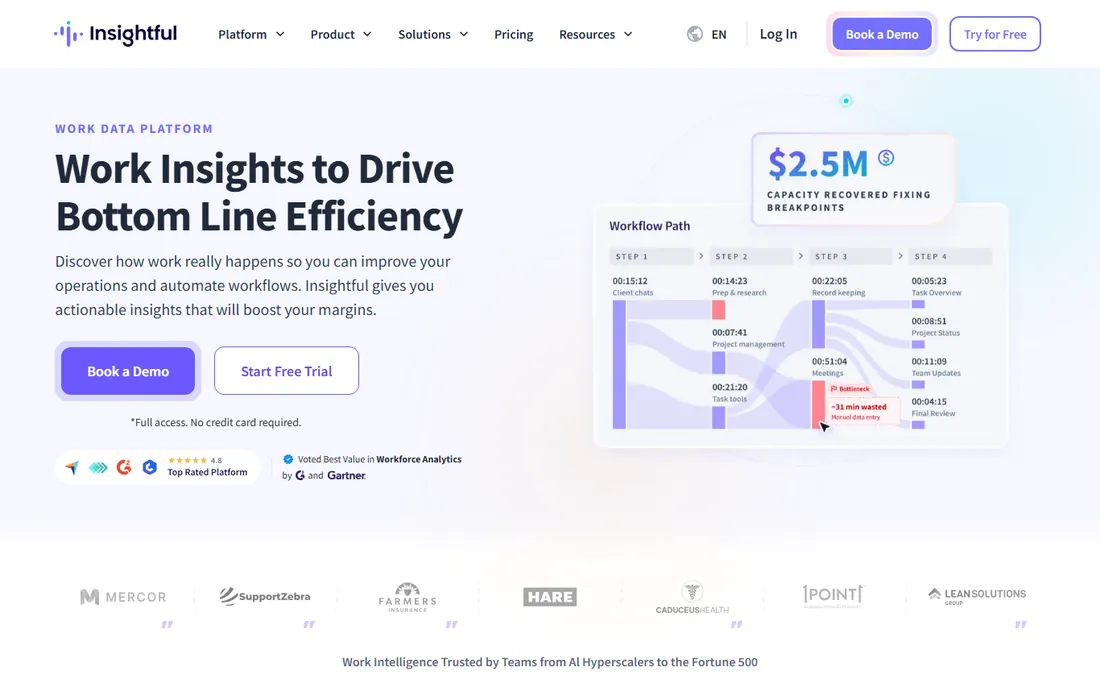
Insightful, formerly Workpuls, positions itself as the anti-spyware option. Employees can see their own activity and productivity data, monitoring is tied to working hours, and the platform flat-out refuses to log keystrokes. That consent-based design makes it one of the easier tools to roll out to a skeptical team.
Under the hood it is still serious analytics: workload balance, productivity trends, project time tracking, and capacity analysis across Windows, macOS, and Linux, with an on-premise option for companies that need it. The pricing is where you need to pay attention, since the advertised $8 applies to annual billing and screen recording costs extra. For a small business that wants insight without the creepy factor, the tradeoff is usually worth it.
What we like- Employee-facing dashboards build trust instead of eroding it
- No keystroke logging anywhere in the product
- One billable seat per person across all their devices
Watch out for- Screen recording is a separate add-on and excluded from the trial
- Entry pricing requires annual billing
- Lighter on surveillance than investigation-minded buyers may want
Starting priceSee website
Free planNo / Free trial (7 days)
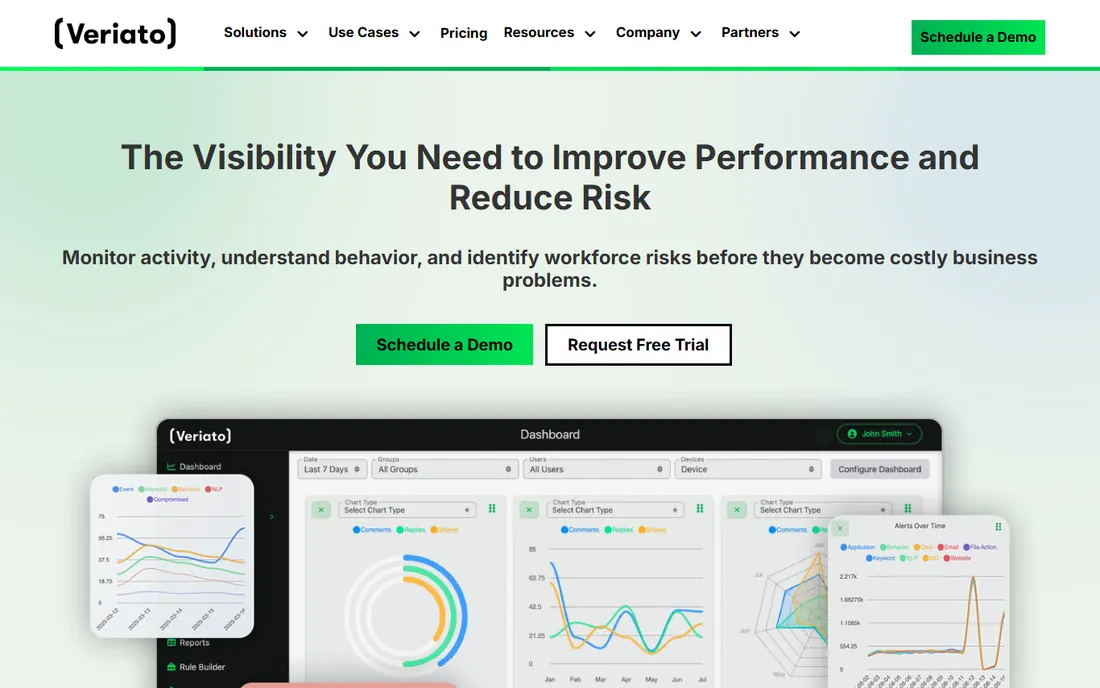
Veriato has been in the insider-risk business for more than 25 years, and it shows in the feature set. Sentiment analysis, anomaly detection, and predictive behavior analytics go well beyond screenshots. This is the tool you deploy when you suspect data theft, need evidence for HR or legal, or operate in an industry where behavioral anomalies are a genuine threat vector.
For a typical small business, Veriato is almost certainly too much. The quote-based pricing, the five-user minimums, and the IT overhead of on-premise deployment all assume a company with security staff. It belongs on this list because when you need this level of visibility, nothing lighter will do. But buy it for a specific investigation or compliance need, not as a general productivity tool.
What we like- Tracks 130+ behavioral signals with AI-powered risk scoring
- Captures keystrokes, email, and chat for forensic investigations
- Cloud or on-premise deployment
Watch out for- No published pricing, so budgeting requires a sales conversation
- The depth of capture raises real privacy questions
- Built for larger teams, not small offices
#7
Syteca
Best for: Privileged access and session monitoring for IT teams
Visit syteca.com
Starting priceSee website
Free planNo
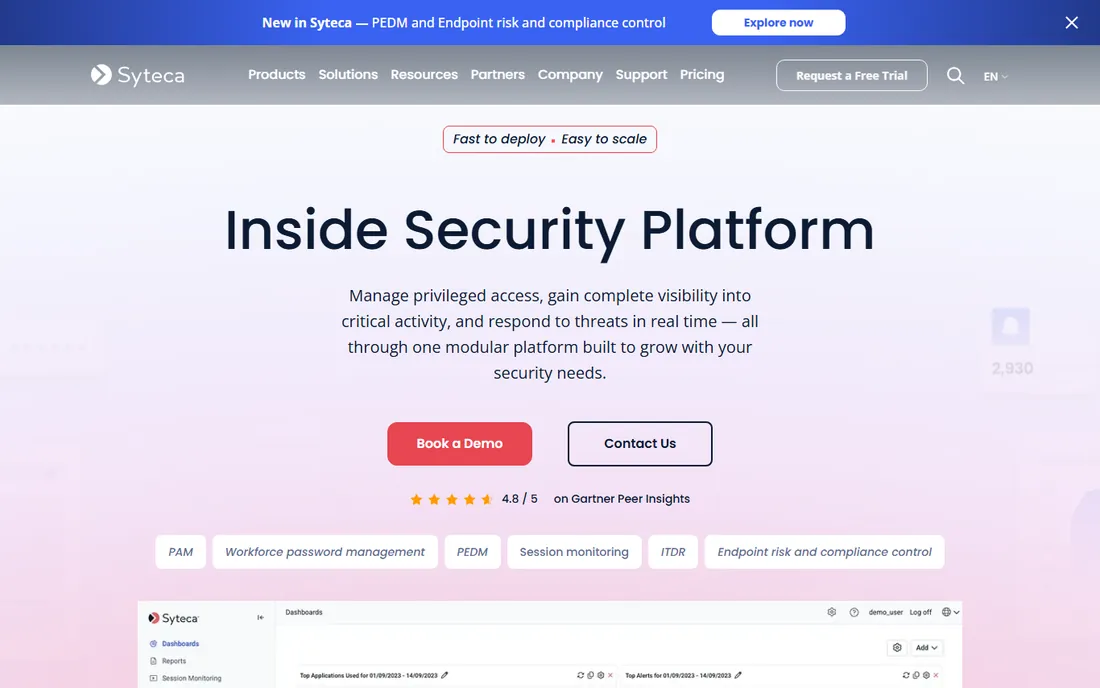
Syteca is the new name for Ekran System, rebranded around an "inside security platform" concept. It manages who can access critical systems, records privileged sessions for audit evidence, and detects identity threats in real time. The session monitoring covers Windows, Linux, and macOS with searchable metadata on apps, URLs, and USB devices.
Note the audience difference: this is an IT and compliance tool. It does not do productivity scoring, workload balance, or timesheets. If your monitoring need is about protecting servers and meeting audit requirements like ISO 27001 or PCI DSS, Syteca belongs on your shortlist. If you are trying to measure whether the support team is productive, look at the analytics tools above instead.
What we like- Combines privileged access management with session monitoring in one console
- Agentless and agent-based deployment
- Modular licensing means you only pay for what you activate
Watch out for- Quote-based pricing with no public starting point
- Built for security teams, not HR or operations
- Session monitoring is IT-focused rather than productivity-focused
Starting price$8 per user/month
Free planNo / Free trial
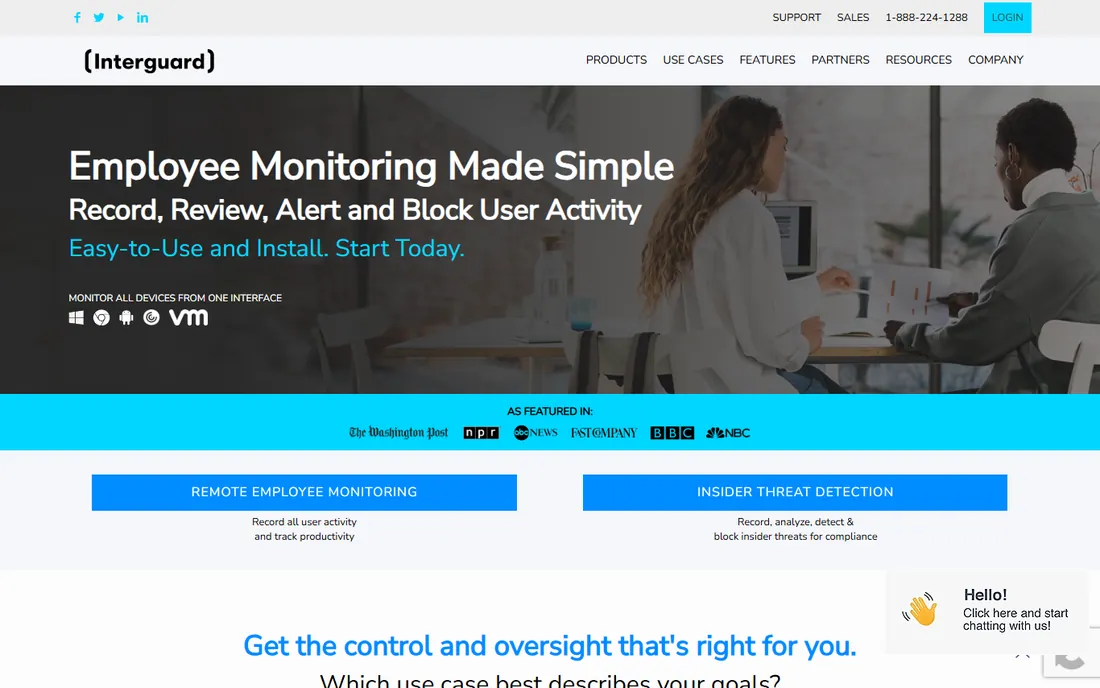
InterGuard, from Awareness Technologies, bundles employee monitoring with endpoint security features that most competitors sell separately or skip entirely: data loss prevention, endpoint lockdown for lost devices, geolocation, and web blocking. For a small IT team that wants one console for both monitoring and device protection, that breadth is appealing.
The pricing reflects the breadth. The $8 base is only the start; DLP, geolocation, enterprise file tracking, and endpoint lockdown are each priced separately, and the monthly plan drops Chromebook and mobile coverage. The website is also dated and the product has no integration story to speak of. Consider InterGuard when you want monitoring plus endpoint controls from a single vendor, and budget for the add-ons you will actually use.
What we like- Monitoring, web filtering, and endpoint lockdown in one vendor
- Tracks mobile devices alongside desktops
- Decades of experience in the category
Watch out for- Pricing is complex, with many features sold as separate add-ons
- No third-party integrations listed
- The monthly plan covers Windows and Mac only
Starting price$6.49 per user/month (billed annually)
Free planNo / Free trial (10 days)
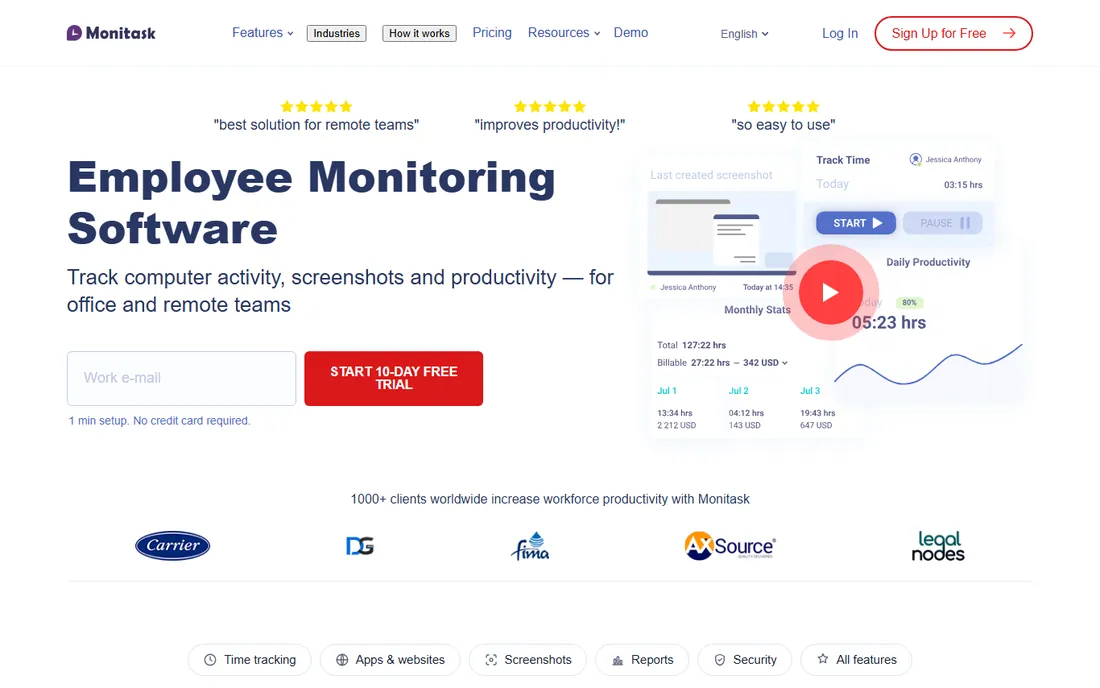
Monitask takes the transparency argument even further than Insightful. Employees start and stop tracking themselves, monitoring only happens while someone is clocked in, and the vendor openly refuses keystroke logging. The product page even explains what the software cannot do, which is a refreshing pitch in this category.
For a small remote team, the all-in pricing is the draw: time tracking, proof-of-work screenshots, and basic project management from $6.49 per seat. Integrations with Jira, Asana, Trello, and ClickUp come on higher tiers, and screenshot frequency upgrades add per-seat cost. If your team is small, remote, and nervous about being watched, Monitask is built to win that argument.
What we like- Employees clock themselves in, so tracking is visibly consent-based
- Never logs keystrokes or records video
- Time tracking, screenshots, and project management in one price
Watch out for- No free plan
- Higher screenshot frequencies cost extra per license
- Stealth mode and advanced tracking sit on higher tiers
How to roll out monitoring without losing your team's trust
The tools above work, technically. The failure mode is almost never technical. It is a team that discovers screenshots in their inbox screenshots, or reads about the new "productivity platform" on a rumor thread before management mentions it. A few practices separate the rollouts that stick from the ones that end in resentment.
Tell people before you install anything, and tell them in plain language what is captured and what is not. A one-page policy beats a fifty-page acceptable-use document that nobody reads. Give employees access to their own data wherever the tool allows it; Insightful, ActivTrak, and Time Doctor all support this, and it turns the tool from surveillance into a shared source of truth.
Start with team-level trends, not individual drill-downs. The first month of data should answer questions like "where is the team spending time" and "which projects are eating hours," not "why was Sarah idle at 2:40." When managers lead with aggregate insight, the tool reads as operational intelligence. When they lead with individual screenshots, it reads as a spy camera. Finally, connect the data to something the team wants: fairer workload distribution, evidence for hiring requests, or killing meetings that show up as pure overhead in the reports.
What to check before you buy computer monitoring software
Start with the law, because it varies more than most vendors admit. Monitoring on company-owned devices is broadly legal in the US, but notice and consent rules differ by state, and several states require written employee notification. If you have staff in the EU or UK, GDPR changes the calculus significantly. Run the plan past employment counsel before you buy, not after.
Next, decide how much surveillance you actually need. Workforce analytics tools (ActivTrak, Insightful, Monitask) measure productivity patterns without capturing sensitive content. Investigation-grade tools (Teramind, Veriato) capture keystrokes and email, which is powerful but creates data you must then protect. A good rule: buy the lightest tool that answers your real question. If the question is "are we staffed correctly," you do not need keystroke logging.
Deployment and privacy controls
Check whether the tool supports on-premise or private cloud deployment if your industry requires it; Teramind, Veriato, Insightful, and Syteca all offer this. Look for screenshot blurring, data masking, and configurable retention windows, which let you capture useful signal without storing sensitive personal data. Confirm the agent runs on every OS you support, and check whether mobile monitoring is included or a separate product.
Pricing realities
Annual billing is the norm, and the advertised per-seat price often excludes the features buyers assume are included. ActivTrak gates screenshots behind an add-on. Insightful gates screen recording. Hubstaff tiers GPS and analytics. Ask for a quote that includes every add-on you need for a full year, and compare that number, not the headline. Also confirm the seat minimum: Teramind requires five, Veriato five, and several others have minimums that matter for very small teams.
Integrations and reporting
Monitoring data is more useful when it flows somewhere. Hubstaff and Time Doctor connect to payroll and project tools. ActivTrak and Insightful push to BI platforms. If you run on Slack, Jira, or a specific HRIS, check the integration list before you commit, because several of these tools have thin integration catalogs and expensive API add-ons.
How we chose
We started from the tools that appear most consistently across buyer guides, review sites, and community discussion for computer monitoring, then narrowed to nine that cover the category's real range: analytics-first, time-tracking-first, surveillance-grade, and security-focused. We checked each vendor's own site for current positioning and pricing, leaning on vendor documentation where available and on recent third-party reviews only where vendors do not publish prices. We weighted transparency features, deployment options, and pricing clarity alongside raw capability, since a monitoring tool that destroys trust is a failed purchase regardless of its feature list. We did not test any of these tools hands-on.
Frequently asked questions
Is it legal to monitor employees' computers?
On company-owned devices, employee monitoring is broadly legal in the US, but notice and consent rules vary by state. Several states require employers to inform staff in writing before monitoring begins. Always publish a clear monitoring policy, restrict monitoring to work devices and work hours where possible, and get legal advice before deploying in regulated industries or outside the US.
Do employees know they are being monitored?
That depends on the tool and how you deploy it. Some platforms, including Teramind and Monitask, support hidden or employee-controlled modes. In practice, transparent deployment works better: telling the team what is tracked, why, and giving them access to their own data produces less resentment and more useful results than silent monitoring.
Can these tools monitor personal devices?
Most vendors design their agents for company-owned computers, and several explicitly limit or forbid monitoring personal devices. InterGuard and Hubstaff do offer mobile monitoring for company-managed phones. As a rule, do not install monitoring agents on devices your company does not own; it creates legal exposure that no productivity gain justifies.
What is the difference between workforce analytics and employee surveillance?
Workforce analytics tools measure patterns: app usage, active time, workload balance, and capacity trends, usually with employee visibility into the data. Surveillance-grade tools capture content: keystrokes, email bodies, chat messages, and continuous screen recording. Choose analytics when the goal is productivity and staffing decisions; choose surveillance only when you have a specific security or investigation need.
Are there free computer monitoring tools?
Free options are thin. ActivTrak offers a genuinely free plan for up to three users, and Hubstaff has a free single-user tier. Beyond that, most vendors offer time-limited trials (7 to 14 days) rather than free plans. Be wary of free tools from unknown vendors in this category, since a monitoring agent has deep access to your systems.
How much does computer monitoring software cost?
Entry pricing for the tools in this guide runs from $4.99 to $10 per user per month on annual billing, with Veriato and Syteca priced by quote. The headline price rarely tells the whole story: add-ons for screenshots, API access, data retention, and premium support can add several dollars per seat. For a ten-person team, budget roughly $600 to $1,500 per year depending on the feature set.
Sources we checked (18)
- https://www.teramind.co/
- https://www.activtrak.com/
- https://hubstaff.com/
- https://hubstaff.com/blog/best-time-tracking-app-for-contractors/
- https://www.timedoctor.com
- https://www.worktime.com/blog/employee-monitoring/time-doctor-review-features-pricing-pros-and-cons
- https://www.insightful.io/
- https://help.insightful.io/en/articles/5276799-insightful-productivity-management-plan
- http://clevercontrol.com/best-employee-monitoring-software-for-small-businesses-2026/
- https://veriato.com/
- https://www.business.com/reviews/veriato-360/
- https://www.syteca.com/
- https://interguardsoftware.com/
- https://slashdot.org/software/p/InterGuard-Employee-Monitoring/
- https://www.monitask.com/
- https://www.monitask.com/remote-employee-monitoring-software/
- https://worksnaply.com/blog/time-doctor-vs-activtrak
- https://www.theregister.com/security/2025/01/30/wfh-with-privacy-85-of-brit-bosses-are-snooping-on-staff/1447077
Is your product missing or out of date?
We review this list regularly. Vendors can request a listing, send updated pricing or ask about featured placement.

Shihab Mia · Founder, Rankite
Shihab has spent more than a decade helping SaaS and e-commerce brands grow through search. He writes Rankite's software buying guides from pricing pages, documentation and public user reviews. More about Shihab.