How we make this list: we compare pricing pages, product documentation and public user reviews. Ratings come from G2, Capterra or Trustpilot, with the date we checked them.
Key takeaways
- "Client adoption" covers two jobs: getting customers to use your product (in-app tours, checklists, analytics) and getting new clients through a structured onboarding project. Pick the category first, then the tool.
- Most in-app adoption tools price by monthly active users, so your bill grows as your customer base grows. Entry plans from UserGuiding, Userpilot and Chameleon sit between roughly $174 and $299 per month on annual billing.
- Pendo is the only tool here with a real free tier for in-app guides (capped at 500 monthly active users), but its paid plans are quote-only and reported contract values are far above the small-team tools.
- Rocketlane and GUIDEcx suit service-heavy teams that run onboarding as a project with a client portal. Both charge per internal seat, and customers log in free.
- Several vendors hide prices behind a sales call. Budget for a trial, a pilot and a MAU estimate before you commit to an annual contract.
Quick comparison
| Tool | Best for | Starting price | Free plan |
|---|
 UserGuiding UserGuiding | Small SaaS teams on a budget | $174 per month (billed annually, up to 2,000 MAUs) | Yes (help center and knowledge base only) |
 Userpilot Userpilot | Product teams that want guides plus usage analytics | $299 per month (billed annually, up to 2,000 MAUs) | Free trial |
 Appcues Appcues | Mid-market SaaS teams building onboarding flows | See website | Free trial (14 days at sign-up, reportedly extended after installing the SDK) |
 Chameleon Chameleon | Teams that care about how in-app guides look | $279 per month (billed annually, up to 2,000 monthly tracked users) | Free trial (14 days) |
 Pendo Pendo | Larger products that need deep analytics plus guides | Free up to 500 MAUs; paid plans See website | Yes (500 MAUs) |
 Rocketlane Rocketlane | Service teams running client onboarding as a project | $49 per user/month (billed annually, 5-seat minimum on Standard) | Free trial (14 days) |
 GUIDEcx GUIDEcx | Implementation teams with complex, multi-party rollouts | See website | No |
 Whatfix Whatfix | Enterprises guiding users across many applications | See website | No |
 Userflow Userflow | Teams that want a quick, modern flow builder | See website | See website |
Is your product missing or out of date?
We review this list regularly. Vendors can request a listing, send updated pricing or ask about featured placement.
The best client adoption software
Starting price$174 per month (billed annually, up to 2,000 MAUs)
Free planYes (help center and knowledge base only)
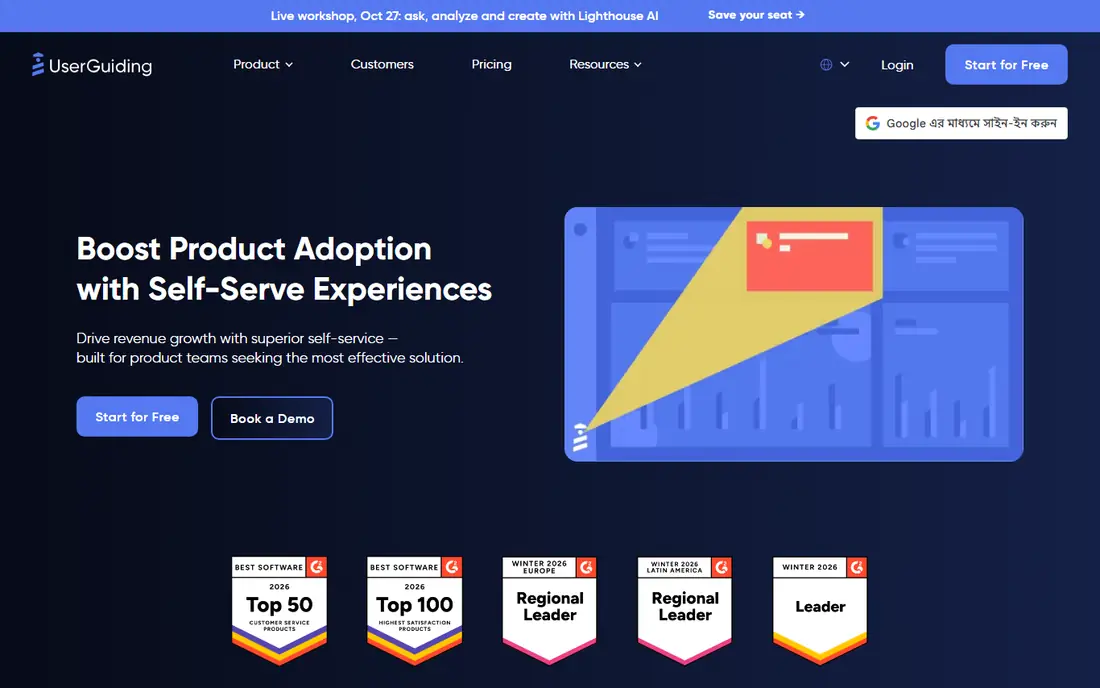
UserGuiding is the easiest place to start if you have a small product, a small team and no engineer to spare. Starter covers product tours, hotspots, checklists and a resource center, and the price is shown on its pricing page rather than hidden behind a form.
The free plan is worth reading carefully. It gives you a knowledge base, a product updates page and an AI assistant with a limited number of free resolutions, but not tours or checklists. Treat it as a way to try the help-center side, not as a free adoption tool.
The honest catch is the ceiling. Third-party reviews point out that the Starter plan limits how many active guides and checklists you can run, and that goal tracking, A/B tests and localization sit on the Growth plan at about double the price. It is also web-first, so mobile-heavy products will want something else.
What we like- Published prices
- No-code builder for tours, hotspots and checklists
- 30-day money-back guarantee reported by reviewers
Watch out for- Caps on active guides and checklists on the entry plan
- A/B testing and custom CSS require the higher plan
#2Userpilot
Best for: Product teams that want guides plus usage analytics4.6/5 on
G2 (1,020 reviews, checked Oct 2026)
Visit userpilot.com
Starting price$299 per month (billed annually, up to 2,000 MAUs)
Free planFree trial
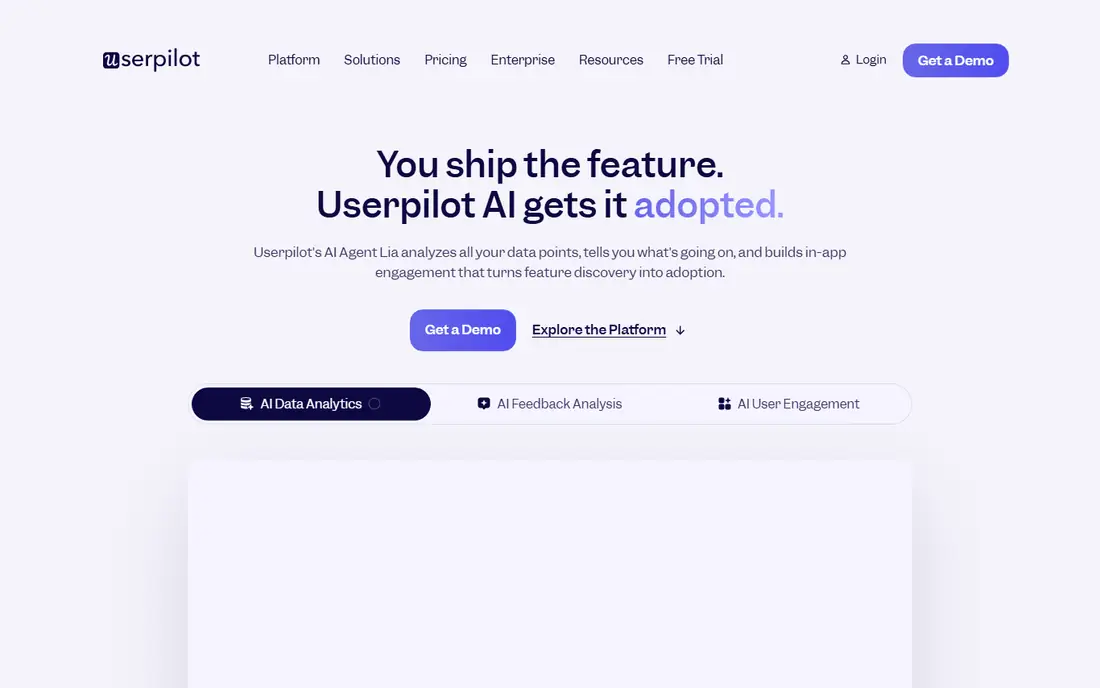
Userpilot suits a product manager who wants to see which clients actually use which features, then build a guide to push the lagging ones. It combines in-app messaging with event tracking and segmentation, so you do not need to stitch an analytics tool to a tour builder.
Pricing is published for the first two tiers: Starter at $299 per month for up to 2,000 MAUs and Growth from $849 per month, with Enterprise quoted. You will see slightly different numbers on third-party listing sites, so confirm on the vendor page before you budget.
The weak spot is the jump. Once you outgrow Starter you are into Growth pricing, and some reviewers describe the entry cost as a barrier for small companies. It is also less deep than Pendo for pure behavioral analytics.
What we like- Onboarding flows, segmentation and analytics in one tool
- Public pricing for Starter and Growth
- Quick setup reported at days rather than weeks
Watch out for- Entry price is high for tiny products
- Funnel analysis and the resource center start on the Growth plan
#3Appcues
Best for: Mid-market SaaS teams building onboarding flows4.6/5 on
G2 (359 reviews, checked Oct 2026)
Visit appcues.com
Starting priceSee website
Free planFree trial (14 days at sign-up, reportedly extended after installing the SDK)
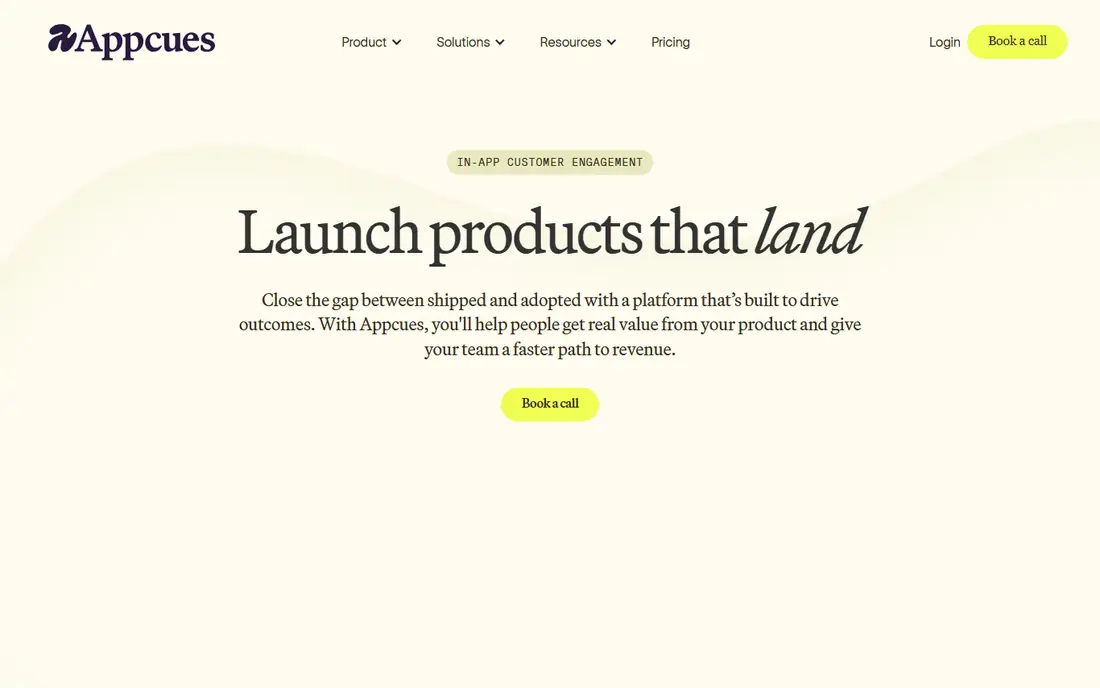
Appcues has been around longer than most of the newer tools, and it shows in the polish of its flow builder. Marketing and product people can build modals, tooltips and checklists without asking engineering each time, which matters when onboarding changes monthly.
Pricing is the confusing part. Third-party sources report entry figures from about $249 to $300 per month and growth tiers from about $750 to $1,000, and the plan names have changed over time. I could not confirm the current figure, so check the pricing page and ask for a quote based on your actual MAU count.
Expect some feature gating. Reviewers report that checklists, surveys and richer targeting sit on higher plans, and that setup still needs occasional developer help despite the no-code pitch.
What we like- Mature flow builder
- Mobile support
- Strong reviewer scores for ease of use and support
Watch out for- Plans are priced by MAUs and feature tier with figures that differ across sources
- Some features need a higher tier
#4Chameleon
Best for: Teams that care about how in-app guides look4.4/5 on
G2 (361 reviews, checked Oct 2026)
Visit chameleon.io
Starting price$279 per month (billed annually, up to 2,000 monthly tracked users)
Free planFree trial (14 days)
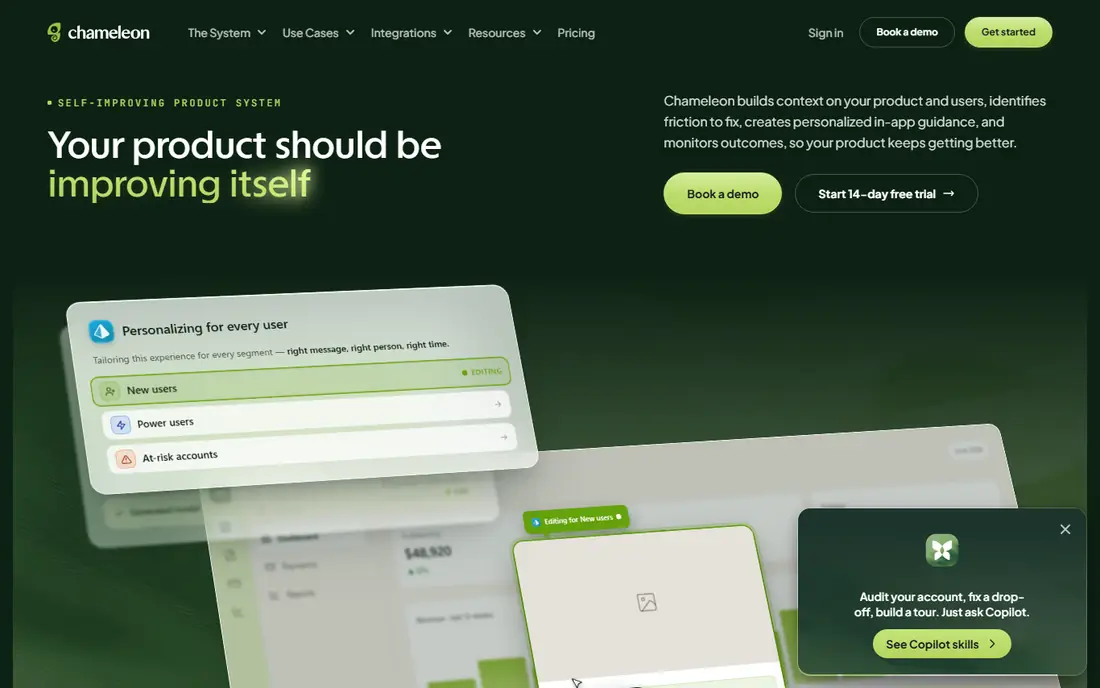
Chameleon is a good match when brand polish matters, for example a fintech or design tool where a generic tooltip looks out of place. Its embedded cards and launchers feel like part of your interface rather than an overlay, and styling controls are deeper than in most rivals.
The pricing model needs attention. Startup is listed from $279 per month for 2,000 monthly tracked users, with Pro, Growth and Enterprise above it, and one reviewer on Capterra complained of being billed for 5,000 users before launch because the snippet counted existing database users. Ask exactly how a tracked user is defined before you sign.
Startup also limits team seats and leaves out A/B testing, which sits on the more expensive tiers. Vendr data puts the typical annual contract well above the entry price, so plan for the tier you will really need.
What we like- Fine control over styling
- Embeddable cards as well as pop-ups
- Transparent entry plan
Watch out for- Large price jumps between tiers
- User counts include anyone your snippet sees
#5Pendo
Best for: Larger products that need deep analytics plus guides4.4/5 on
G2 (1,808 reviews, checked Oct 2026)
Visit pendo.io
Starting priceFree up to 500 MAUs; paid plans See website
Free planYes (500 MAUs)
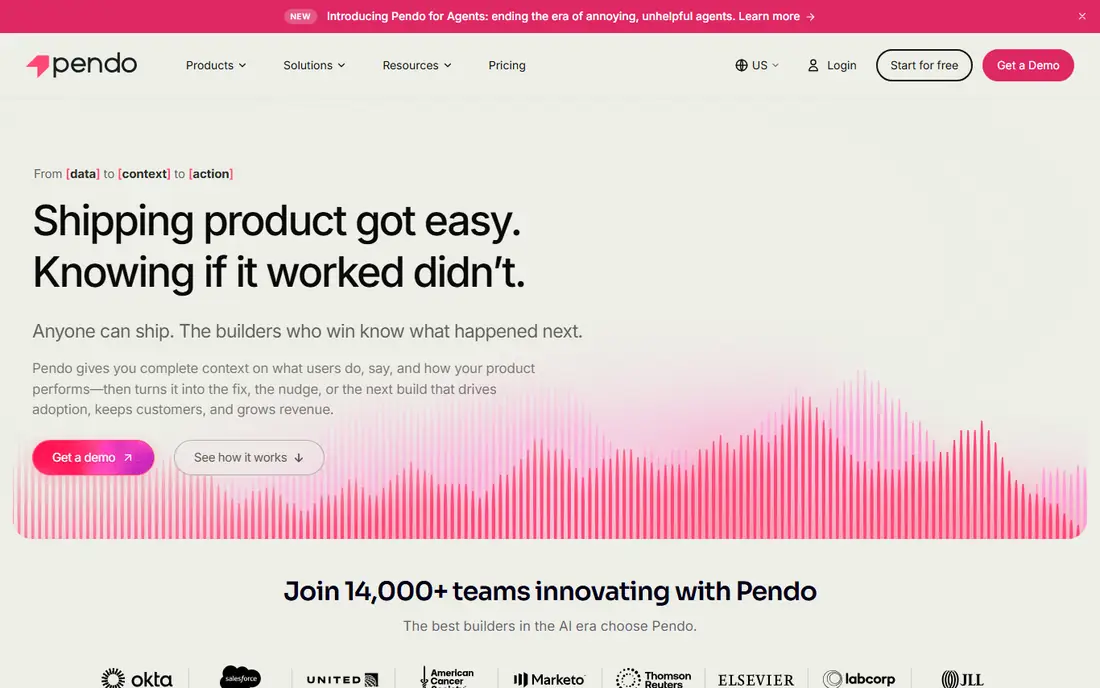
Pendo is the heavyweight here. It started as product analytics and added in-app guides, session replay and feedback, so it fits companies where product, customer success and leadership all want the same usage data.
The free tier is real but small. It allows up to 500 monthly active users with basic analytics and guides, and Pendo branding on surveys. That is enough to evaluate the interface, not to run a program for a large customer base.
Paid pricing is the sticking point. Pendo does not publish list prices, and Vendr reports a median contract near $48,500 a year, with some deals much lower and many far higher. Session replay and sentiment tools are add-ons on some tiers, and implementation services can add thousands more. If you have under a few thousand users, a lighter tool will likely cost far less.
What we like- Free tier with analytics and in-app guides
- Deep retroactive analytics
- Strong enterprise compliance
Watch out for- Paid plans are quote-only
- Add-ons and implementation can raise the first-year cost sharply
#6Rocketlane
Best for: Service teams running client onboarding as a project4.7/5 on
G2 (876 reviews, checked Oct 2026)
Visit rocketlane.com
Starting price$49 per user/month (billed annually, 5-seat minimum on Standard)
Free planFree trial (14 days)
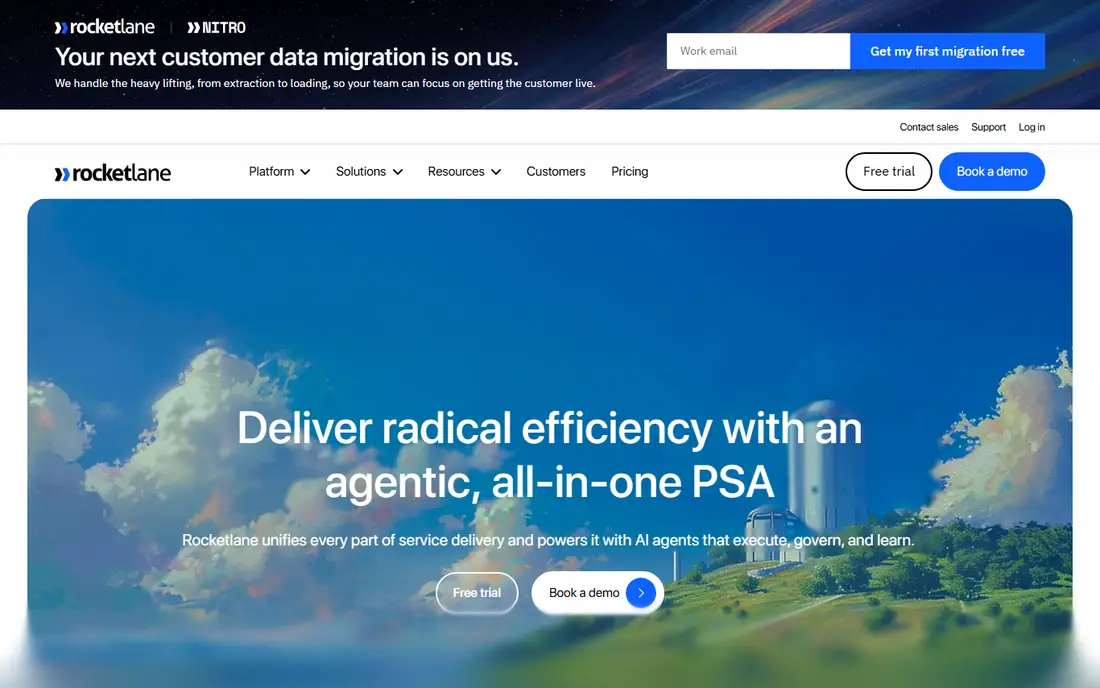
Rocketlane is not an in-app guide builder. It manages the human side of adoption: a shared plan, tasks for both your team and the client, files, approvals and status updates in a portal your customer logs into. If your onboarding takes weeks and involves several people on each side, this is the closer fit.
Reported pricing is per internal team member: Standard at $49 and Premium at $69 per month on annual billing, with a five-seat minimum, so the real floor is about $245 per month. Customers do not count as seats. Some sources also list a cheaper Essential tier and AI-focused plans, so check which plans are currently offered.
The catch is fit. If your client relationships are ongoing rather than project-based, or you only need to track internal work, you may be paying for structure you will not use.
What we like- Branded client portal
- Unlimited projects and unlimited customer members
- Templates, tasks and time tracking in one place
Watch out for- Five-seat minimum raises the entry cost
- Resource and financial tools sit on the pricier Premium plan
#7GUIDEcx
Best for: Implementation teams with complex, multi-party rollouts4.6/5 on
G2 (462 reviews, checked Oct 2026)
Visit guidecx.com
Starting priceSee website
Free planNo
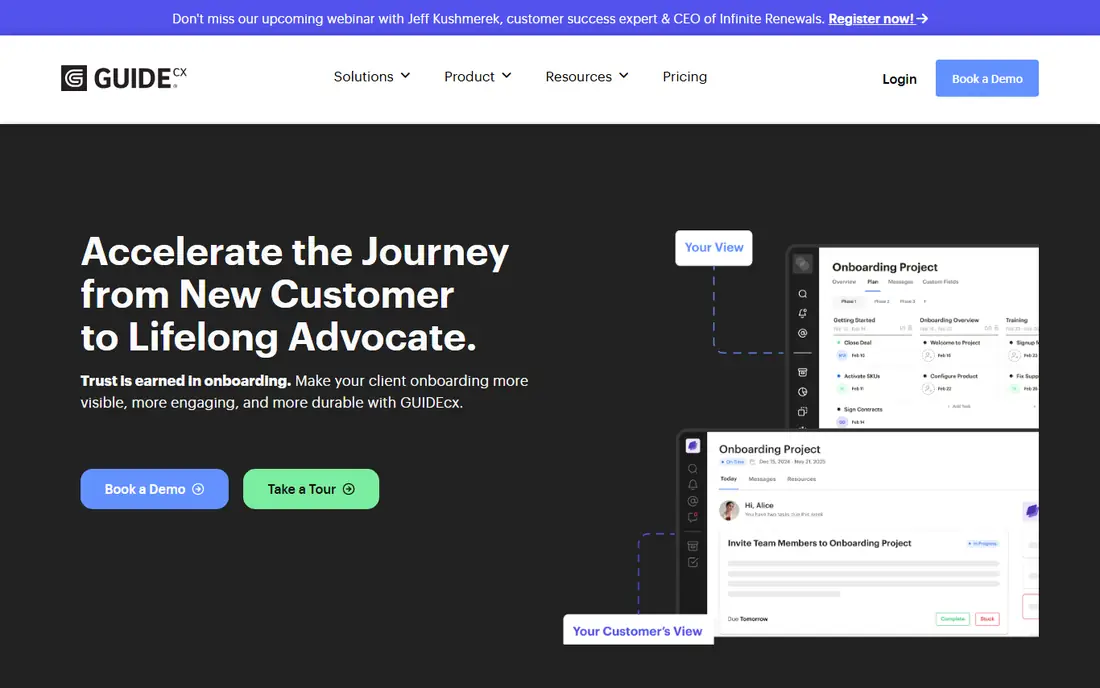
GUIDEcx targets the implementation team that has to deliver software or services to dozens of clients at once, each with its own timeline and stakeholders. The platform centers on shared project plans, a customer-facing portal and reporting that shows which onboardings are late and why.
Pricing is not public. Third-party guides report an entry point of around $4,700 to $6,900 per year with a minimum of about four licenses, and Vendr shows a median contract above $20,000, but treat these as estimates. Premium adds integrations and API access, and Advanced adds resource management, SSO and custom reports, according to those same guides.
Capterra lists no free trial, and a vendor FAQ reportedly confirms demos only. Ask for a pilot clause or a shorter first term if you are unsure.
What we like- Built around customer implementations
- Client portal and timeline views
- Higher tiers add resource management and SSO
Watch out for- Quote-only pricing with reported license minimums
- Demo only, so your pilot may be your first paid year
#8Whatfix
Best for: Enterprises guiding users across many applications4.5/5 on
G2 (552 reviews, checked Oct 2026)
Visit whatfix.com
Starting priceSee website
Free planNo
Whatfix is closer to an enterprise adoption platform than a startup onboarding tool. It is often chosen by companies rolling out software such as CRMs and ERPs to large workforces, where the goal is in-app guidance across several systems at once.
That scope is also why it is a poor match for a ten-person SaaS company. Pricing requires a quote, and a third-party estimate cited in one comparison puts typical costs from about $31,950 per year, which I could not verify directly. Expect a proper sales process and a longer implementation.
If your clients, not your employees, are the audience and your product is a single web app, the smaller tools above will usually be faster to launch and cheaper to run.
What we like- Covers many apps and workflows, not only your own product
- Mobile and knowledge-base options
- Built for larger rollouts
Watch out for- Quote-only pricing
- Heavier setup and cost than tools aimed at small SaaS companies
#9Userflow
Best for: Teams that want a quick, modern flow builder4.8/5 on
G2 (125 reviews, checked Oct 2026)
Visit userflow.com
Starting priceSee website
Free planSee website
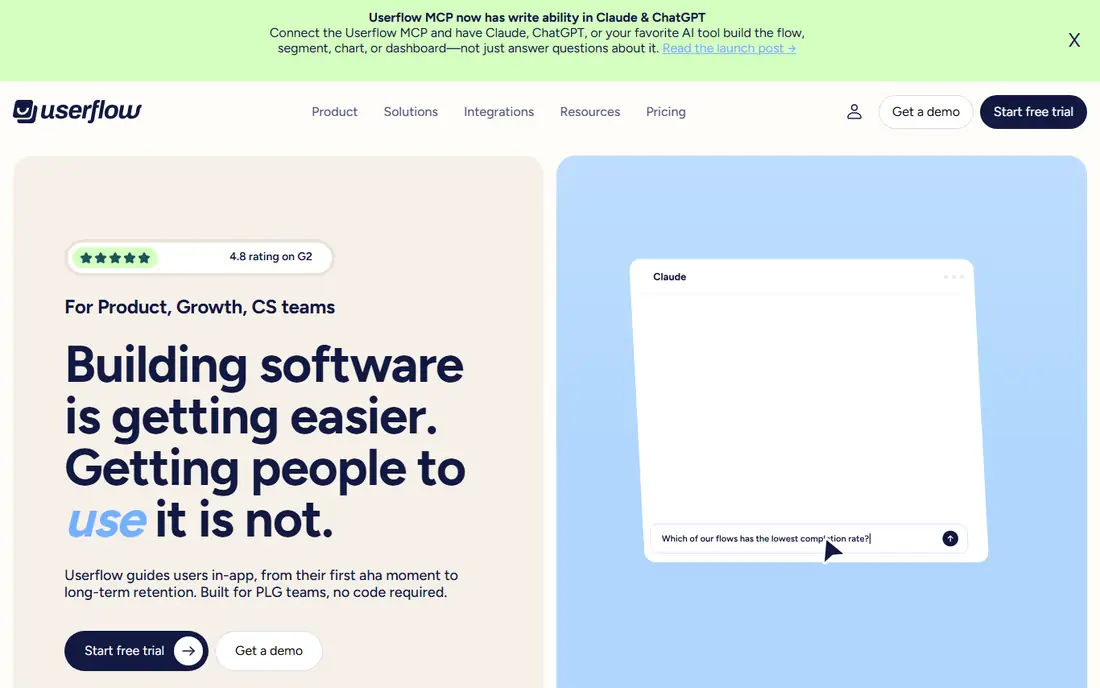
Userflow is a newer entrant that competes with Appcues and UserGuiding on ease of use. Comparison articles describe its builder as one of the best in the category, and it has strong ratings on review sites.
I could not verify its current pricing from a vendor page, so I am not quoting a number. One third-party review mentions a Startup plan around $240 per month on annual billing, but that is worth confirming before you plan around it.
As with the rest, ask how MAUs are counted, what happens when you go over, and whether checklists, surveys and integrations are included in the plan you are quoted.
What we like- Fast flow builder praised in reviewer comparisons
- Checklists, surveys and resource center
- Priced for startups and growth teams
Watch out for- Smaller vendor than Pendo or Whatfix
- Check current limits and tiers directly with the vendor
How we chose
We looked at vendor websites and pricing pages where they were available, product documentation, and public reviews on G2, Capterra and Reddit. We also read third-party pricing analyses and contract data from procurement marketplaces to see how published prices compare with what buyers report paying. We did not run hands-on tests of these products.
We compared features, integrations, setup time, how pricing scales, free plans and fit by company size. Where prices differed between sources or I could not confirm a current figure from the vendor, I wrote See website instead of guessing. Prices change often, so confirm every number on the vendor's own page before you buy.
Decide which problem you have
If clients sign up and then ignore features, you need in-app guidance and analytics: UserGuiding, Userpilot, Appcues, Chameleon, Pendo or Userflow. If clients stall during a multi-week implementation, you need a project and portal tool such as Rocketlane or GUIDEcx. Some companies need both, and that is fine, but do not buy one expecting it to do the other.
Work out your user count before you shop
Most in-app tools charge by monthly active users or monthly tracked users. Count the people who actually log in to your product in a typical month, then add 20 to 30 percent for growth. Ask each vendor how they count a user, whether anonymous visitors or old database records are included, and what the overage rate is.
Check plan gates, not just the headline price
The entry plan usually works for a pilot and then runs out of room. Look for limits on active guides, checklists, team seats, A/B testing, localization, custom styling and integrations. Also check whether SSO is a paid add-on, since that came up for several tools in third-party reviews.
Budget for the work, not just the license
A tool does nothing until someone writes the copy, builds the flows and reviews the results. Plan a few hours a week for an owner, and for larger platforms add implementation fees. Run a 30-day pilot on one onboarding path, measure activation or feature use before and after, and only then sign an annual contract.
Ask about data export and contract terms
Most contracts are annual, and renewals can bring increases. Ask how you can export guide content and analytics if you leave, how much notice cancellation needs, and whether the price is locked for the term.
Frequently asked questions
What is client adoption software?
It is software that helps customers start using and keep using a product or service. That can mean in-app tours and checklists that guide users through features, or a project and portal tool that manages a client through onboarding. Many vendors call the first group digital adoption or product adoption platforms.
How much does client adoption software cost?
Small-team in-app tools list entry plans of roughly $174 to $299 per month on annual billing, based on published figures for UserGuiding, Chameleon and Userpilot. Larger platforms such as Pendo, Whatfix and GUIDEcx are quote-only, and reported contracts run into the tens of thousands of dollars per year. Project-based tools such as Rocketlane charge per internal user.
Do I need a developer to set these up?
You usually need a developer once, to install a code snippet and pass user data to the tool. After that, most no-code builders let marketing or product staff create and edit guides. Reviewers say complex targeting or custom events can still need engineering time.
Is there a free client adoption tool?
Pendo offers a free tier for up to 500 monthly active users, and UserGuiding has a free plan limited to its knowledge base and help center. Most other tools here offer a free trial instead. Free options work for testing but rarely cover a full onboarding program.
How long does it take to see results?
Installation can take days, and a first tour or checklist can go live within a week or two. Meaningful changes in activation or feature use usually take a few weeks of data, so run a pilot of at least a month before judging the tool.
Sources we checked (19)
- https://www.capterra.com/p/177546/UserGuiding/
- https://produktly.com/pricing/userguiding
- https://userorbit.com/blog/userguiding-pricing-guide-2026
- https://userpilot.com/blog/userpilot-pricing/
- https://formbricks.com/blog/userpilot-pricing
- https://checkthat.ai/brands/userpilot/pricing
- https://checkthat.ai/brands/appcues/pricing
- https://www.vendr.com/marketplace/appcues
- https://userorbit.com/blog/chameleon-pricing-guide
- https://www.capterra.com/p/153079/Chameleon/
- https://www.vendr.com/buyer-guides/chameleon
- https://www.featurebase.app/blog/pendo-pricing
- https://www.vendr.com/marketplace/pendo
- https://www.supered.io/blog/pendo-pricing/
- https://getcor.ai/blog/reviews/rocketlane-pricing
- https://assembly.com/blog/rocketlane-pricing
- https://usetandem.ai/blog/guidecx-pricing-breakdown
- https://www.capterra.com/p/175189/GuideCX/
- https://getcor.ai/blog/reviews/userguiding
Is your product missing or out of date?
We review this list regularly. Vendors can request a listing, send updated pricing or ask about featured placement.

Shihab Mia · Founder, Rankite
Shihab has 5+ years in B2B and SaaS SEO. He writes Rankite's software buying guides from pricing pages, documentation and public user reviews. More about Shihab.