How we make this list: we compare pricing pages, product documentation and public user reviews. Ratings come from G2, Capterra or Trustpilot, with the date we checked them.
Key takeaways
- Power BI at $14 per user per month and Looker Studio with a free tier give small teams a low cost way to start, while Tableau charges by role and climbs fast as creator seats grow.
- Qlik Sense and ThoughtSpot suit teams that want people outside the data team to explore data on their own, but both need clean, well modelled data to work well.
- Metabase and Zoho Analytics keep costs down for smaller companies, with Metabase offering a free open source edition and Zoho bundling users into a monthly plan price.
- Domo and Sisense do not publish simple list prices, so budget for a sales conversation and a careful check of usage limits before you commit.
Quick comparison
| Tool | Best for | Starting price | Free plan |
|---|
 Tableau Tableau | Visual analysis and polished dashboards | $15 per user/month (billed annually) | Free trial |
 Microsoft Power BI Microsoft Power BI | Microsoft 365 teams and shared reporting | $14 per user/month (billed annually) | Yes |
 Looker Studio Looker Studio | Google-based marketing and web reporting | $9 per user/month (billed annually) | Yes |
 Qlik Sense Qlik Sense | Self-service exploration across many sources | $30 per user/month (billed annually) | Free trial |
 ThoughtSpot ThoughtSpot | Search-based questions from business users | $25 per user/month (billed annually) | Free trial |
 Metabase Metabase | Simple dashboards on a tight budget | $100 per month (billed annually) | Yes |
 Zoho Analytics Zoho Analytics | Small businesses already using Zoho apps | $24 per month (billed annually) | Yes |
 Domo Domo | All-in-one data, reporting, and apps | See website | No |
 Sisense Sisense | Embedded analytics inside a product | See website | No |
Is your product missing or out of date?
We review this list regularly. Vendors can request a listing, send updated pricing or ask about featured placement.
The best business analytics software
#1Tableau
Best for: Visual analysis and polished dashboards4.4/5 on
G2 (3,787 reviews, checked Oct 2026)
Visit tableau.com
Starting price$15 per user/month (billed annually)
Free planFree trial
Tableau remains the first name many teams mention when dashboards need to look sharp and feel interactive. Its drag and drop builder lets analysts shape a chart, filter a view, and publish a story without writing code for most tasks. The platform also handles large, messy data reasonably well once sources are connected, and its community offers templates, forums, and examples that shorten the learning curve.
The catch is price structure. Viewer seats start at $15 per user per month, but anyone who builds and publishes needs a Creator seat at $75 per user per month on the Standard edition, with higher Enterprise pricing. Small teams can still start modestly with one or two creators and a group of viewers, yet costs rise quickly if many people want to build. Tableau fits best when visual quality matters and a small analyst group serves a wider audience.
What we like- Strong charting and dashboard design
- Wide connector library
- Large community and learning resources
Watch out for- Creator seats cost much more than viewer seats
- Licensing by role can confuse new buyers
Starting price$14 per user/month (billed annually)
Free planYes
Power BI wins on value for companies already running Microsoft 365. Desktop is free for building reports on a local machine, and Pro at $14 per user per month adds publishing and sharing. The tool connects to Excel, SharePoint, SQL Server, and a long list of cloud sources, so most business data is within reach without extra middleware. Premium Per User at $24 per user per month adds larger models, more refreshes, and paginated reports.
Sharing rules deserve attention. In a standard Pro setup, people who view shared content also need Pro, which multiplies cost across a whole company. Larger firms often move to Fabric capacity instead, where viewers can read reports without individual paid seats once capacity is in place. Power BI is a strong default for Microsoft shops, provided the team models the full seat count before buying.
What we like- Low entry price for sharing
- Deep Excel, Teams, and Azure links
- Free Desktop app for building reports
Watch out for- Viewers of shared reports generally need paid seats
- Advanced modelling uses DAX, which takes time to learn
Starting price$9 per user/month (billed annually)
Free planYes
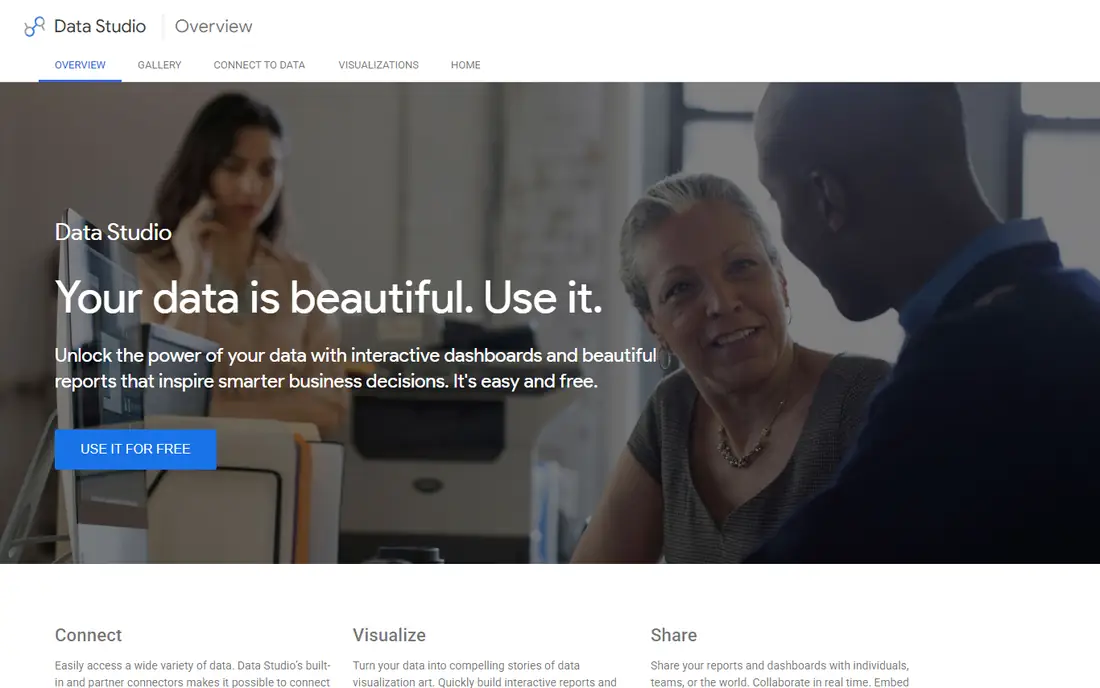
Looker Studio is the easiest starting point for marketing teams and small businesses that live in Google tools. The free version builds unlimited reports, connects to Google Analytics, Google Ads, Search Console, Sheets, and BigQuery, and shares with a link or an email address. Pro at $9 per user per project per month adds team workspaces, stronger access controls, and scheduled delivery options.
Limits show up when data comes from outside Google. Partner connectors for social platforms, CRMs, and databases often cost extra each month, and those fees can pass the cost of the tool itself. Large data sets and complex joins also strain the product more than a warehouse-first platform. For Google-centred reporting, though, few tools match its price and simplicity.
What we like- Free tier covers many reports
- Native Google Analytics, Ads, and Sheets connectors
- Sharing feels like Google Docs
Watch out for- Non-Google sources often need paid third-party connectors
- Data blending is weaker than a full data model
#4Qlik Sense
Best for: Self-service exploration across many sources4.4/5 on
G2 (929 reviews, checked Oct 2026)
Visit qlik.com
Starting price$30 per user/month (billed annually)
Free planFree trial
Qlik Sense takes a different approach from most dashboard tools. Its associative engine shows how selections relate to the rest of the data, including values that fall outside a filter, which helps analysts spot gaps and unexpected patterns. Business users can click through dimensions and measures without waiting for a new report, and the platform supports alerts, guided apps, and embedded views for wider use.
That freedom comes with setup work. Data loading, scripting, and app design reward teams that invest in training or hire experienced Qlik developers. Entry pricing around $30 per user per month for Business puts it above budget tools, and enterprise deployments add capacity and governance choices. Qlik Sense suits mid-size and larger firms that want exploration, not just fixed monthly reports.
What we like- Associative engine lets users explore freely without preset queries
- Strong data preparation
- Good mobile experience
Watch out for- Pricing and deployment options can feel complex
- Advanced work still needs skilled builders
#5ThoughtSpot
Best for: Search-based questions from business users4.4/5 on
G2 (340 reviews, checked Oct 2026)
Visit thoughtspot.com
Starting price$25 per user/month (billed annually)
Free planFree trial
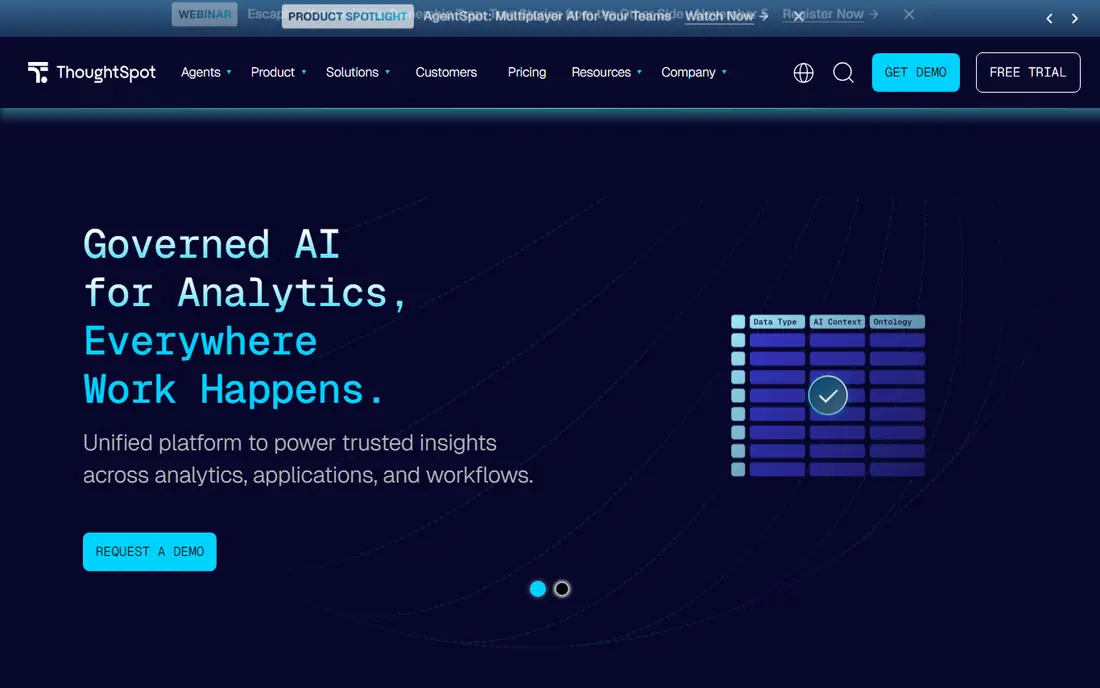
ThoughtSpot turns analytics into a search box. A manager types a question in plain words, such as sales by region last quarter, and gets a chart or table in return. That model reduces the queue of ad hoc requests that usually lands on analysts, and liveboards let teams pin the answers they check most often. The Essentials tier starts at $25 per user per month, with higher tiers adding more scale and governance.
Search only works as well as the data behind it. Tables need clear names, joins, and definitions, or users get confusing results and lose trust in the tool. ThoughtSpot also fits cloud warehouses and connected sources better than scattered spreadsheets. Companies with a tidy data layer and many curious managers will get the most from it.
What we like- Natural language search for quick answers
- Liveboards update as data changes
- AI summaries help non-analysts
Watch out for- Needs well modelled data to give good answers
- Entry tier limits some enterprise features
#6Metabase
Best for: Simple dashboards on a tight budget4.4/5 on
G2 (147 reviews, checked Oct 2026)
Visit metabase.com
Starting price$100 per month (billed annually)
Free planYes
Metabase appeals to teams that want dashboards running this week, not after a long procurement cycle. The open source edition is free to self-host with no user limit, and the visual question builder lets people filter, summarise, and chart data without SQL. Cloud Starter starts at $100 per month for five users, with extra users billed on top, which keeps small internal reporting affordable.
Growth brings a price jump. Pro at $575 per month adds single sign-on, row and column level permissions, usage analytics, and embedding controls that many companies treat as basic requirements. Teams that need those controls should price Pro from the start rather than discovering the gap later. For a small team with simple needs, Metabase remains one of the best value choices available.
What we like- Free open source edition for self-hosting
- Friendly question builder for non-SQL users
- Quick setup
Watch out for- Key controls such as SSO and row-level permissions sit on the higher Pro tier
- Chart options are narrower than Tableau
#7Zoho Analytics
Best for: Small businesses already using Zoho apps4.2/5 on
G2 (289 reviews, checked Oct 2026)
Visit zoho.com
Starting price$24 per month (billed annually)
Free planYes
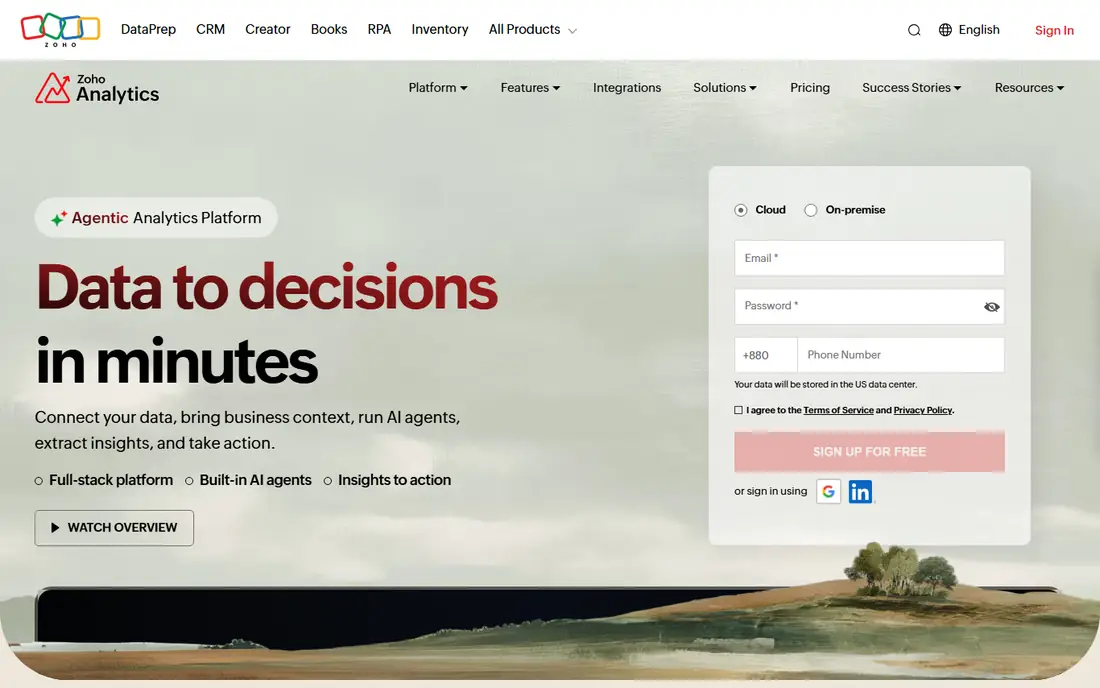
Zoho Analytics is priced by plan rather than by each seat, which changes the maths for small teams. Basic starts at $24 per month billed annually and includes two users, while higher tiers raise row limits and add features. The free plan also covers two users, so a very small business can test real reports before paying. Native links to Zoho CRM, Books, and other Zoho products make it a natural add-on for existing Zoho customers.
The trade-off is scale. Data row caps, scheduled sync limits, and modelling depth matter more as a company grows, and teams with large warehouses may outgrow the platform. Zoho also offers an AI assistant for asking questions and building views, but results still depend on tidy source data. For small firms that want one affordable reporting home, it is hard to beat.
What we like- Low monthly plan price with bundled users
- Free plan for two users
- Ready connectors for Zoho CRM and other Zoho apps
Watch out for- Row and user limits rise with each tier
- Less depth for heavy warehouse modelling than specialist tools
#8Domo
Best for: All-in-one data, reporting, and apps4.3/5 on
G2 (1,086 reviews, checked Oct 2026)
Visit domo.com
Starting priceSee website
Free planNo
Domo bundles data ingestion, preparation, visualisation, and app building into a single cloud platform. More than a thousand connectors pull data from common business systems, and its visual data flows let teams clean and join sources without a separate ETL tool. Executives often like Domo for mobile dashboards and alerts, while analysts can build low-code apps on top of the same data.
Pricing is the main hurdle. Domo does not publish a simple per-user list price, and contracts commonly run into tens of thousands of dollars per year, with credits governing usage. That model can work for mid-size and large firms that replace several tools at once, but it is a poor fit for a team that only needs a few dashboards. Ask for a clear credit model and renewal terms before signing.
What we like- Built-in connectors and data preparation in one platform
- Strong mobile dashboards
- App building for internal tools
Watch out for- Quote-only pricing makes budgeting hard
- Credit-based usage needs monitoring
#9Sisense
Best for: Embedded analytics inside a product4.2/5 on
G2 (1,063 reviews, checked Oct 2026)
Visit sisense.com
Starting priceSee website
Free planNo
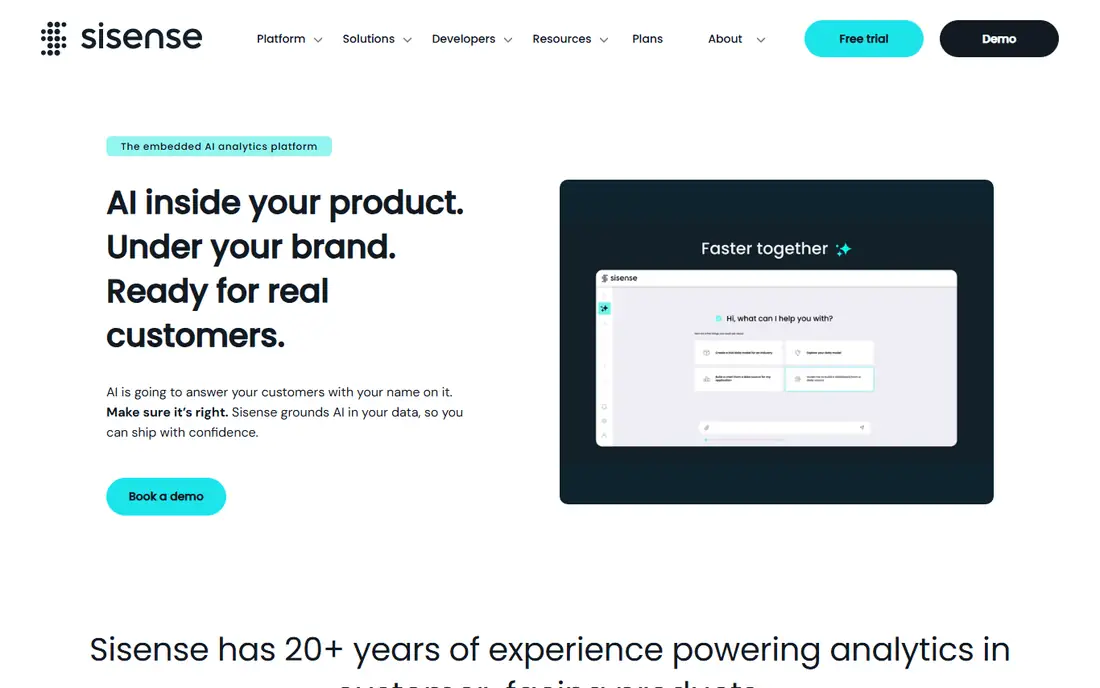
Sisense is built for software companies that want analytics inside their own product, not just internal dashboards. Its APIs, SDKs, and white-label options let developers embed charts, filters, and full dashboards that match the host application. The platform can also serve internal BI, with data modelling, dashboards, and AI-assisted insights, but embedding is where it stands apart from general reporting tools.
Buyers should expect a sales-led process. Sisense does not publish list prices, and final cost depends on users, deployment, and embedding needs. Implementation also tends to need technical staff, especially for custom embedded experiences. Companies that only need internal reports will usually find cheaper, simpler tools, while product teams that sell analytics as a feature get real value here.
What we like- Strong APIs and embedding options
- Flexible deployment
- Handles large data sets for customer-facing analytics
Watch out for- Quote-only pricing
- Setup and customisation often need developer time
How we chose
We compared vendor pricing pages, product documentation, and public reviews on G2, Capterra, and Reddit, and we checked each tool against the same questions: who it fits, what it costs at the entry tier, how it handles common data sources, and where it falls short. We gave weight to transparent pricing, a usable free or trial option, and a clear fit for a specific company size or use case, rather than ranking tools on feature counts alone. Prices in this guide reflect published list prices or, where a vendor does not publish prices, a clear note that buyers must request a quote.
What to check before you buy
Picking a tool is less about the prettiest demo and more about how your data, your people, and your budget fit together. The questions below help you avoid the most common buying mistakes.
Count every seat, not just builders
Some tools charge only for creators, while others charge for every viewer. Map out builders, occasional explorers, and read-only executives, then price each group under each vendor's model. A tool that looks cheap per seat can become the most expensive option once viewer seats are added.
Test with your own messy data
Demos use clean sample data. Load a real sales export, a CRM extract, and a spreadsheet with inconsistent dates, then build the three reports your team checks most often. This test exposes connector gaps, refresh limits, and modelling work that a sales demo hides.
Check refresh, row, and usage limits
Entry tiers often cap data rows, scheduled refreshes, or usage credits. Ask how often dashboards refresh, what happens when a limit is hit, and whether overage charges apply. A low headline price loses its appeal when daily refreshes or a growing data set push you into a higher tier.
Plan who owns the data model
Self-service tools still need someone to define metrics, joins, and access rules. Decide whether your data team, an analyst, or a vendor partner owns that work, and budget time for it. Tools that promise answers from plain questions still fail when definitions are vague or sources disagree.
Frequently asked questions
What is the best business analytics software for a small business?
Zoho Analytics, Metabase, and Looker Studio are strong starting points because they offer free tiers or low monthly prices. Looker Studio suits Google-centred marketing reporting, Metabase suits teams comfortable with databases, and Zoho suits firms already using Zoho apps. Pick based on your data sources rather than on price alone.
Is Power BI really cheaper than Tableau?
For most Microsoft-based teams, yes at the entry tier, since Power BI Pro starts at $14 per user per month while Tableau Creator starts at $75 per user per month. Tableau Viewer seats are cheaper, so the gap narrows when most users only read dashboards. Always model your full mix of creators, explorers, and viewers before deciding.
Do I need a data warehouse before buying a BI tool?
Not always. Small teams can connect spreadsheets, CRMs, and accounting tools directly and build useful dashboards. A warehouse becomes important when data volume grows, sources multiply, or teams need consistent definitions across departments. Warehouse-first tools such as ThoughtSpot and Sisense assume that foundation is already in place.
What is the difference between Looker Studio and Looker?
Looker Studio is a free and low-cost reporting tool for building dashboards, mainly from Google sources. Looker, the Google Cloud platform, adds a governed semantic layer called LookML for modelling data at enterprise scale. They share a brand family but serve different audiences and budgets.
Can free BI tools handle a growing company?
Free tiers work well for early reporting, but limits on users, rows, permissions, and support often force an upgrade as teams grow. Metabase open source is an exception for technical teams willing to self-host. Plan the upgrade path early so a free start does not turn into a painful migration later.
Sources we checked (9)
- https://www.tableau.com/pricing
- https://powerbi.microsoft.com/pricing
- https://lookerstudio.google.com/pricing
- https://www.qlik.com/pricing
- https://www.thoughtspot.com/pricing
- https://www.metabase.com/pricing
- https://www.zoho.com/analytics/pricing.html
- https://www.domo.com/pricing
- https://www.sisense.com/pricing
Is your product missing or out of date?
We review this list regularly. Vendors can request a listing, send updated pricing or ask about featured placement.

Shihab Mia · Founder, Rankite
Shihab has 5+ years in B2B and SaaS SEO. He writes Rankite's software buying guides from pricing pages, documentation and public user reviews. More about Shihab.