How we make this list: we compare pricing pages, product documentation and public user reviews. Ratings come from G2, Capterra or Trustpilot, with the date we checked them.
Key takeaways
- No tool on this list is built only for senior living. Most communities run a maintenance system (CMMS) or an asset tracker and configure it for beds, lifts, life-safety gear and kitchen equipment.
- UpKeep is the one vendor here whose pricing page we could read in full: Essential is $24 per user per month and Premium is $55, with a free trial and no credit card needed. Most other vendors push you to a quote or change plan prices often, so we mark those as See website.
- Free entry points exist. MaintainX and Fiix both offer a free plan, and Snipe-IT is open source if you can host it yourself.
- If your main job is proving that inspections and repairs happened, pick a CMMS with work orders and preventive schedules. If your main job is knowing where wheelchairs, laptops and tablets are, pick a tracker.
- Per-user pricing gets expensive when care staff and housekeeping all need to submit requests. Check whether requesters can submit for free before you sign.
Quick comparison
| Tool | Best for | Starting price | Free plan |
|---|
 UpKeep UpKeep | Single communities moving off paper | $24 per user/month (Essential plan) | Free trial |
 MaintainX MaintainX | Mobile-first maintenance teams | See website | Yes |
 Fiix Fiix | Preventive maintenance on a tight budget | See website | Yes |
 Limble CMMS Limble CMMS | Easy setup for small maintenance crews | See website | Free trial |
 Asset Panda Asset Panda | Tracking mixed equipment across campuses | See website | No |
 Brightly Asset Essentials Brightly Asset Essentials | Multi-community operators | See website | No |
 Sortly Sortly | Inventory and supply rooms | See website | Yes |
 Snipe-IT Snipe-IT | IT and device tracking | See website | Yes |
Is your product missing or out of date?
We review this list regularly. Vendors can request a listing, send updated pricing or ask about featured placement.
The best asset management software for senior living
#1UpKeep
Best for: Single communities moving off paper4.5/5 on
G2 (1,106 reviews, checked Oct 2026)
Visit upkeep.com
Starting price$24 per user/month (Essential plan)
Free planFree trial
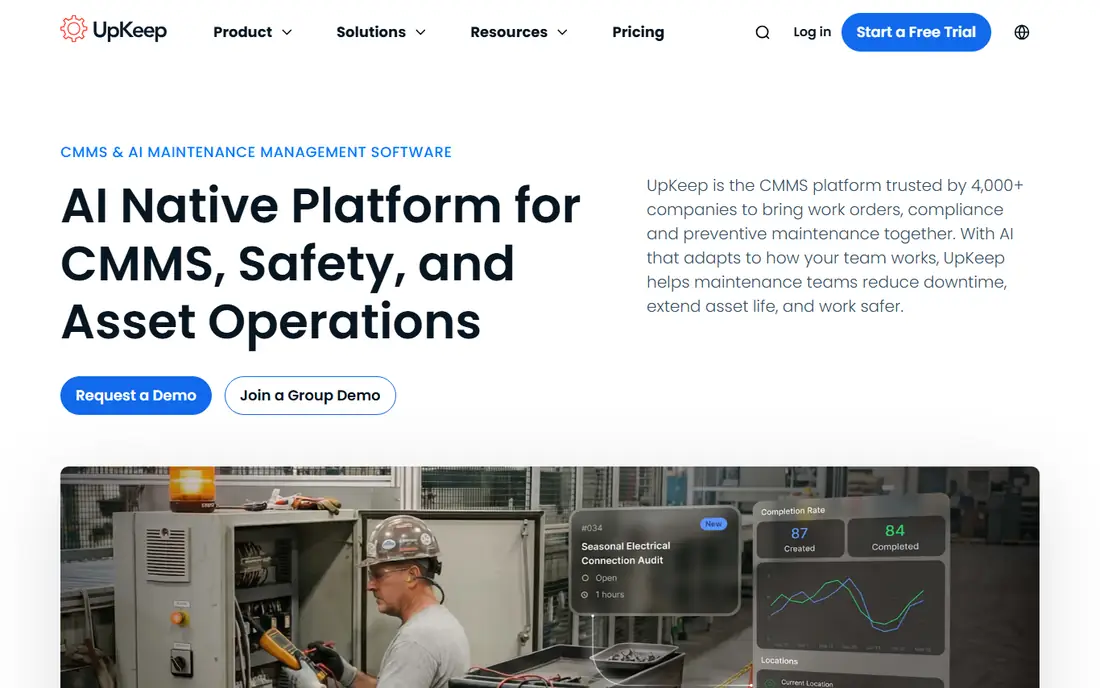
UpKeep is the easiest starting point to price out. The vendor's own pricing page lists Essential at $24 per user per month and Premium at $55, and the trial does not ask for a card. Essential includes unlimited work orders and locations, which suits a single community where one maintenance director and a couple of technicians handle everything from burned-out hallway lights to generator checks.
The catch is where features sit. Preventive maintenance scheduling, custom checklists and parts inventory with costing arrive on Premium, and that is the plan most communities will need if they want to show surveyors a documented routine. Mobile offline mode, an external request portal and signature capture are listed for the Professional plan, which is quote-based.
Multi-site support, API access and single sign-on sit on Enterprise. For a regional operator with several buildings, that means a sales call is unavoidable. For one building with a small crew, the public plans are usually enough to get started.
What we like- Public per-user pricing for the lower plans
- Unlimited work orders and locations from the first plan
- Free trial without a credit card
Watch out for- Preventive scheduling and parts inventory start on the $55 Premium plan
- The plans a larger operator would want are quote-only
#2MaintainX
Best for: Mobile-first maintenance teams4.8/5 on
G2 (1,553 reviews, checked Oct 2026)
Visit getmaintainx.com
Starting priceSee website
Free planYes
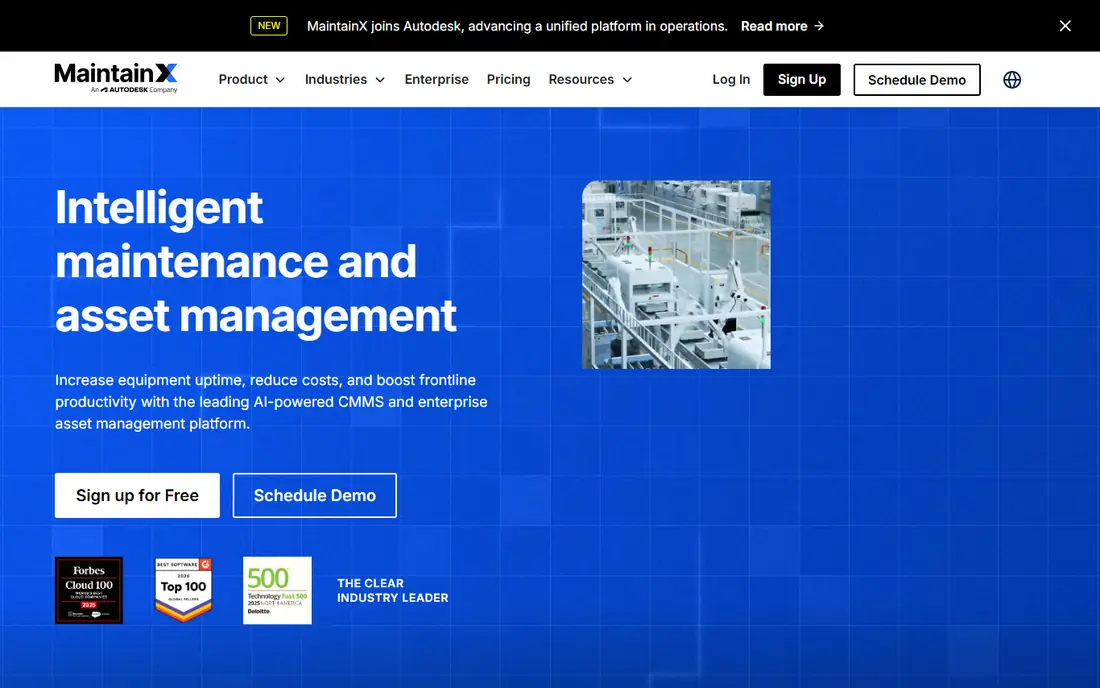
MaintainX leans on the phone. Technicians open a work order, follow a checklist, attach a photo and close it out without sitting at a desk. That matches how senior living maintenance actually works, with staff moving between resident apartments, common areas and the boiler room all day.
The free plan lets a maintenance director try the workflow on a few real jobs before spending anything. Public reviews describe the paid tiers as Essential and Premium, with a custom Enterprise level, and pricing is per user. Check the current figures on the vendor page, because third-party sites quote different monthly and annual prices.
The honest weakness is that the free tier leaves out inventory management and purchase orders. If you want to track spare parts for call-system batteries or bed motors, plan on paying. It is also a general maintenance tool, so you will build your own senior living templates for life-safety rounds and room turnovers.
What we like- Free plan to test with real work orders
- Phone-friendly checklists and work orders
- Paid tiers add inventory and purchase orders
Watch out for- Inventory, purchase orders and API access are not on the free plan
- Per-user pricing adds up as the crew grows
#3Fiix
Best for: Preventive maintenance on a tight budget4.6/5 on
G2 (484 reviews, checked Oct 2026)
Visit fiixsoftware.com
Starting priceSee website
Free planYes
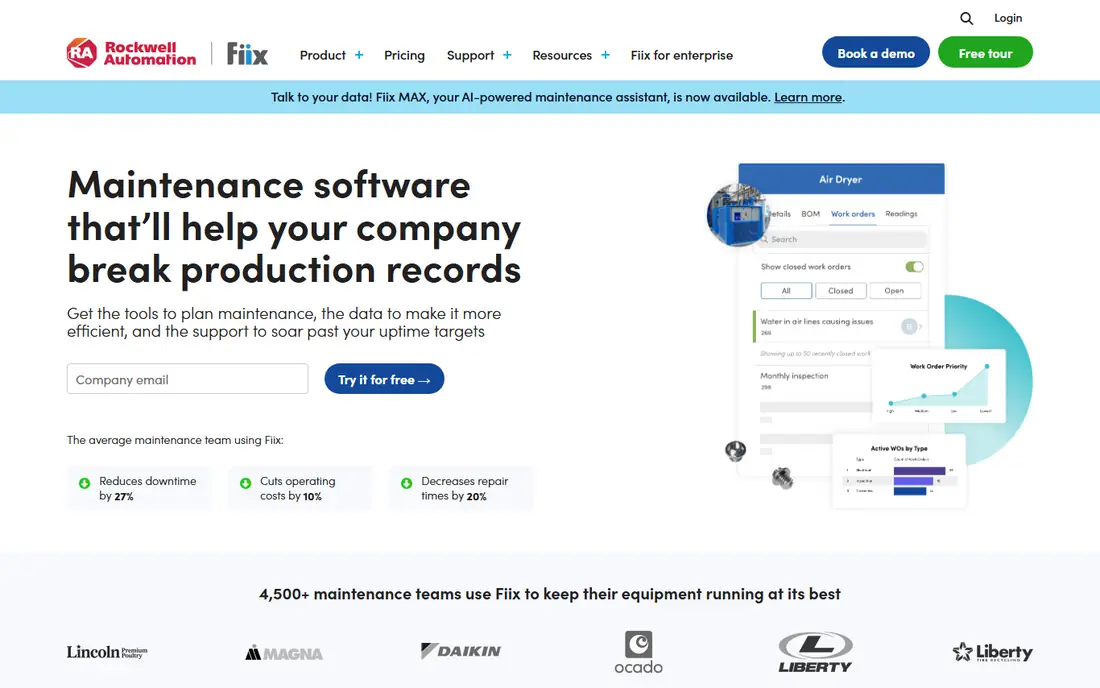
Fiix suits a community that already knows what it wants to schedule and just needs a place to do it. Review summaries describe a free plan that covers work orders, asset management, a mobile app and a limited number of active preventive maintenance tasks. That is enough to get fire extinguisher, elevator and water-heater routines onto a calendar without a purchasing process.
The company is part of Rockwell Automation, and the product comes from industrial maintenance. That shows in its depth for equipment histories, and also in its vocabulary, which can feel factory-oriented to a senior living administrator who only wants to log a resident room repair.
Reviewers on Capterra note that the lower plans can feel limited and that extra user licenses add cost. If many staff need logins, ask the vendor how requesters are licensed before you commit.
What we like- Permanent free plan with work orders and asset records
- Mobile app
- Paid tiers for deeper reporting
Watch out for- Lower tiers feel limited to some reviewers
- Extra user licenses can get expensive
Starting priceSee website
Free planFree trial
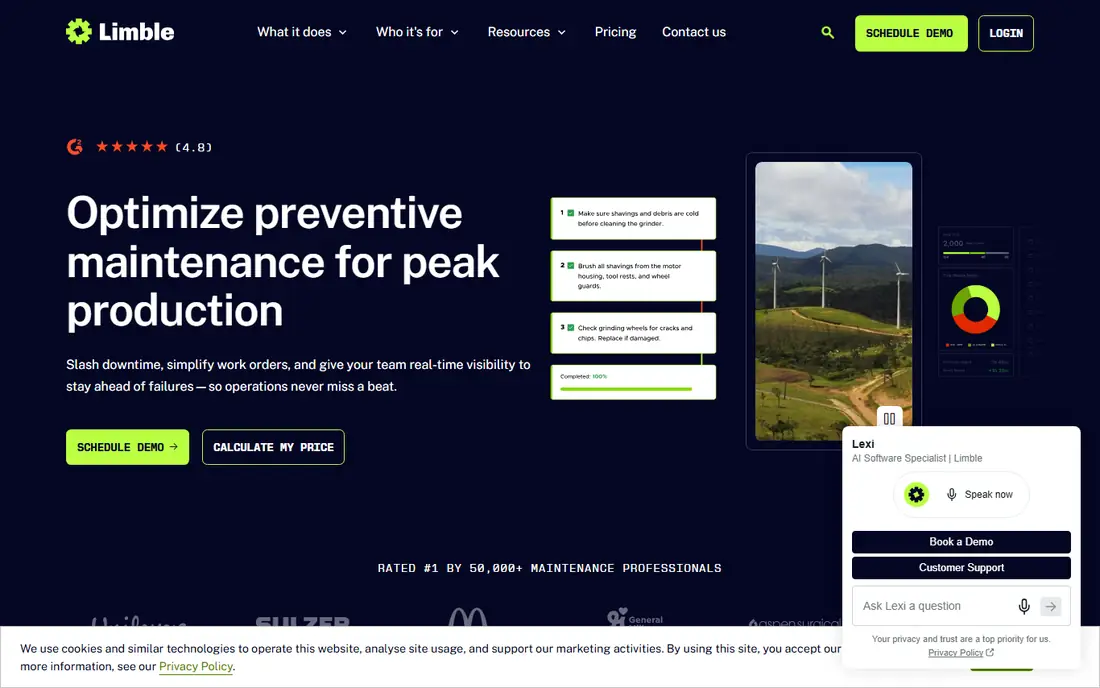
Limble is a common pick when a small team needs a CMMS up and running in days rather than weeks. It organizes assets in a tree, so a building can contain a wing, a wing can contain a mechanical room, and each piece of equipment keeps its own repair history. That structure fits a campus with independent living, assisted living and memory care under one roof.
Pricing is per user per month, billed annually, across Standard, Premium+ and Enterprise tiers, according to third-party summaries. Published figures vary by source, so treat the vendor's current page as the only number that counts. A trial is available.
The drawback is the usual per-seat math. A 50-user deployment on a higher tier gets pricey, and one review of the pricing estimated a very large monthly bill at that size. For a community with five maintenance staff the cost is manageable, but a multi-building operator should model it carefully.
What we like- Per-user pricing with tiers for small teams
- Asset and work order records are quick to set up
- Trial available
Watch out for- Several features are limited to higher plans
- Costs rise quickly at larger user counts
#5Asset Panda
Best for: Tracking mixed equipment across campuses4.2/5 on
G2 (43 reviews, checked Oct 2026)
Visit assetpanda.com
Starting priceSee website
Free planNo
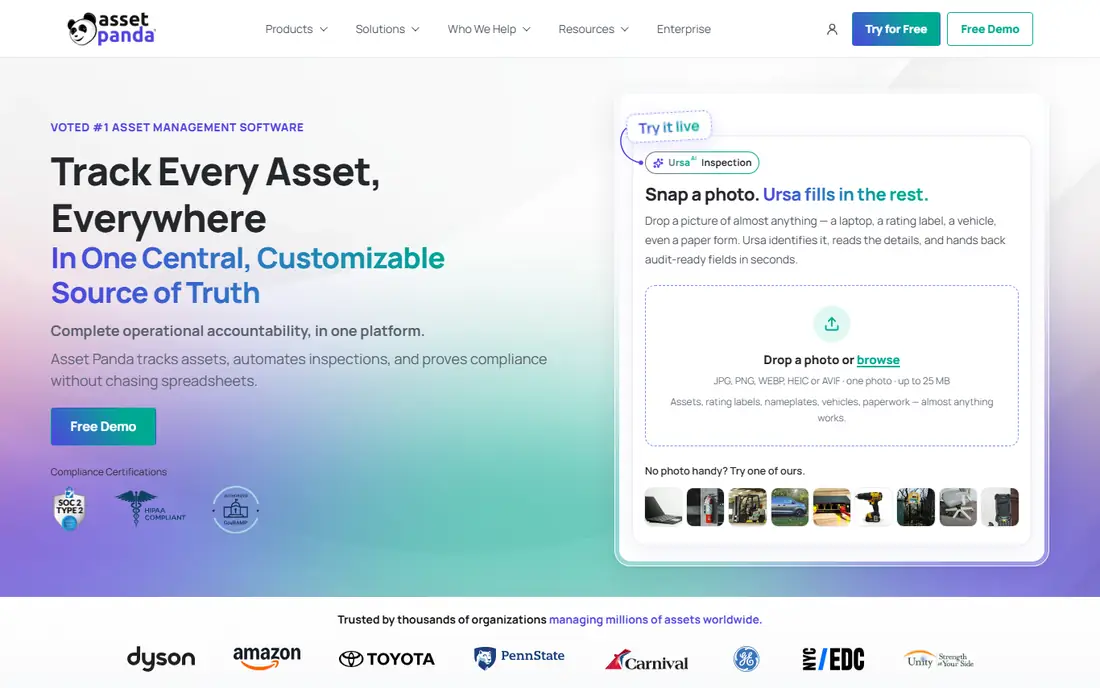
Asset Panda is the tracker on this list. It records what you own, where it is, who has it and what condition it is in, and you can set up fields for whatever you track. A community might use it for wheelchairs, transport vehicles, tablets used for activities, medical carts and furniture across several buildings.
The vendor describes serving healthcare and other sectors, and the product is configurable rather than prescriptive. That flexibility means someone has to design the setup. Plan a few weeks of work to decide categories, custom fields and who is allowed to check items out.
Pricing is the sticking point. One independent write-up reports that the pricing page now leads to a quote form, so you cannot price it from the website alone. If your core need is maintenance scheduling and work orders, a CMMS fits better, and Asset Panda works best beside one.
What we like- Flexible asset records for different equipment types
- Used across healthcare and other sectors
- Barcode and mobile tracking
Watch out for- Pricing is quote-based
- It is an asset tracker first, not a full maintenance system
Starting priceSee website
Free planNo
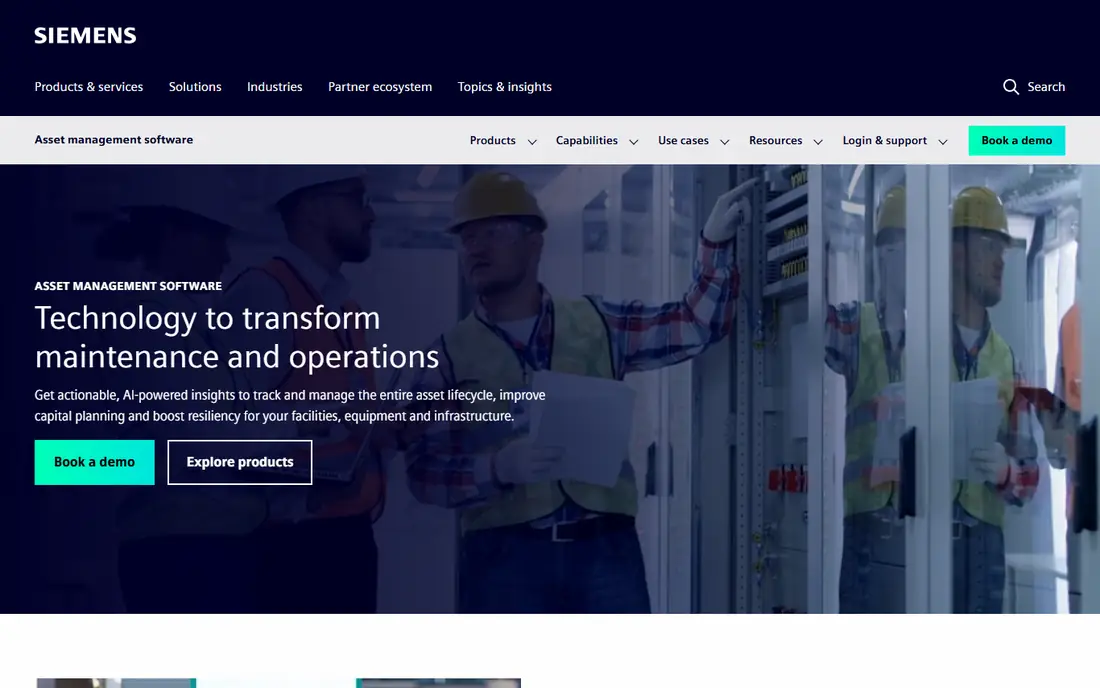
Brightly is part of Siemens and sells facility maintenance software to schools, municipalities, healthcare and other large facility owners. Asset Essentials is its work order and asset product. It is aimed at operators who need consistent records across many buildings, such as a regional senior living group with a corporate facilities team.
The value for that audience is standardization. One naming scheme, one set of preventive schedules and one place to run reports across communities helps a director of facilities compare buildings. The tradeoff is that the sales process and implementation are built for larger customers, so a 60-unit community will probably find it heavy.
We could not verify public pricing, so ask for a quote and ask about contract length, implementation fees and how many users are included. Request a sandbox with your own equipment list before committing.
What we like- Built for organizations with many facilities
- Combines work orders and asset records
- Vendor focuses on facility operations
Watch out for- Quote-based pricing
- Likely heavier than a single community needs
#7Sortly
Best for: Inventory and supply rooms4.3/5 on
G2 (27 reviews, checked Oct 2026)
Visit sortly.com
Starting priceSee website
Free planYes
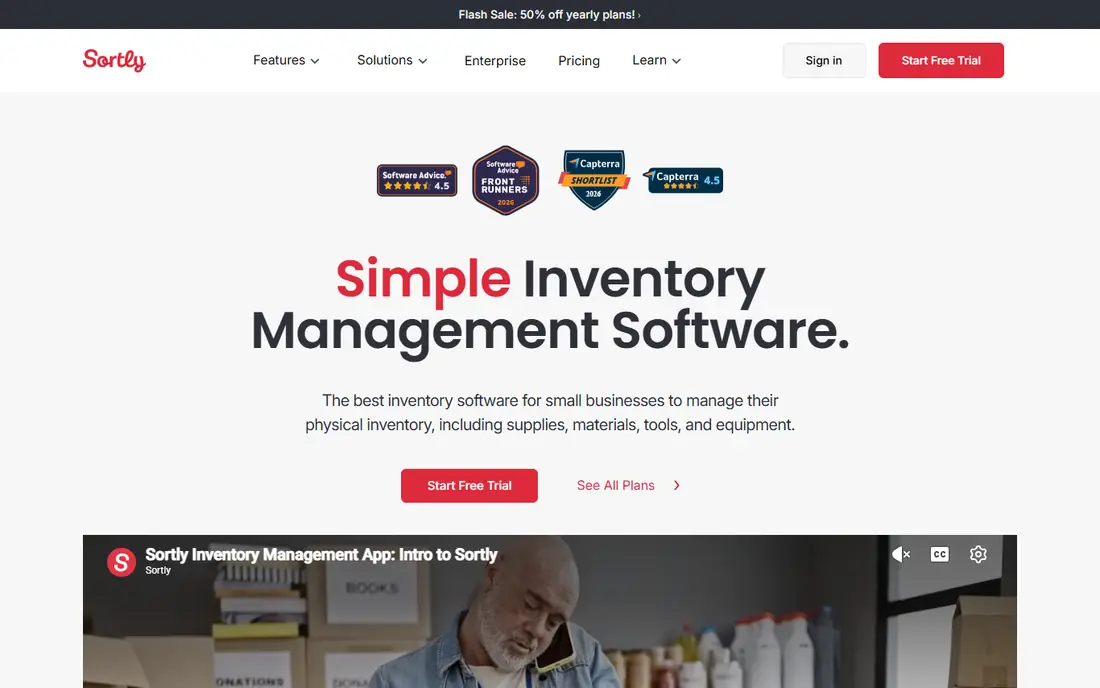
Sortly is an inventory app, and that is how to use it. Think of the supply closet, the housekeeping room, the medical supply stock and the spare-parts shelf, each with photos, quantities and alerts when stock is low. A wellness director or housekeeping lead can learn it in an afternoon.
For senior living it fills a gap the maintenance tools often handle clumsily: consumables and loose equipment that move around the building. Staff can scan or search to see what is on hand rather than walking to the room.
It does not replace a CMMS. You will not get a full preventive maintenance calendar or a repair history you can hand to an inspector. Pair it with one of the work order tools above, and check the vendor page for current limits on the free plan and paid tiers.
What we like- Simple visual inventory with photos and barcodes
- Quick for non-technical staff
- Free plan to test
Watch out for- Not a maintenance system
- No work order depth for compliance records
Starting priceSee website
Free planYes
Snipe-IT is an IT asset manager. If your community issues tablets to residents, laptops to staff and phones to care teams, it tracks who has what, assigns devices and records returns. The open-source version is free to run on your own server, and a hosted version is sold by the vendor.
This is the pick for a community with a part-time IT contractor and a device problem. It will not schedule a fire panel inspection or log a plumbing repair, so it solves only one slice of the asset picture.
The weakness is the effort of self-hosting, including updates and backups. If nobody on staff or contract can own that, the hosted plan is the easier route, and pricing for it is on the vendor site.
What we like- Open-source version you can host yourself
- Strong fit for laptops, tablets and phones
- Check-in and check-out workflows
Watch out for- Self-hosting needs technical help
- Not designed for building maintenance
How we chose
We built this list from vendor pricing pages and documentation where they were reachable, then cross-checked with public review summaries on sites such as Capterra, and independent pricing write-ups. We did not install or hands-on test any of these products. Where a vendor's own page was not available to us, we wrote See website rather than repeat a third-party number.
We looked at five things: whether the tool handles work orders and preventive schedules, whether it tracks asset records with locations and history, mobile use, how pricing scales with users, and fit by community size. We favored tools that a community can start without an implementation project, and included a few specialized options (inventory and IT) because senior living assets are not all pipes and boilers.
Start with the assets you must prove you maintained
Senior living has equipment that gets inspected: fire alarms, sprinklers, generators, elevators, kitchen hoods, water systems and resident call systems. Start by listing those and the inspection frequency. The tool you choose should produce a dated record of each check, who did it and what was found.
That points you to a CMMS first. UpKeep, MaintainX, Fiix, Limble and Brightly all center on work orders and schedules. Trackers like Asset Panda and Snipe-IT are better at location and custody than at proof of work.
Count your real users
Per-user pricing looks cheap until you count everyone. Two maintenance technicians are an easy bill. Add a director of nursing, a housekeeping lead, an executive director and shift supervisors who submit requests, and the monthly total changes. Ask each vendor whether requesters need a paid seat, and whether a request portal is included on the plan you are considering.
Test the phone experience
Maintenance staff in a senior living community walk constantly and often have poor signal in older buildings. Try creating a work order, adding a photo and closing it while standing in a resident hallway. Ask whether the app works offline, since UpKeep, for example, lists offline mode on its Professional plan.
Ask about data export and contract terms
Before you sign, confirm you can export your asset list, work order history and attachments in a standard format. Ask about contract length, auto-renewal and what happens to your data if you leave. A year of repair history is useful when you replace a failing boiler, so you want to keep it.
Plan the first 30 days
Do not load every asset on day one. Start with the equipment with legal or safety inspections, add barcodes or tags, and attach manuals and vendor contacts. Expand to furniture and small equipment once the team trusts the routine.
Frequently asked questions
Is there software built only for senior living asset management?
Most of the tools buyers shortlist are general maintenance or asset tracking products configured for senior living. Some vendors in healthcare and facilities serve communities, but we did not find a pure senior living asset product with public pricing. Expect to set up your own categories for resident rooms, life-safety equipment and common areas.
What is the difference between a CMMS and an asset tracker?
A CMMS manages maintenance work: requests, work orders, preventive schedules and repair history. An asset tracker records what you own, where it is and who holds it. Many communities need both, though a CMMS with solid asset records covers most facilities needs.
How much does asset management software for senior living cost?
Public per-user prices for maintenance software start in the range of about $24 per user per month on UpKeep's Essential plan. Several vendors on this list use quotes or change prices often, so confirm on their sites. Budget for implementation time and for extra users as well as the subscription.
Can a small community start with a free plan?
Yes. MaintainX and Fiix both offer free plans, and Snipe-IT can be self-hosted at no software cost. Free tiers usually cap features such as inventory, purchase orders or the number of scheduled tasks, so use them to test the workflow before you commit.
Who should own the system inside the community?
Usually the maintenance director or facilities manager, with a backup. Give one person responsibility for asset naming, schedules and reports so the data stays consistent. Executive directors can get read-only reports rather than daily logins.
Sources we checked (9)
- https://upkeep.com/pricing/
- https://facilio.com/blog/fiix-cmms-pricing/
- https://facilio.com/blog/maintainx-pricing/
- https://facilio.com/blog/limble-cmms-pricing/
- https://www.trustradius.com/products/limble-cmms/pricing
- https://www.capterra.com/p/74916/Fiix/
- https://www.capterra.com/p/179296/GetMaintainx/
- https://www.shelf.nu/blog/asset-panda-pricing
- https://www.selecthub.com/p/cmms-software/hippo-cmms/
Is your product missing or out of date?
We review this list regularly. Vendors can request a listing, send updated pricing or ask about featured placement.

Shihab Mia · Founder, Rankite
Shihab has 5+ years in B2B and SaaS SEO. He writes Rankite's software buying guides from pricing pages, documentation and public user reviews. More about Shihab.