How we make this list: we compare pricing pages, product documentation and public user reviews. Rankite is independent; if a vendor ever pays for a featured spot, that listing is clearly labeled Partner.
Key takeaways
- IT asset tools (Lansweeper, Snipe-IT, ManageEngine AssetExplorer) discover and track computers, software and network gear; operations tools (UpKeep, Fiix, Limble, Wasp Asset, Asset Panda, EZO) track physical equipment, tools and facilities.
- Free options are real: Snipe-IT is free and open source, ManageEngine AssetExplorer is free forever up to 50 nodes, Lansweeper is free up to 100 assets, and Fiix offers a free CMMS forever.
- Published prices run from $24 per user per month (UpKeep Essential) to $45 per user per month (Fiix Basic) to $270 per month (Lansweeper Starter); Asset Panda, EZO, Limble and Wasp Asset quote custom.
- Wasp Asset is the current name for what used to be called AssetCloud, one vendor for the software, scanners and asset tags.
Quick comparison
| Tool | Best for | Starting price | Free plan |
|---|
 Lansweeper Lansweeper | IT and security teams that need to discover every asset automatically | $270/month (Starter, billed annually) | Yes (free up to 100 assets, plus 14-day full trial) |
 Snipe-IT Snipe-IT | Teams that want capable asset tracking with zero license cost | $0 (self-hosted, open source) | Yes (open source, free forever) |
 Asset Panda Asset Panda | Operations, facilities and field teams tracking physical assets on mobile | See website (custom quote) | Free trial (offered) |
 EZO EZO | Teams running equipment check-in, check-out and reservations across sites | See website | Free trial (offered) |
 ManageEngine AssetExplorer ManageEngine AssetExplorer | IT managers who want ITAM with a real free edition | See website (Professional edition licensed) | Yes (free edition, never expires, up to 50 nodes cloud / 25 on-prem) |
 UpKeep UpKeep | Maintenance teams that live on mobile and want AI-assisted work orders | $24/user/month (Essential) | Free trial (no credit card) |
 Fiix Fiix | Maintenance teams that want to start on a free CMMS and grow into paid tiers | $45/user/month (Basic) | Yes (free CMMS, not a trial, no credit card) |
 Limble CMMS Limble CMMS | Maintenance teams that want the easiest CMMS to adopt | See website (custom quote) | No (demo offered) |
 Wasp Asset Wasp Asset | Teams that want the software, scanners and asset tags from one US vendor | From $108/month (per vendor's product listing) | No (live demo offered) |
Is your product missing or out of date?
We review this list regularly. Vendors can request a listing, send updated pricing or ask about featured placement.
The best asset software
"Asset software" covers two different jobs, and buyers who mix them up waste a quarter on the wrong product. IT asset management (ITAM) tracks technology: laptops, servers, software licenses, network gear. Enterprise and fixed asset management tracks physical things: tools, equipment, vehicles, facilities. Some platforms cover both; most are built for one side. These nine tools span both camps, with published prices where the vendor shares them.
#1
Lansweeper
Best for: IT and security teams that need to discover every asset automatically
Visit lansweeper.com
Starting price$270/month (Starter, billed annually)
Free planYes (free up to 100 assets, plus 14-day full trial)
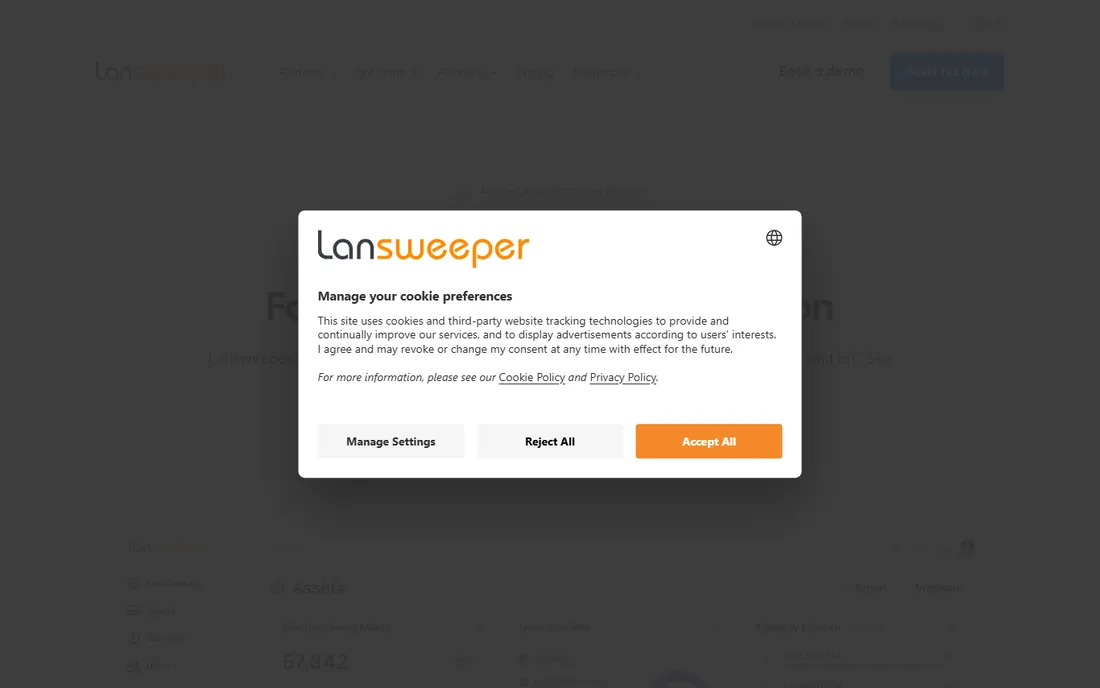
Lansweeper's job is answering "what do we actually own" without anyone typing it in. The discovery engine finds managed, unmanaged and shadow assets across the network, cloud and OT, fingerprints each device against a library of 175M-plus devices, and merges duplicates into one record. The vendor's own pricing page lists Free (up to 100 assets), Starter from $270 per month and Pro from $449 per month, all billed annually, with Enterprise custom.
The standout is the free tier: up to 100 assets free forever with unlimited users, which lets a small IT team run real asset discovery before spending anything. The honest catch is the price curve past that: $270 a month is a real commitment for a team that only needs an inventory list. For IT and security teams where unknown devices are a compliance or security risk, it is the category leader.
What we like- Agentless discovery across IT, OT, cloud and IoT with a 175M-device fingerprint library
- AI capabilities on every edition at no extra cost
- Unlimited user seats
Watch out for- Starter starts at $270 per month for 2,000 assets, steep for small teams
- Licenses are not stackable, so growing past a band means a sales call
#2
Snipe-IT
Best for: Teams that want capable asset tracking with zero license cost
Visit snipeitapp.com
Starting price$0 (self-hosted, open source)
Free planYes (open source, free forever)
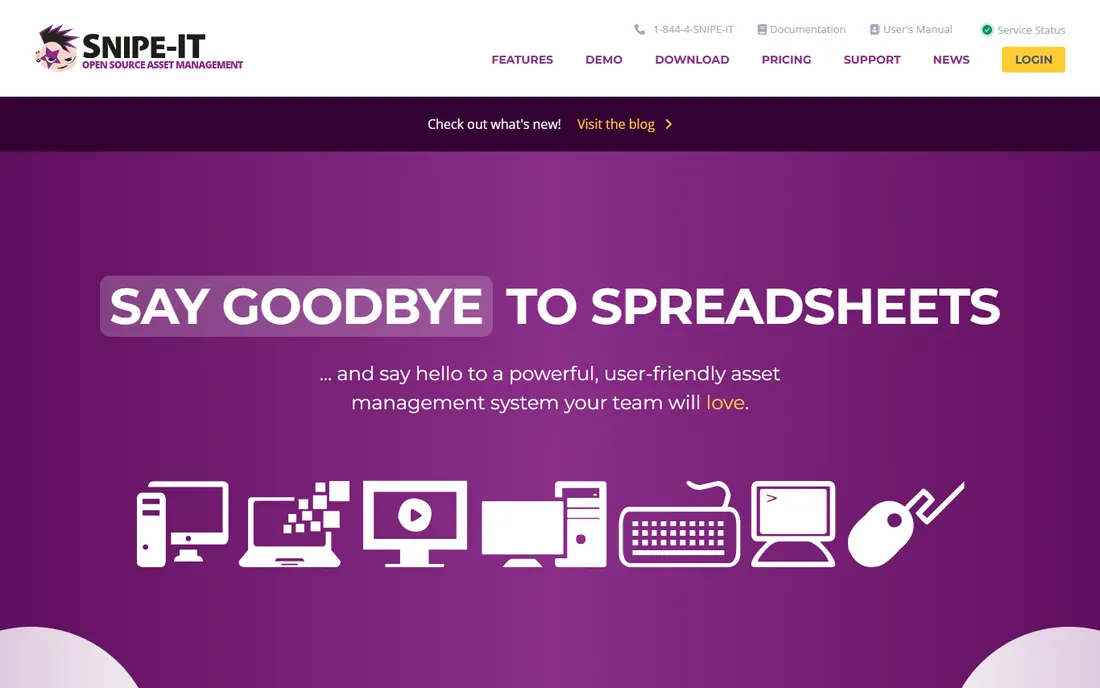
Snipe-IT is the open source answer. The software itself is free forever: download it, host it, track unlimited assets with check-in and check-out, audits, depreciation, license seats and a developer API. The vendor Grokability offers hosted plans at $39.99 per month per the structured pricing on its own site, with global data centers and full-time support.
The trade is effort. There is no agentless network discovery, so assets get into Snipe-IT by import, manual entry or API, and the self-hosted version needs someone to maintain it. For schools, nonprofits and IT teams with technical staff, that trade is excellent: a full asset system for the cost of hosting. For teams that need discovery, pair it with Lansweeper or pay for a tool that includes it.
What we like- Completely free open source software with no vendor lock-in
- Full asset tracking, check-in/out, audits and a REST API
- Hosted option at $39.99 per month with 99.99% uptime SLA
Watch out for- Self-hosted means your team handles updates, backups and security
- No auto-discovery, so assets enter the system by hand or import
#3
Asset Panda
Best for: Operations, facilities and field teams tracking physical assets on mobile
Visit assetpanda.com
Starting priceSee website (custom quote)
Free planFree trial (offered)
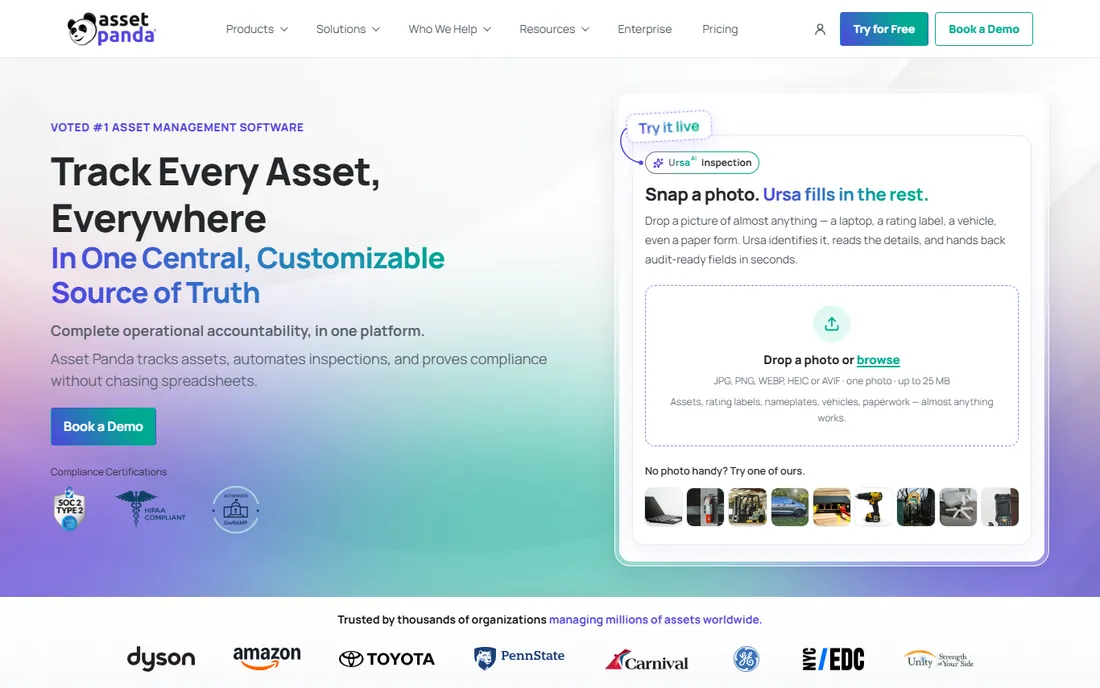
Asset Panda tracks the physical world: equipment, tools, vehicles, facilities and the inspections and audits that prove their condition. The mobile app scans barcodes and QR codes, logs transfers and checkouts, runs inspection checklists with photo capture, and builds audit-ready reports with full chain-of-custody history. The vendor's UrsaAI layer reads inspection photos, grades condition and watches certification dates.
The honest fit is operations, not IT. If your assets are laptops and servers, Lansweeper or Snipe-IT fit better. If your assets are generators, fleet vehicles, medical equipment or construction tools spread across job sites, Asset Panda's mobile-first design and customizable records earn the demo. Pricing is custom-quoted, so the sales conversation should start with your asset count and user needs, not a headline number.
What we like- Mobile-first with barcode and QR scanning, inspections, audits and chain-of-custody tracking
- AI features for condition grading and compliance reporting
- Unlimited users per the vendor's customer stories
Watch out for- Custom-quoted pricing, so budgeting requires a sales conversation
- IT asset discovery is not the focus, so tech-heavy teams need a second tool
Starting priceSee website
Free planFree trial (offered)
EZO (the current brand for EZOfficeInventory) is the operations platform for equipment that moves: tools, AV gear, vehicles, medical equipment and supplies across warehouses, campuses and job sites. Check-in and check-out workflows keep a full custody chain, reservations prevent double-booking, approvals route high-value assets, and maintenance scheduling ties repairs to the asset record. Depreciation tracking gives finance the replacement picture.
The platform plays well at scale: 350,000-plus locations run on it per the vendor, with mobile apps for field scanning and a self-service equipment portal for employees. For deeper IT asset management, the same company sells AssetSonar, so the pair covers physical and IT assets. Pricing is not published, so budget the conversation around asset count, locations and the RFID question.
What we like- Check-in/check-out, reservations, approvals and custody chain in one platform
- Preventive maintenance with work orders
- Barcode, QR and RFID tracking
- AssetSonar sibling product covers ITAM
Watch out for- No published pricing, so every buyer talks to sales
- The broadest feature set can feel like a lot for teams that only need simple tracking
#5
ManageEngine AssetExplorer
Best for: IT managers who want ITAM with a real free edition
Visit manageengine.com
Starting priceSee website (Professional edition licensed)
Free planYes (free edition, never expires, up to 50 nodes cloud / 25 on-prem)
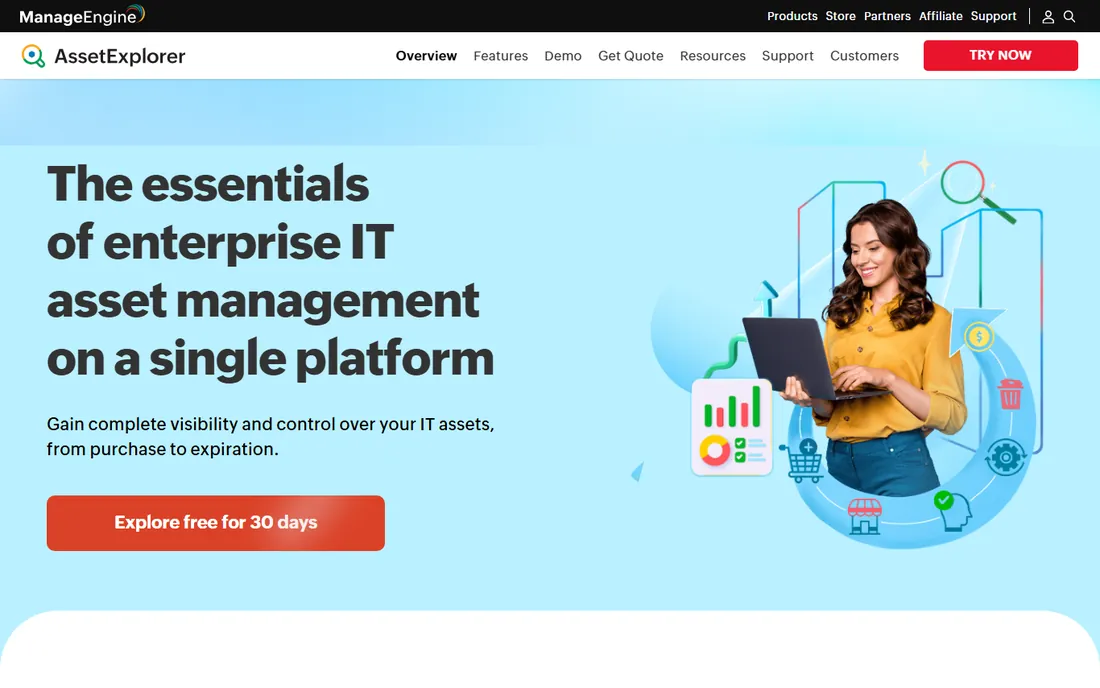
ManageEngine AssetExplorer is the budget ITAM pick with a catch-free free edition. The vendor's own page states it plainly: free forever, fully functional, restricted to 50 nodes on cloud and 25 on-premises, including IT asset inventory, software license management, purchase orders, contracts and asset life cycle management. A 30-day trial with 250 nodes covers the evaluation.
What makes it strong is the ITAM depth at low cost: automated discovery, software usage monitoring, license compliance statuses, purchase and vendor management, and a CMDB, all inside one product that also integrates with the ManageEngine ecosystem. The honest limit is scale: 50 nodes covers a small office, not a fleet. For IT teams that need real ITAM without a real budget, it is the first tool to try.
What we like- Free edition is fully functional and never expires
- Agent-based and agentless discovery, software license management, purchase orders and a CMDB
- Cloud and on-premises deployments
Watch out for- Paid Professional pricing is not shown on the product page
- The free edition's 50-node cloud limit means real fleets need the paid tier
#6
UpKeep
Best for: Maintenance teams that live on mobile and want AI-assisted work orders
Visit upkeep.com
Starting price$24/user/month (Essential)
Free planFree trial (no credit card)
UpKeep is the mobile-first CMMS for maintenance teams. The vendor's own homepage publishes the numbers: Essential at $24 per user per month and Premium at $55, with Professional and Enterprise quoted. Every plan includes unlimited work orders and locations plus the Nova AI assistant, which turns voice notes into work orders and builds custom apps from your records. A free trial with no credit card covers the evaluation.
The product suits facilities, manufacturing and food service teams where technicians work from phones: QR-code work requests, automated preventive maintenance scheduling, parts and inventory with costing, and safety compliance on the same work orders. For asset tracking, UpKeep covers equipment records and lifecycle history; for IT assets and software licenses, it is not the tool. Price per user, count your technicians, and the math is clean.
What we like- Published pricing: Essential $24 and Premium $55 per user per month
- Mobile-first CMMS with work orders, preventive maintenance and parts inventory
- Nova AI builds work orders and custom apps
Watch out for- Professional and Enterprise are request-a-quote
- The product is CMMS-first, so pure IT asset tracking needs another tool
#7
Fiix
Best for: Maintenance teams that want to start on a free CMMS and grow into paid tiers
Visit fiixsoftware.com
Starting price$45/user/month (Basic)
Free planYes (free CMMS, not a trial, no credit card)
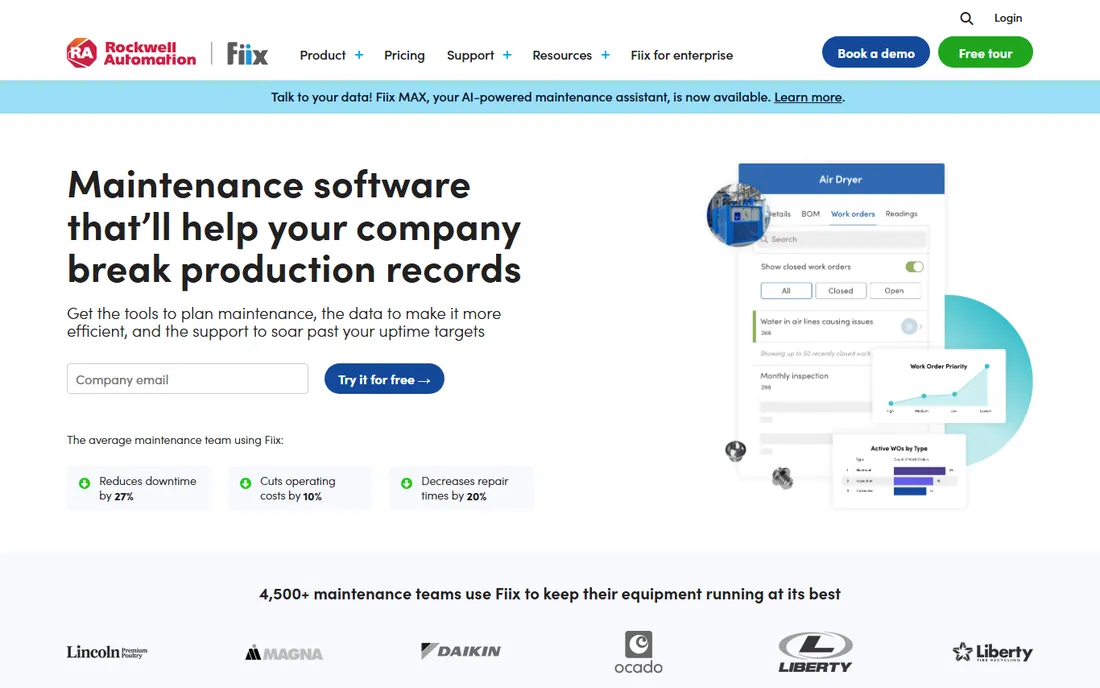
Fiix earns attention with a genuinely free CMMS: not a trial, no credit card, no expiry, aimed at small operations proving the value of maintenance software. When the team grows, the vendor's own pages list Basic at $45 per user per month and Professional at $75, with Enterprise custom-quoted. The paid tiers add work order analytics, asset insights dashboards and deeper automation.
The honest extras are services: training, implementation, integration and premium support carry their own costs, and the vendor's pricing calculator includes them. That is standard for CMMS, but budget it. For maintenance teams, Fiix covers work orders, preventive maintenance, parts and asset records with a cleaner path from free to paid than most rivals. For IT asset management, look elsewhere.
What we like- Free CMMS forever for small operations
- Paid tiers published on the vendor's own pages: Basic $45 and Professional $75 per user per month
- Strong work order insights and asset dashboards
Watch out for- Implementation, training and integration services cost extra
- The free tier is a starting point, not a full CMMS
Starting priceSee website (custom quote)
Free planNo (demo offered)
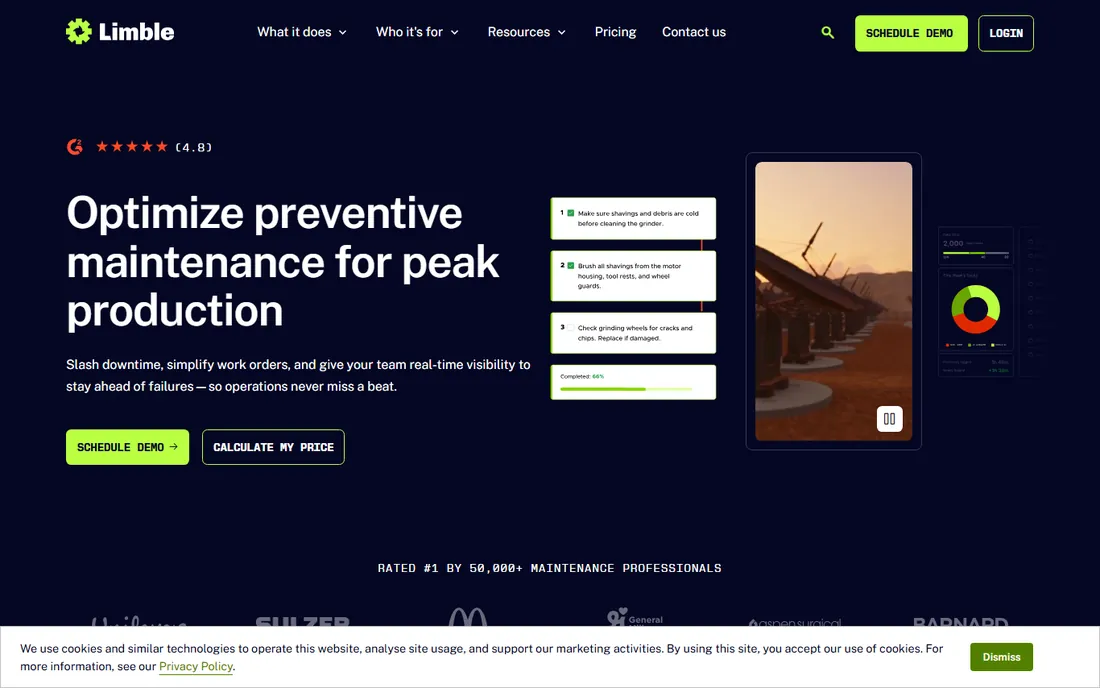
Limble is the usability pick in CMMS. The interface is the reason teams switch: bulk import handles up to 2,000 assets and auto-organizes them into hierarchies, work orders go out fast with QR-code requests, and preventive maintenance runs on time, meter or threshold triggers. The vendor's own pricing page lists Standard, Premium+ and Enterprise tiers without dollar amounts.
The trade is transparency and depth. Without published prices, small teams cannot self-qualify, and third-party sources put it around $28 per user per month, which you should confirm in the demo. User reviews note reporting and mobile rough edges next to UpKeep and Fiix. For a team whose biggest risk is adoption failure, Limble's ease of use is the deciding factor. For a team that needs deep reporting, evaluate first.
What we like- Widely praised for ease of use, with bulk asset import up to 2,000 assets
- Preventive maintenance with time, meter and threshold triggers
- Work request portal with QR codes
Watch out for- No published pricing, so every buyer gets a custom quote
- Reporting depth and mobile polish trail competitors per user reviews
#9
Wasp Asset
Best for: Teams that want the software, scanners and asset tags from one US vendor
Visit waspbarcode.com
Starting priceFrom $108/month (per vendor's product listing)
Free planNo (live demo offered)
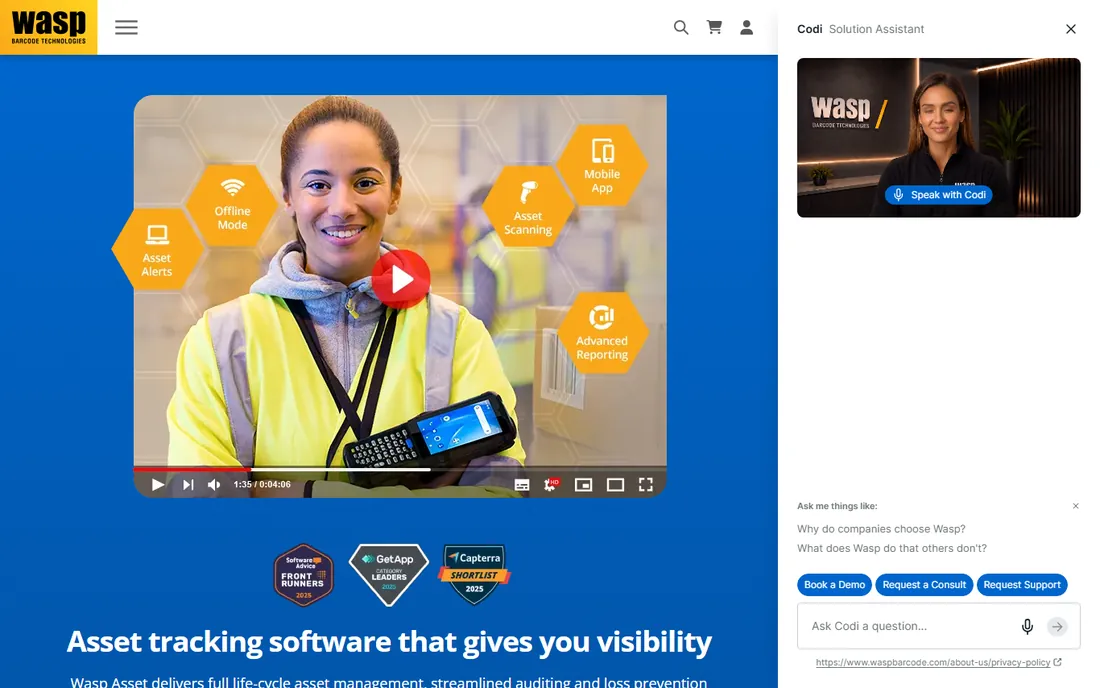
Wasp Asset (the current name for what used to be called AssetCloud) sells the complete package. The software tracks check-in and check-out, audits, maintenance work orders and full asset history with barcode or RFID scanning; the same company sells the scanners, mobile computers, asset tags and RFID equipment, with one US-based support team for all of it. The vendor's own product listing shows a $108 to $250 range.
That single-vendor model is the pitch. If your team already owns scanners and phones, pure software from Asset Panda or EZO costs less. If you are starting from nothing, getting hardware, tags, software and support from one place removes compatibility headaches. Cloud and on-premises deployments cover both standard offices and regulated environments with strict network rules. Get the live demo and price the hardware bundle, not just the software.
What we like- One vendor for asset tracking software, barcode scanners, mobile computers, labels and RFID gear
- Check-in/check-out, audits and maintenance work orders
- Cloud and on-premises deployments
Watch out for- The hardware-plus-software model costs more than pure software for teams that already own scanners
- Pricing starts around $108 per month, steep for very small teams
IT assets vs physical assets: buy for the right kind
The first sorting question is what you track. IT assets are technology: laptops, desktops, servers, network gear, software licenses, cloud resources. The right tools discover them automatically because they live on a network: Lansweeper, ManageEngine AssetExplorer and the hosted Snipe-IT plan. Physical assets are things: tools, equipment, vehicles, furniture, facilities. The right tools track them by scan, inspection and custody: Asset Panda, EZO, Wasp Asset, UpKeep, Fiix and Limble.
The second question is maintenance vs inventory. Inventory tools answer "where is it and who has it." Maintenance tools answer "what work does it need and when." Snipe-IT and AssetExplorer lean inventory; UpKeep, Fiix and Limble lean maintenance; Asset Panda, EZO and Wasp Asset cover both for physical assets. The third question is scale: under 100 assets, the free tiers of Lansweeper, AssetExplorer and Snipe-IT cover you; past 1,000, plan for per-user or per-asset pricing and count the metering units before signing.
How to scope an asset project before you buy
Start with the asset count and type, because every vendor prices on it. Count IT assets (devices plus software installs) separately from physical assets (tools, equipment, vehicles), and note which ones move between locations. Then count the people: who scans, who maintains, who approves, who reads reports. Per-user pricing (UpKeep $24, Fiix $45) rewards small teams; per-asset or flat pricing rewards big fleets.
Next, decide the data source. If assets join by network, you need discovery: Lansweeper or AssetExplorer. If they join by purchase order or delivery, you need import and barcode workflows: Snipe-IT, Asset Panda, EZO or Wasp Asset. Then pick the mobile requirement: field teams need offline-capable apps with fast scanning, which favors UpKeep, EZO, Asset Panda and Wasp. Finally, run a real pilot: import 200 actual assets, run a month of real checkouts or work orders, and read the audit report before signing anything.
Frequently asked questions
What is asset management software?
Software that tracks what an organization owns, where it is, who has it, and what condition it is in. IT asset management tools track technology and software licenses; enterprise and fixed asset tools track physical equipment, tools and facilities, often with maintenance and audit workflows.
What is the best free asset management software?
Snipe-IT is free and open source forever for self-hosting. ManageEngine AssetExplorer is free forever up to 50 nodes on cloud. Lansweeper is free up to 100 assets. Fiix offers a free CMMS forever. Each free tier has real limits, so match the limit to your asset count.
What is the difference between ITAM and EAM?
IT asset management (ITAM) covers technology: hardware, software licenses and network assets, usually with automated discovery. Enterprise asset management (EAM) covers physical assets across their lifecycle: procurement, maintenance, depreciation and disposal. Some vendors span both; most specialize.
How much does asset management software cost?
Published prices run from free (Snipe-IT, AssetExplorer, Lansweeper up to 100 assets, Fiix free CMMS) to $24 per user per month (UpKeep Essential), $45 per user per month (Fiix Basic), $270 per month (Lansweeper Starter) and custom quotes (Asset Panda, EZO, Limble, Wasp Asset from $108 per month). A 10-person maintenance team on published pricing runs roughly $240 to $450 a month.
Do I need barcode or RFID tracking?
Barcode tracking is cheap, simple and right for most teams: print labels, scan with a phone. RFID costs more in tags and readers but scans dozens of assets at once without line of sight, which pays off in warehouses and large audits. Wasp Asset sells both from one vendor; EZO and Asset Panda support both in software.
Can asset software replace spreadsheets for audits?
Yes, that is its core job. Every tool here keeps a transaction history per asset: who had it, when it moved, what maintenance happened. Audits become scan-and-compare instead of room-by-room manual checks, and the audit trail satisfies grant, compliance and insurance requirements that spreadsheets cannot.
How we chose
We searched for what buyers actually evaluate: asset management software, IT asset management software, fixed asset tracking software, CMMS software and equipment tracking software. For each candidate we opened the vendor's own pricing page, checked prices against public reviews on G2 and Capterra and practitioner discussion on Reddit, and weighed feature depth, pricing transparency, deployment options and fit for IT teams, maintenance teams and operations of different sizes. Where a price could not be verified on the vendor's page we wrote "See website" rather than guessing.
Sources we checked (11)
- https://www.lansweeper.com/pricing/
- https://snipeitapp.com/
- https://www.assetpanda.com/
- https://www.ezofficeinventory.com/
- https://www.manageengine.com/products/asset-explorer/
- https://upkeep.com/
- https://fiixsoftware.com/
- https://limblecmms.com/pricing/
- https://www.waspbarcode.com/asset-tracking/
- https://www.g2.com/categories/asset-management
- https://www.capterra.com/asset-management-software/
Is your product missing or out of date?
We review this list regularly. Vendors can request a listing, send updated pricing or ask about featured placement.

Shihab Mia · Founder, Rankite
Shihab has spent more than a decade helping SaaS and e-commerce brands grow through search. He writes Rankite's software buying guides from pricing pages, documentation and public user reviews. More about Shihab.