How we make this list: we compare pricing pages, product documentation and public user reviews. Ratings come from G2, Capterra or Trustpilot, with the date we checked them.
Key takeaways
- Most small companies use the same short list of tools: one office suite, one chat tool, one meeting tool, one CRM and one accounting app. PDF, project and design tools usually come next.
- Choose the office suite first, because email, file storage and logins all depend on it. Microsoft 365 Business Basic and Google Workspace Business Starter both list at $7 per user/month on an annual commitment.
- Salesforce's Starter Suite lists at $25 per user/month. The next tier (Pro Suite) jumps to $100 per user/month billed annually, so work out your second-year cost before you commit.
- QuickBooks Online charges by plan, not by seat. Simple Start lists at $38/month for one user, and Plus lists at $140/month for five users.
- Five of the ten tools (Slack, Zoom, HubSpot, Asana, Canva) have a free plan, so you can try most of a full set of tools before paying for anything.
Quick comparison
| Tool | Best for | Starting price | Free plan |
|---|
 Microsoft 365 Microsoft 365 | office suite for Windows-heavy teams | $7 per user/month (Business Basic, billed annually) | Free trial |
 Google Workspace Google Workspace | browser-first email and documents | $7 per user/month (Business Starter, 1-year commitment) | Free trial |
 Slack Slack | team chat and channel-based work | See website | Yes |
 Zoom Workplace Zoom Workplace | video meetings with clients and staff | See website | Yes |
 Salesforce Sales Cloud Salesforce Sales Cloud | sales teams that will outgrow simple CRMs | $25 per user/month (Starter Suite, billed monthly or annually) | Free trial |
 HubSpot HubSpot | marketing and sales in one CRM | See website | Yes |
 QuickBooks Online QuickBooks Online | small business accounting in the US | $38/month (Simple Start, 1 user) | No |
 Adobe Acrobat Adobe Acrobat | editing, converting and signing PDFs | $16.99 per license/month (Acrobat Standard for teams, annual, billed monthly) | Free trial (Pro and Studio, up to 10 licenses) |
 Asana Asana | project and task tracking across teams | See website | Yes |
 Canva Canva | quick marketing design without a designer | See website | Yes |
Is your product missing or out of date?
We review this list regularly. Vendors can request a listing, send updated pricing or ask about featured placement.
The best business software most companies use
#1Microsoft 365
Best for: office suite for Windows-heavy teams4.6/5 on
G2 (5,872 reviews, checked Oct 2026)
Visit microsoft.com
Starting price$7 per user/month (Business Basic, billed annually)
Free planFree trial
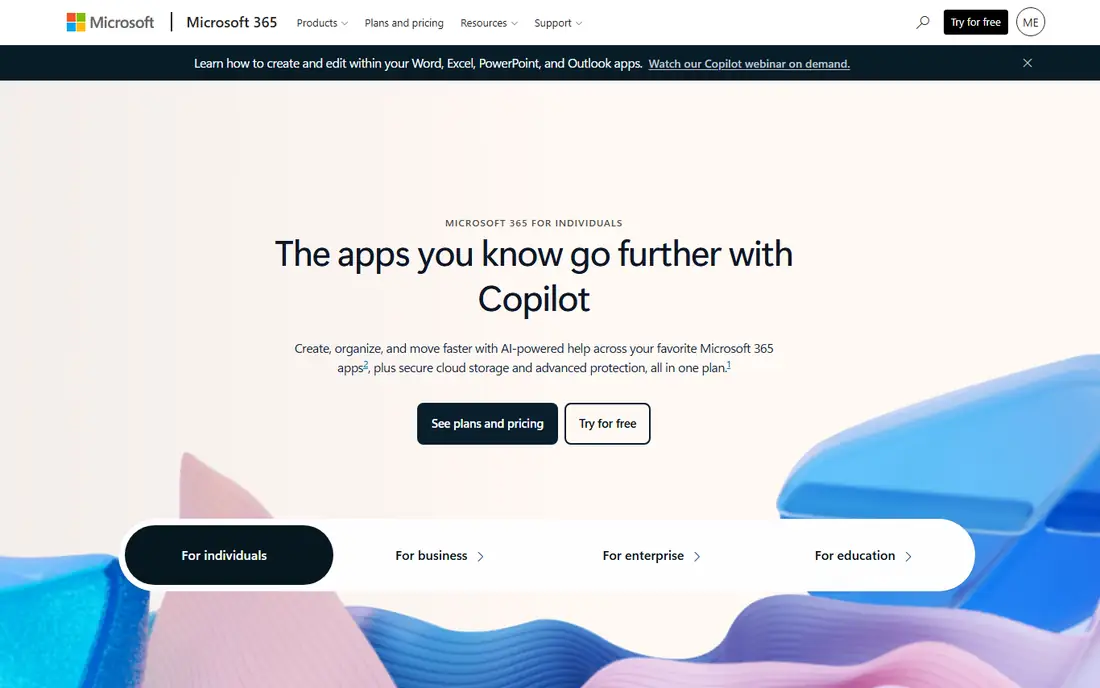
If your company lives in Excel and Outlook, Microsoft 365 is the default for a reason. Business plans cover 1 to 300 users, and every tier includes business email, Teams and 1 TB of OneDrive storage per person. Business Basic is the entry point at $7 per user/month on an annual plan.
The catch is the jump from Basic to the desktop apps. Microsoft's US pricing page now leads with Copilot bundles: Business Standard with Copilot lists at $23.50 per user/month and Business Premium with Copilot at $32, both billed yearly.
Annual subscriptions renew automatically, so put the renewal date on your calendar before you move your email over.
What we like- Word, Excel, Outlook and Teams under one admin console
- 1 TB of cloud storage per user on every business plan
- Excel is still the format accountants, lenders and partners expect
Watch out for- Business Basic only includes web and mobile apps, not desktop Office
- Plan names and Copilot bundles change often, which makes quotes hard to compare
Starting price$7 per user/month (Business Starter, 1-year commitment)
Free planFree trial
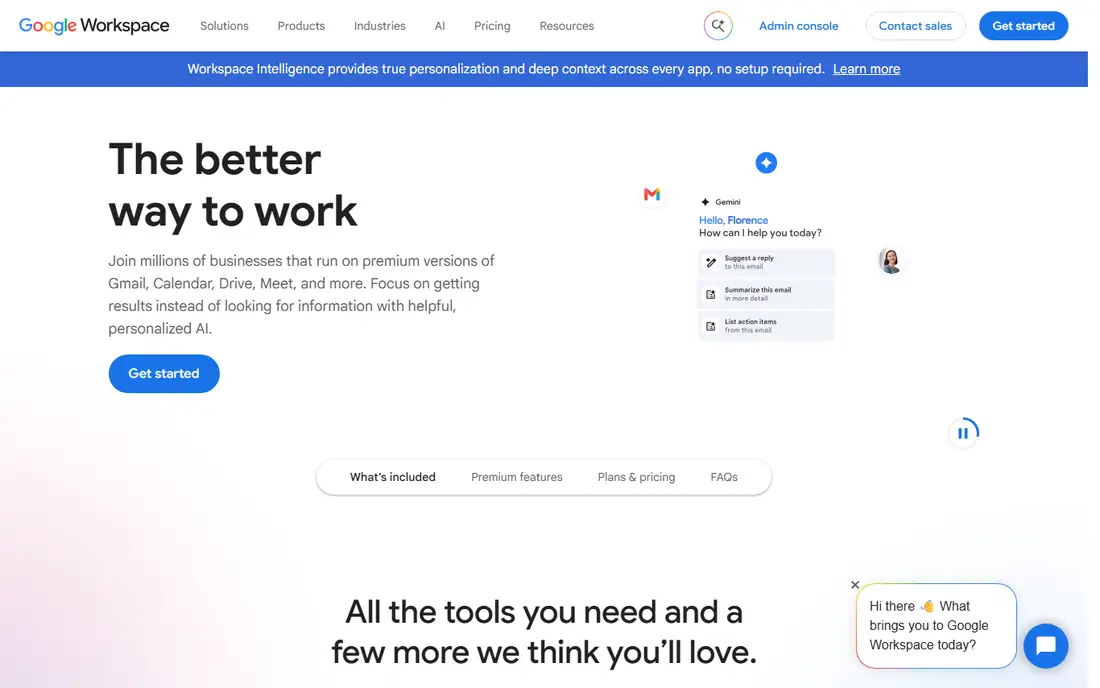
Startups and agencies that never bought a Windows server tend to land on Google Workspace, since everything runs in the browser. Business Starter lists at $7 per user/month with a one-year commitment. Google advertises a discount of roughly 16% for annual billing over monthly.
Storage is where cheaper plans show their limits. Starter gives 30 GB of pooled storage per person, and teams that keep video or design files in Drive usually move up a tier within a year.
The honest weakness is finance work. If your bookkeeper or outside accountant sends complex Excel models, you will end up keeping a few Microsoft licenses anyway.
What we like- Real-time co-editing in Docs and Sheets works with almost no training
- Admin console is simple enough for a non-IT owner
- Gmail, Meet, Drive and Calendar arrive configured together
Watch out for- Business Starter includes 30 GB of pooled storage per person, which fills fast with video
- Heavy Excel users often hit formula and macro gaps in Sheets
#3Slack
Best for: team chat and channel-based work4.5/5 on
G2 (39,944 reviews, checked Oct 2026)
Visit slack.com
Starting priceSee website
Free planYes
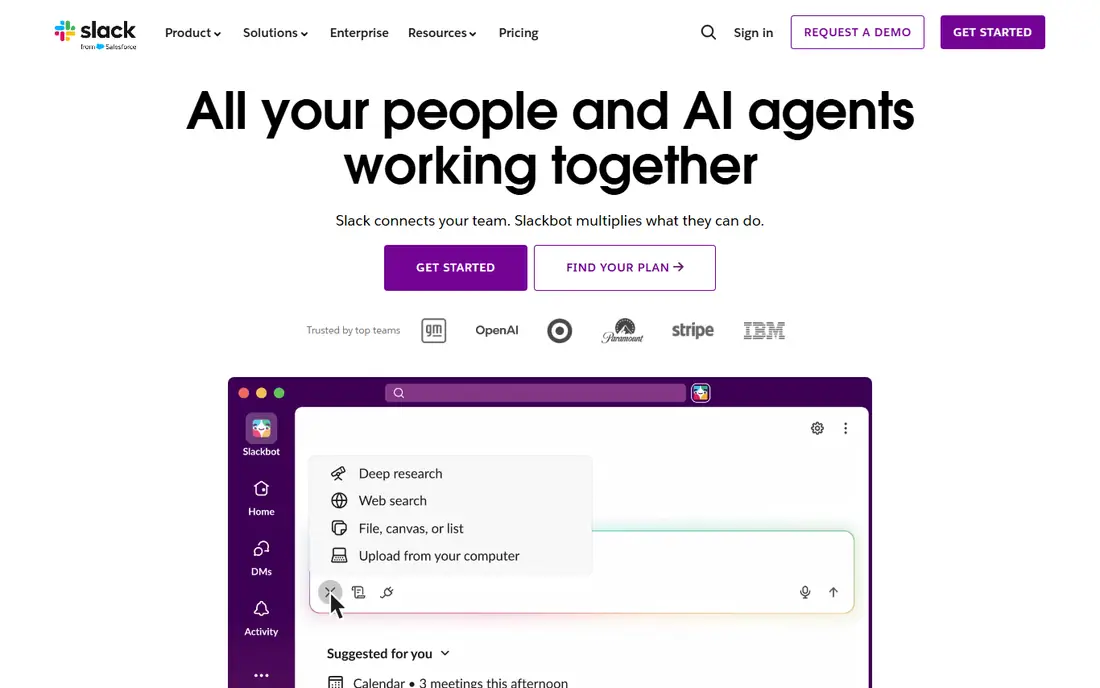
Slack is where many teams moved their internal email, and for good reason. A channel per project, client or department makes it easy for a new person to read back and catch up. Shared channels with agencies, vendors or customers are a quiet strength that Microsoft Teams still handles less smoothly.
The free plan is useful for testing, but the 90-day history limit hurts once real work piles up. It also caps the number of app integrations. Slack bills per active user, and its fair billing policy credits you for members who go inactive, which matters for teams with seasonal or contract staff.
If you already pay for Microsoft 365 with Teams included, think hard about whether you need both.
What we like- Channels keep project and client talk out of email
- Thousands of app integrations, from Google Drive to Salesforce
- Shared channels let you work with outside companies in the same space
Watch out for- The free plan only shows the most recent 90 days of messages and files
- Costs climb quickly if you need single sign-on or advanced AI search
#4
Zoom Workplace
Best for: video meetings with clients and staff
Visit zoom.com
Starting priceSee website
Free planYes
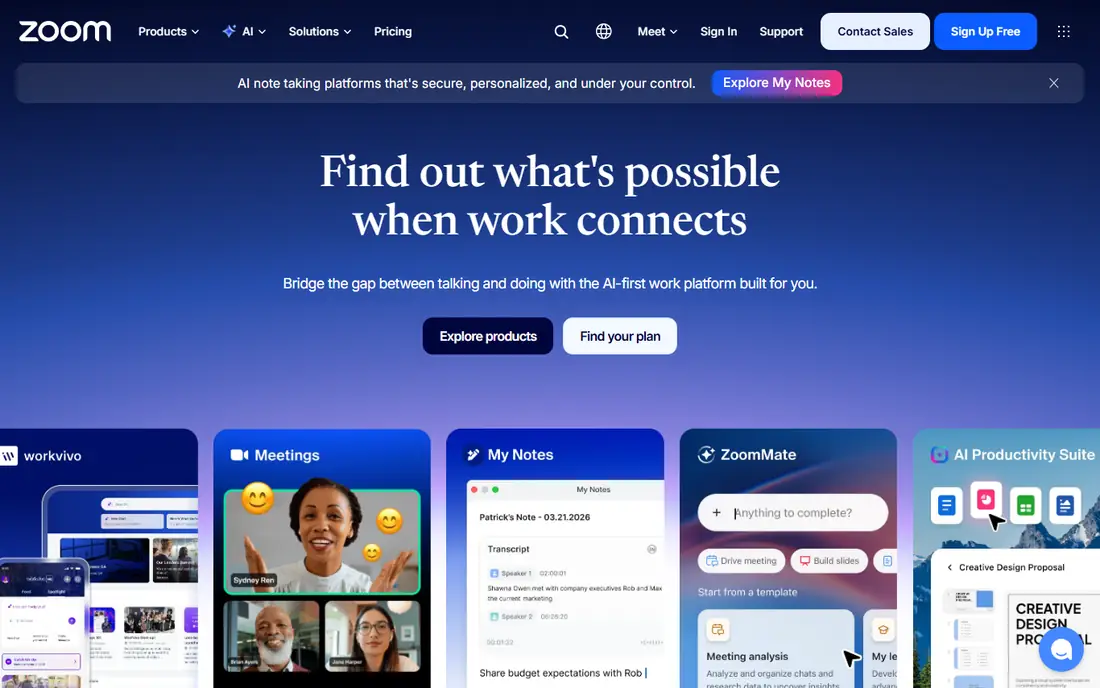
Zoom is still the meeting link most outside clients are comfortable clicking. Sales teams, consultants and anyone running webinars or client calls tend to keep it even when Teams or Google Meet comes with their office suite. Setup takes minutes, and nearly everyone already knows the desktop app.
Zoom Workplace now bundles chat, docs, whiteboards and AI meeting summaries, with phone sold as an add-on. Most small businesses only need meetings, so buy for that first.
The free Basic plan limits meetings to 40 minutes. That is fine for quick internal check-ins but awkward for client calls.
What we like- Guests can join from almost any device with little friction
- Reliable call quality on weak connections
- Phone, whiteboard and scheduling can be added from the same account
Watch out for- Free Basic meetings are capped at 40 minutes
- Add-ons such as Zoom Phone and larger meeting capacity raise the real cost
#5Salesforce Sales Cloud
Best for: sales teams that will outgrow simple CRMs4.4/5 on
G2 (27,571 reviews, checked Oct 2026)
Visit salesforce.com
Starting price$25 per user/month (Starter Suite, billed monthly or annually)
Free planFree trial
Salesforce is the CRM larger buyers expect you to use, and many mid-size companies choose it so they never have to switch again. Starter Suite lists at $25 per user/month, billed monthly or annually, and covers sales, service and marketing basics in one package.
The real decision is what happens next. Pro Suite, which adds quoting, forecasting and more automation, lists at $100 per user/month billed annually. Sales Cloud Advanced is $395 and Max is $550 per user/month. Add-ons such as Sales Engagement ($50 per user/month) stack on top.
For a 5-person sales team with simple pipelines, Salesforce is often more system than you need. For a 30-person team with territories, approvals and an ERP to connect, it is often the safest bet. Budget time for setup: weeks, not days, for anything beyond the Starter Suite.
What we like- Deep customization of objects, fields and workflows
- The largest ecosystem of consultants and add-on apps
- Starter Suite bundles sales, service and marketing basics
Watch out for- The jump from Starter ($25) to Pro Suite ($100 per user/month, billed annually) is steep
- Serious setups usually need a consultant or in-house admin
Starting priceSee website
Free planYes
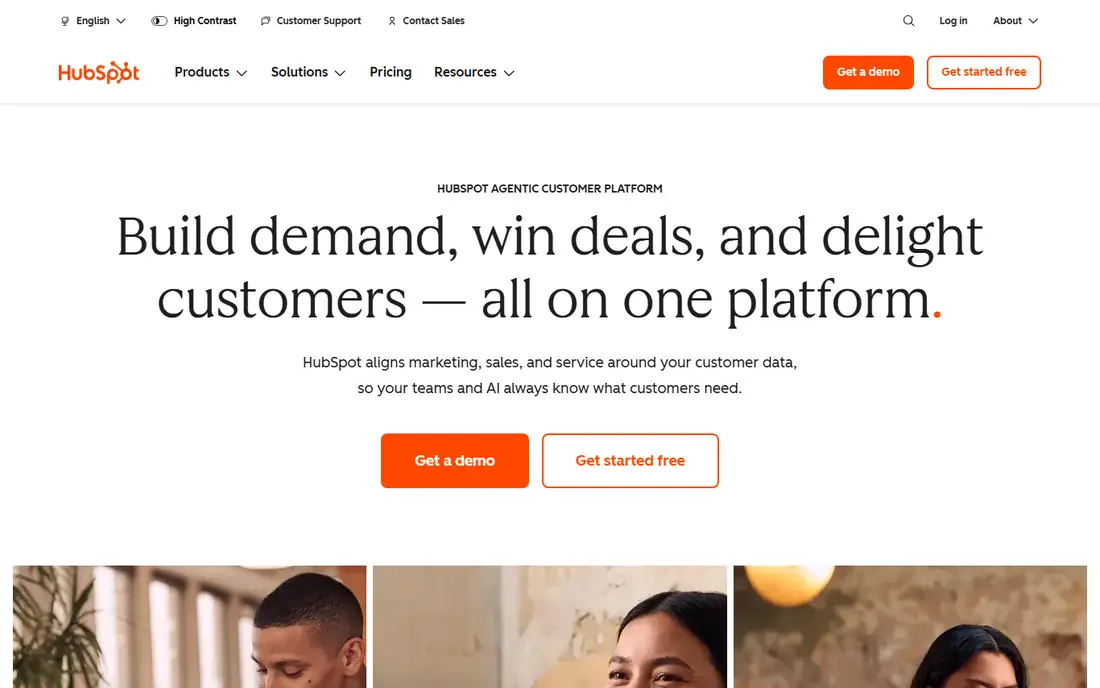
HubSpot fits companies where marketing brings in the leads and sales closes them. Forms, email campaigns, landing pages and the sales pipeline all write to the same contact record. That means a rep can see which emails a prospect opened before the first call.
The free CRM is genuinely usable, and that is how most small teams start. Reviewers on Capterra often call it good value for startups, since contact management, email tracking and a customizable pipeline come at no cost.
Watch the upgrade path. Moving from Starter to Professional is where HubSpot bills rise sharply, so get a written quote that includes seats, marketing contacts and any onboarding charge.
What we like- Free CRM covers contacts, deals, email tracking and a pipeline
- Marketing, sales and service tools share one contact record
- Easy enough for teams without a CRM admin
Watch out for- Professional tiers are a big step up from Starter in price
- Some features are tied to paid seat types and contact tiers, which complicates budgeting
Starting price$38/month (Simple Start, 1 user)
Free planNo
QuickBooks Online is the accounting system your CPA will most likely ask for. Simple Start lists at $38/month for one user, Essentials at $85 for three users, Plus at $140 for five users and Advanced at $340 for up to 25 users. Every plan includes access for outside accountants.
Pricing is per company file, not per seat. That is good for small teams but painful once you need a fourth or sixth user and have to move up a full tier. Intuit often shows a 50% discount for the first three months. Budget at the full list price, because that is what you pay from month four.
Plus is the plan most growing businesses end up on, since it adds inventory, project profitability and class and location tracking. Payroll is a separate product, with QuickBooks Workforce Payroll listed at $50/month plus $7 per employee.
What we like- Most US accountants and bookkeepers already know it
- Bank feeds, invoicing and payroll add-ons live in one place
- Plans include free access for outside accountants
Watch out for- User limits are tight on lower tiers (1 user on Simple Start, 3 on Essentials)
- List prices have risen steadily, and the 50% promo only lasts 3 months
#8Adobe Acrobat
Best for: editing, converting and signing PDFs4.7/5 on
Capterra (4,264 reviews, checked Oct 2026)
Visit adobe.com
Starting price$16.99 per license/month (Acrobat Standard for teams, annual, billed monthly)
Free planFree trial (Pro and Studio, up to 10 licenses)
Almost every business handles PDFs daily, and Acrobat is still what people reach for when a contract, form or scanned document needs real editing. The free Acrobat Reader handles viewing and signing. Editing, combining and converting files need a paid license.
For teams, Adobe lists Acrobat Standard at $16.99, Acrobat Pro at $23.99 and Acrobat Studio at $29.99 per license per month, all on an annual plan billed monthly. Pro adds e-signature tools, and Studio adds AI Assistant, PDF Spaces and Adobe Express Premium. Adobe advertises 7.5% off the first year when you buy three or more licenses.
Give Pro to the people who build contracts and forms, and let everyone else use Reader.
What we like- The reference tool for PDF editing, forms and conversions
- Pro includes e-signatures, which can replace a separate signing tool
- Team plans add a central admin console for licenses
Watch out for- Annual contracts billed monthly carry early-cancellation terms
- AI Assistant and other extras sit in the higher Studio tier
#9Asana
Best for: project and task tracking across teams4.4/5 on
G2 (13,930 reviews, checked Oct 2026)
Visit asana.com
Starting priceSee website
Free planYes
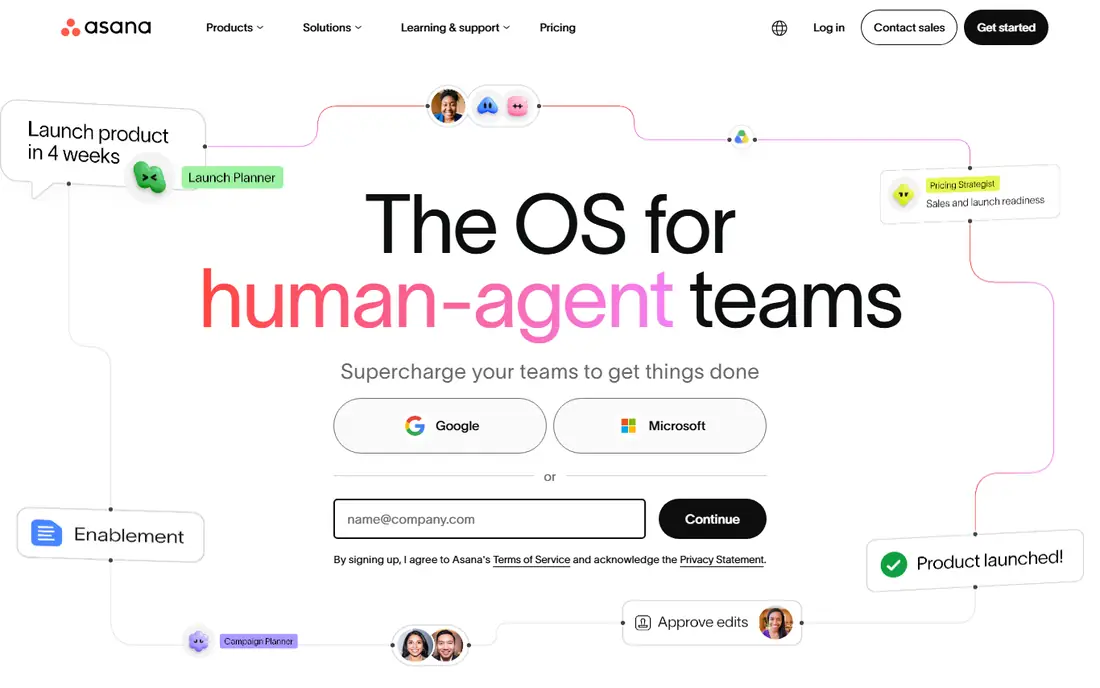
Asana suits marketing, operations and client-services teams who need to know who owes what by when. Projects can switch between list, board, timeline and calendar views. A manager and a team member can look at the same work in whatever way suits them.
The free Personal plan works for one or two people trying it out. Most teams need a paid plan for timelines, reporting and automation.
The honest weakness is overlap. If you live inside Microsoft 365 or Google Workspace, Planner or a shared spreadsheet might be enough for simple task lists. Asana earns its cost when several teams share projects and deadlines.
What we like- Clear views (list, board, timeline, calendar) for the same project
- Strong rules and automations on paid tiers
- Easy for non-technical teams to adopt
Watch out for- The free Personal plan is limited to very small teams
- Useful features such as timelines and reporting sit behind paid plans
#10Canva
Best for: quick marketing design without a designer4.7/5 on
G2 (7,678 reviews, checked Oct 2026)
Visit canva.com
Starting priceSee website
Free planYes
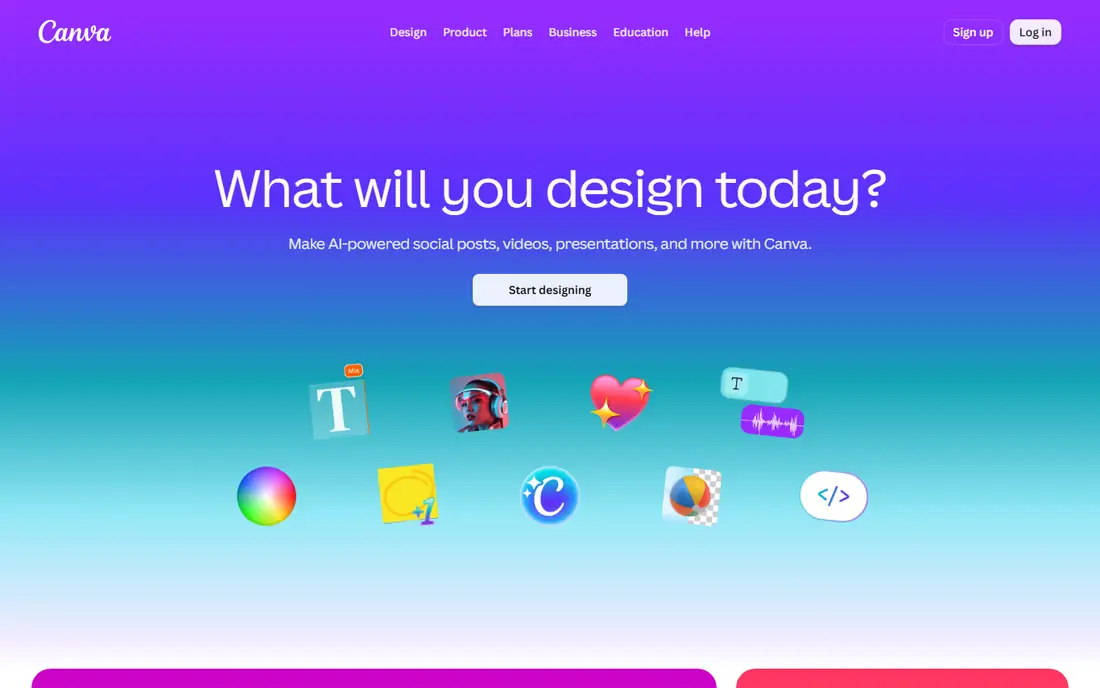
Canva is what marketers and owners use when they need a social post, sales sheet or presentation by this afternoon. With the template library and drag-and-drop editor, nearly anyone can make something presentable in under an hour.
The free plan covers a lot. Paid team plans add brand kits, shared templates and premium content, which matter once several people make content under one brand.
Professional designers still prefer Adobe's creative tools for precise layout and print work. Treat Canva as the fast lane for everyday marketing, not as the place to build your logo.
What we like- Thousands of templates for social posts, slides, flyers and ads
- Brand kits keep colors, fonts and logos consistent
- Very short learning curve
Watch out for- Advanced brand controls require a paid team plan
- Output is not a replacement for professional print or packaging design
How we chose
We started with the tools that come up again and again at small and mid-size companies. Then we grouped them by job: office suite, chat, meetings, CRM, accounting, documents, project management and design. For each pick we read the vendor's own pricing page, plan comparison and documentation. We then checked public reviews on G2, Capterra and Reddit for repeated complaints about support, billing and limits on lower plans.
Prices in this guide come from vendor pricing pages where we could confirm them. Where we could not confirm a current price directly with the vendor, we wrote "See website" instead of guessing. We also weighed integrations with the other tools on this list, contract terms, per-seat versus flat pricing, data export and fit for companies with roughly 5 to 500 employees. We did not run hands-on tests.
How to pick business software without overspending
Decide on the office suite first
Microsoft 365 or Google Workspace sets your email, file storage, calendar and user logins. Almost every other tool on this list connects with both, but your choice affects whether you also need Slack and Zoom. Microsoft 365 plans with Teams include chat and meetings, and Google Workspace includes Meet and Chat.
Count seats honestly
Per-user pricing adds up quickly. Not everyone needs every tool: field staff may only need email, and only finance needs QuickBooks access.
Read the contract terms
Microsoft and Adobe sell annual subscriptions that renew automatically, even when billed monthly. Salesforce's upper tiers are billed annually. Promo prices from Google and Intuit expire after a set period. Put renewal dates in a shared calendar, and review seat counts a month before each one.
Check data export before you sign
Moving off a CRM or accounting system is the hardest switch a small business faces. Before you commit, confirm you can export contacts, deals, invoices and attachments in a usable format.
Watch for overlap
The most common waste is paying twice for the same job: Slack plus Teams, Zoom plus Meet, Asana plus Planner. Once a year, list every subscription, who owns it and what it replaces. Cancel anything without a clear owner.
Frequently asked questions
What software do most small businesses use?
Most use an office suite (Microsoft 365 or Google Workspace), an accounting app such as QuickBooks Online, and a CRM such as HubSpot or Salesforce. Chat, video meetings, PDF tools and a project manager usually come next.
Is Microsoft 365 or Google Workspace better for a small business?
Both list their entry plans at $7 per user/month on annual terms. Microsoft 365 is the better fit if your team relies on desktop Excel and Outlook or works with partners who send Office files. Google Workspace suits browser-first teams that value real-time co-editing and a simpler admin console.
Do I need both Slack and Microsoft Teams?
Usually not. If you pay for a Microsoft 365 plan that includes Teams, it covers chat and meetings for internal work. Slack makes sense when you rely on shared channels with outside companies or need integrations that Teams handles less well.
Which free business software is good enough to start with?
Slack, Zoom, HubSpot, Asana and Canva all offer free plans. The limits are real: Slack's free plan shows only the last 90 days of messages, and Zoom's free meetings stop at 40 minutes. They are fine for testing and very small teams, but most growing companies upgrade within a year.
How much should a small business budget for software?
A rough way to estimate is to add up per-user prices for the tools everyone uses, then add flat-priced tools like QuickBooks. Always budget at full list price, not the promotional rate, since discounts from vendors such as Intuit and Google expire.
Is Salesforce too complex for a small company?
For a handful of reps with a simple pipeline, often yes. Starter Suite at $25 per user/month is approachable. But customization and the jump to Pro Suite at $100 per user/month usually call for a consultant or admin. HubSpot's free and Starter tiers are easier for small teams to run alone.
Sources we checked (16)
- https://www.microsoft.com/en-us/microsoft-365/business/microsoft-365-plans-and-pricing
- https://www.microsoft.com/en/microsoft-365/business/compare-all-microsoft-365-business-products-b
- https://workspace.google.com/pricing
- https://www.salesforce.com/in/sales/pricing/
- https://www.salesforce.com/sales/engagement-platform/pricing/
- https://quickbooks.intuit.com/pricing/
- https://quickbooks.intuit.com/products/
- https://quickbooks.intuit.com/subscription/
- https://www.adobe.com/acrobat/business/pricing-plans
- https://www.adobe.com/acrobat/plans.html
- https://www.chanty.com/blog/slack-pricing/
- https://www.lilachbullock.com/slack-pricing/
- https://www.lilachbullock.com/zoom-pricing/
- https://www.capterra.com/p/152373/HubSpot-CRM/pricing/
- https://www.lilachbullock.com/asana-pricing/
- https://bizappreviews.com/articles/canva-pricing-guide
Is your product missing or out of date?
We review this list regularly. Vendors can request a listing, send updated pricing or ask about featured placement.

Shihab Mia · Founder, Rankite
Shihab has 5+ years in B2B and SaaS SEO. He writes Rankite's software buying guides from pricing pages, documentation and public user reviews. More about Shihab.